Editing your classroom names
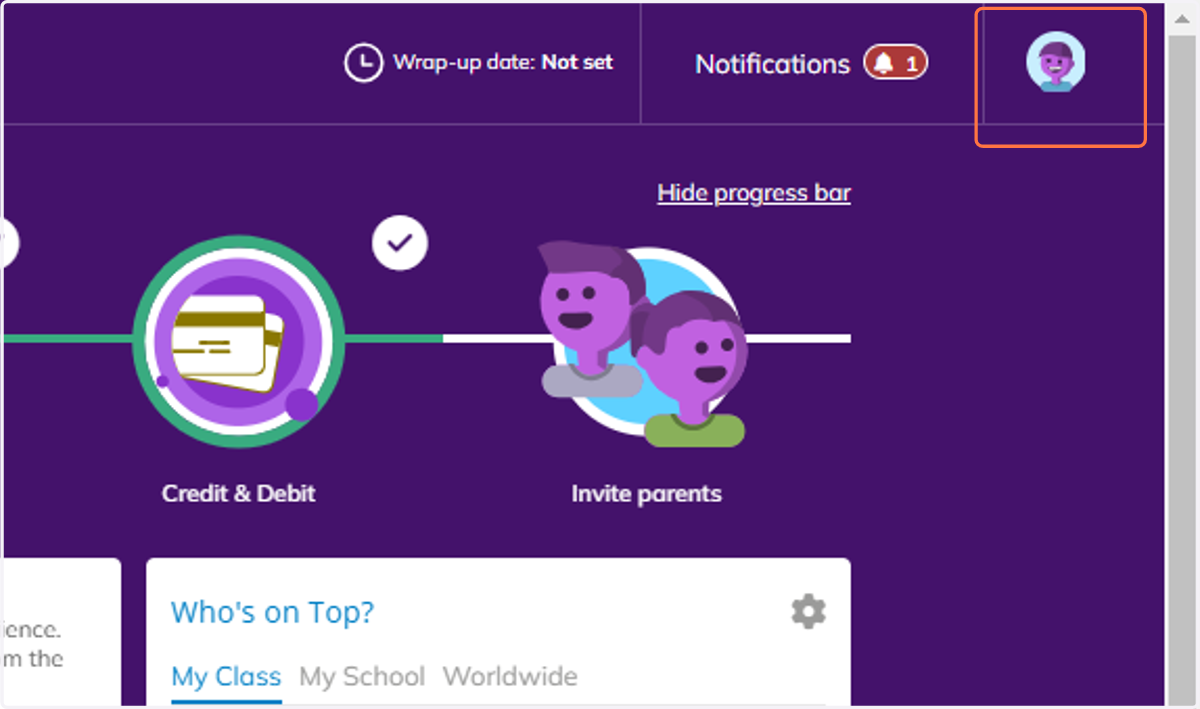
1. From your classroom view, click on your profile icon in the top right of the screen.
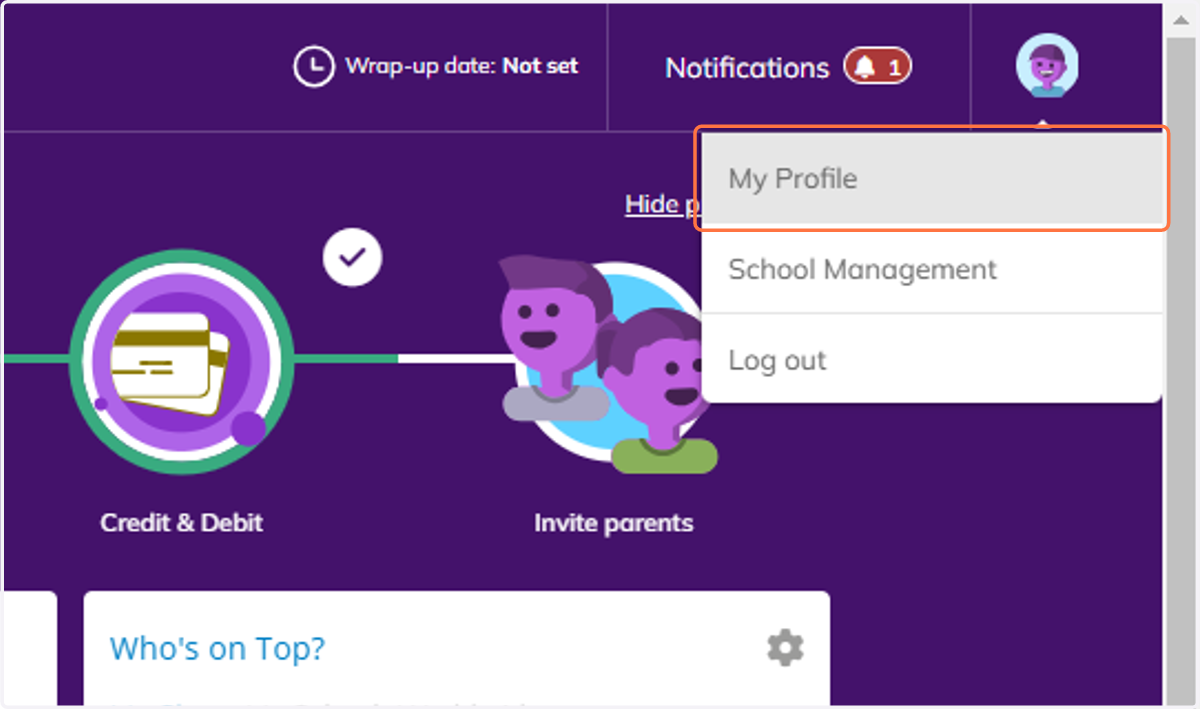
2. Click on My Profile.
3. Click on the edit button beside the name of the class you would like to edit.
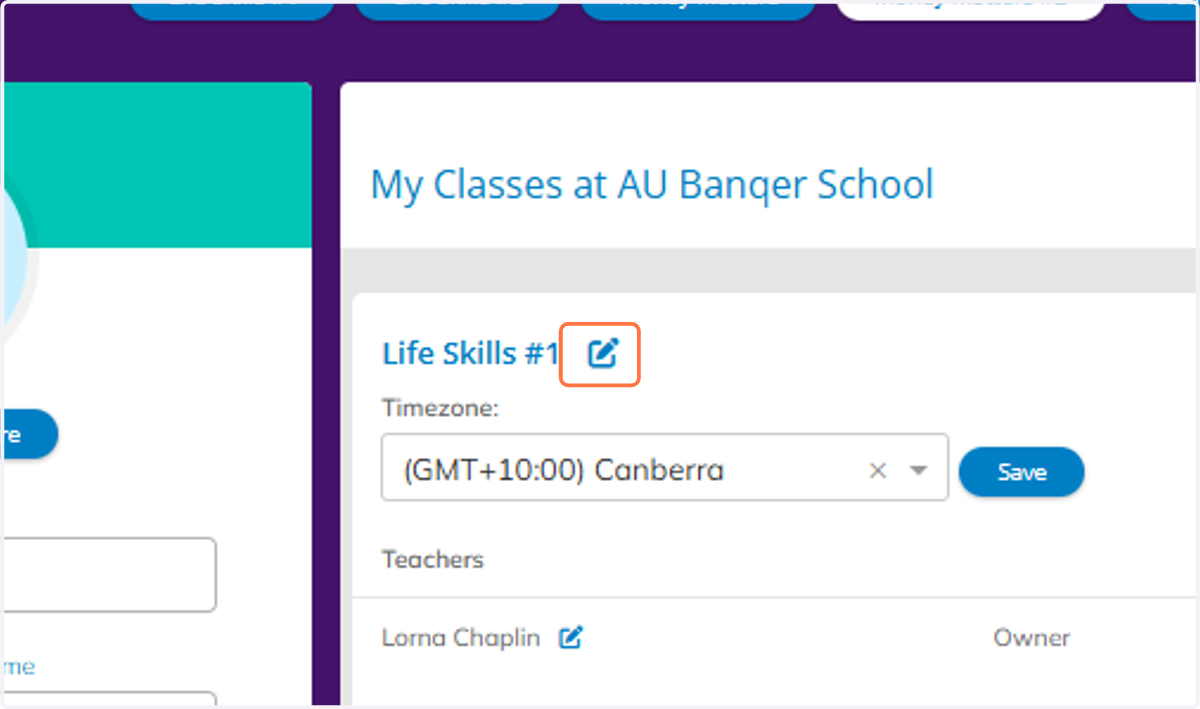
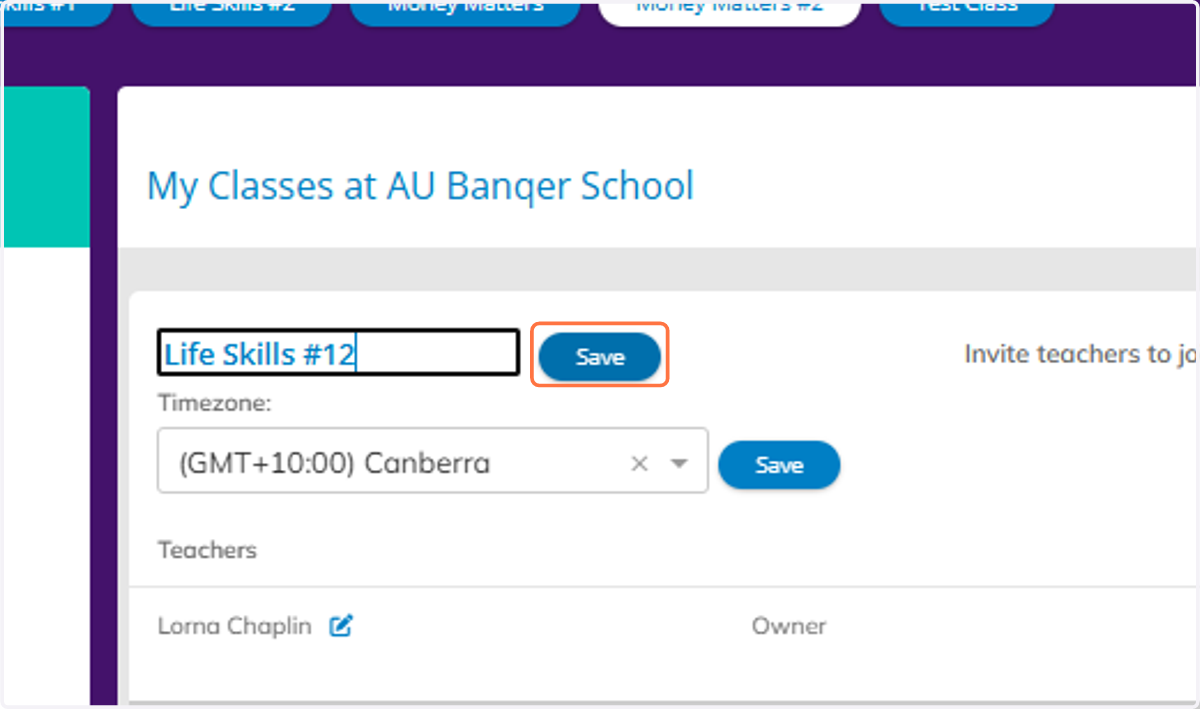
4. Make your edit, and then click save.
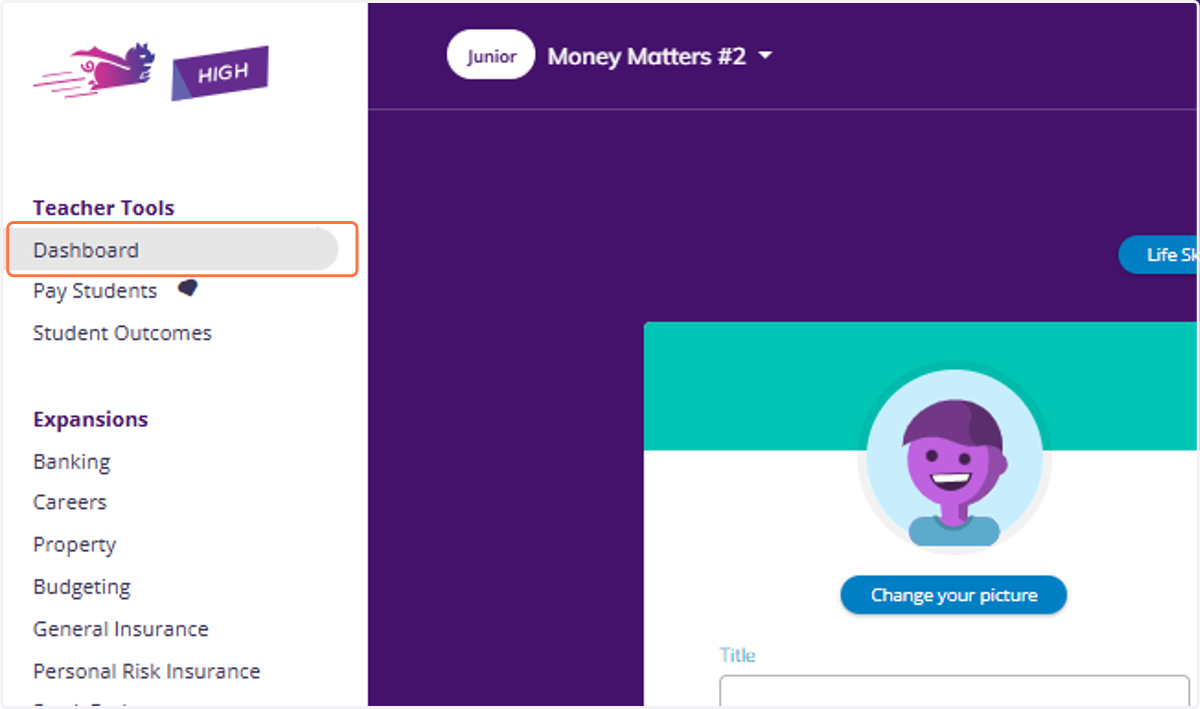
5. Click on Dashboard to return to your Dashboard view.