How to Add the Google Search Console App to Your Property Site
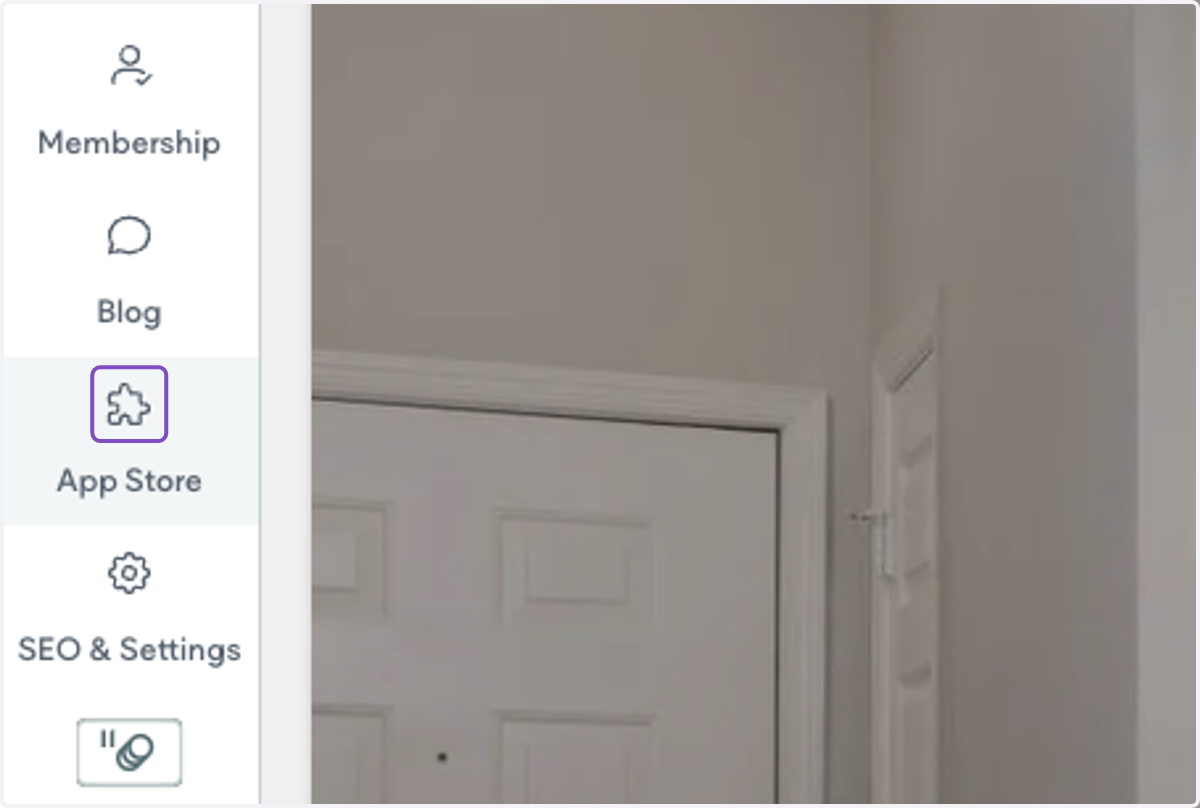
1. Log onto your property website and click on App Store on the left-hand menu
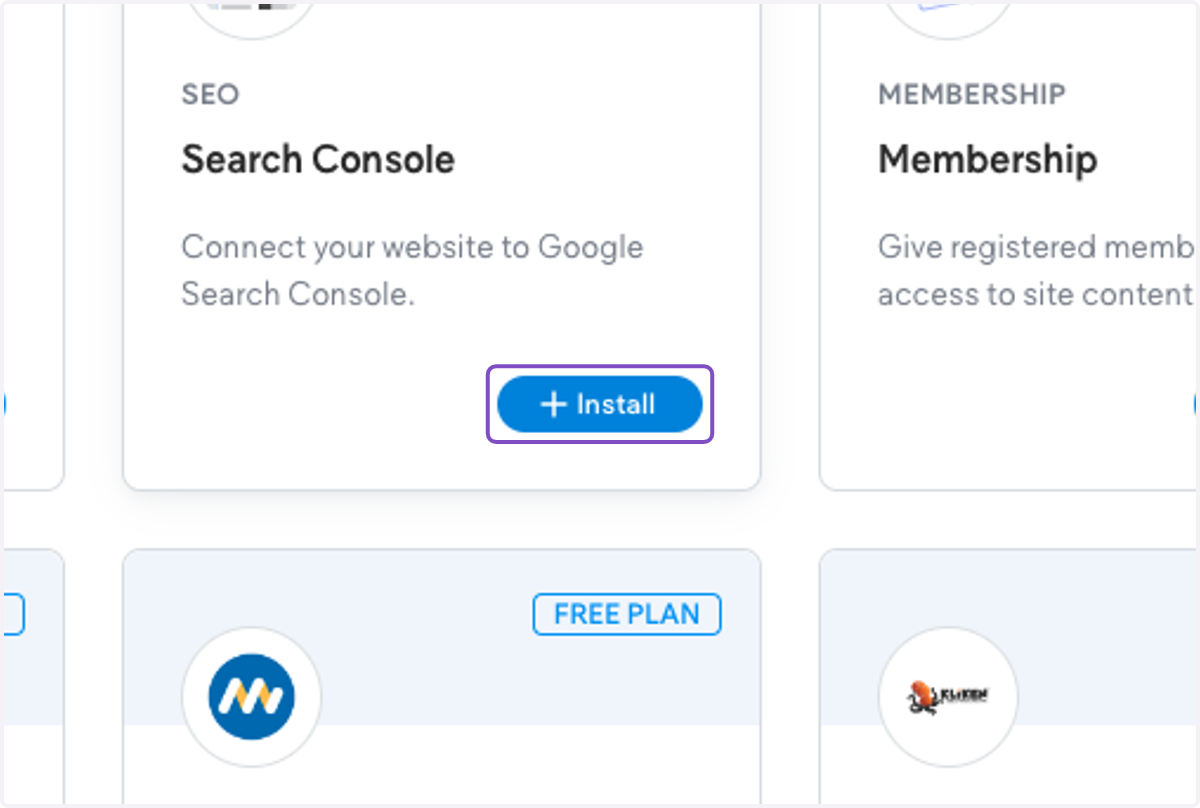
2. Search for "Search Console" and click on Install
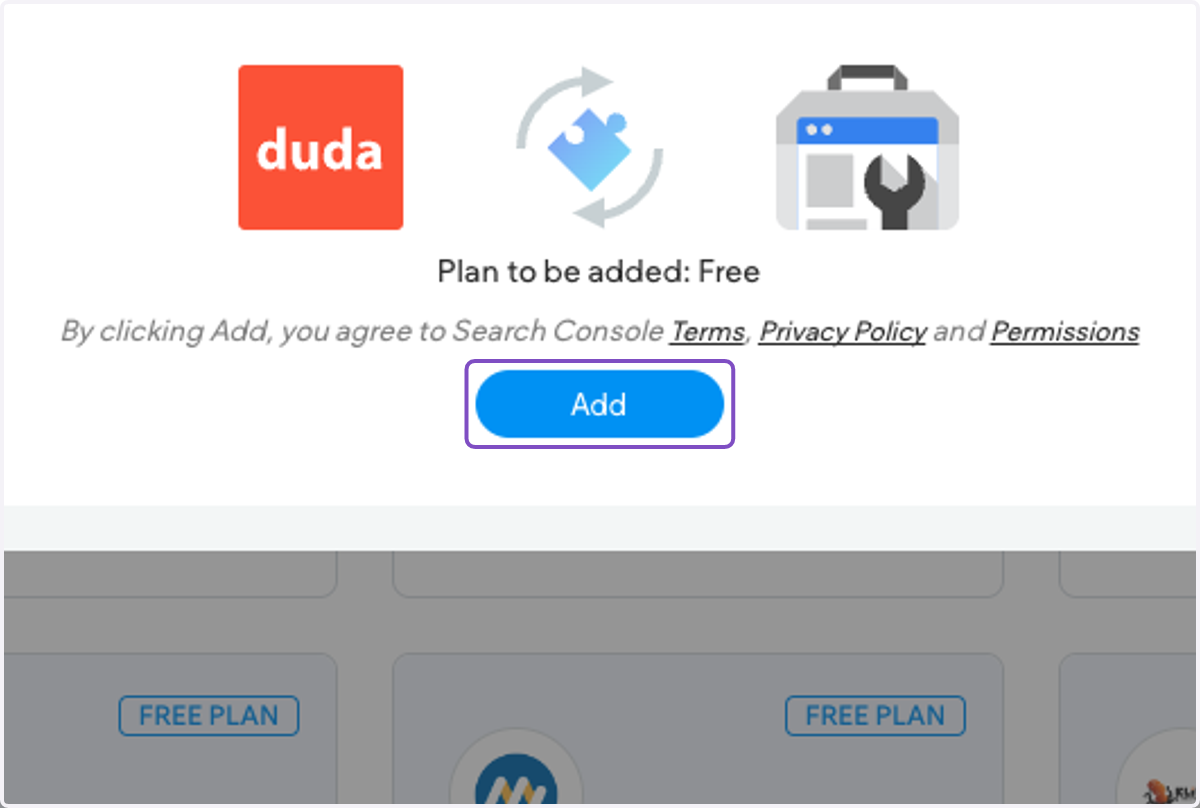
3. Click on Add
4. Click on Got It
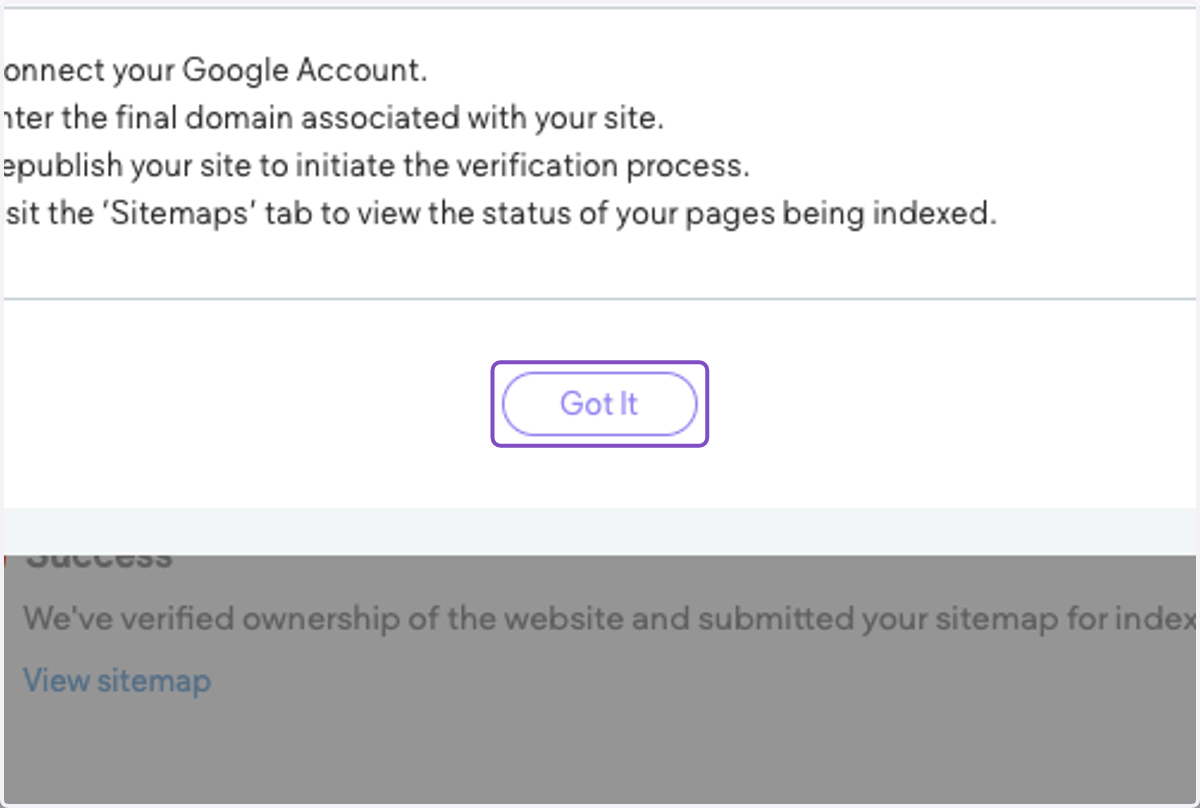
5. Follow the prompts to connect your property website. You will need to log into the Google Account.
If you already have the property website in search console, you can connect it by following the prompts. Otherwise, the Search Console app will create the search console property for you.
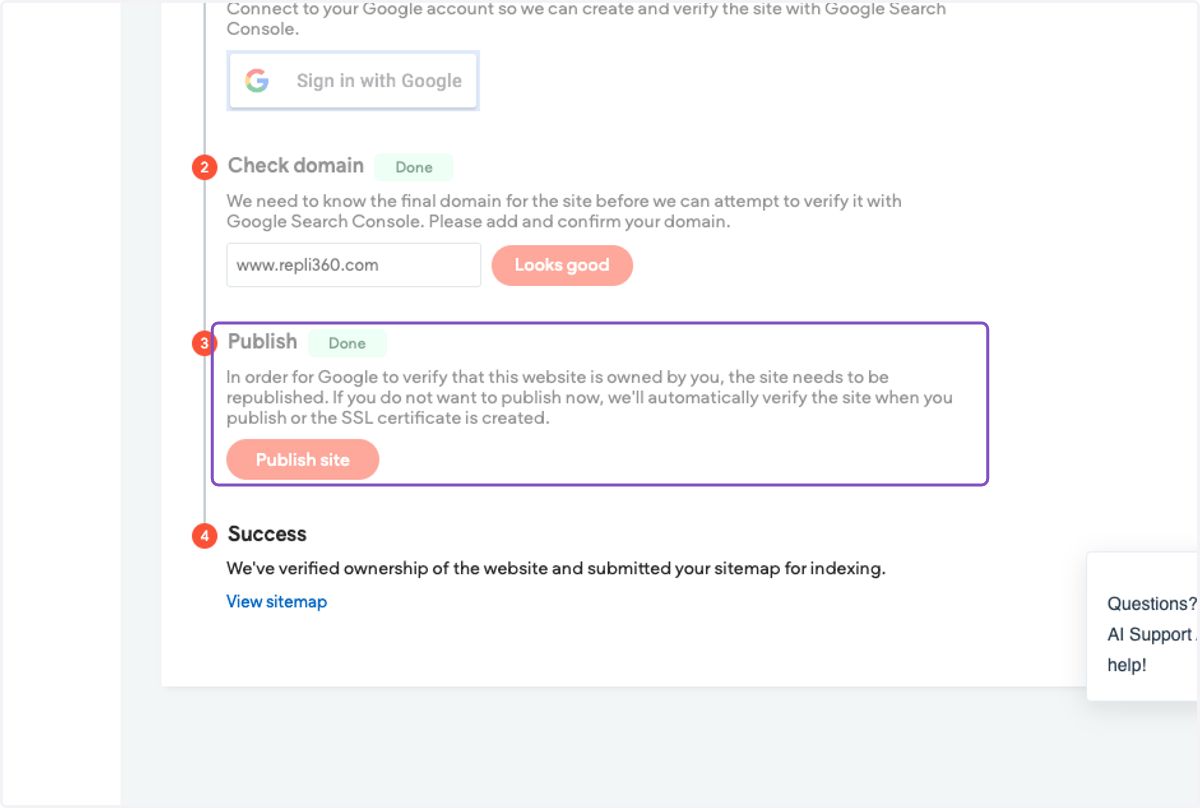
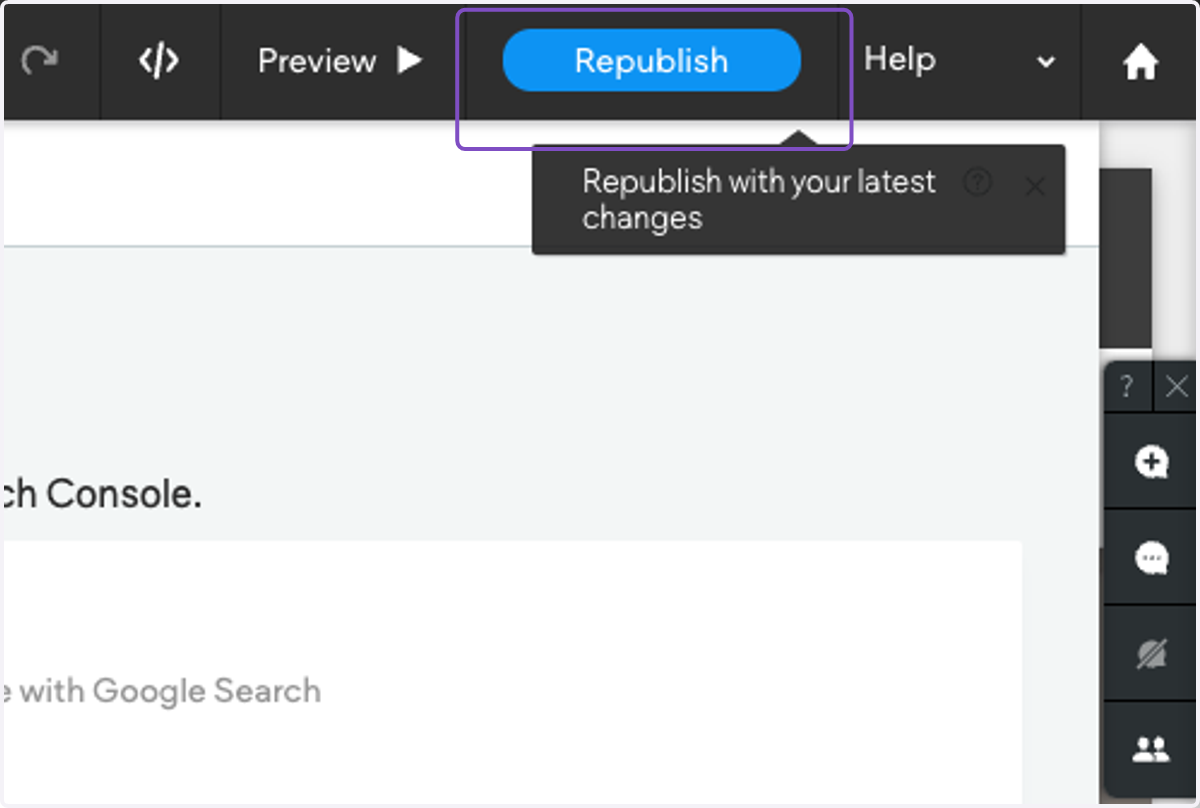
6. Click on Publish or Republish
This is necessary in order for the verification code to be identified on the live site.