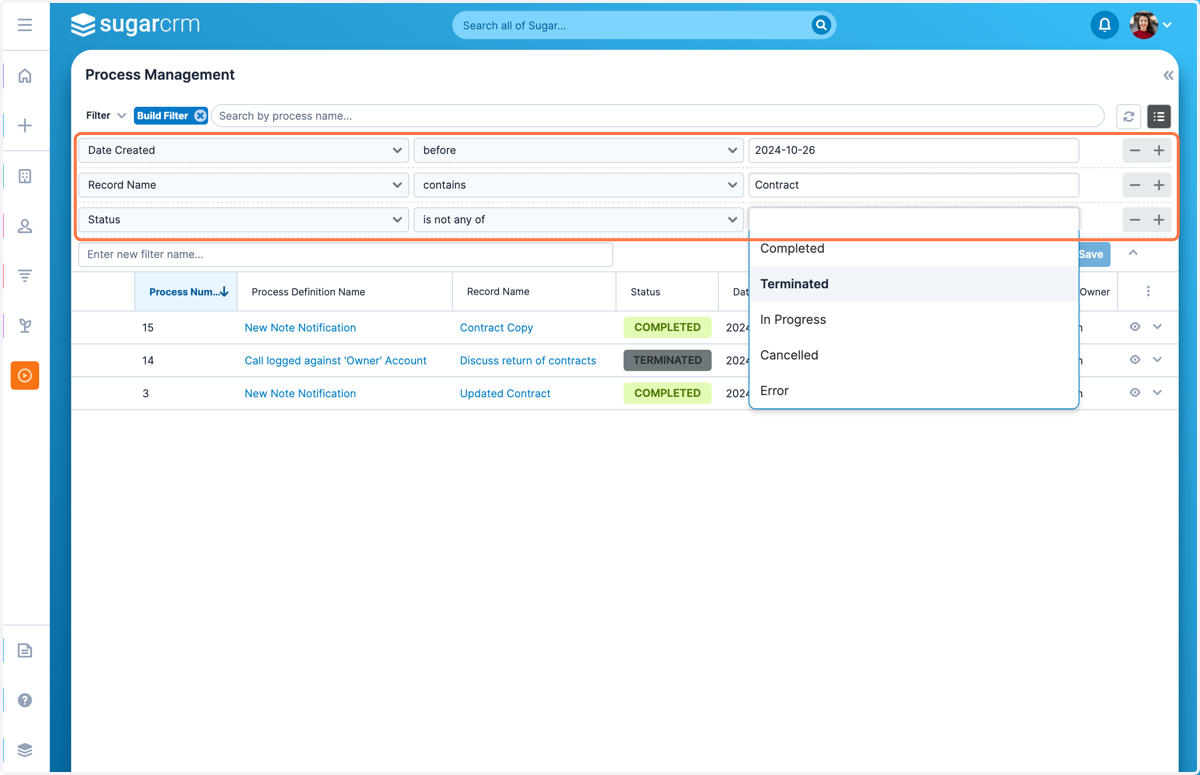
Creating a Process Management Filter
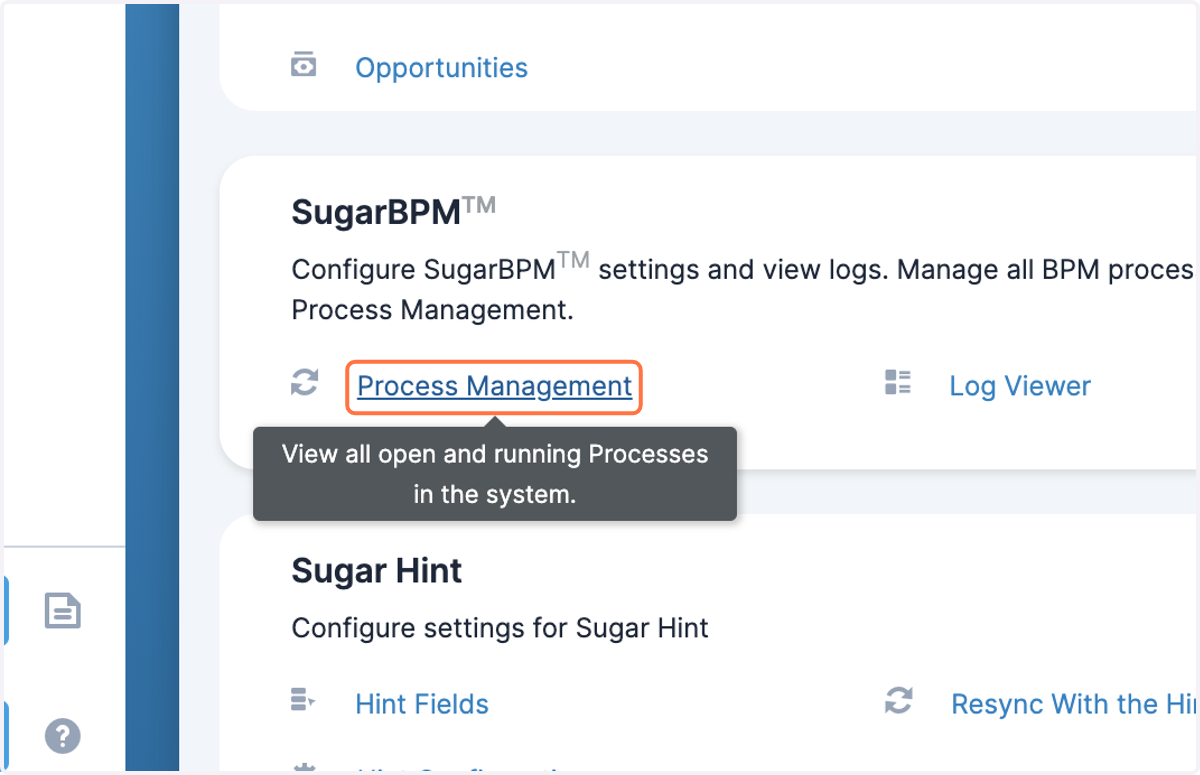
1. Navigate to Admin > Process Management
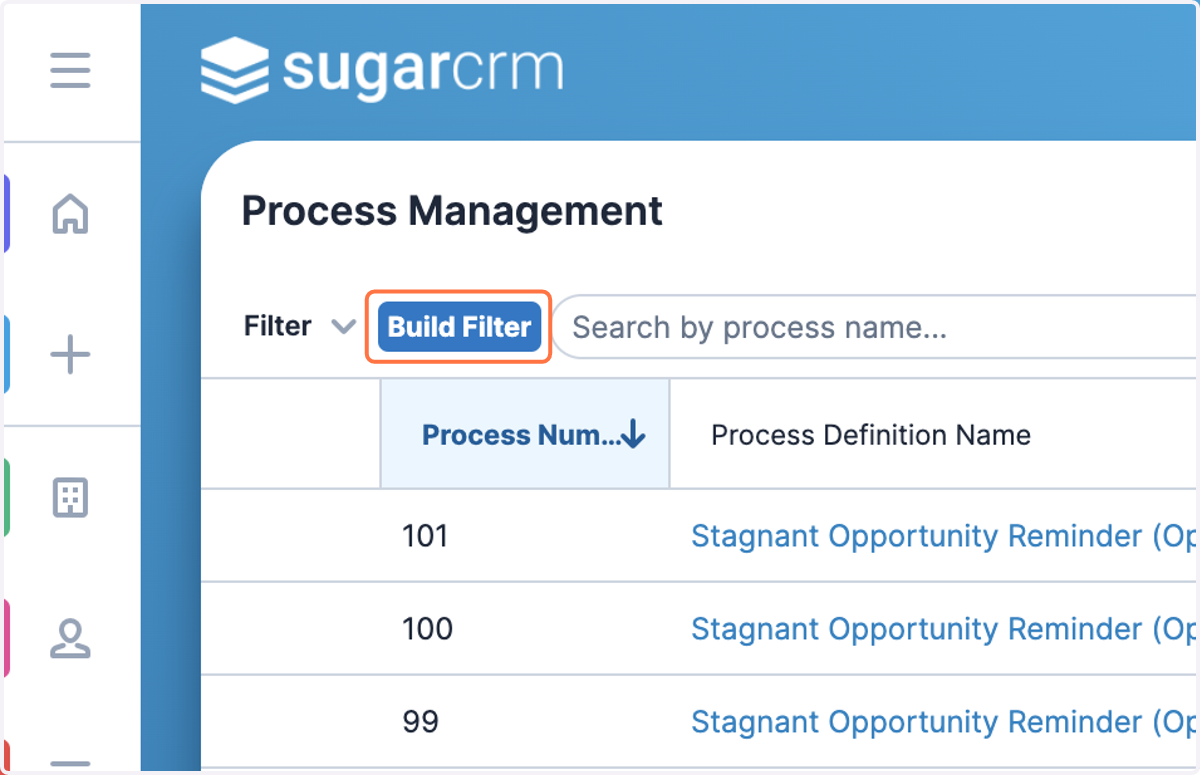
2. Click on Build Filter
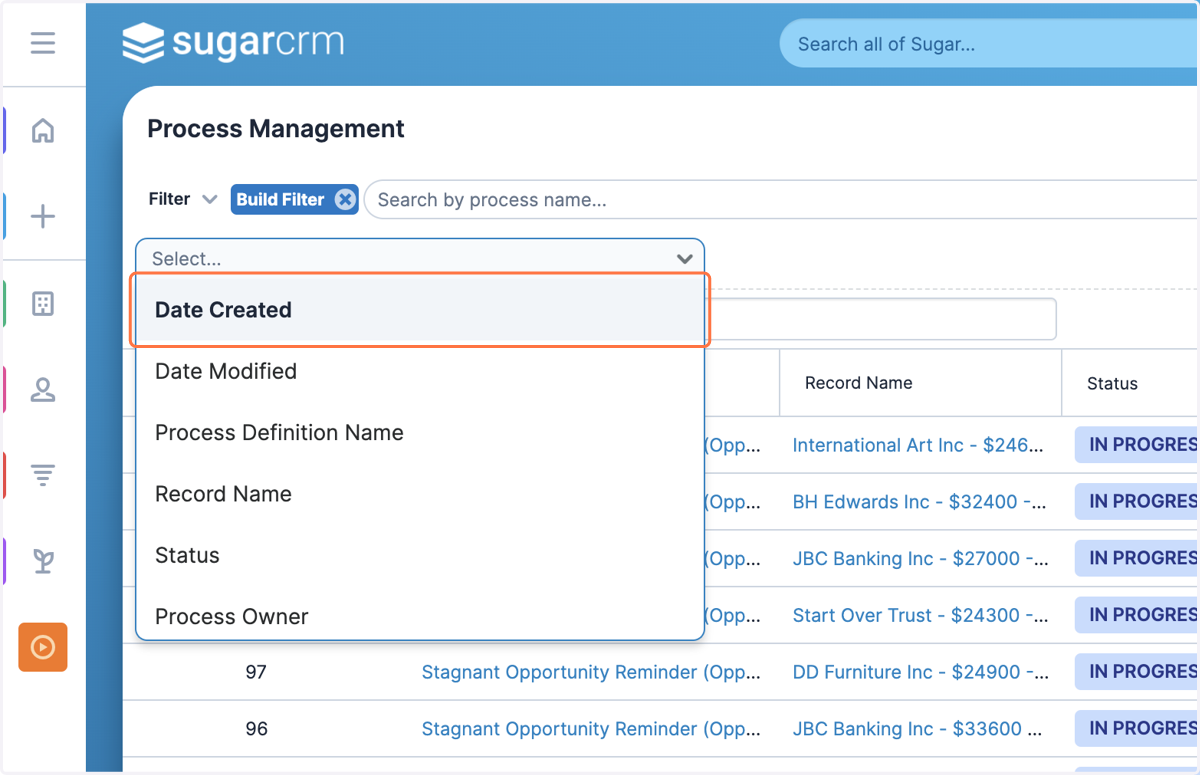
3. Click on Select... and choose a field to filter by
4. Click on Select... and choose an operator
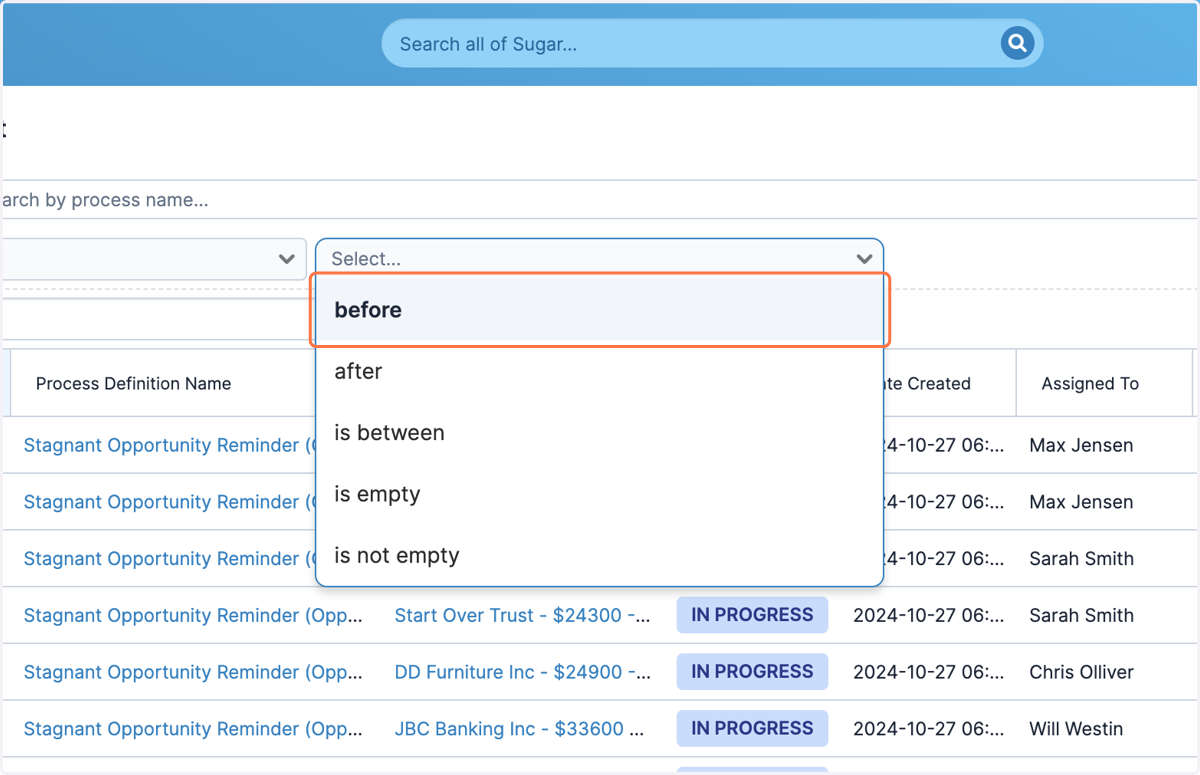
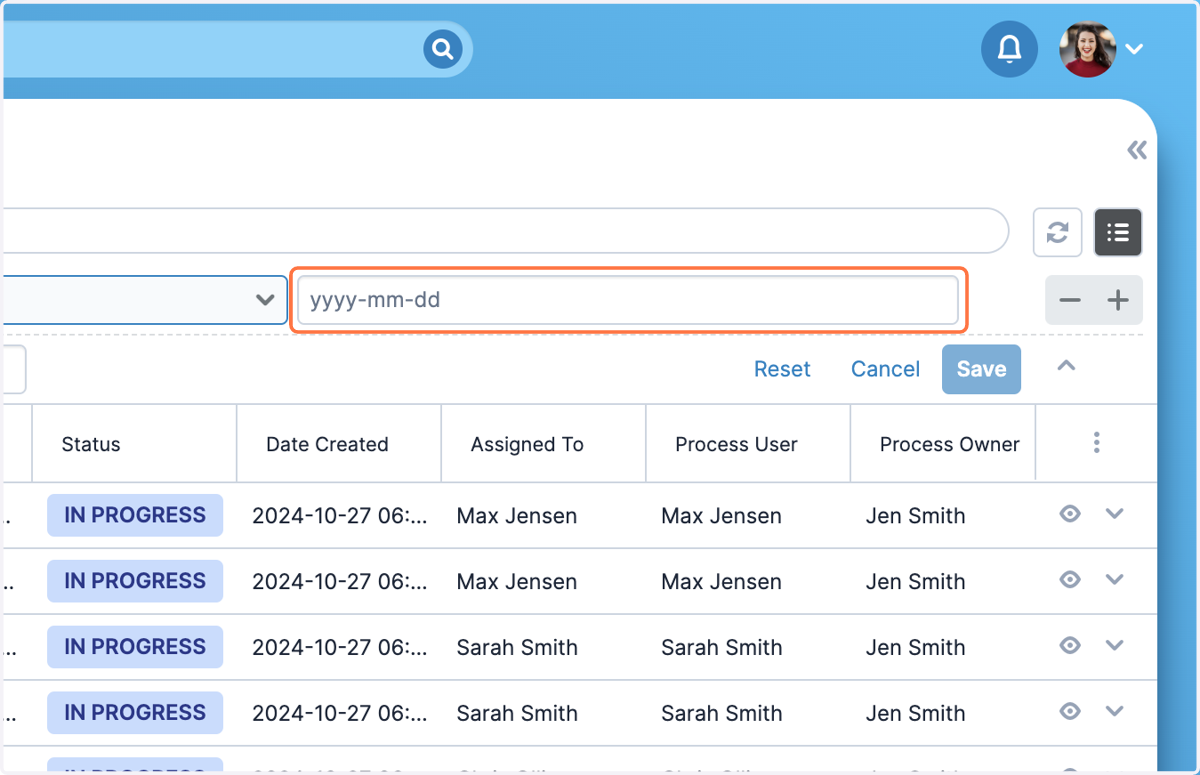
5. Select or enter a field value to filter by
6. To add another filter condition, click on the '+' button
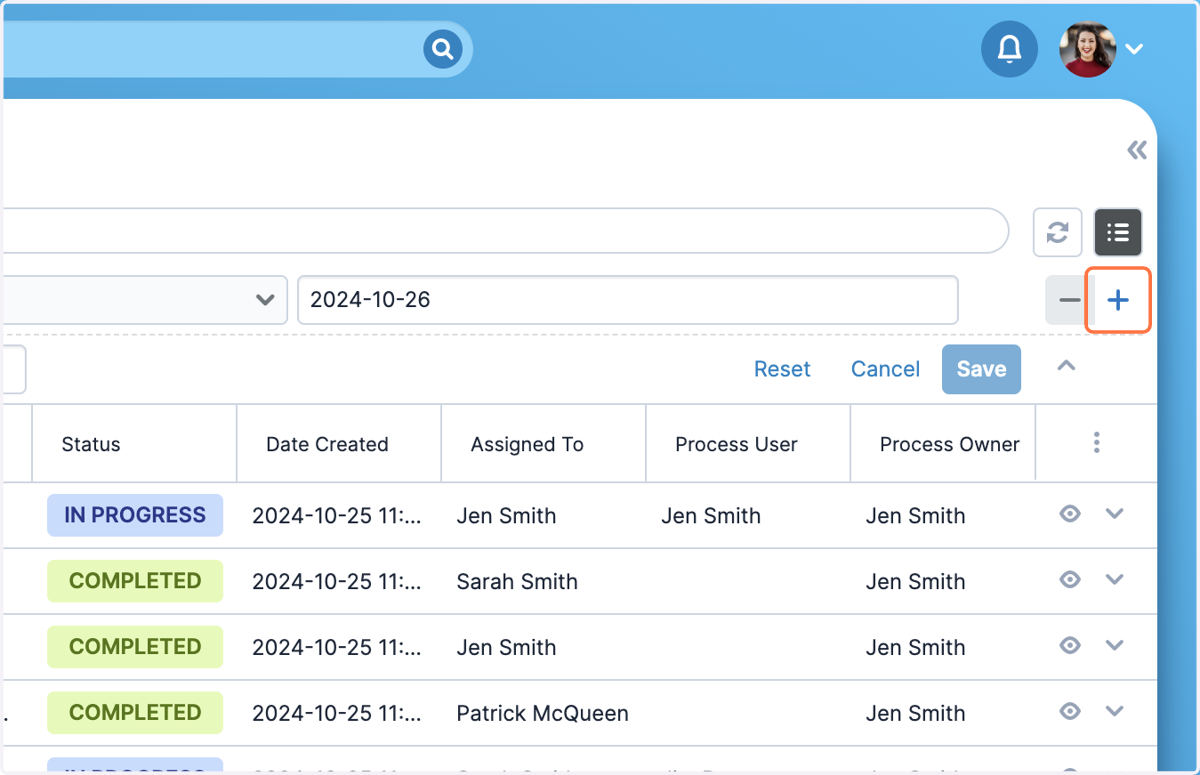
7. Repeat the previous steps and add as many filter conditions as required