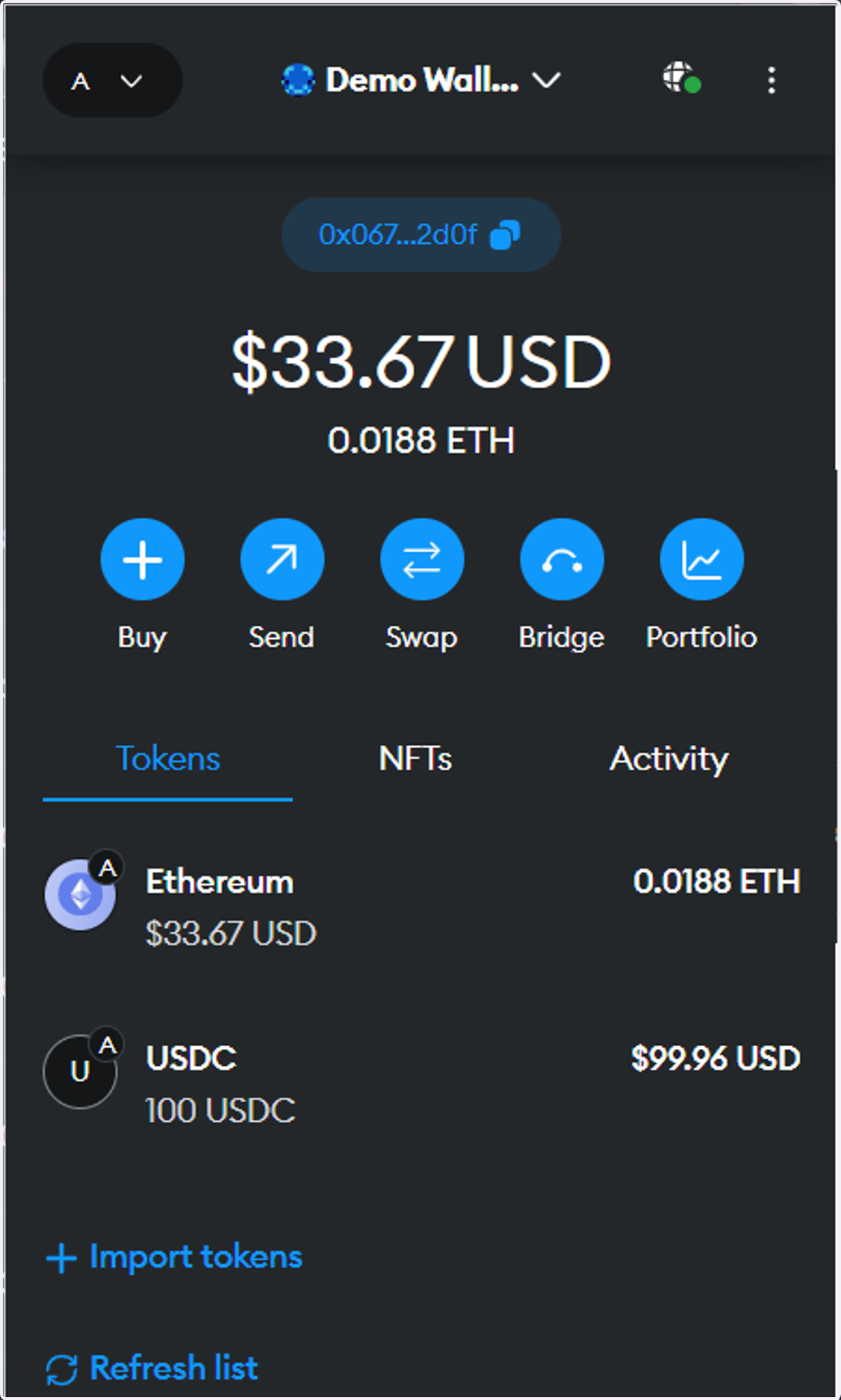
Aave: Lending and Borrowing
Aave
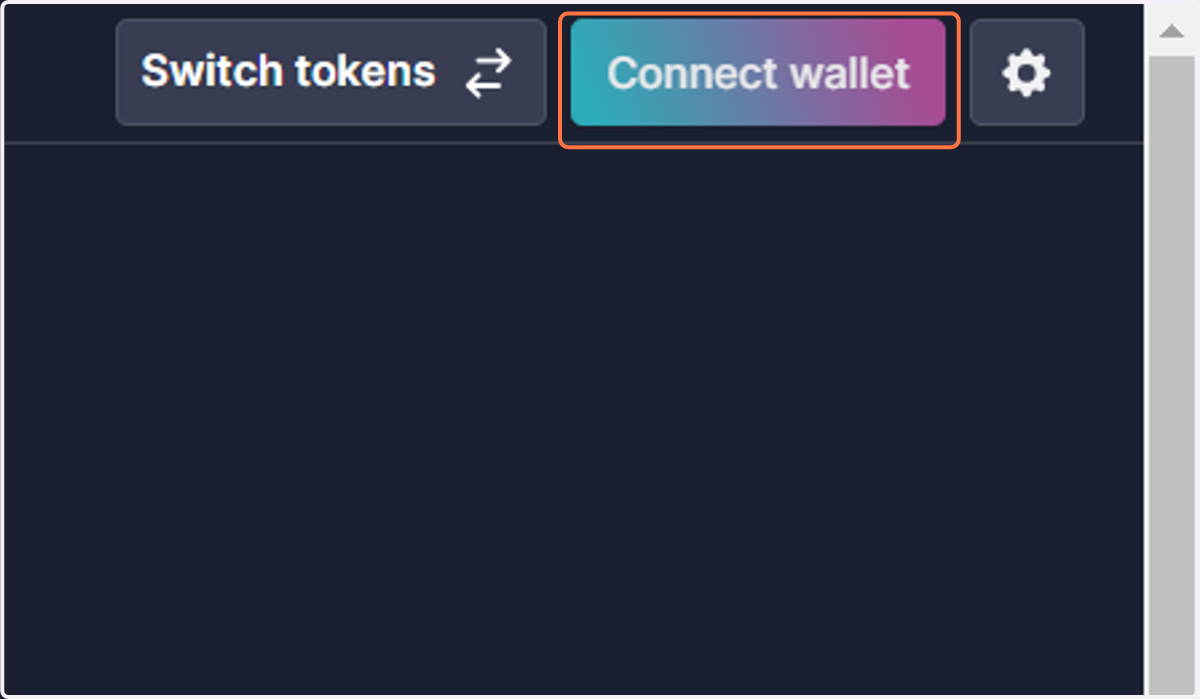
1. Click on Connect wallet
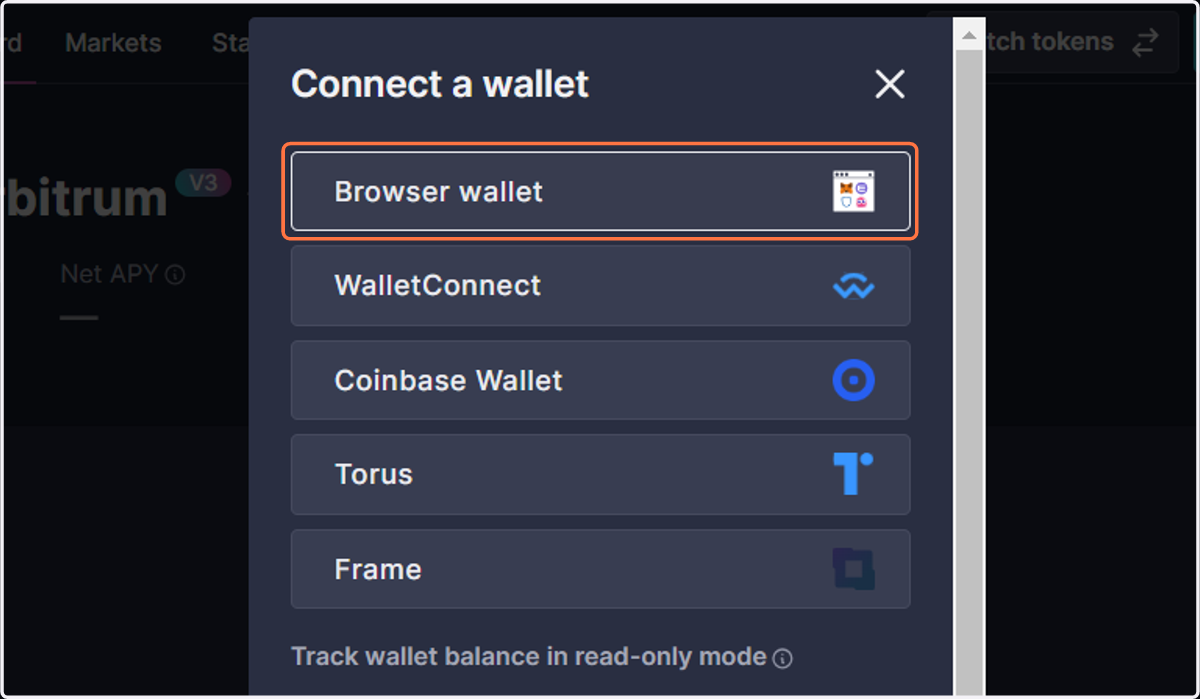
2. Choose the wallet you are trying to connect
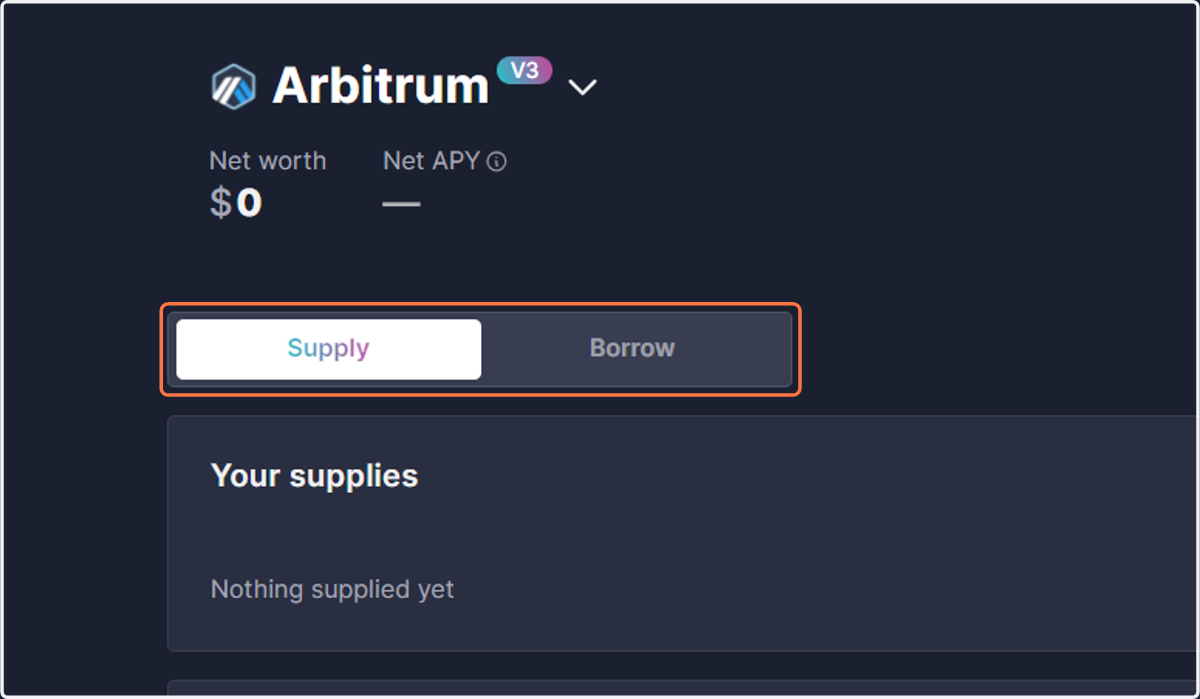
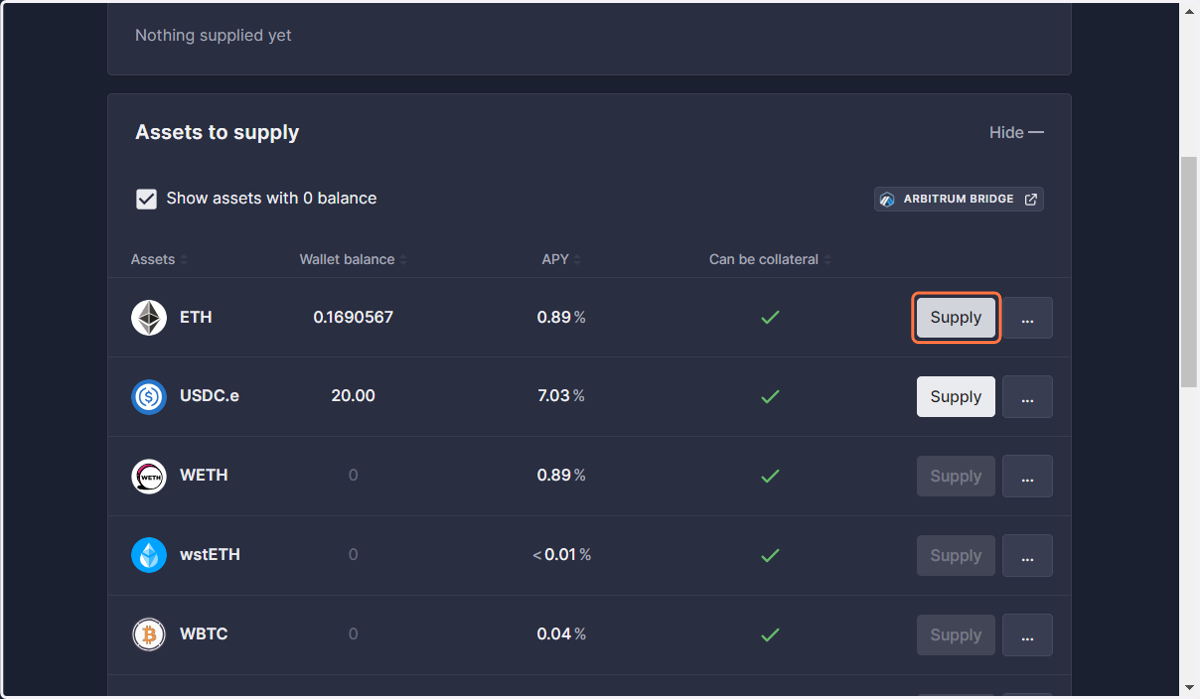
3. Click on Supply
4. Click on Supply
Click on 'SUPPLY' next to the token you are looking to provide for collateral.
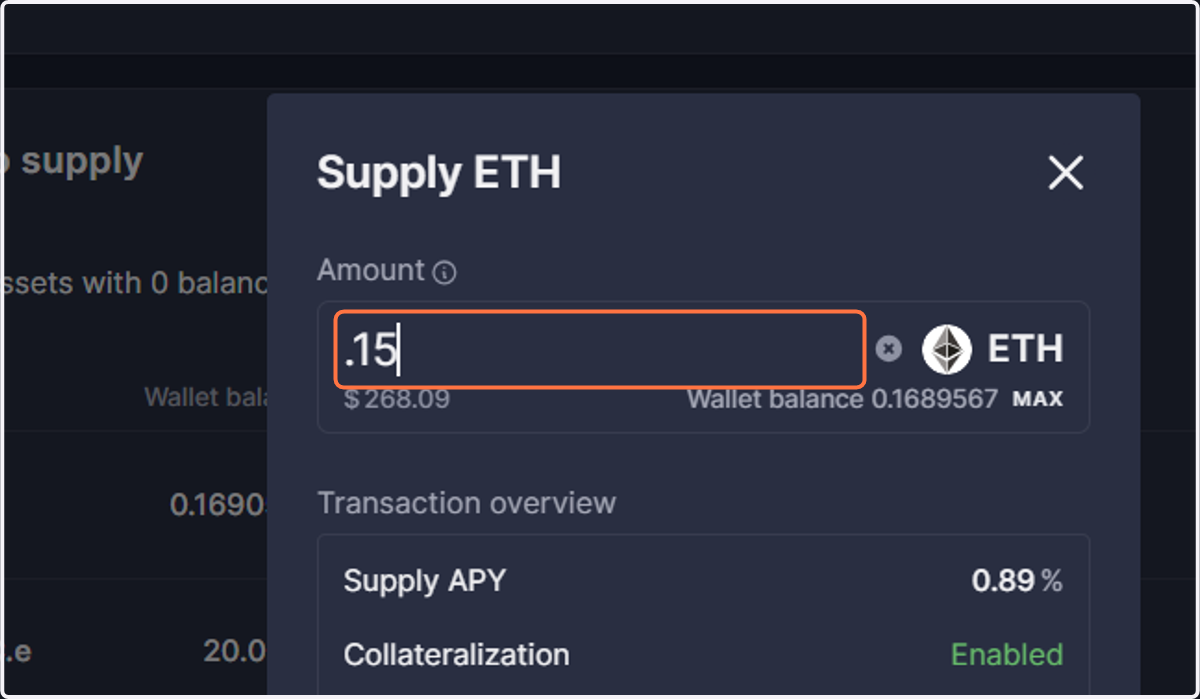
5. Enter the amount you are supplying
You can click 'MAX' to automatically supply all available funds in your wallet or manually type in a custom amount.
Note: if supplying the native token used for gas, make sure to leave enough in your wallet to cover transaction fees
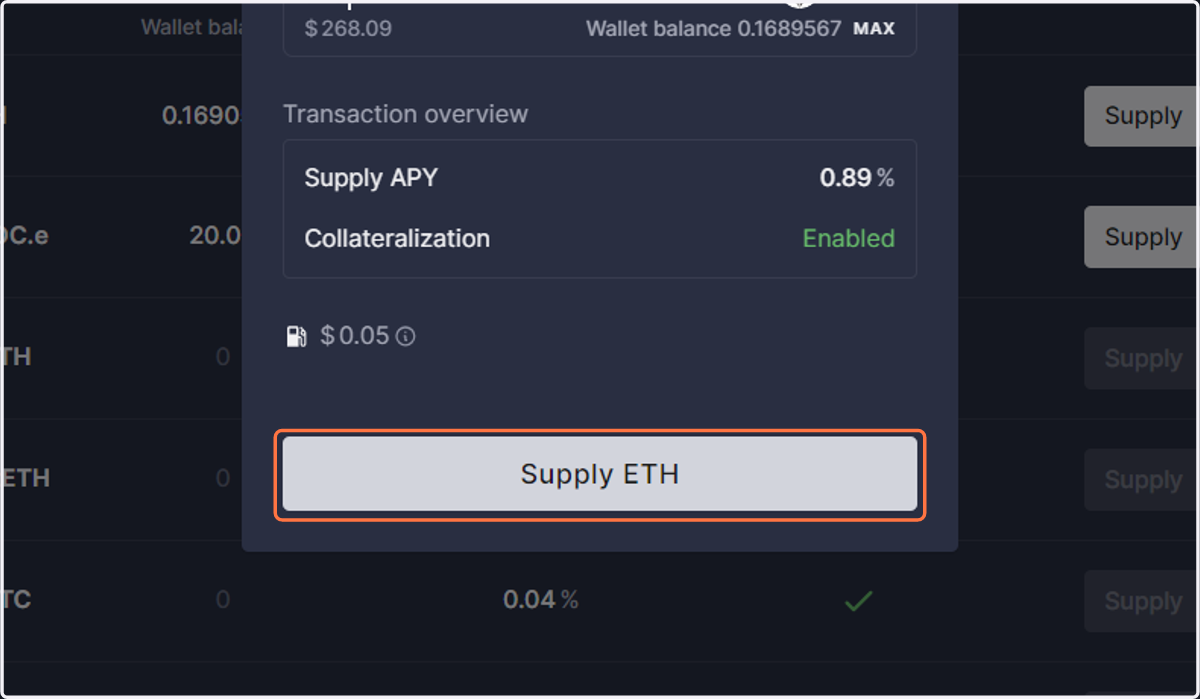
6. Click on Supply
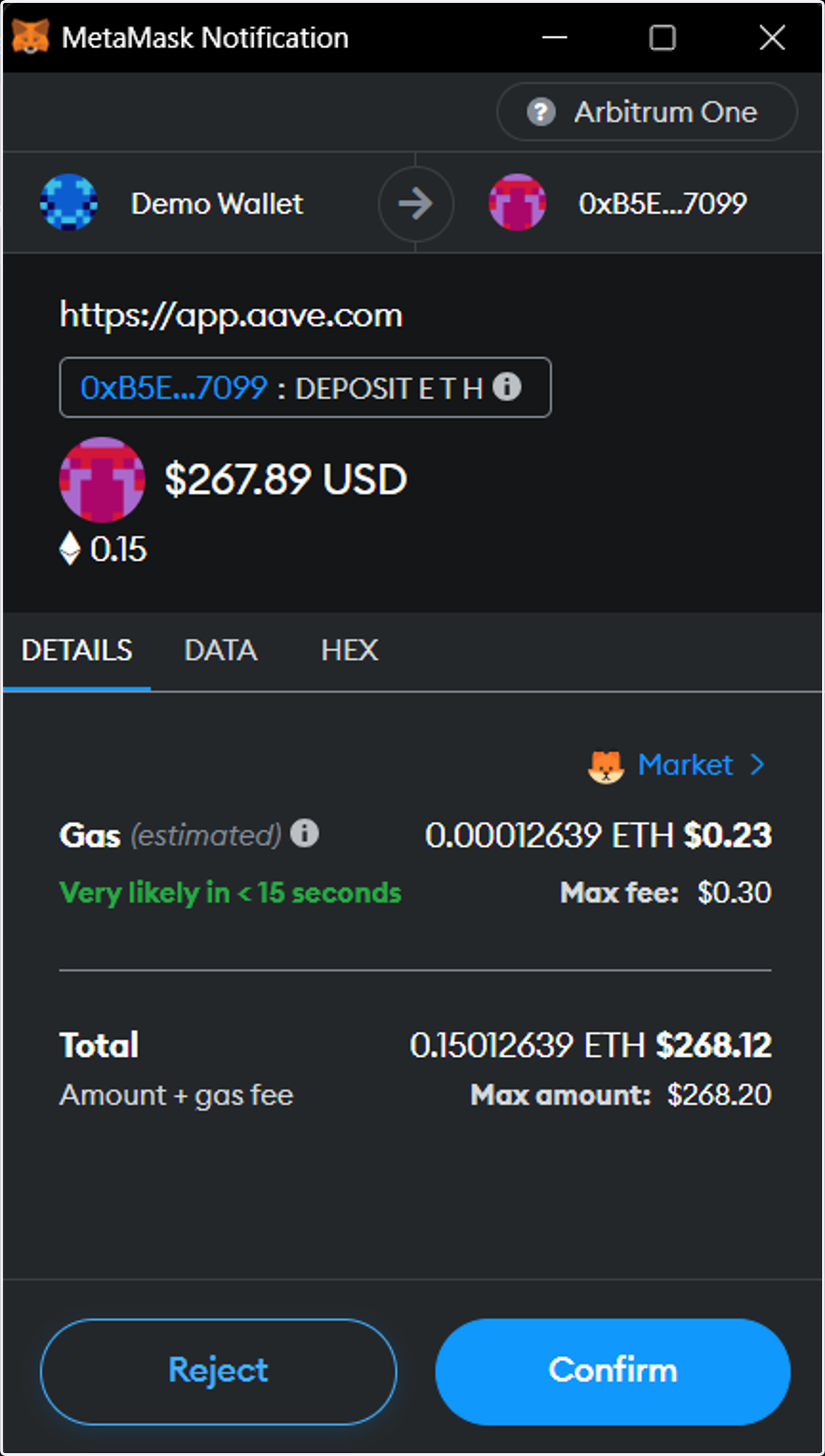
7. Confirm Deposit
Verify details:
Once you have reviewed and are satisfied with the details and fees, click 'CONFIRM' to complete the transaction.
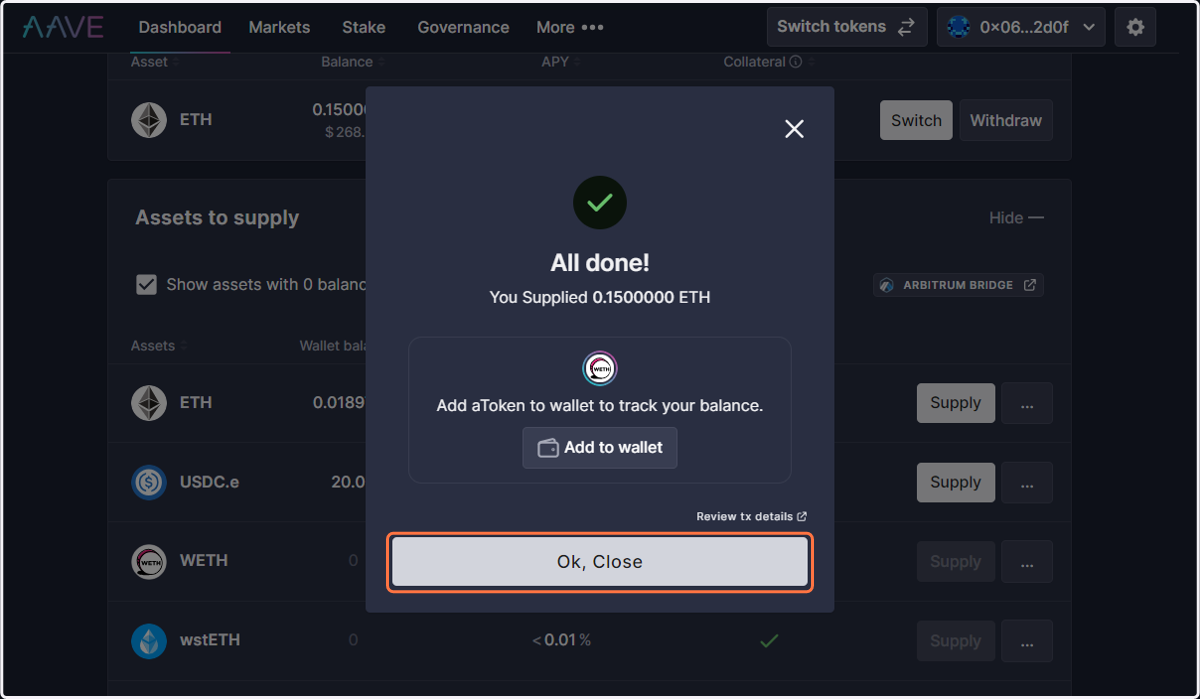
8. Click on Ok, Close
Click on 'Ok, Close' on the confirmation to proceed.
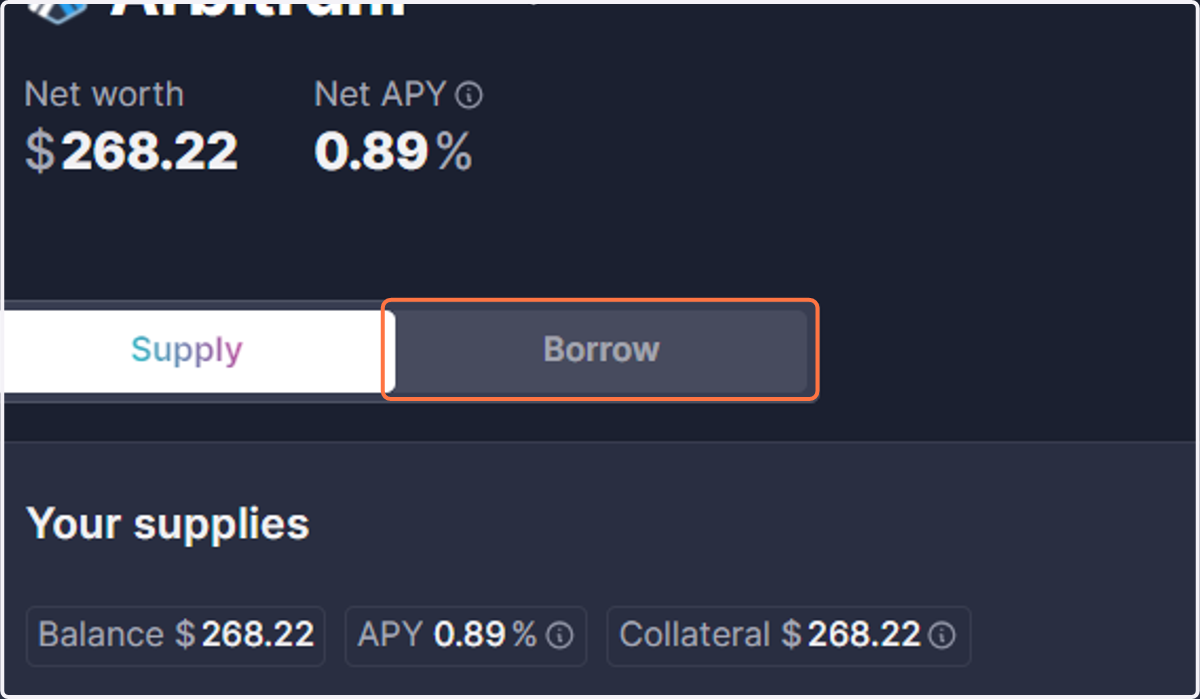
9. Click on Borrow
Once your collateral is supplied, locate and toggle to the 'Borrow' section.
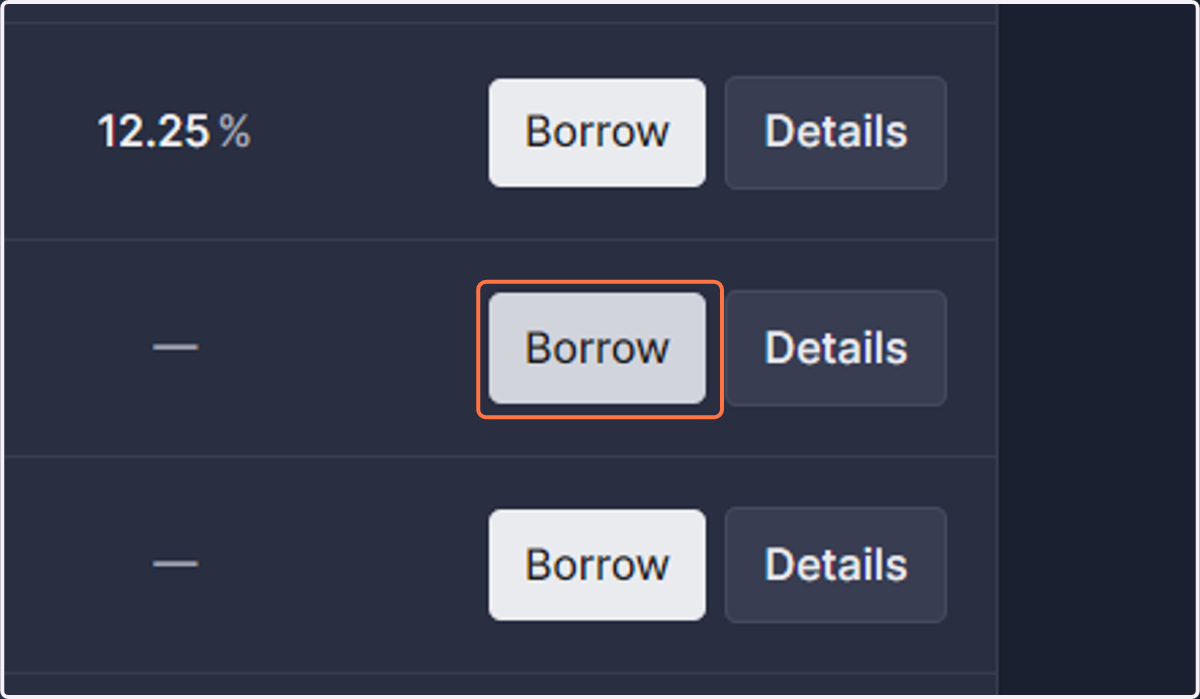
10. Click on Borrow
Click on 'Borrow' next to the token you are wanting to borrow
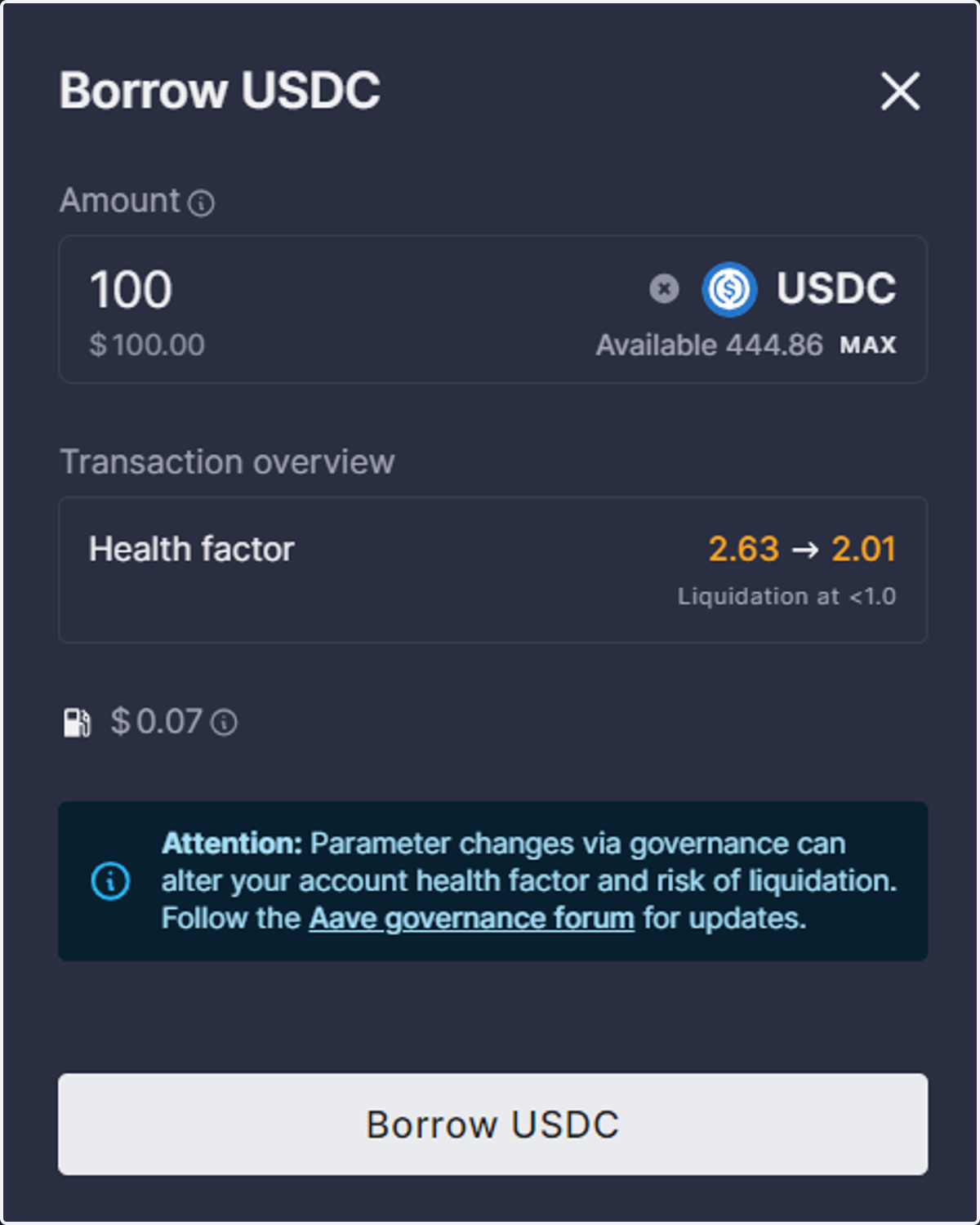
11. Enter the amount you wish to borrow
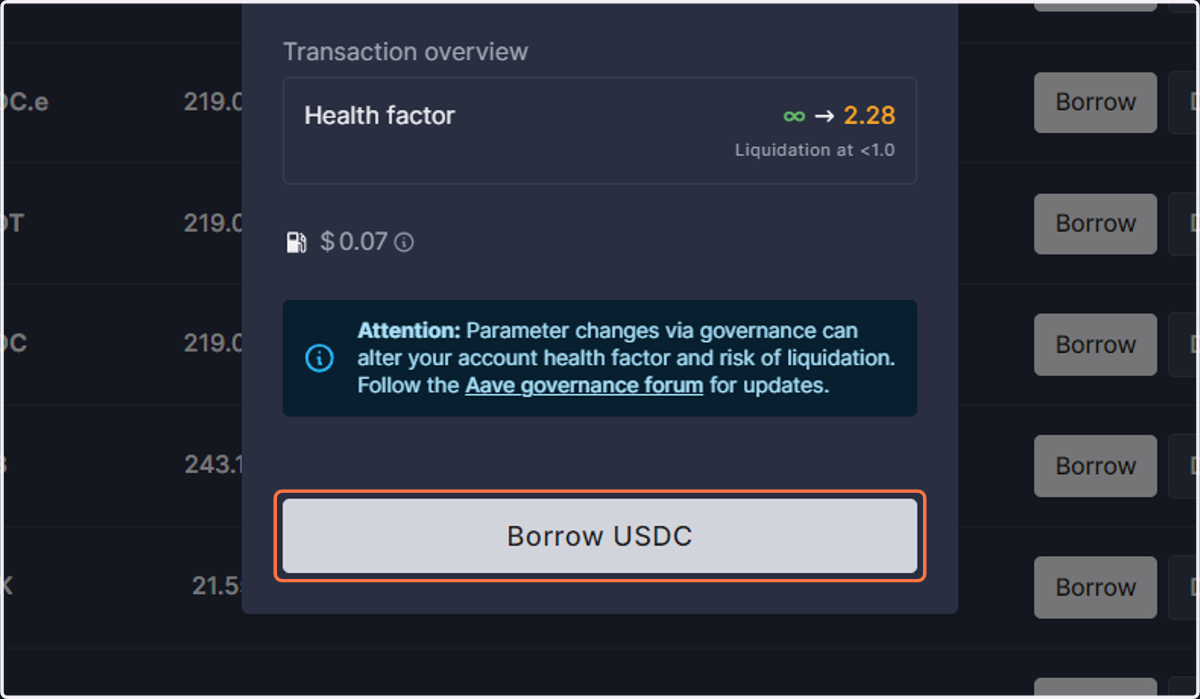
Note: Clicking 'MAX' will place you at high risk for liquidation; it is not recommended. Verify your health factor before proceeding.
12. Click on Borrow
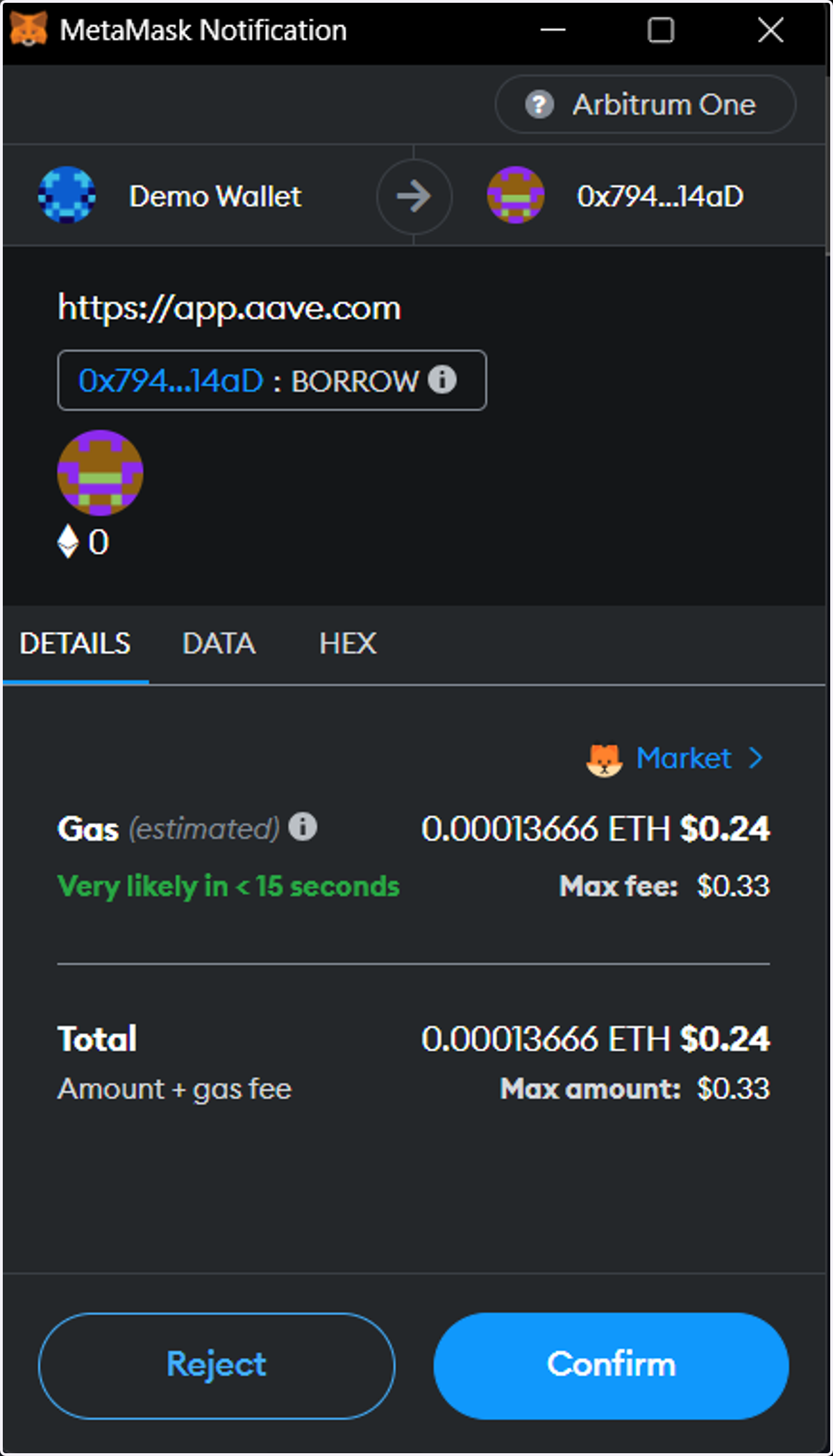
13. Click on Confirm
Verify details:
Once you have reviewed and are satisfied with the details and fees, click 'CONFIRM' to complete the transaction.
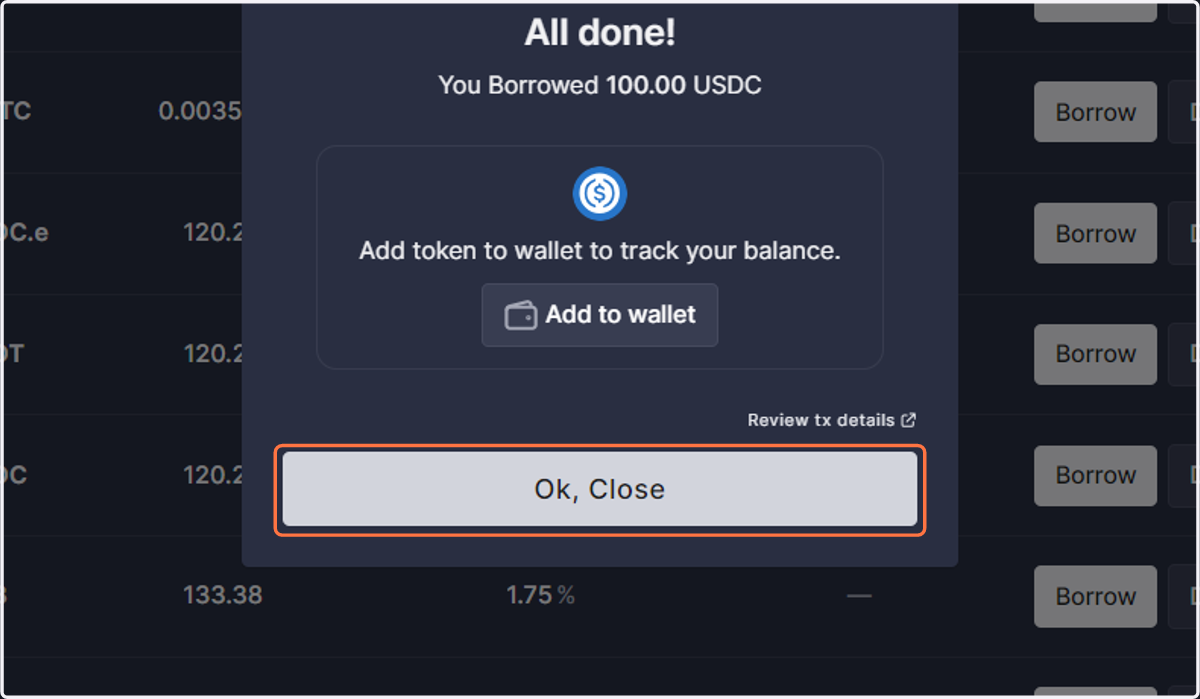
14. Click on Ok, Close
Click on 'Ok, Close' on the confirmation
15. Check wallet for borrowed tokens
The tokens you borrowed should have now been transferred to your wallet.