Navigating the Big I Illinois Website to Find Membership Benefits
Visit the Big I Illinois
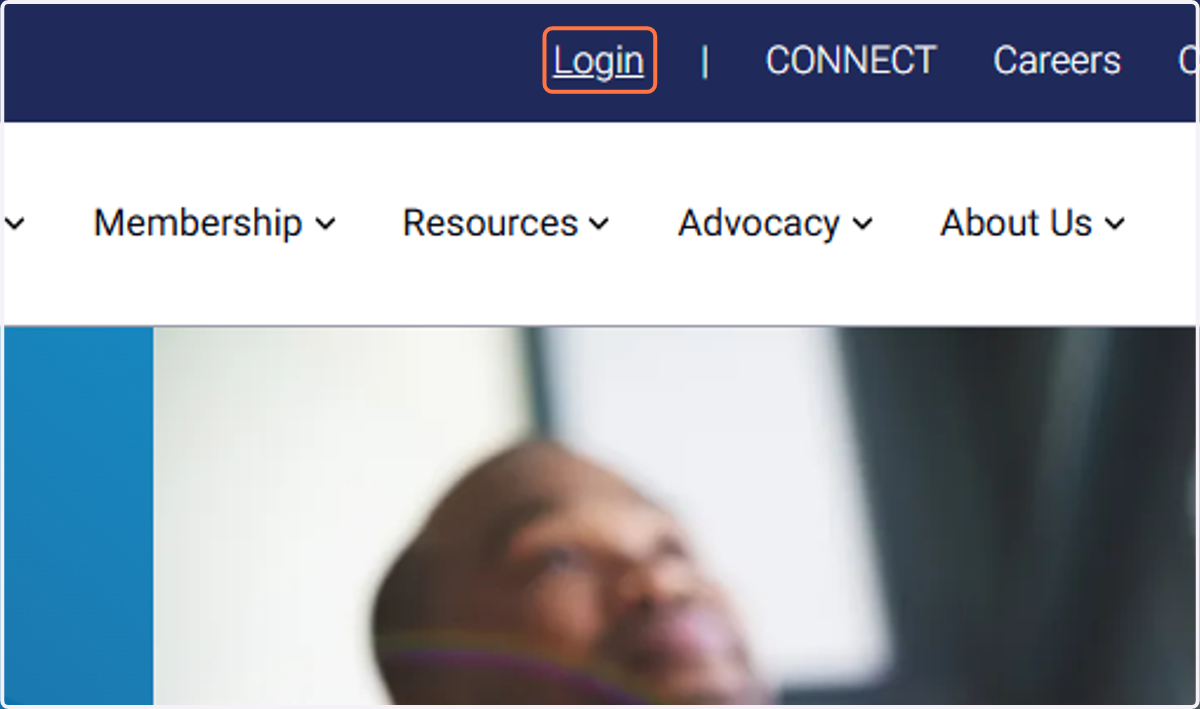
1. Click on Login and use your Big I Illinois Username & Password
Logging into the website right away provides you with a better experience.
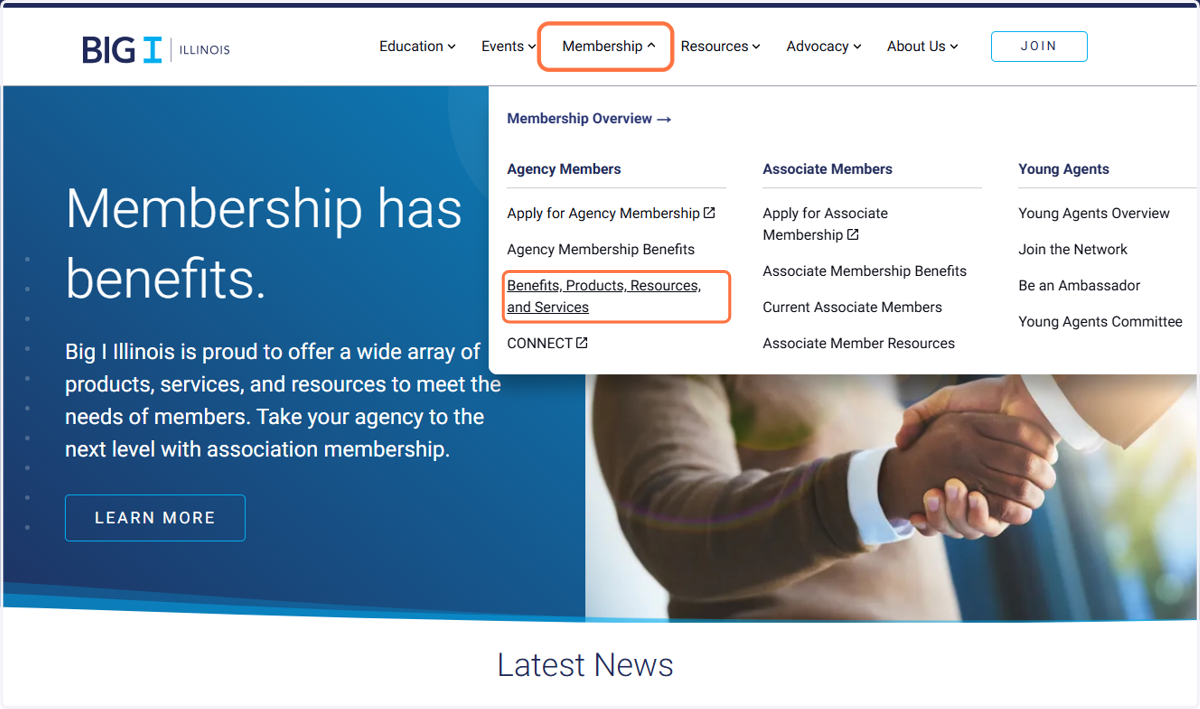
2. Hover your mouse over Membership and click on Benefits, Products, Resources, and Services from the list.
3. All products, services, and resources will appear, but consider using the filter options.
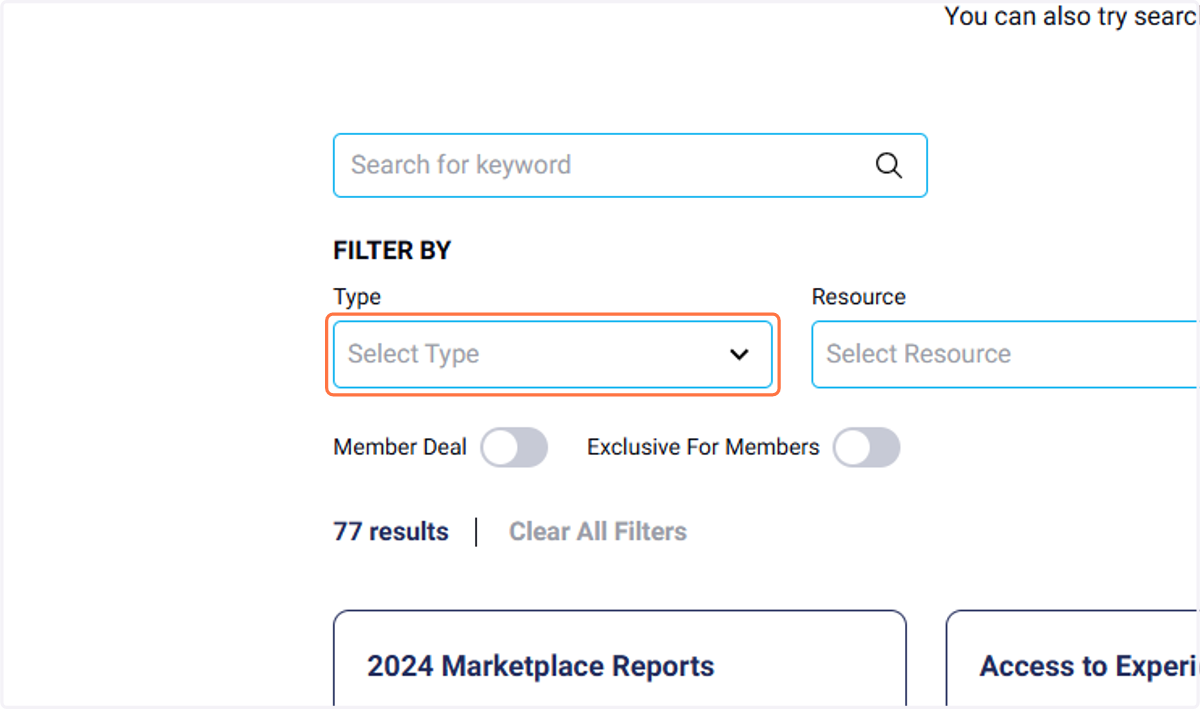
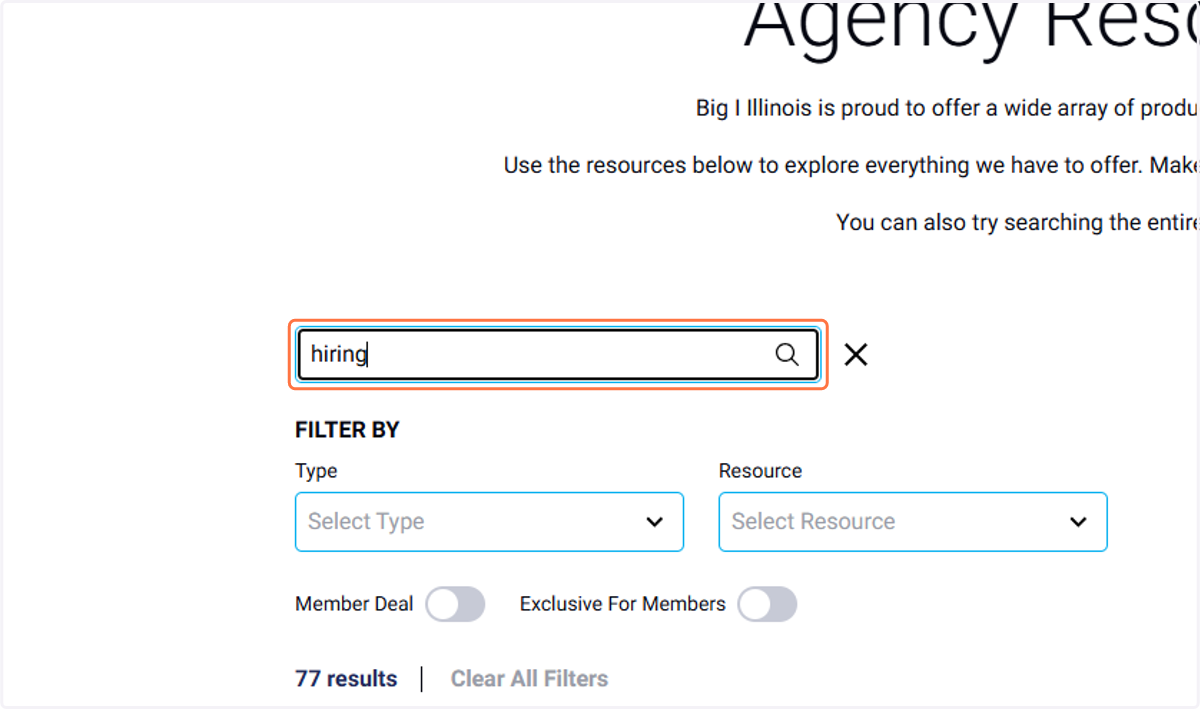
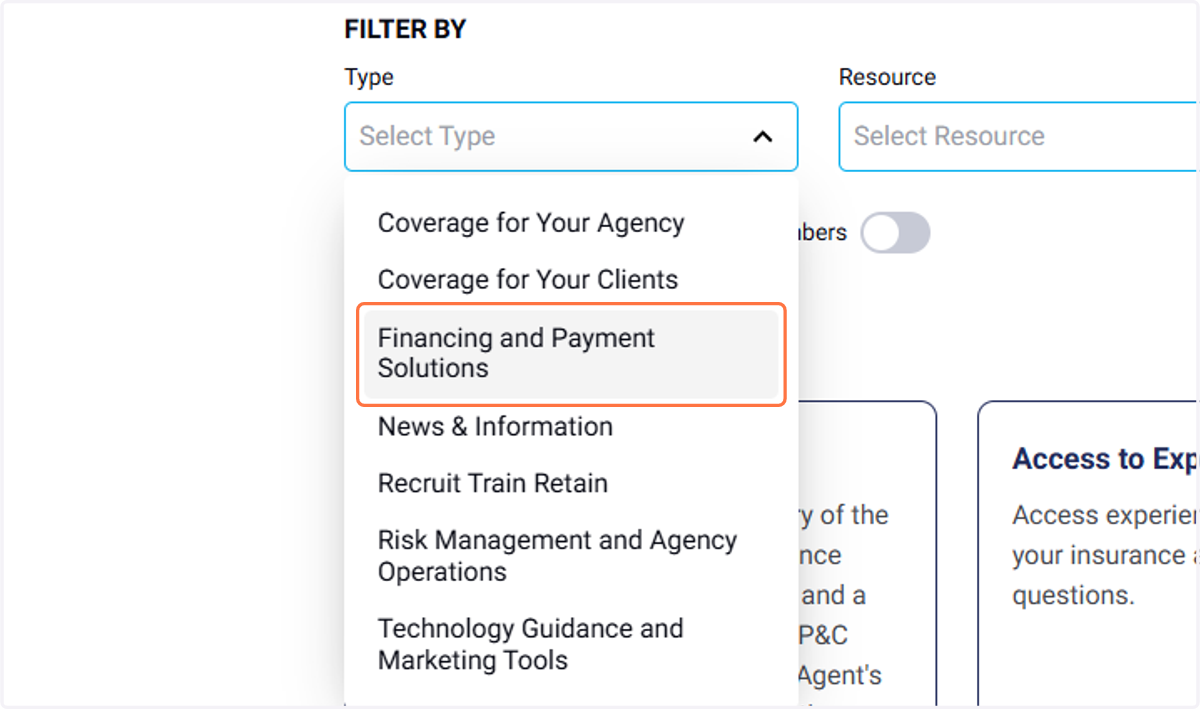
4. Click on Your Filter Type
5. To clear your filter, click on the ✕
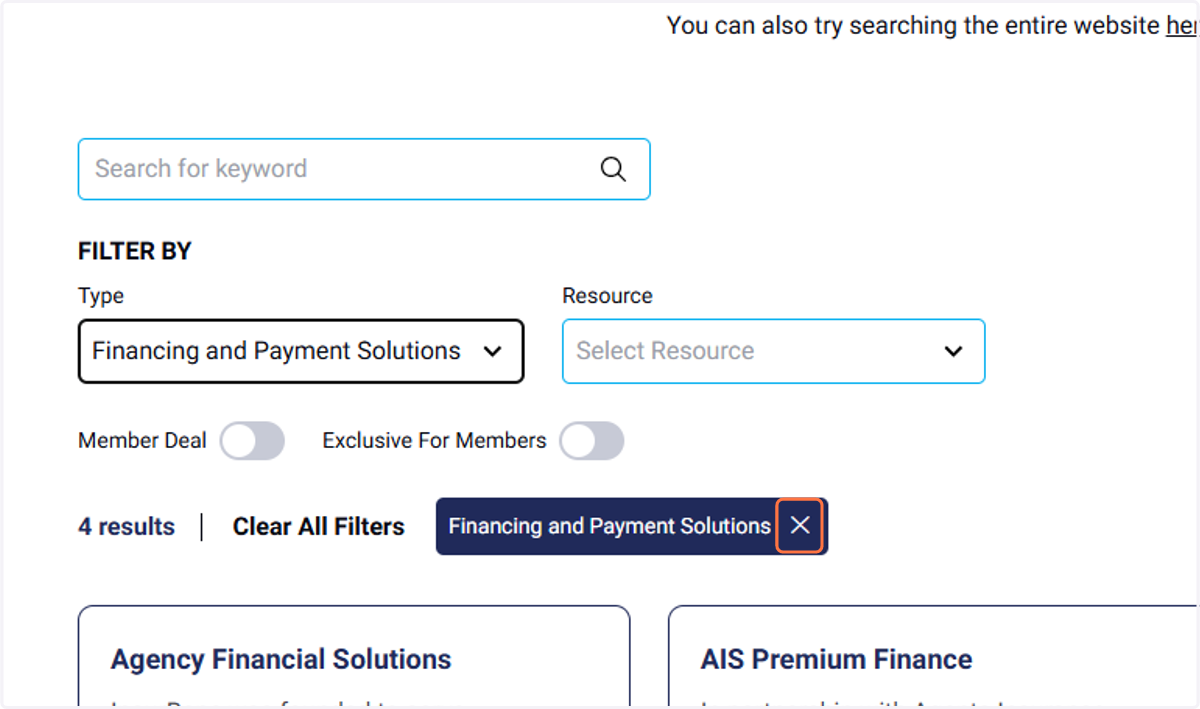
6. You can also use the search feature