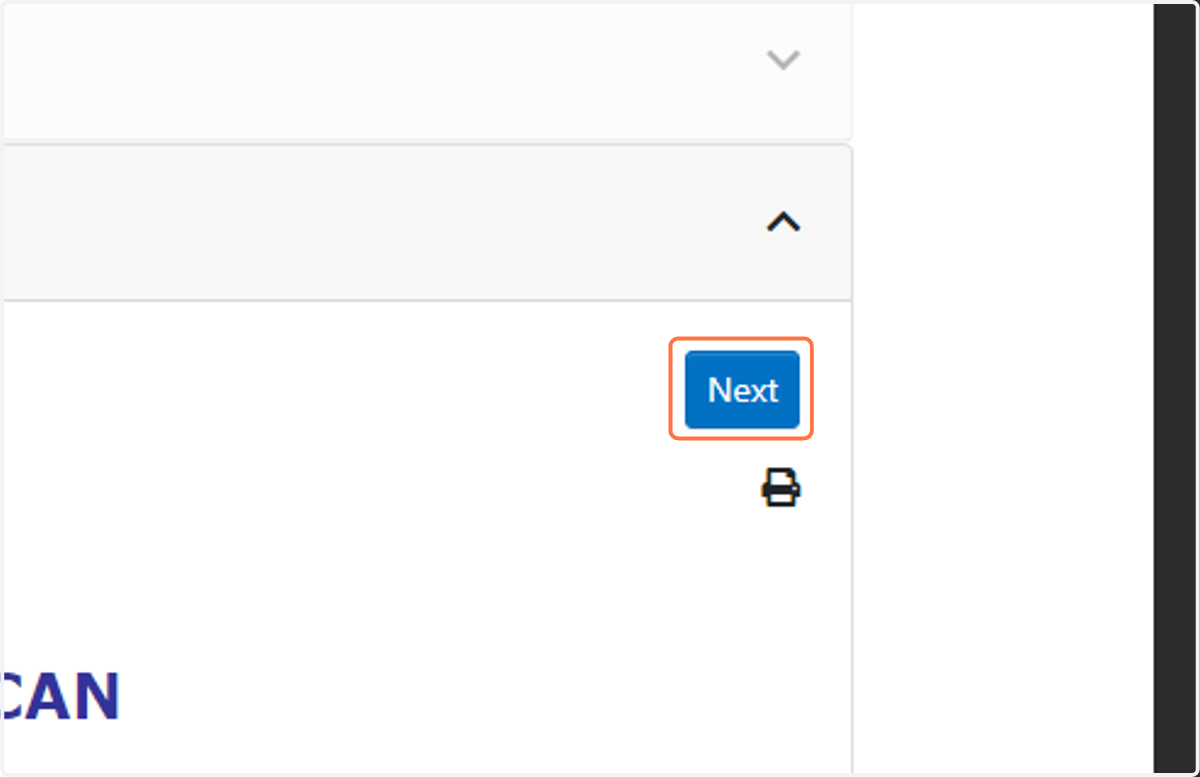
Making changes to your existing transaction or personal information

Start by going to applicantservices.com and logging in

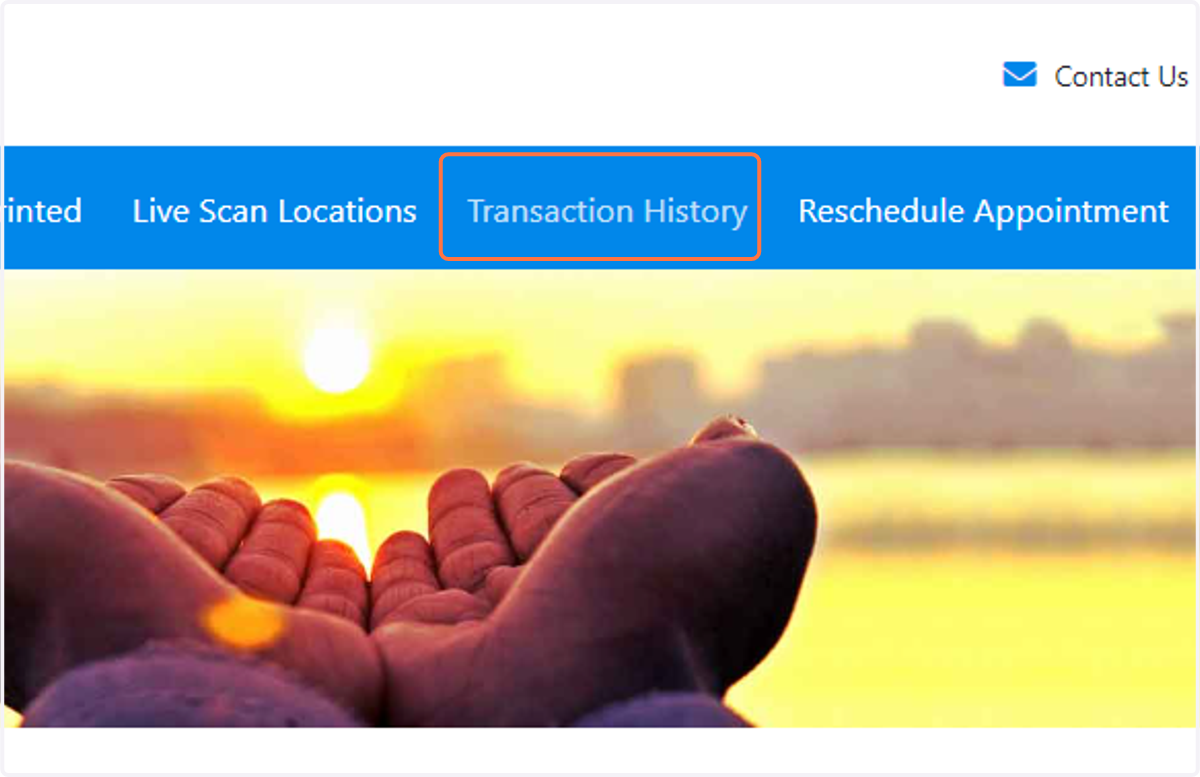
  1. 1. Click on Transaction History

    Click on Transaction History
  2. 2. Click anywhere on your active transaction
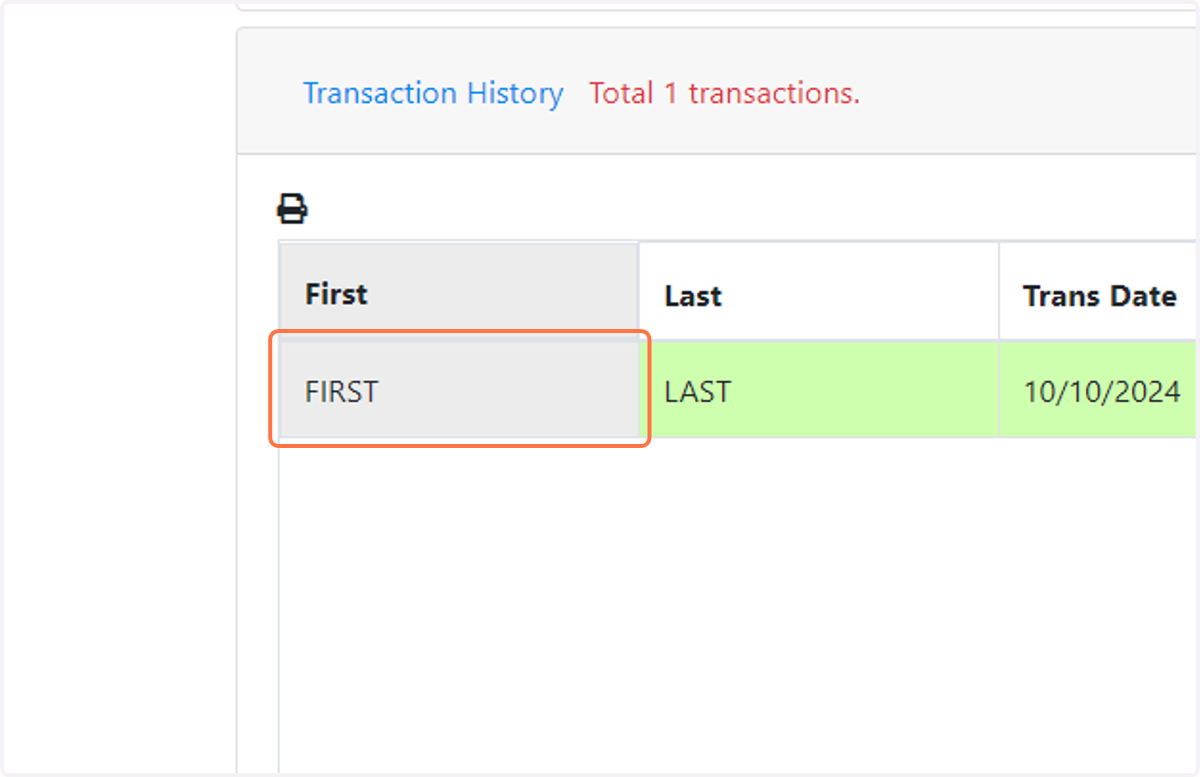
    Click anywhere on your active transaction
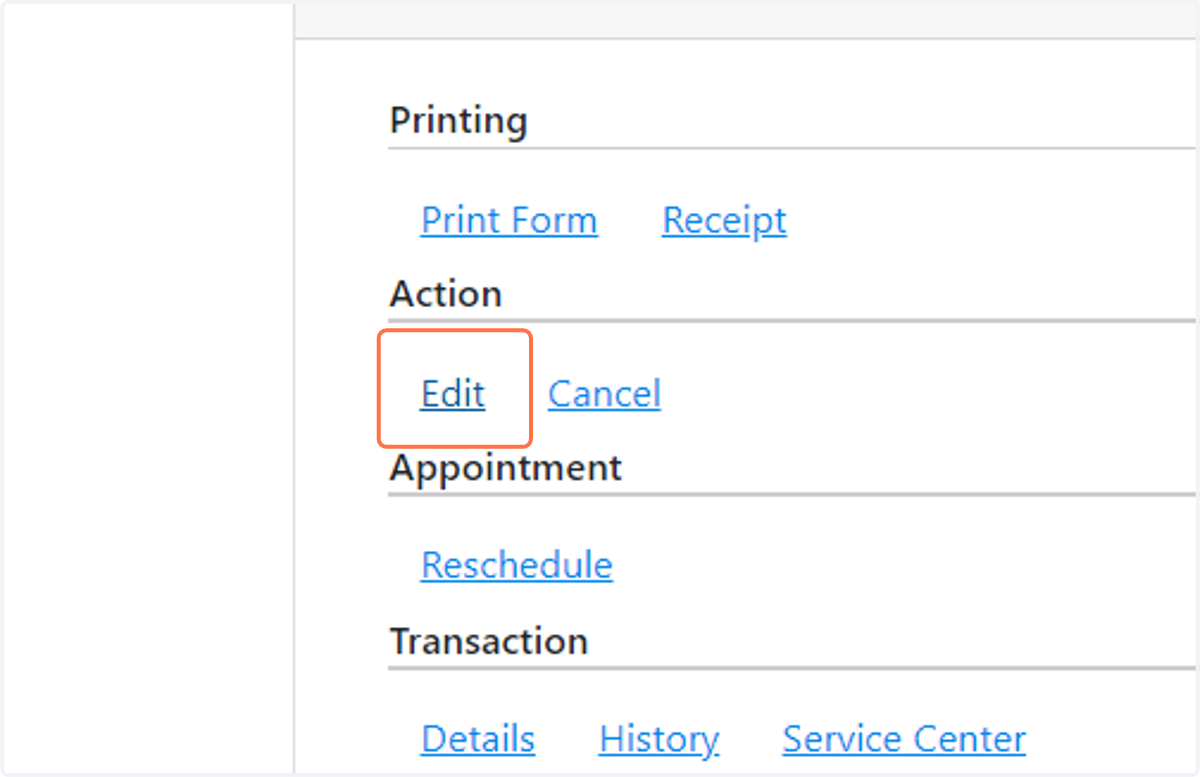
  3. 3. Click on Edit

    Click on Edit
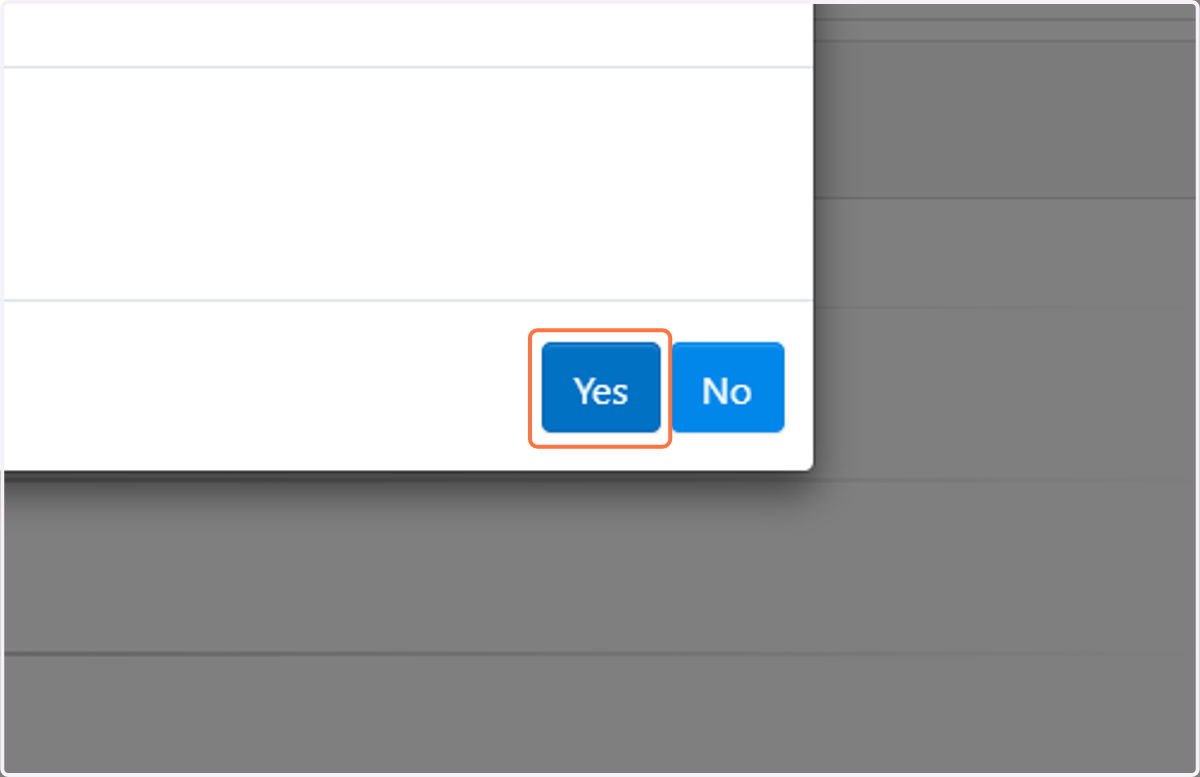
  4. 4. Click on Yes

    Click on Yes
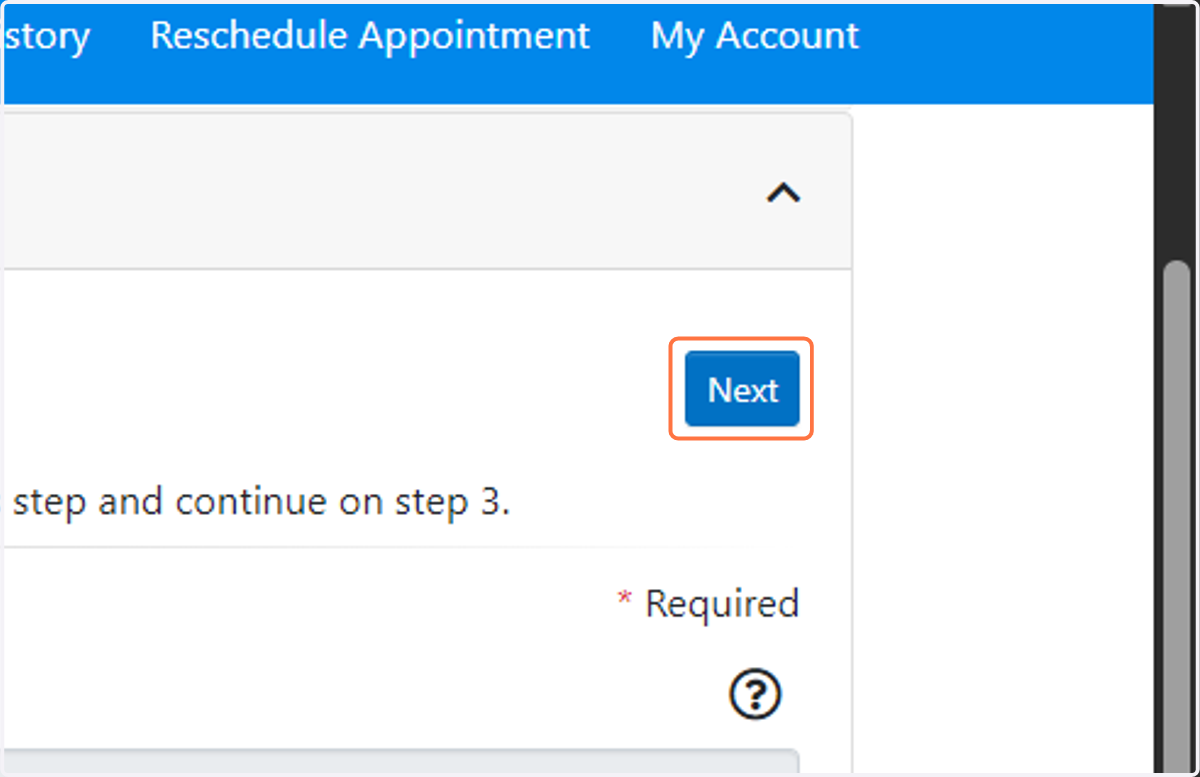
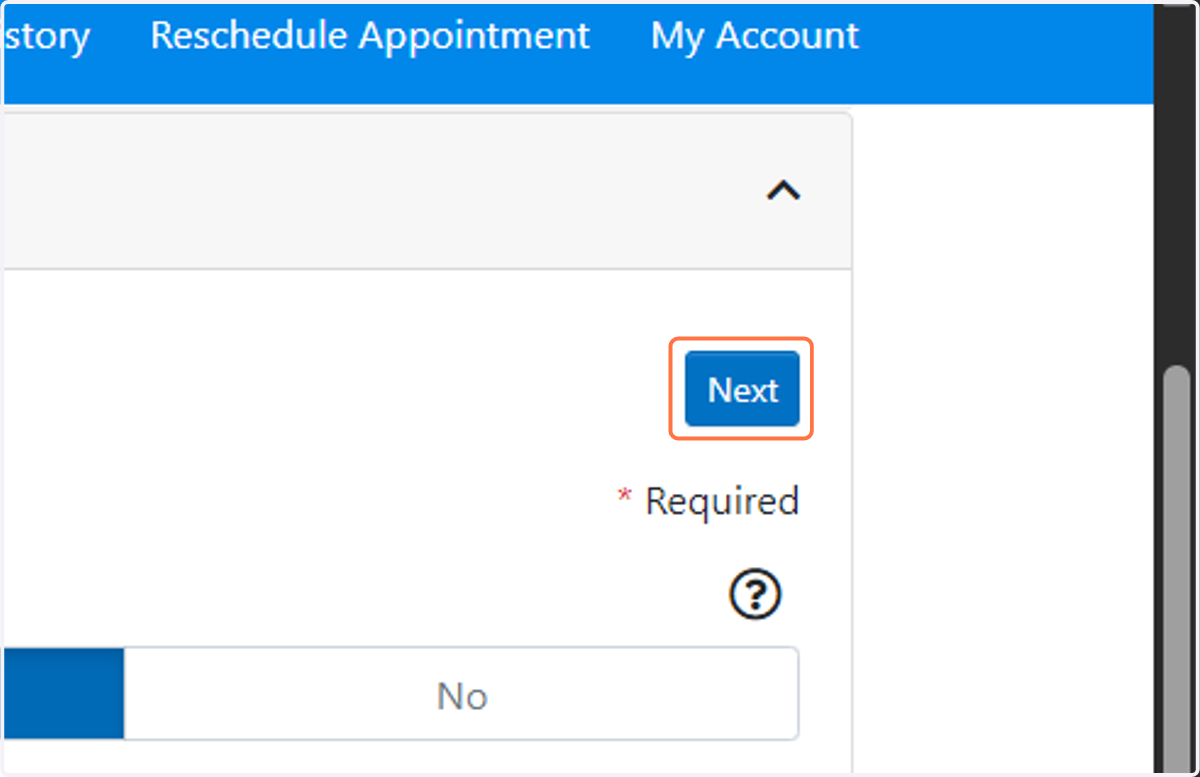
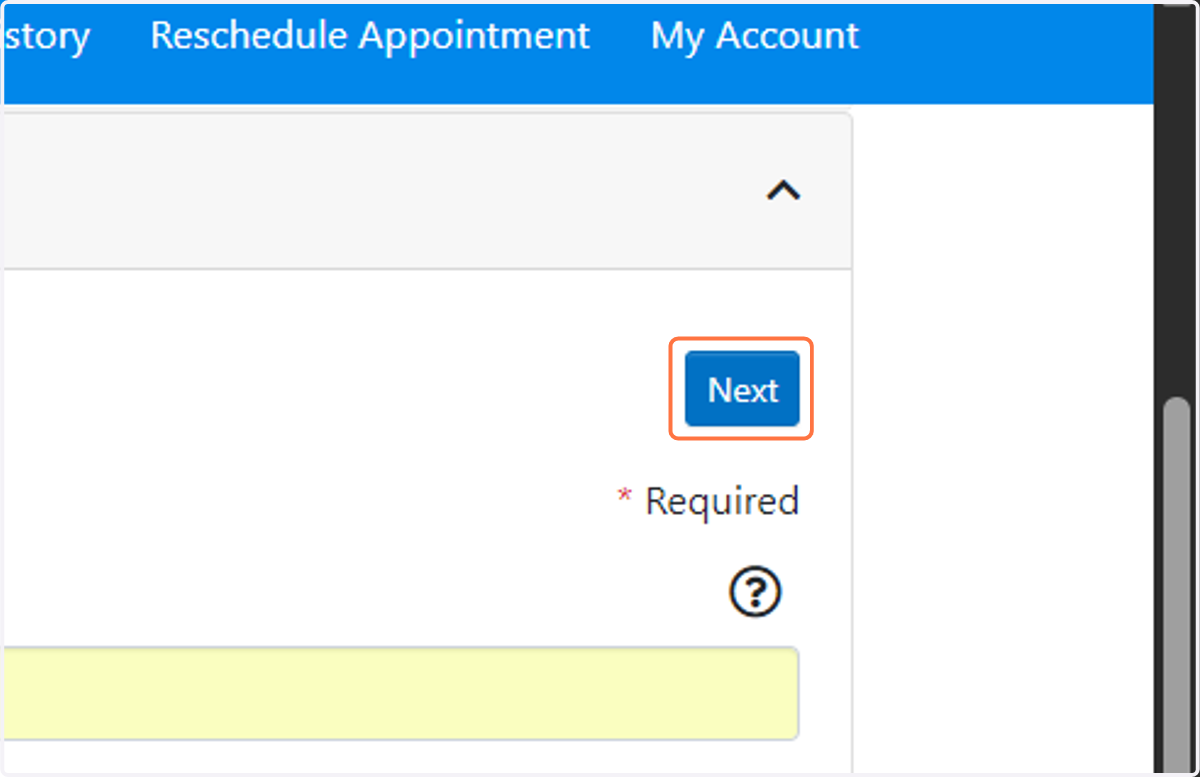
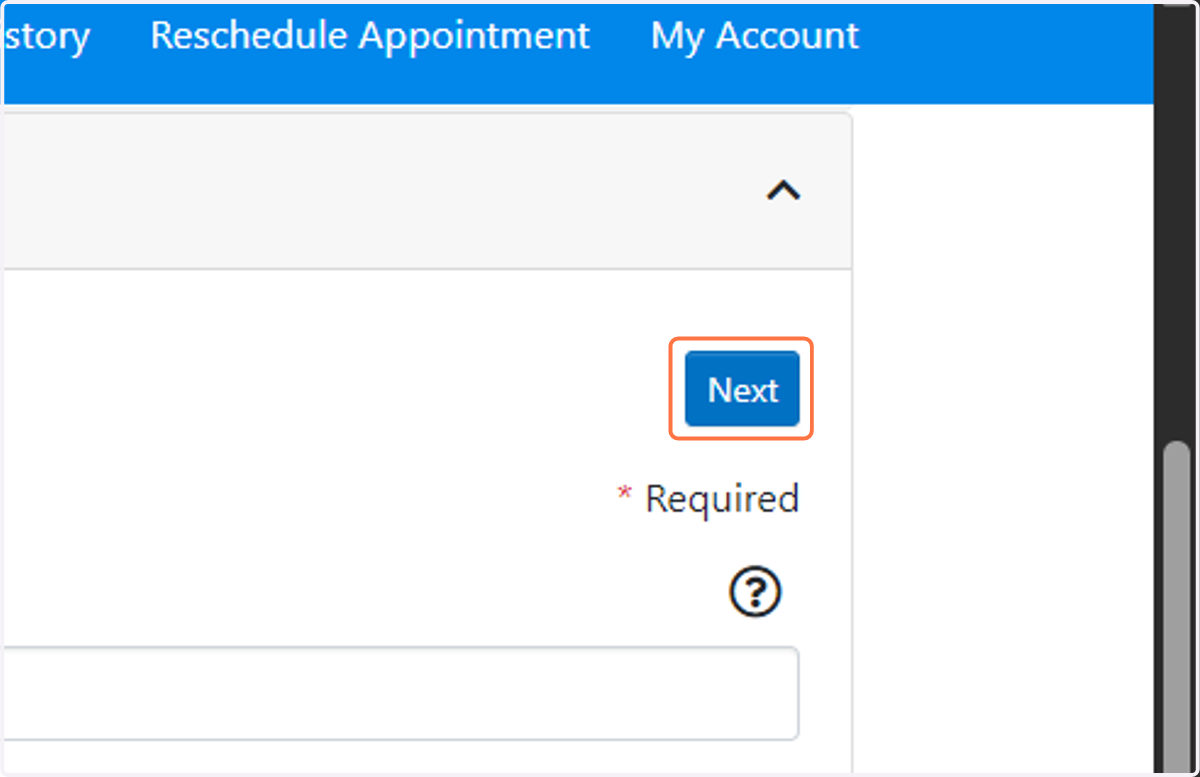
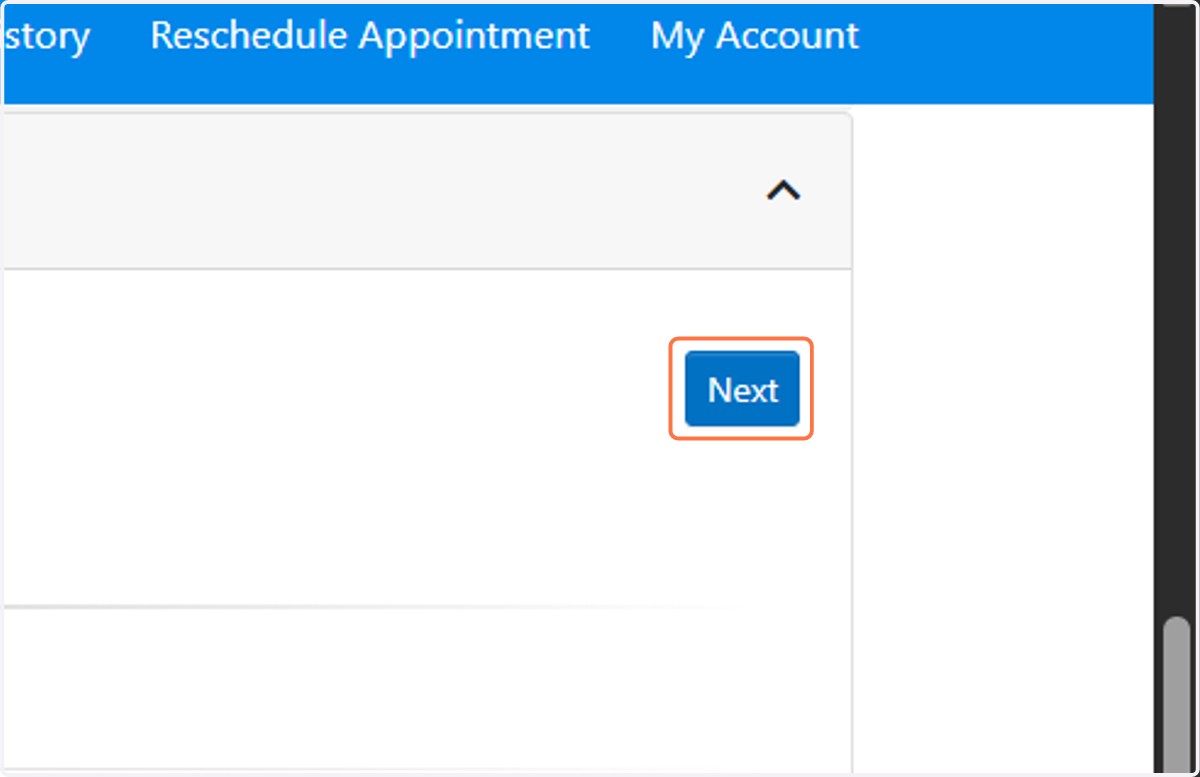
  5. 5. Click on Next to advance through each of the ten steps to ensure all of the associated information is accurate
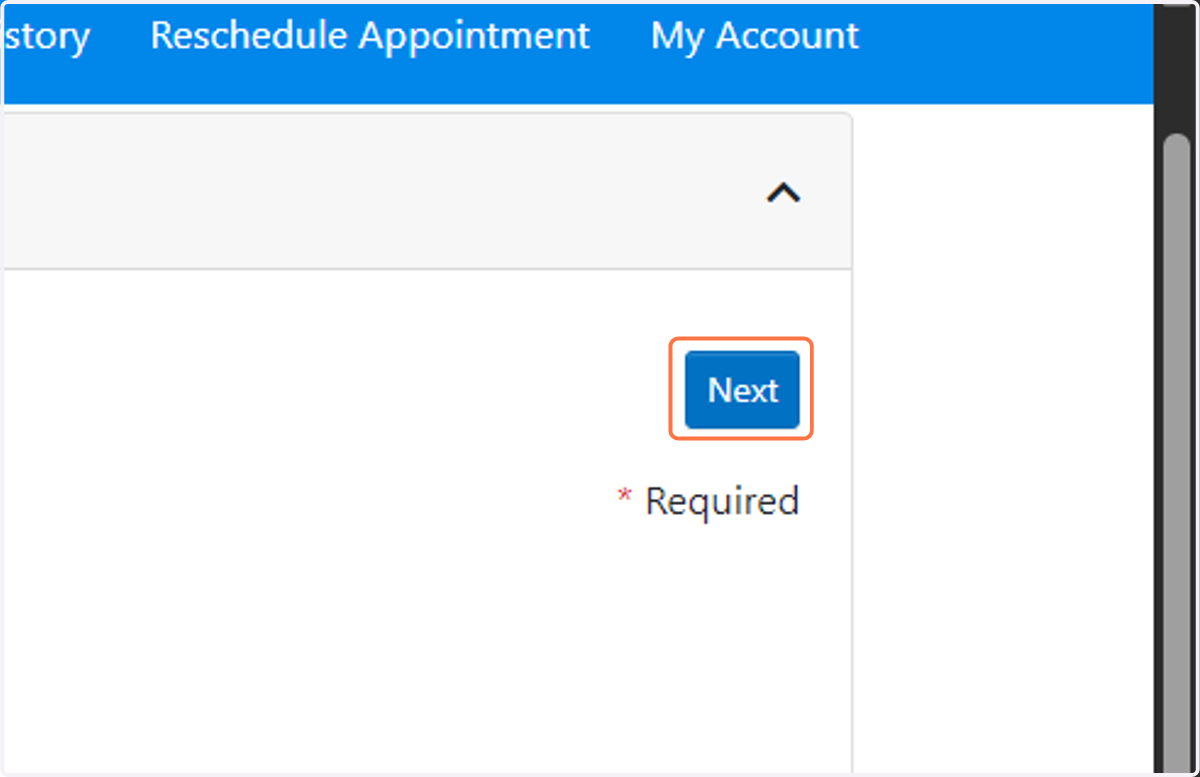
    Click on Next to advance through each of the ten steps to ensure all of the associated information is accurate
  6. 6. Continue through each of the ten 10 steps. PLEASE NOTE, updated information will not change until you've selected 'DONE' on the final step
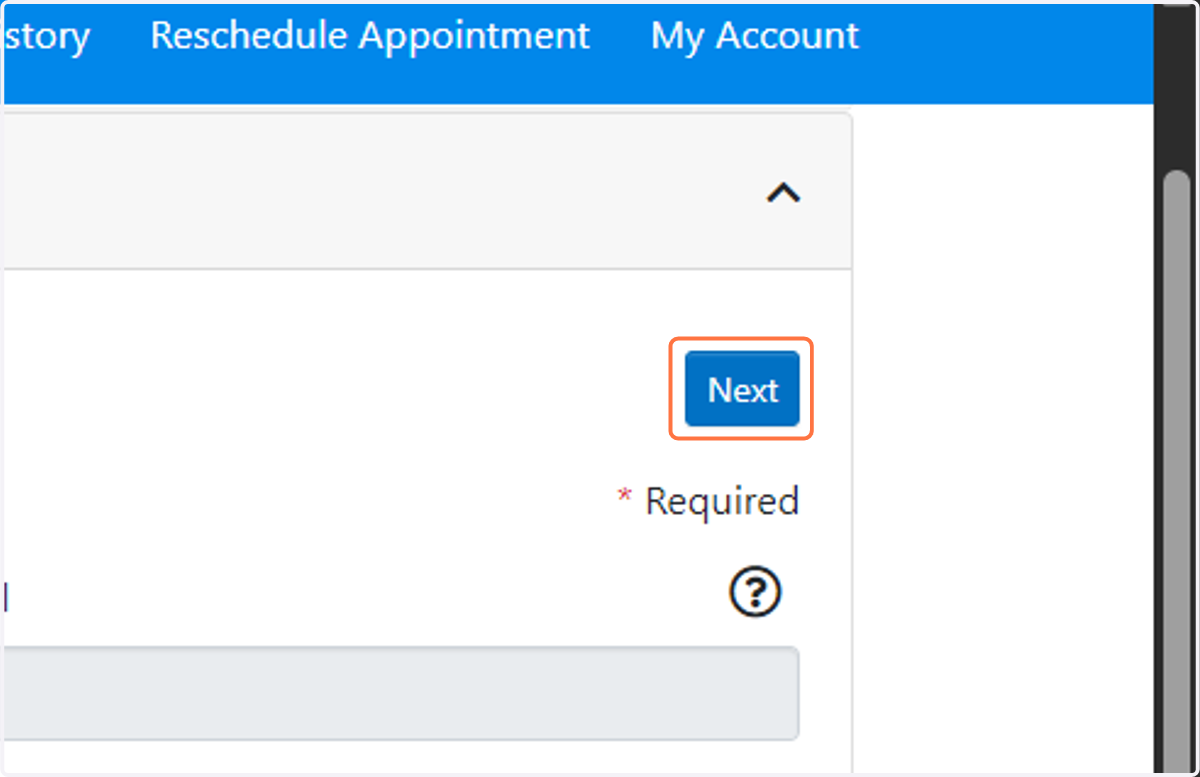
    Continue through each of the ten 10 steps. PLEASE NOTE, updated information will not change until you've selected 'DONE' on the final step
  7. 7. Click on Next

    Click on Next
  8. 8. Click on Next

    Click on Next
  9. 9. Click on Next

    Click on Next
  10. 10. Click on Next

    Click on Next
  11. 11. Click on Next

    Click on Next
  12. 12. Please be sure to scroll through both the top and bottom agreement on this pop-out page
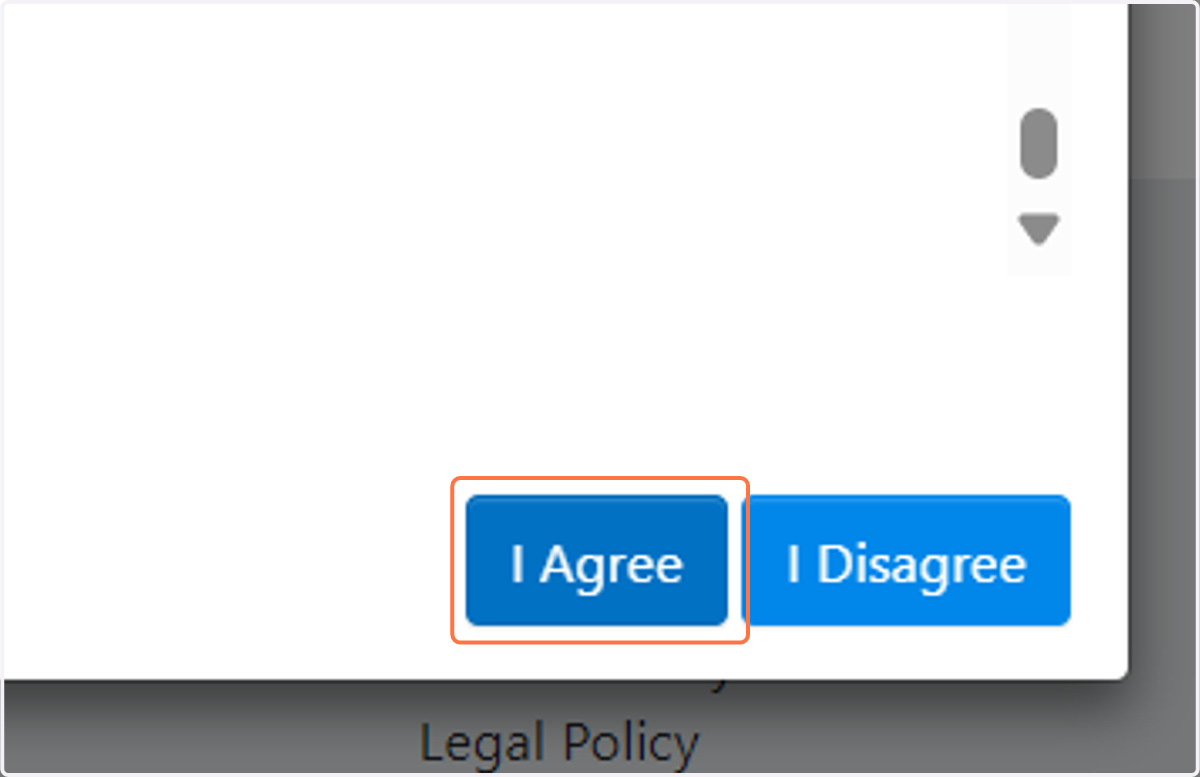
    Please be sure to scroll through both the top and bottom agreement on this pop-out page
  13. 13. Click on Next

    Click on Next
  14. 14. Click on Done - this will ensure any/all updates and changes will be saved
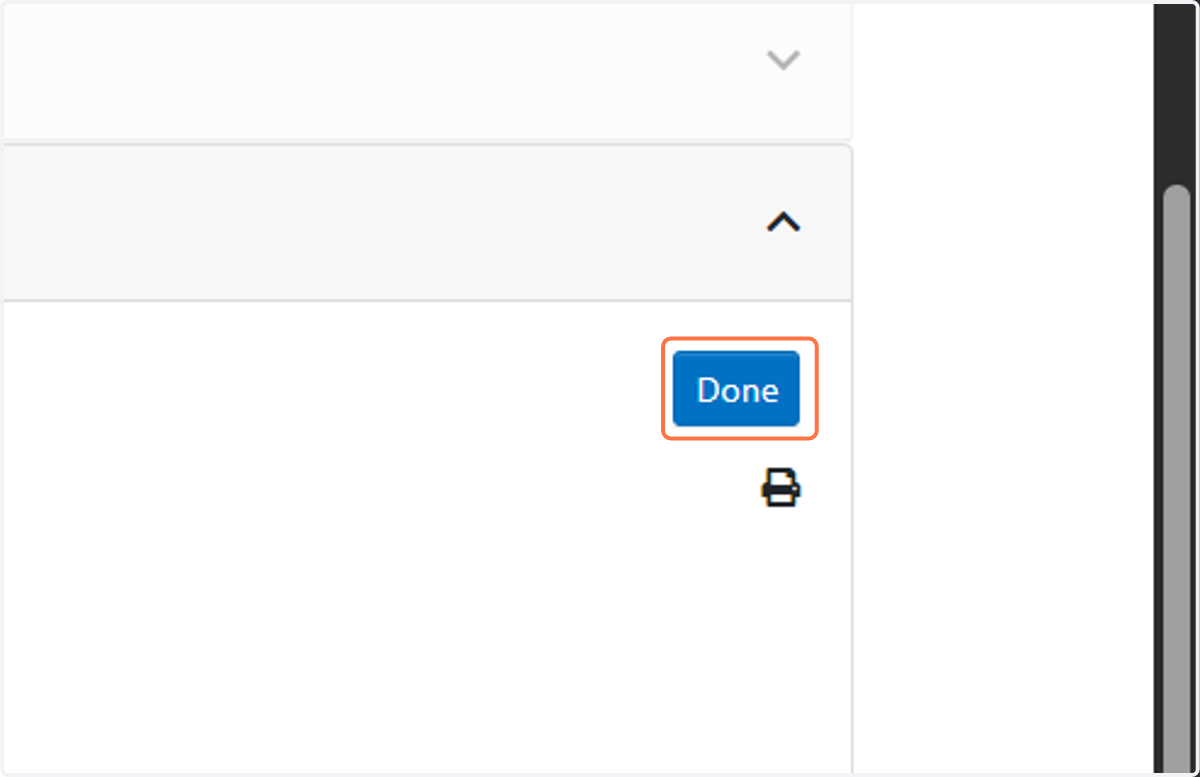
    Click on Done - this will ensure any/all updates and changes will be saved