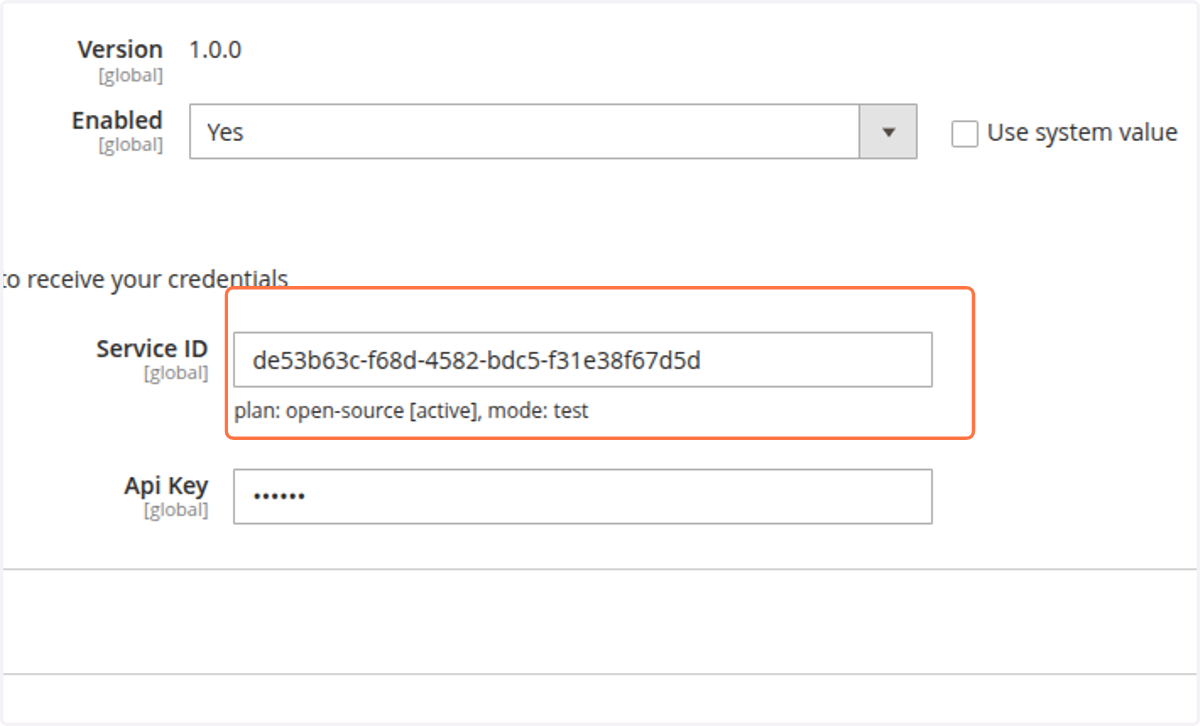
Configure credentials
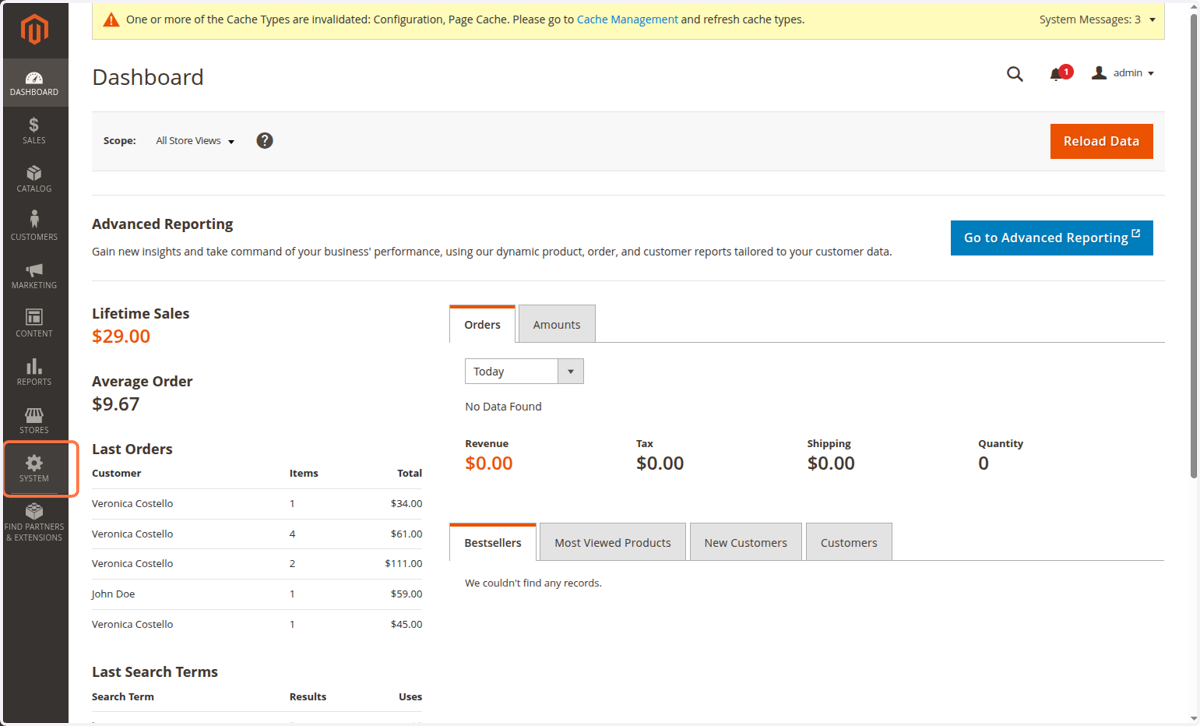
1. Log into the Magento Admin Dashboard and click on SYSTEM in the left hand menu
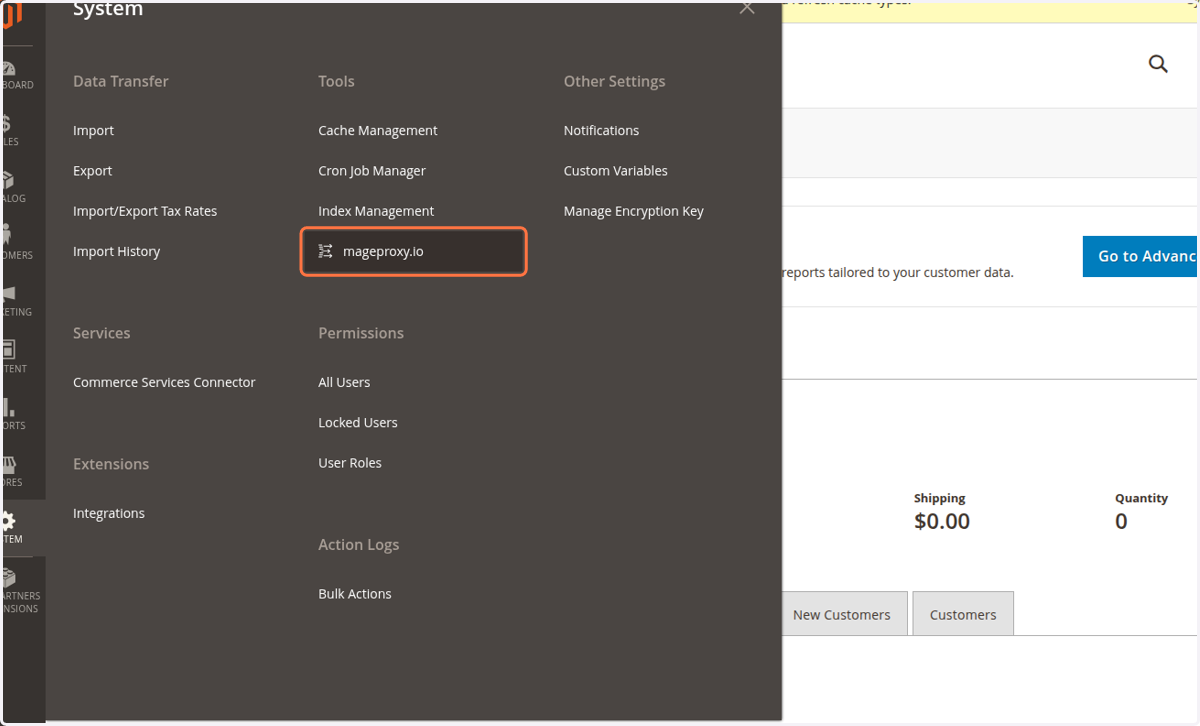
2. Click on mageproxy.io under Tools
3. Click on System Configuration in the top menu
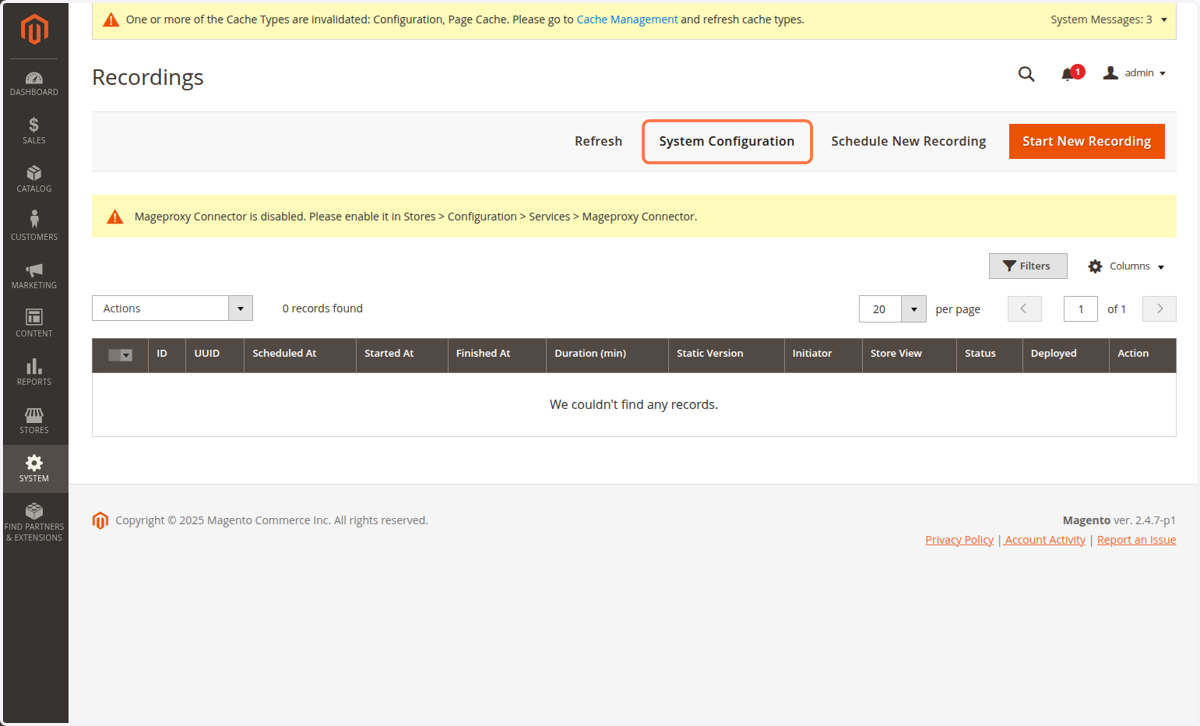
4. Enable the extension
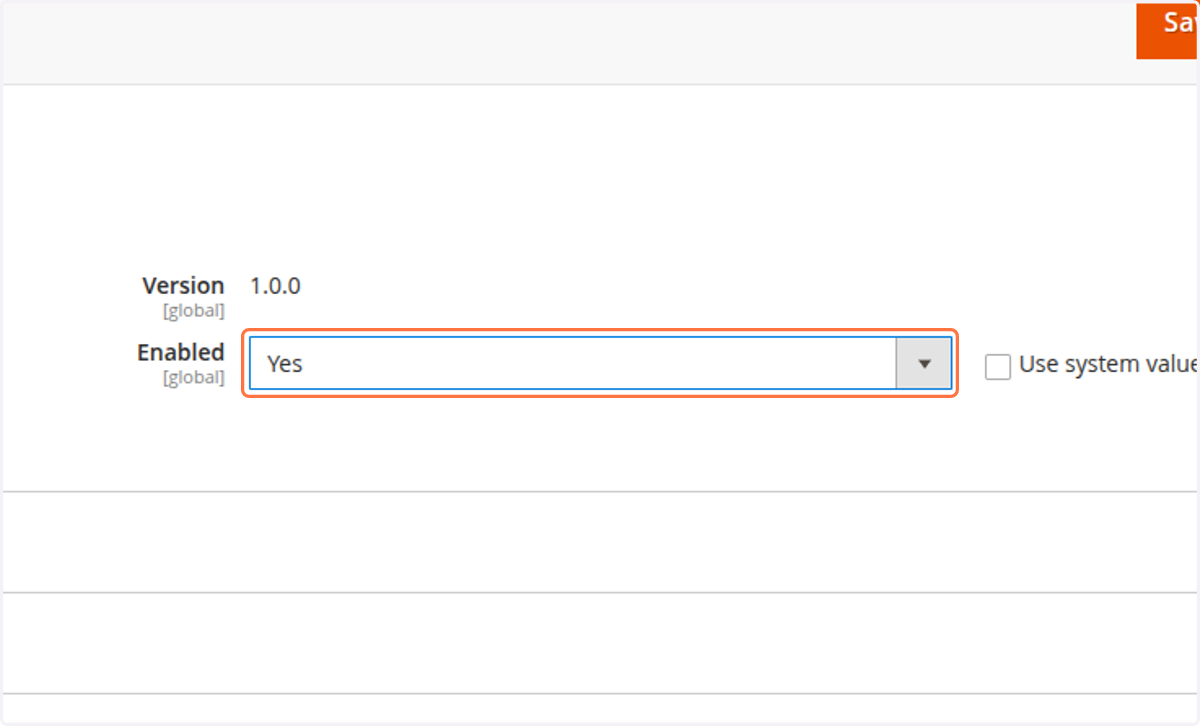
5. Click on Credentials

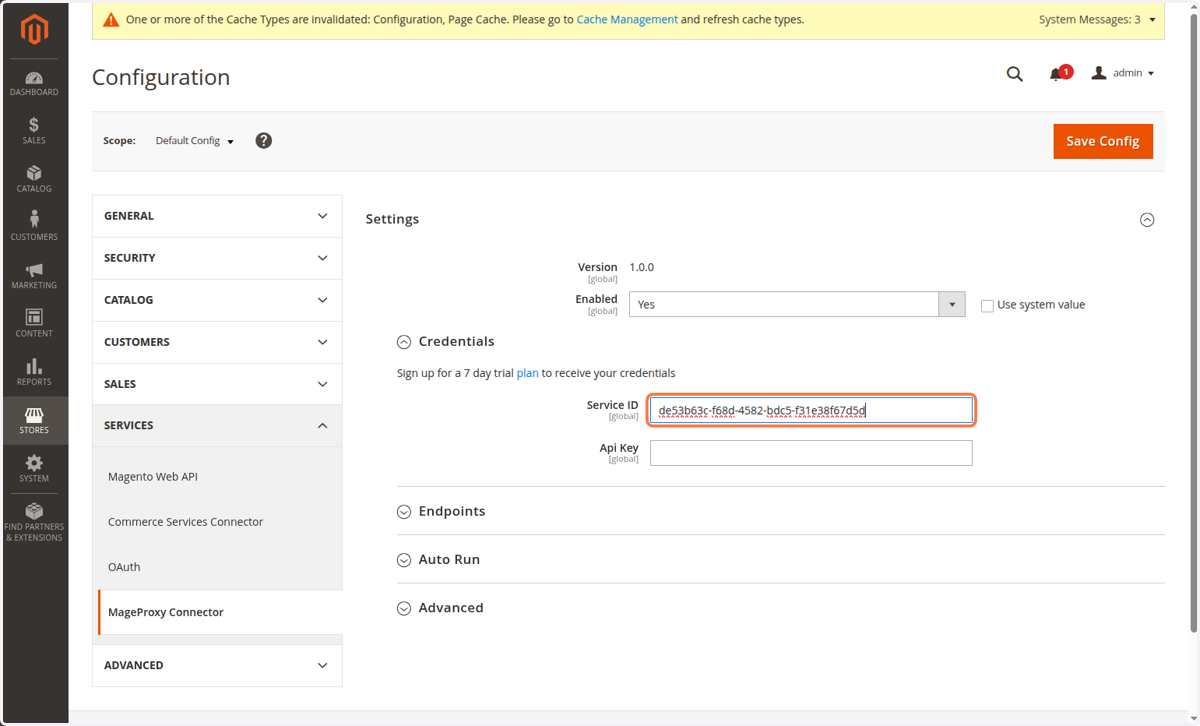
6. Enter credential values
The Service ID and Api Key will be provided after signup and onboarding is completed.
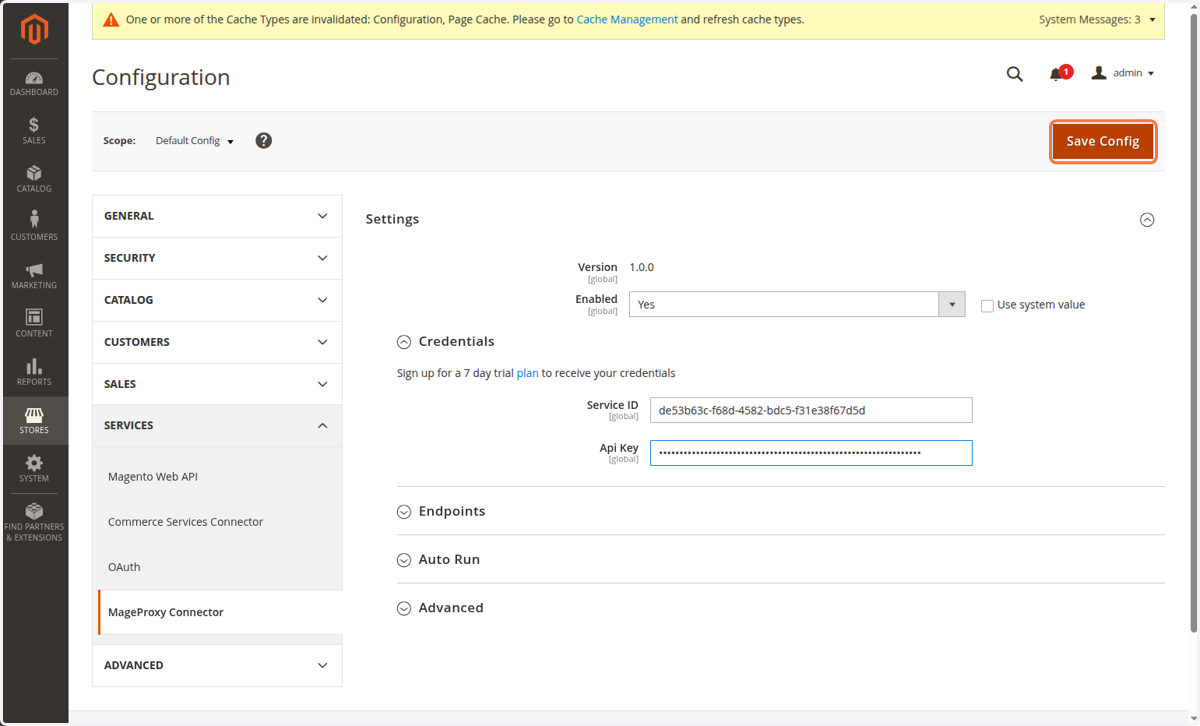
7. Click on Save Config
Your credentials will be validated and service information retrieved from our platform.
8. Verify your plan details