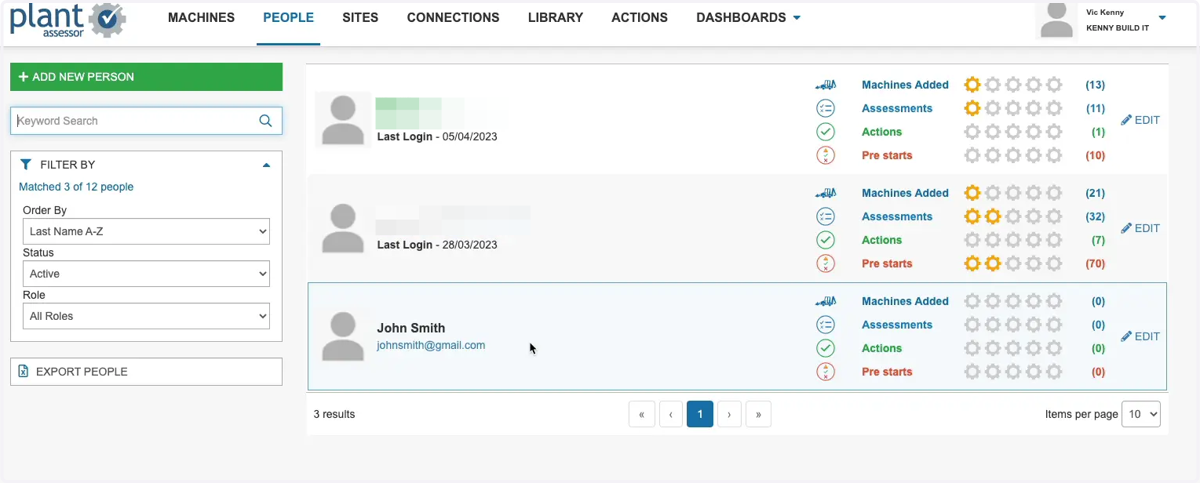
Adding Users
Assessor
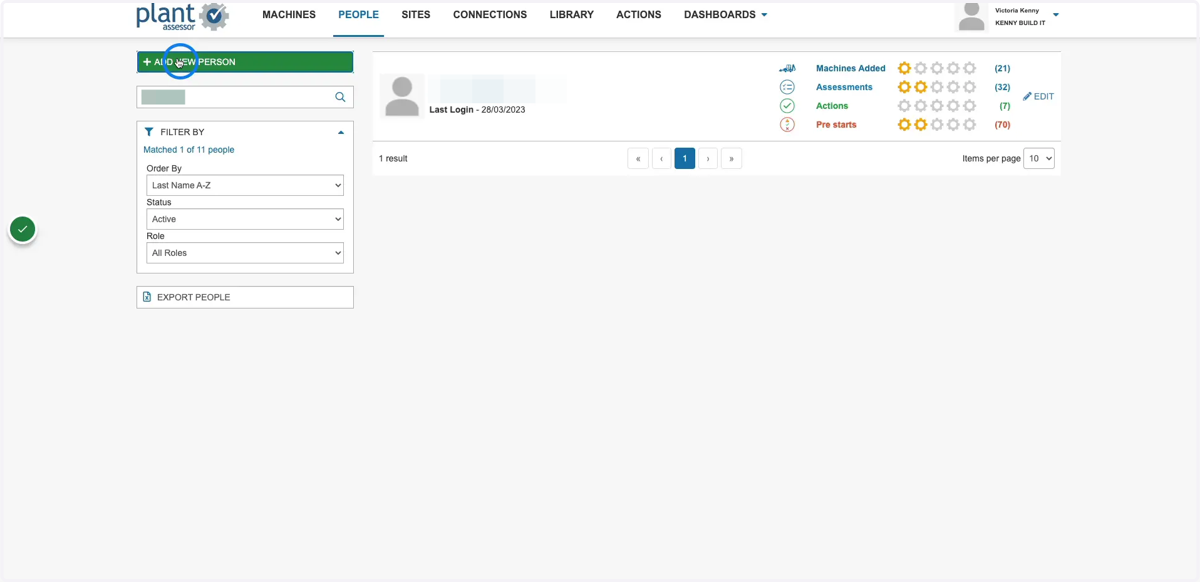
1. Click Add new person
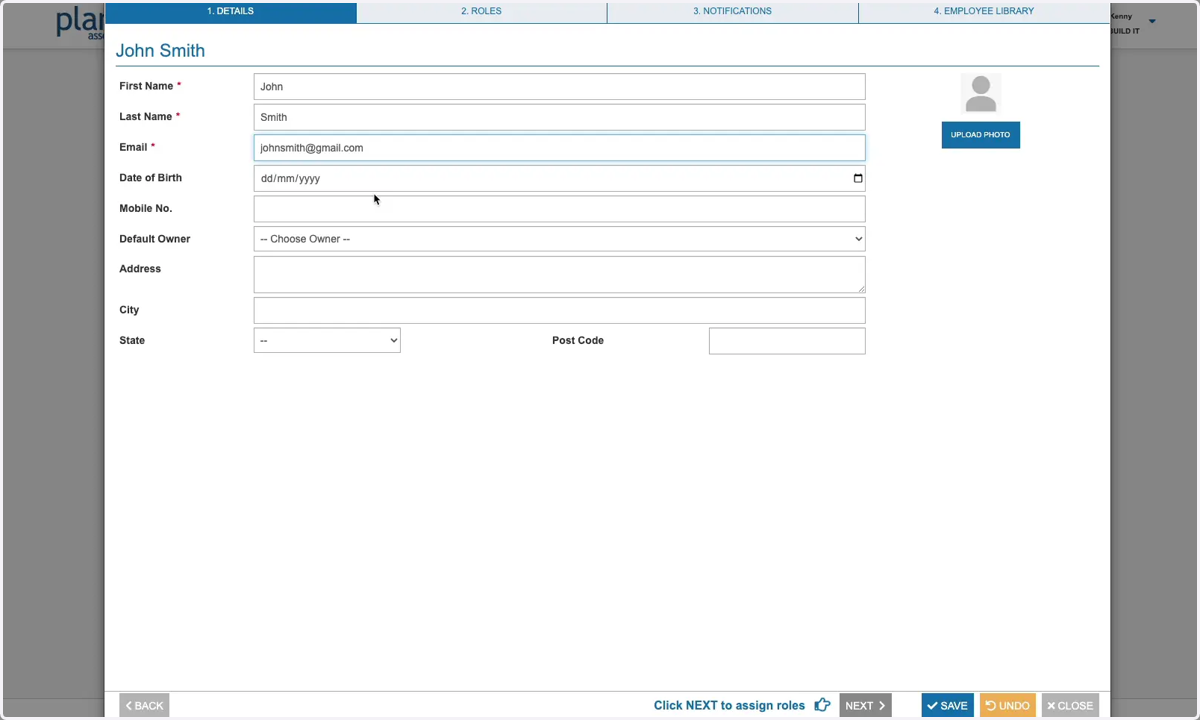
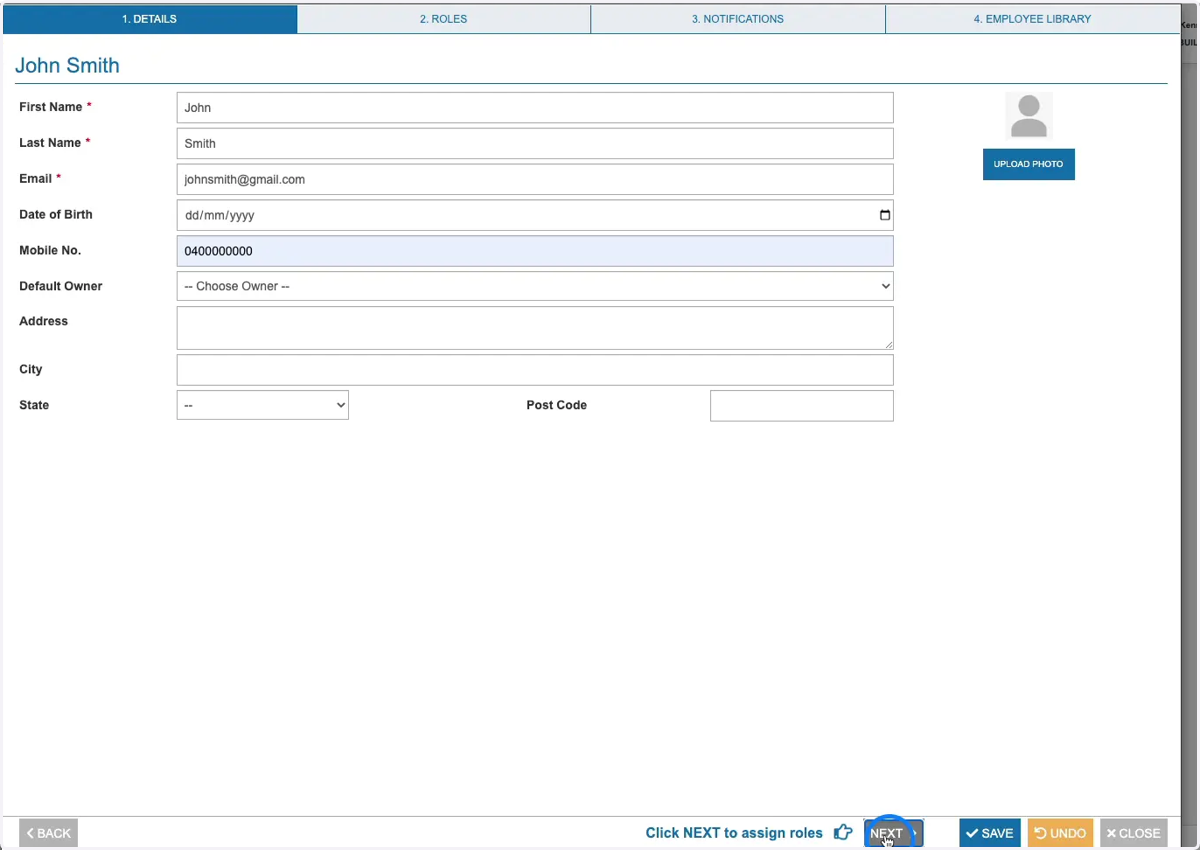
2. Enter the user's details
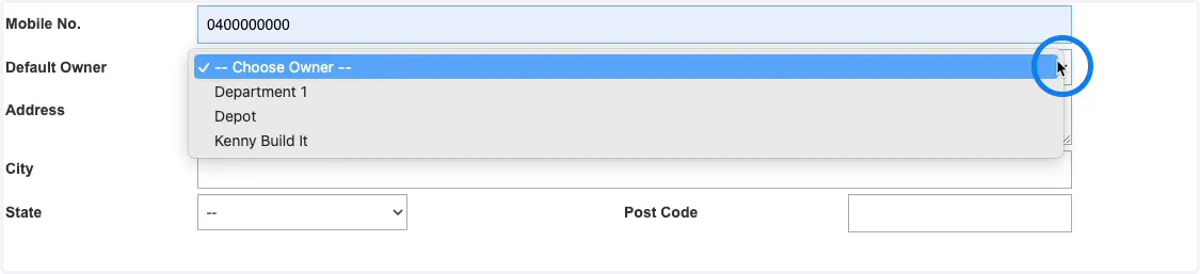
3. If you have Owners (Departments) setup and would like to assign this user as a Default Owner, select from the drop down here.
To learn more about setting up owners click here.
4. Click Next
5. On the Roles tab, you can assign a role to the user which determines their permissions within Plant Assessor. You can choose between Admin, Operator and Assessor.
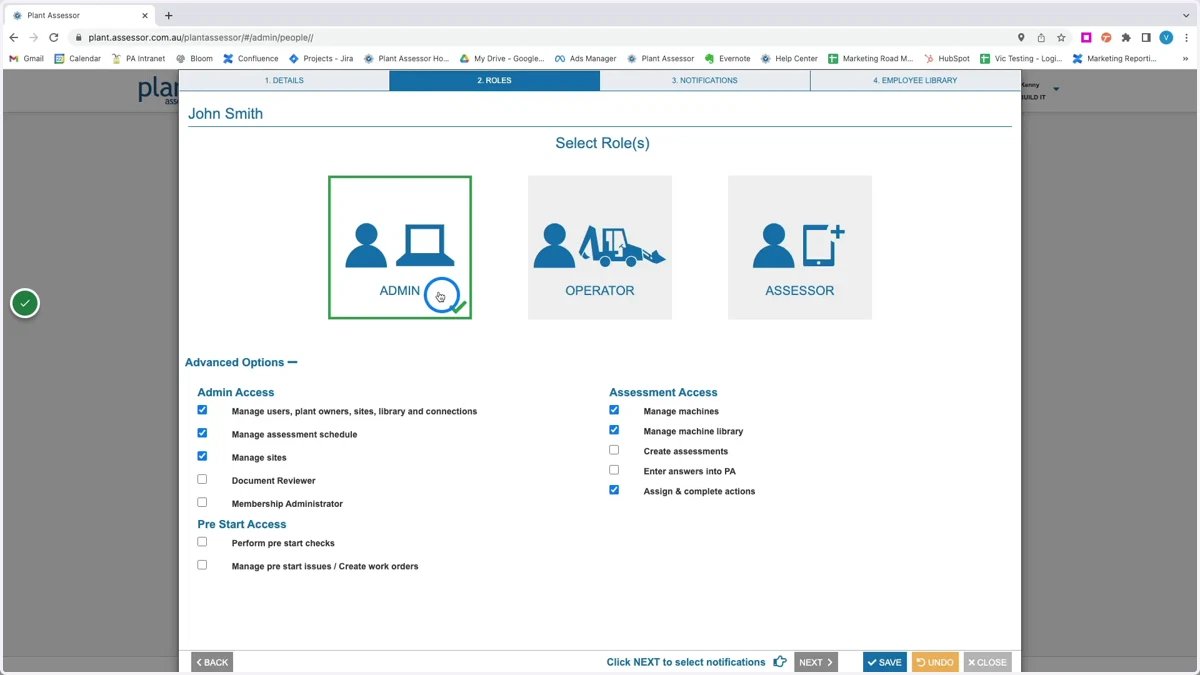
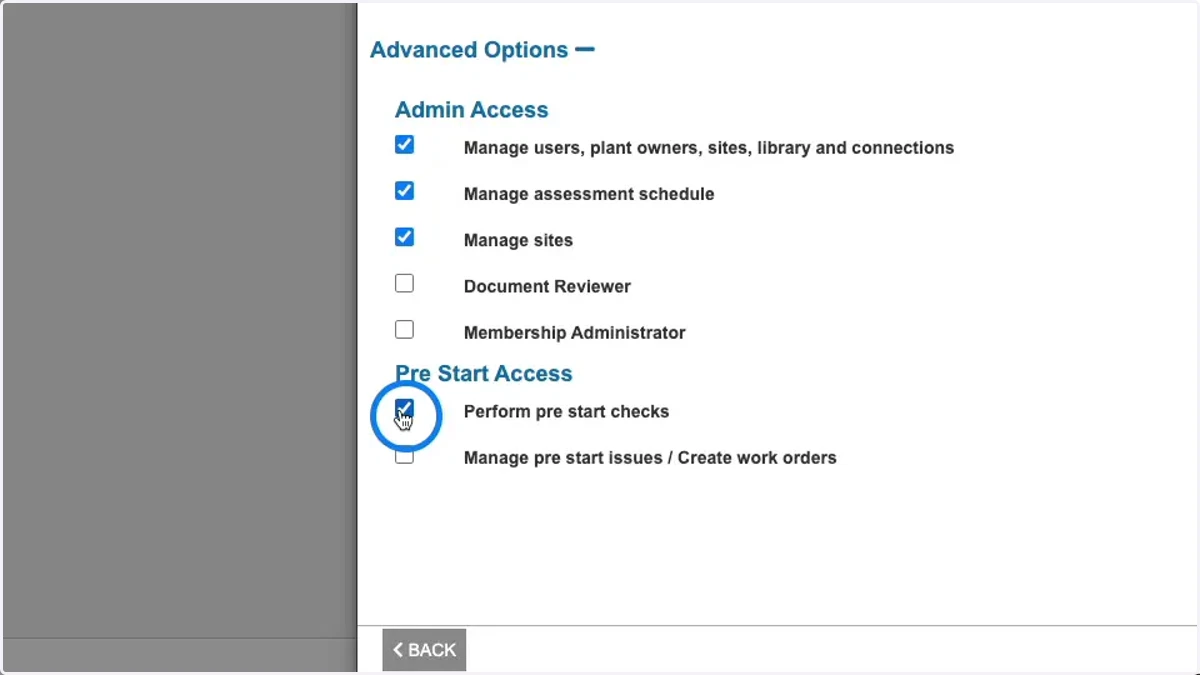
6. Each role has its own default permissions. However you can modify the permissions by ticking the applicable check boxes.
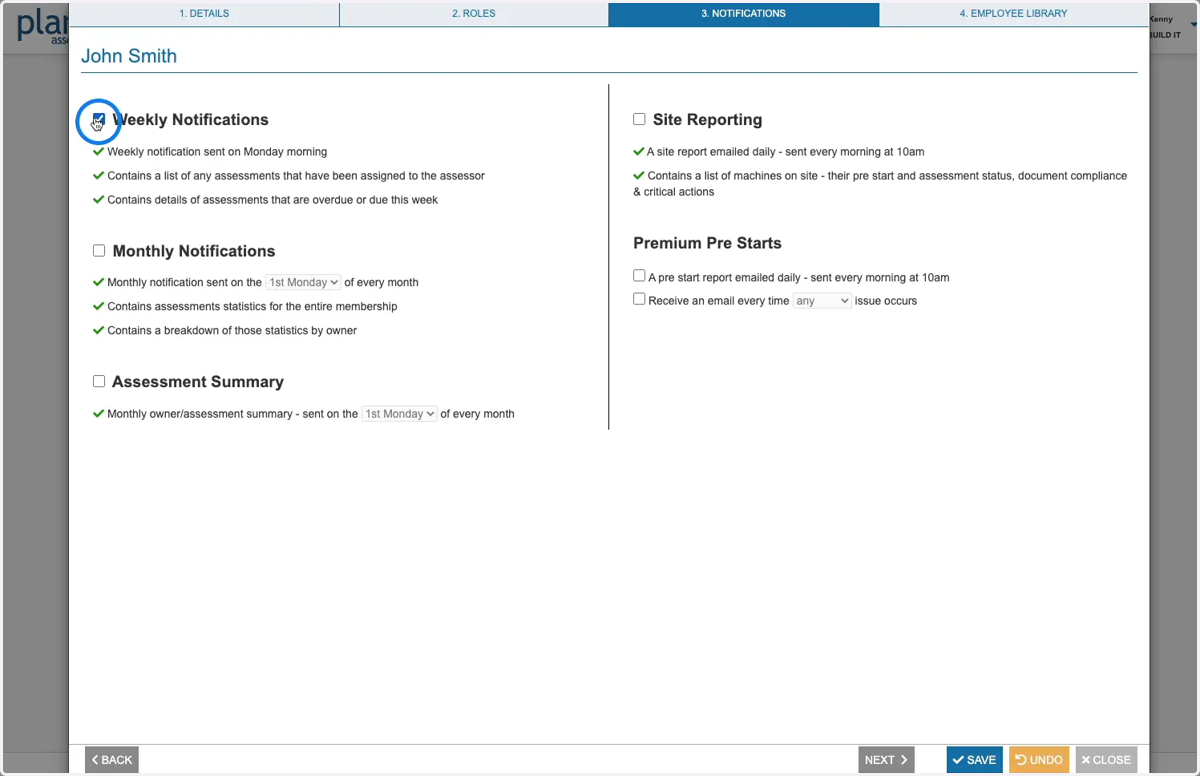
7. On the notifications tab, you can select which Notifications and Reports the user will receive.
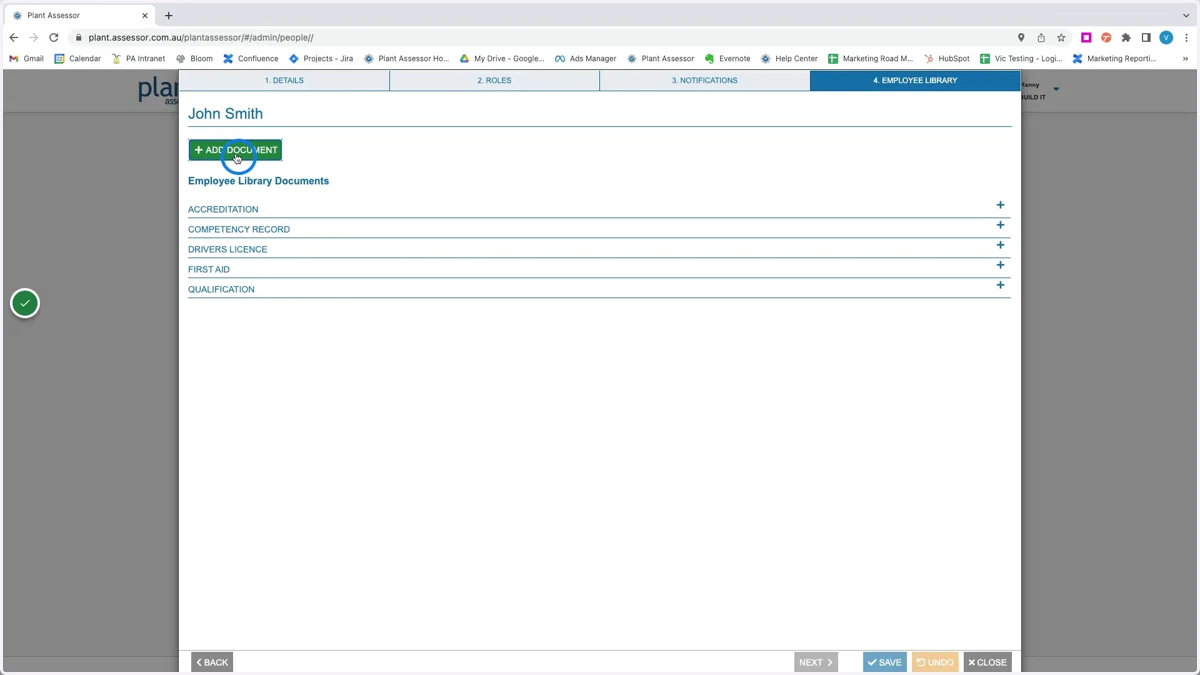
8. On the employee library tab, you can add documents that are specific to the user. Select the document type and then record any relevant information or expiry dates in the additional details section
9. Once saved, the user has been added to your account. They will receive an email with instructions on how to create their password.