Managing and Editing Your Engagifii Email Address
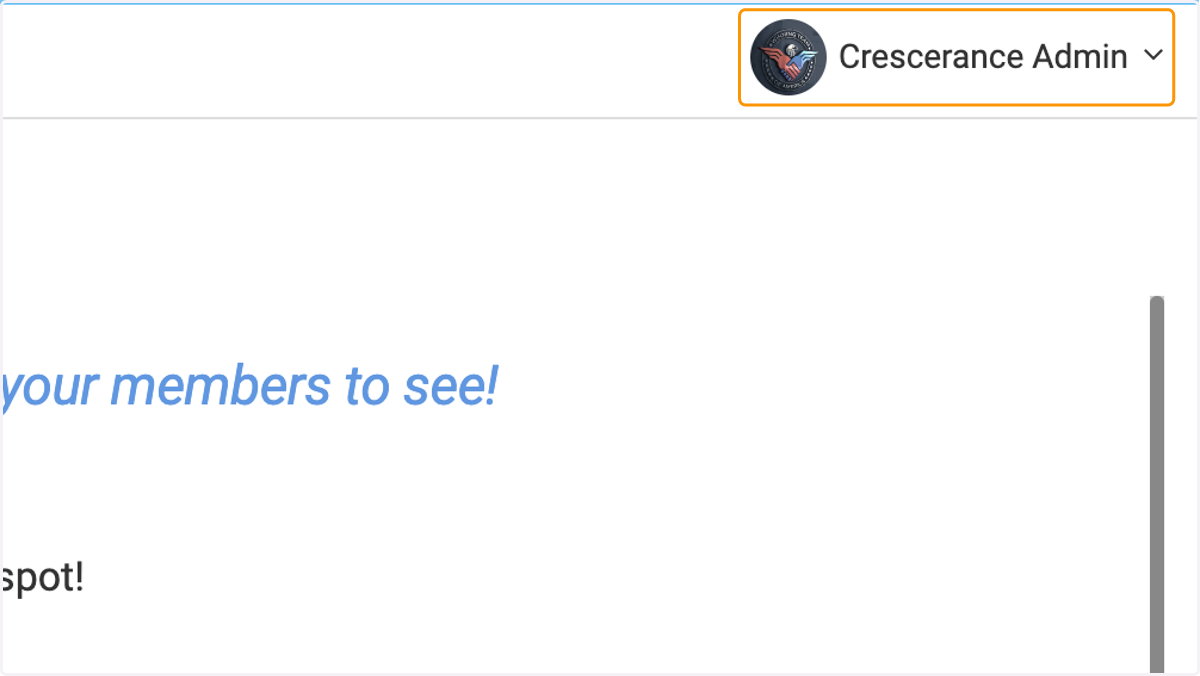
1. Once you have logged into Engagifii, head over to the top right of the page and click on your name
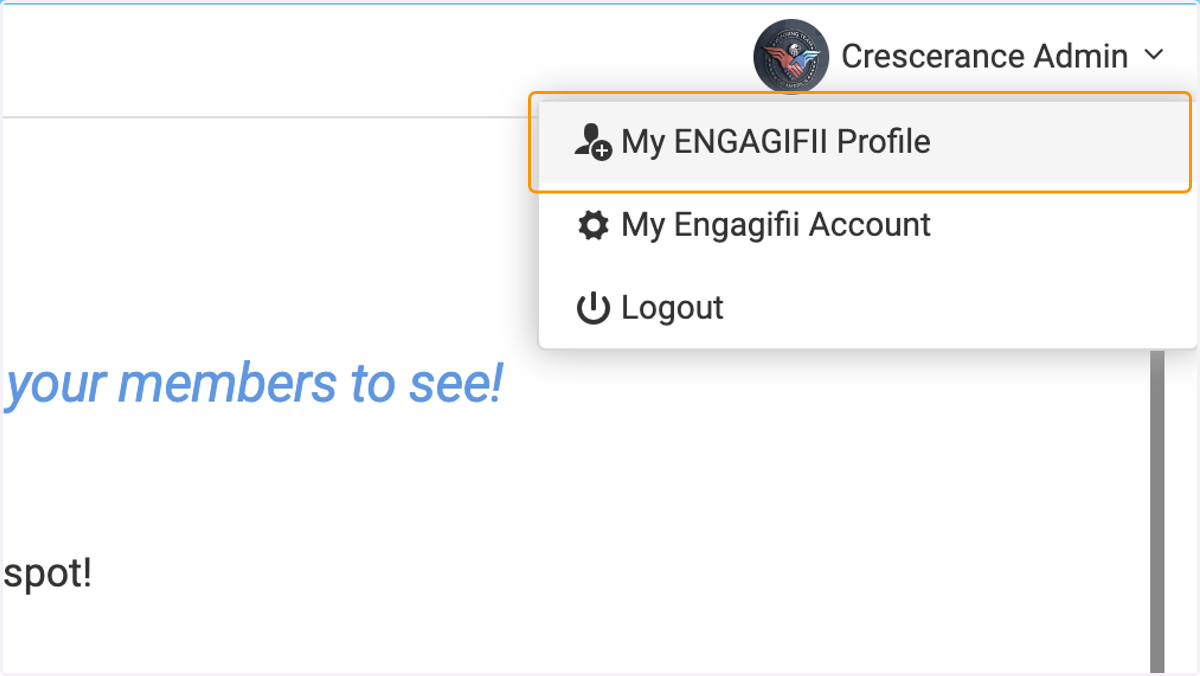
2. Click on My ENGAGIFII Profile
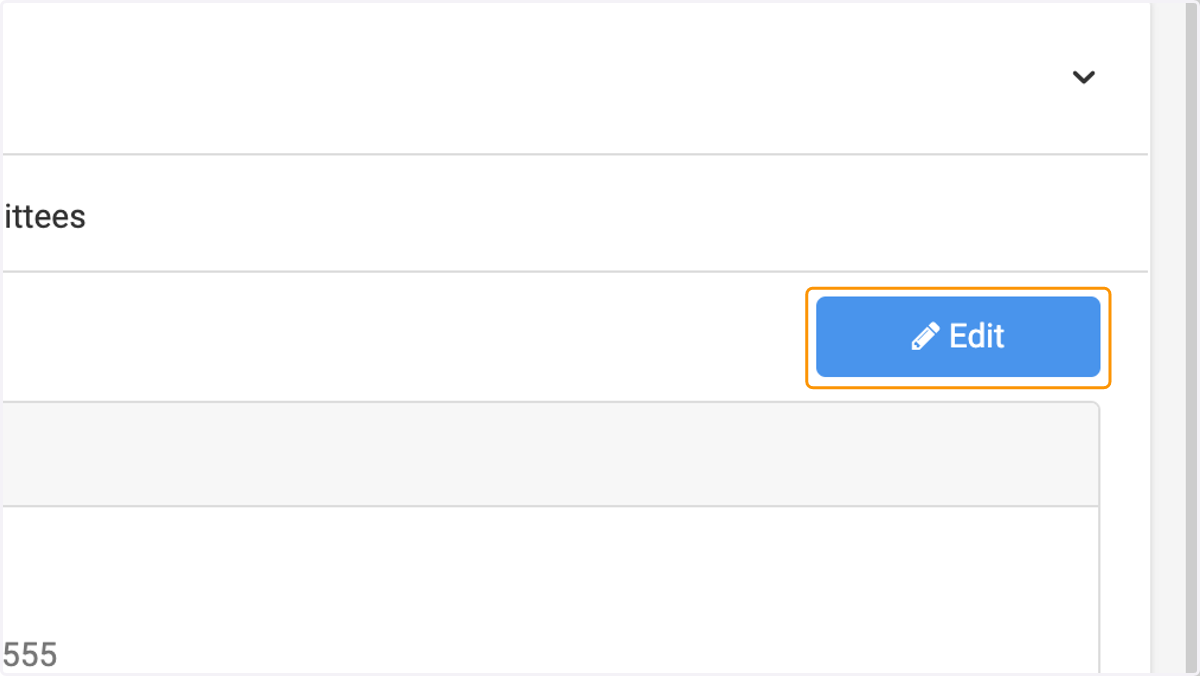
3. Click on Edit
4. Update your primary email address
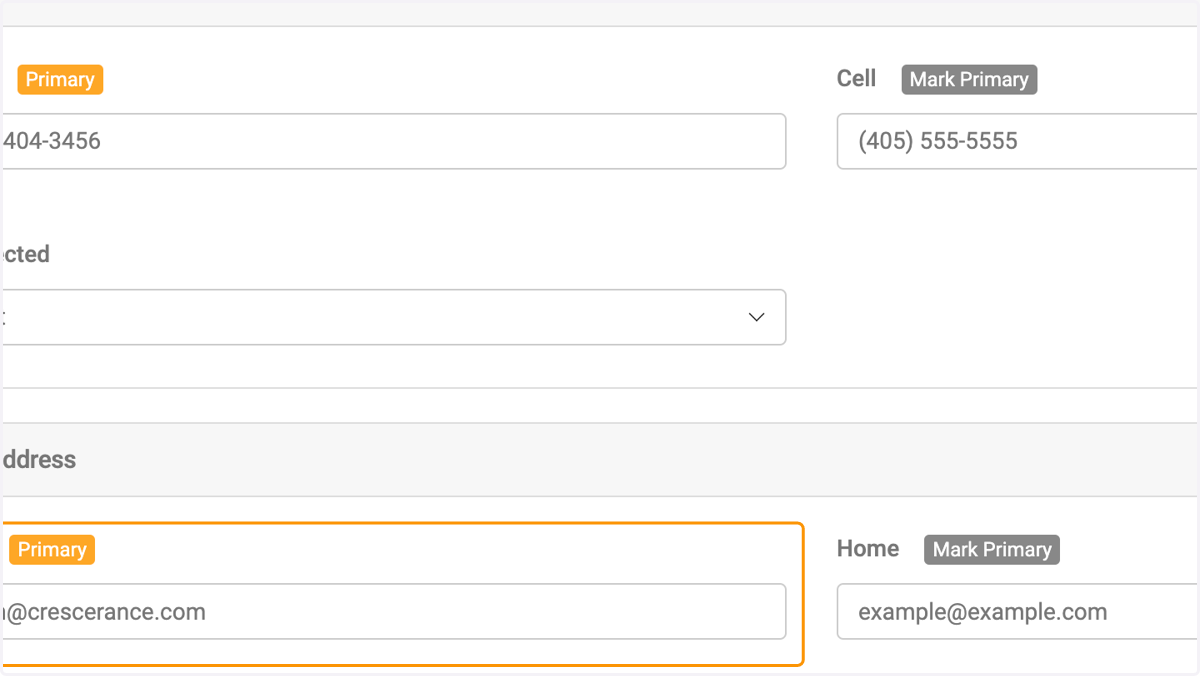
5. Update your secondary email address
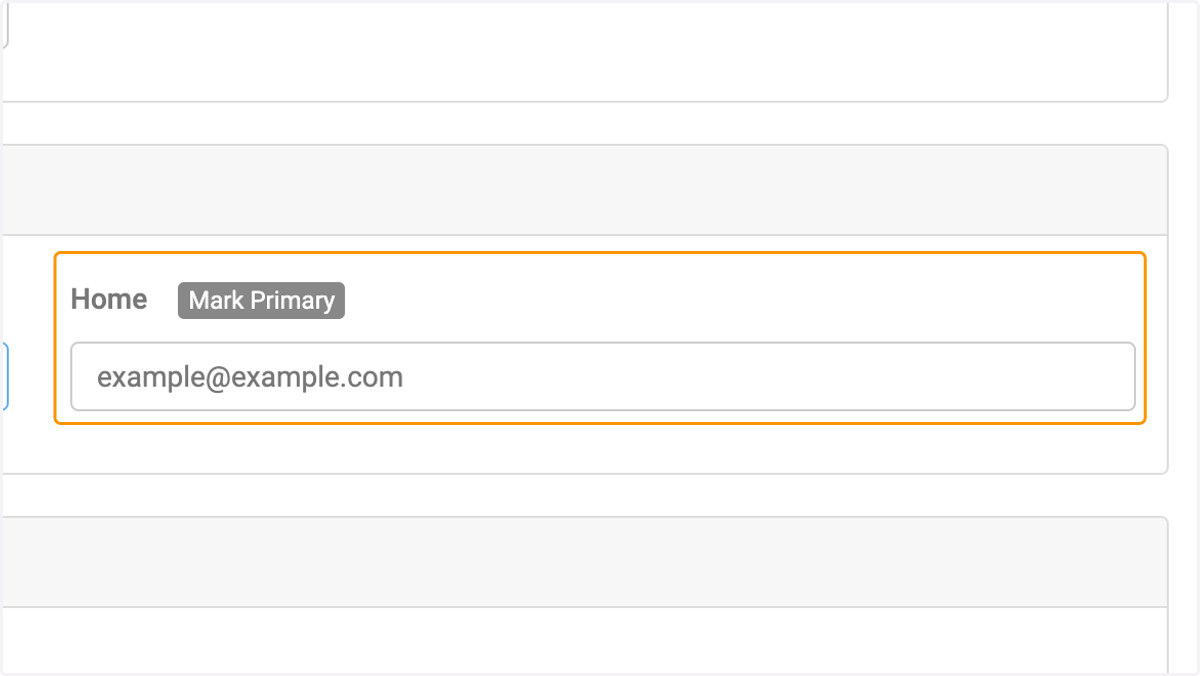
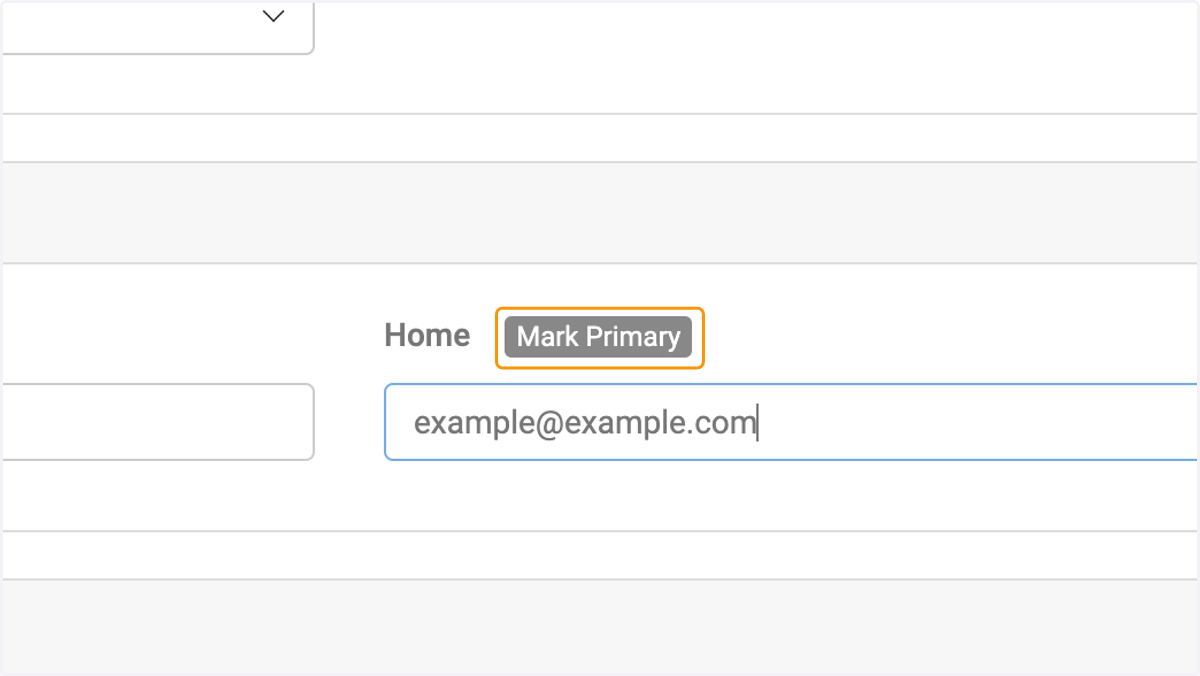
6. Click on Mark Primary to make your secondary email address your primary
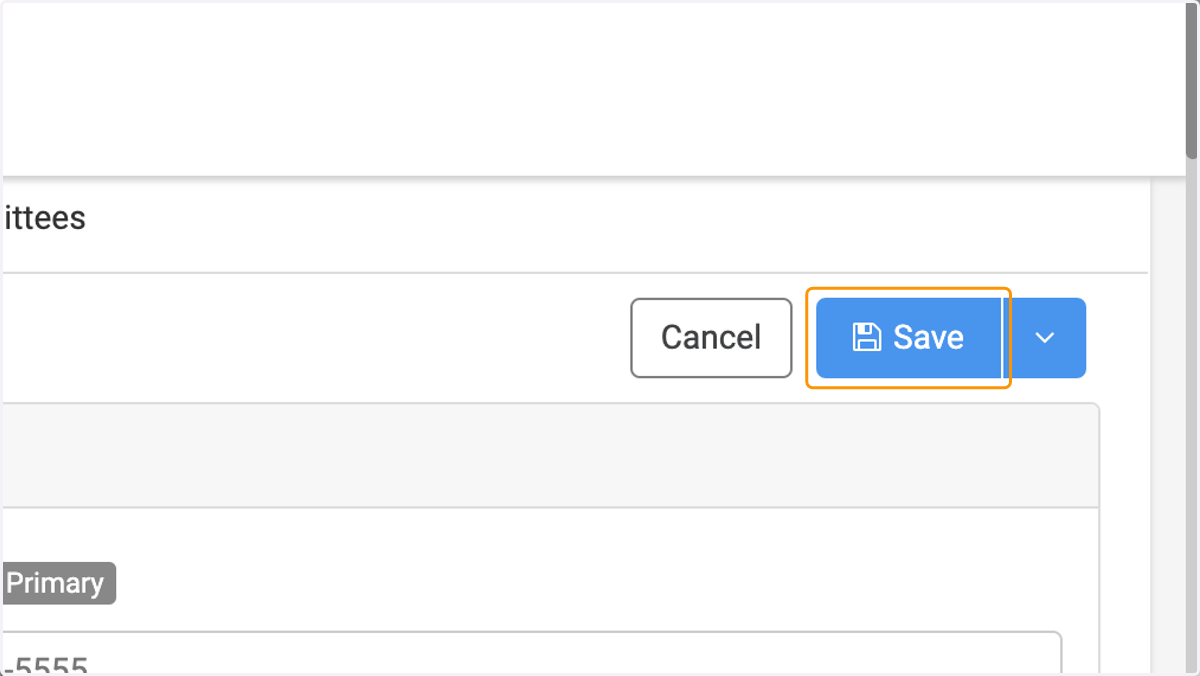
7. Click on Save