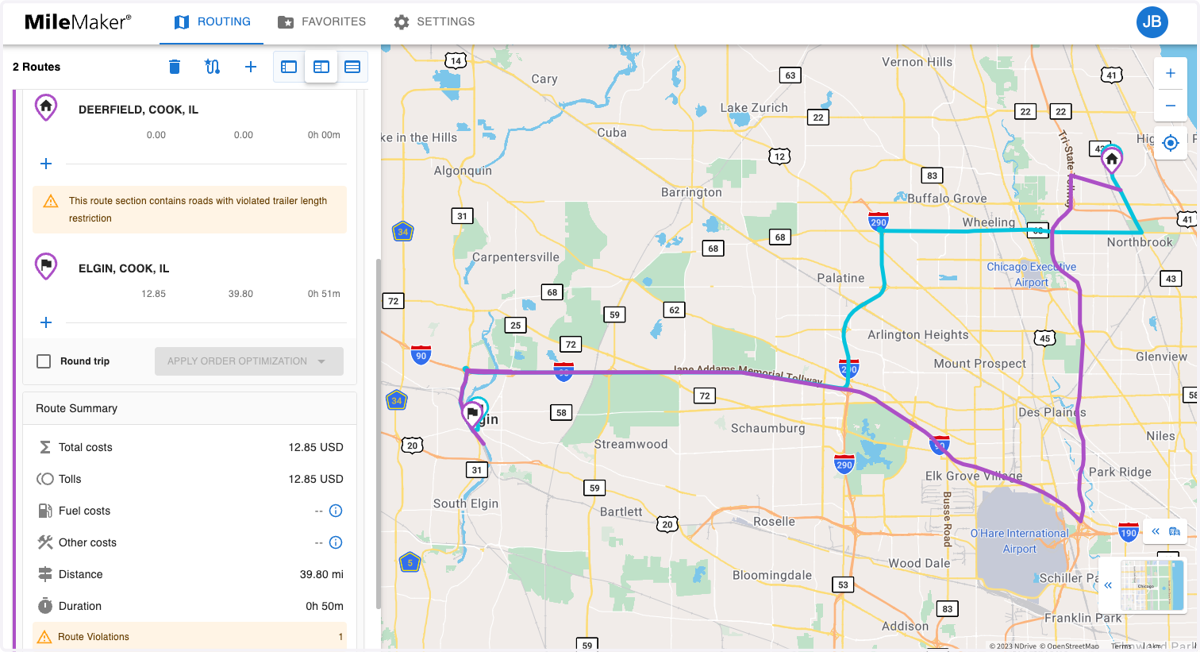
How to change a route from Guide 20 to Guide 19
Because Guide Versions in MileMaker rely on separate underlying map data, some of the stops might not match up exactly when switching from Guide 20 to Guide 19, or visa versa. This how-to guide aims to explain how to solve those issues that might arise when switching guides.
Milemaker
1. Go to app.milemaker.com, and add a route in Guide 20
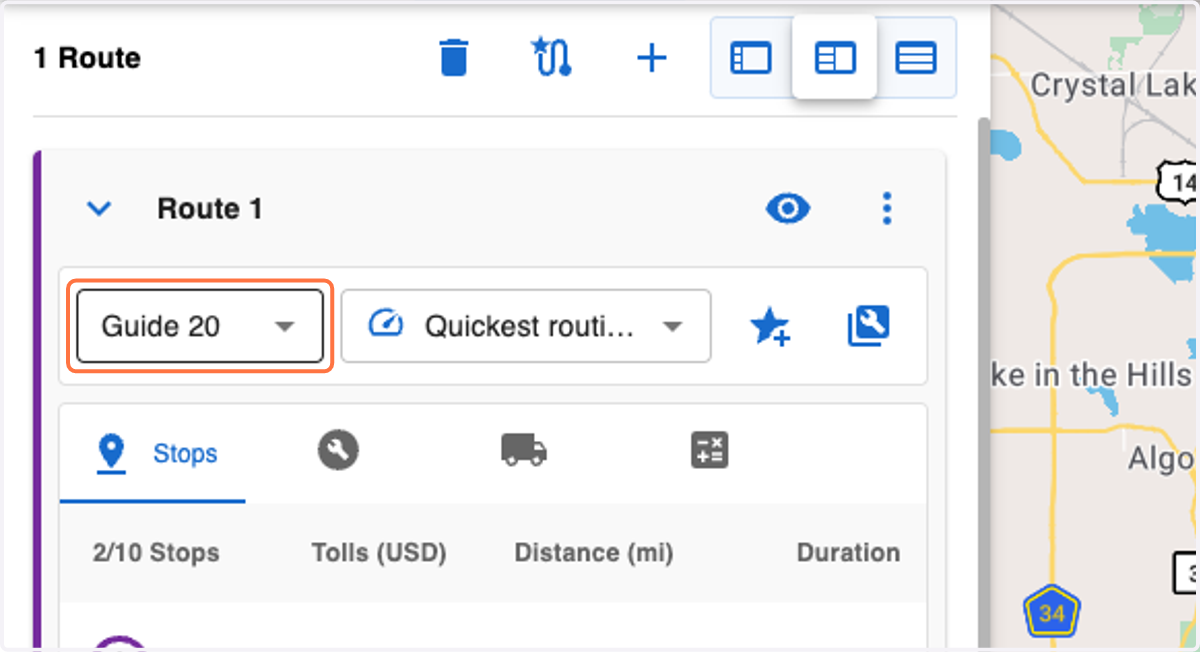
2. Click on the Guide Version dropdown menu
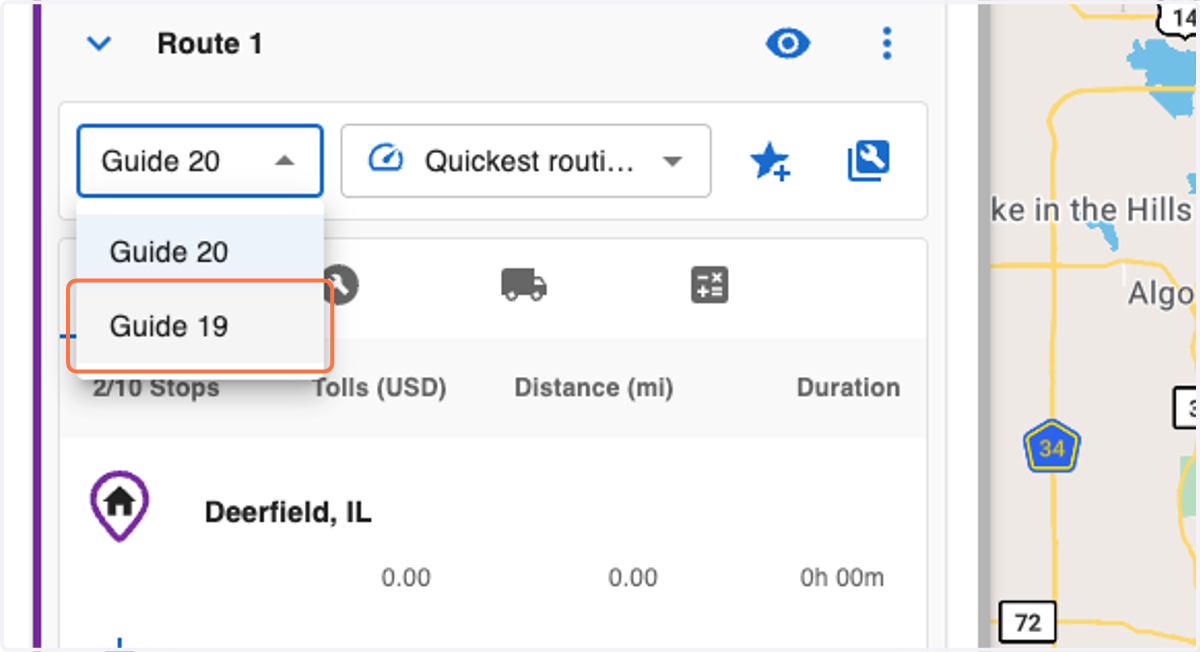
3. Select Guide 19 from the dropdown list
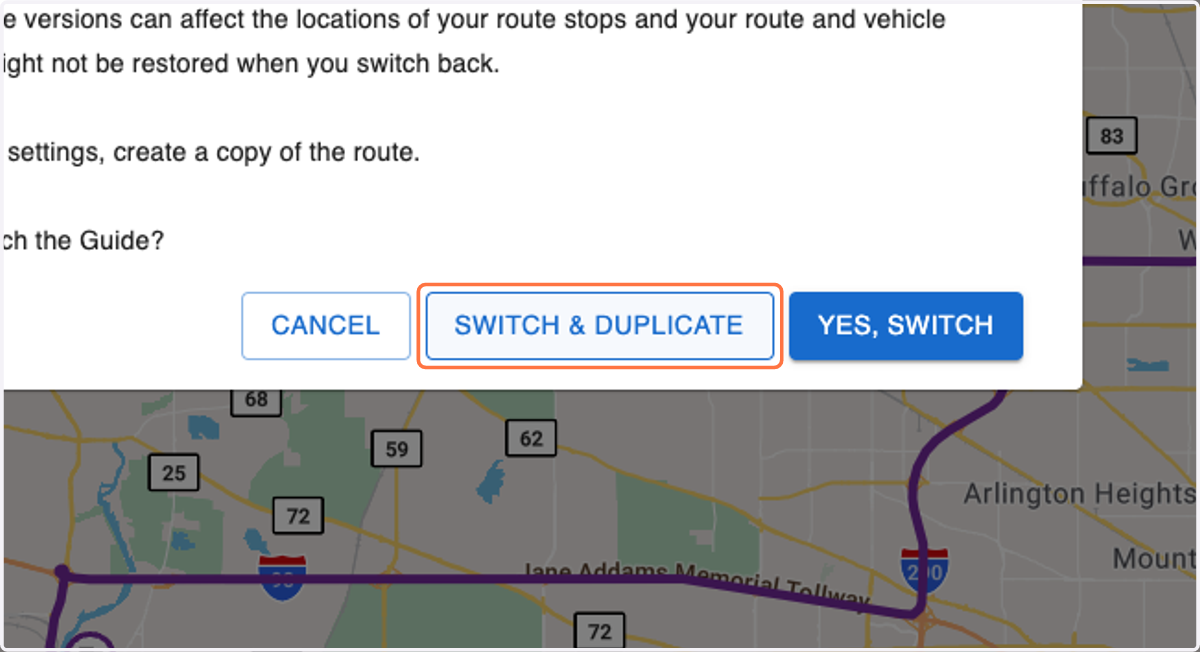
4. A message will appear explaining some of what might happen when changing guides. We recommend creating a copy of the route when doing this to preserve the original.
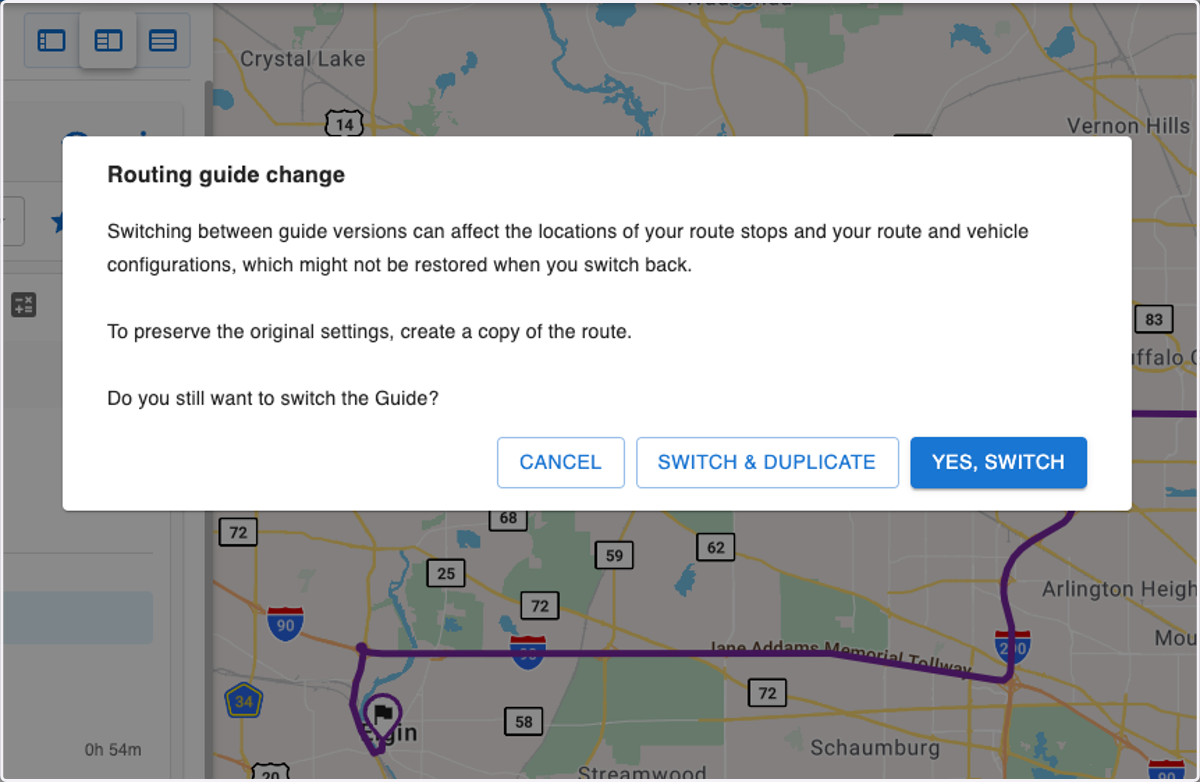
5. Click on SWITCH & DUPLICATE to create a copy of the Route in Guide 19
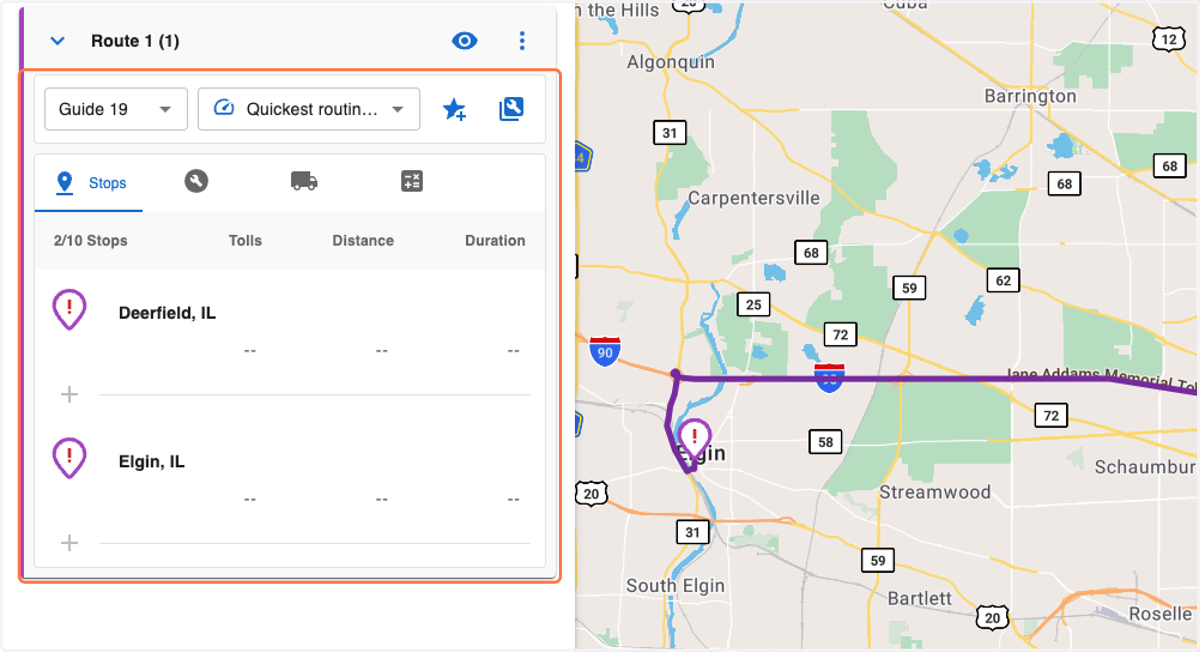
6. In the new route, the origin and destination have a red error icon, indicating that a match was not found in Guide 19. You'll need to update each stop manually.
Note: MileMaker does its best to match the locations for you, but if we can't be certain of an exact match, the app will present the error icon so you can resolve manually.
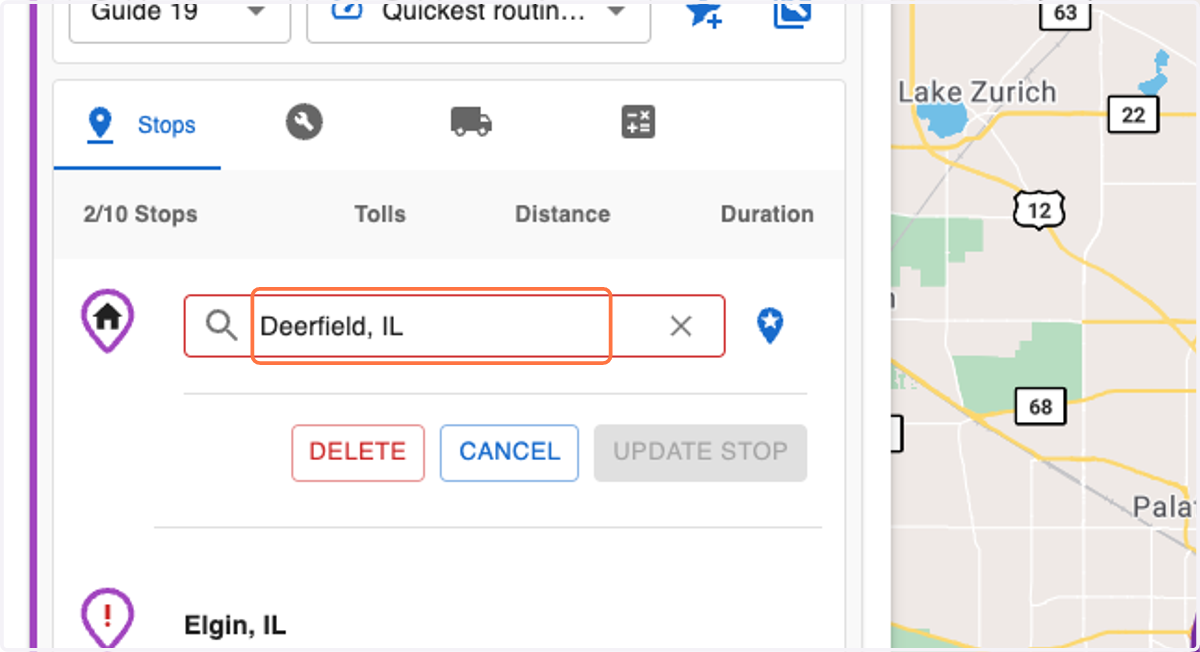
7. Click on the Origin
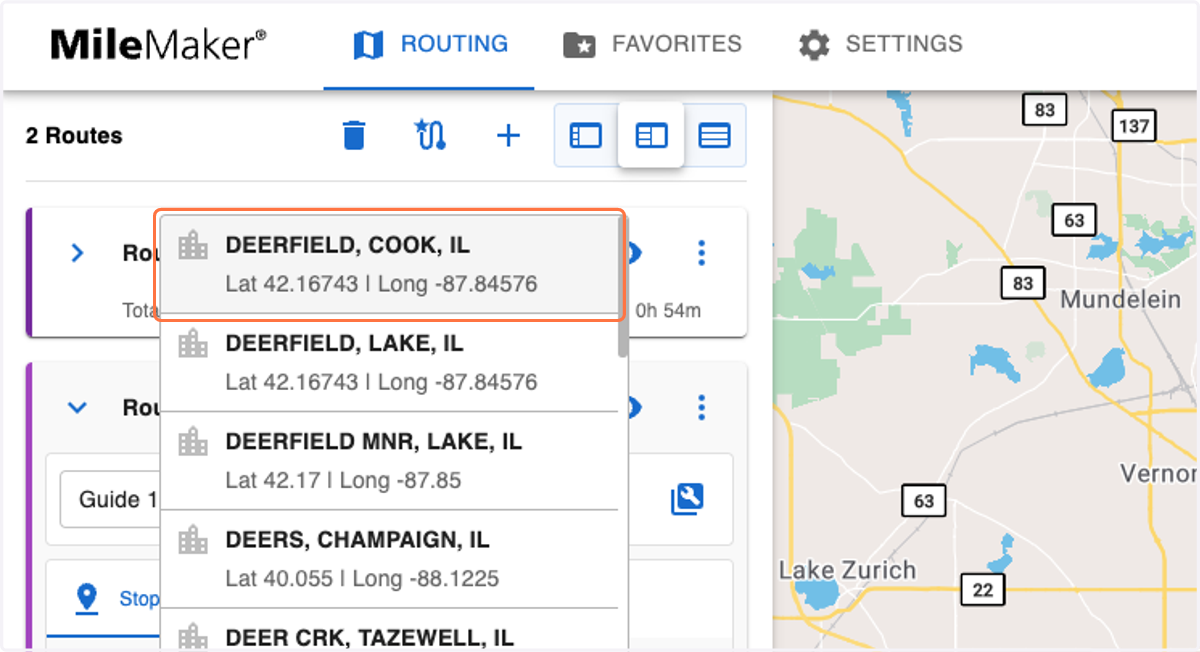
8. Select the best match from the Guide 19 search results
9. Click on UPDATE STOP
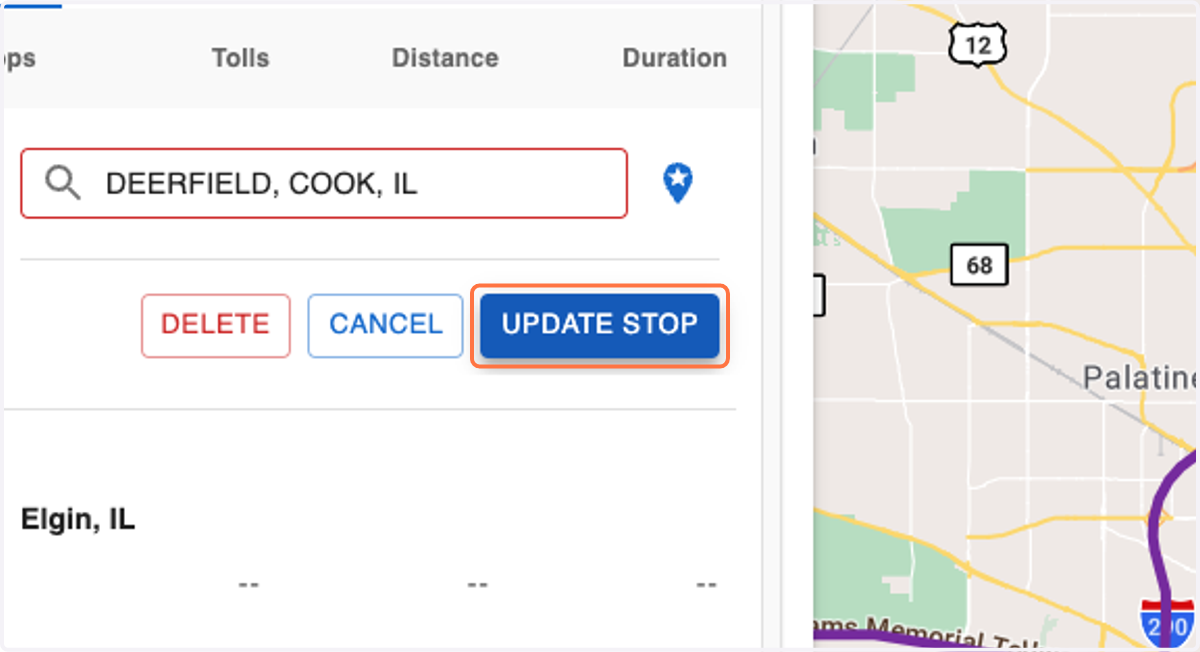
10. Repeat the previous 3 steps for the destination, or any additional stops with the red error icon.
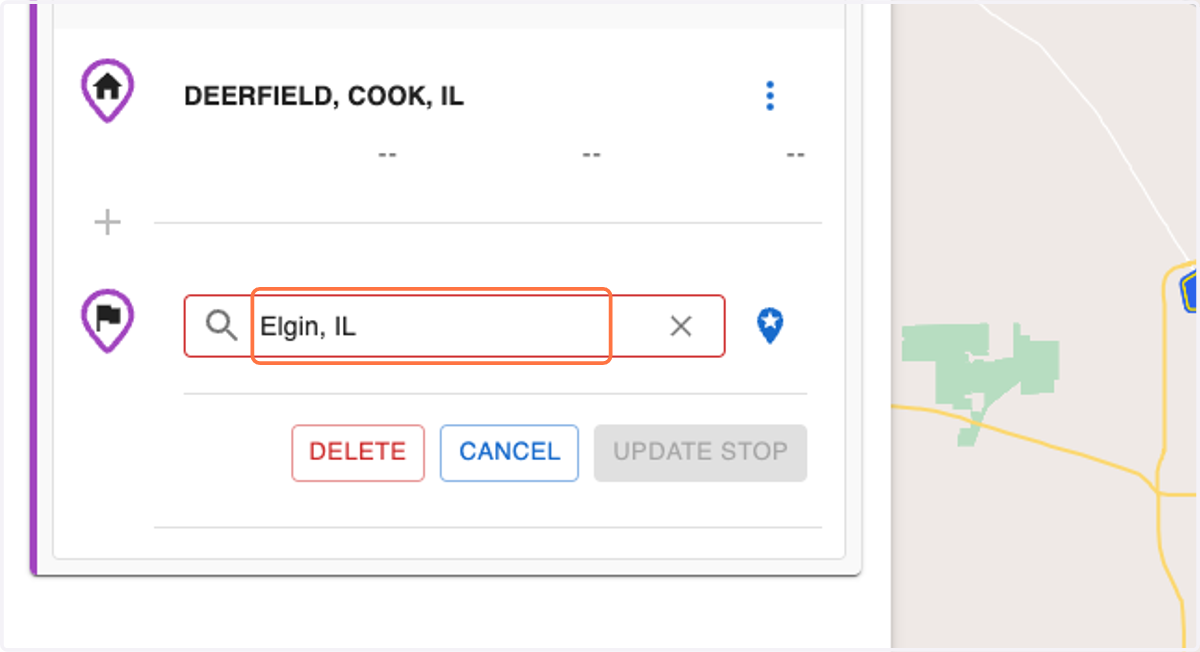
11. The Guide 19 version of the route has been created successfully, and you can compare it to the Guide 20 version on the same map.