Adding a HR Representative or ADA Coordinator
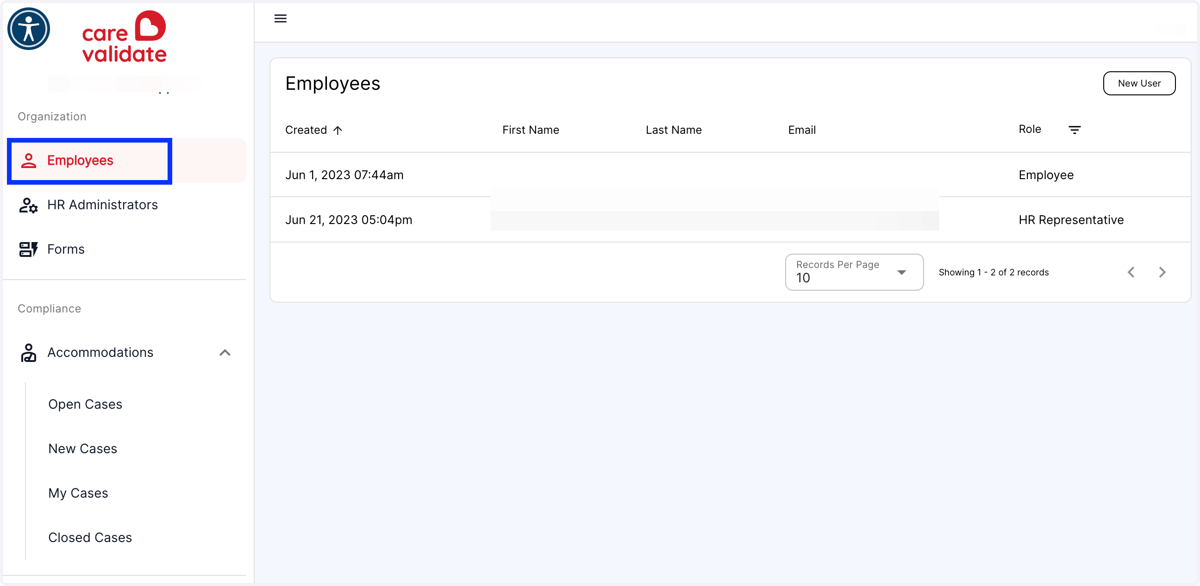
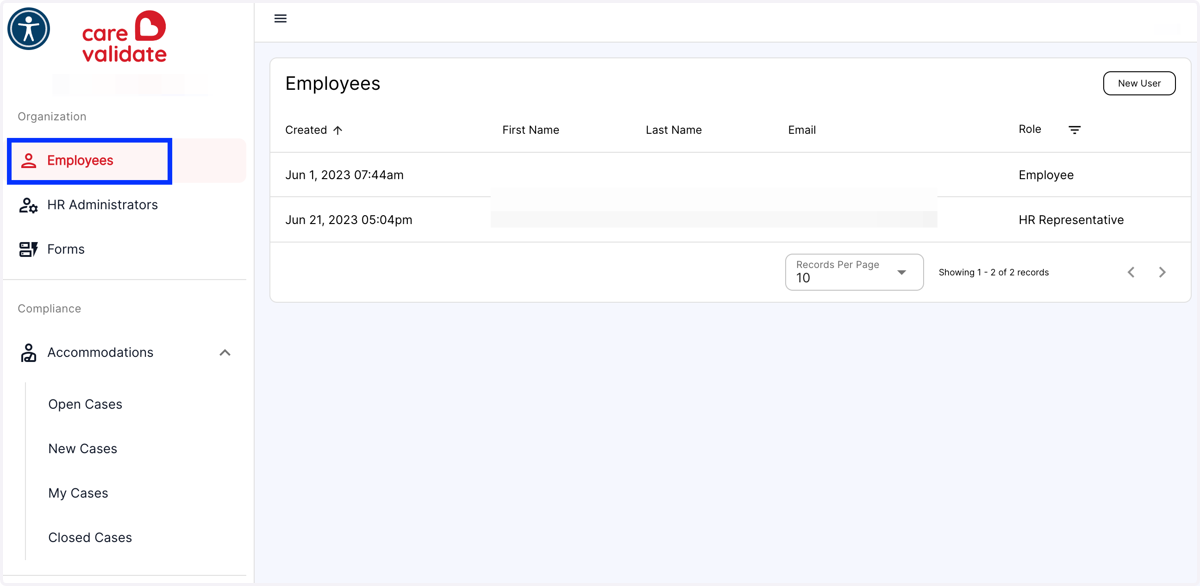
1. Click on Employees. (*Note - Only HR Admins or CVA can add a HR Representative or ADA Coordinator)
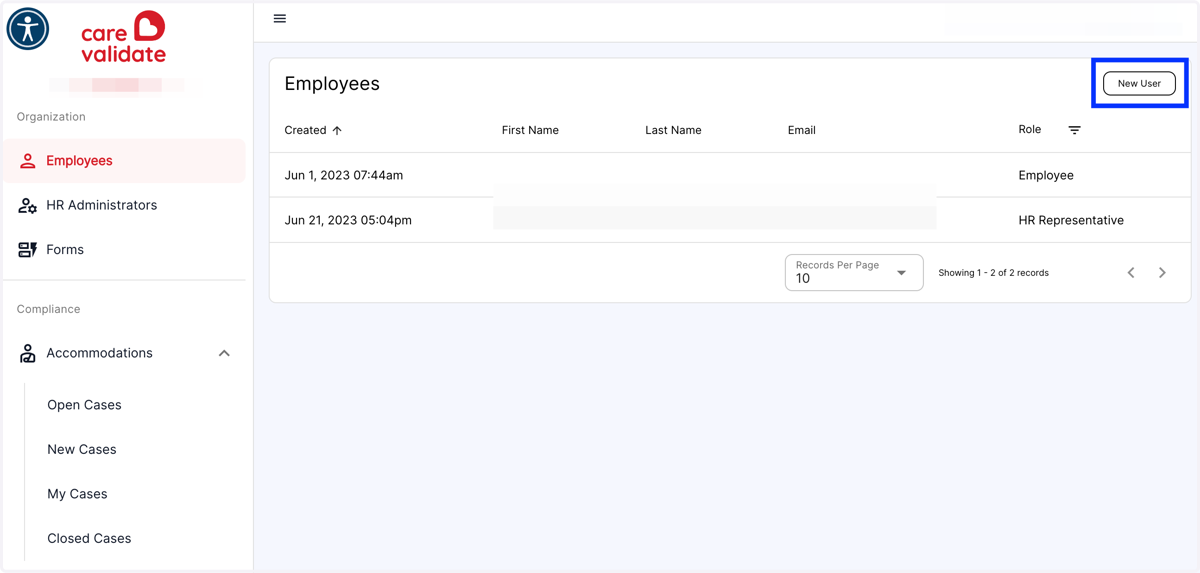
2. From the Employees Menu, click the New User button in the top right-hand corner
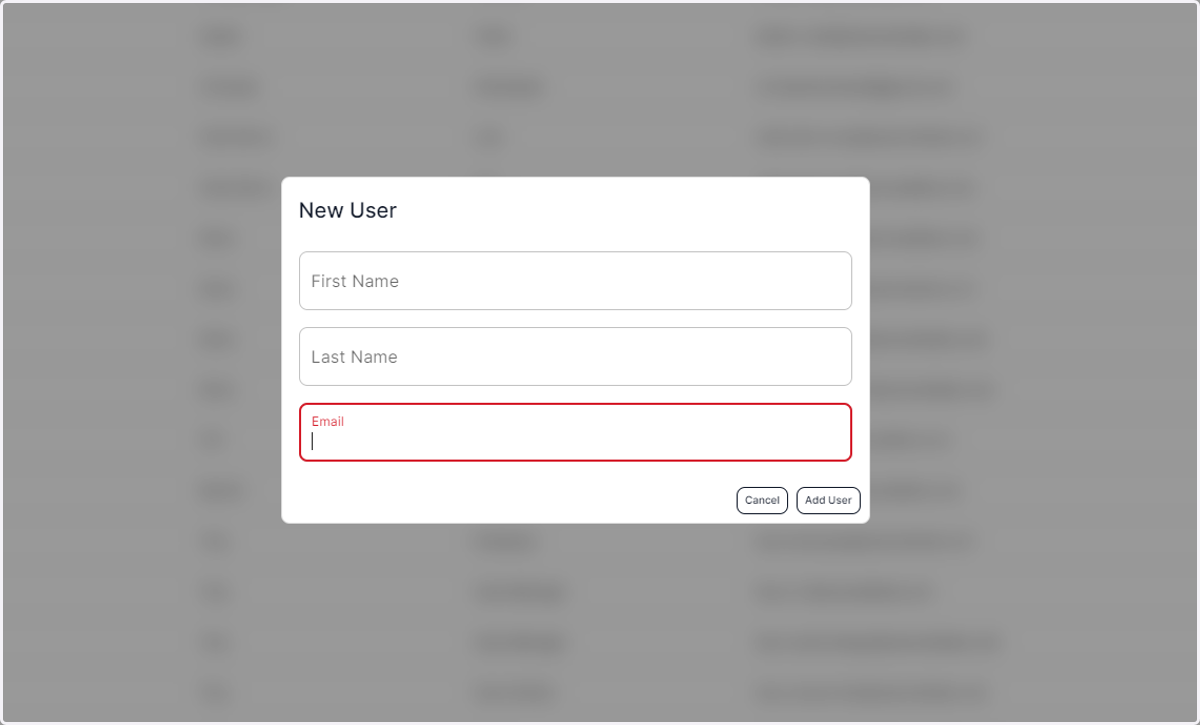
3. Fill out the New User information
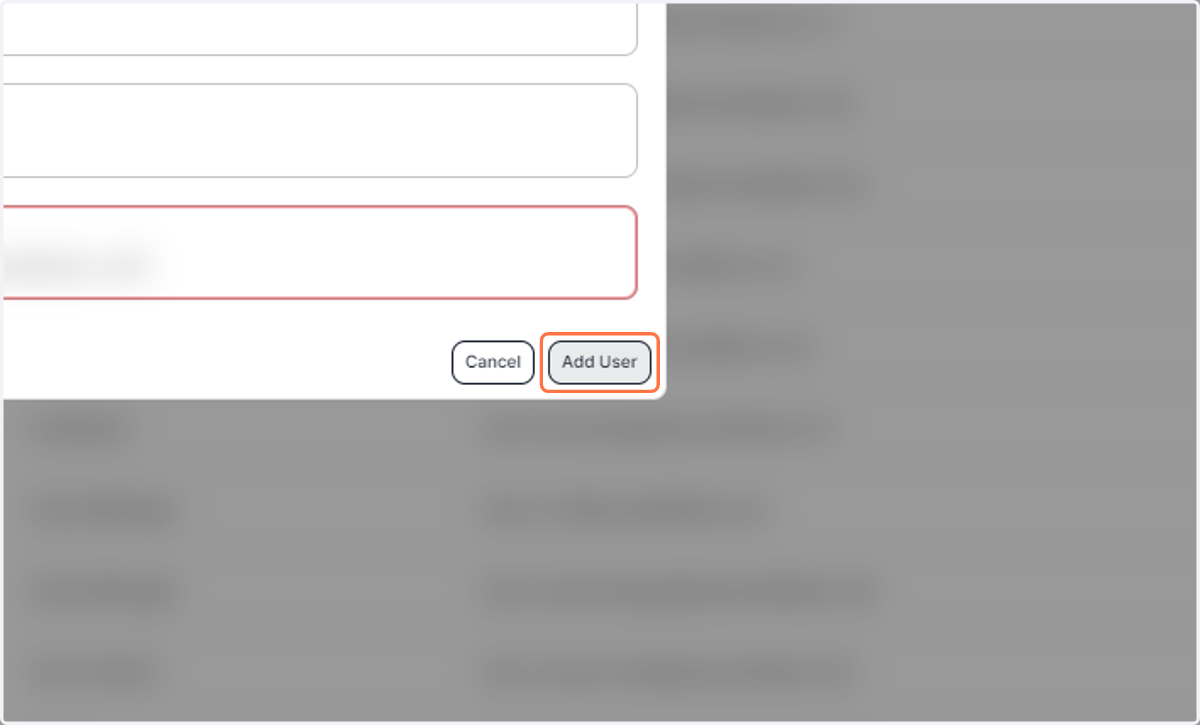
4. Click on Add User
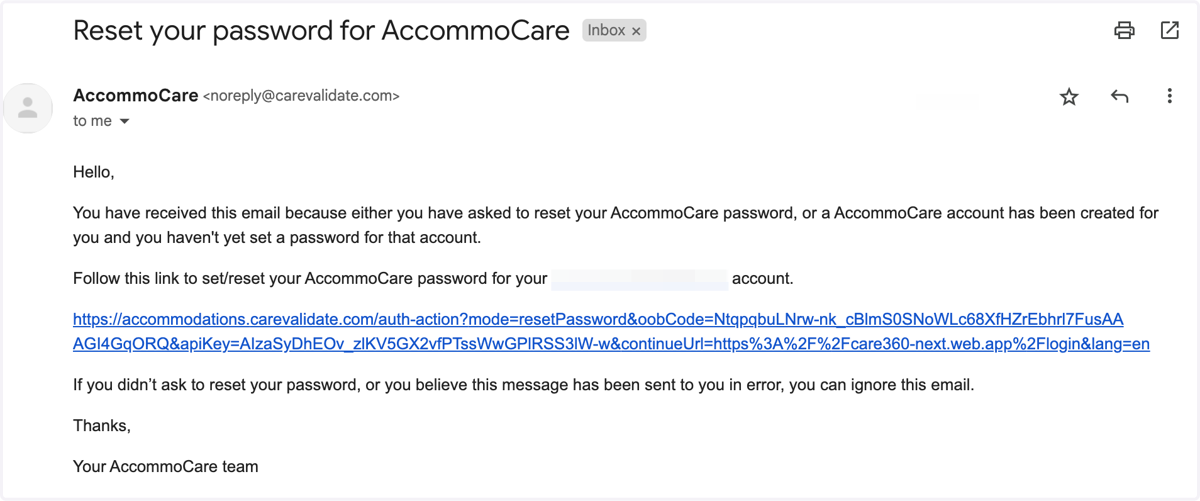
5. The new user will receive an invitation email with a link to set up their password
6. Click on Employees…
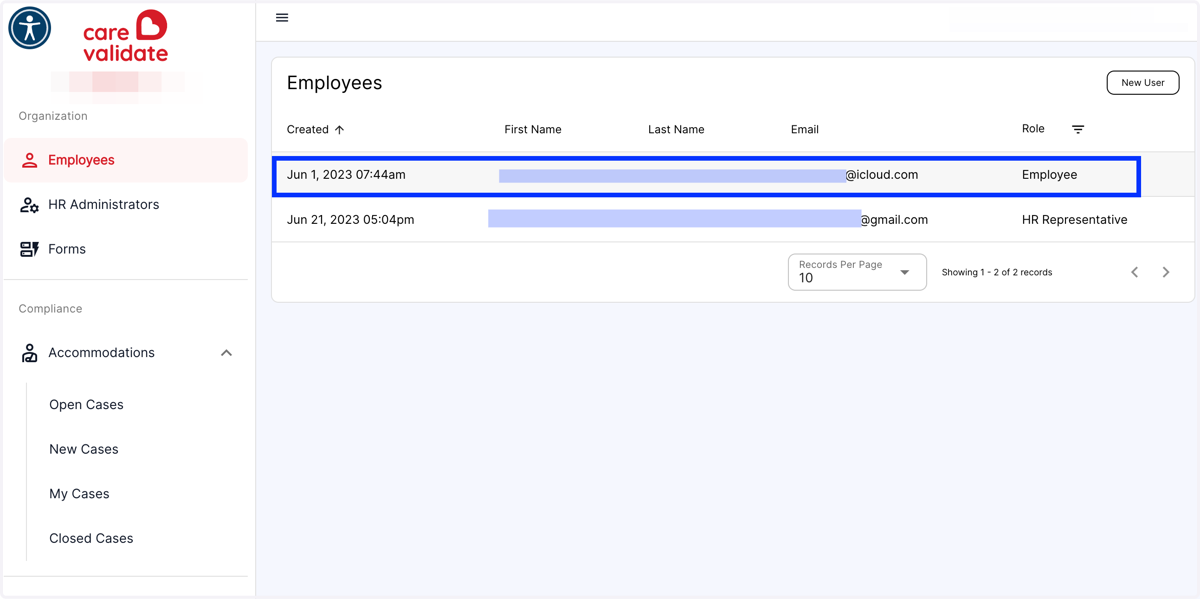
7. Click on the employee entry
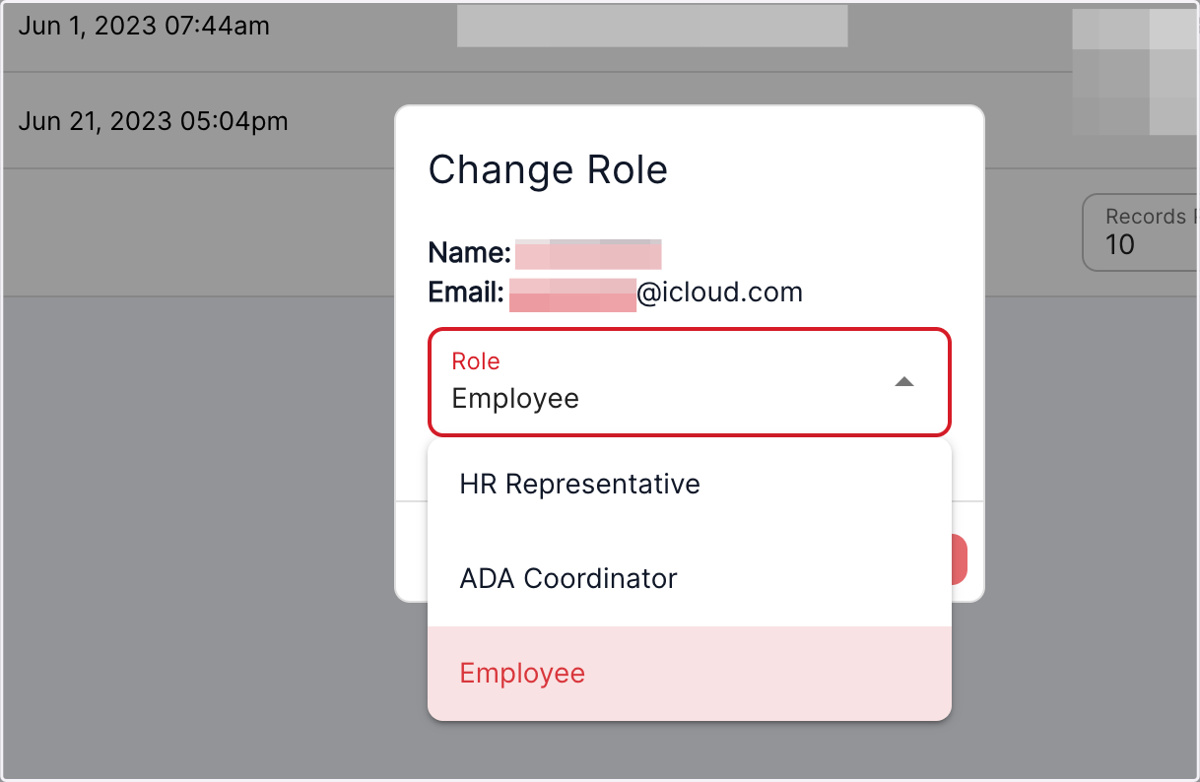
8. Click on Change Role
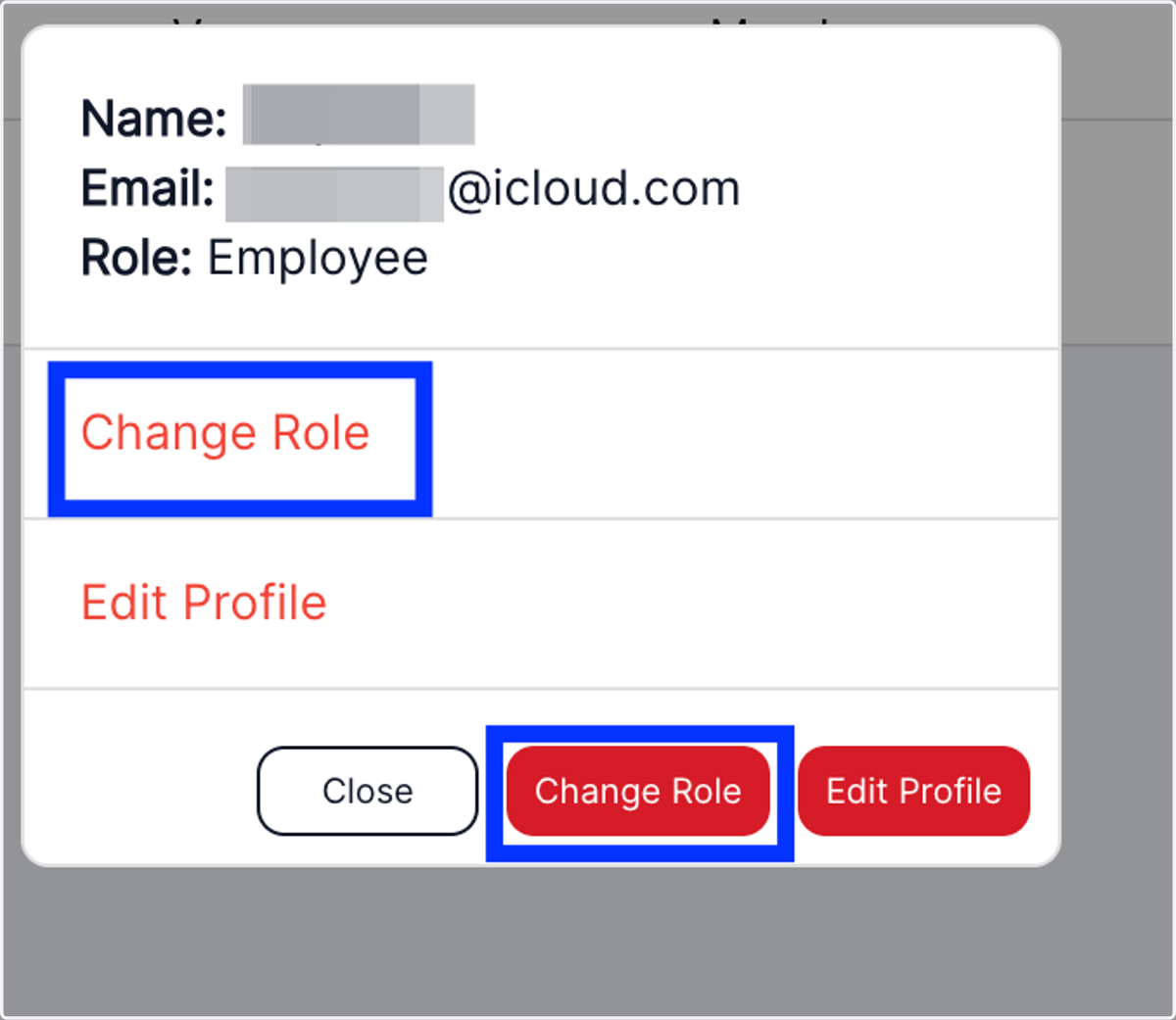
9. Select the role for the employee from the drop down list
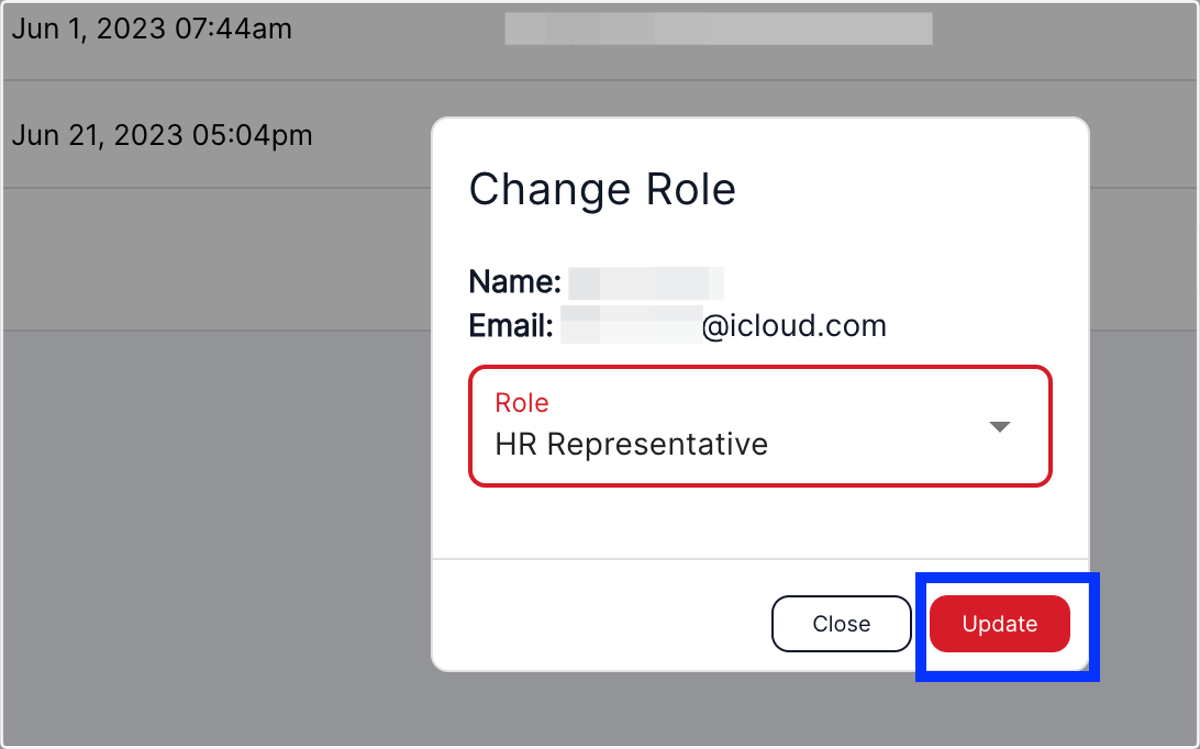
10. Click on Update
11. The Employee will see their new role and functions the next time they log in