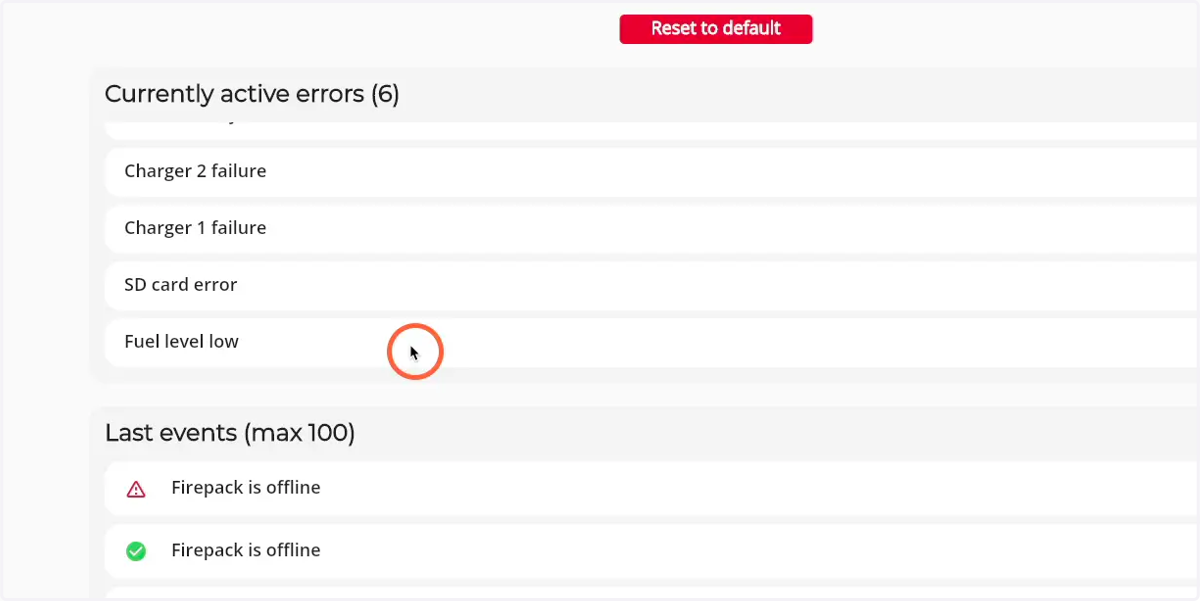
How to view all active errors of a Firepack
1. Navigate to web.firecoach.app
2. Log in with your Firecoach account
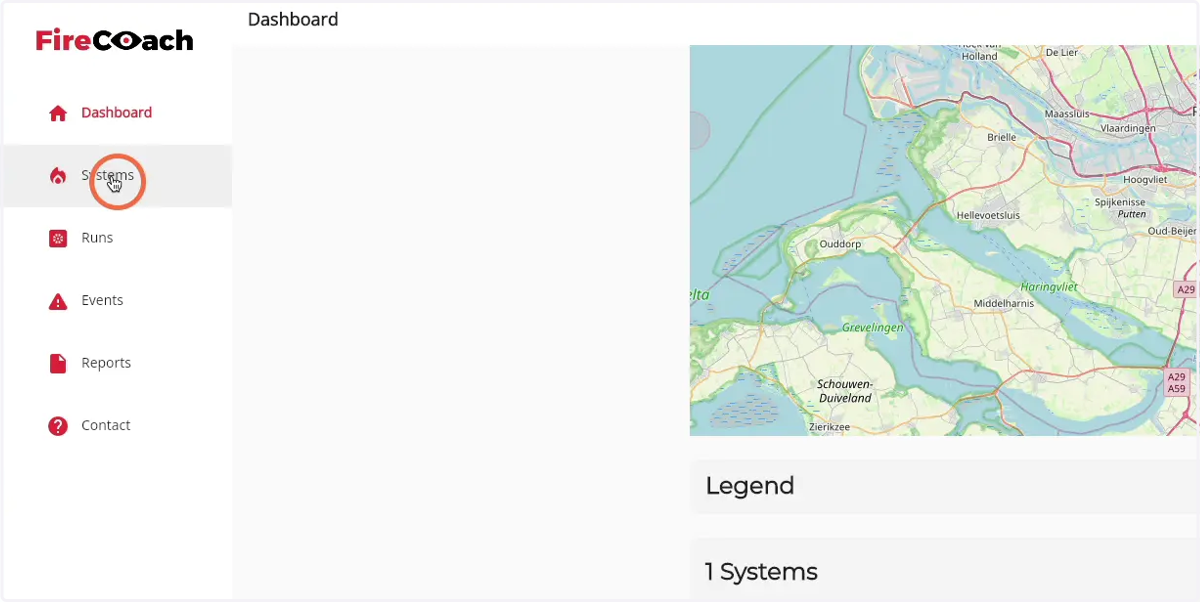
3. Click on 'Systems'
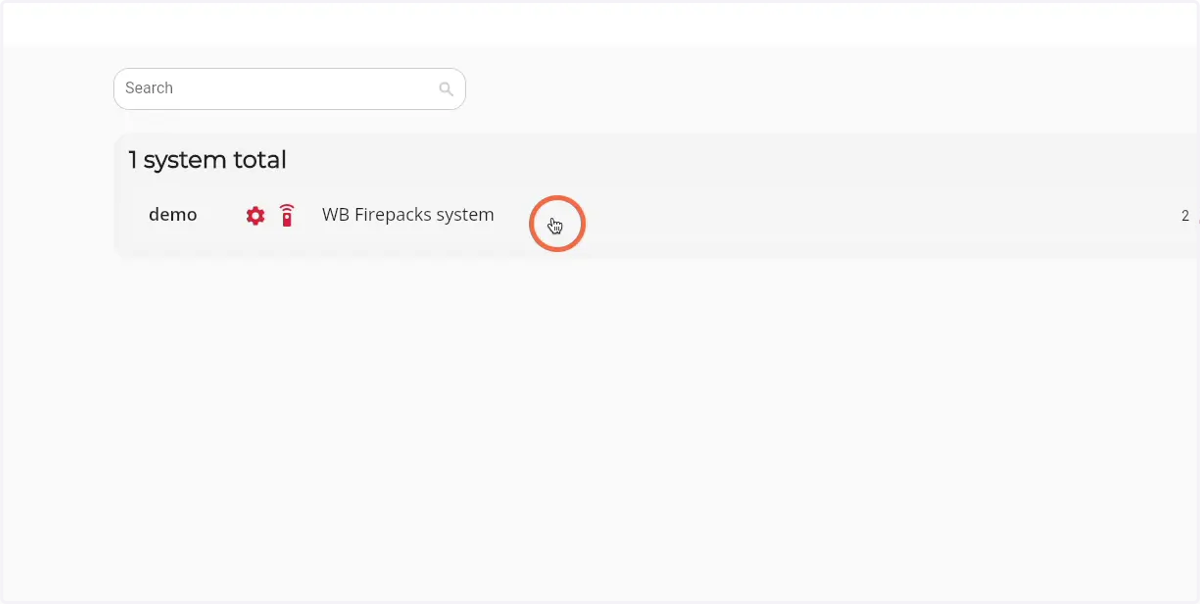
4. Click on the Firepack that you would like to see the live status of
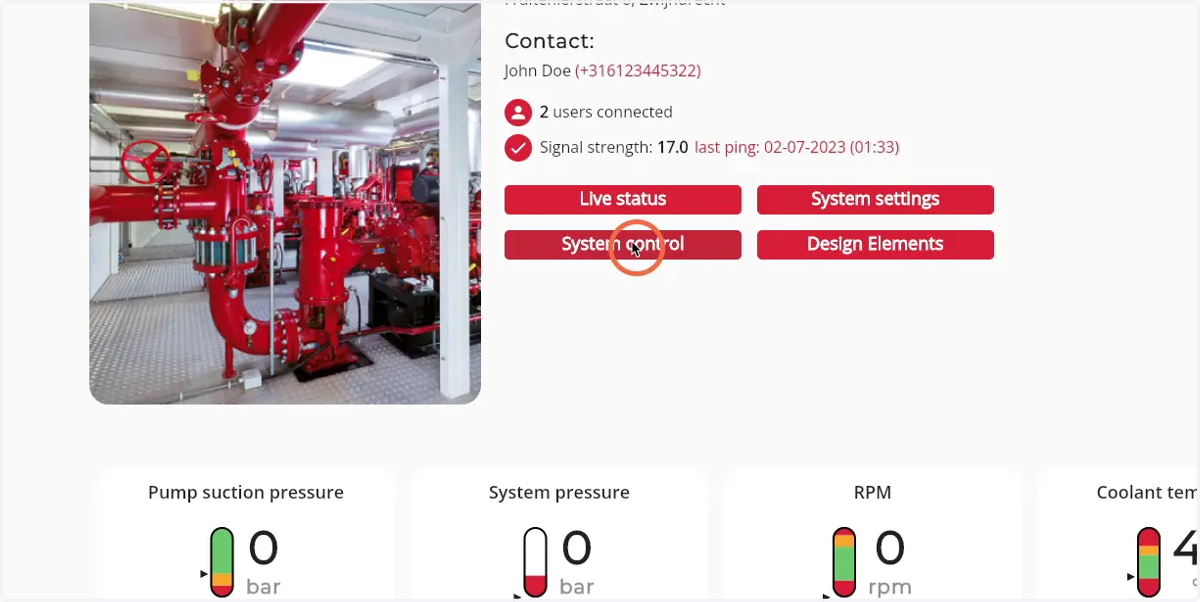
5. Click on 'System control'
6. All active errors are shown in the 'Currently active errors' box
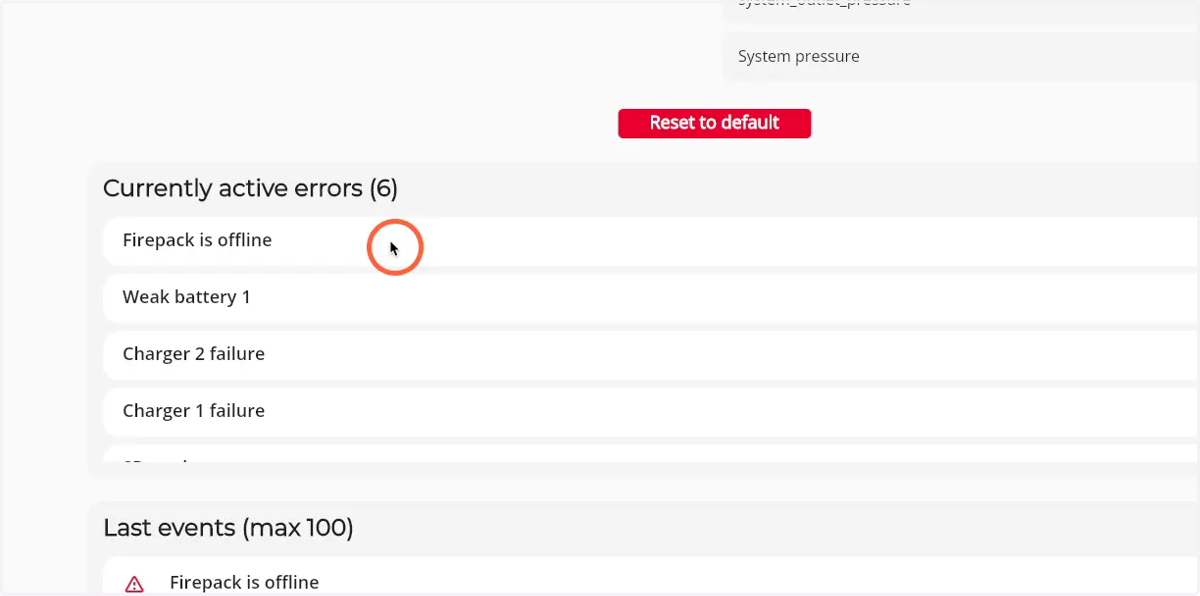
7. Scroll in the box to see errors in the bottom of the component