Migrate WordPress Site with Migrate Guru
Dashboard ‹ demoimportsite.instawp.xyz — WordPress
1. Note: migrate guru is already activated on the site generated by 1clickwebsite.ai - it must also be installed on the site you want to migrate to.
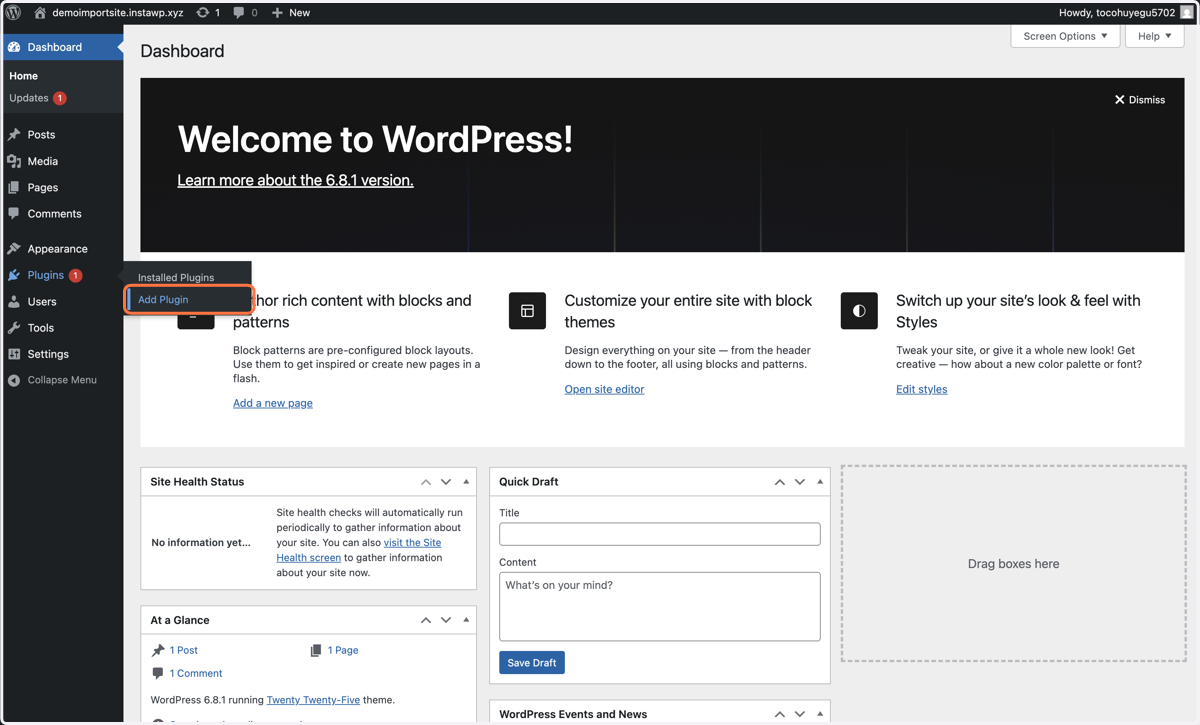
2. Type "migrate guru"
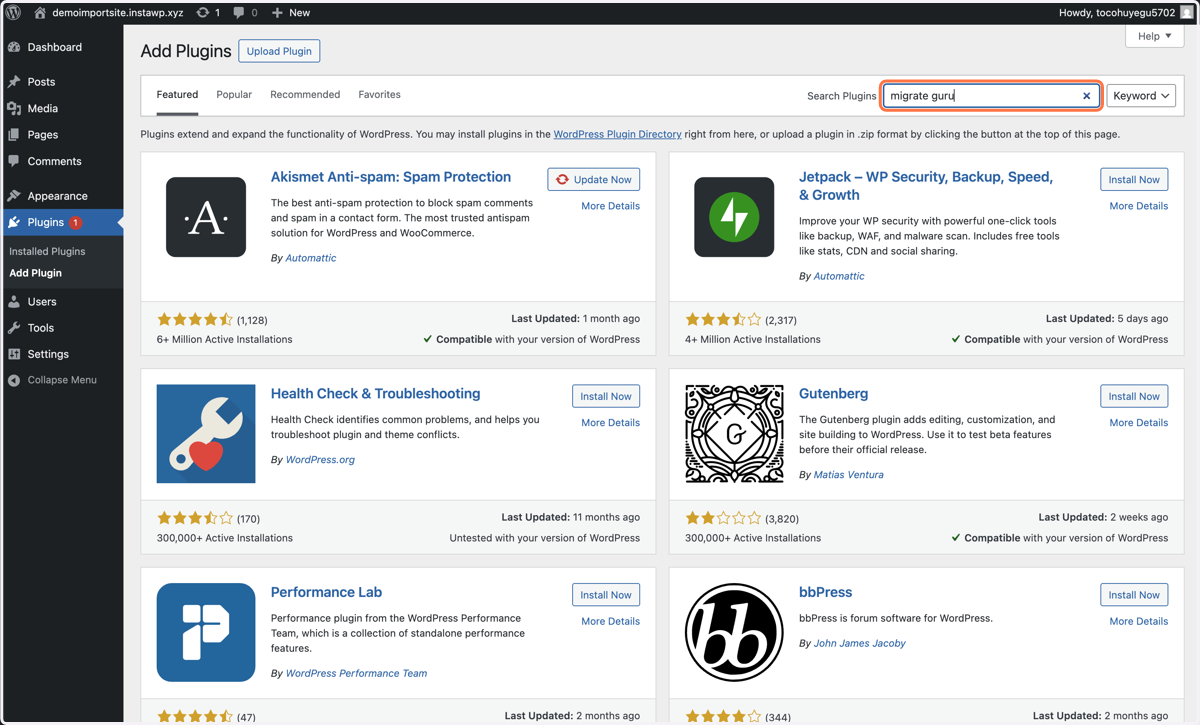
3. Click on Install Now & Activate it
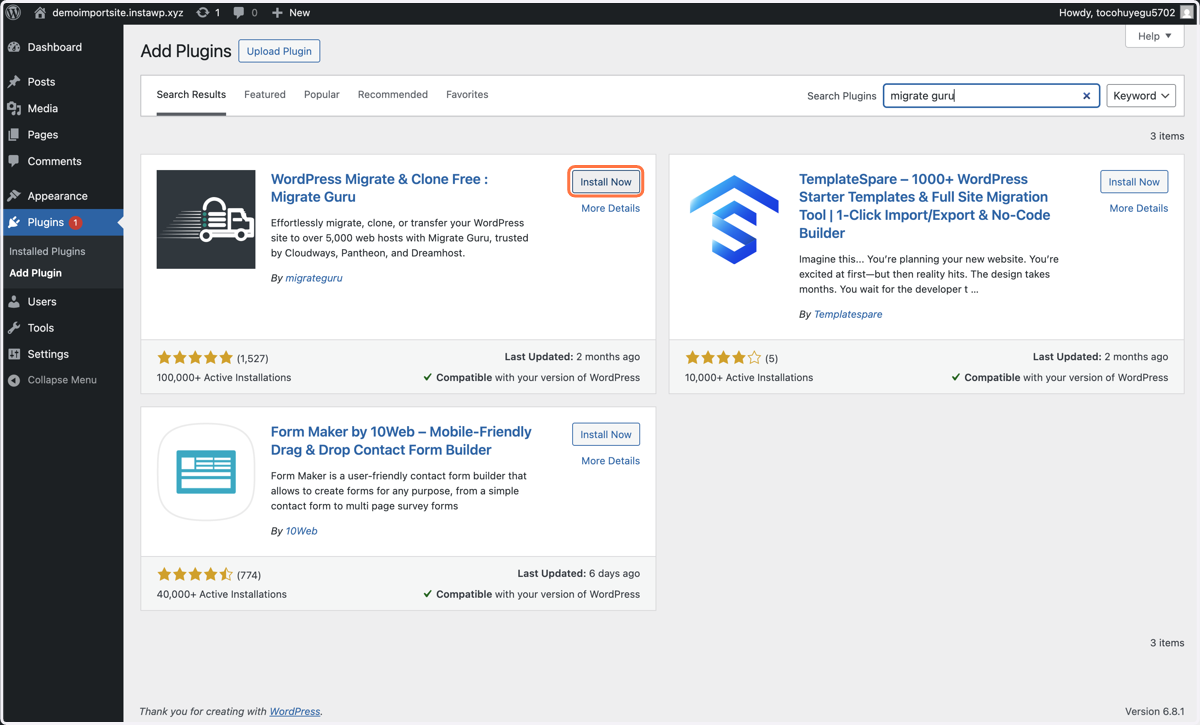
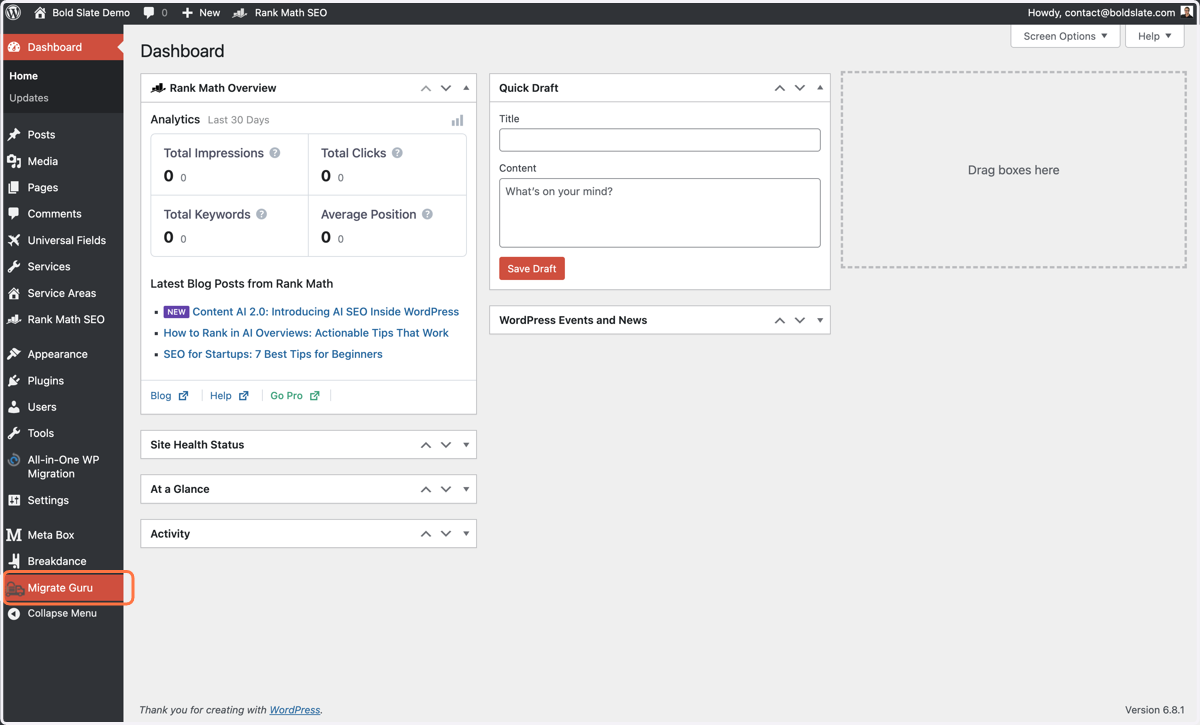
4. Click on Migrate Guru
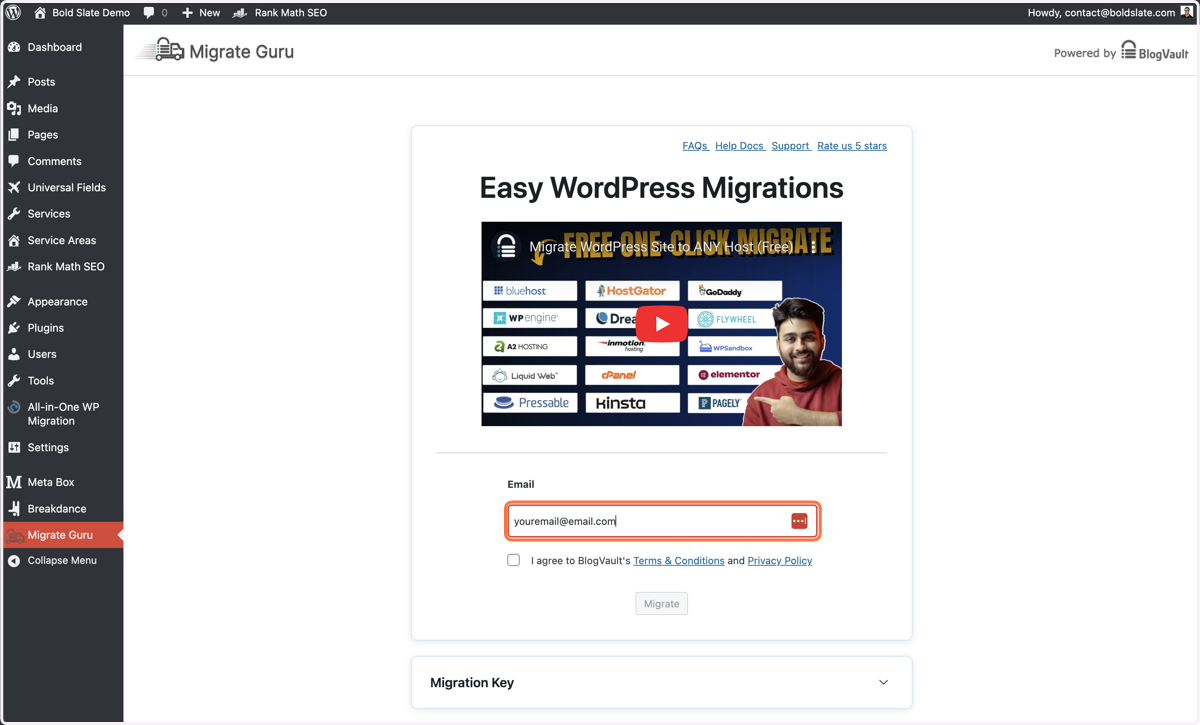
5. Type in your email here
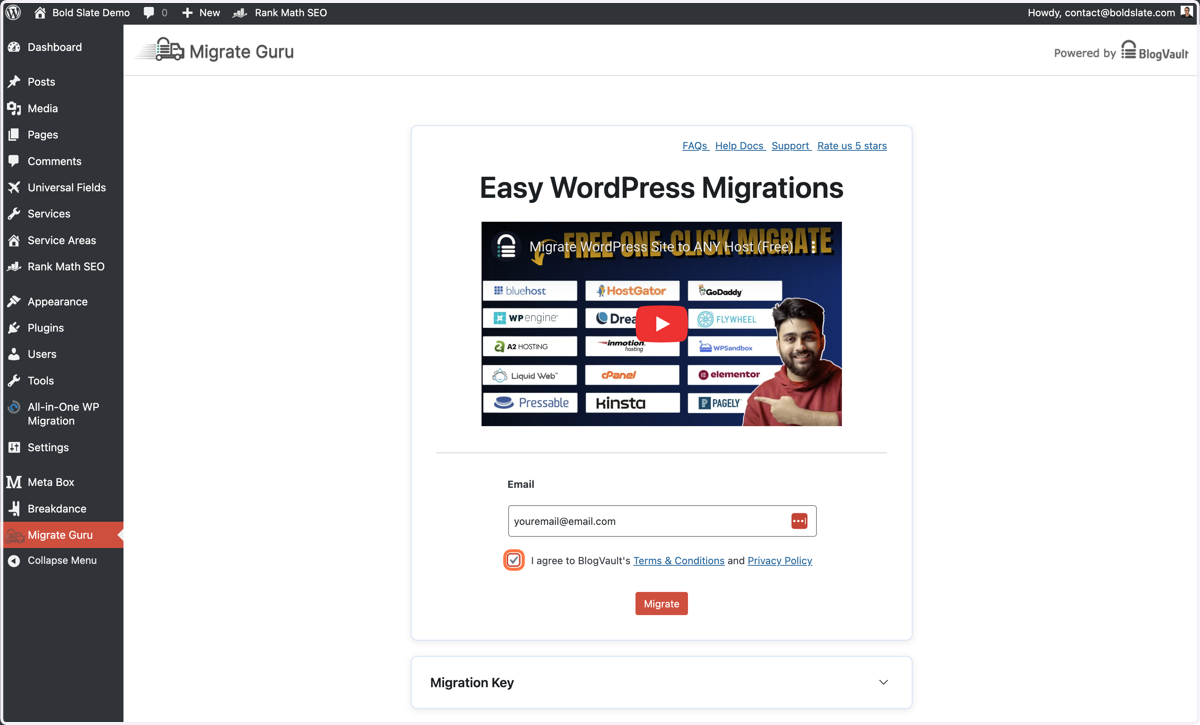
6. Check I agree to BlogVault's Terms & Conditions and Privacy Policy
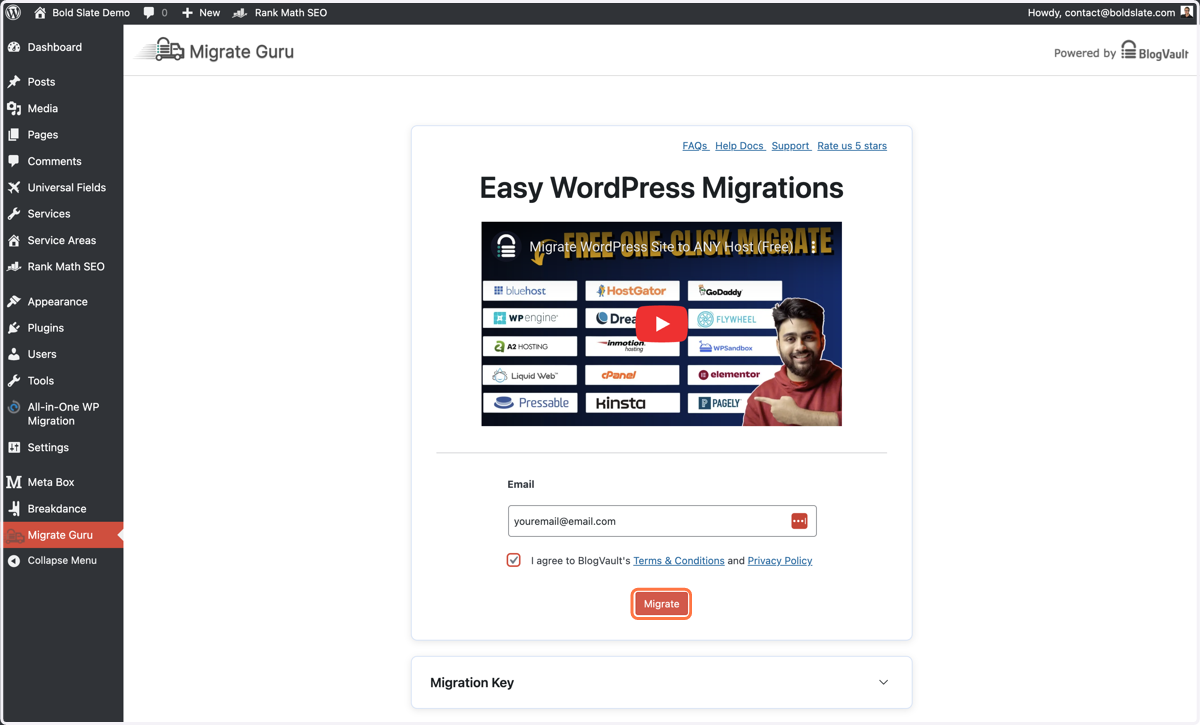
7. Click on Migrate
Automated WordPress Migration by BlogVault
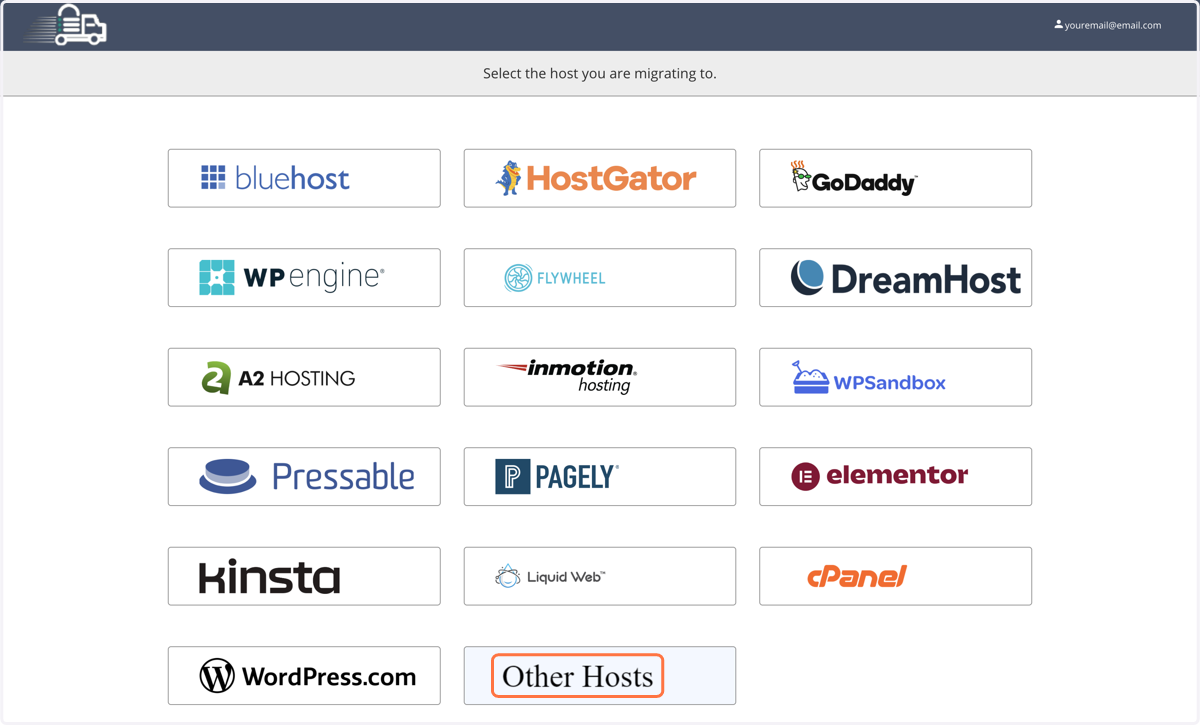
8. Click on your hosting provider, or click Other Hosts <- (easiest option)
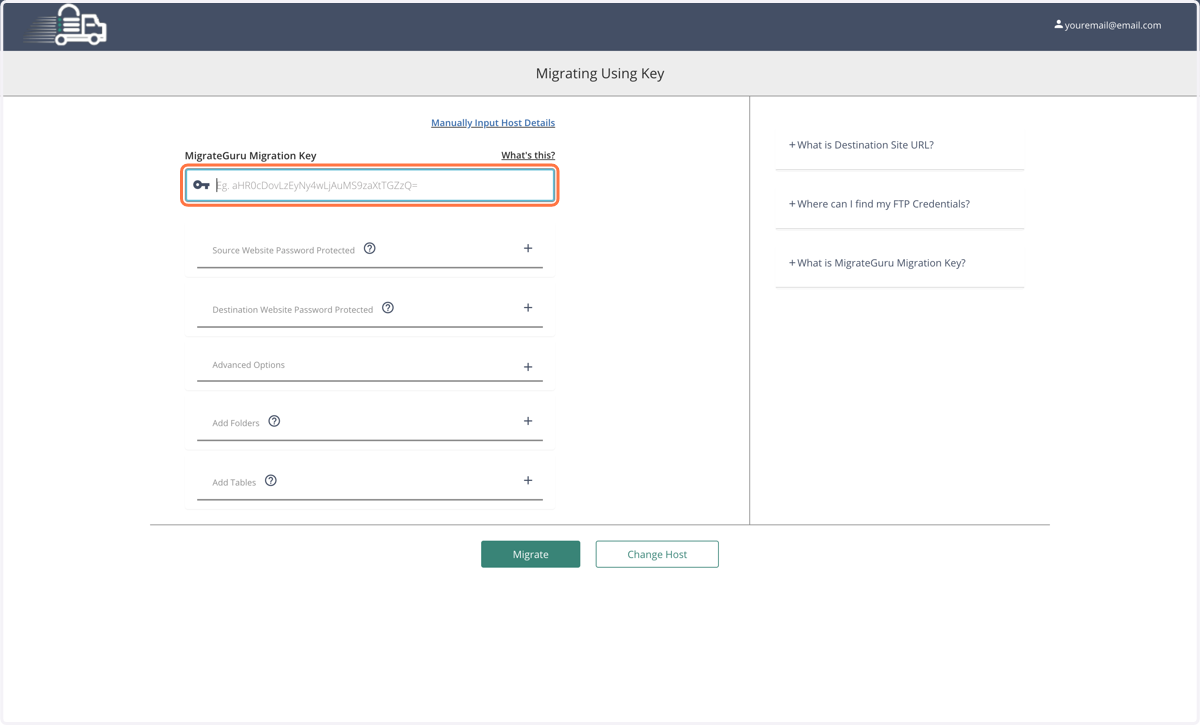
9. We'll grab this migration key from the site we want to migrate to.
Migrate Guru ‹ demoimportsite.instawp.xyz — WordPress
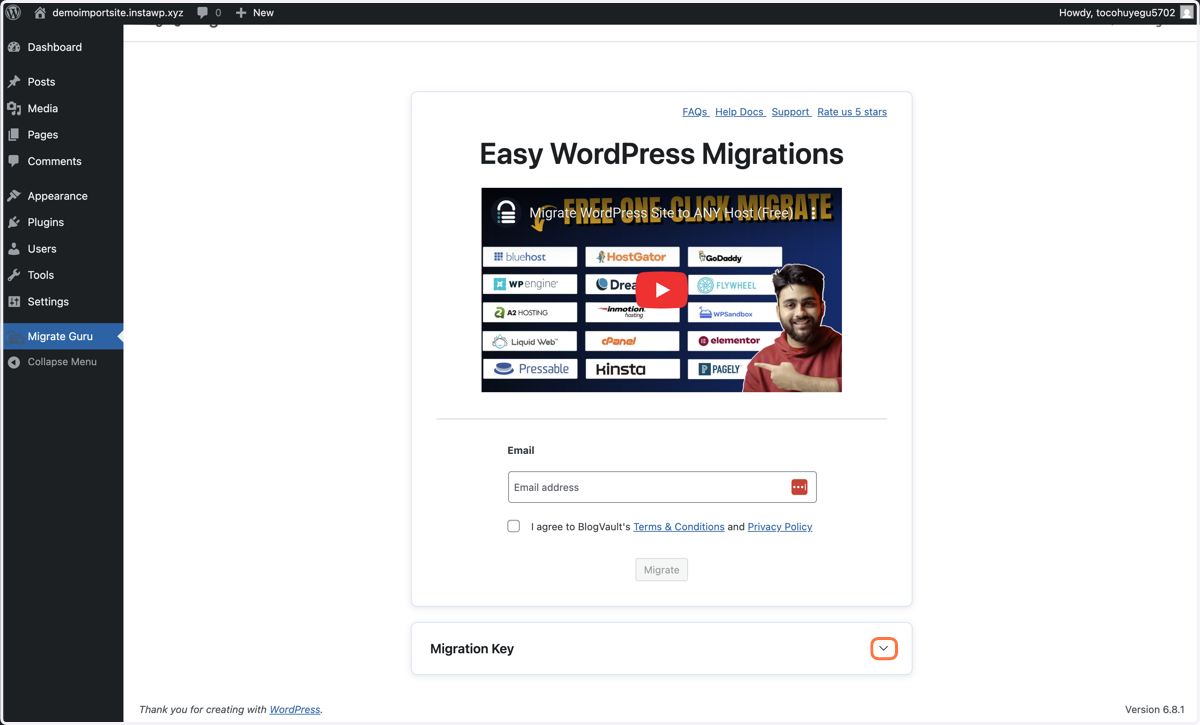
10. Click on the expand button on the right of "Migration Key"
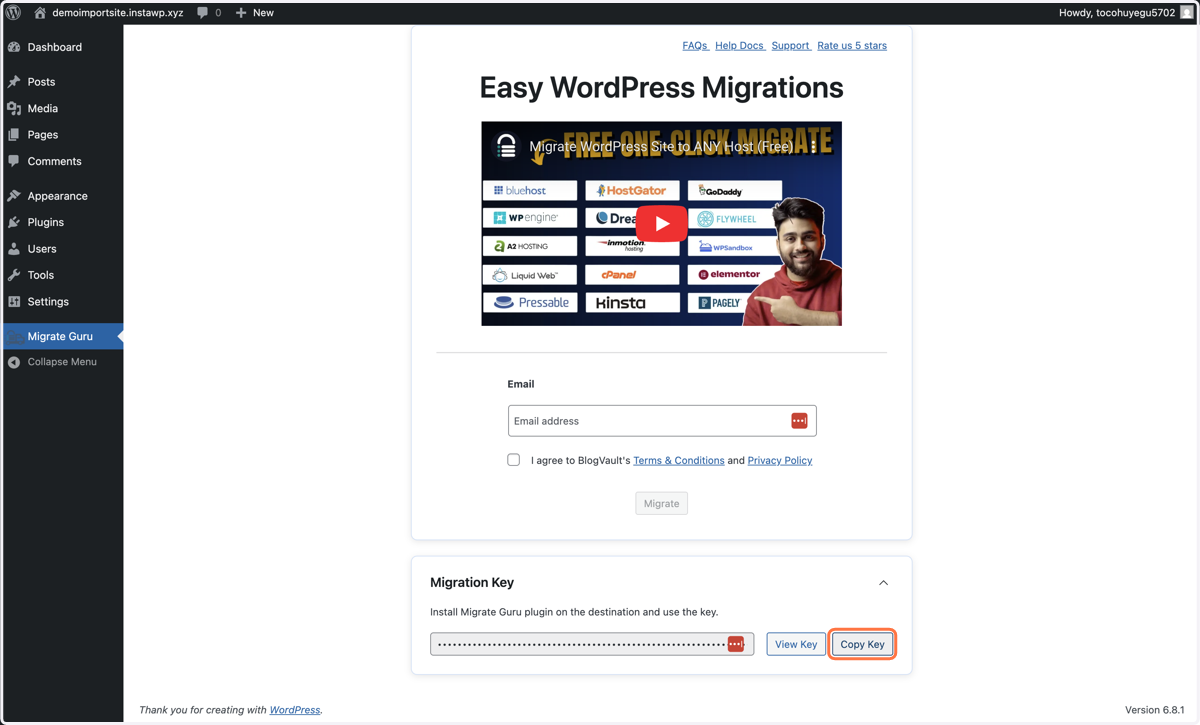
11. Click on Copy Key
Automated WordPress Migration by BlogVault
12. Paste selected text into input
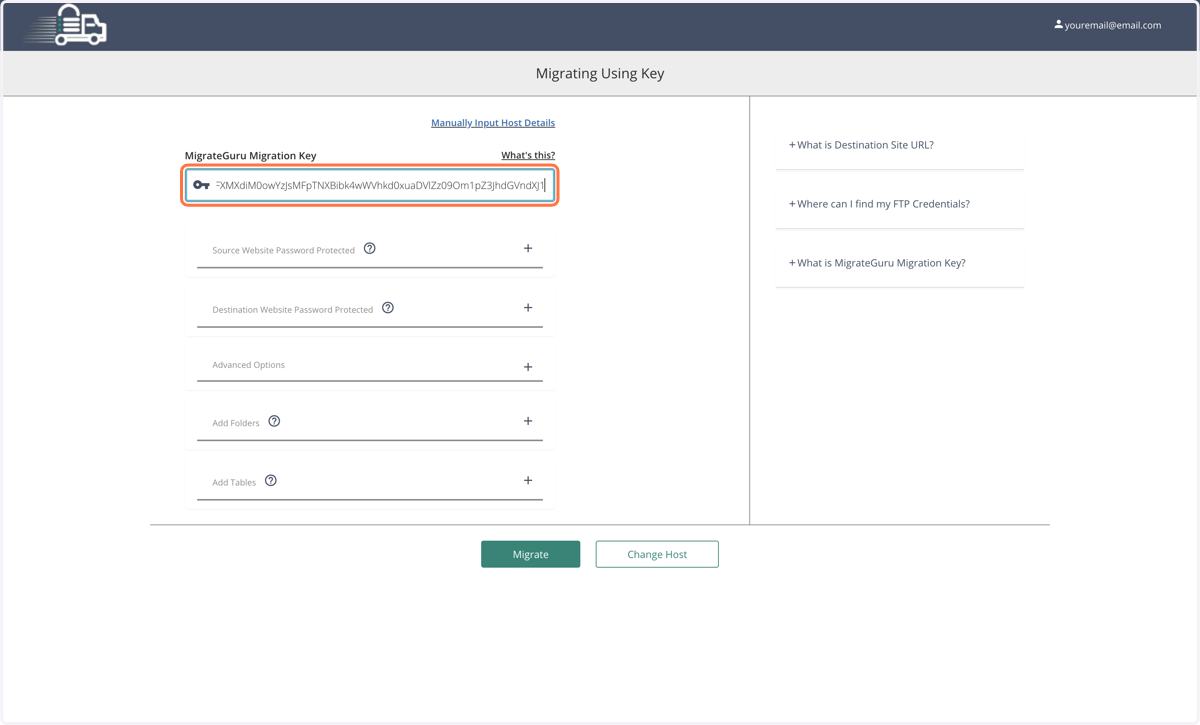
13. Click on Migrate

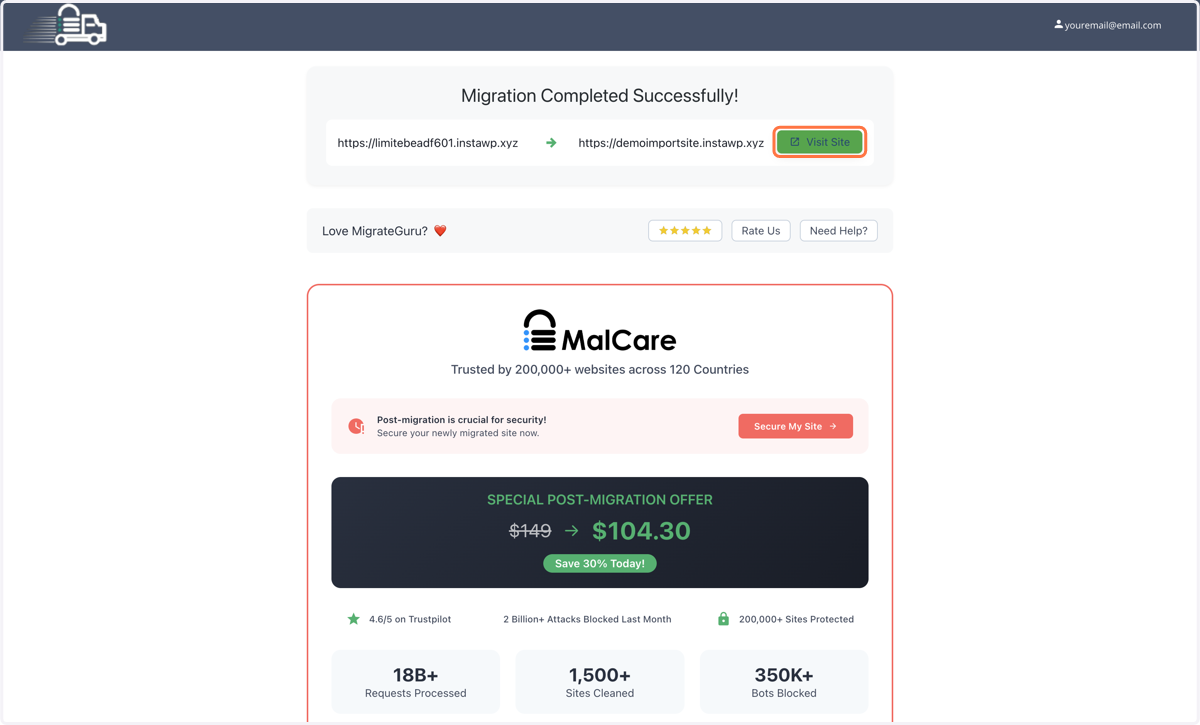
14. Once the migration is complete, you can click on Visit Site, or simply refresh your new site, and the migration should be complete.