Submitting your Application
Cloudpermit - CA-6001029-P-2024-31
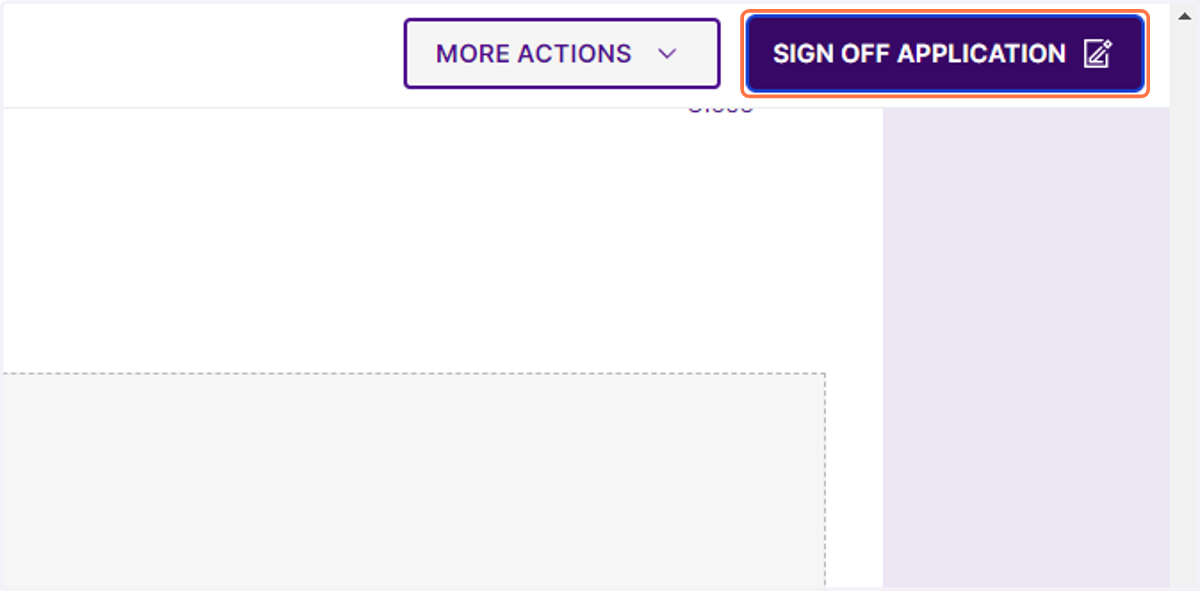
1. Click on SIGN OFF APPLICATION
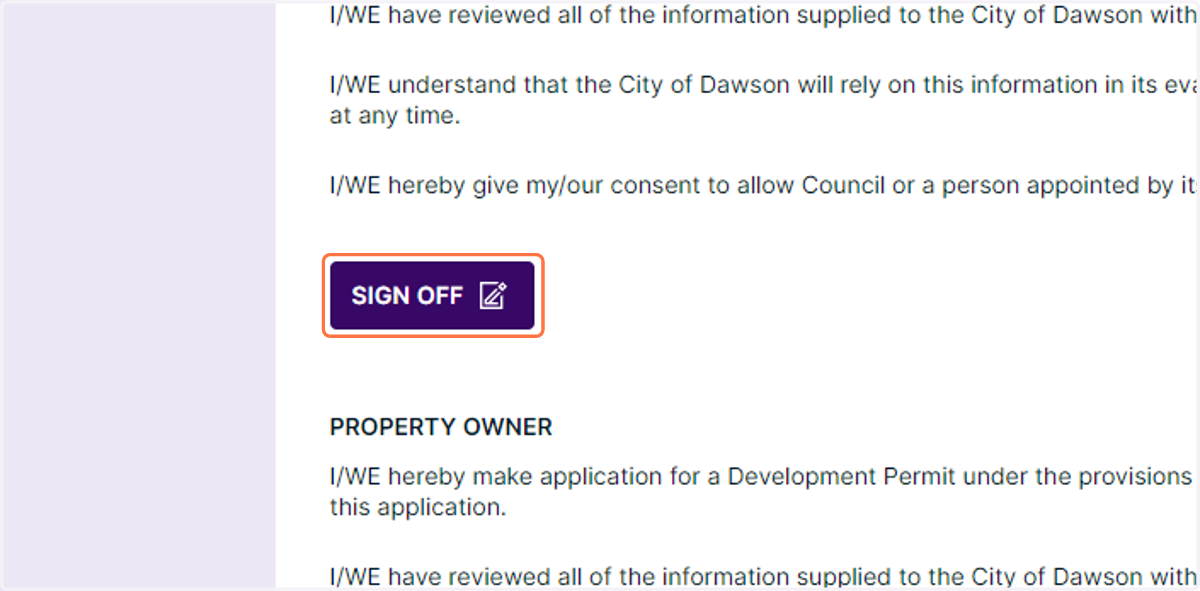
2. Review the declarations then click SIGN OFF
Cloudpermit - CA-6001029-P-2024-31
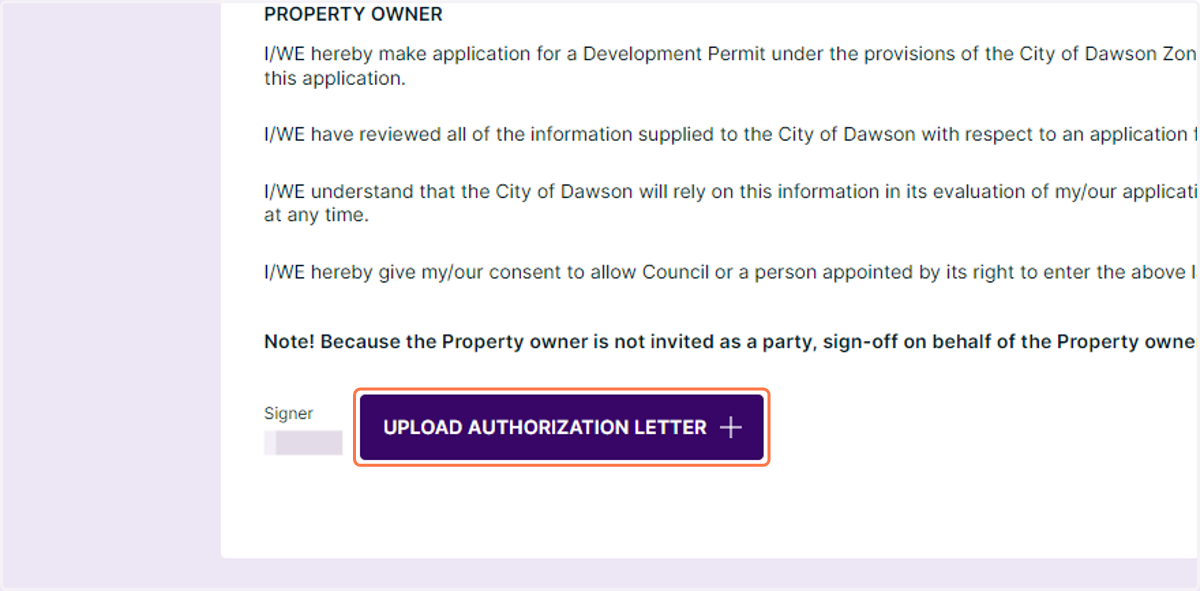
3. UPLOAD AUTHORIZATION LETTER for manually added parties
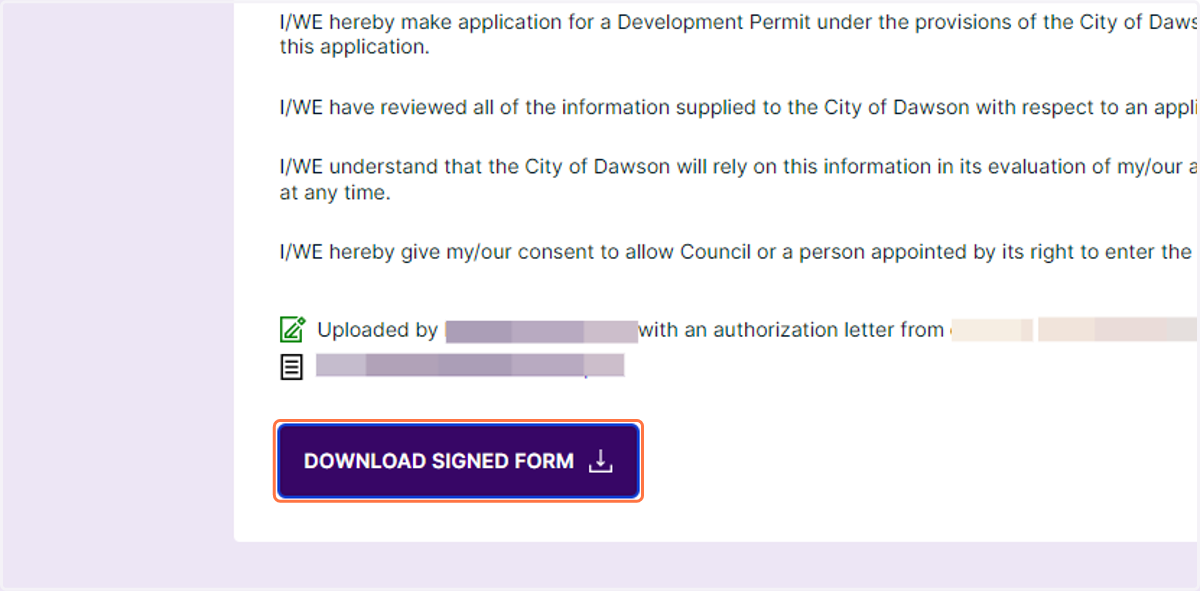
4. You can download a copy of the signed form
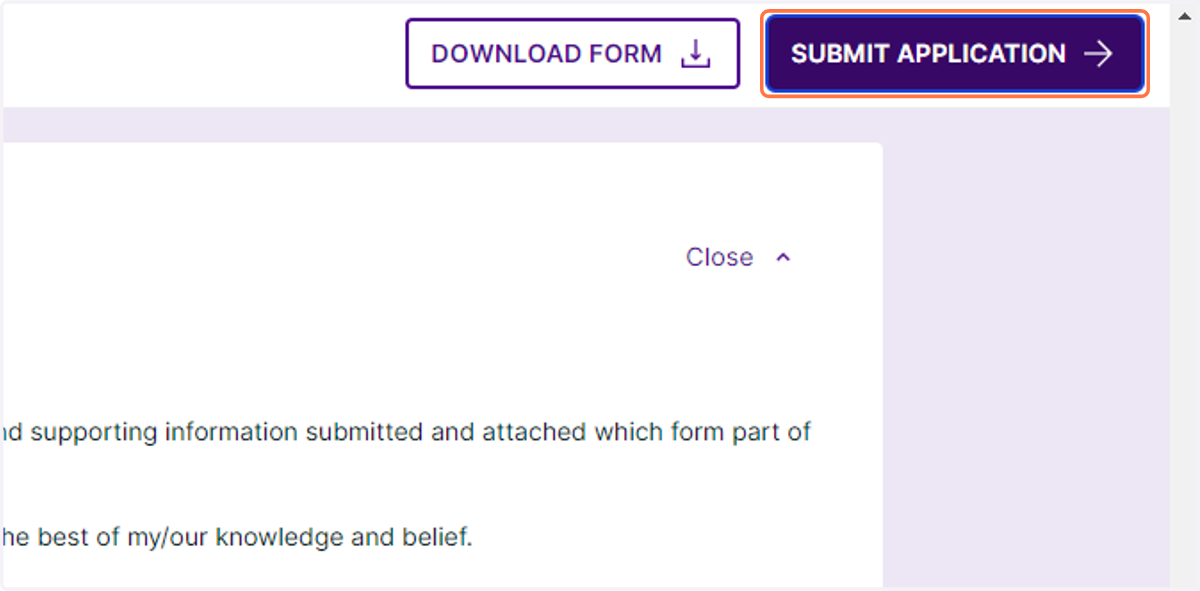
5. Click on SUBMIT APPLICATION. If you are unable to click submit you may be missing documentation - use the messaging function to contact staff.