Sitemap Import and Settings Configuration
Members Area - Prerender
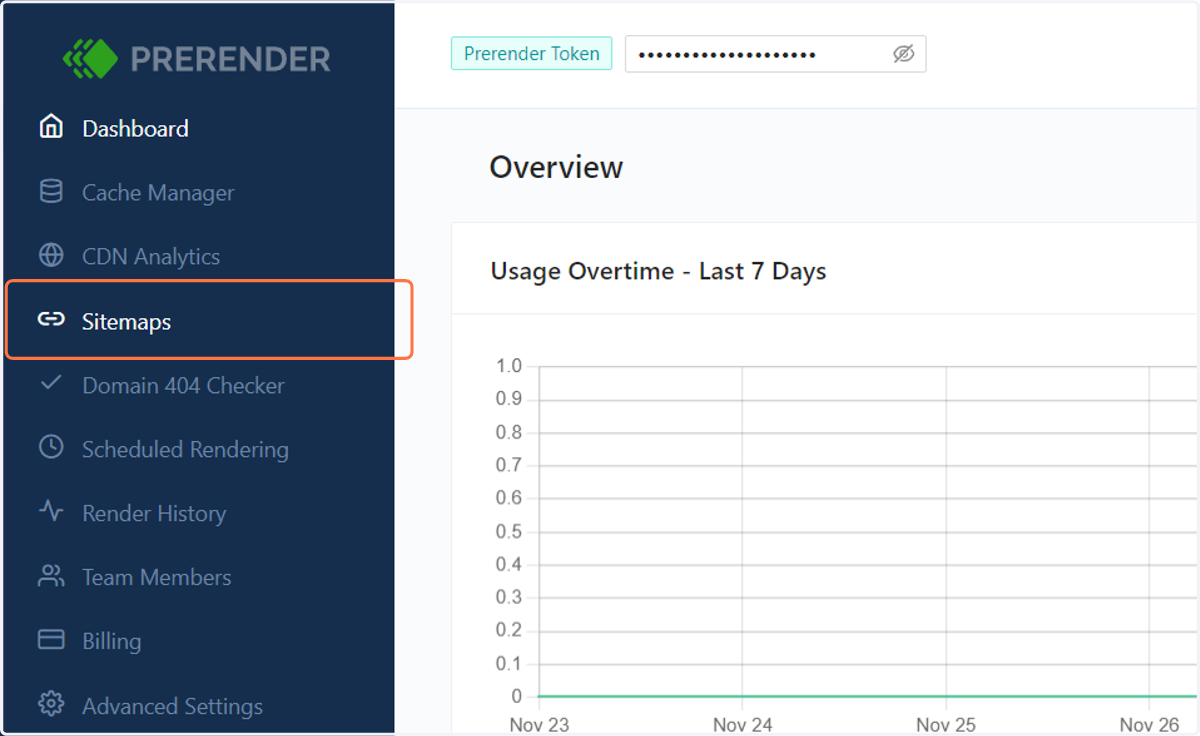
1. Click on Sitemaps
Click on the Sitemaps menu.
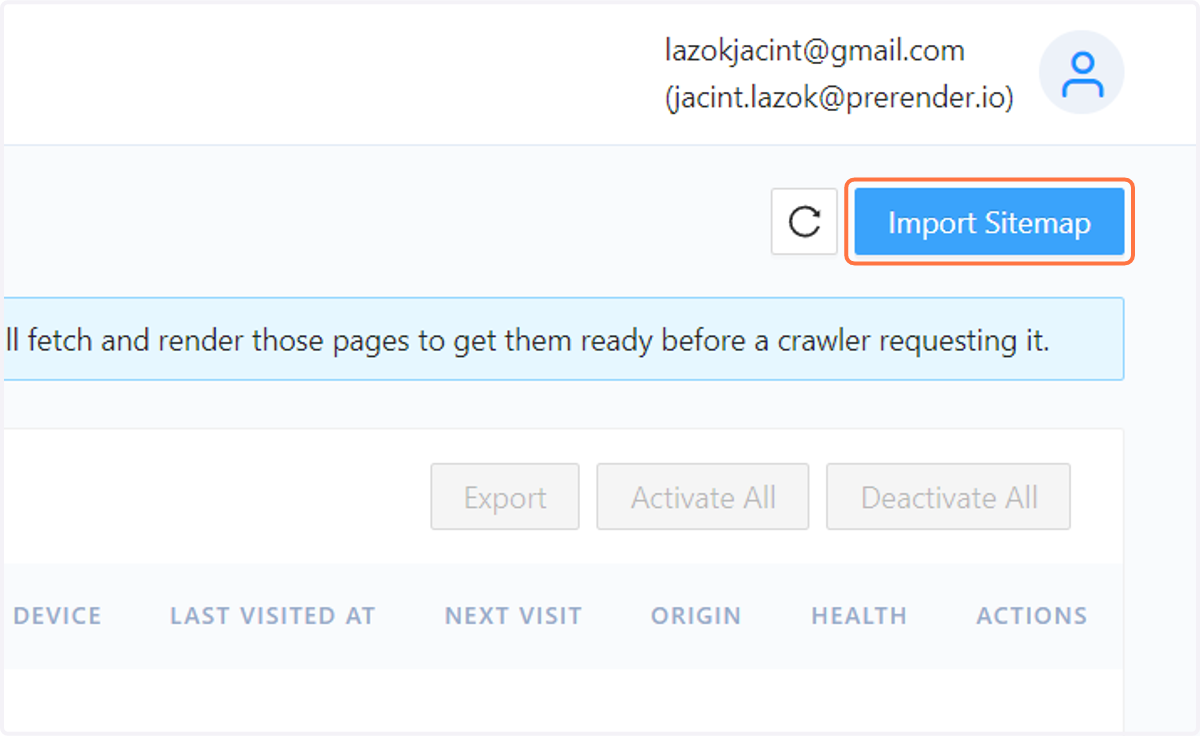
2. Click on the Import Sitemap button at the top right corner
3. Paste your XML sitemap's URL in the input field
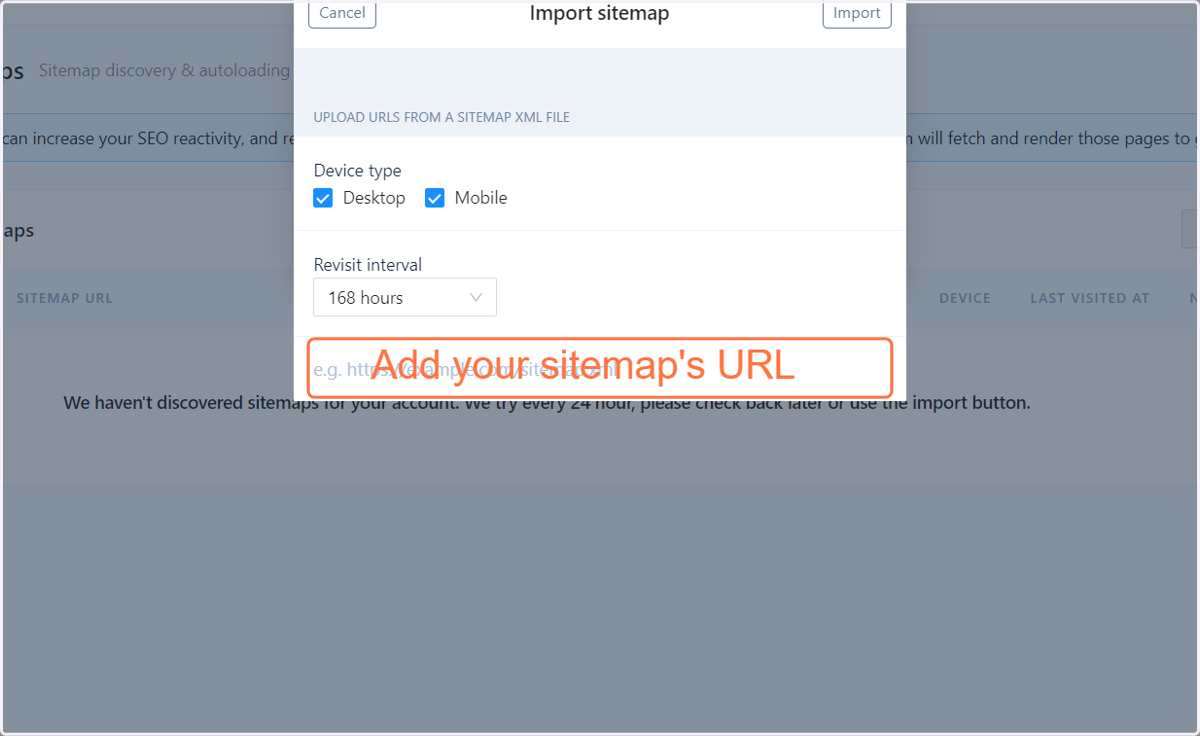
4. Select the desired recrawl interval fort he sitemap
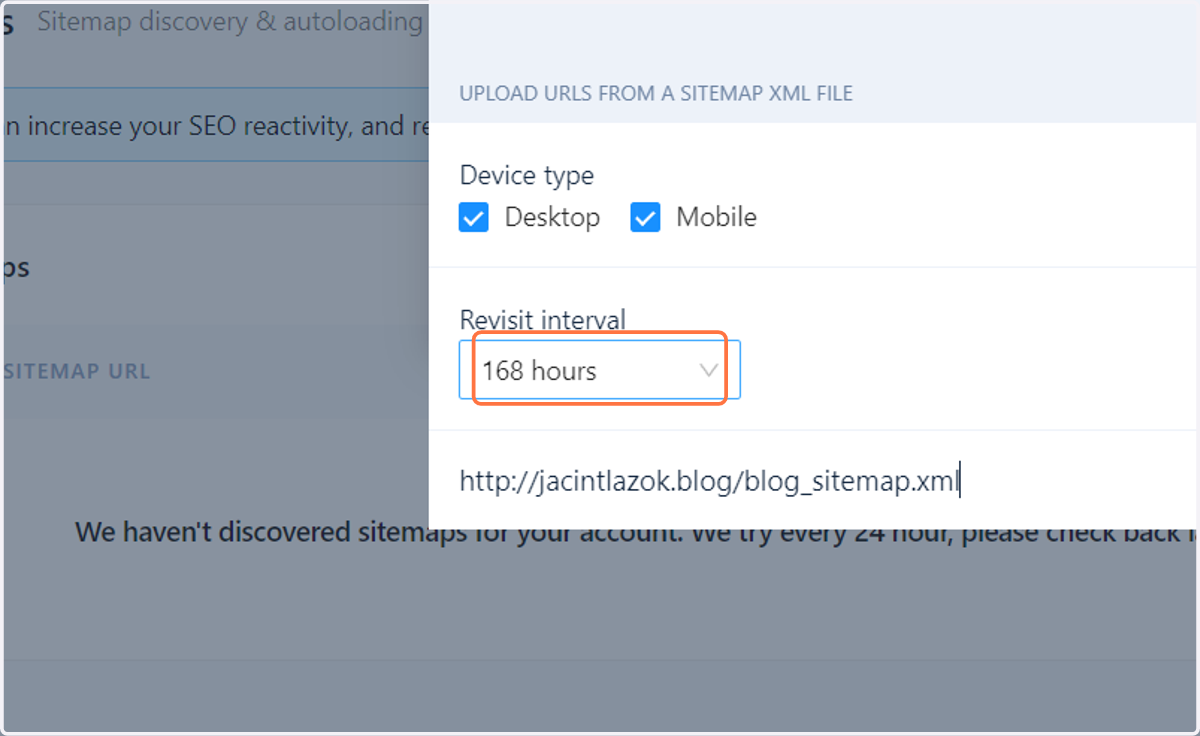
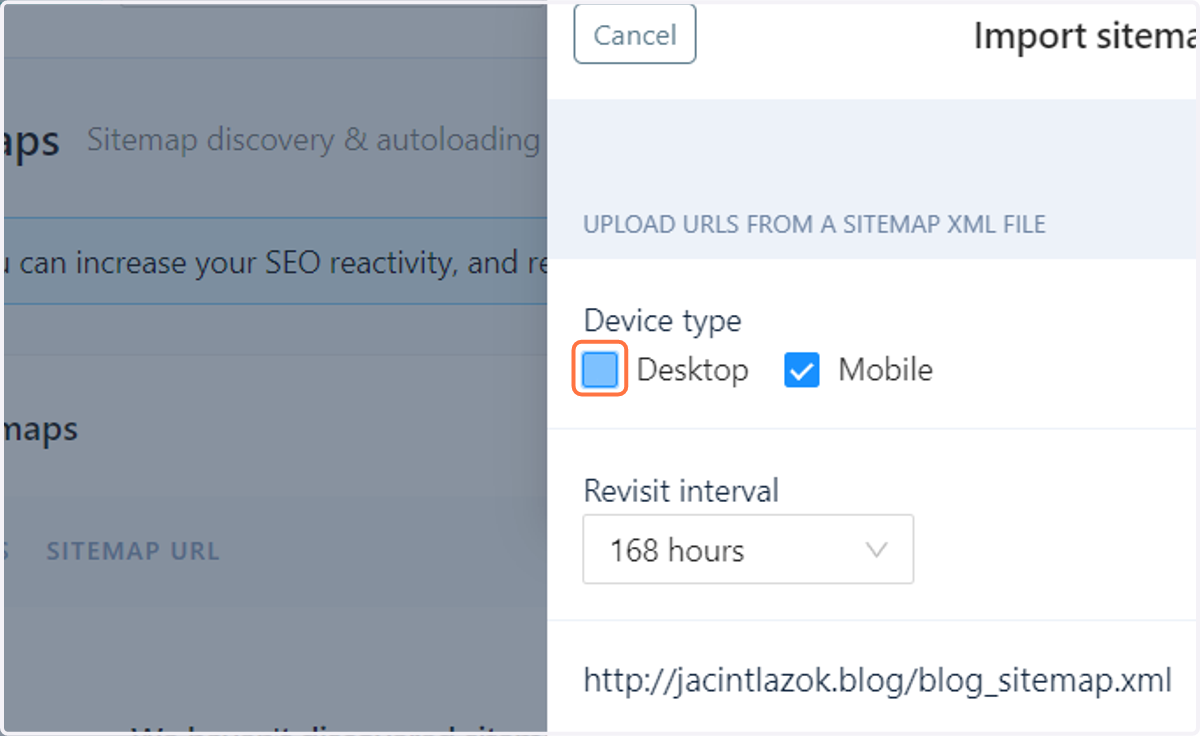
5. Select the rendering devices for the URLs on the sitemap
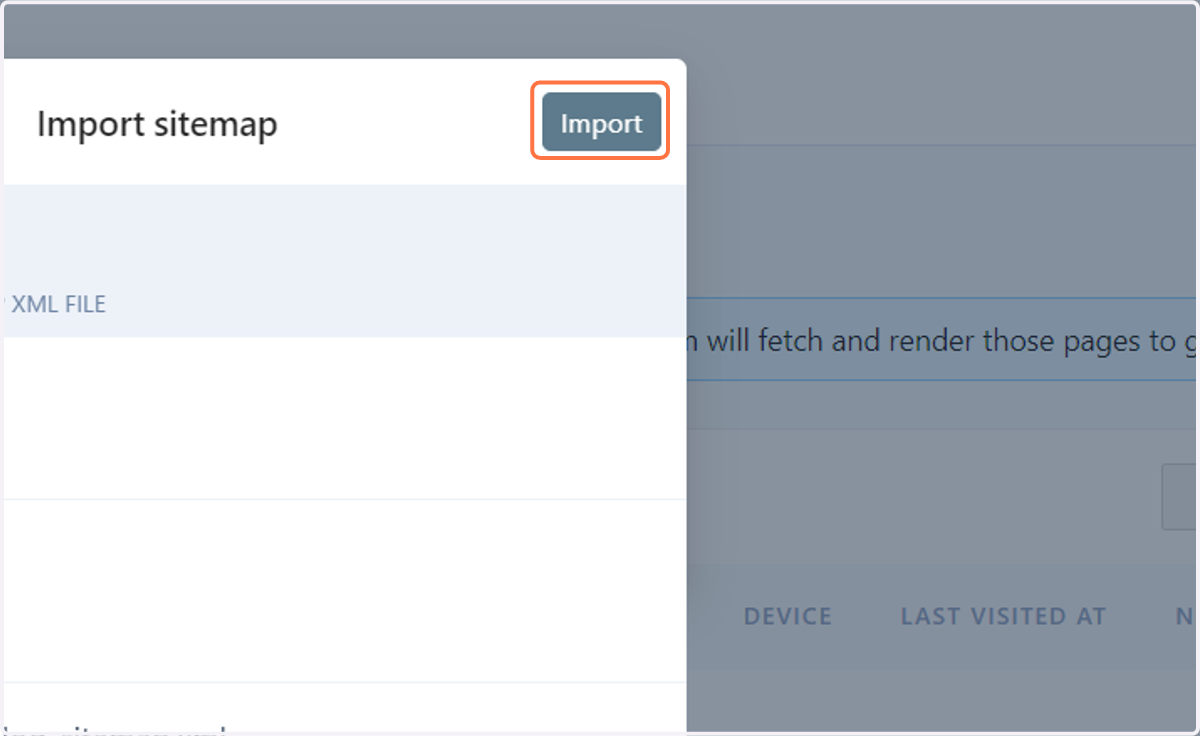
6. Click on the Import button
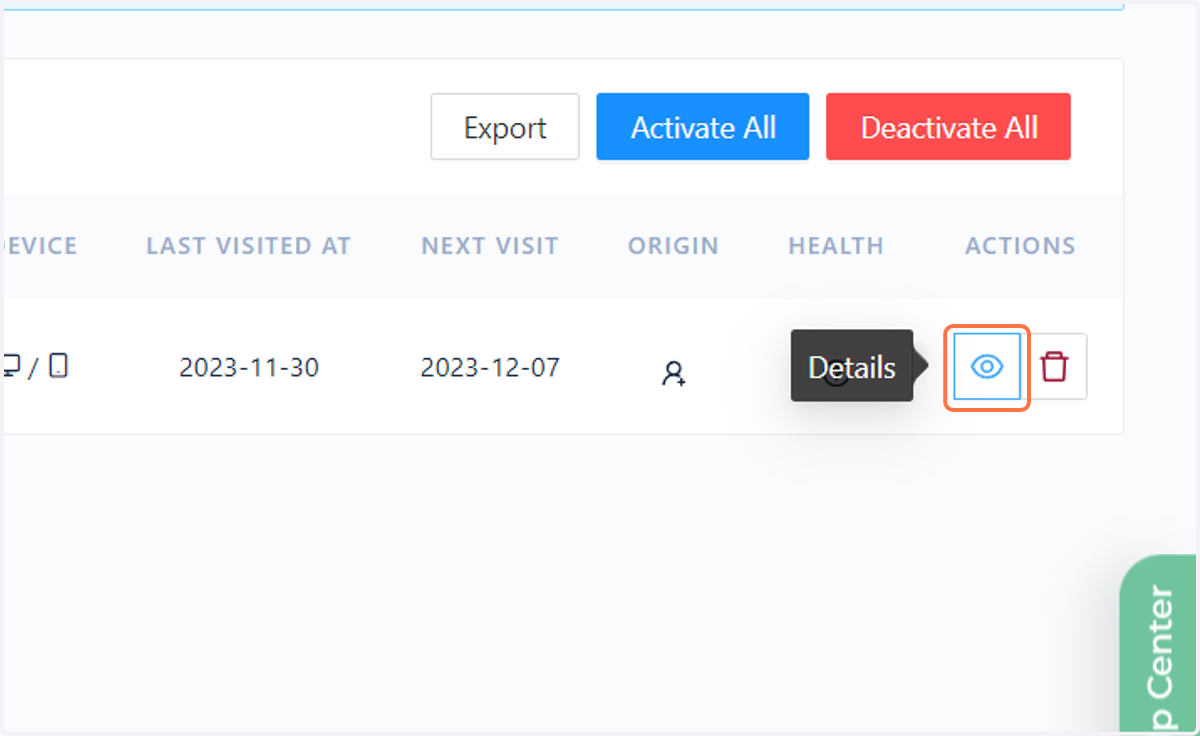
7. You can check the details and history of the sitemap crawls and also change settings.
8. You can change the crawling settings for the sitemap with the Settings button
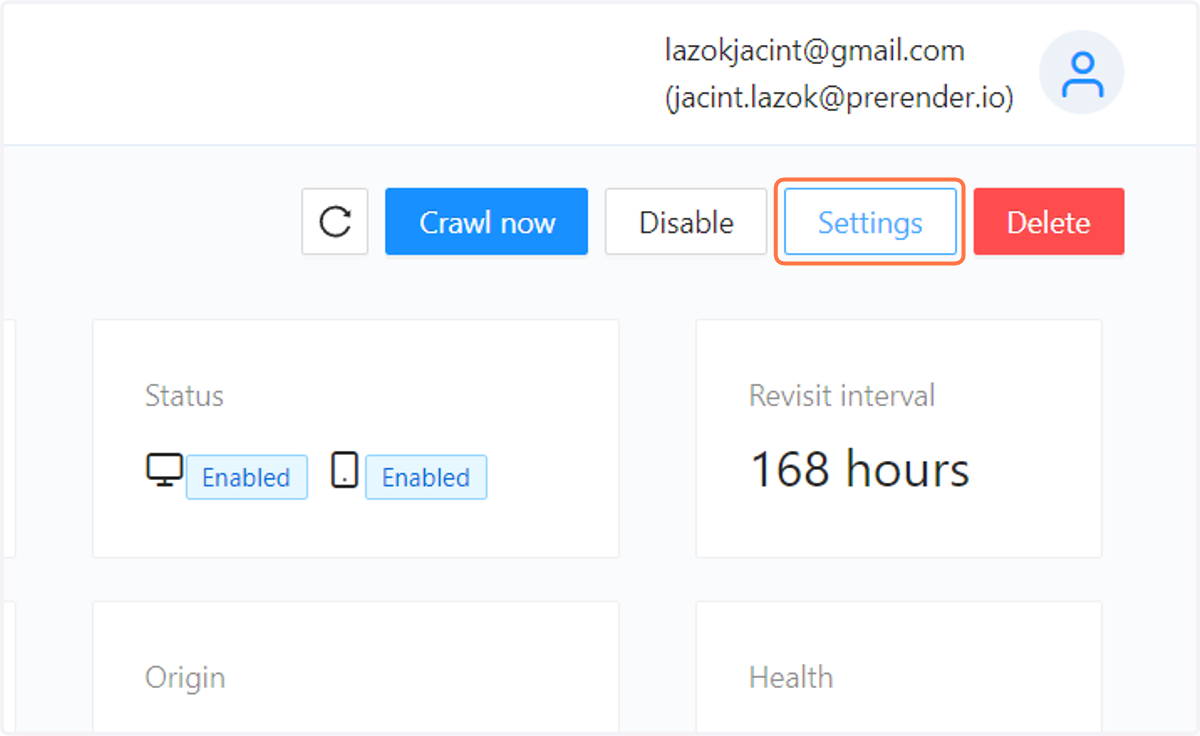
9. You can select the rendering devices
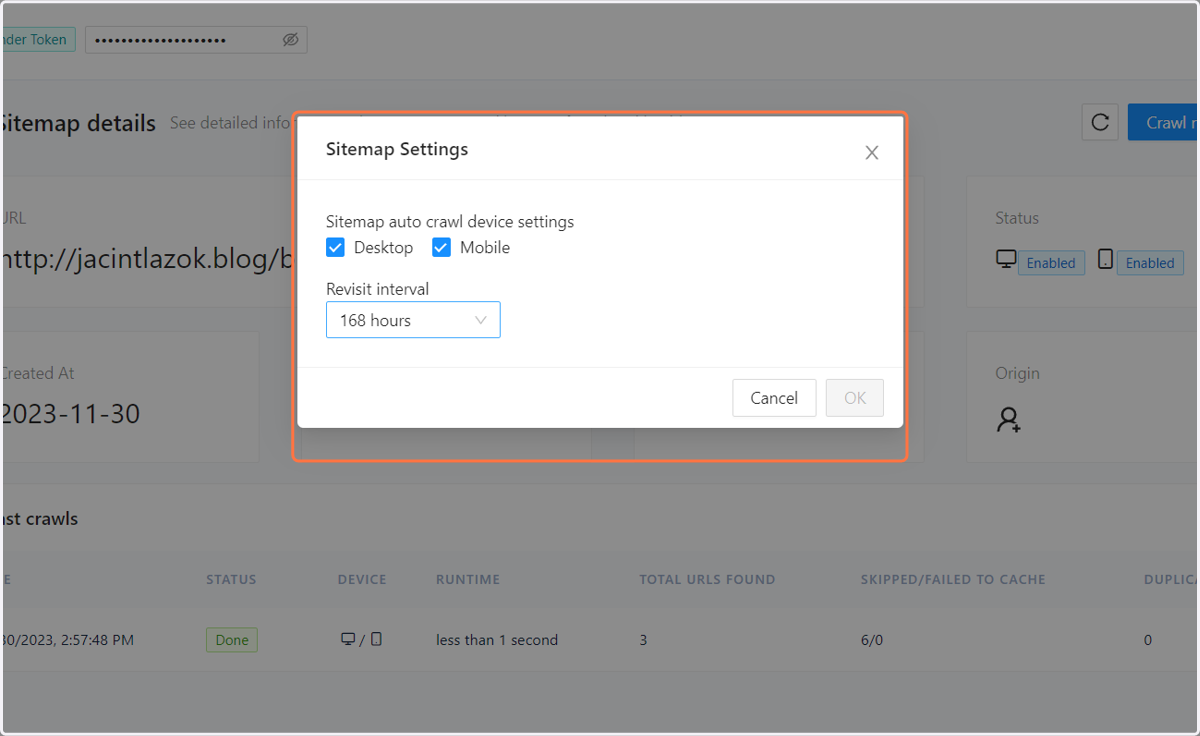
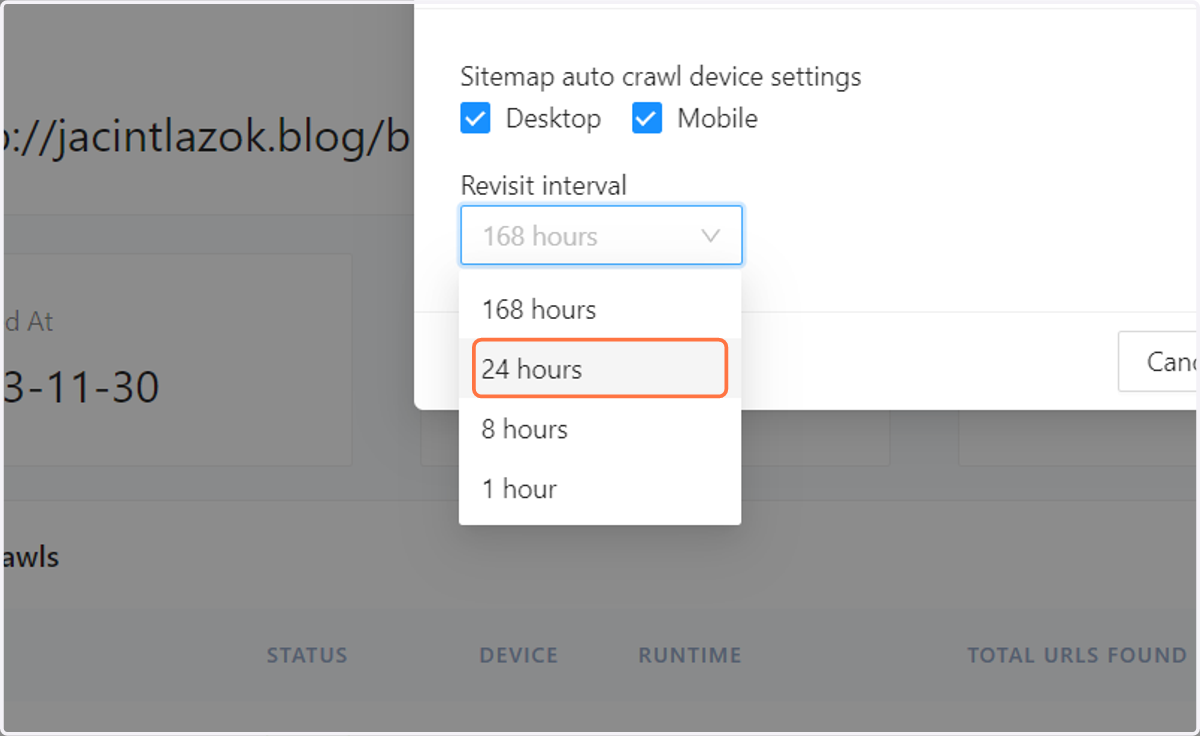
10. And also the recrawl interval for the given Sitemap.
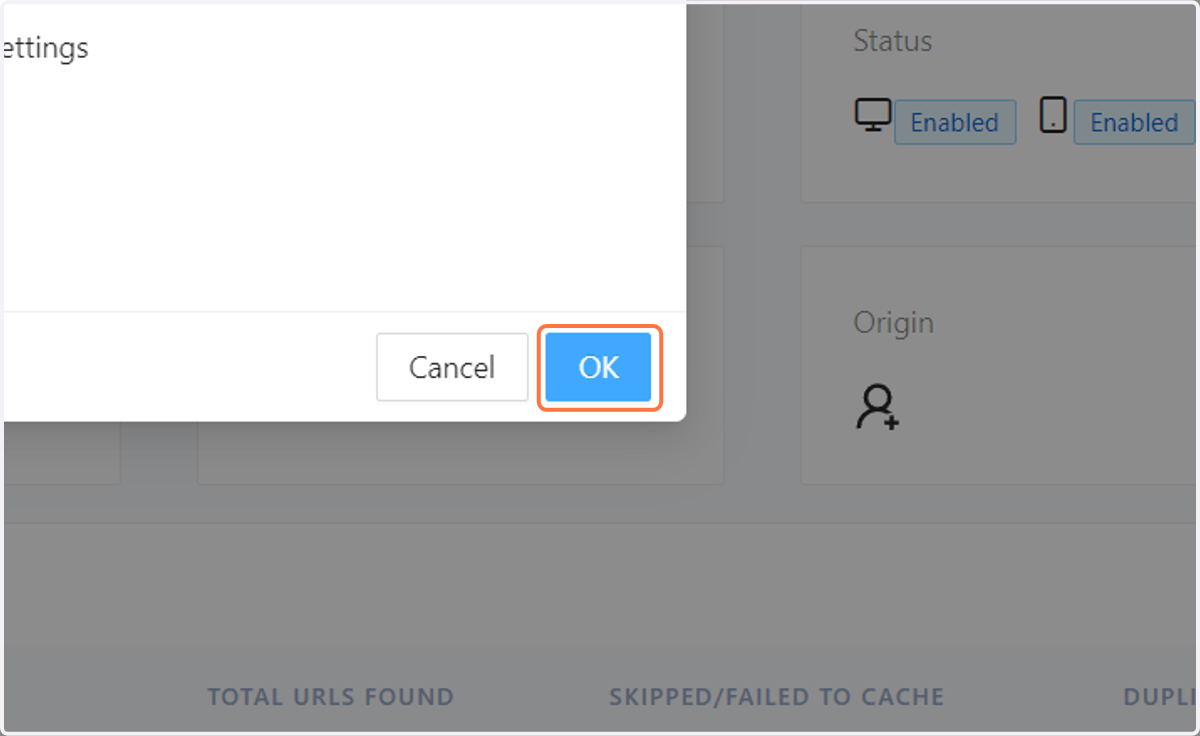
11. Click on OK to save the settings.
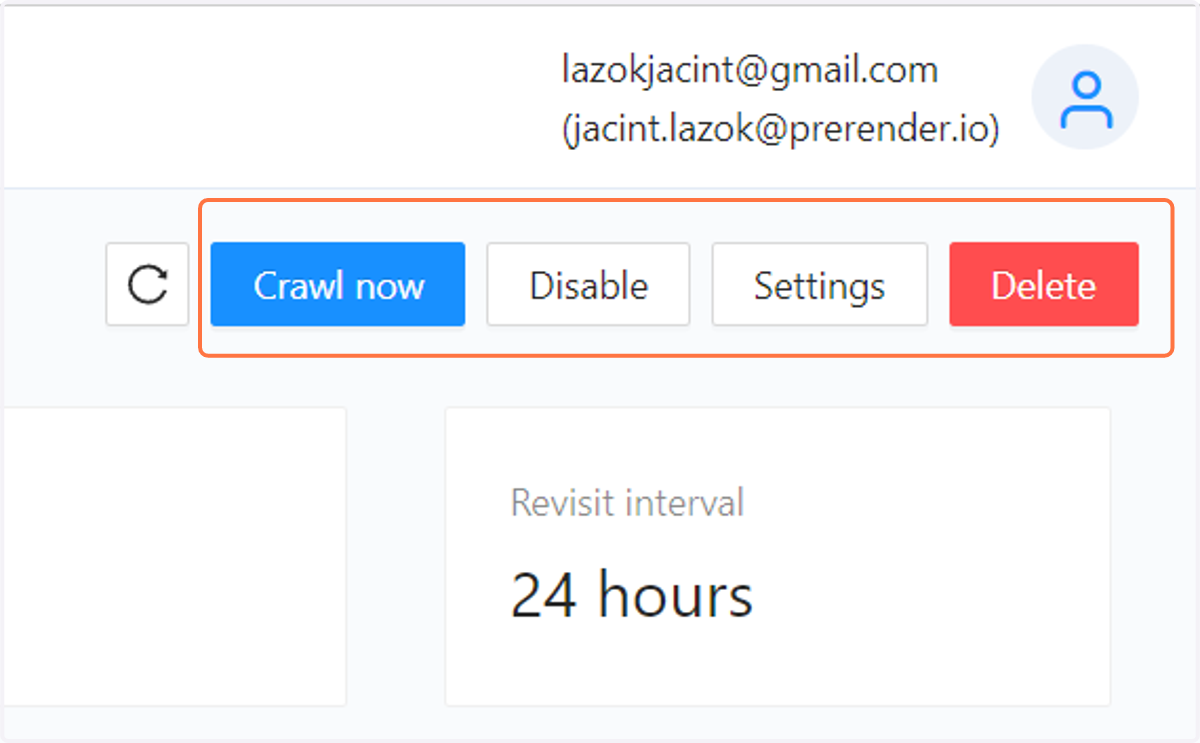
12. Click on the Crawl Now button to crawl the sitemap on demand and click on the Disable/Enable button to enable or disable the sitemap. You can also click the Delete Button to delete the Sitemap from your Prerender account.
Click on the Crawl Now button to crawl the sitemap on demand and click on the Disable/Enable button to enable or disable the sitemap. You can also click the Delete Button to delete the Sitemap from your Prerender account.