Add Candidate to Odoo Hiring
Odoo
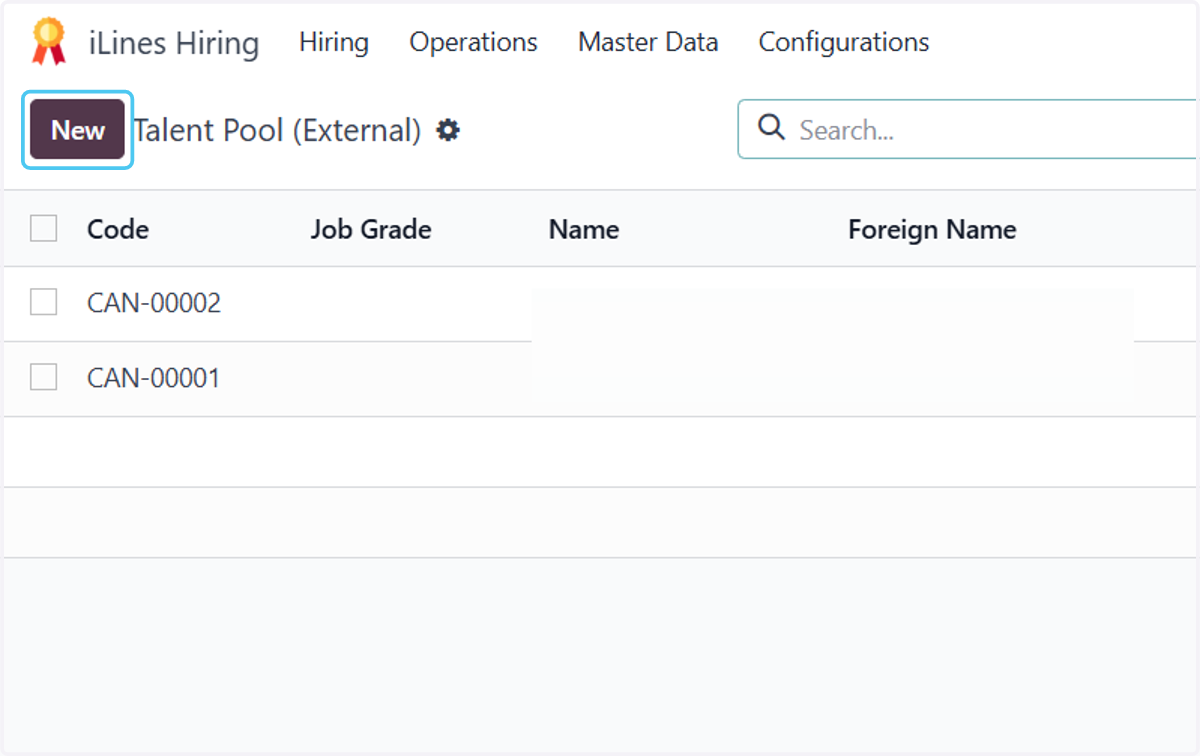
1. Click on iLines Hiring

2. Click on Hiring
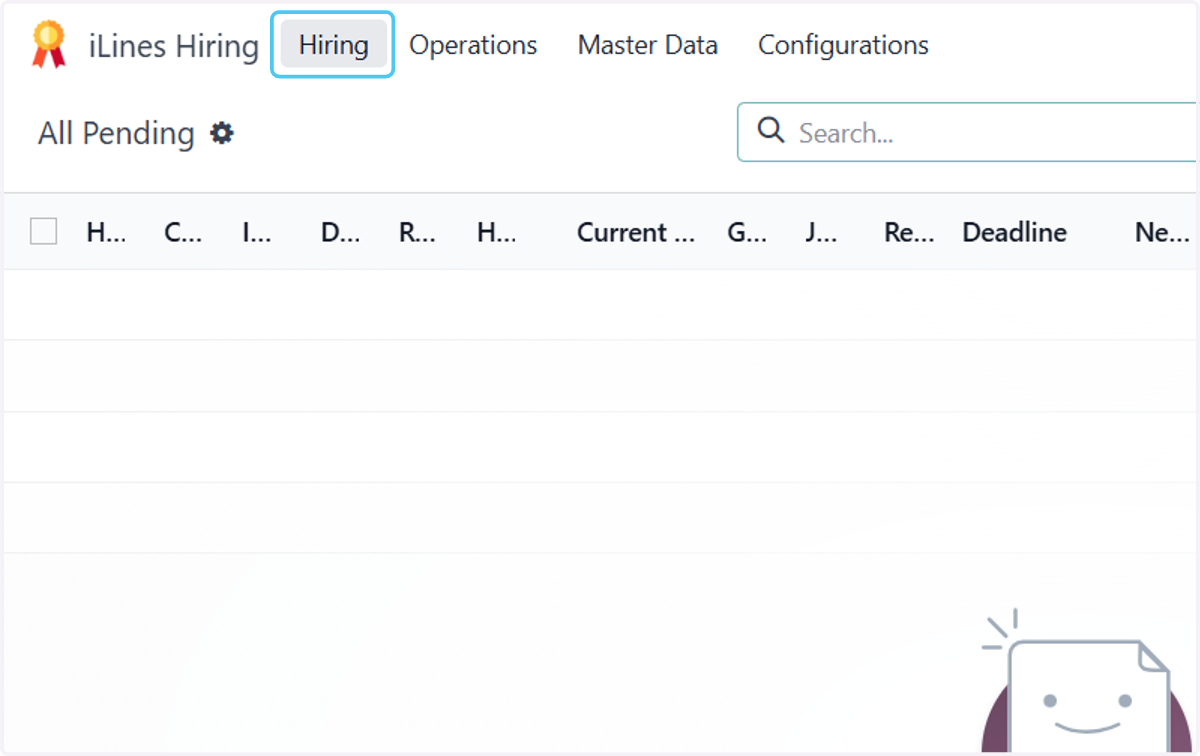
3. Click on Talent Pool (External)
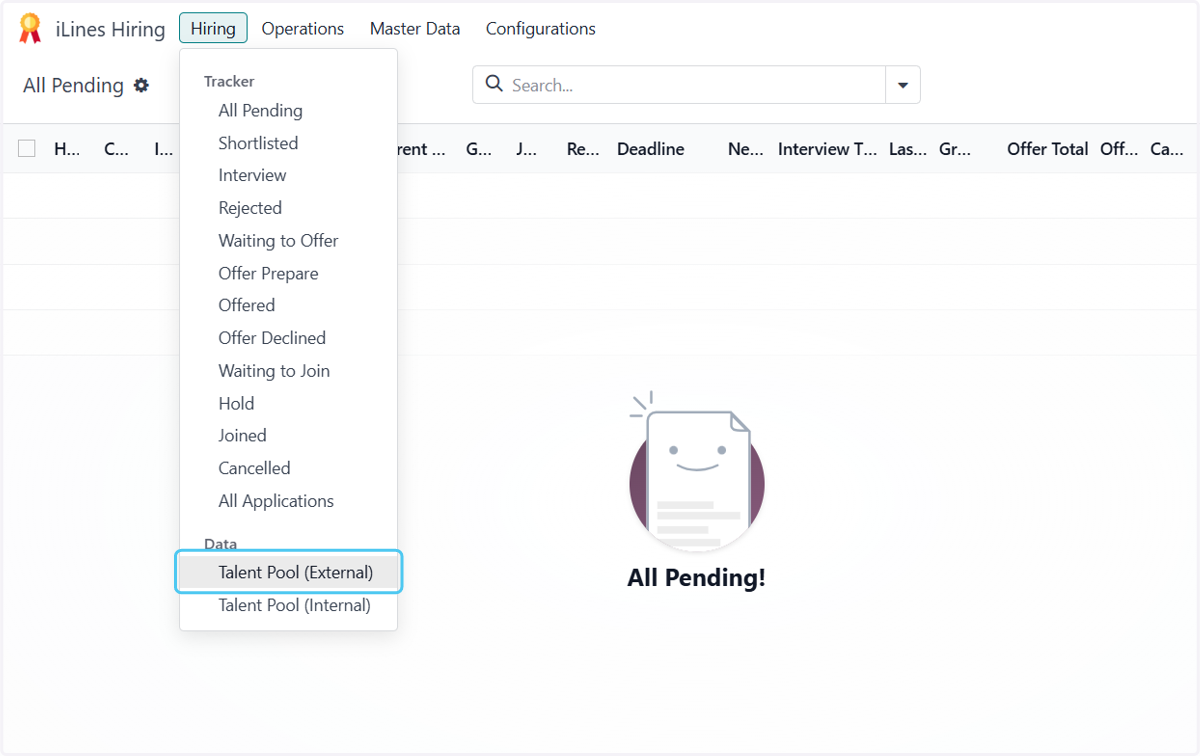
4. Click on New
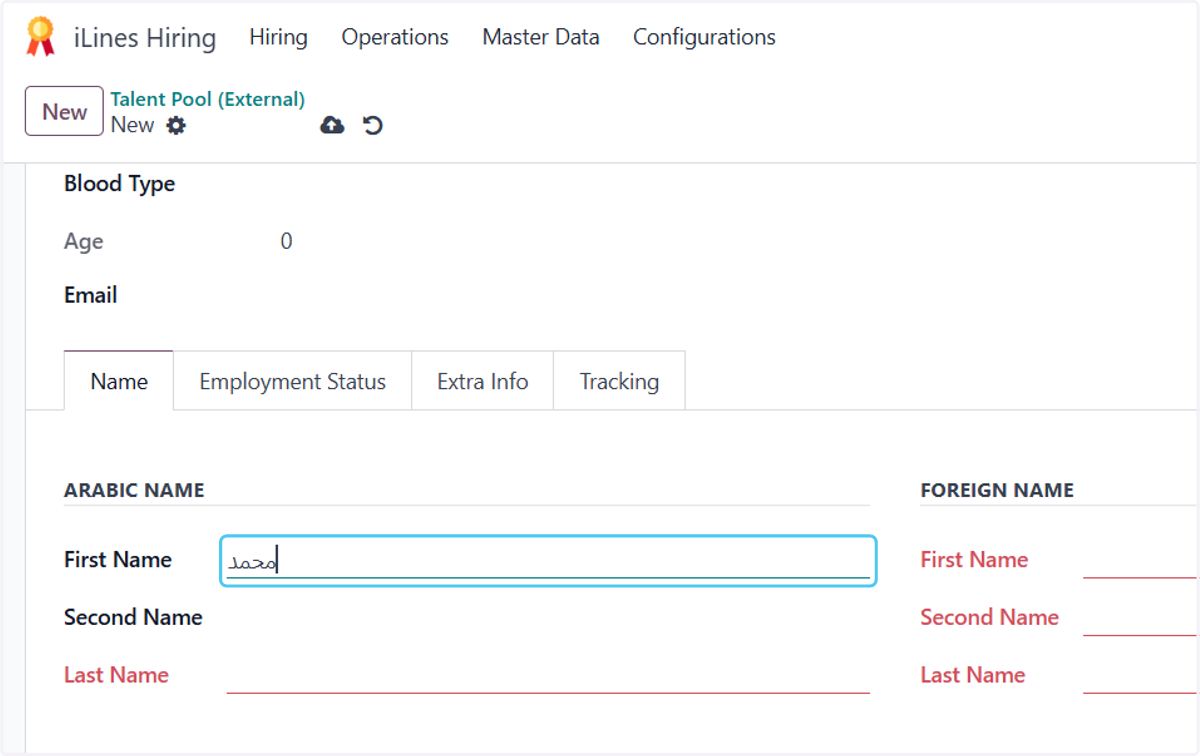
5. Type the first name by Arabic
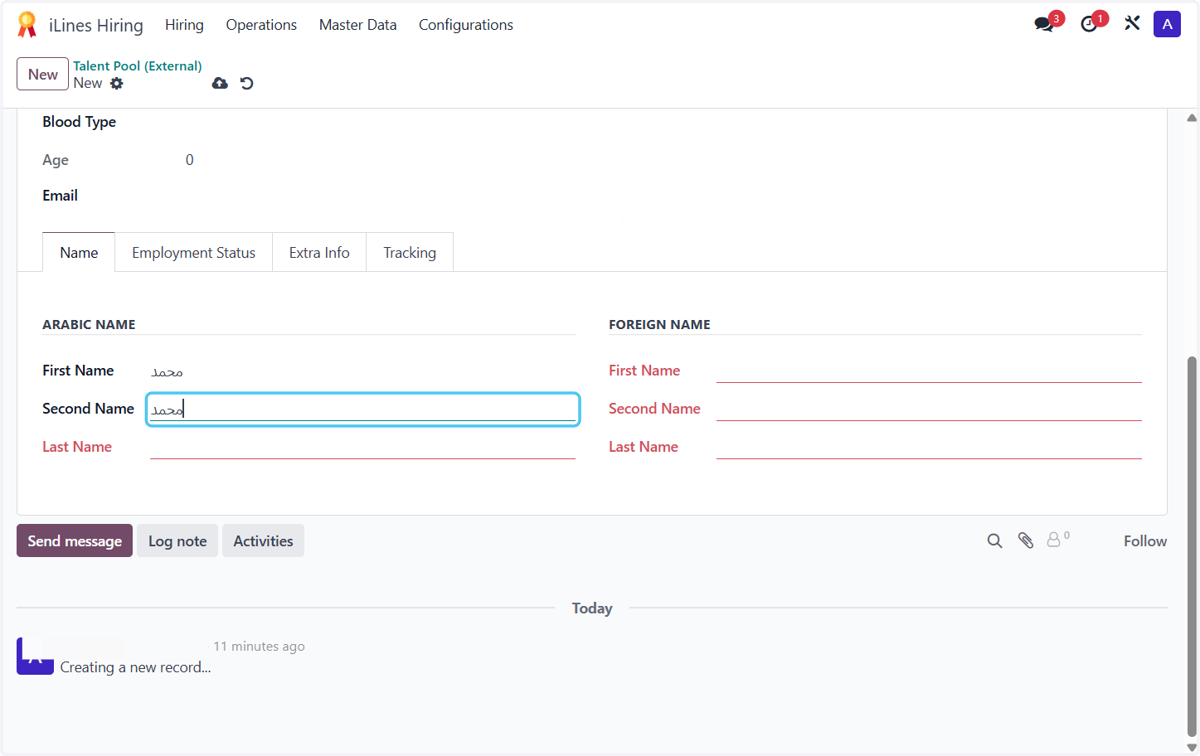
6. Type the second name by Arabic
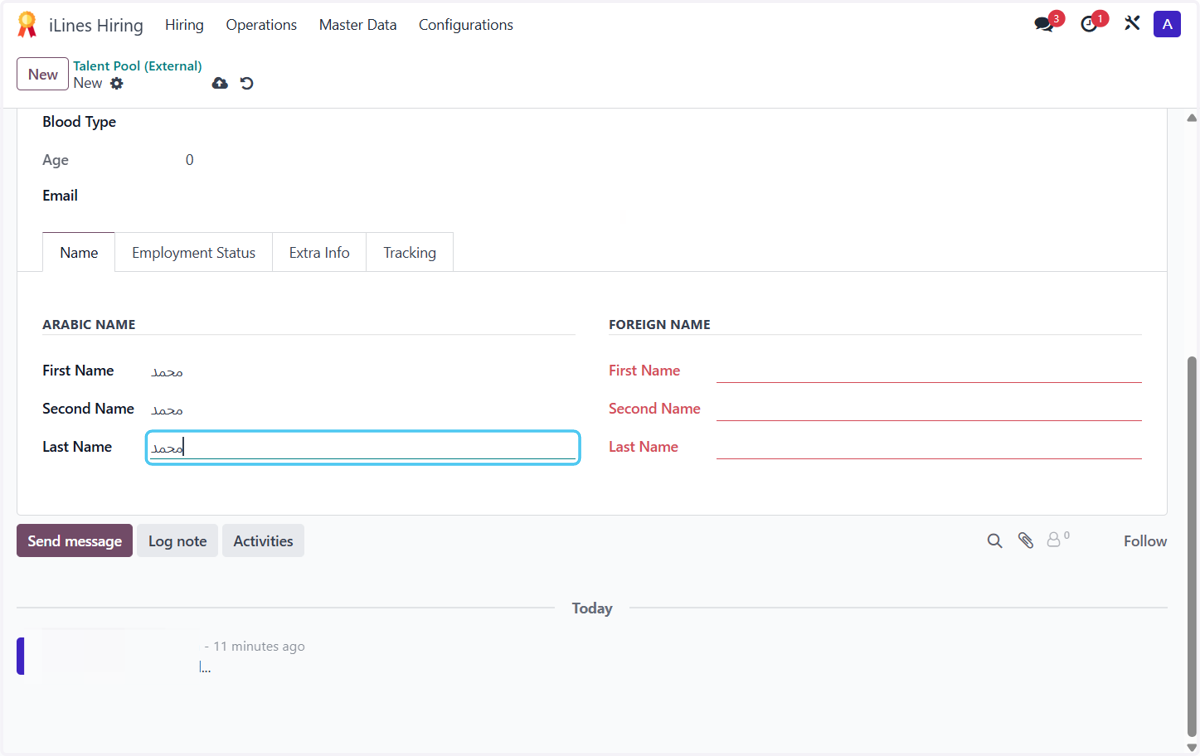
7. Type the last name by Arabic
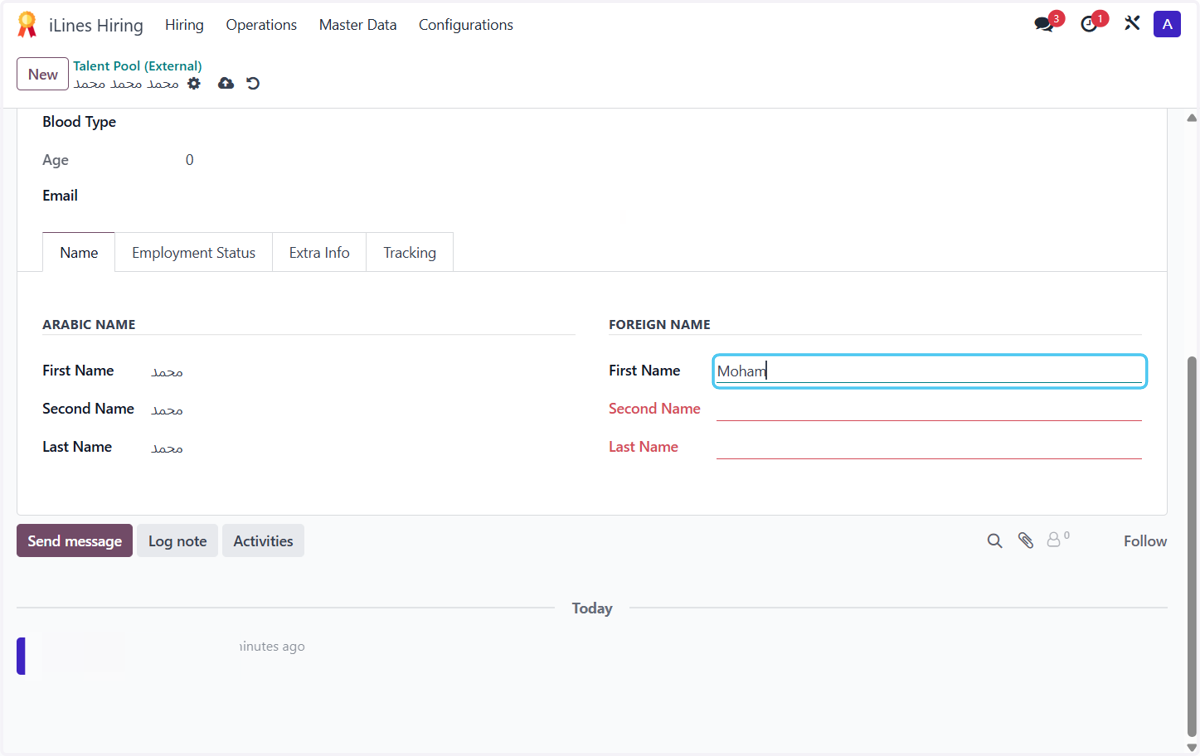
8. Type the first name by English
9. Type the second name by English
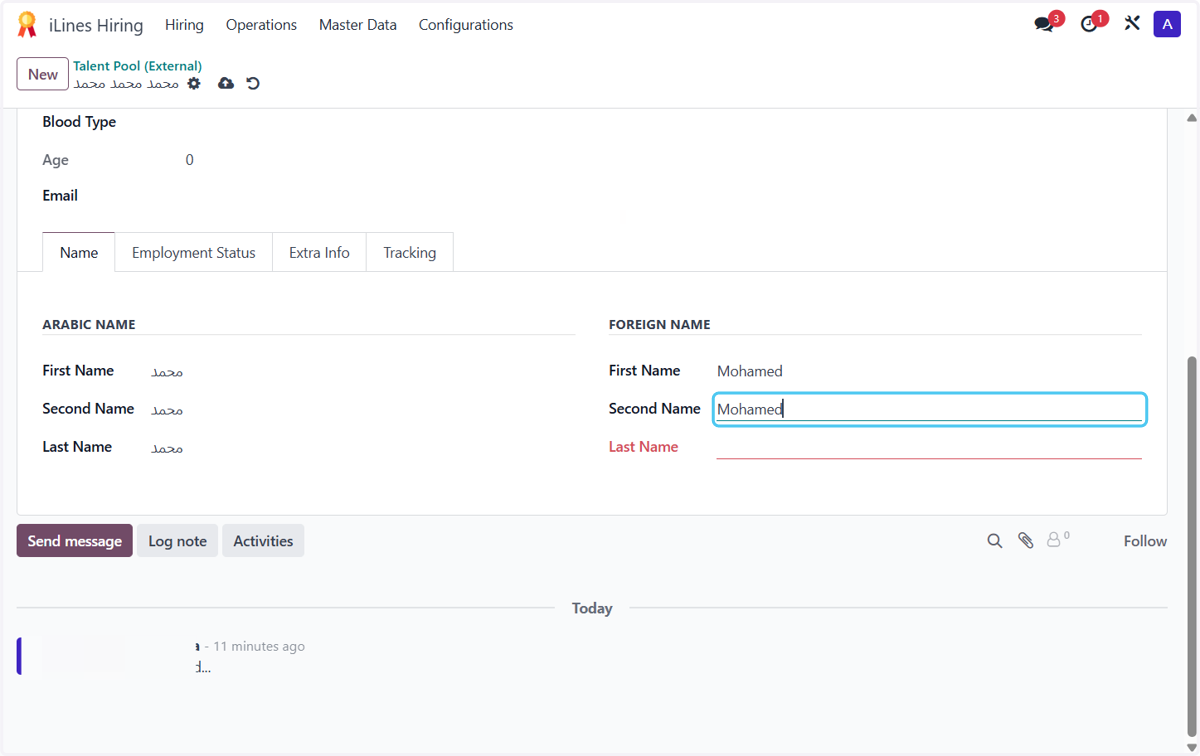
10. Type the last name by English
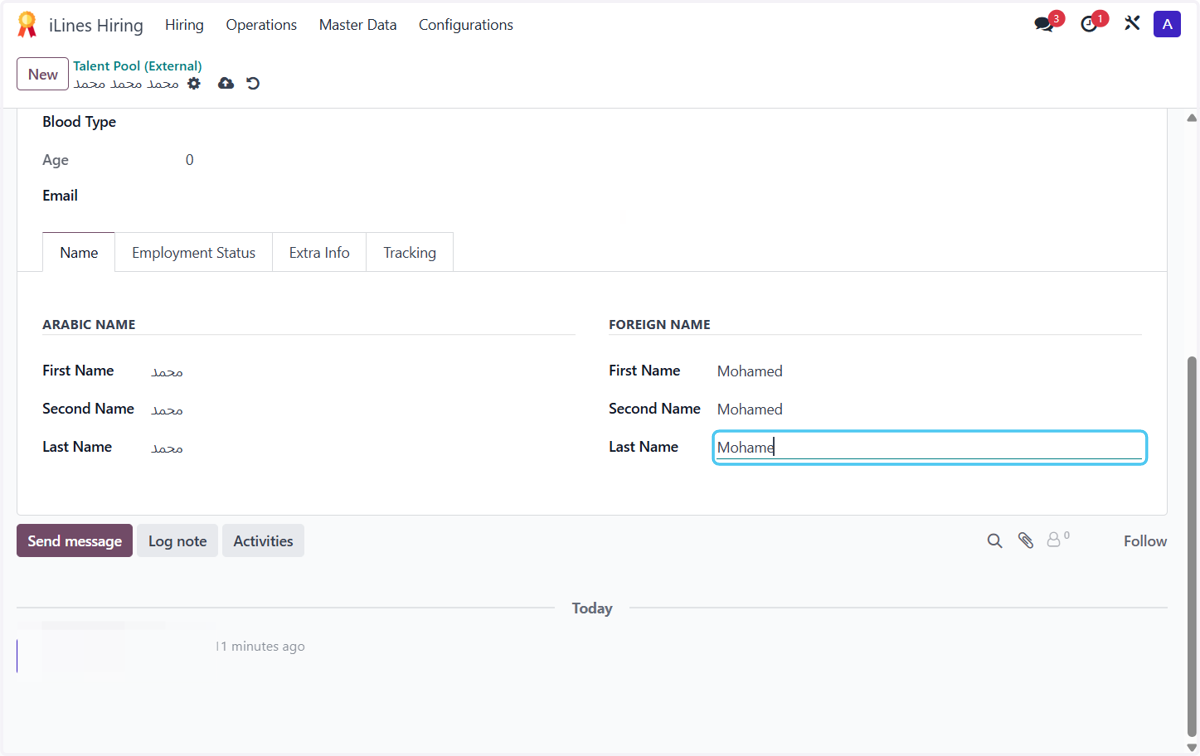
11. Select Overseas from Experience
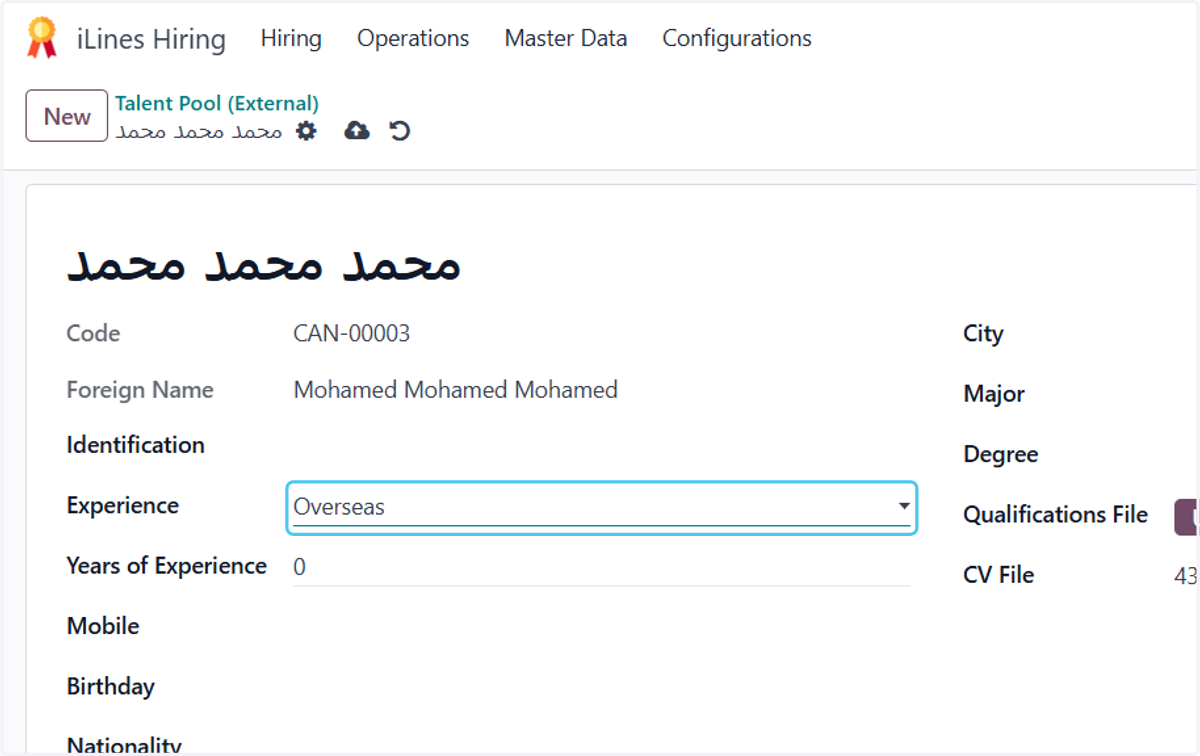
12. Type "5"
13. Type "01234568"
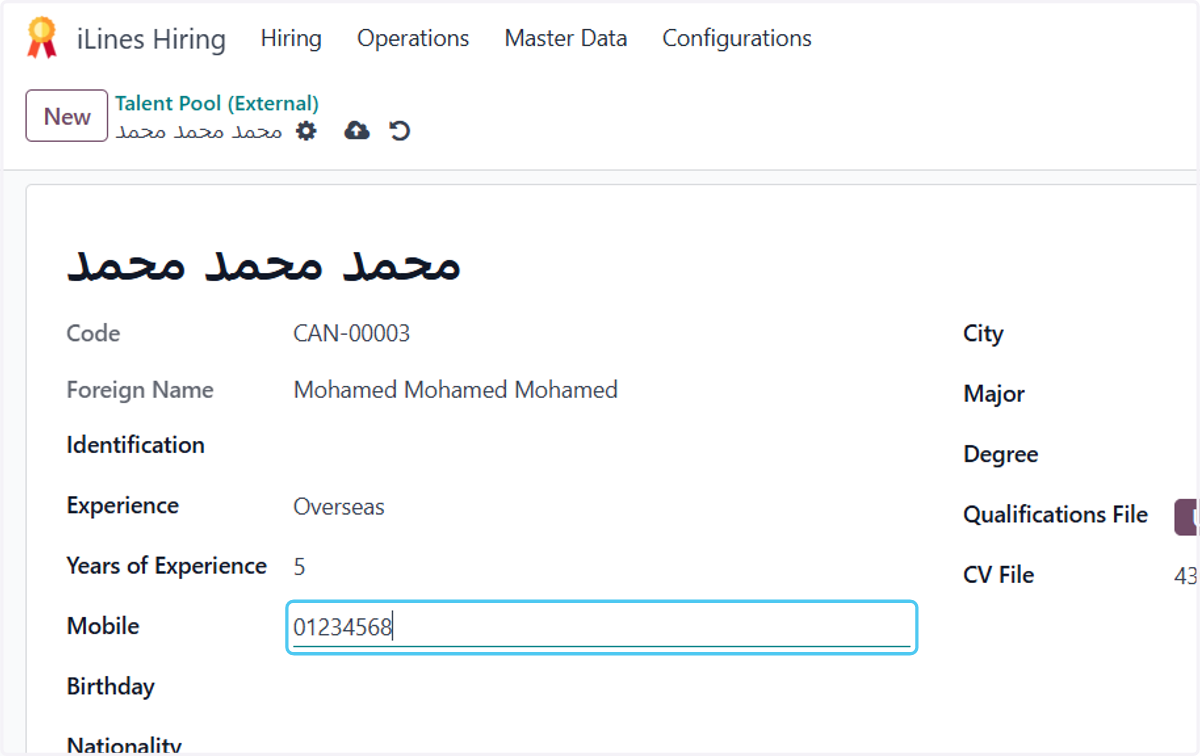
14. Click on Birthday
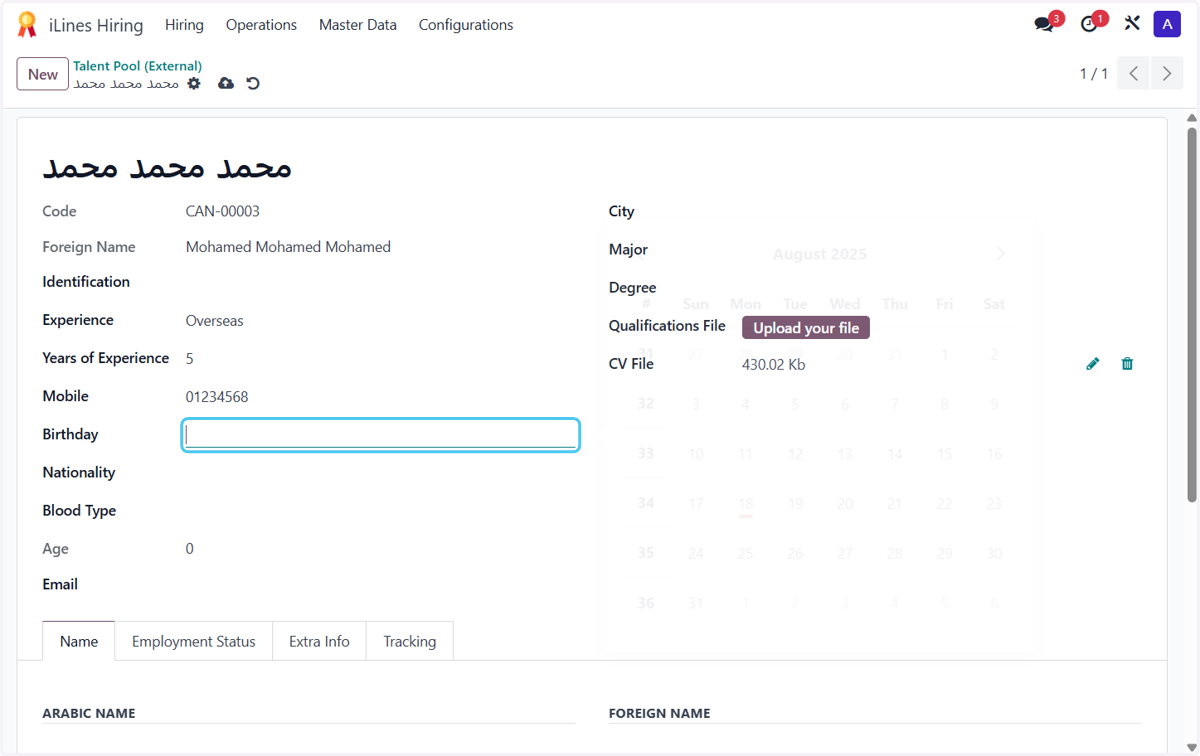
15. Click on August 2025
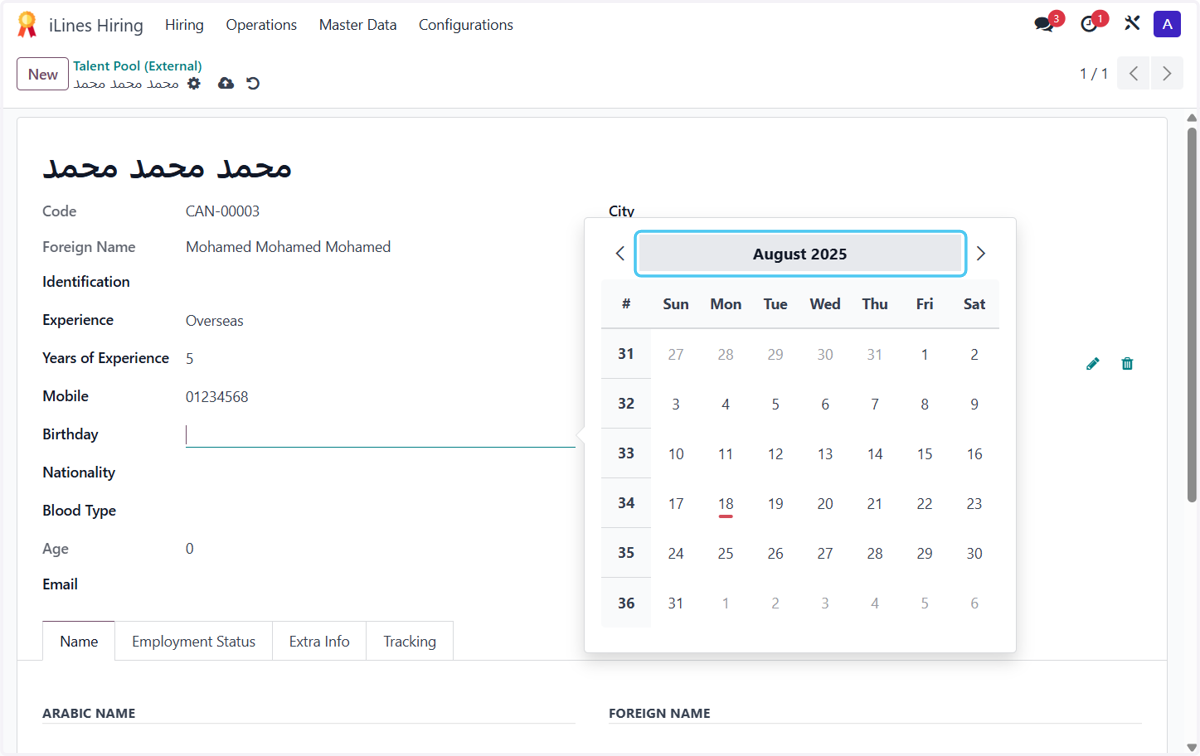
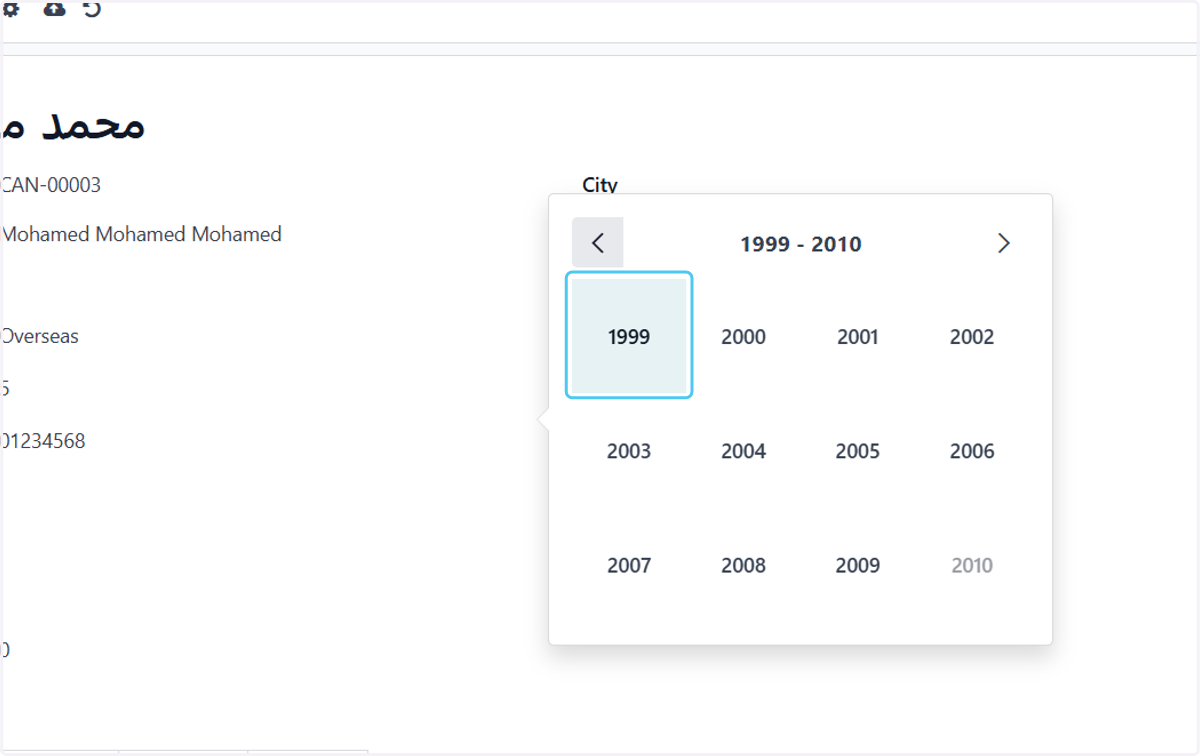
16. Search for the year
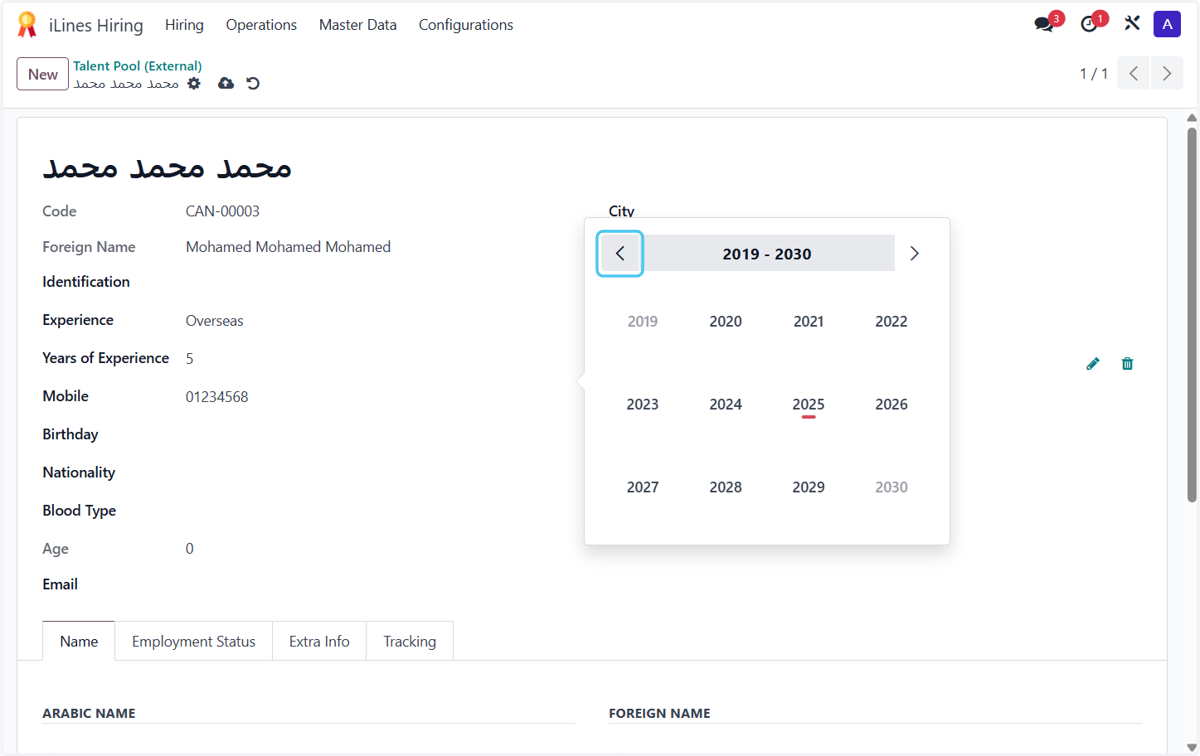
17. choose the year
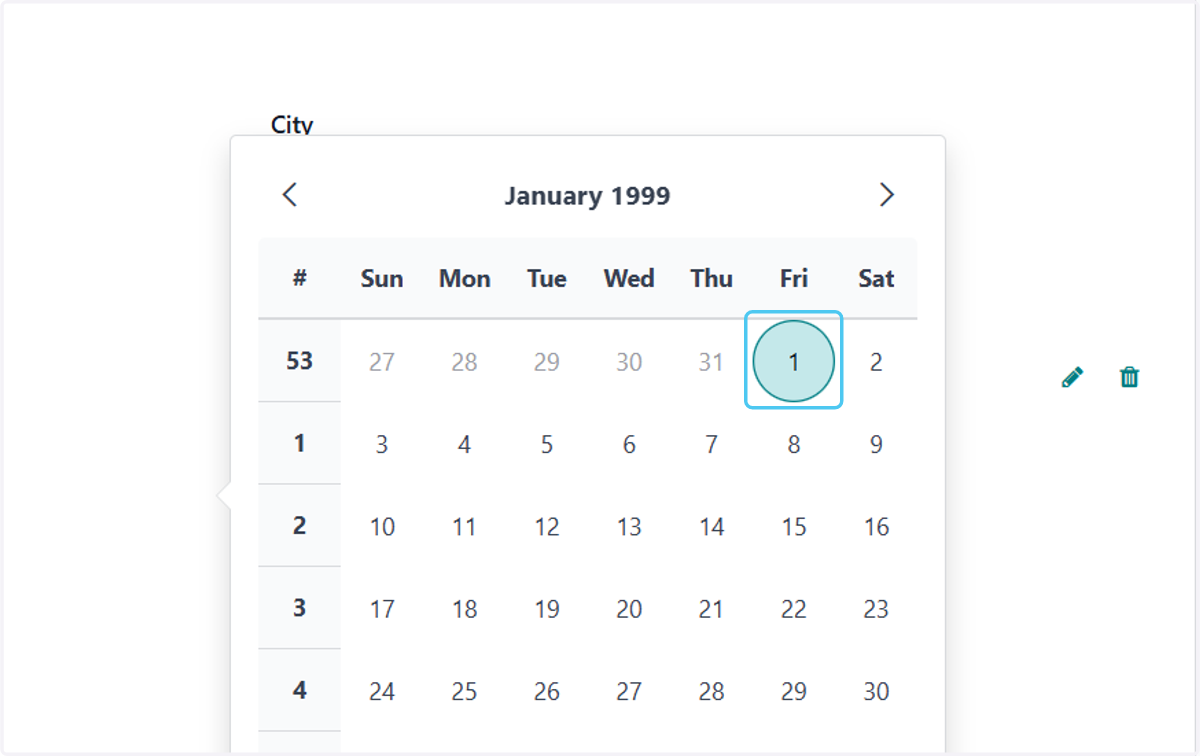
18. choose the day
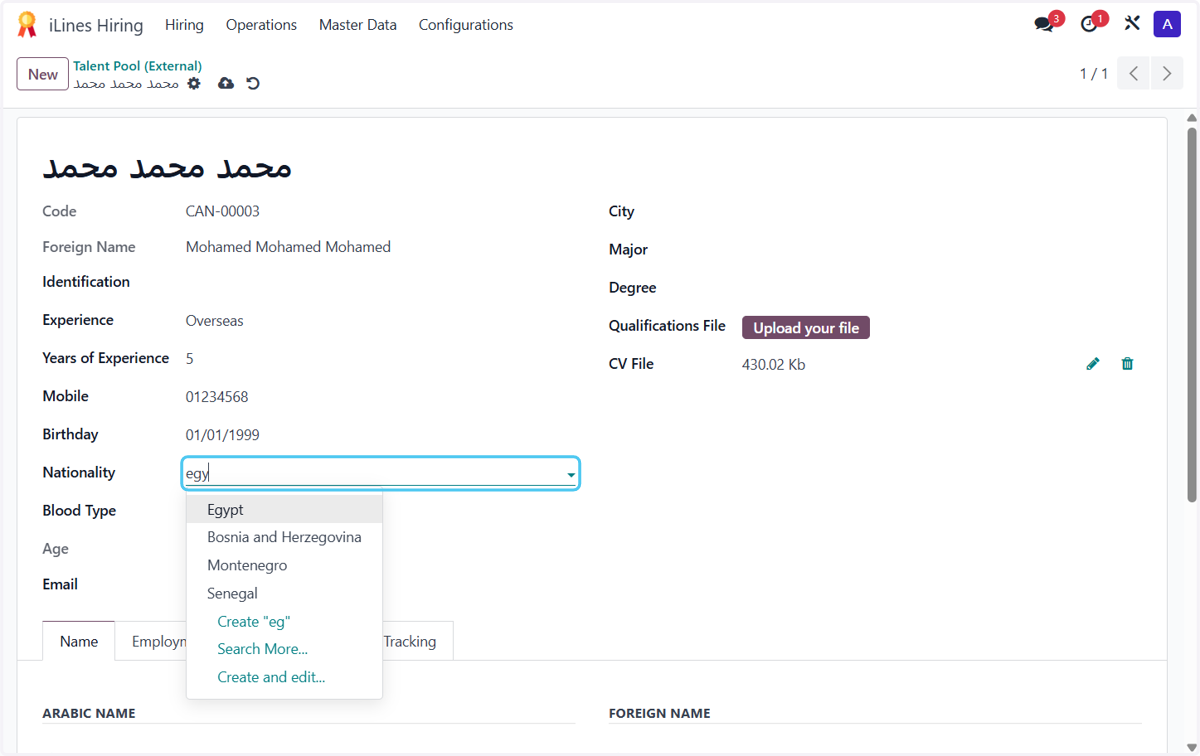
19. choose the Nationality
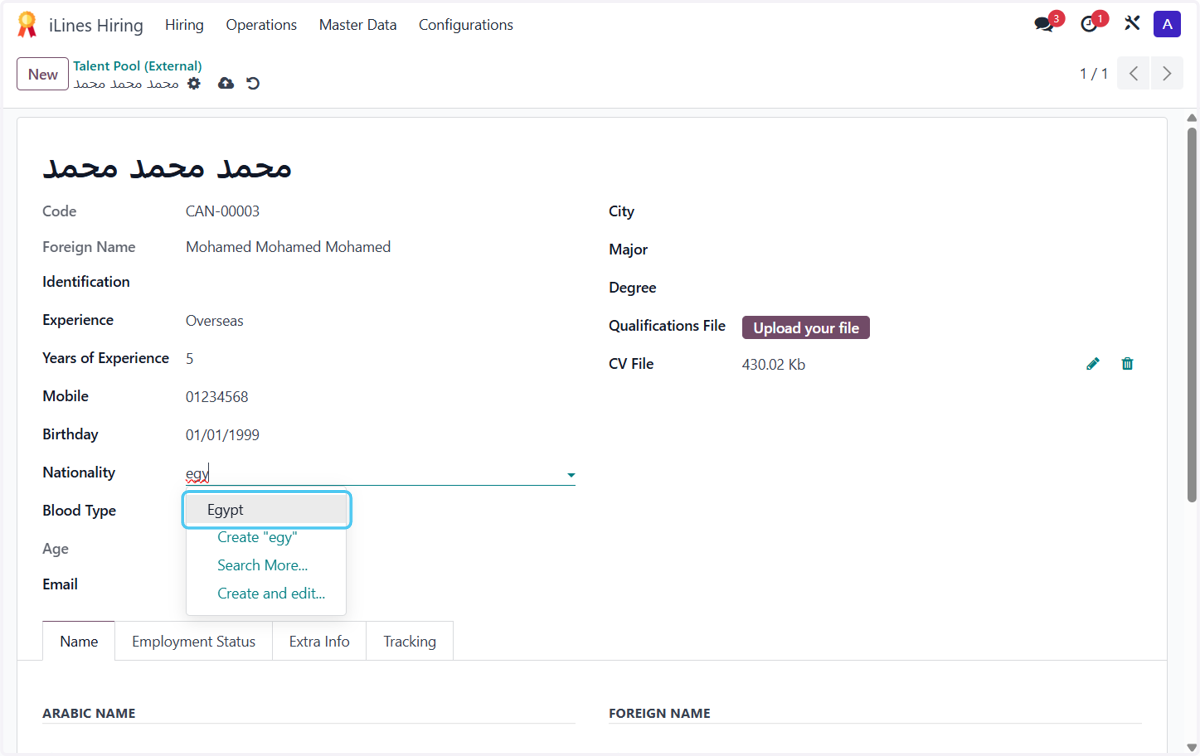
20. Click on Egypt
21. Choose the Blood Type
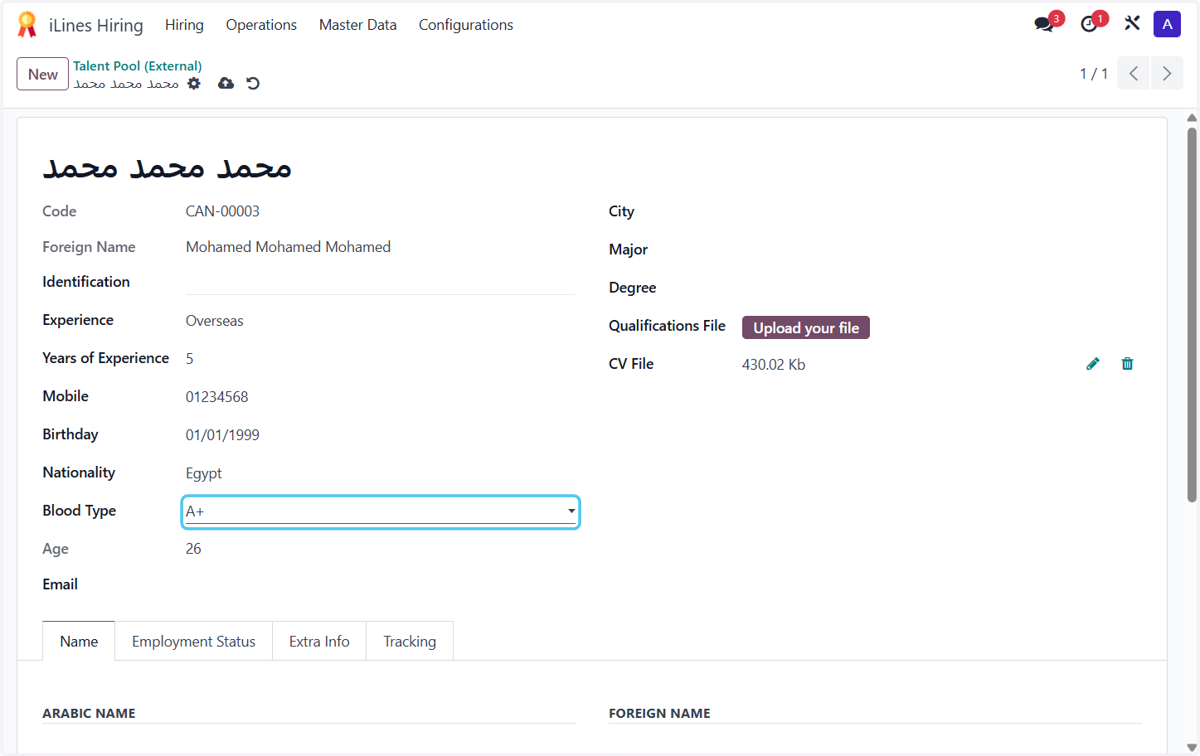
22. Type Email
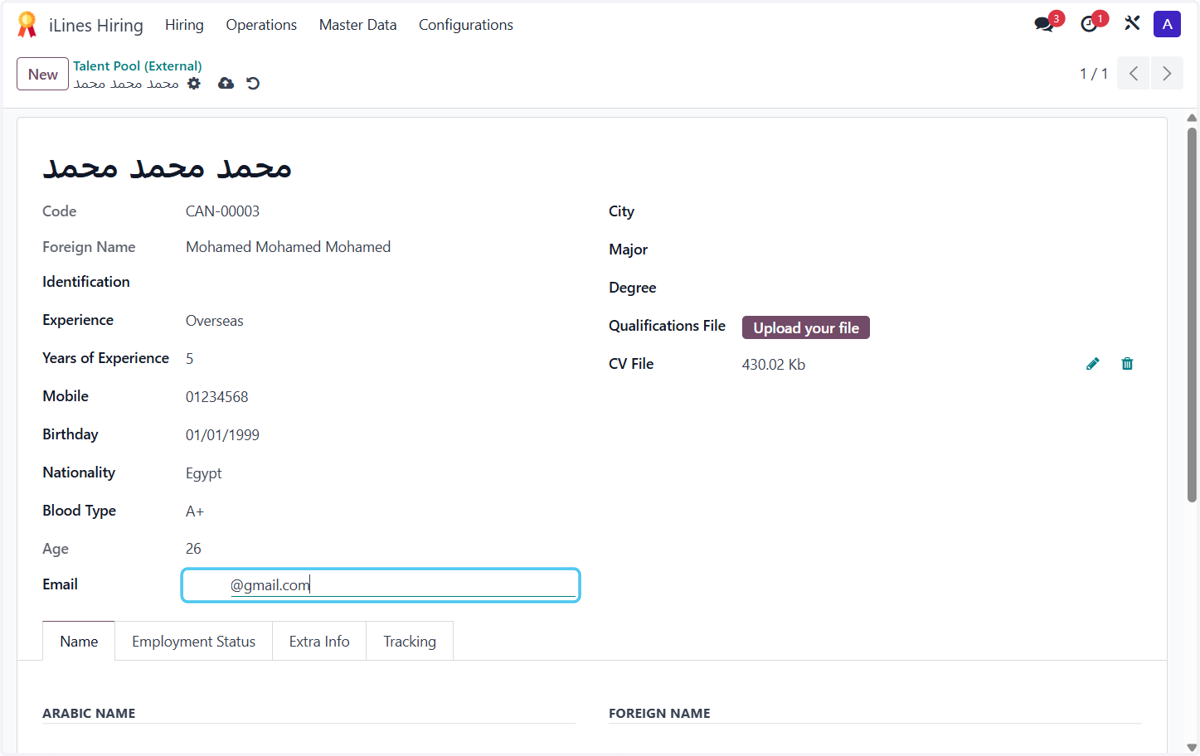
23. Choose the City
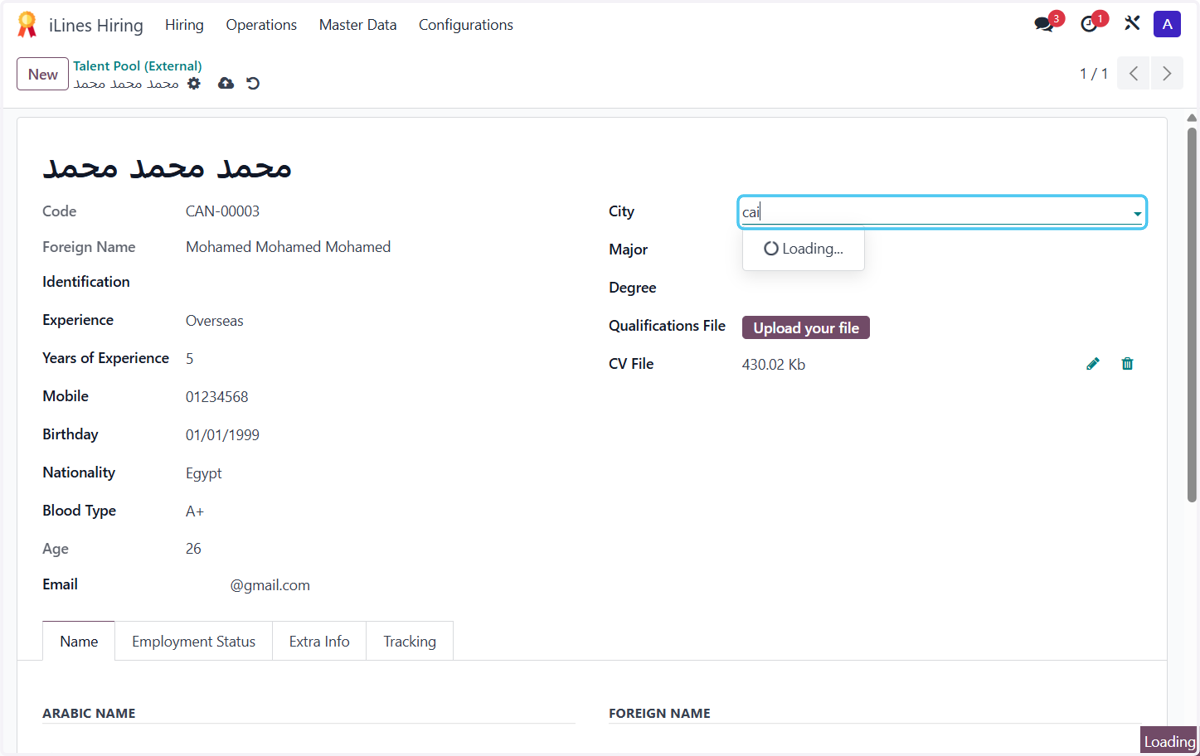
24. Click on Cairo (EG)
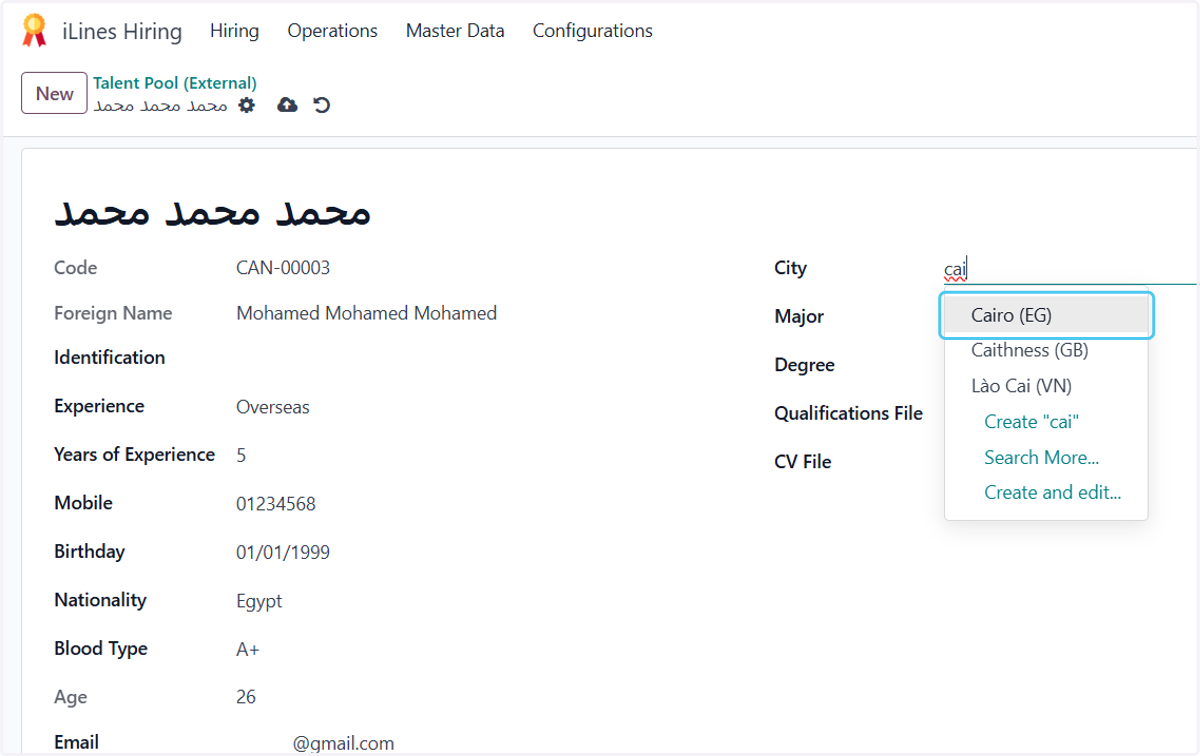
25. Click on Major
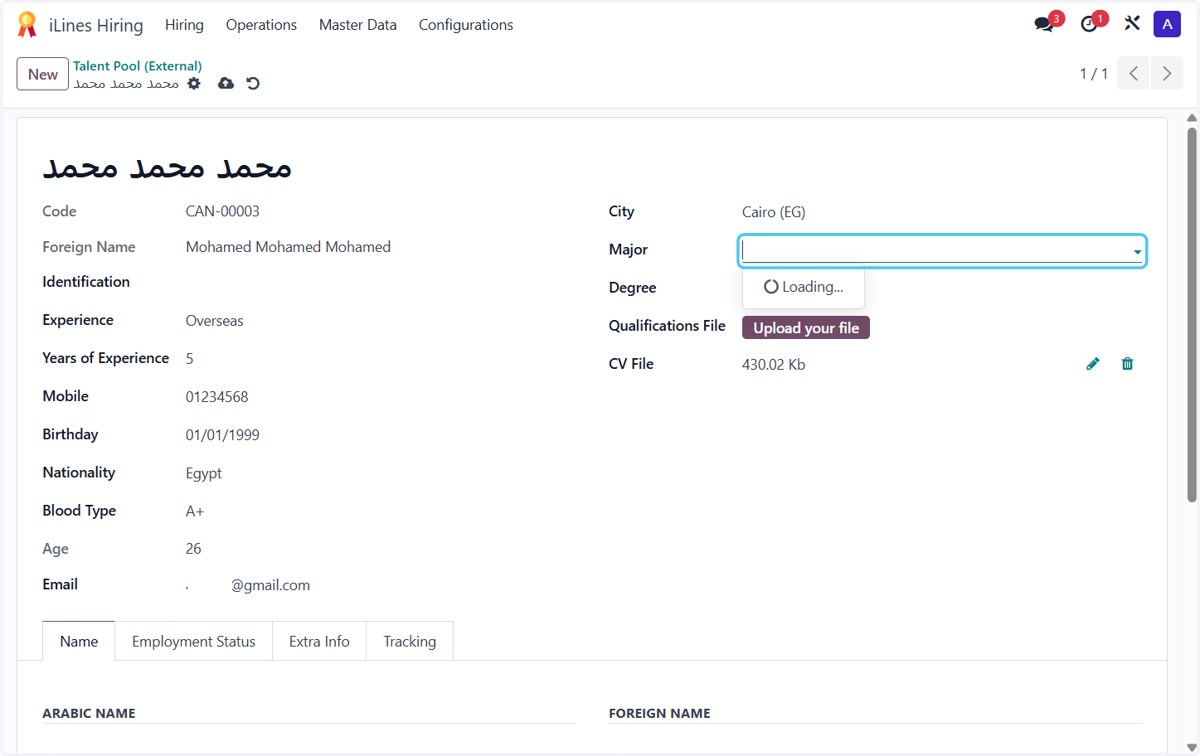
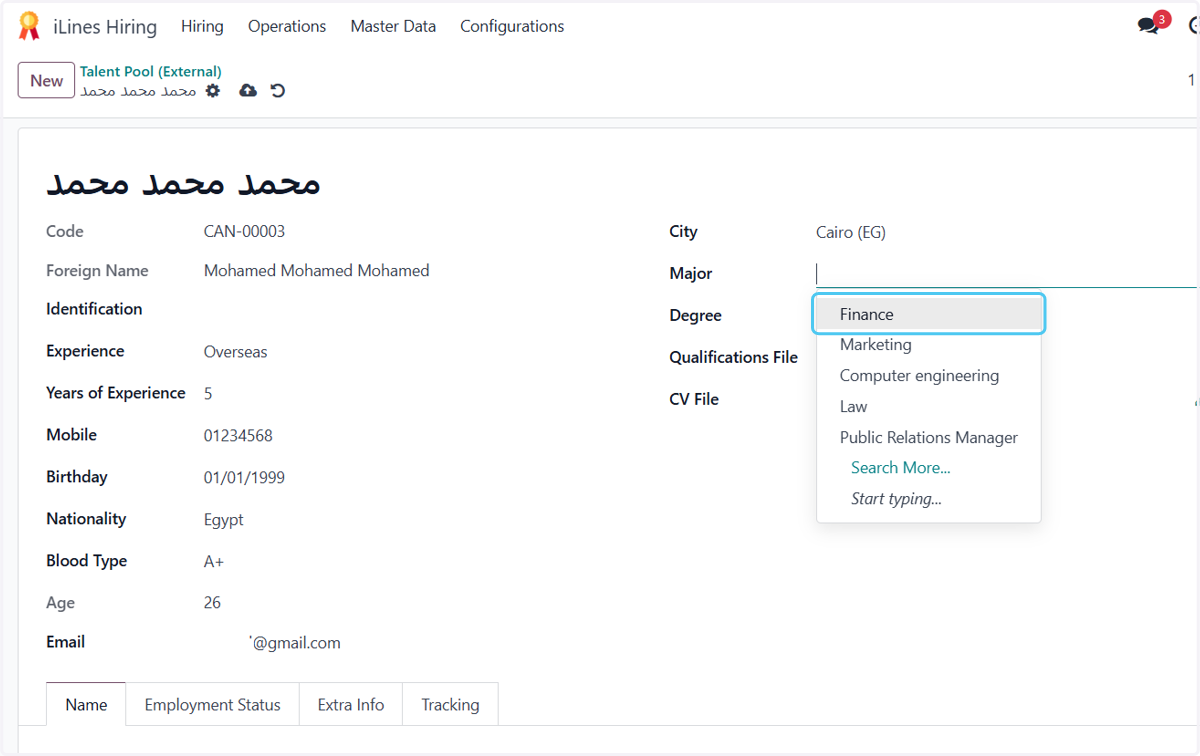
26. Click on Finance
27. Click on Degree
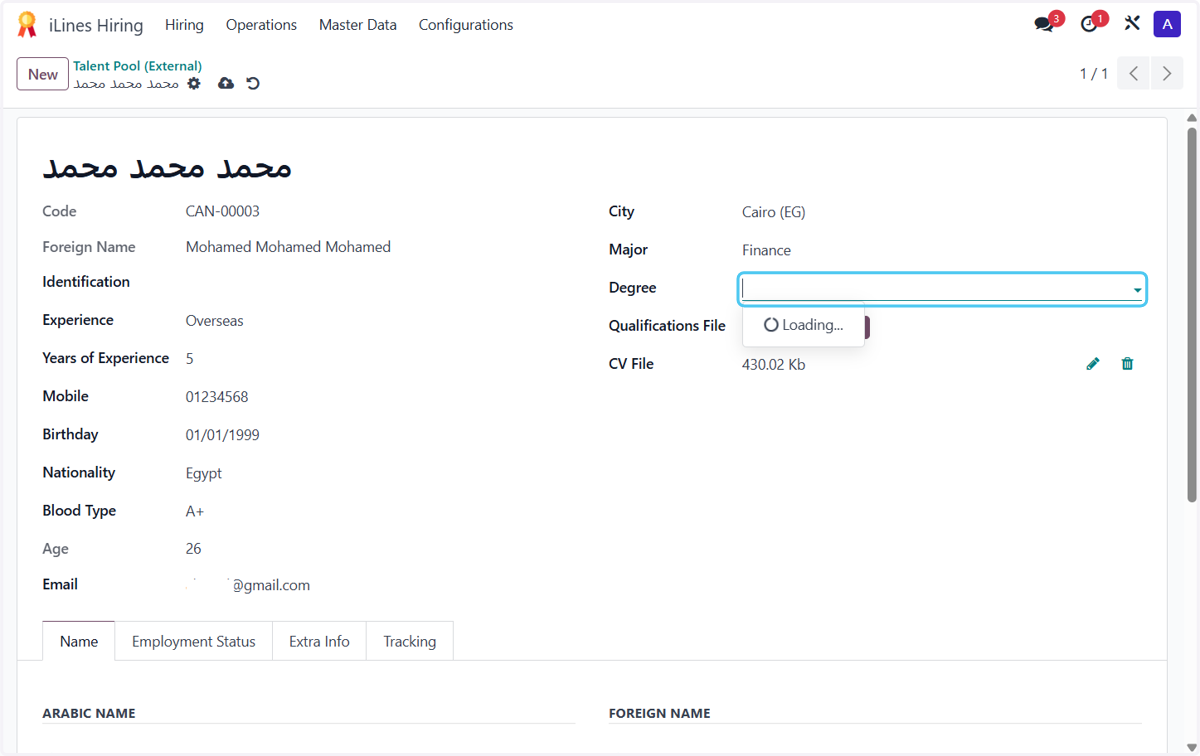
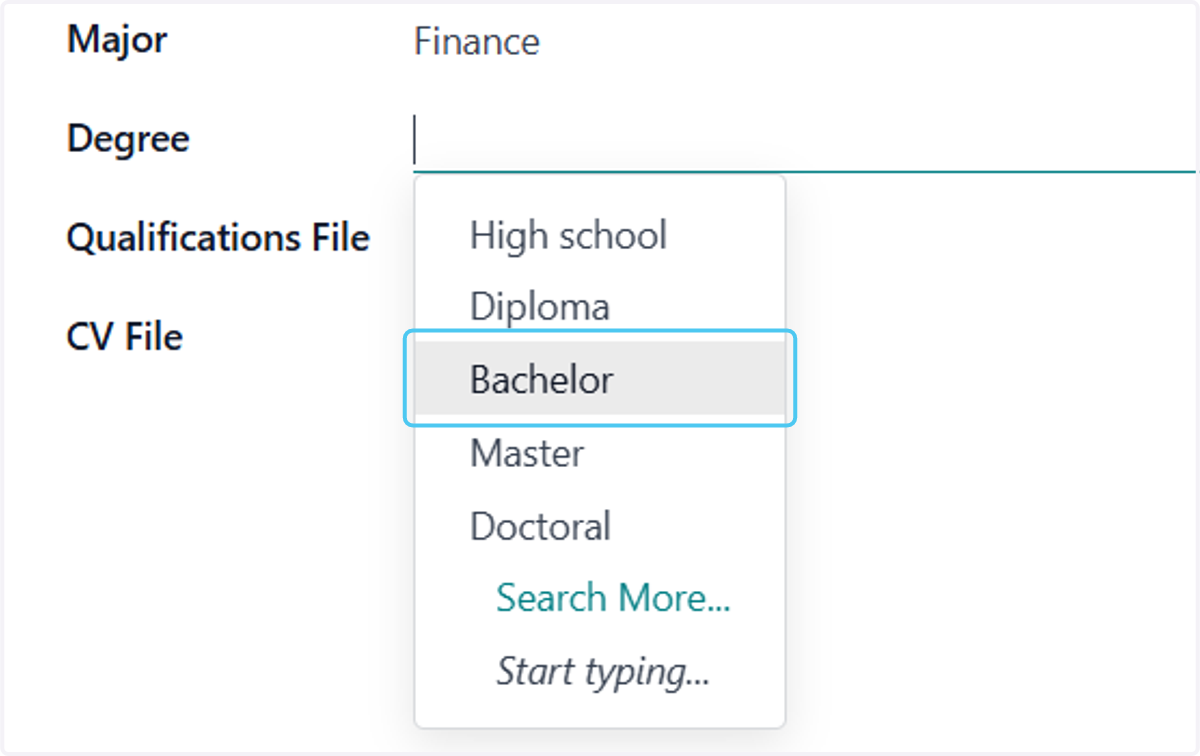
28. Click on Bachelor
29. Click on Extra Info
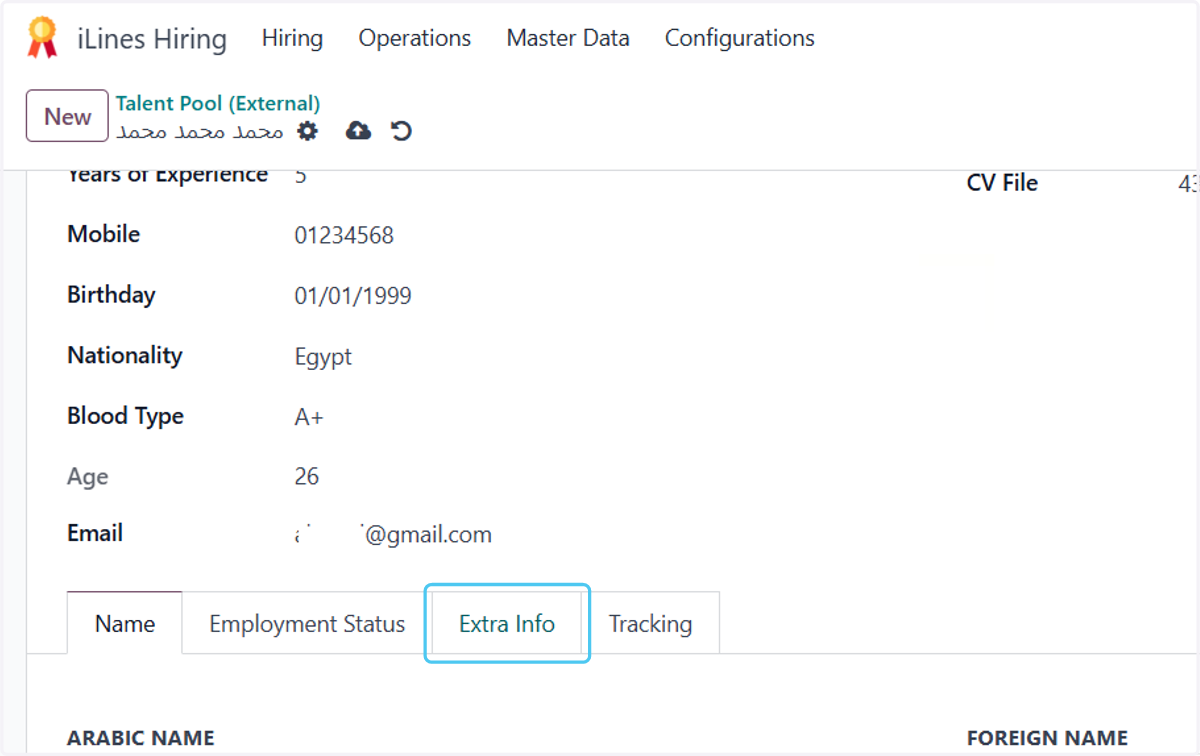
30. Select Male from Gender
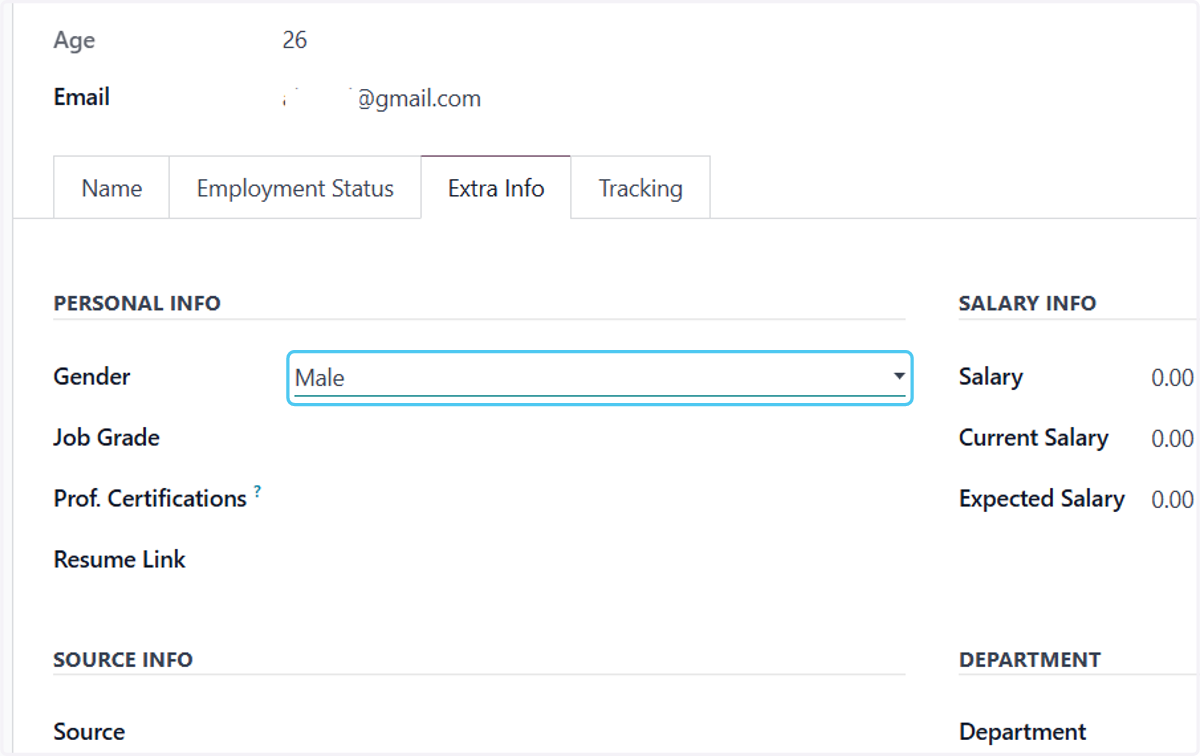
31. Type "1"
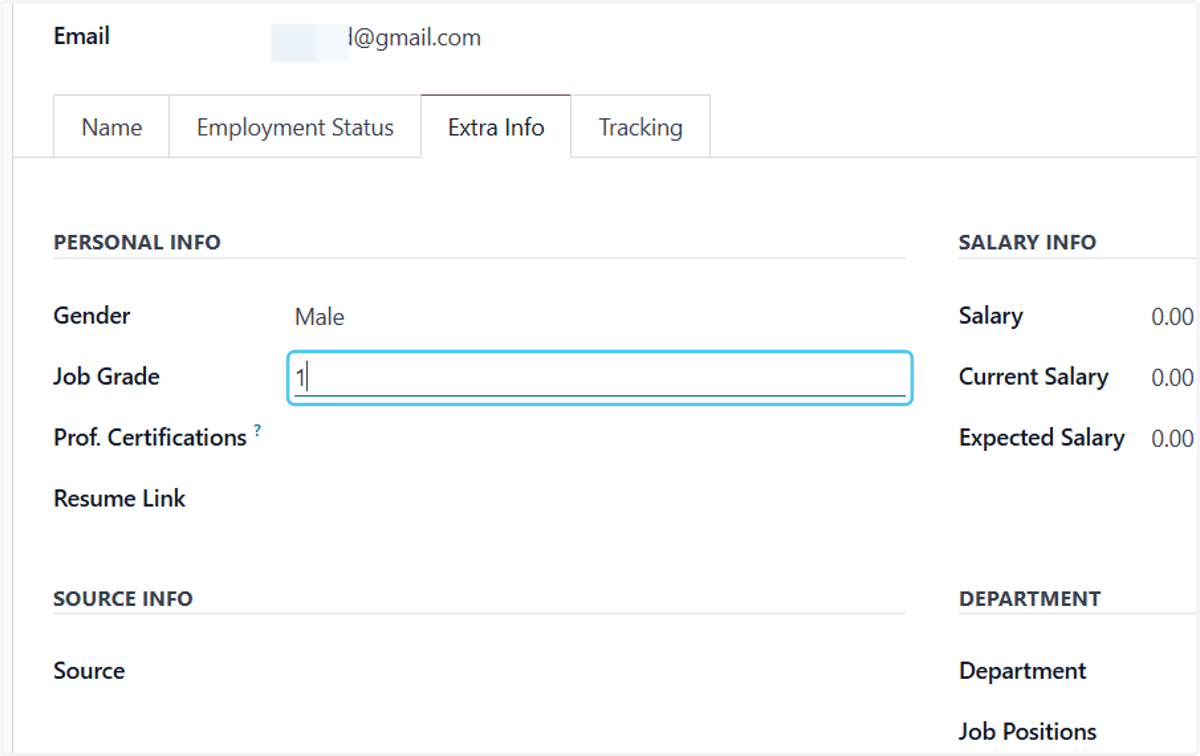
32. Select LinkedIn from Source
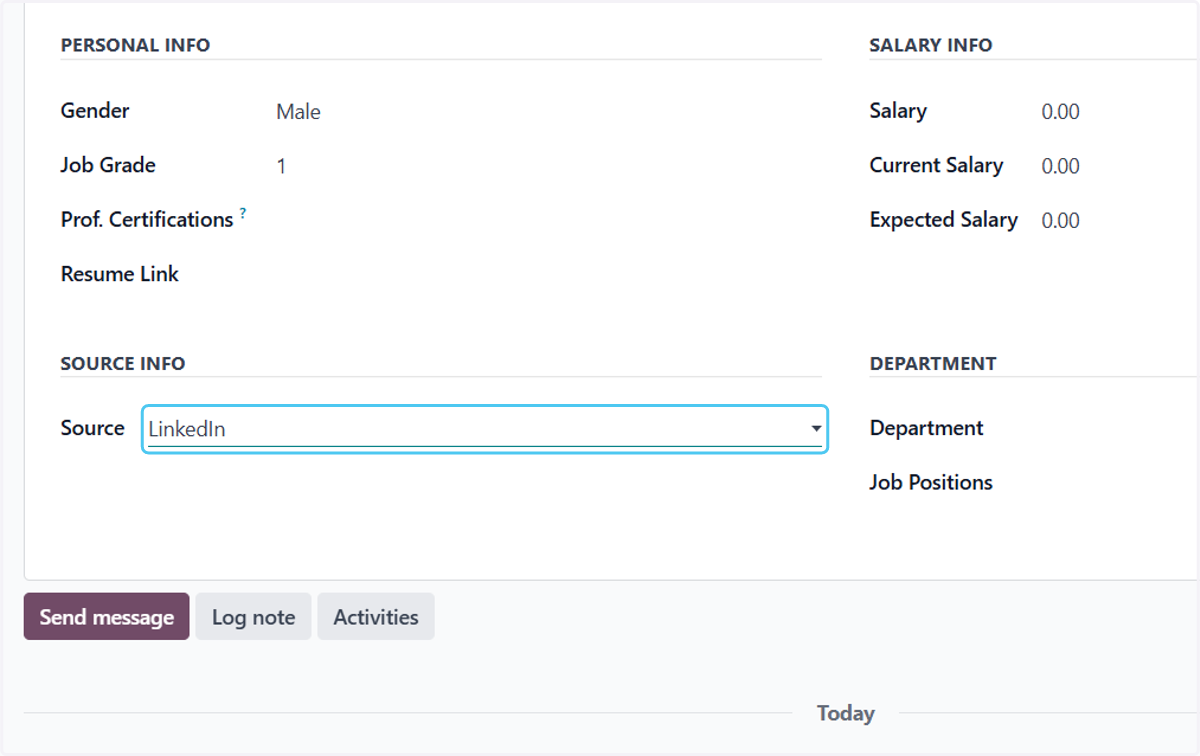
33. Click on Department
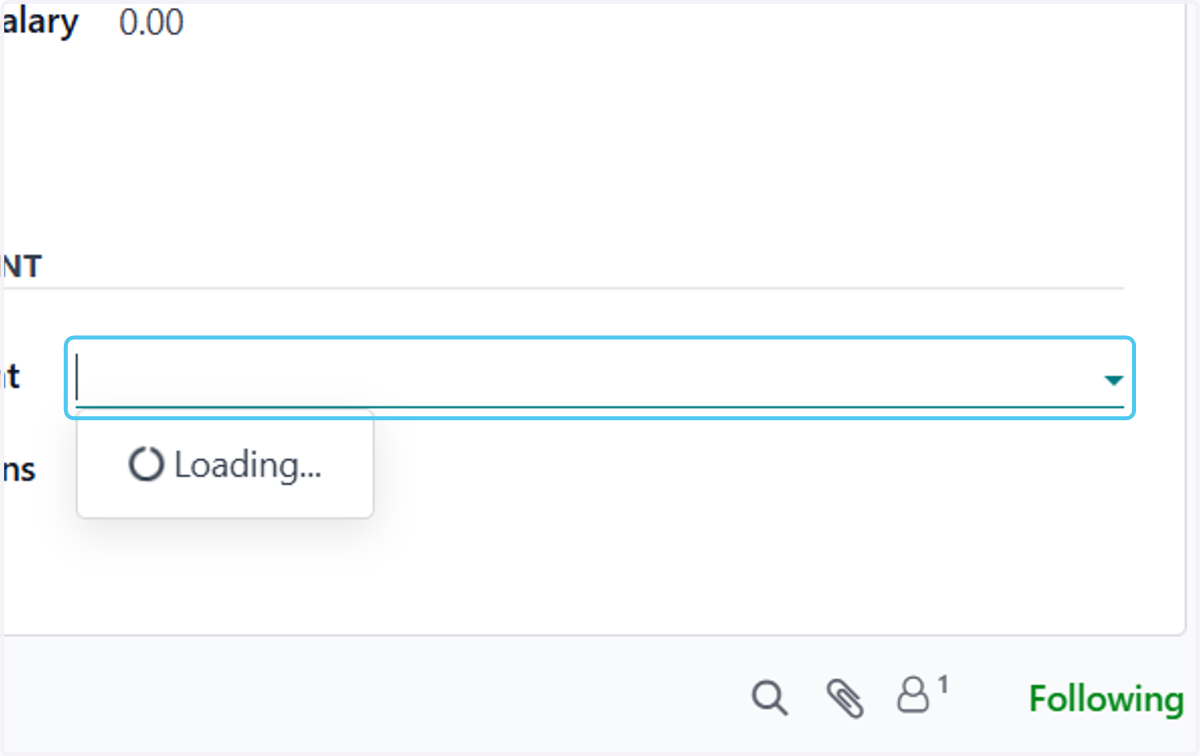
34. Click on Job Positions
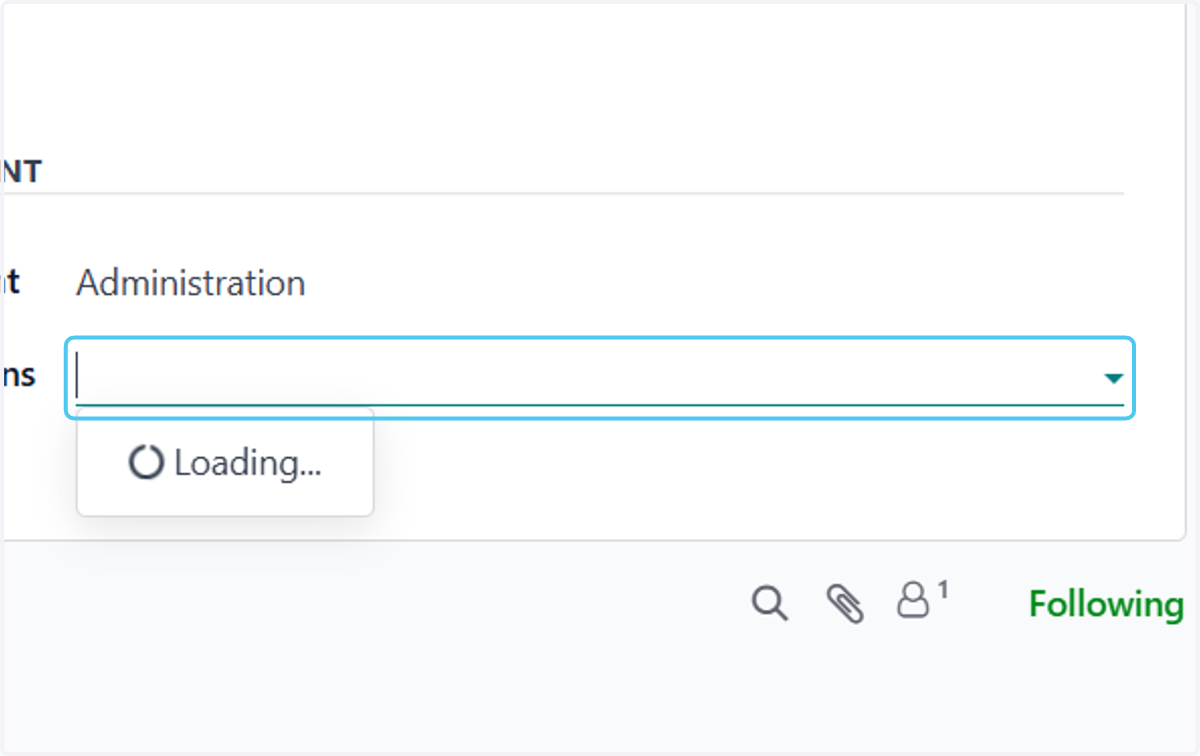
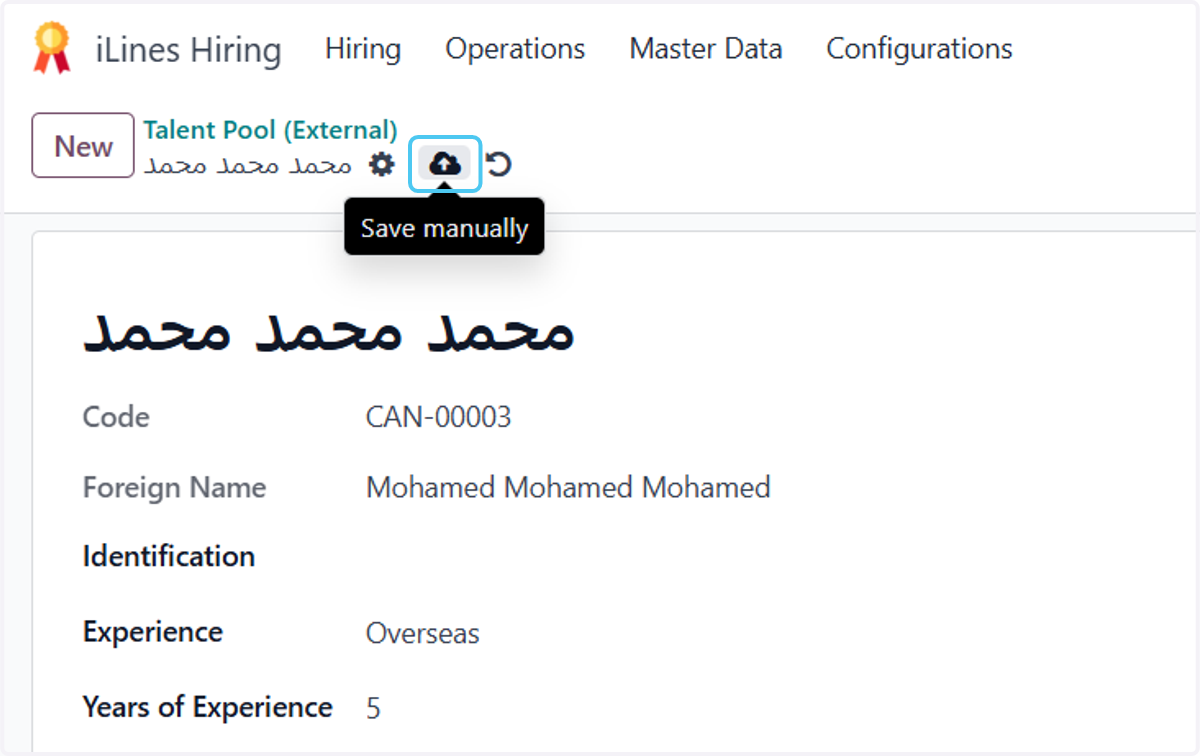
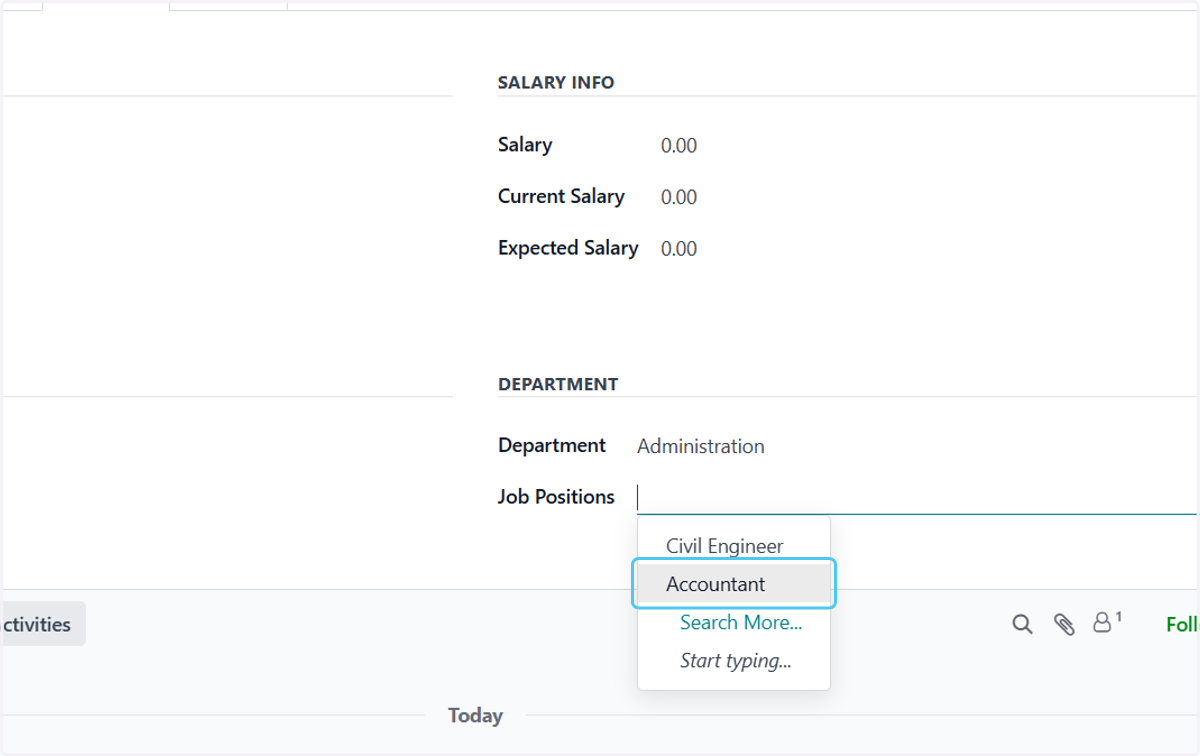
35. Click on Accountant
36. Click on Save manually