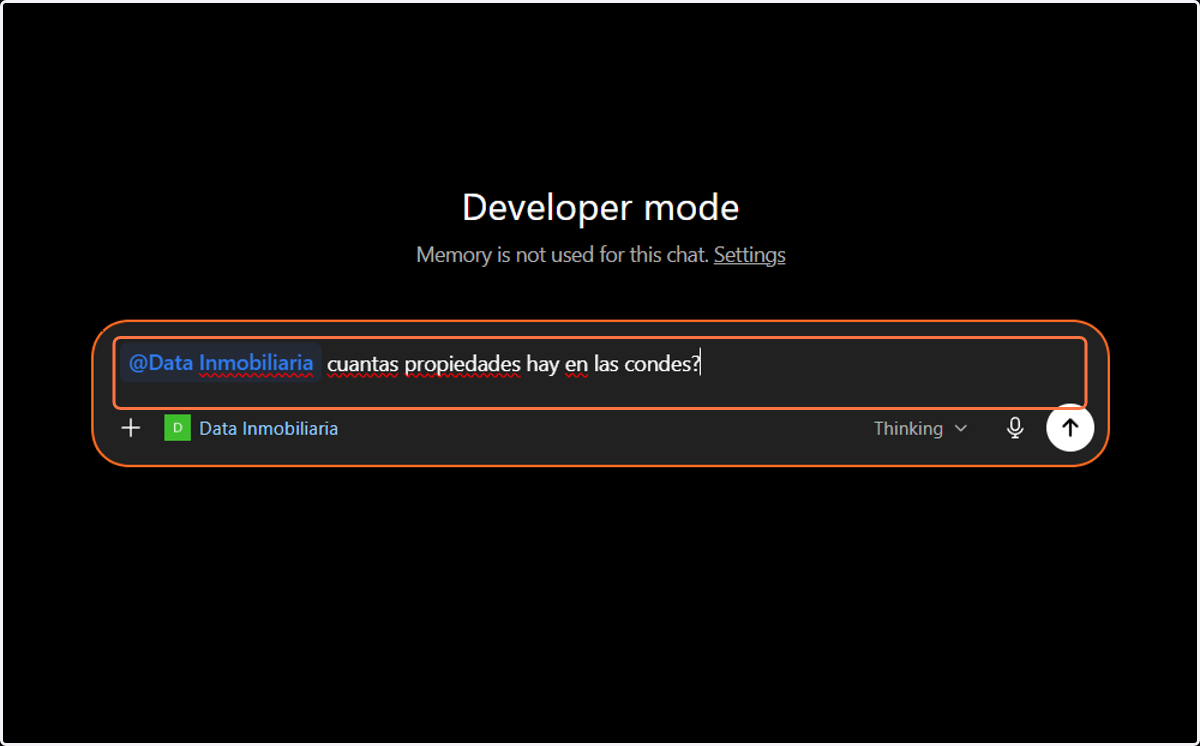
Enable Data Inmobiliaria App for ChatGPT
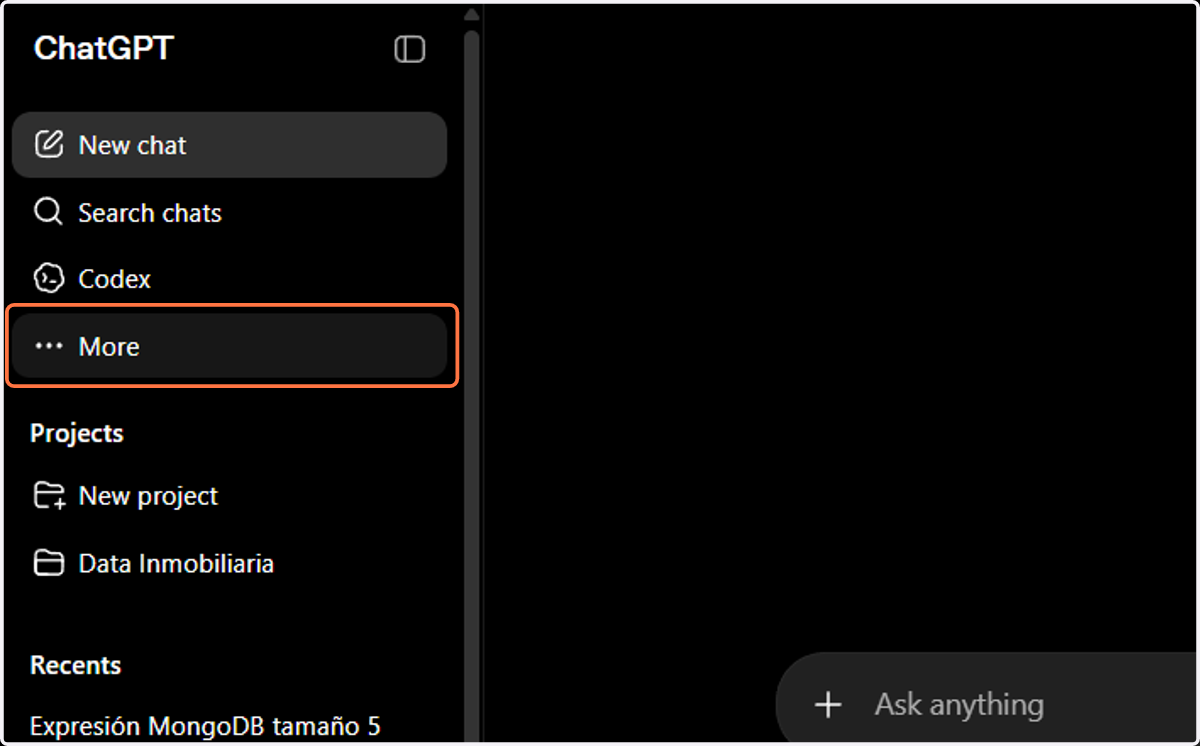
1. Click on dropdown trigger
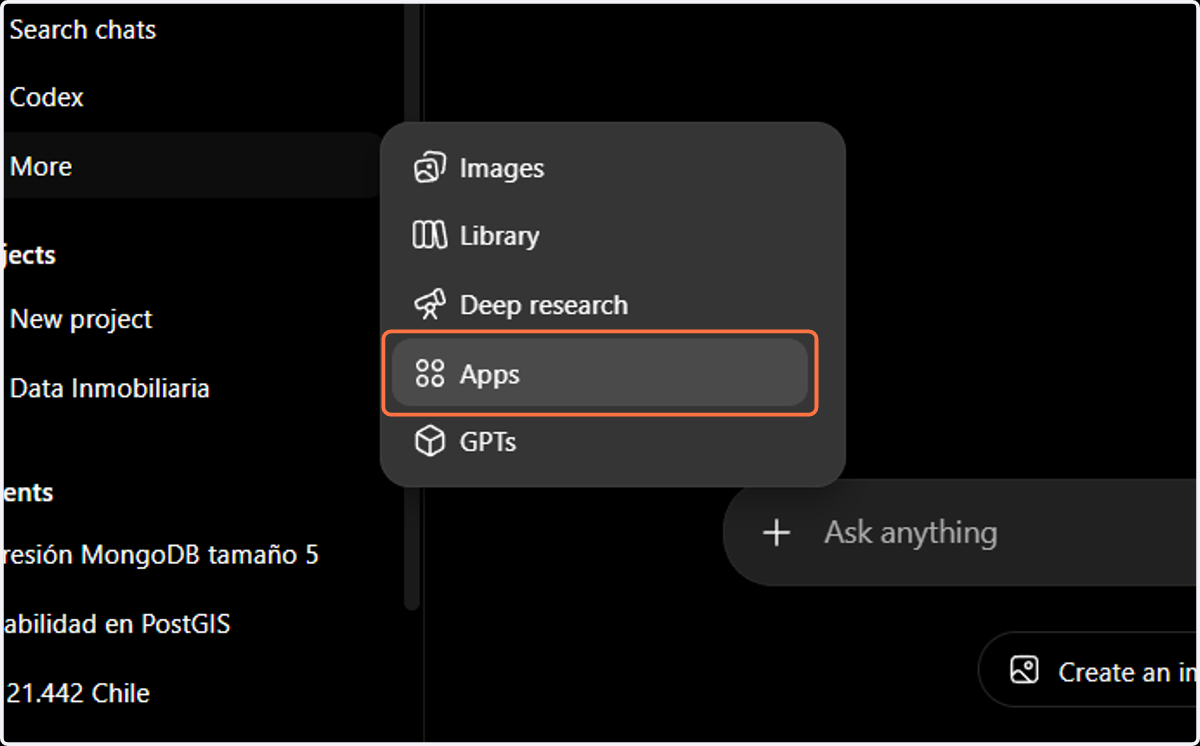
2. Click on Apps
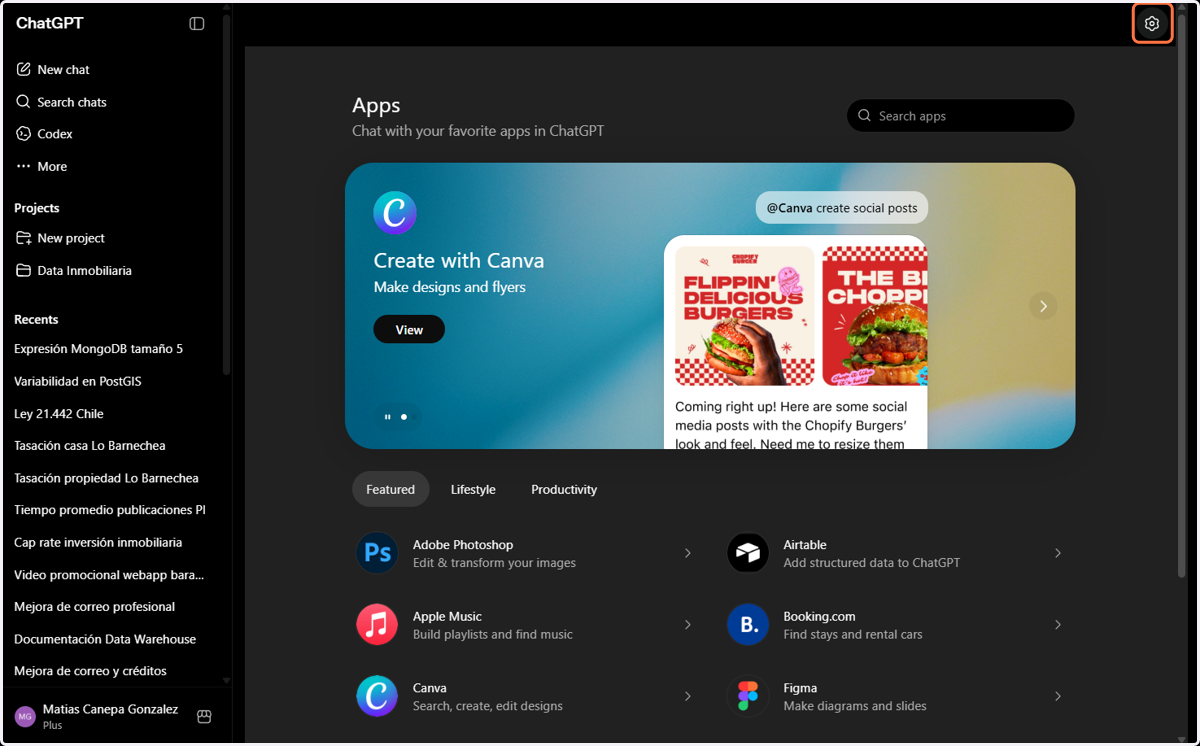
3. Click on Manage
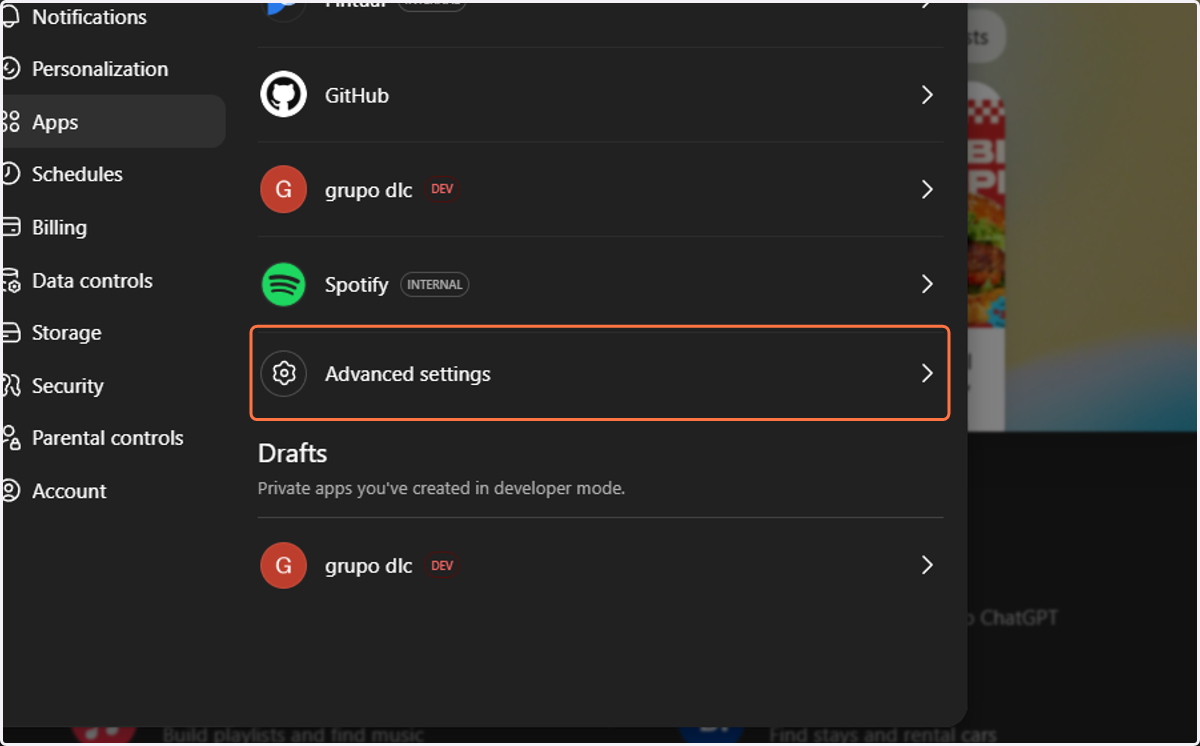
4. Click on Advanced settings
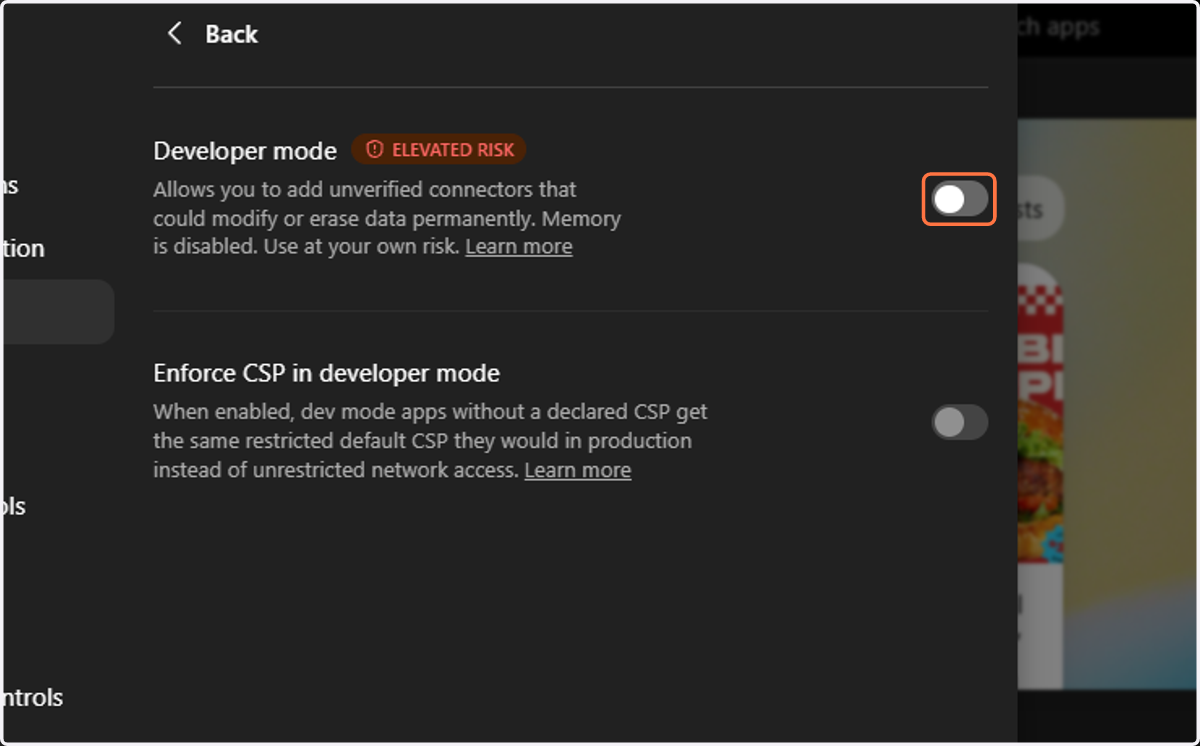
5. Click on Allows you to add unverified connectors that could modify or erase data permanently. Memory is disabled. Use at your own risk. Learn more
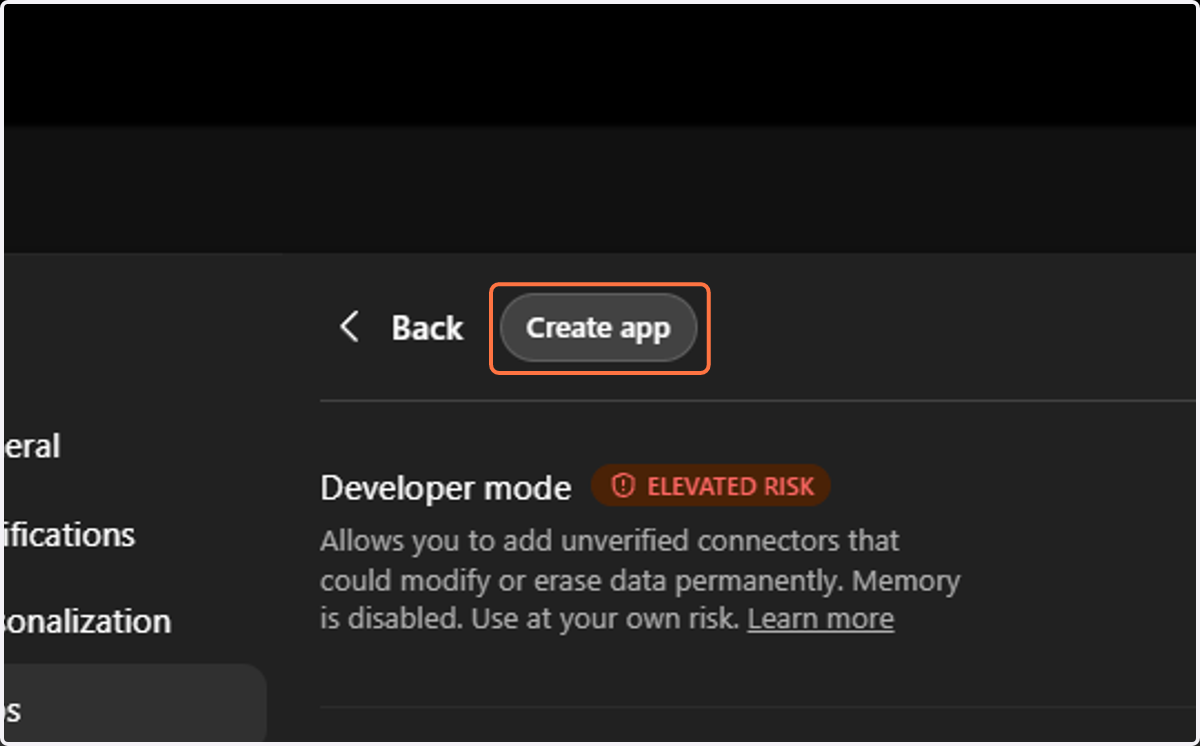
6. Click on Create app
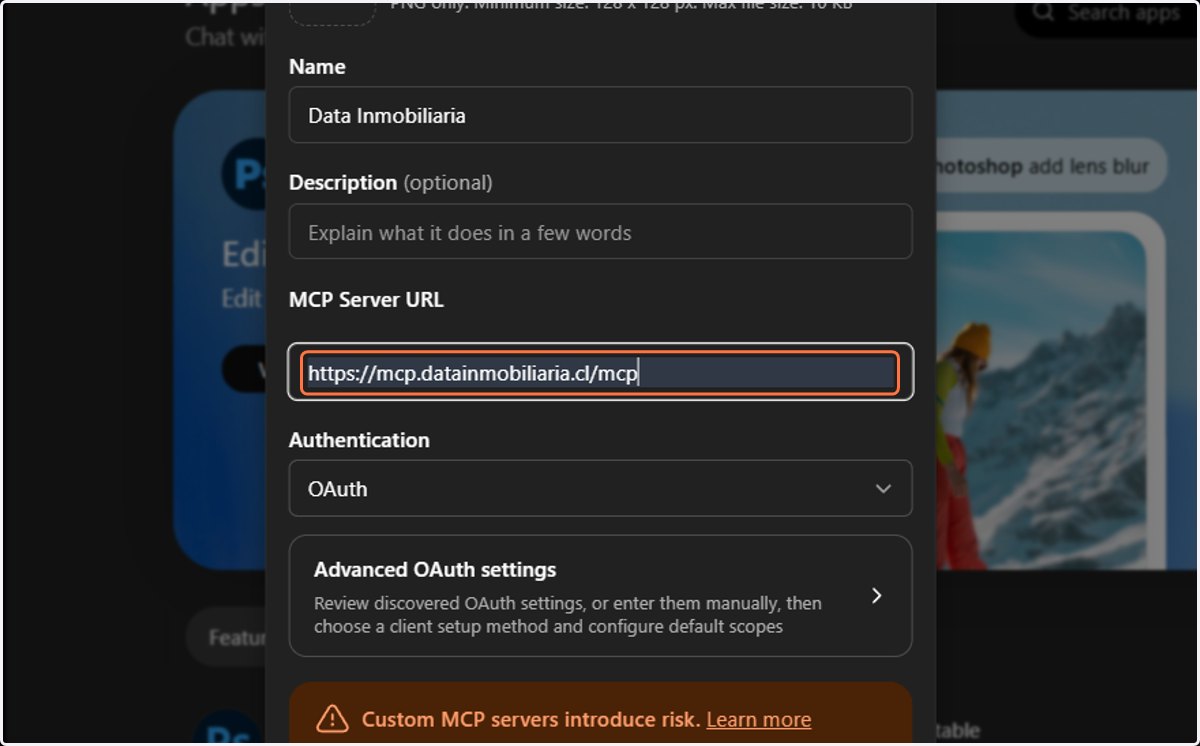
7. Type "Data Inmobiliaria"
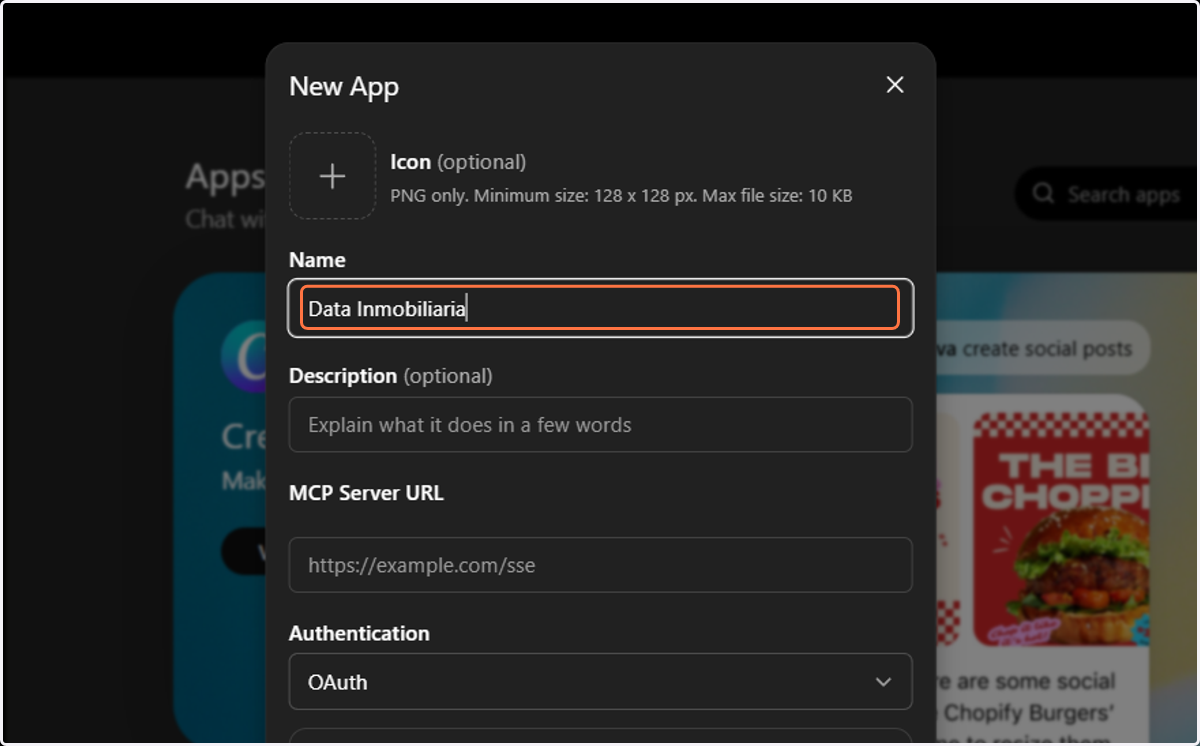
8. Type "https://mcp.datainmobiliaria.cl/mcp"
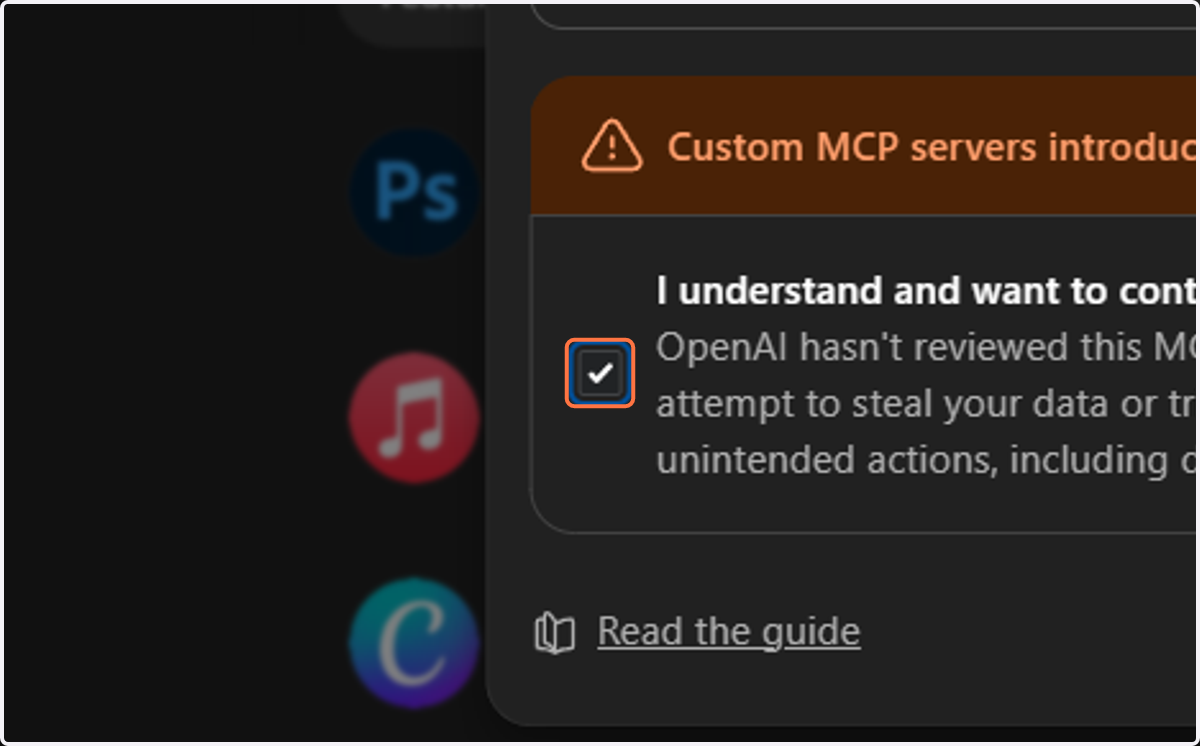
9. Check I understand and want to continue…
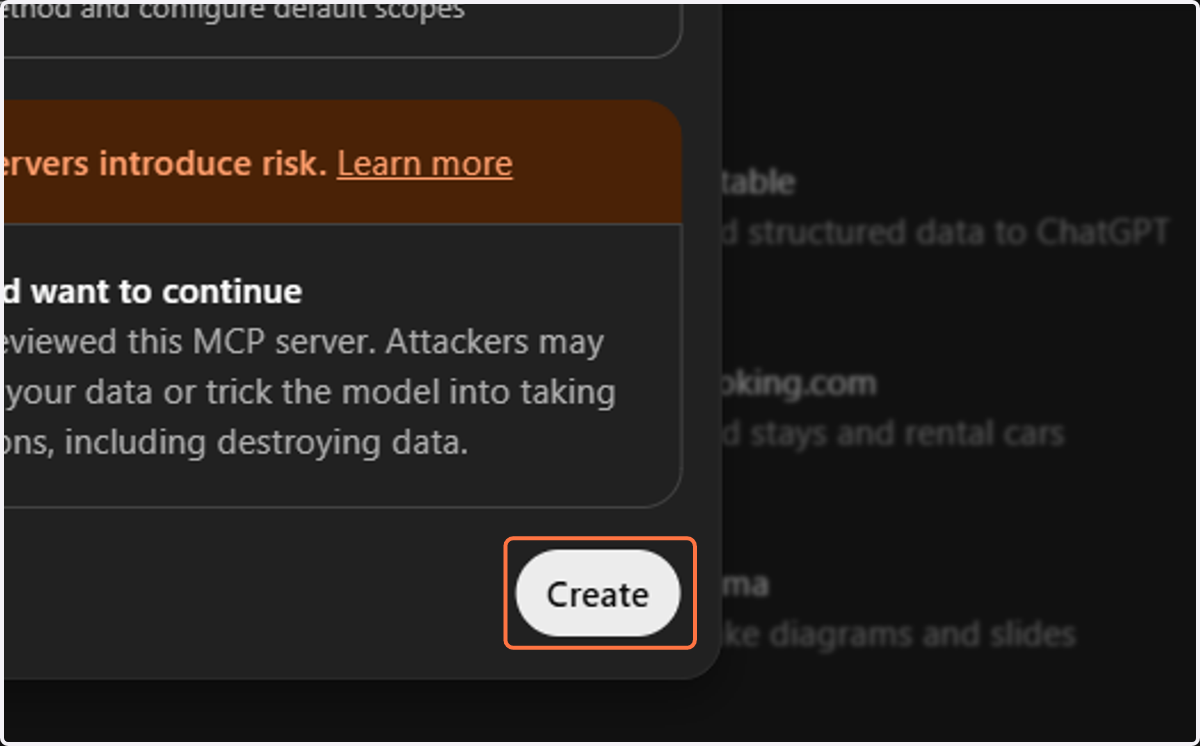
10. Click on Create
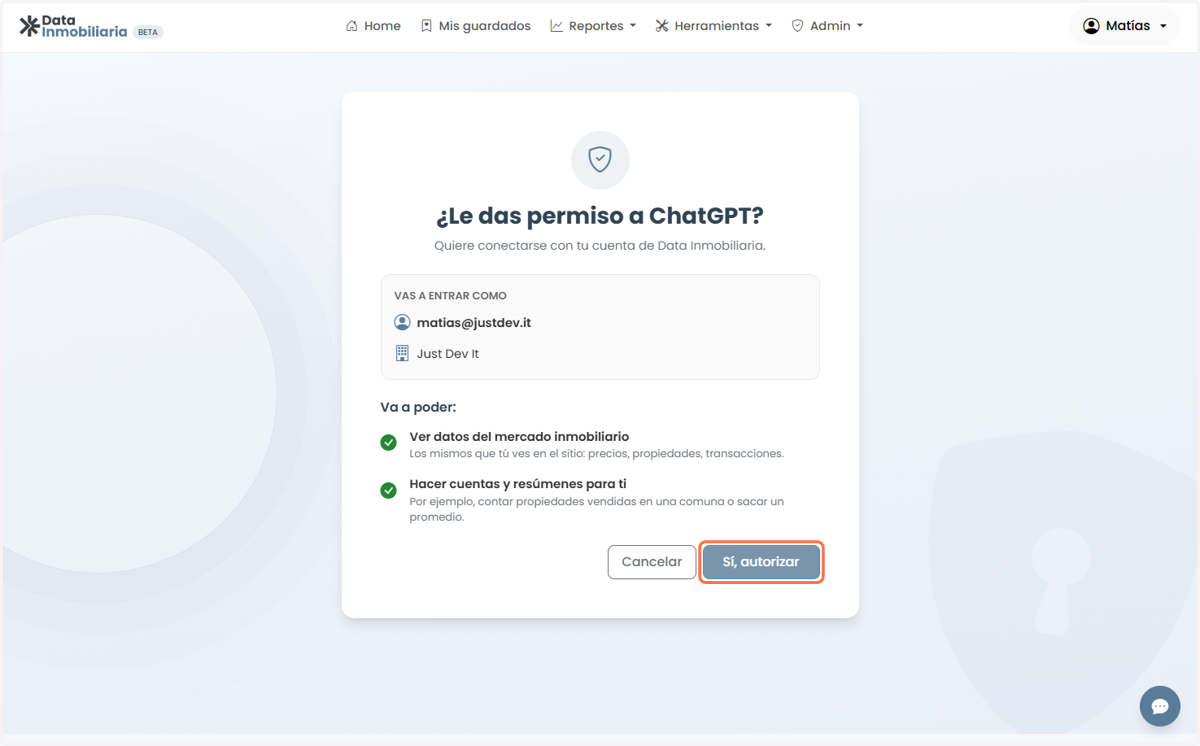
11. Click on Sí, autorizar
12. Type Chat with ChatGPT
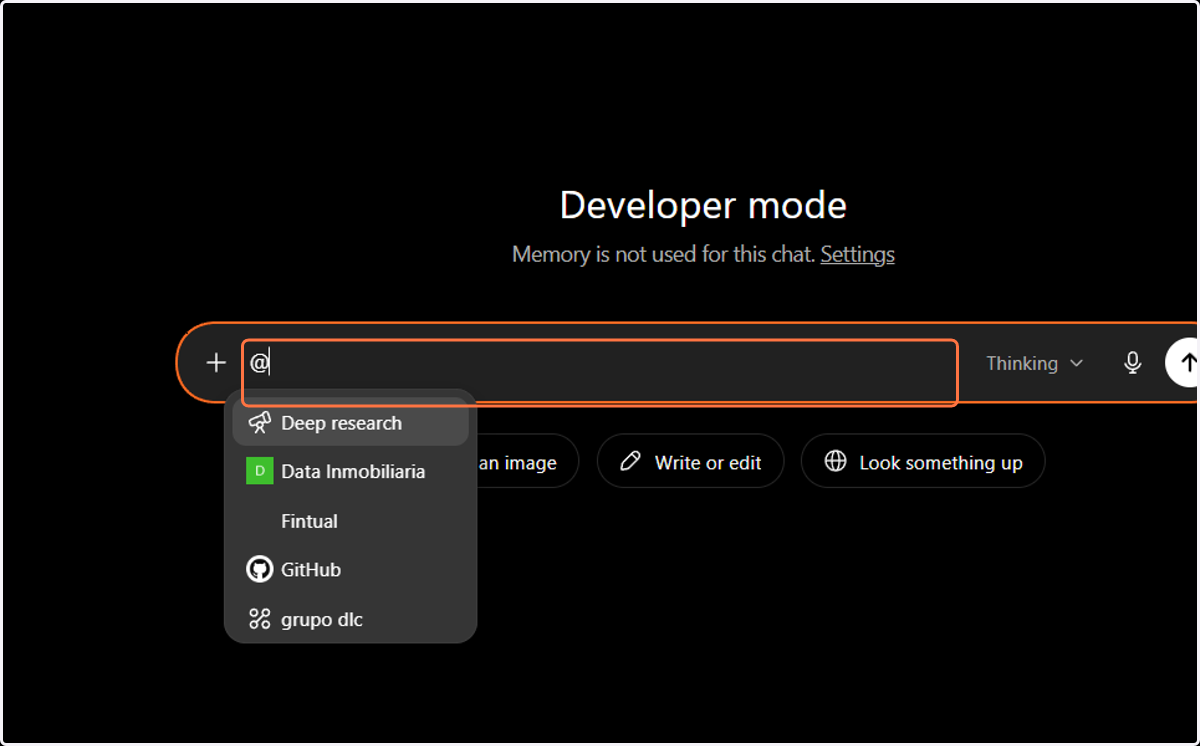
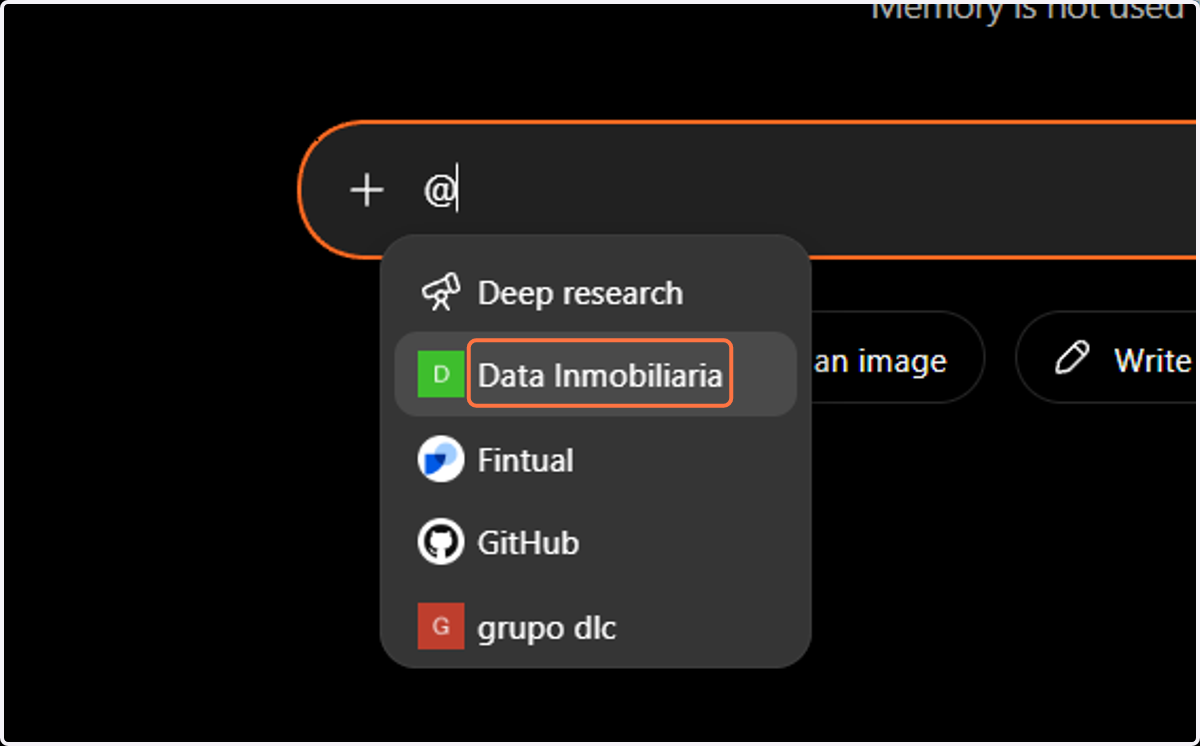
13. Click on Data Inmobiliaria
14. Type Chat with ChatGPT