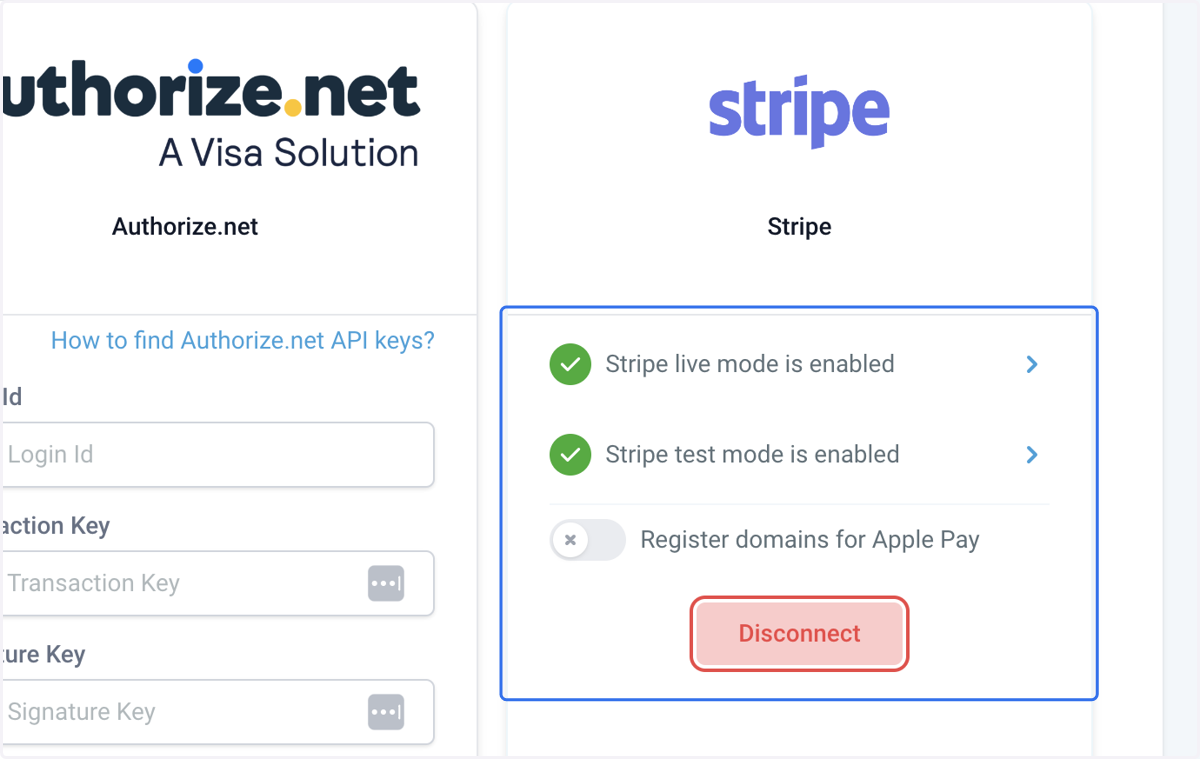
Connecting Stripe for Payments
Horse Business Manager
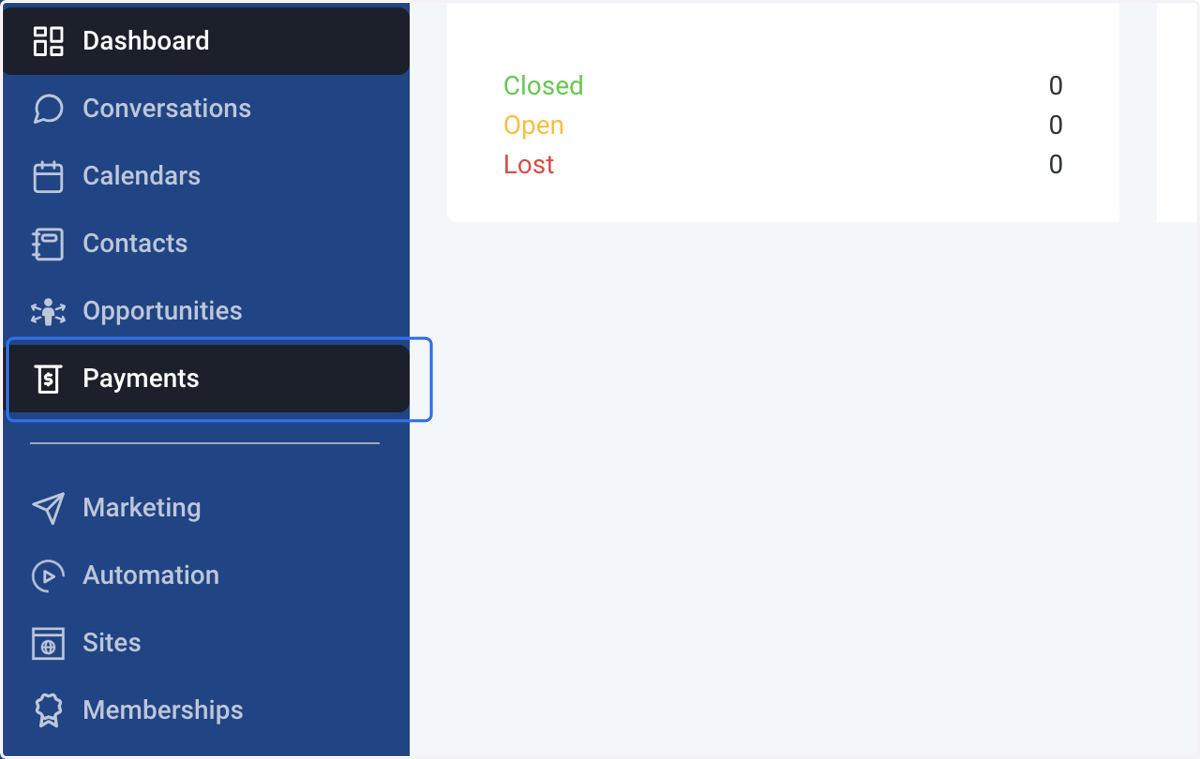
1. Click on Payments
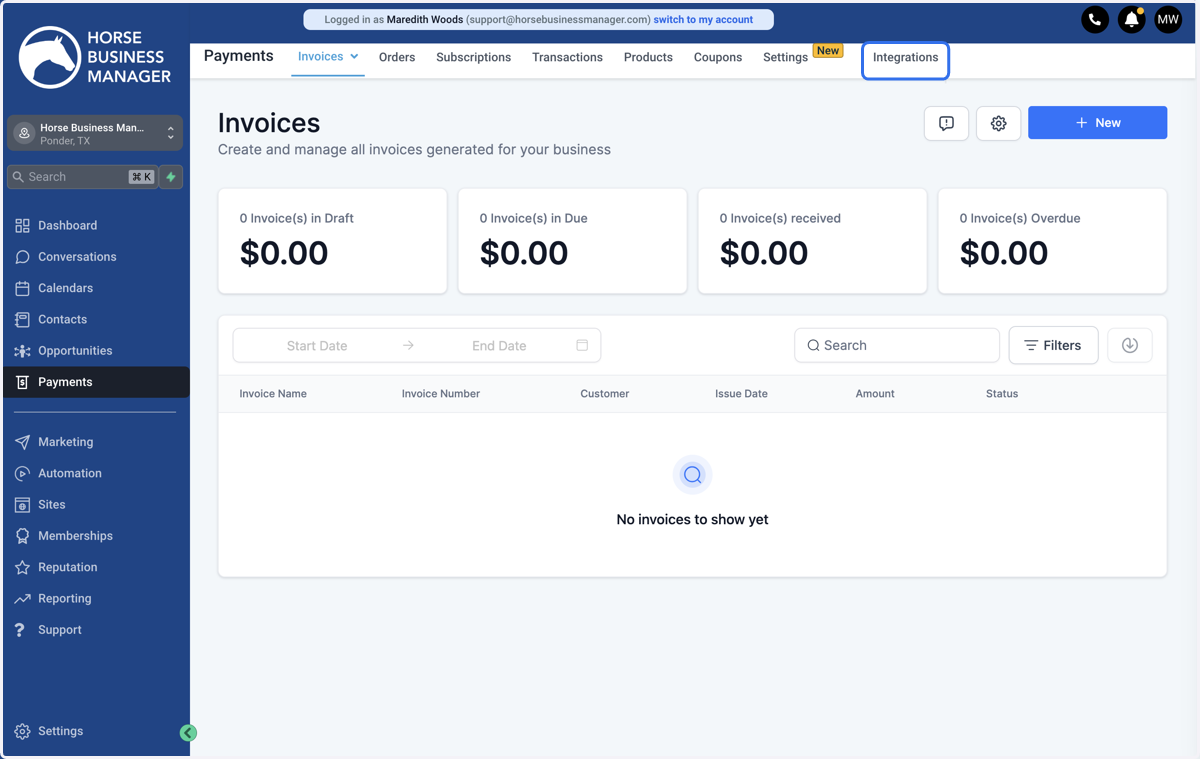
2. Click on Integrations
3. Click on Connect with Stripe
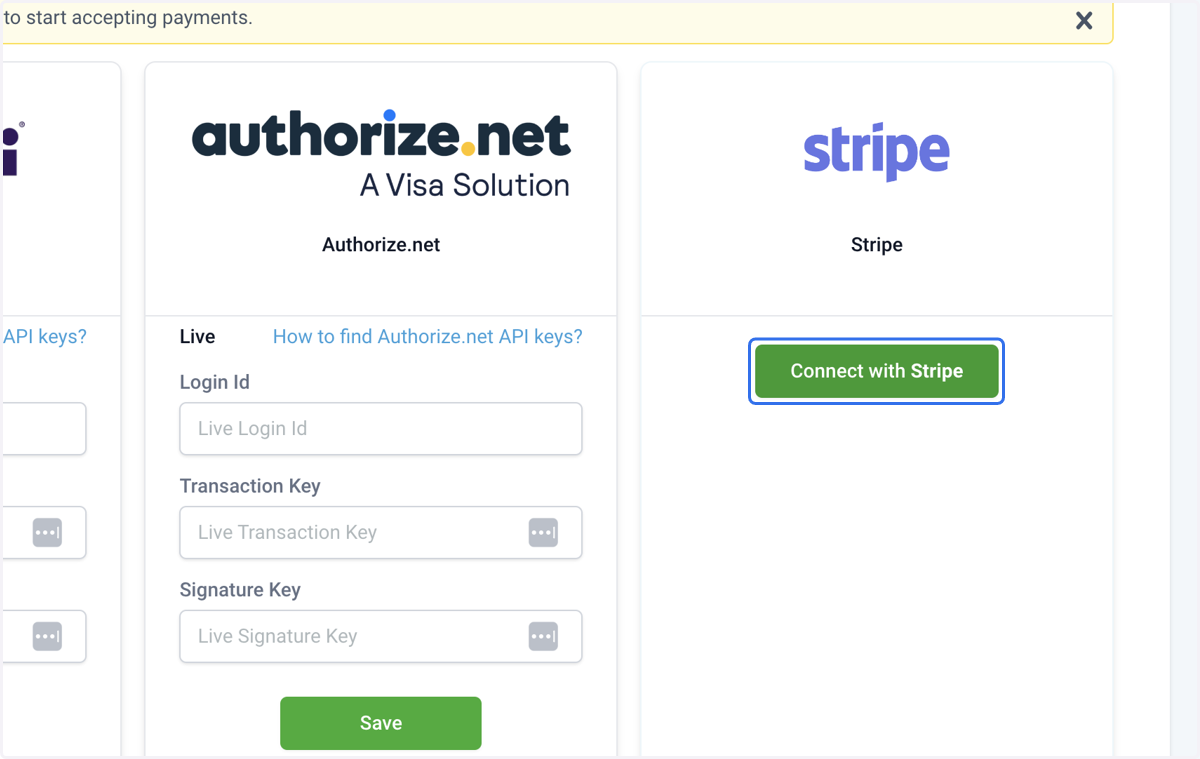
Stripe – Connect with LeadConnector
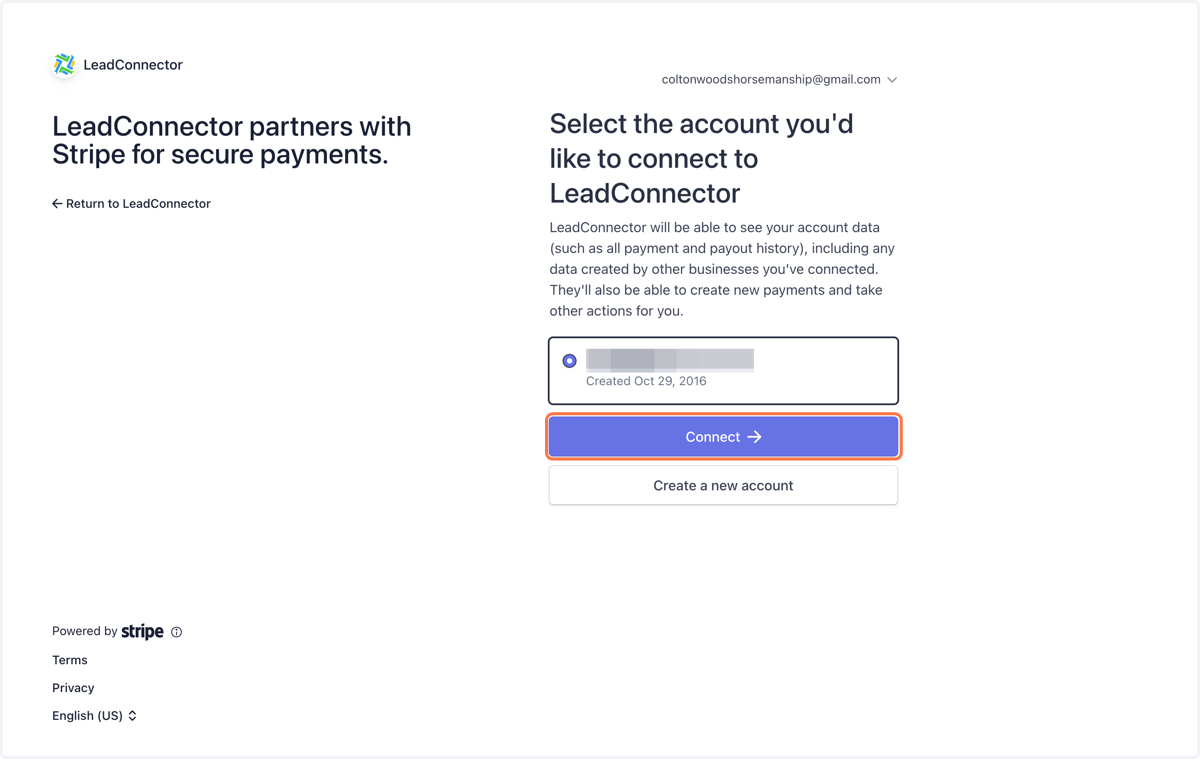
4. Select Your Stripe Account and Click on Connect
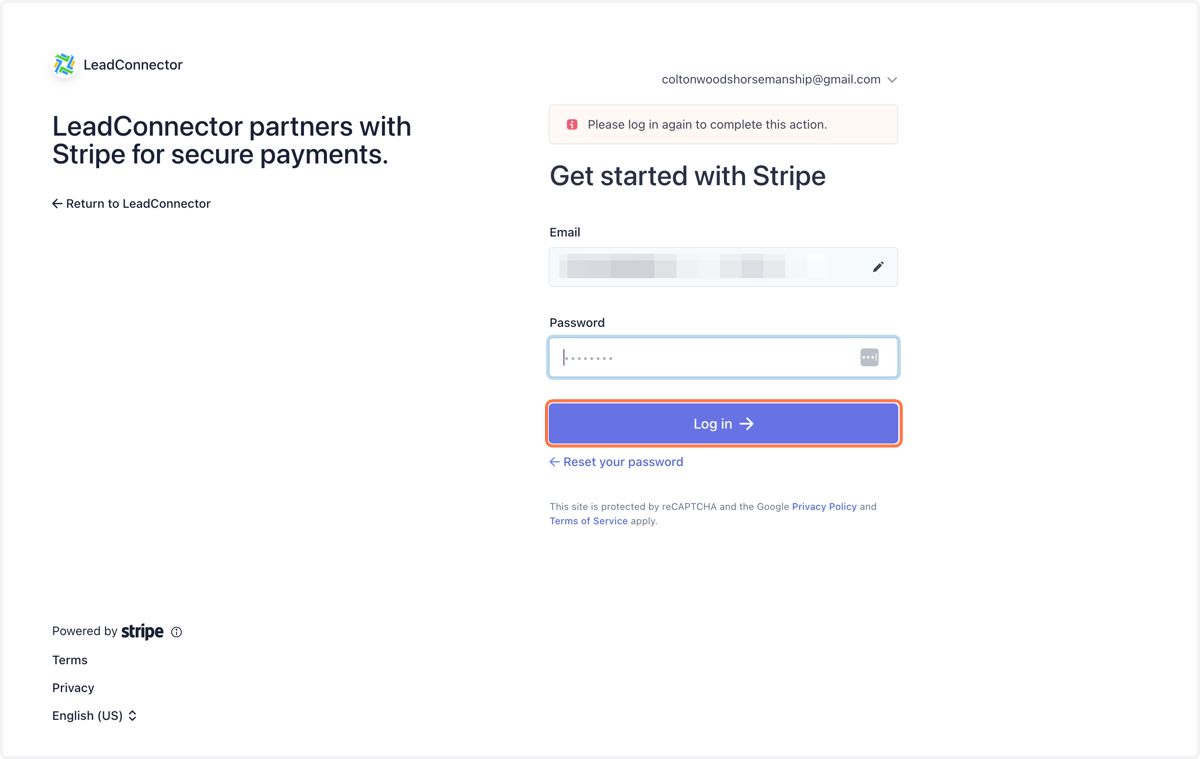
5. Use your login credentials to Log In
Horse Business Manager
6. Your Stripe account will be connected