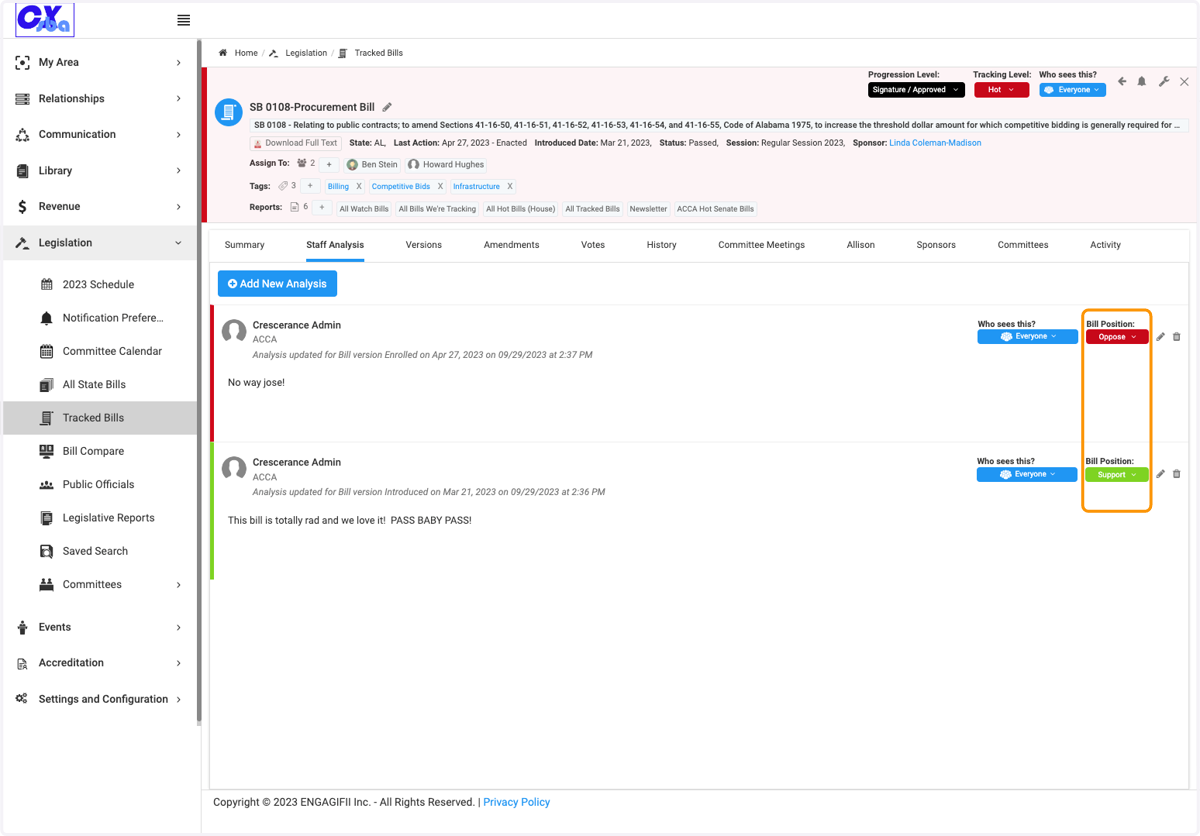
Tracking Level vs Bill Position
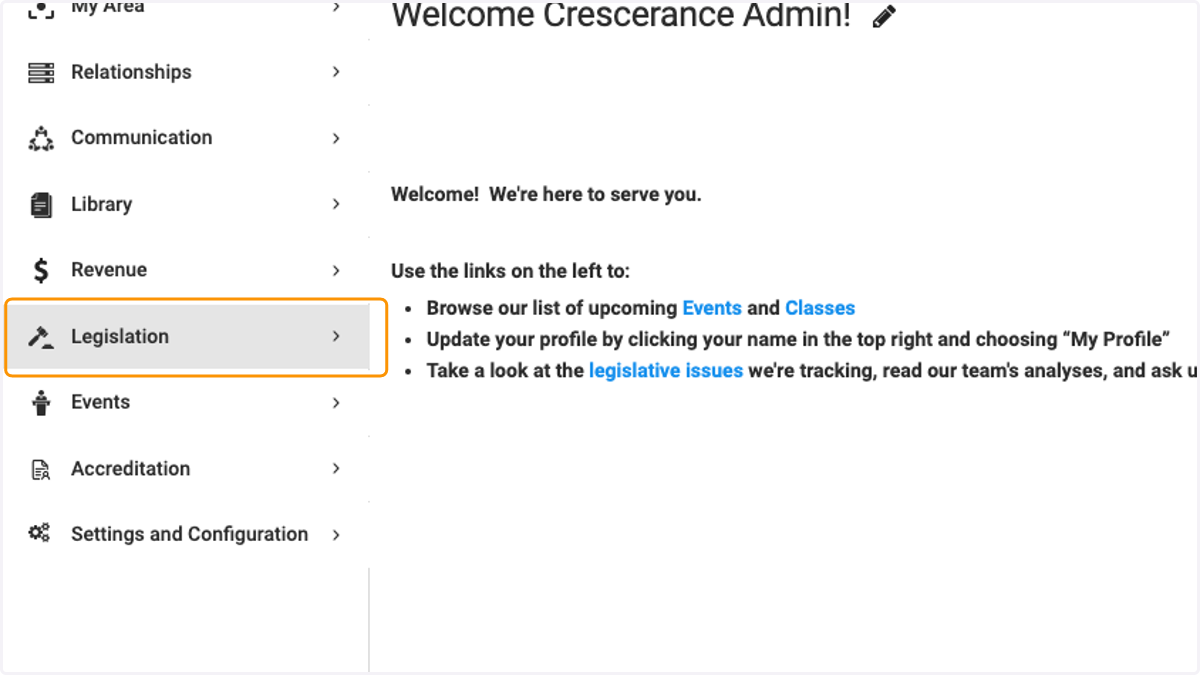
1. Click on Legislation
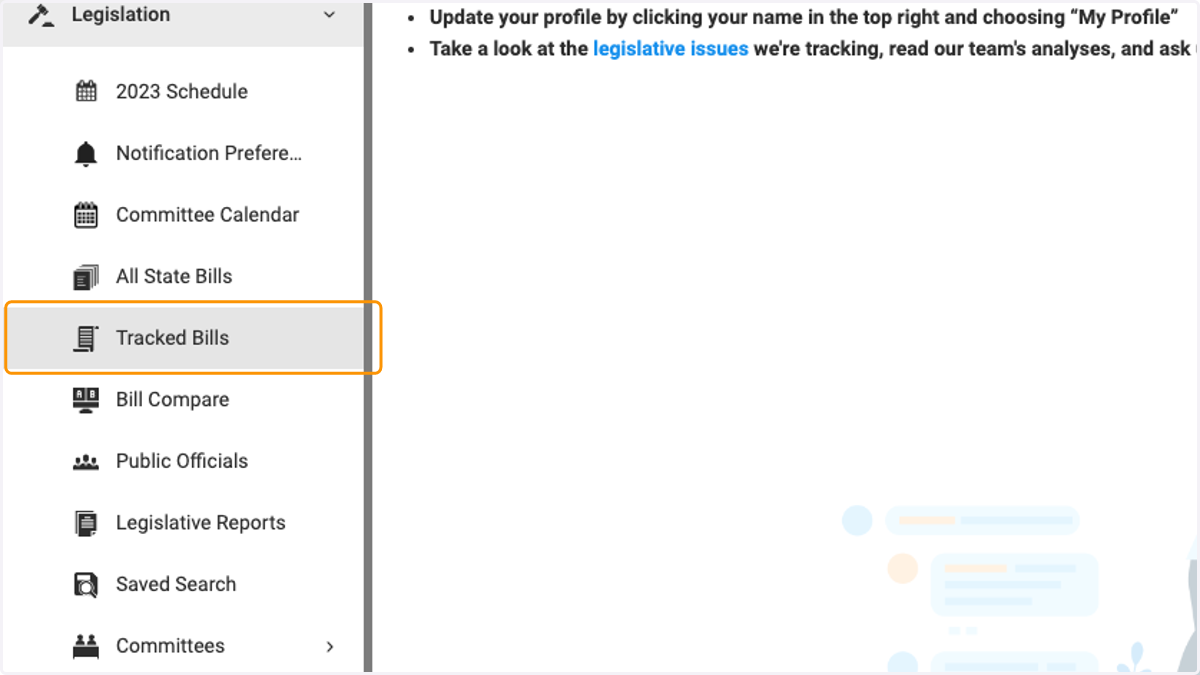
2. Click on Tracked Bills
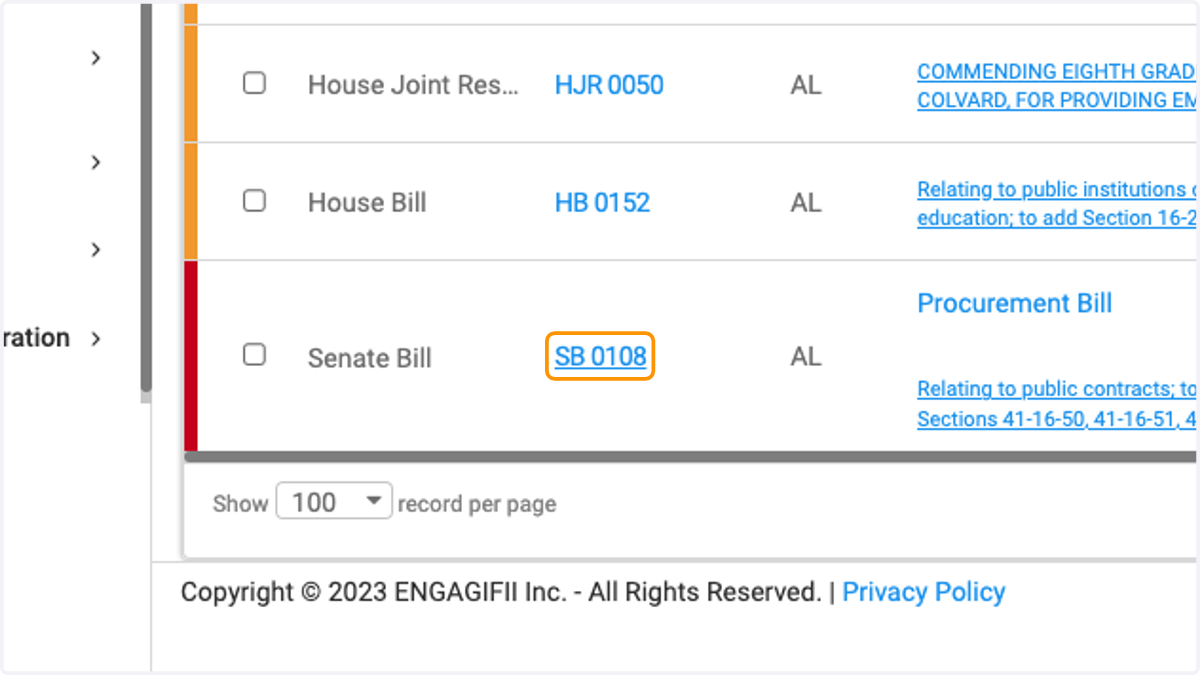
3. Click on a bill to view bill details
4. This Tracked Bill is currently tracked at the Hot Level as determined by your organization. The bill has a subtle shading of red, indicating tracking level hot.
The positions are determined by your organization, but you can select from the drop down list
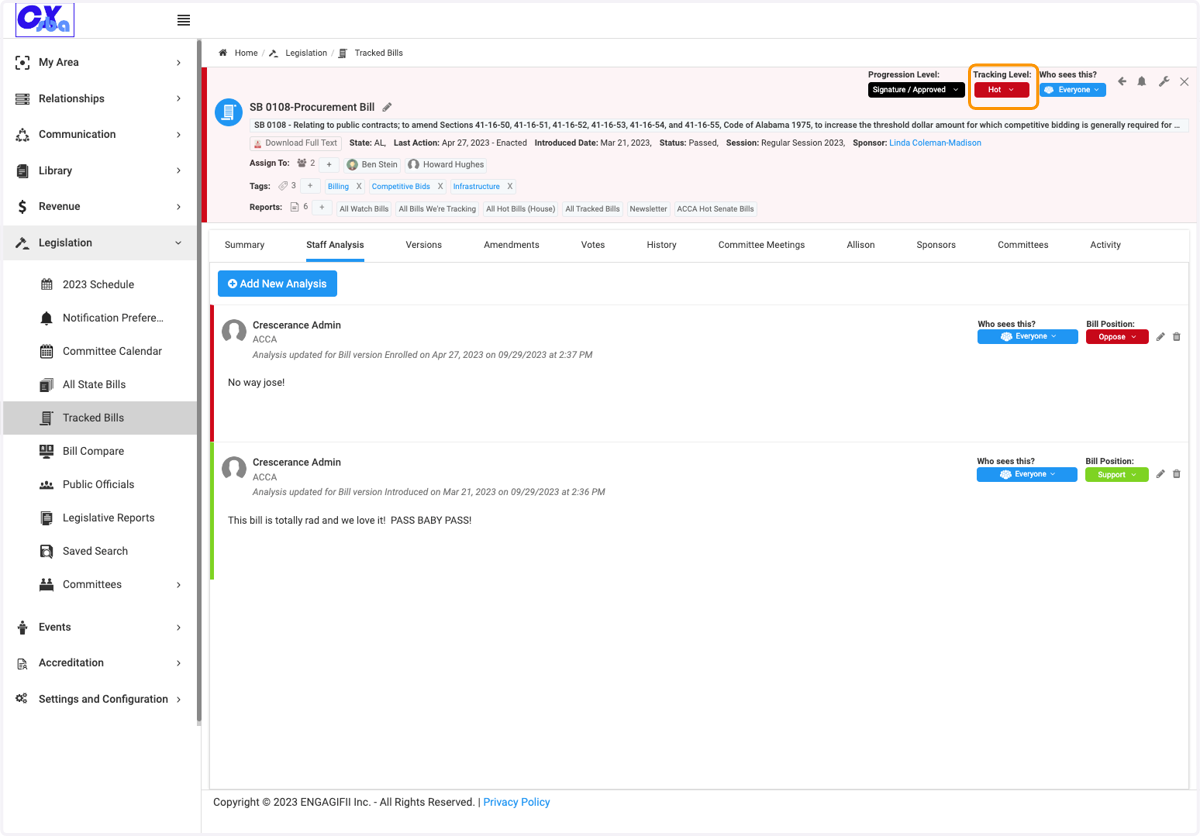
5. On the staff analysis, you have the option to voice your individual position on the bill.
The positions are determined by your organization and you can select an option from the drop down list.