Updating Two Factor Authentication (2FA) Phone Number on Existing Account
Changing phone number that receives code for 2FA login
1. Go to https://www.applicantservices.com
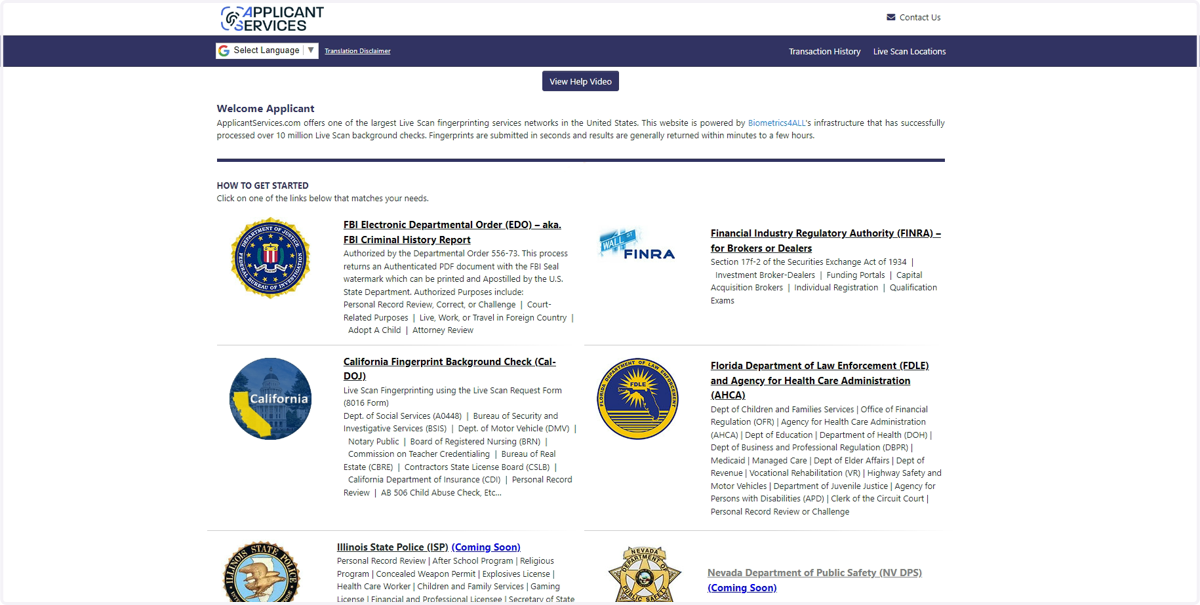
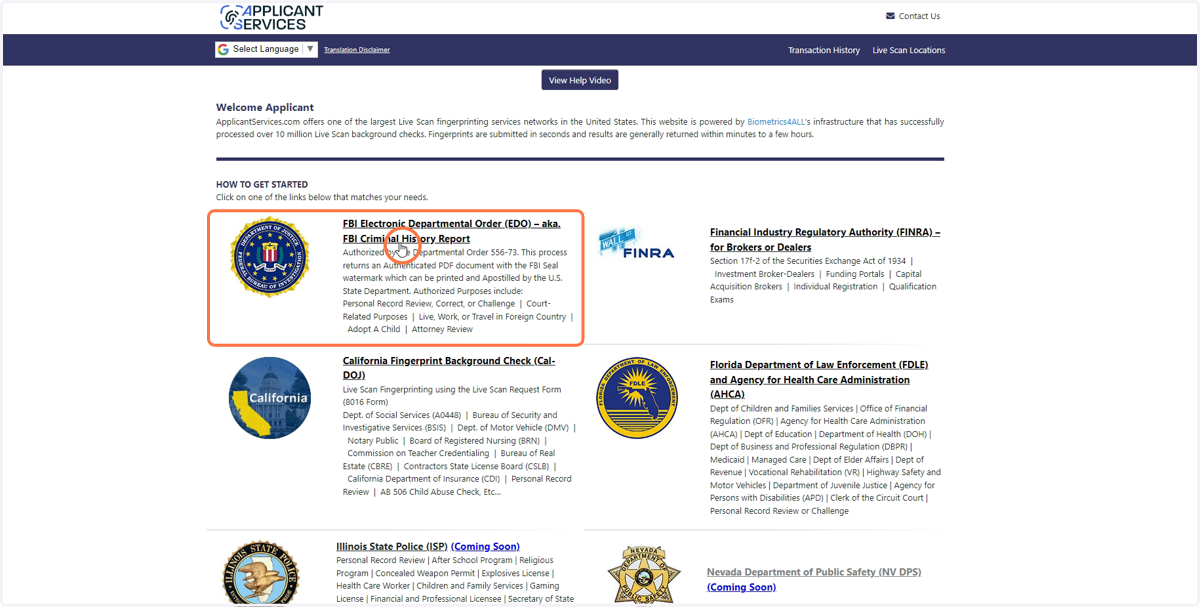
2. Click on FBI Electronic Departmental Order (EDO)
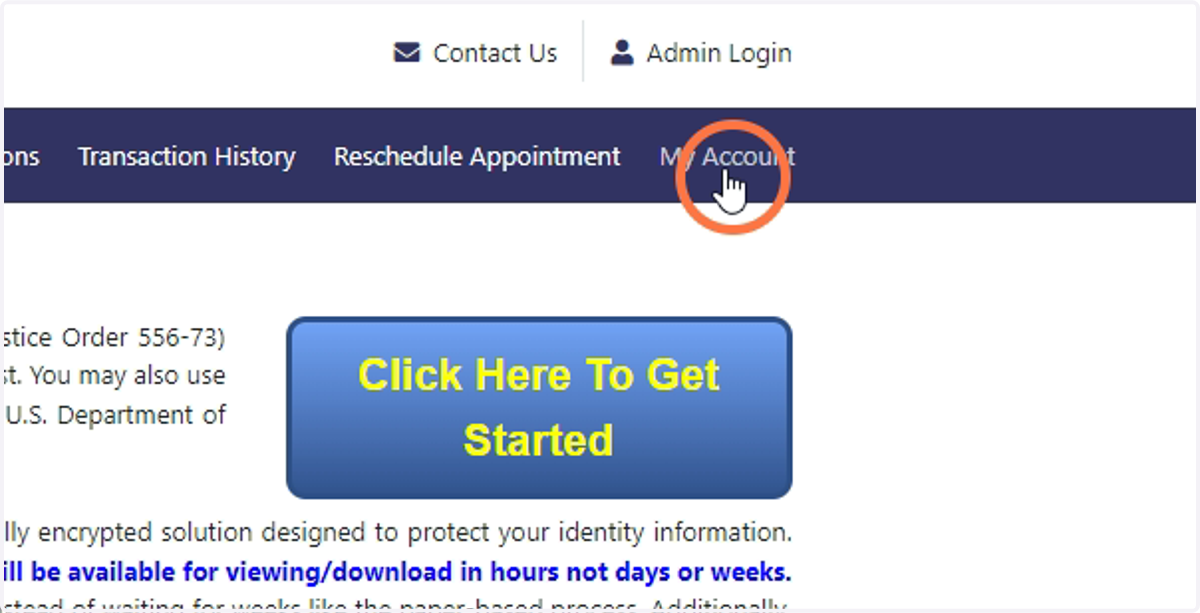
3. Click on My Account
4. Enter login information then press Login
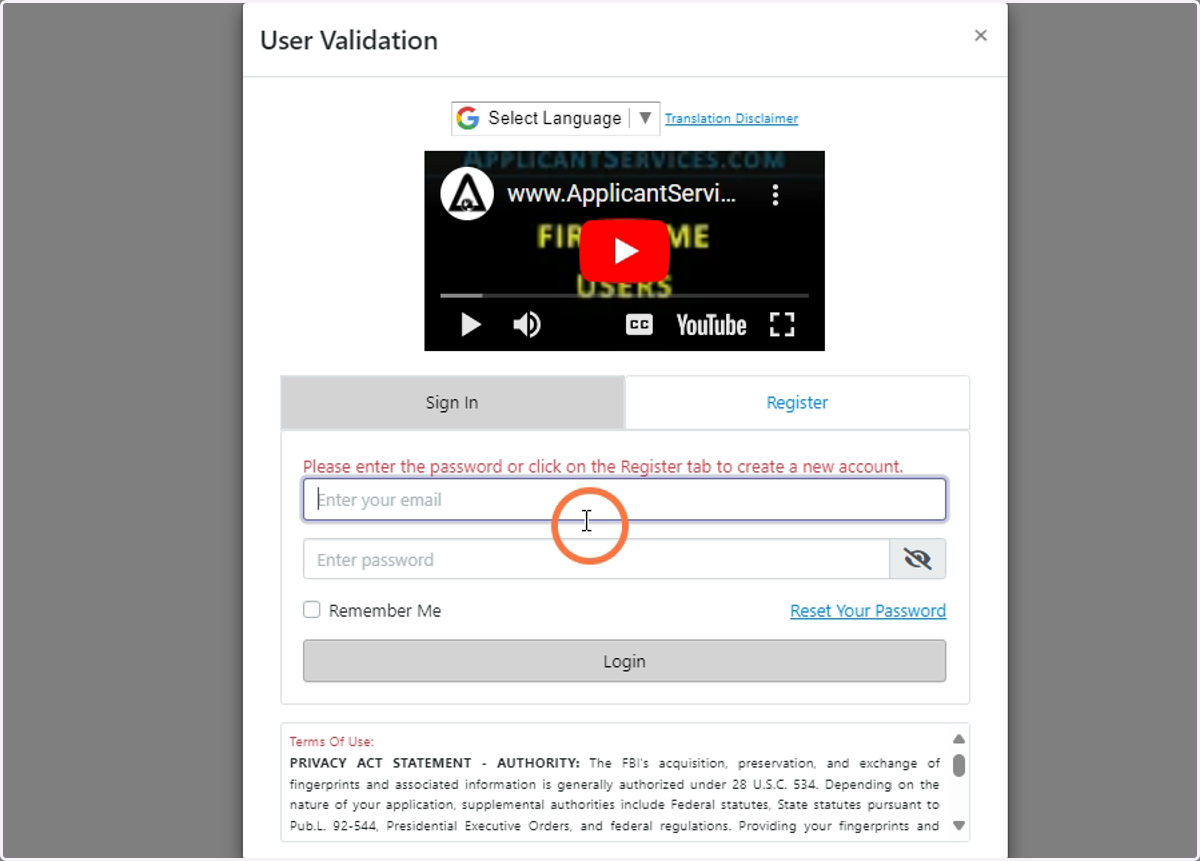
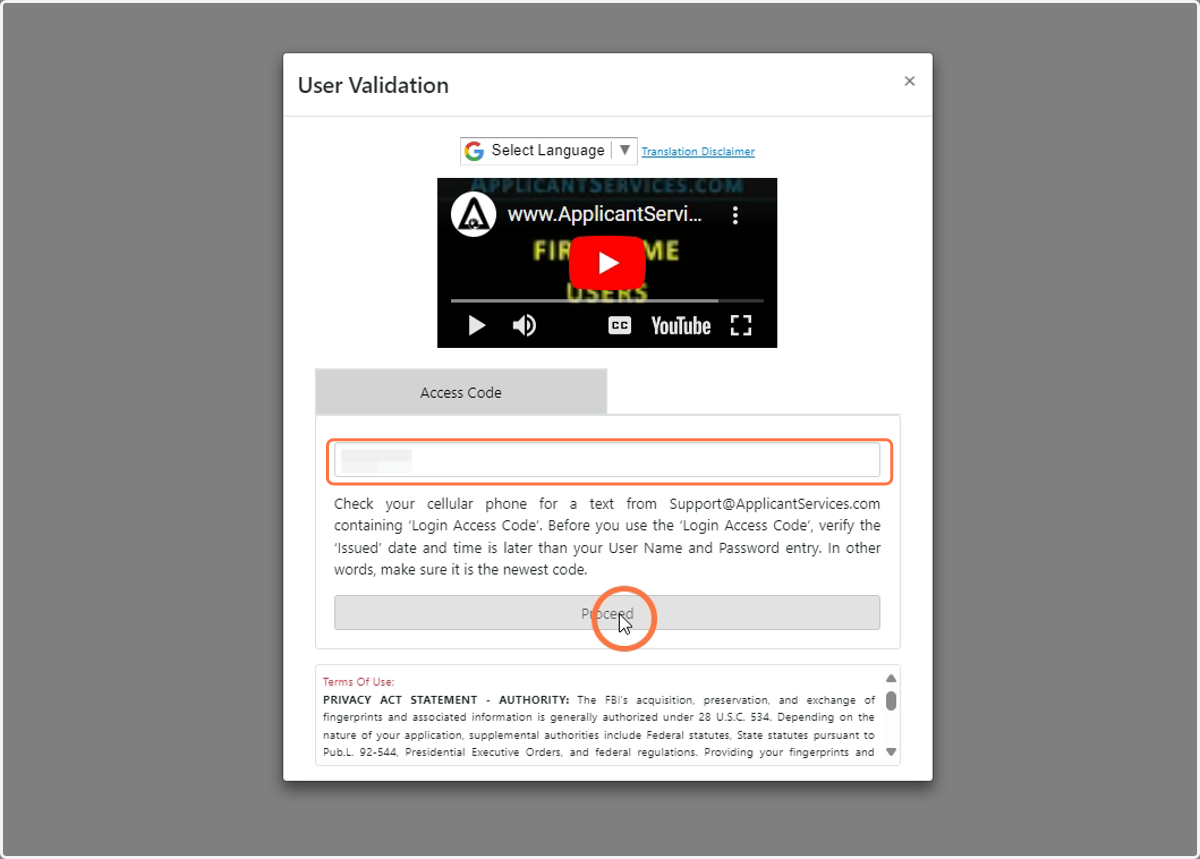
5. Access Code will be sent to either current email or SMS associated with the account. Follow the instructions and enter your 6-digit access code.
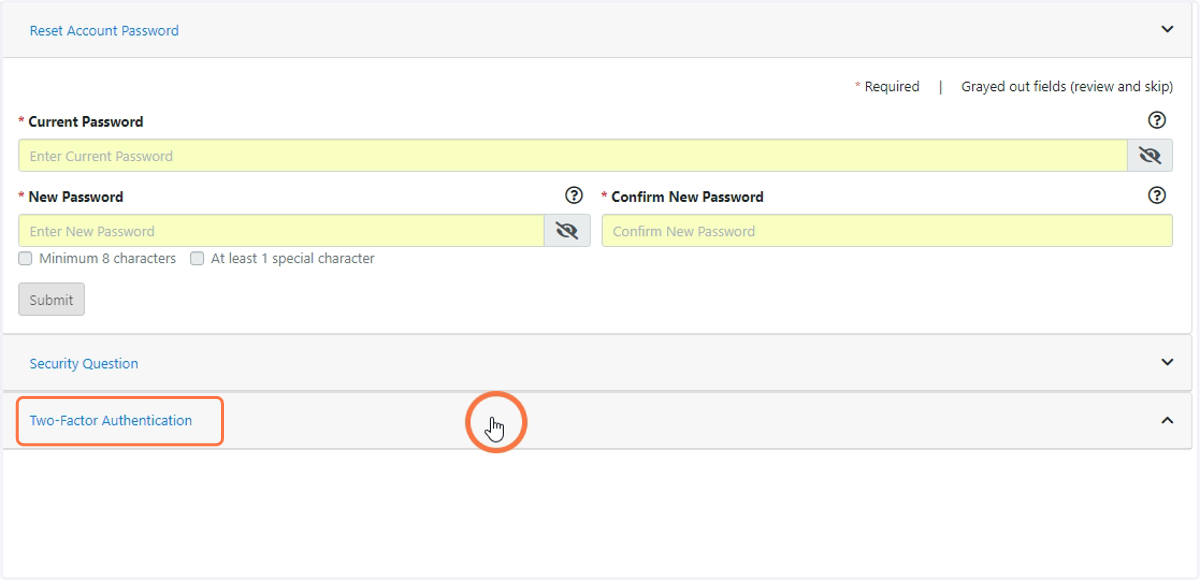
6. Open the Two-Factor Authentication drop down
7. Select SMS
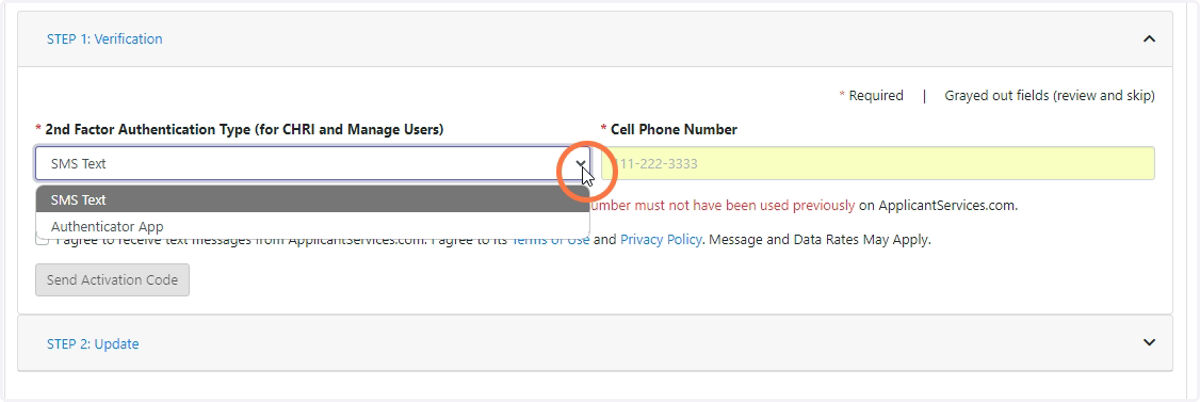
8. Enter the new phone number in the highlighted box
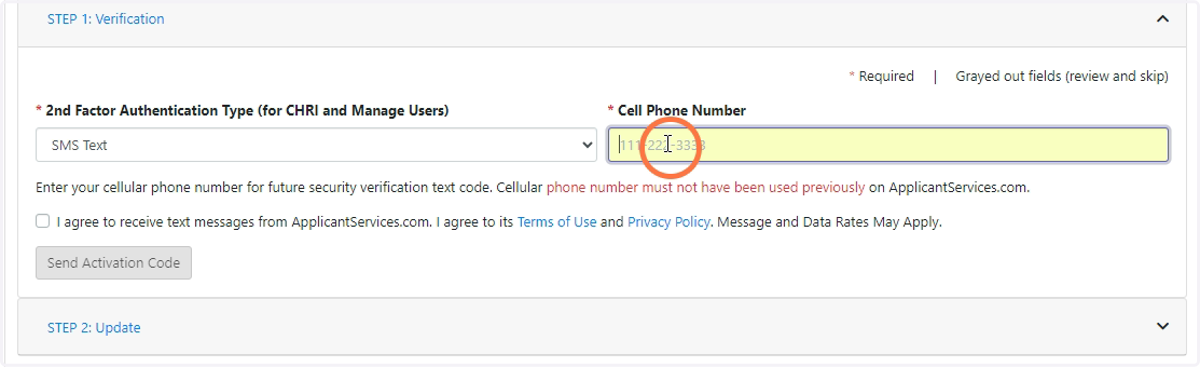
9. Check the "I agree" button
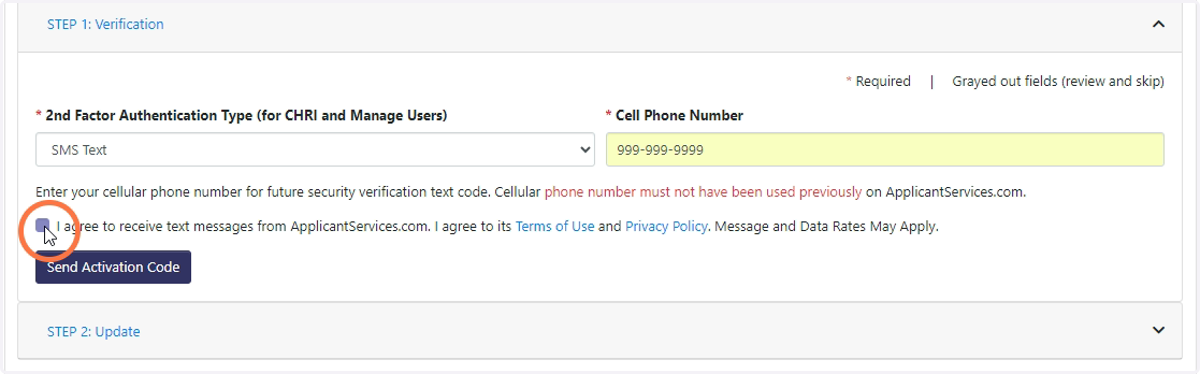
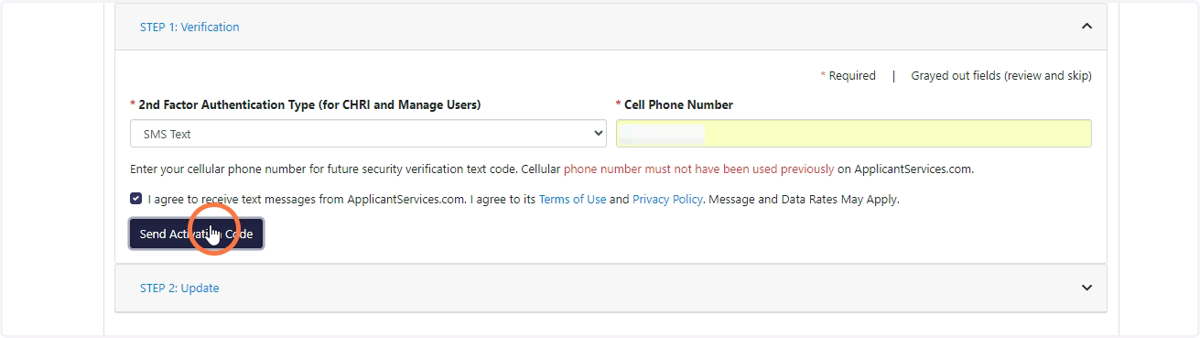
10. Click on "Send Activation Code"
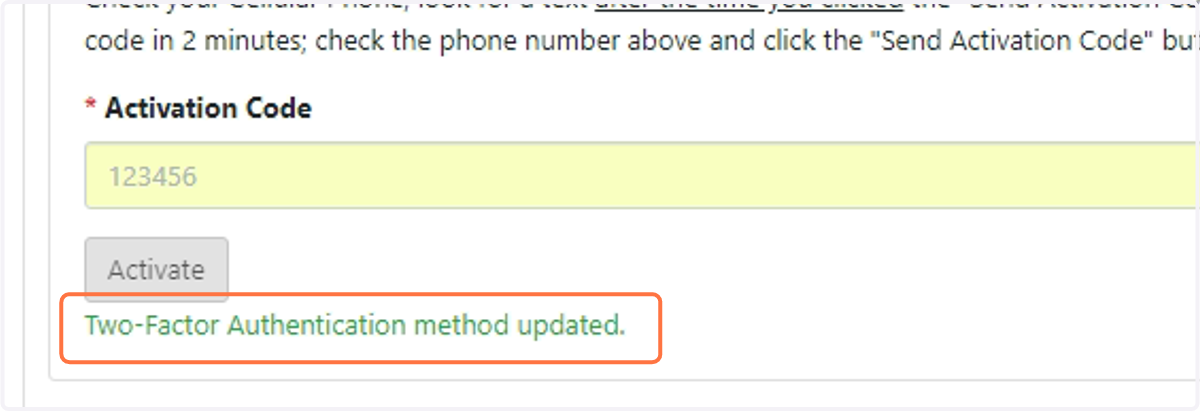
11. After receiving the text message with the activation code, enter the 6-digit code in the highlighted "Activation Code" field
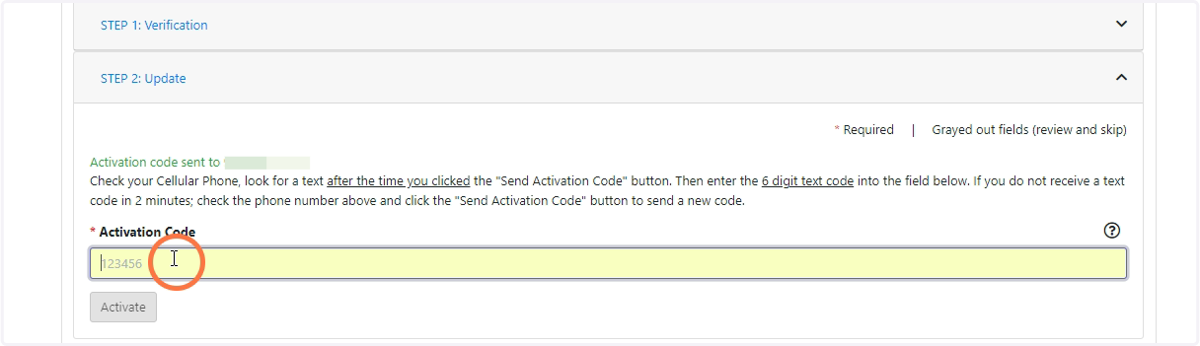
12. Click "Activate"
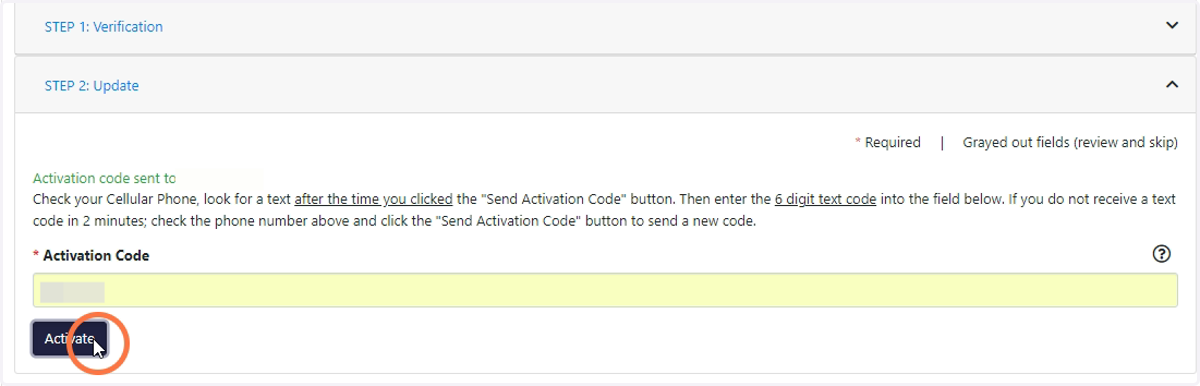
13. If you see the "Two-Factor Authentication method updated" message, you have successfully completed updating the number that will receive 2FA codes.