Setting Up & Managing Recurring Donations
How to set up and change information on your recurring donation
CMC
1. Login to cmc.org
Find your name in the upper right hand corner and hover over it.
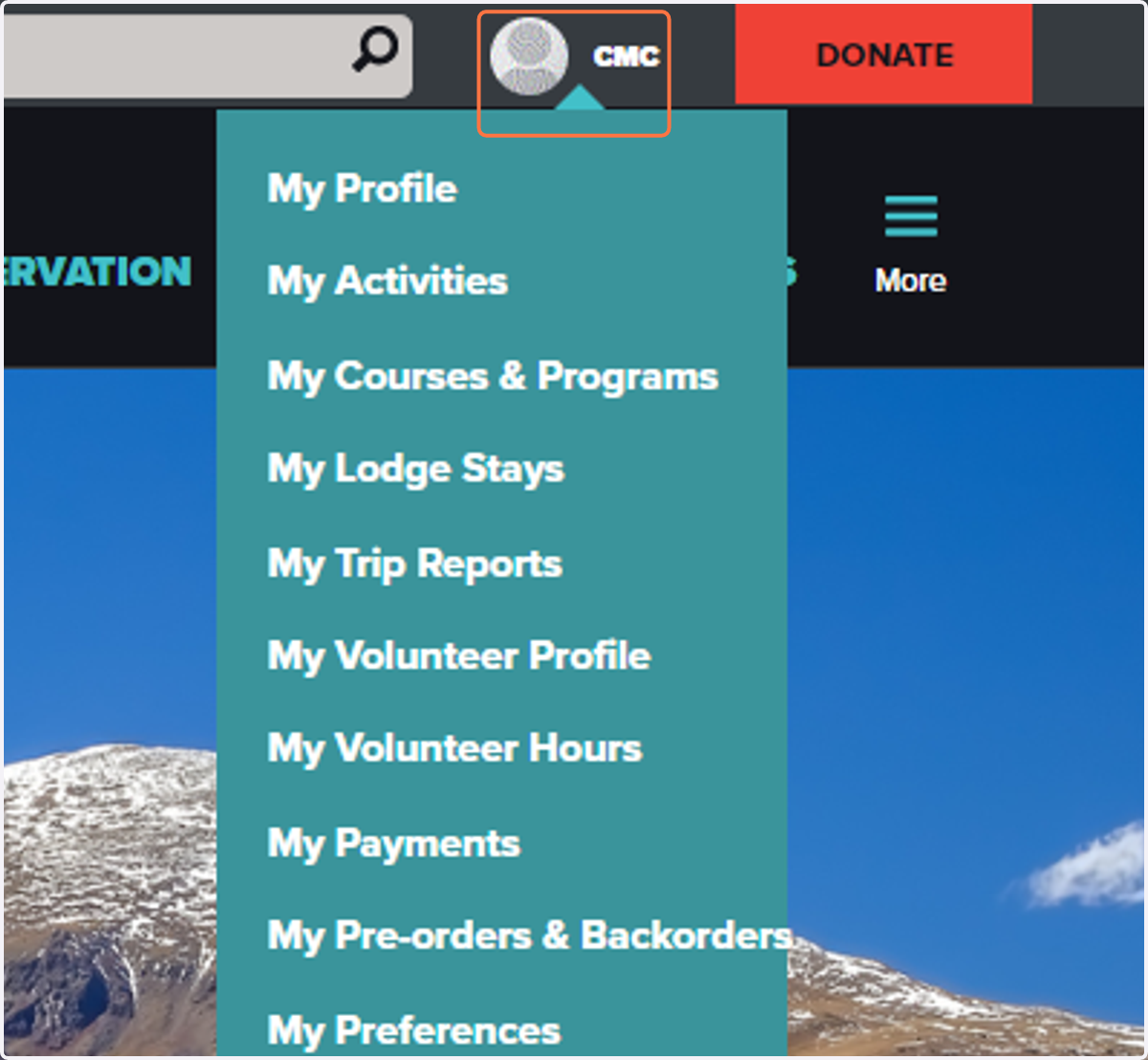
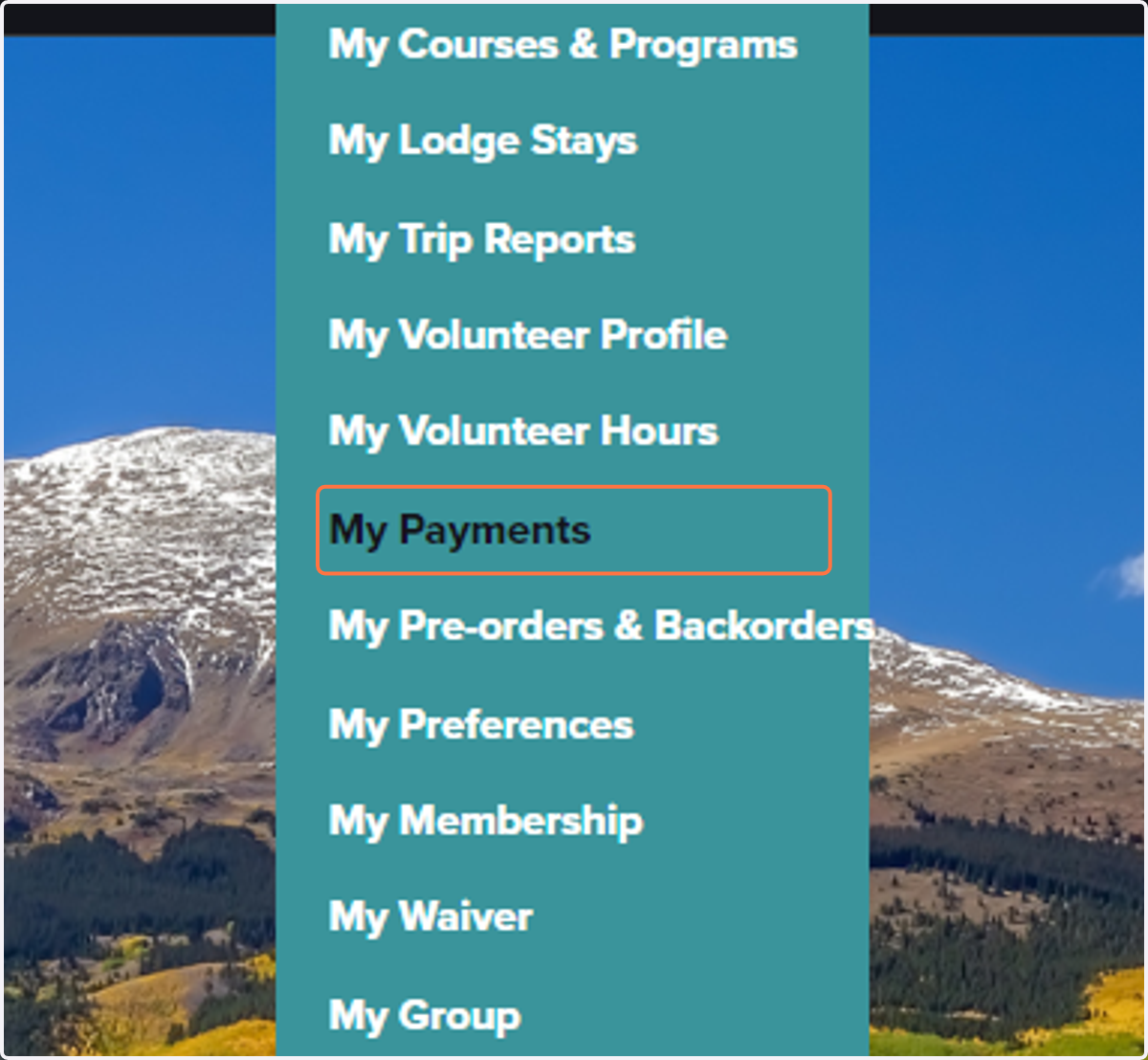
2. Find "My Payments
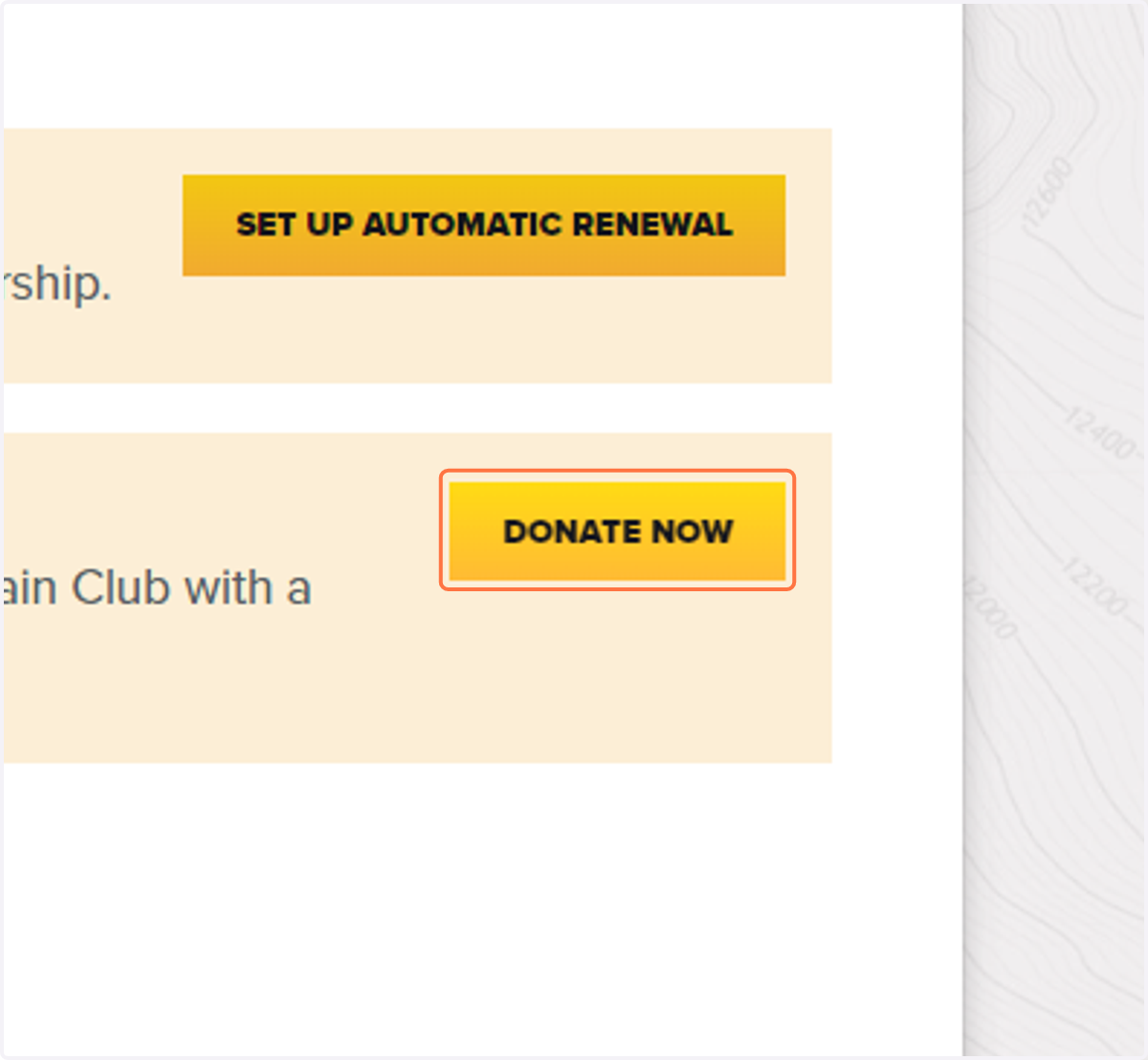
3. Click on "Donate Now"
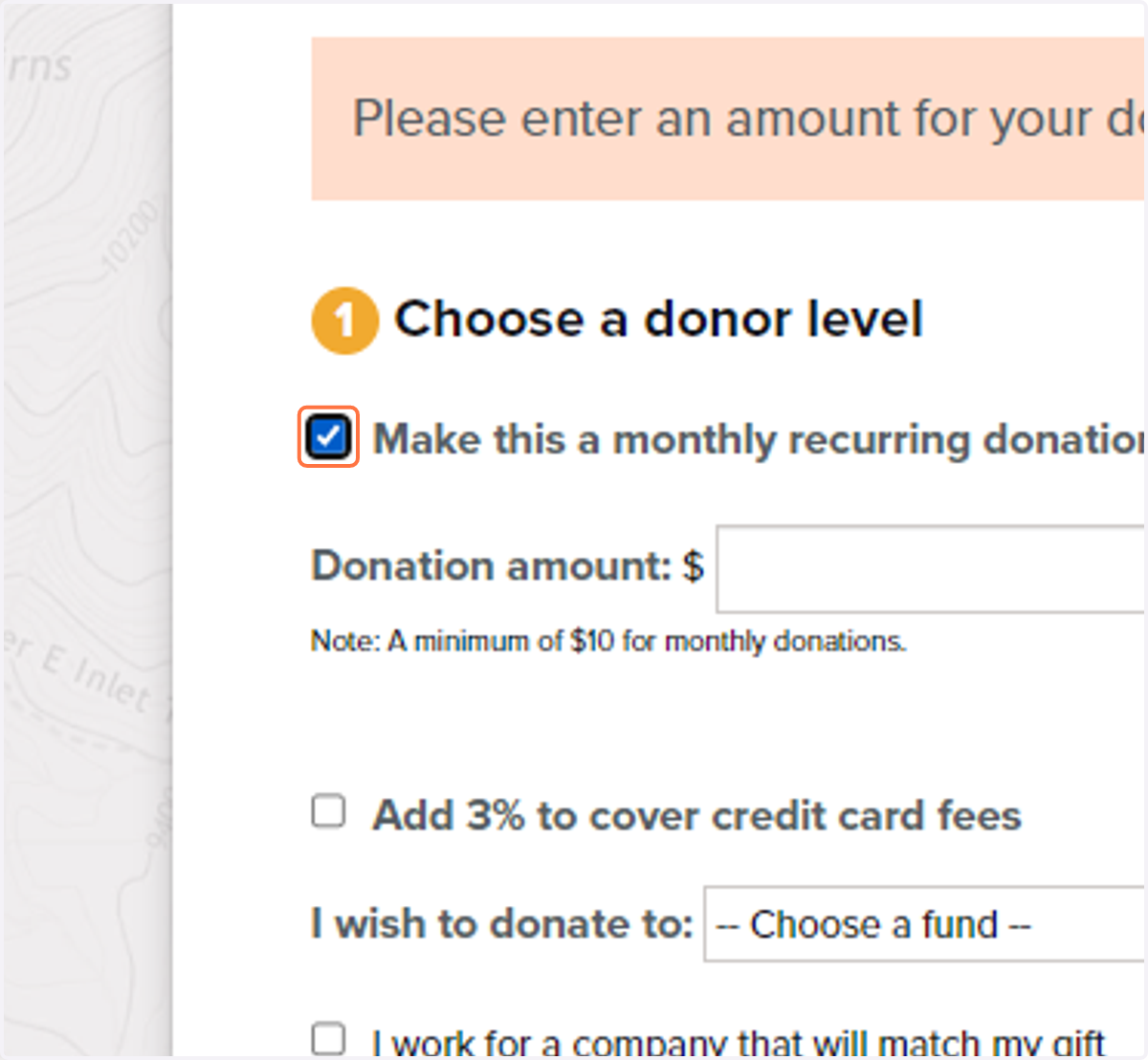
4. Select "Make this a monthly recurring donation"
This option must be selected in order to make automatic monthly payments.
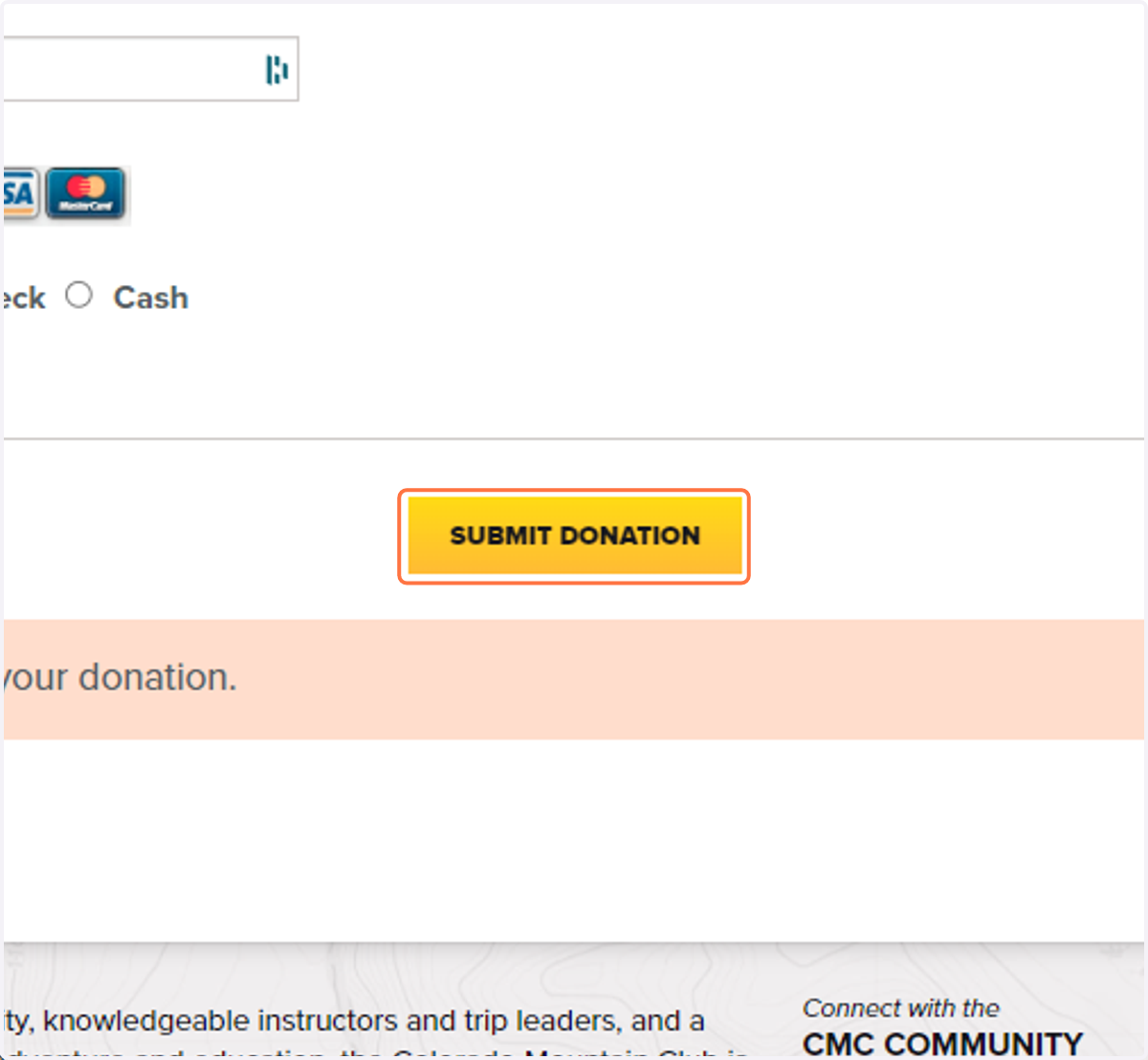
5. Click on "Submit Donation"
Make sure to input all of you information correctly.
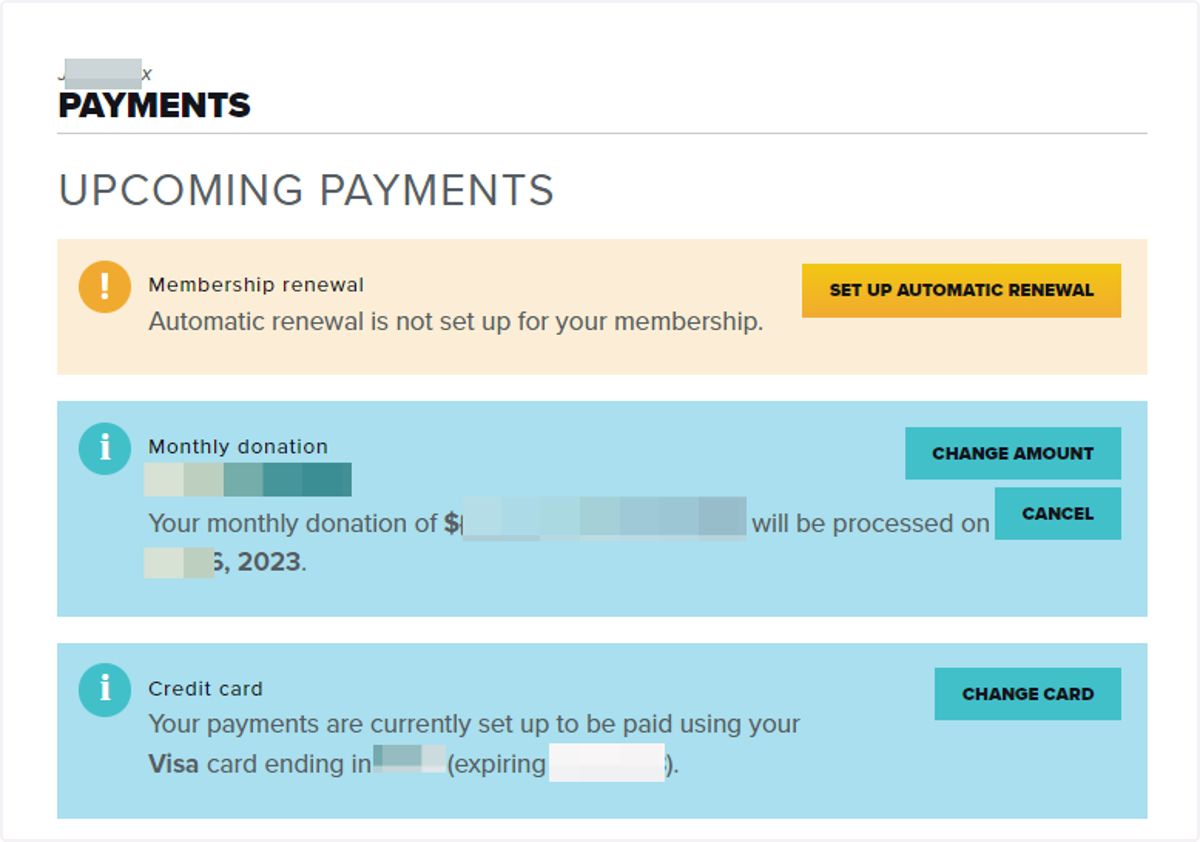
6. Manage Your Donations
Returning to the "My Payments" sections of your profile will allow you to manage the amount, the date, and the credit card being charged.