How to Add GA4 to MultiHub Sites?
Analytics | Home
Go to the GA4 property
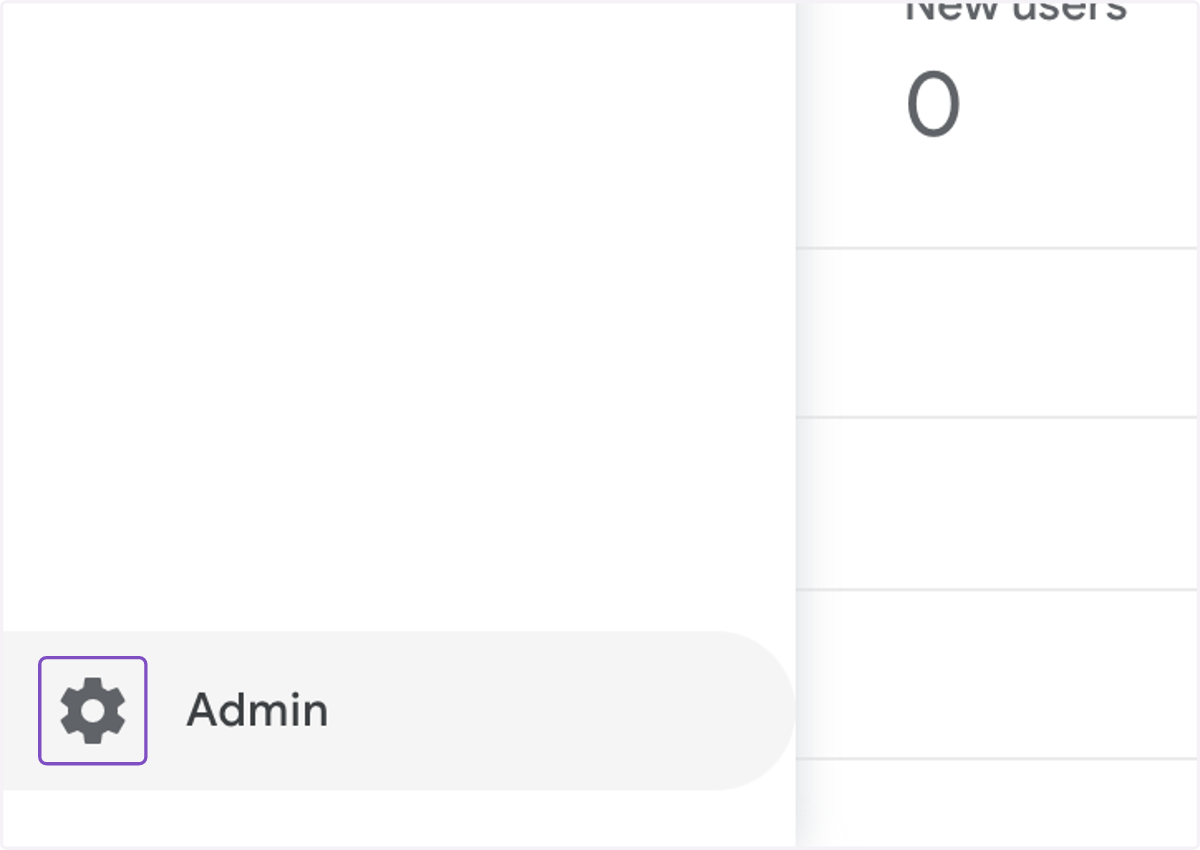
1. Click on Admin
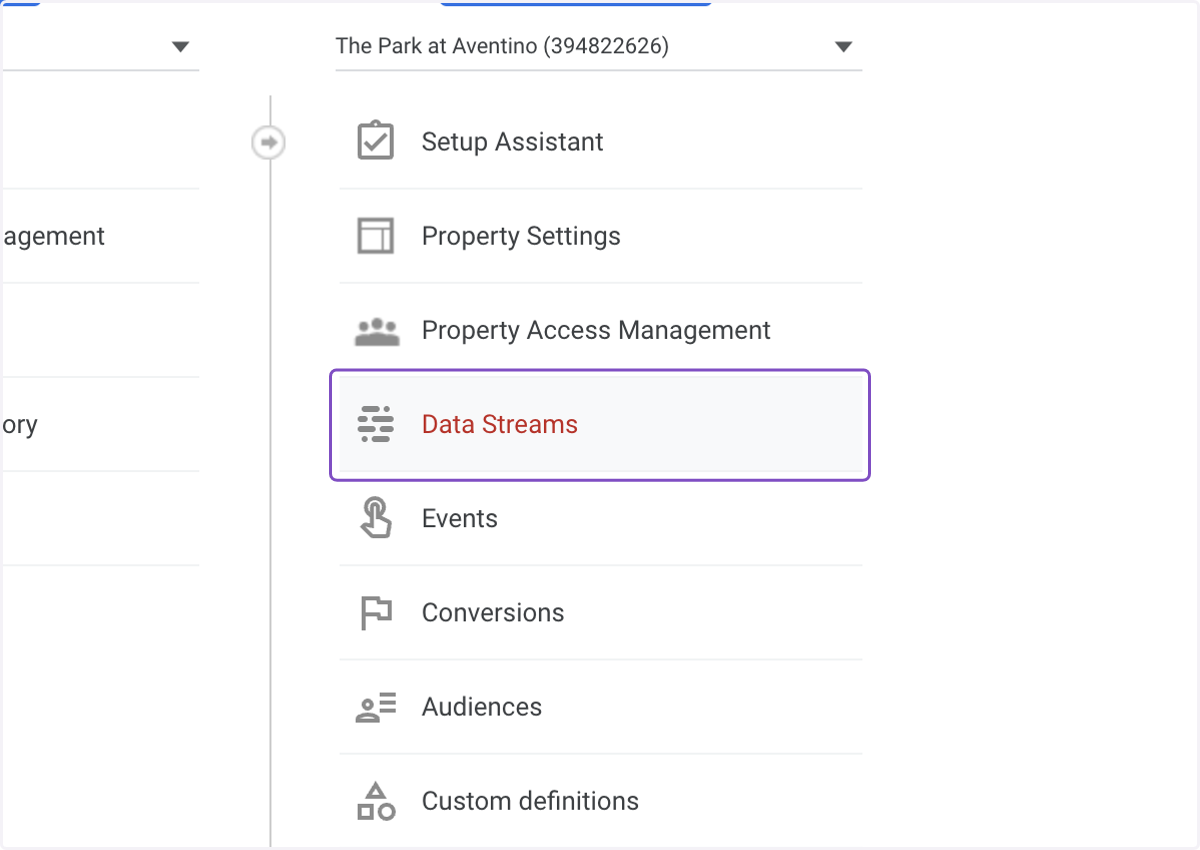
2. Click on Data Streams
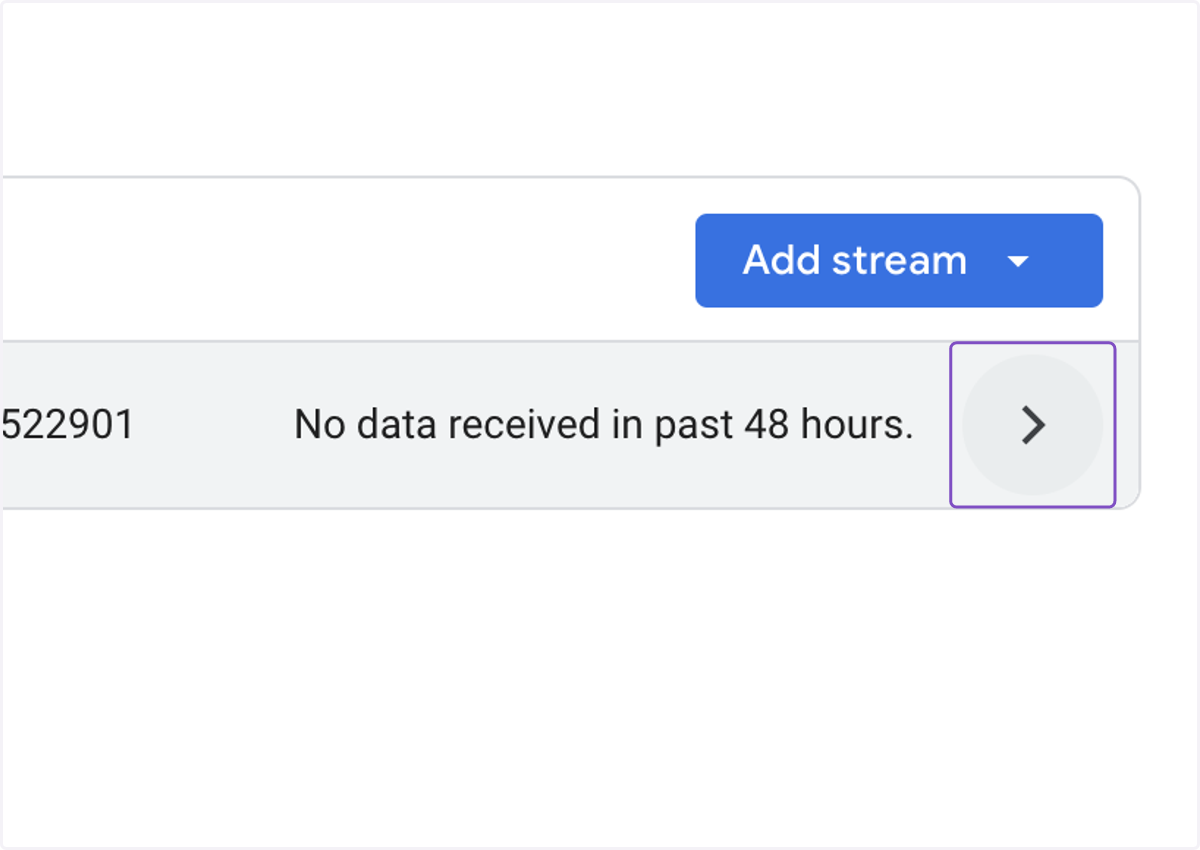
3. Click on Web Data Stream
4. Copy the Measurement ID
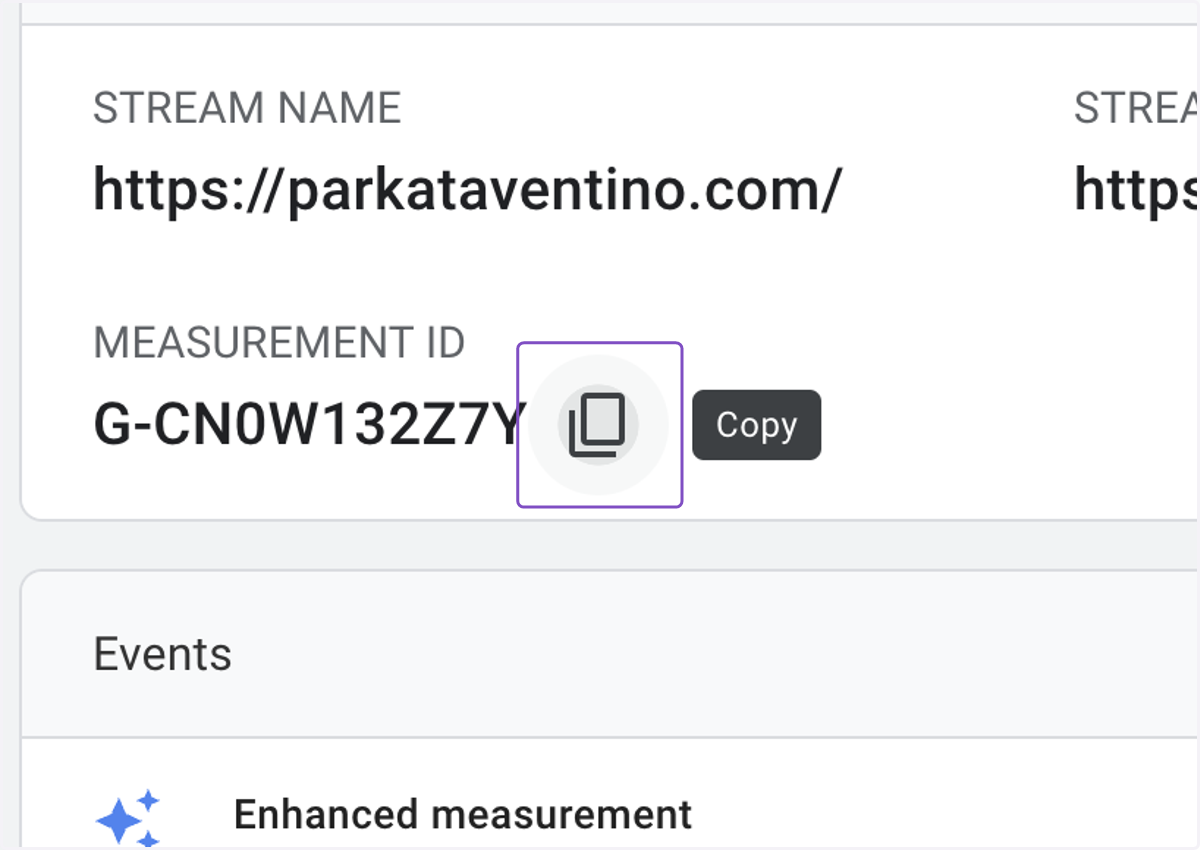
5. Copy text area
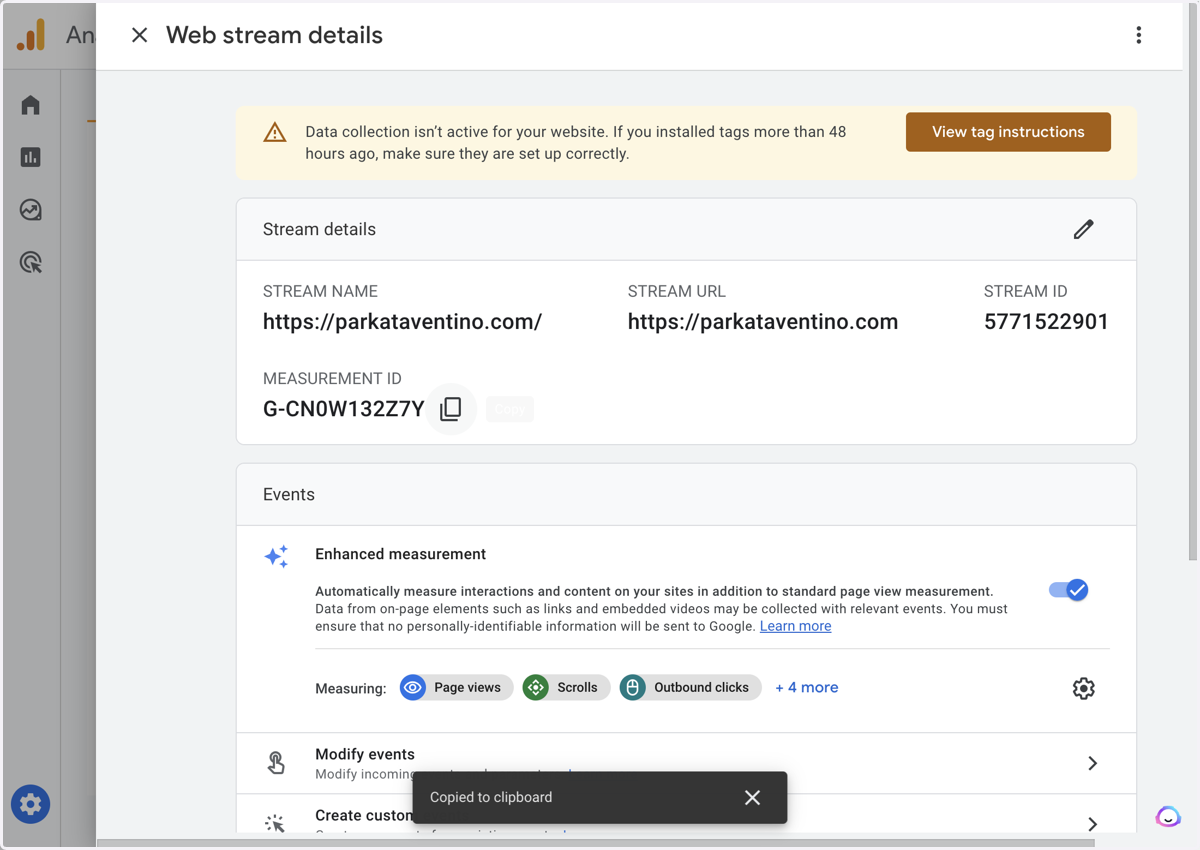
Dashboard - Sites
Go to Multihub
6. Find the website in Multihub
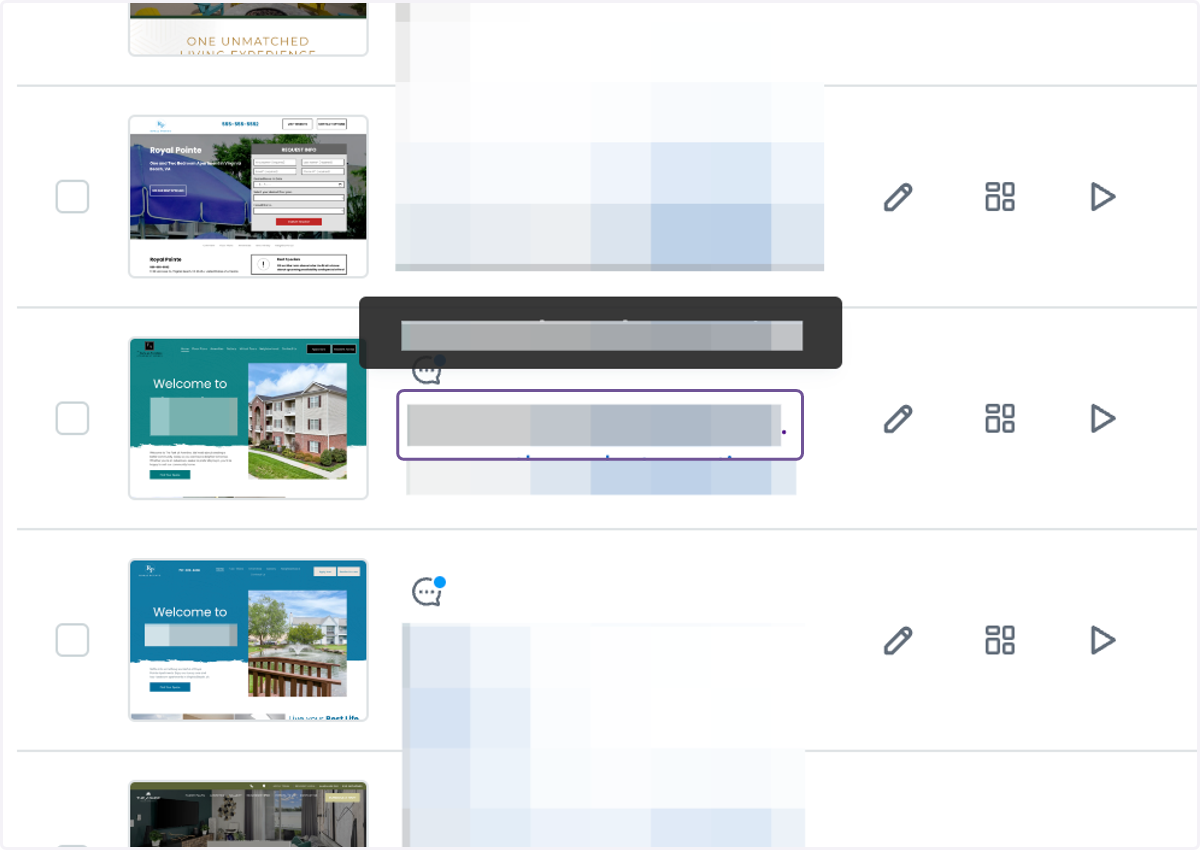
7. Click on SEO & SETTINGS on the left side menu

8. Paste the Measurement ID under Google Analytics (make sure there is no space in the front)
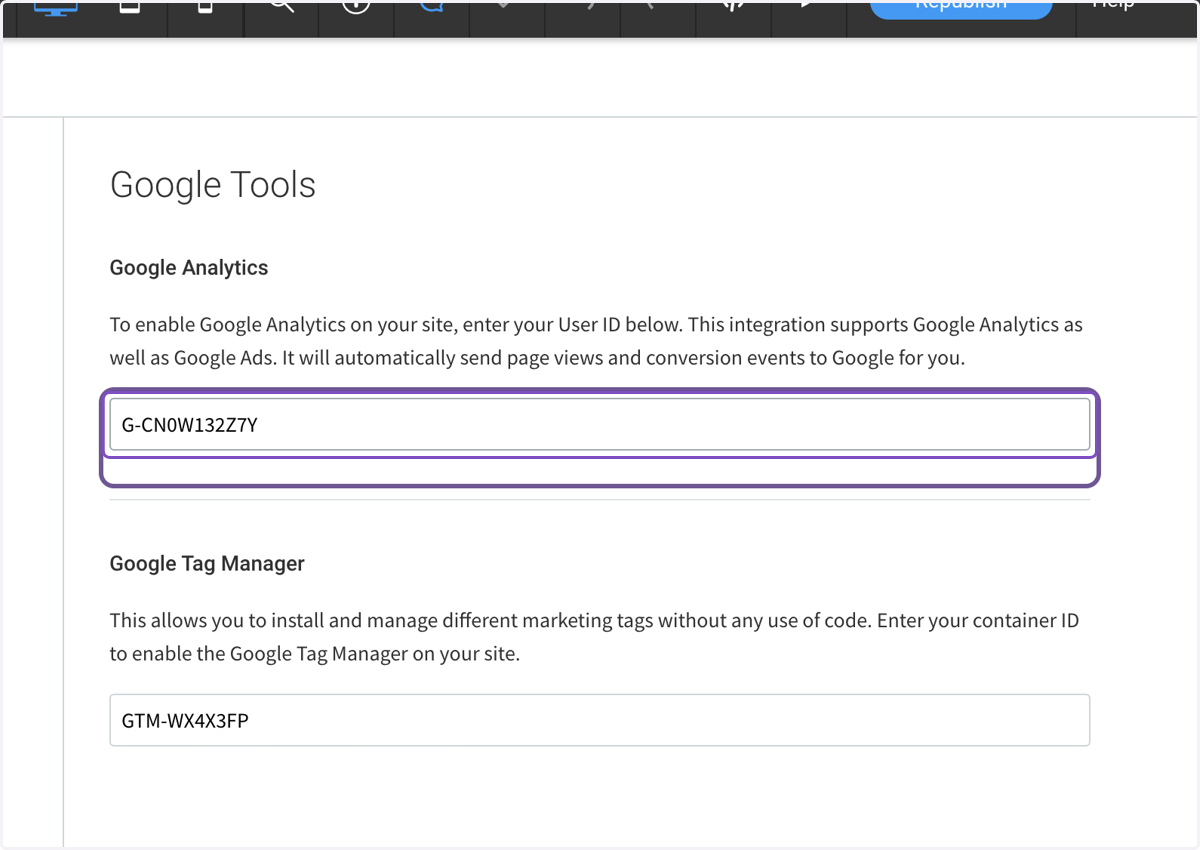
9. Click on Republish