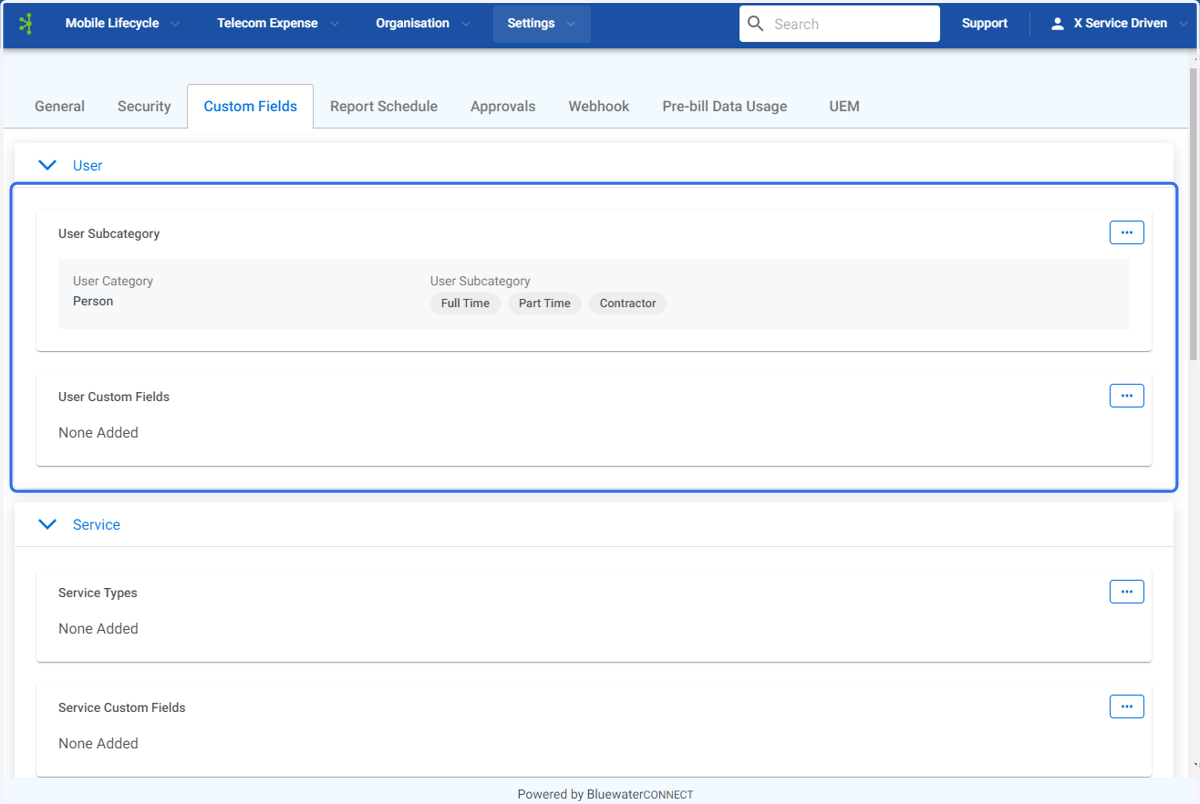
Create User Subcategory Custom Field - Connect Platform
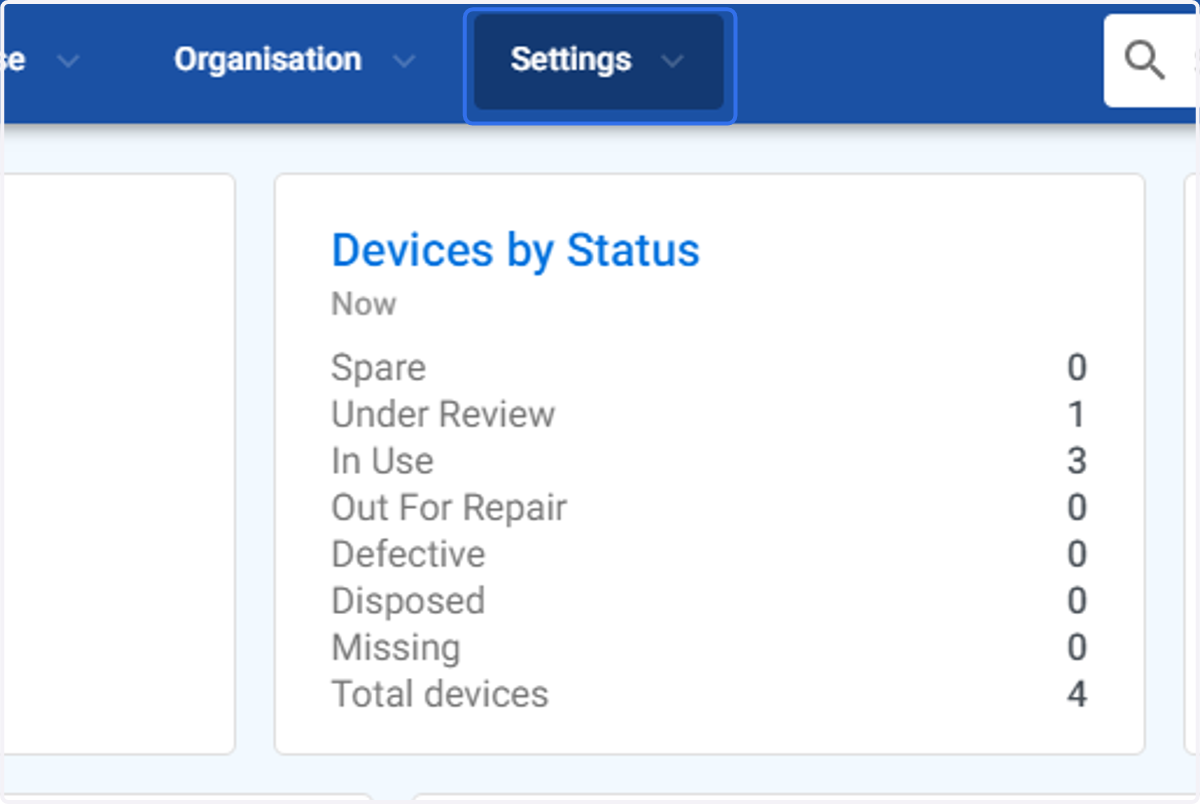
1. Click on Settings
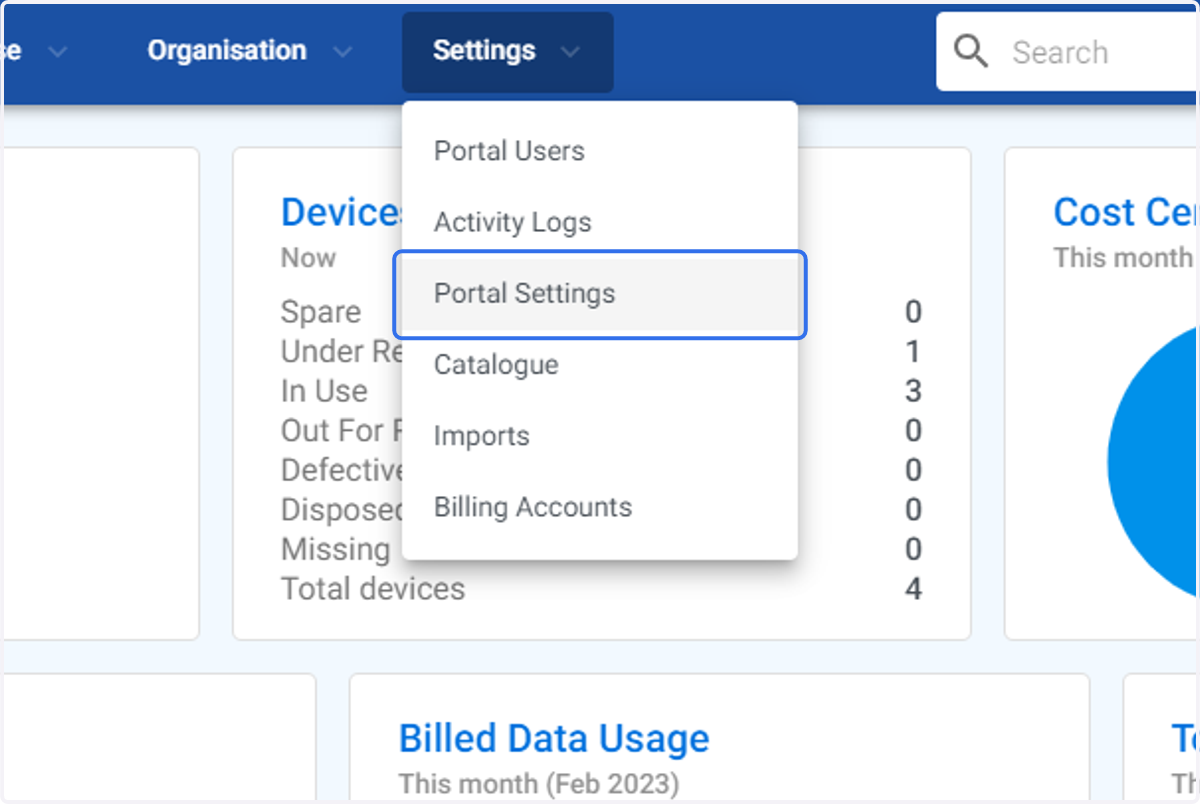
2. Click on Portal Settings
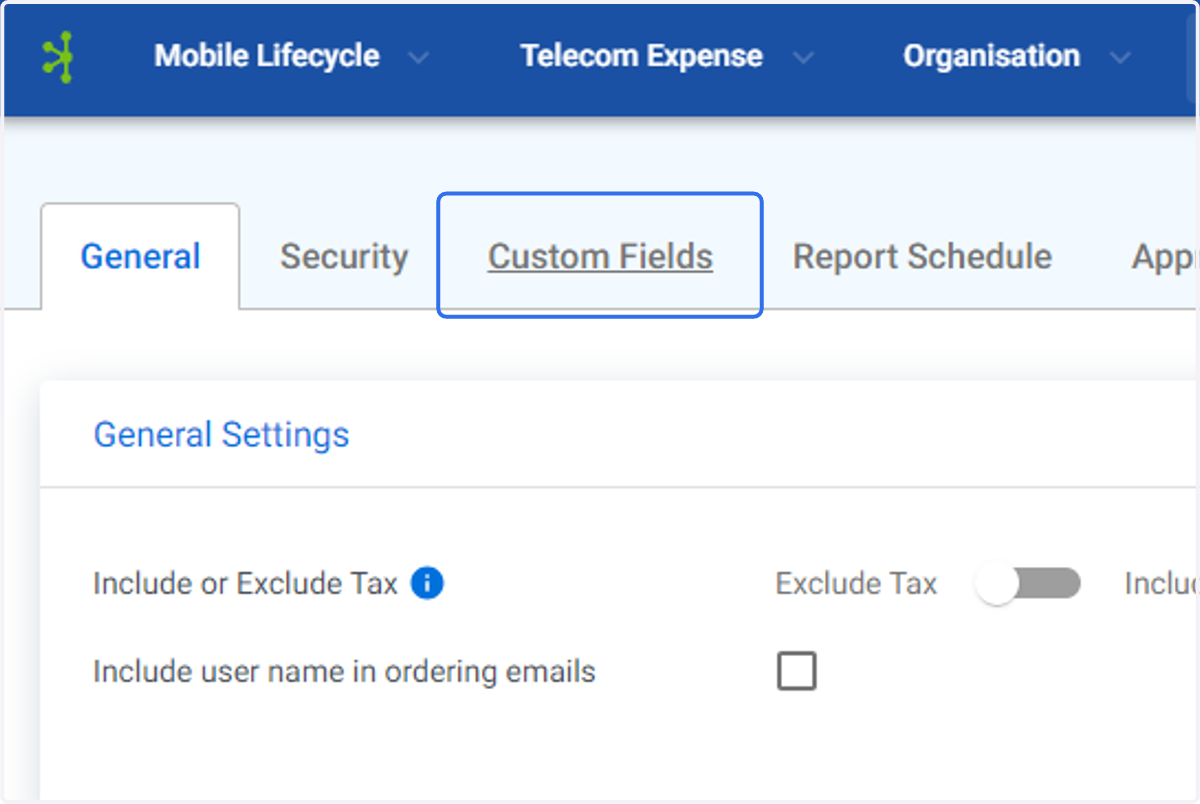
3. Click on Custom Fields
4. Click on User Subcategory.
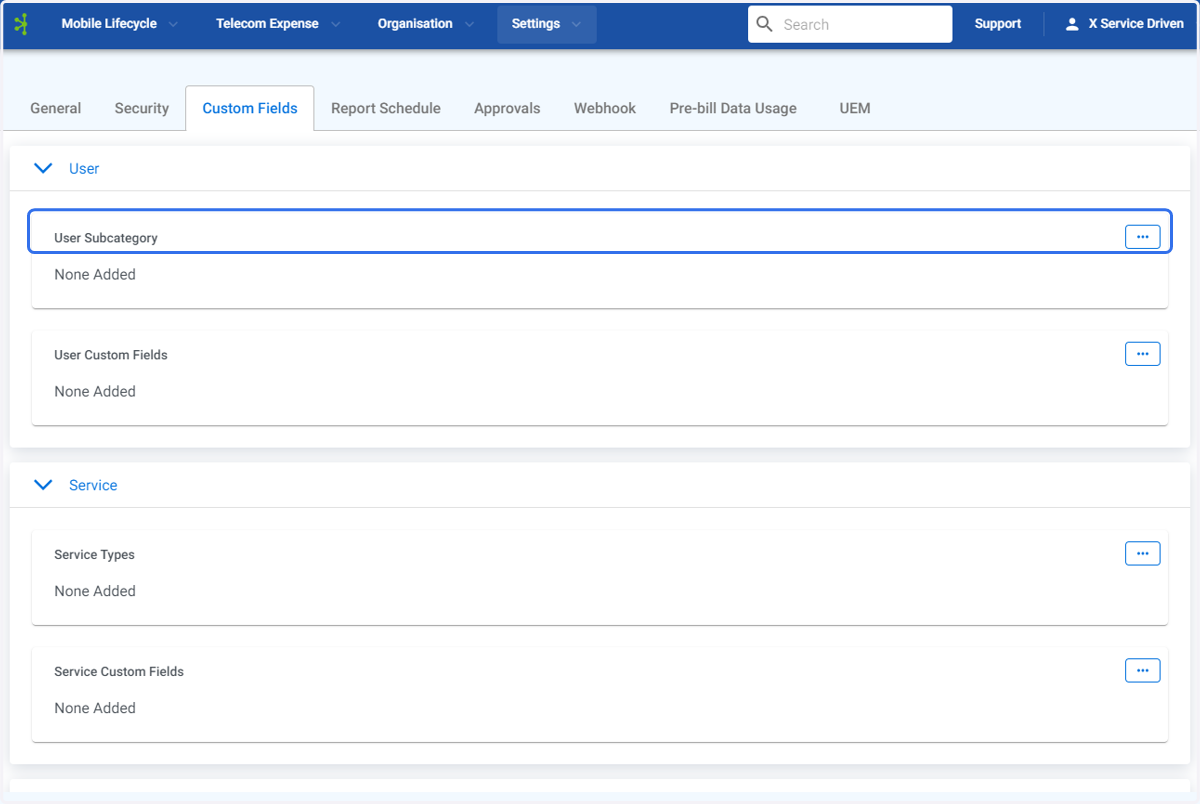
5. Click on the User Subcategory options menu.
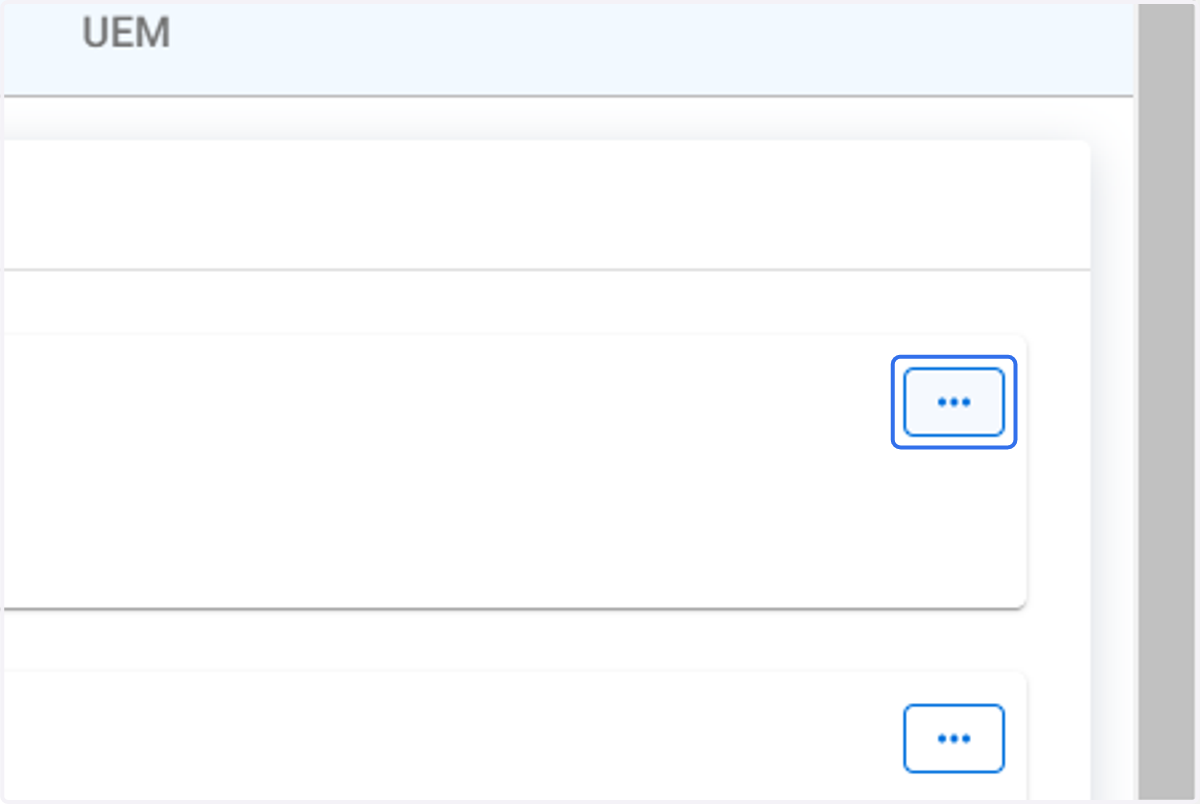
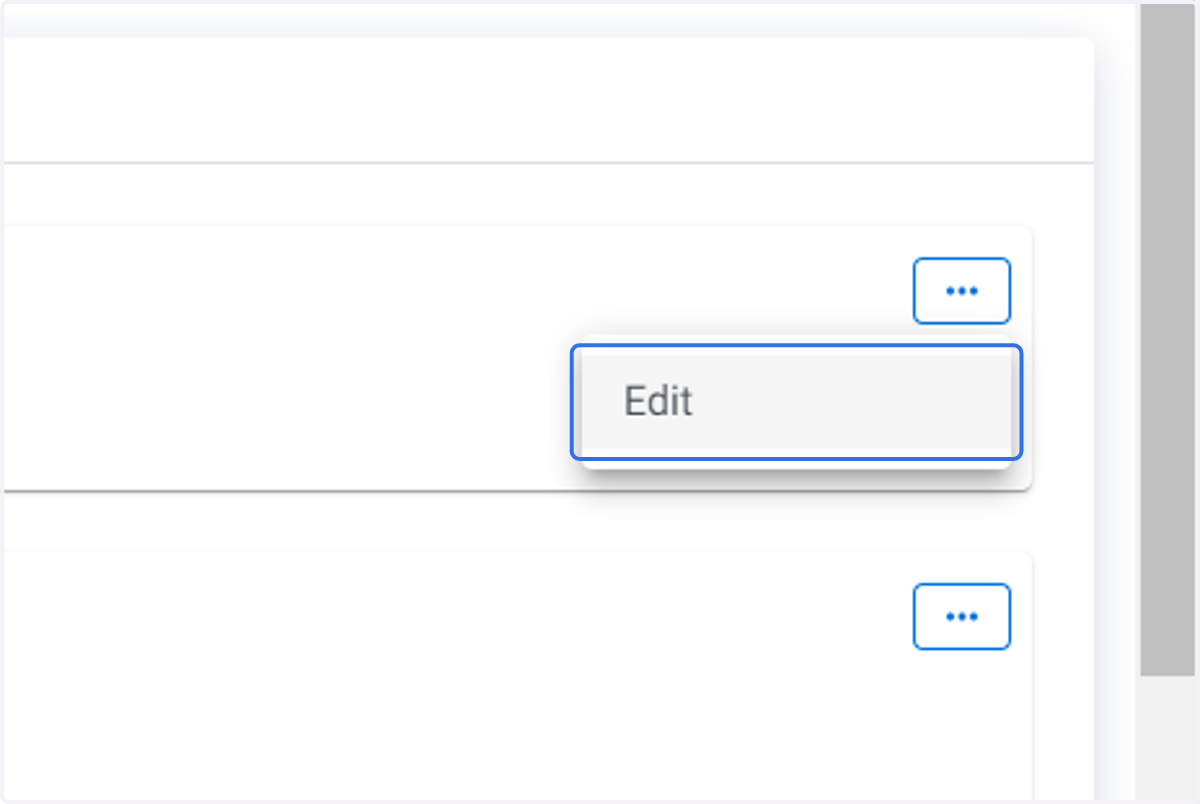
6. Click on Edit
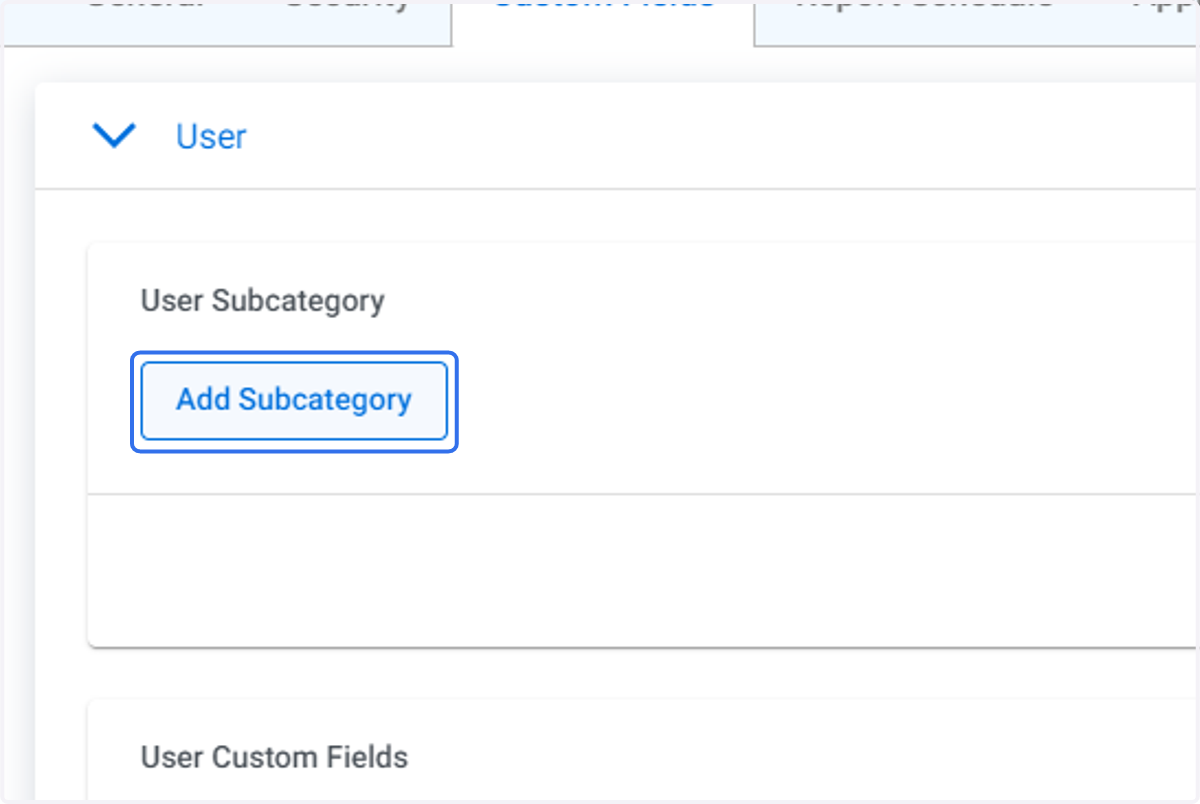
7. Click on Add Subcategory
8. Open the drop down menu
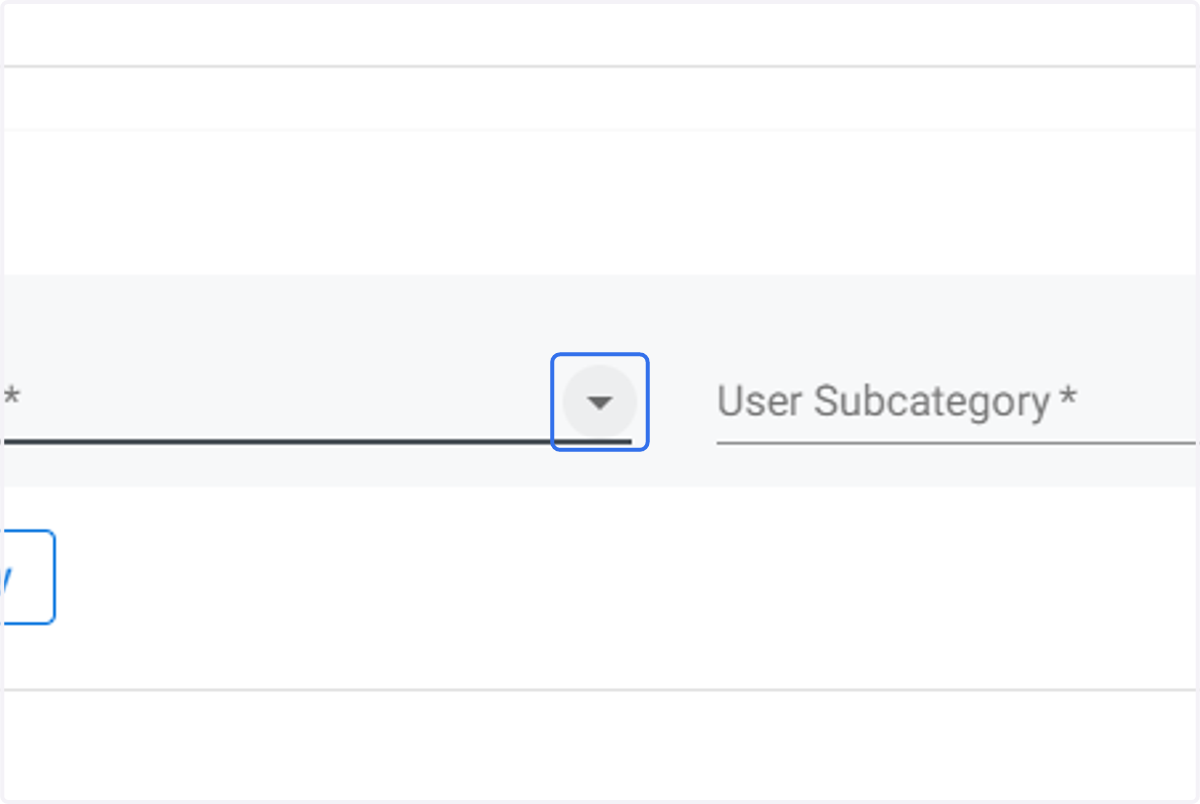
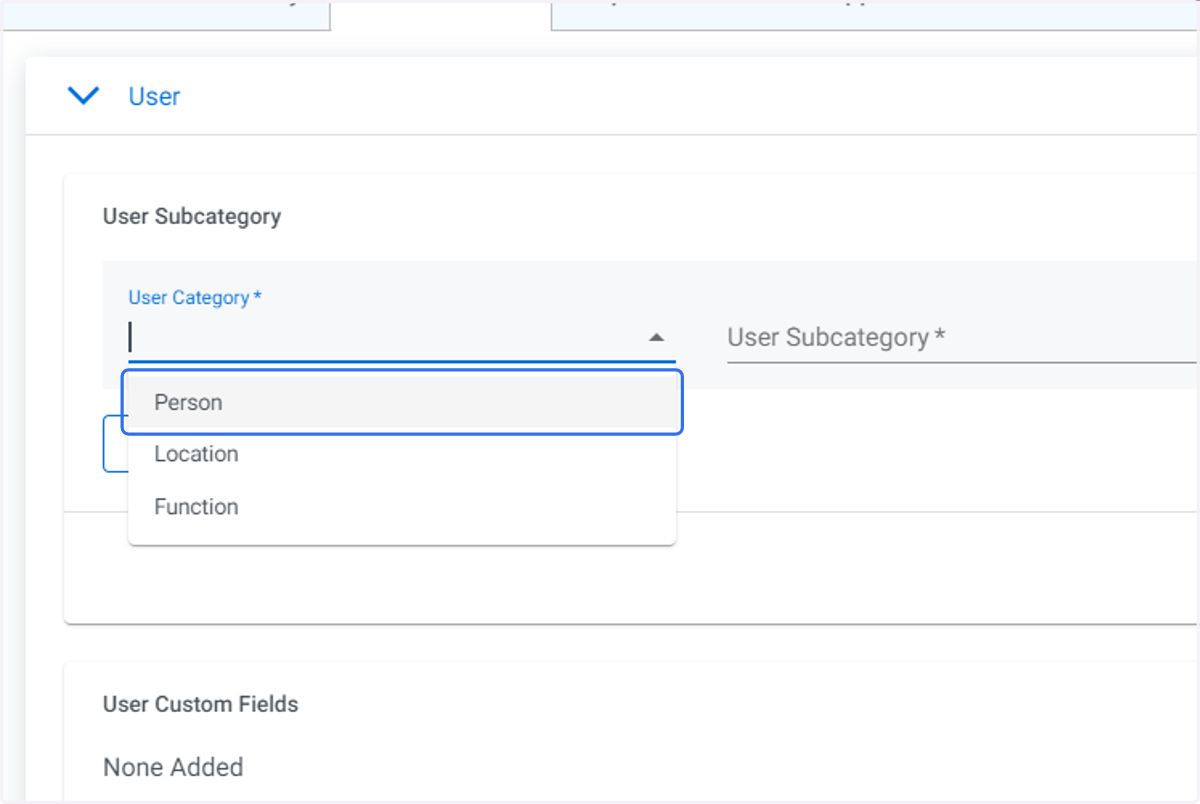
9. Click on required User Category.
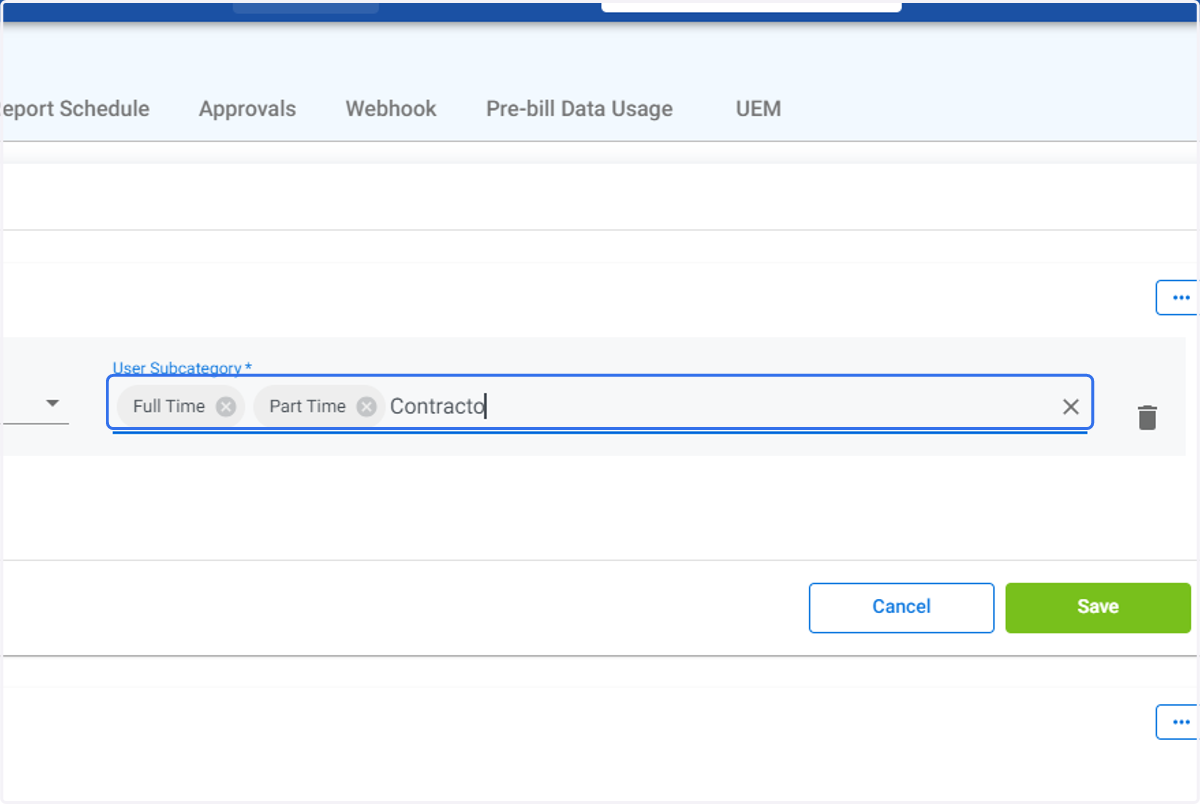
10. Type in the names of the User Subcategories you wish to create. Select Enter after each Subcategory you create.
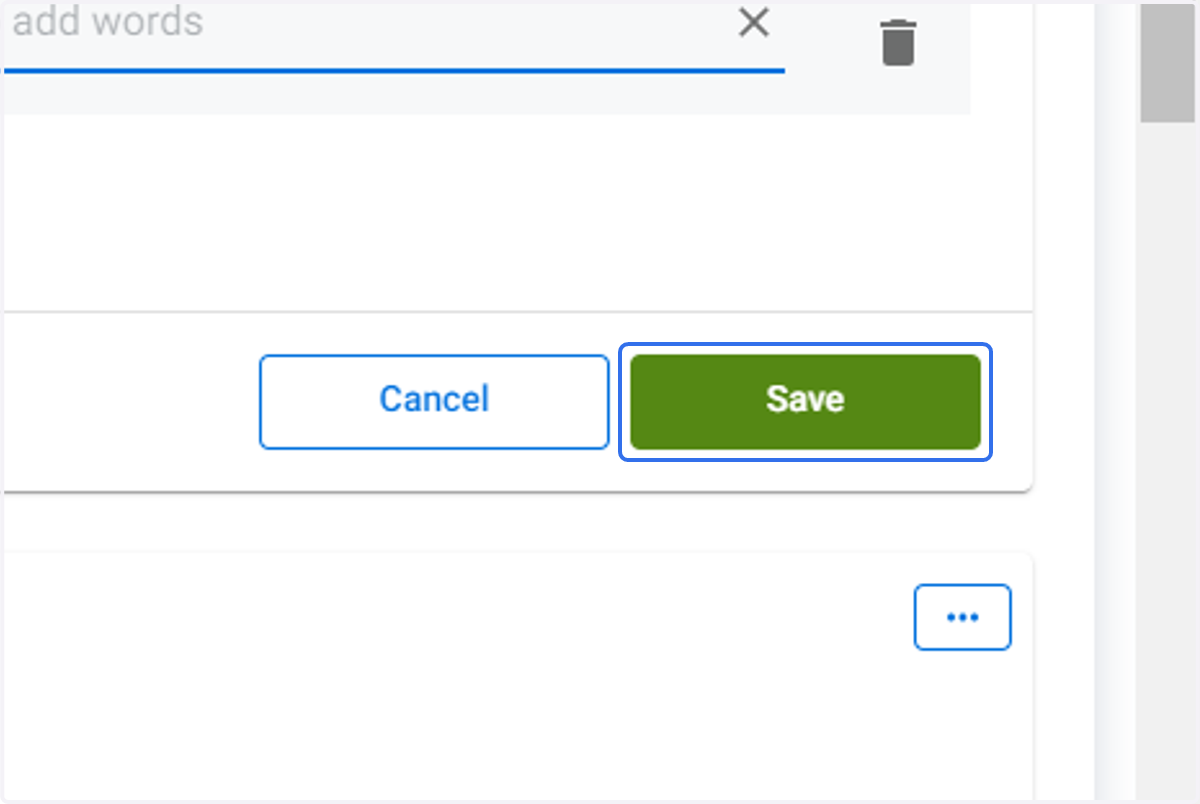
11. Click on Save
Bluewater - Customer Settings
12. The newly crated User Subcategories will be displayed.