How to create extra fields and add them to appointment templates
startpage
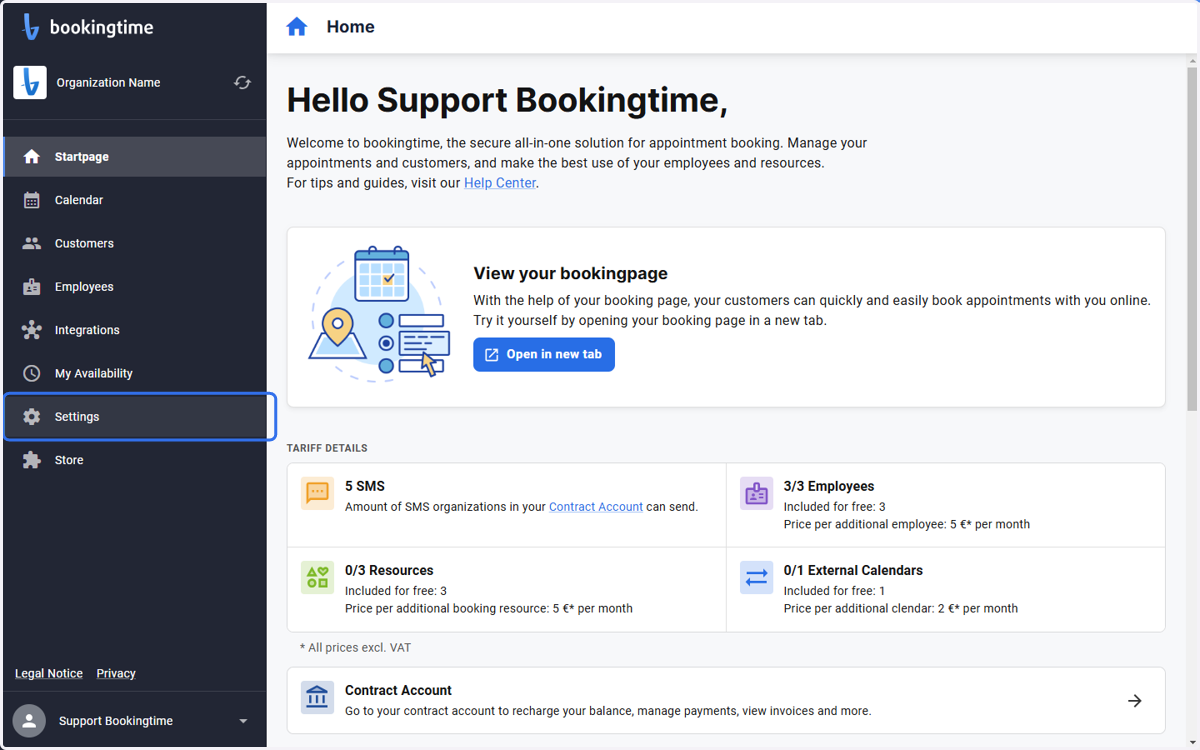
1. Click on Settings
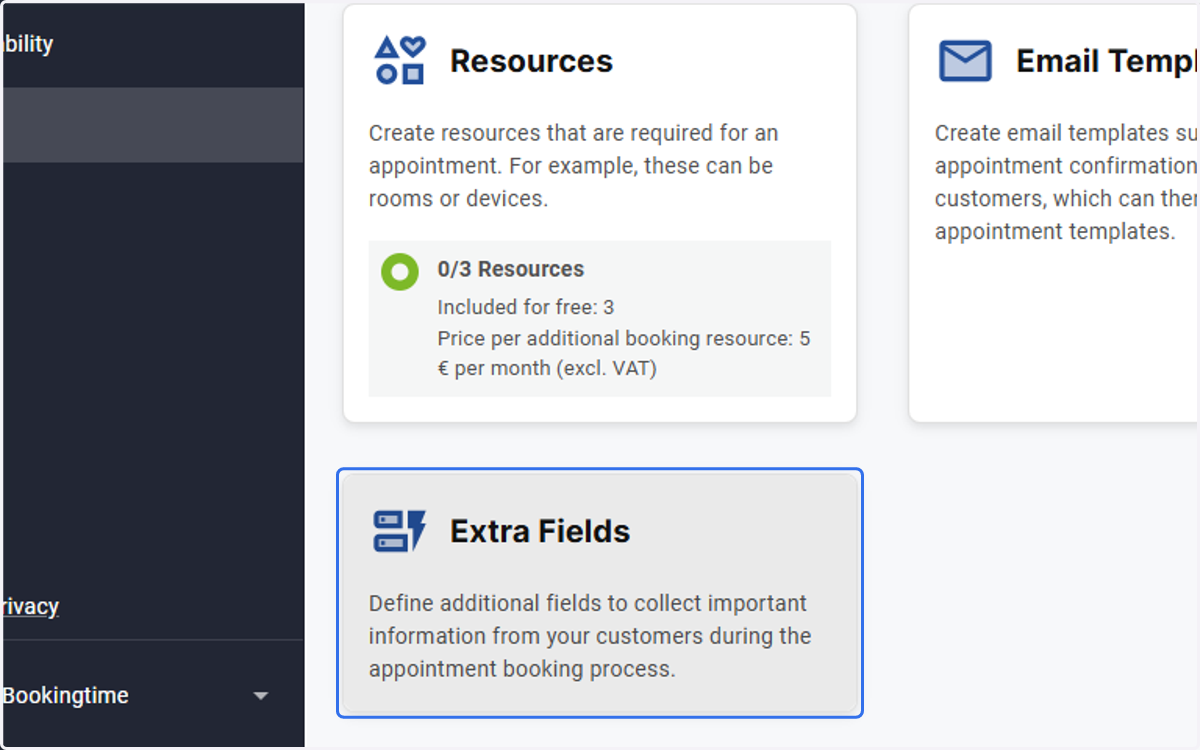
2. Click on Extra Fields
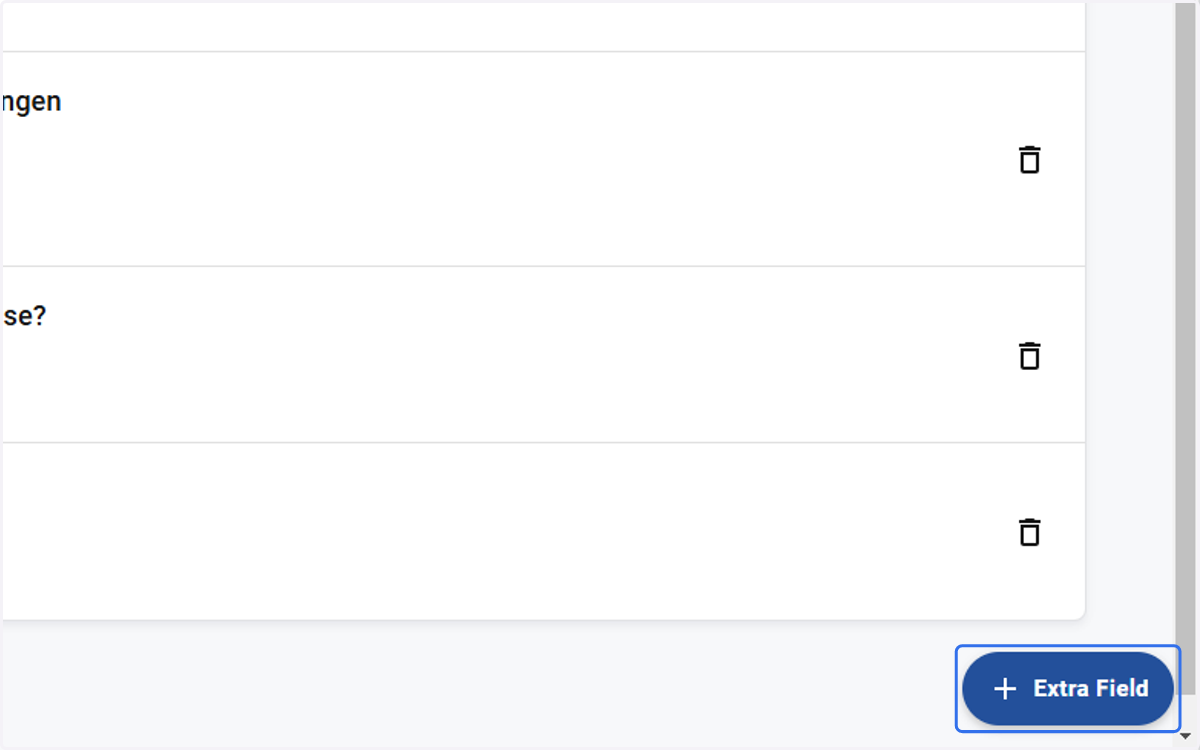
3. Click on "+ Extra Field"
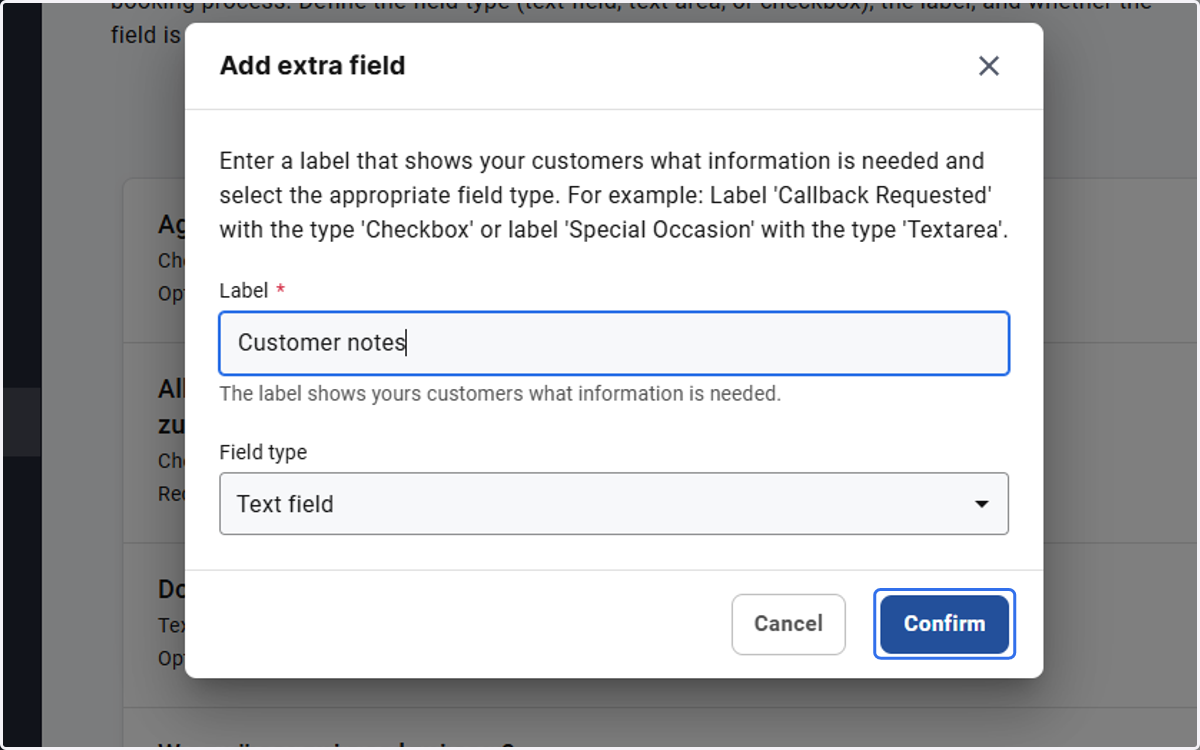
4. Type "Customer notes"
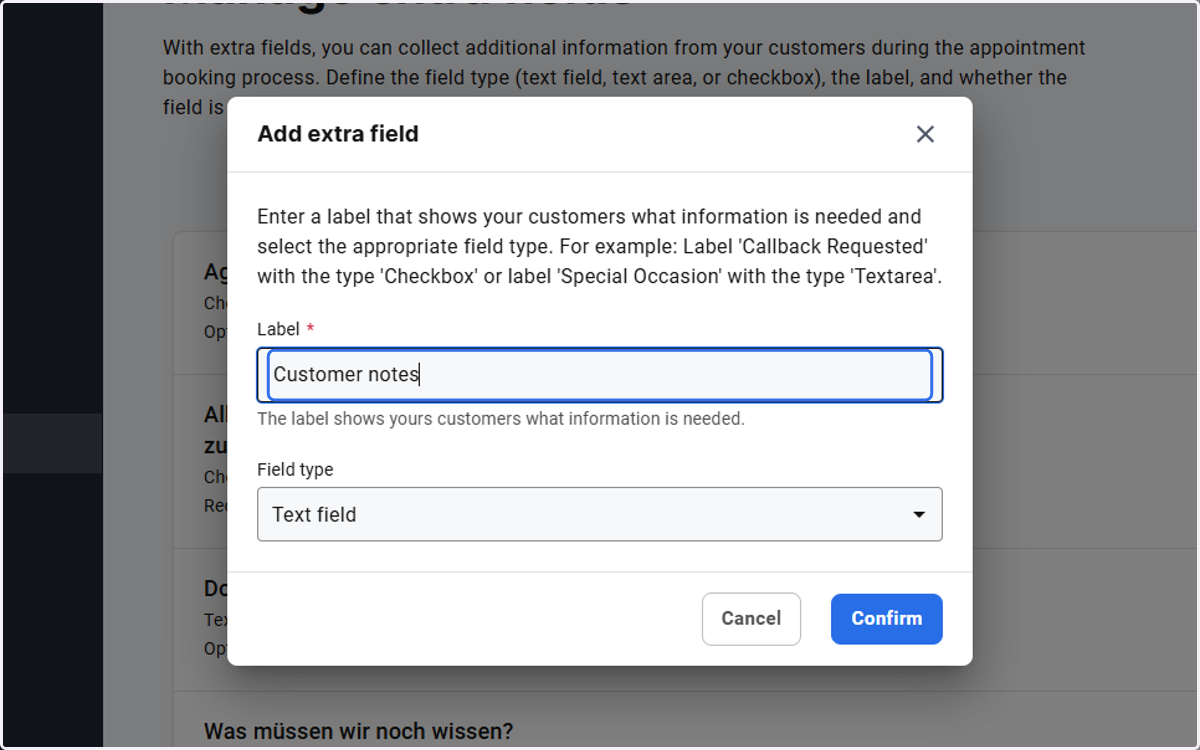
5. Click on Confirm
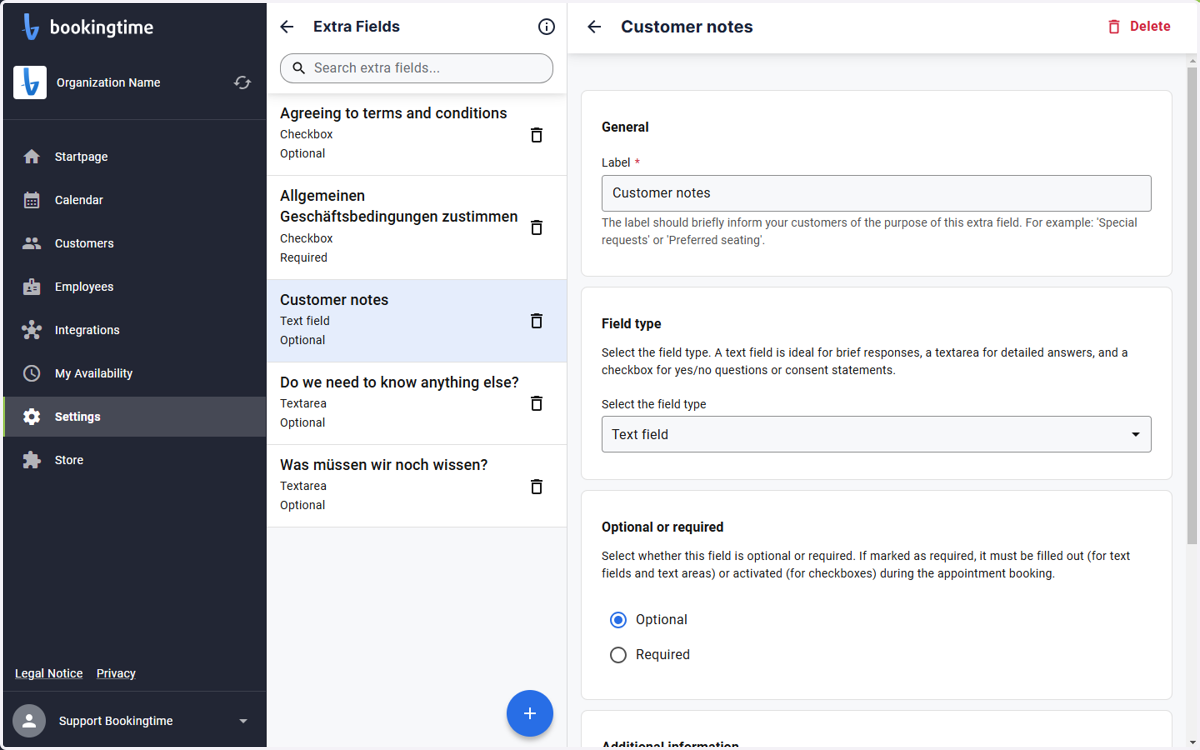
6. Click on Extra fields details. Your extra field is now ready.
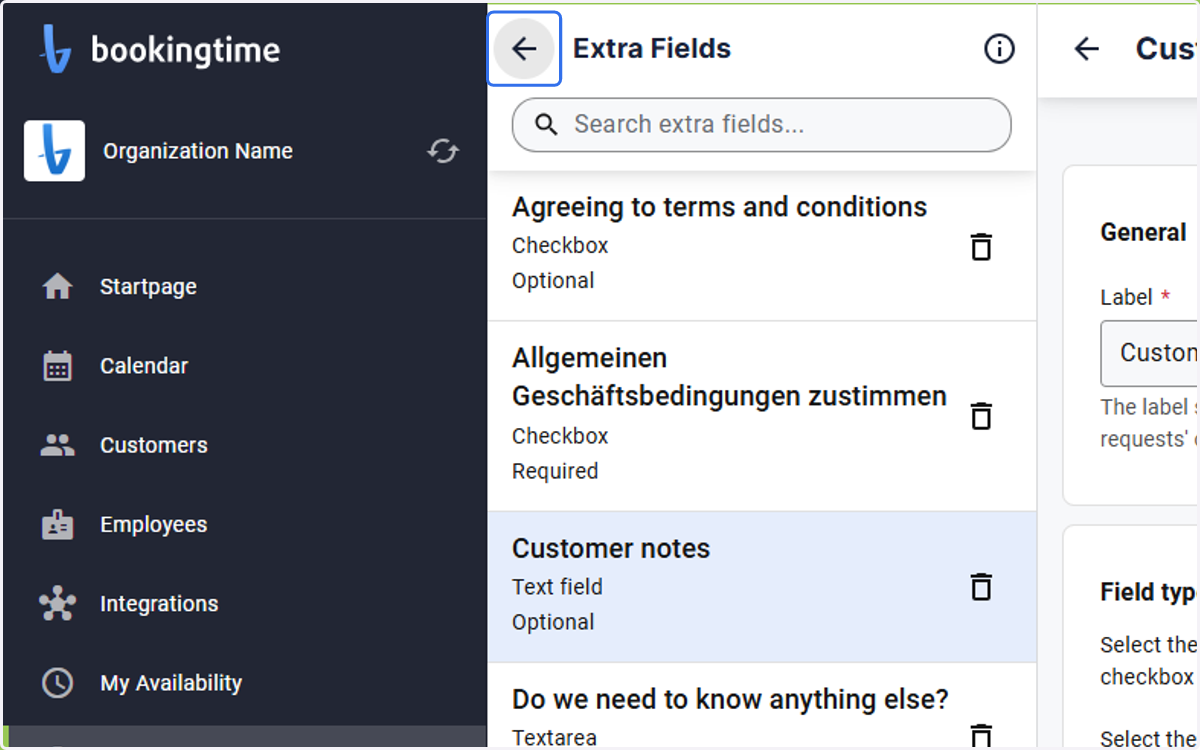
7. Click on Go back
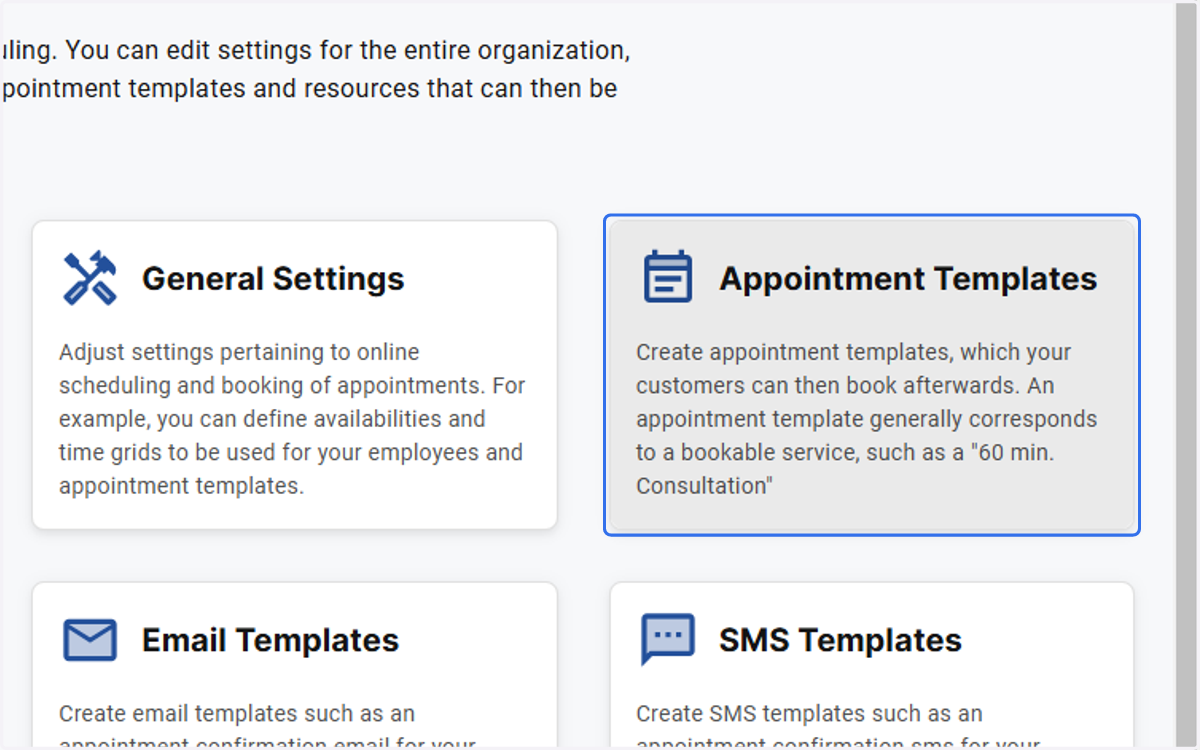
8. Click on Appointment Templates
9. Click on Example Appointment Template…
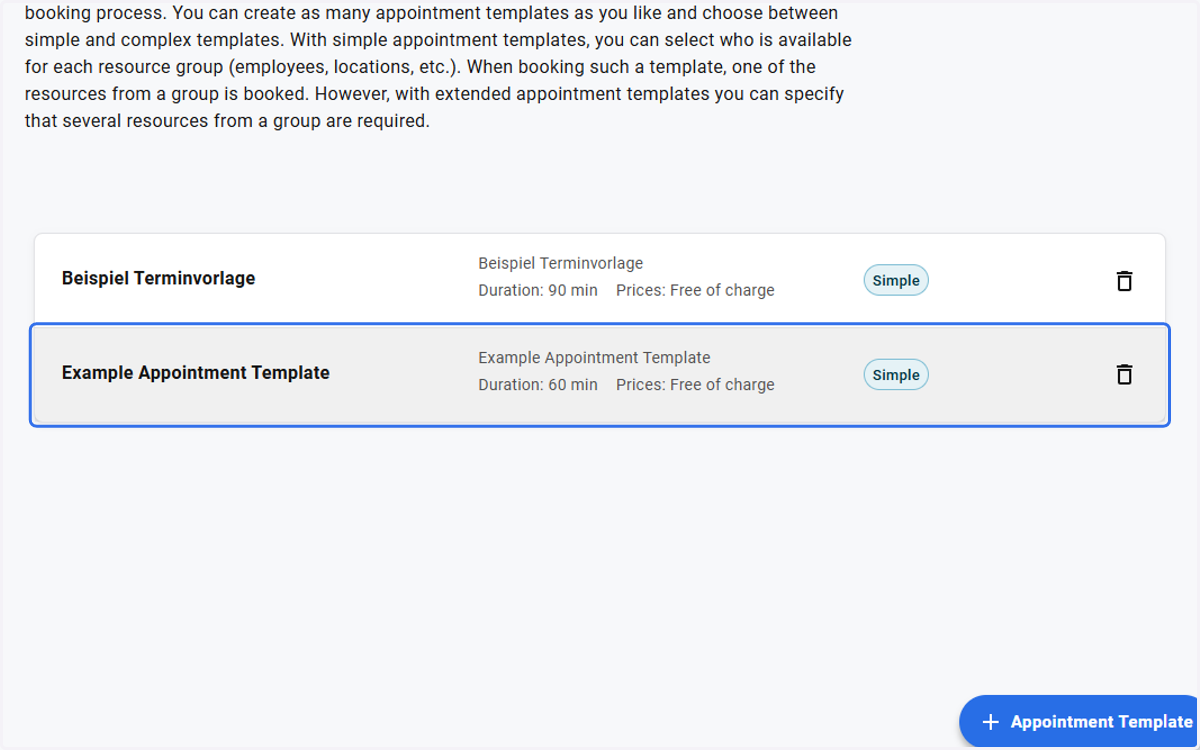
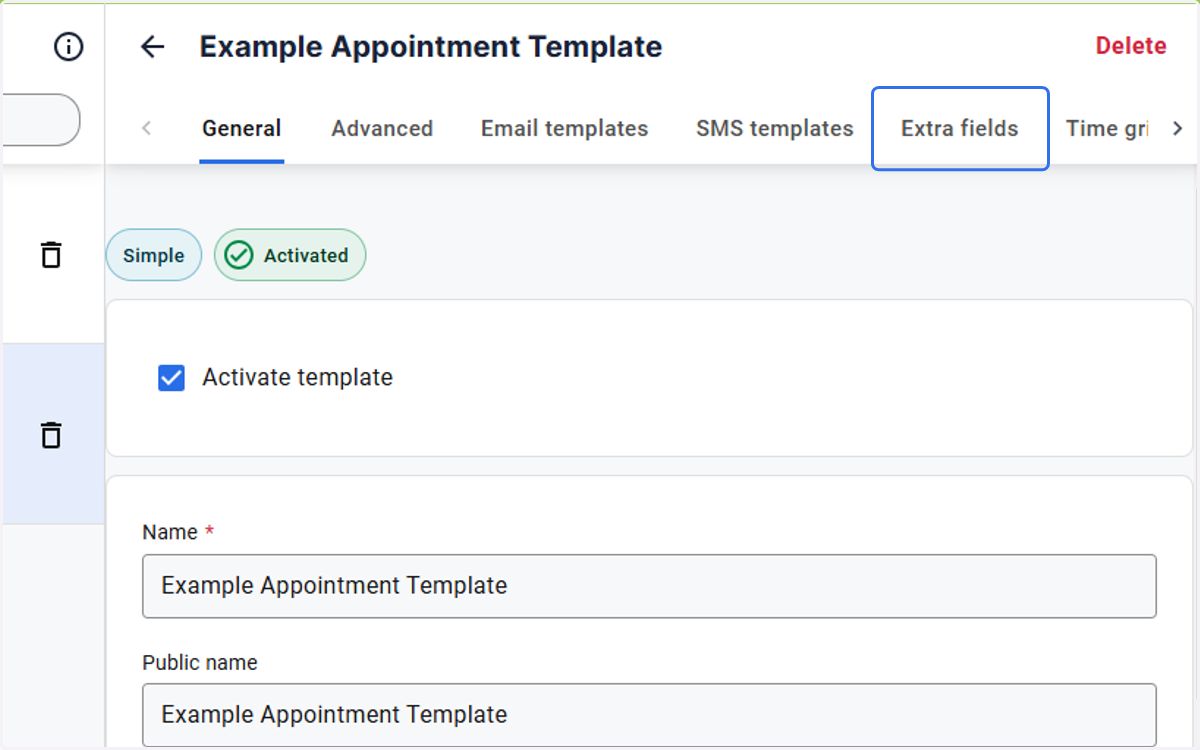
10. Click on Extra fields
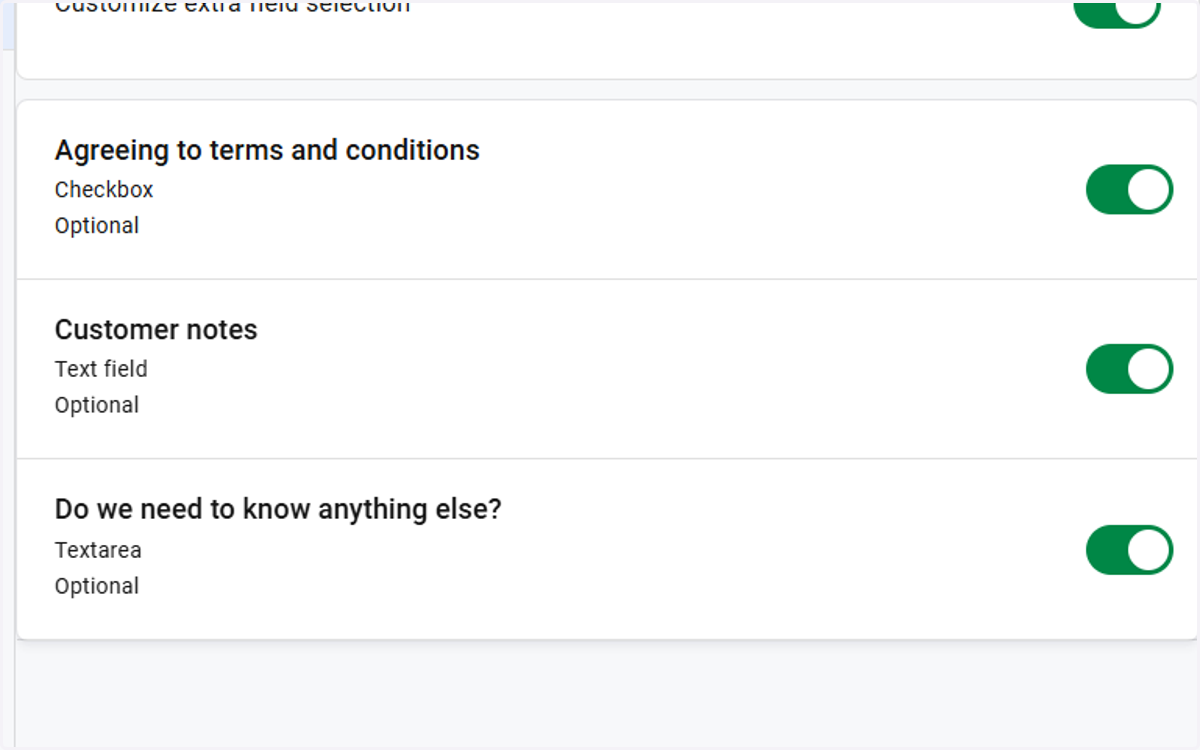
11. Choose the extra field that should be applied to the appointment template
12. Untitled step