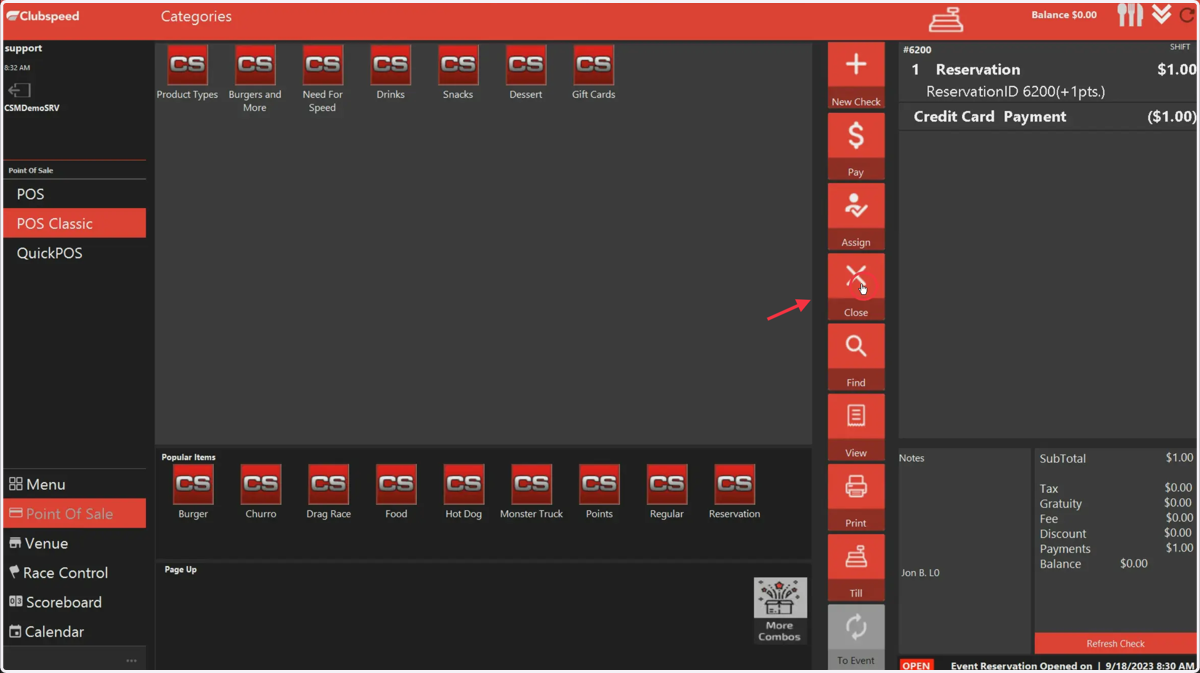
Check-in a guest from Club Booking using the Venue
🏁 Clubspeed
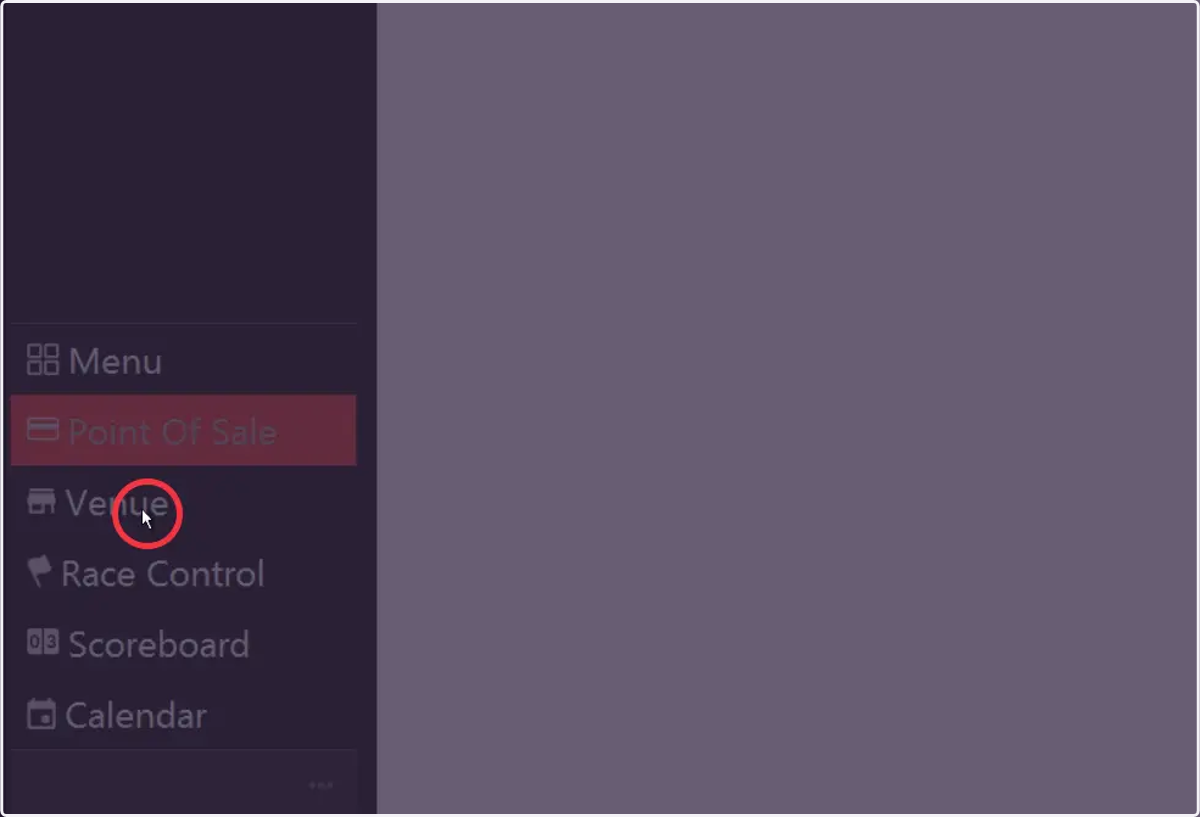
1. Start in the Venue
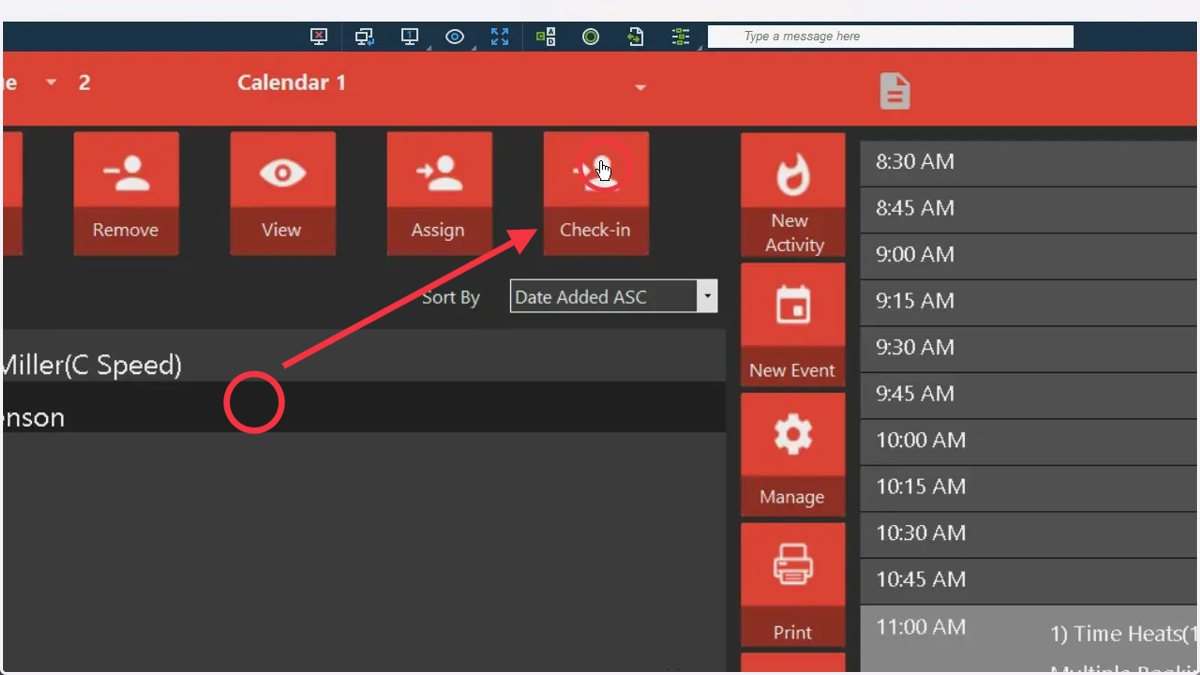
2. Pick the customer & press Check-in (Should be in the queue after checking in/registering)
3. Select the booking you want to add them to.
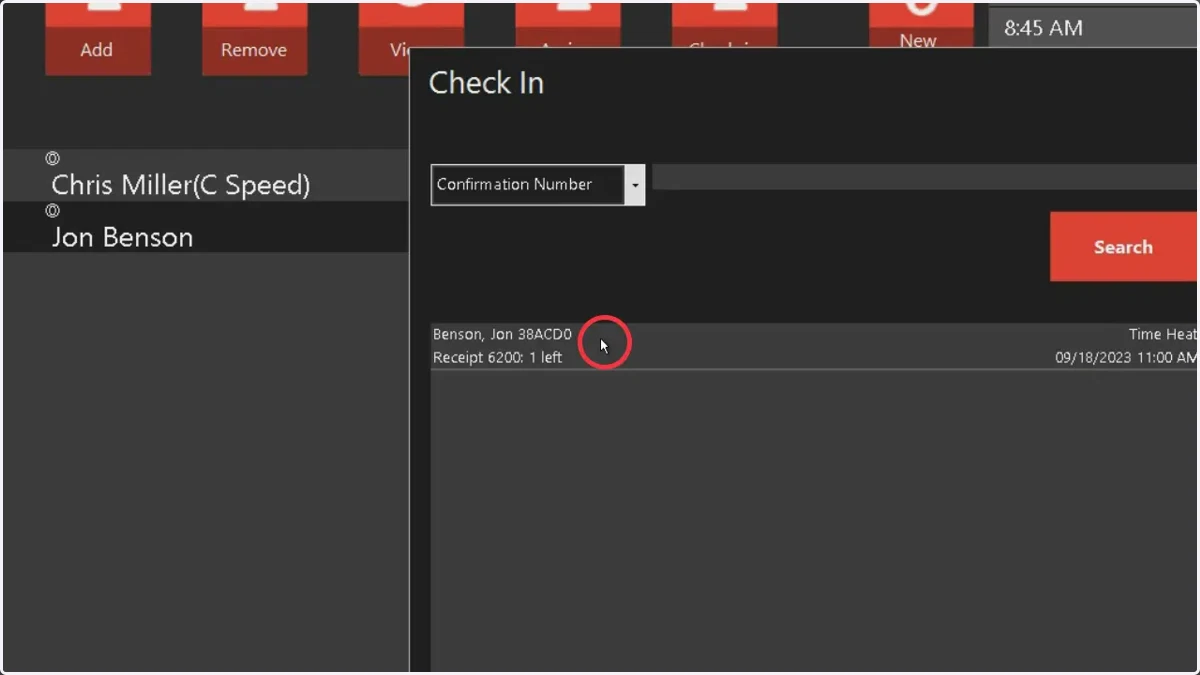
4. Press OK to add then.
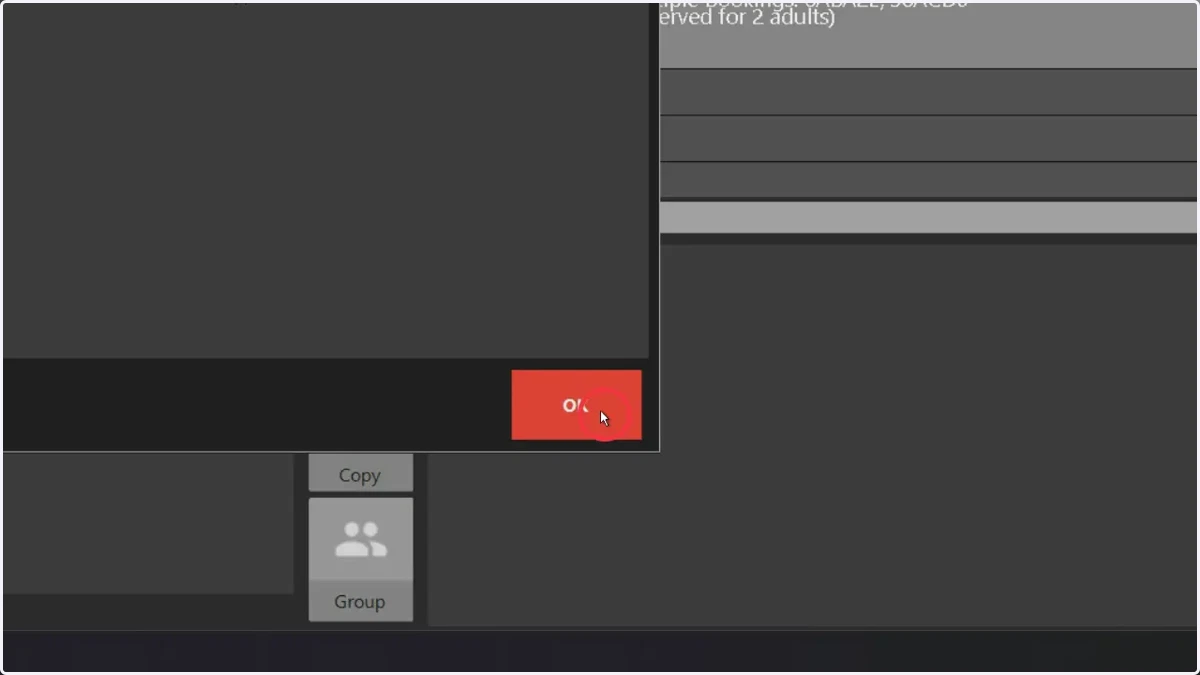
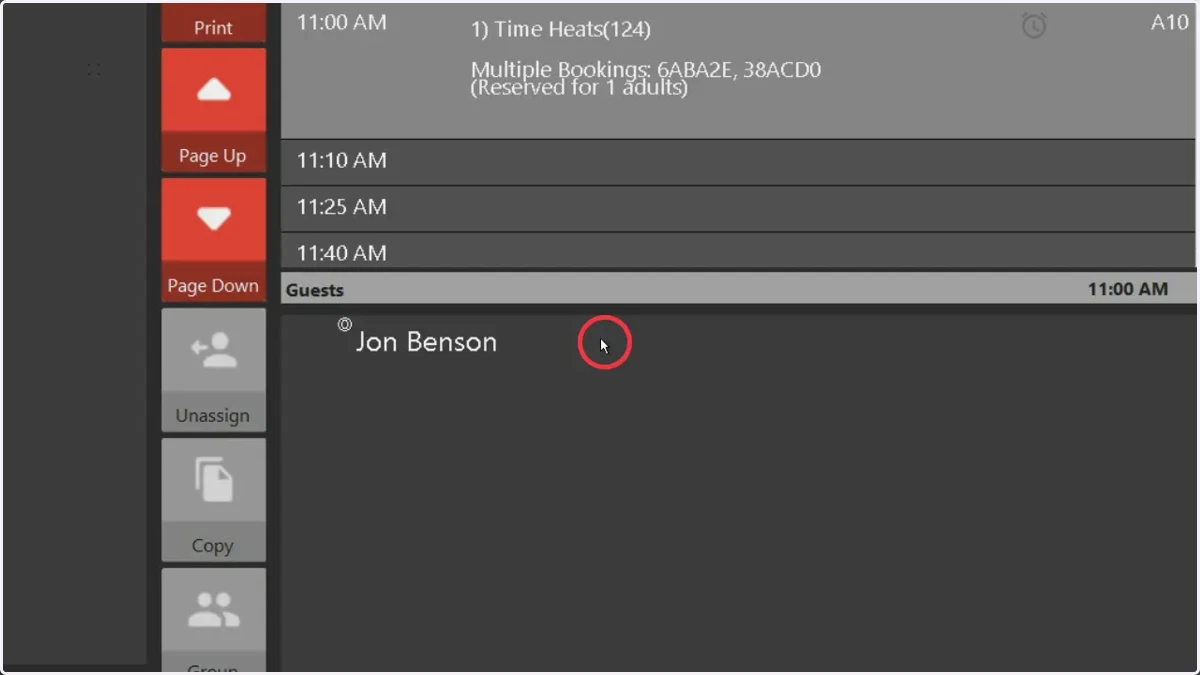
5. You will now see the guest in the activity
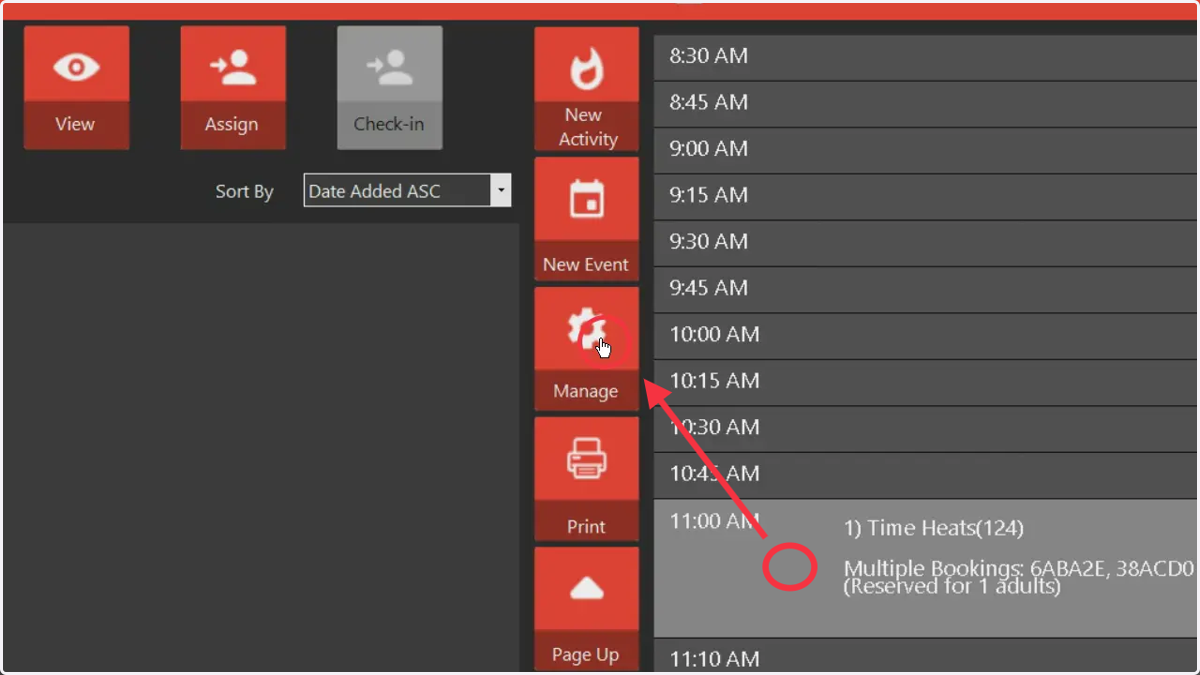
6. To manage the invoice, click on manage after selecting the activity
7. Click on the number next to bookings
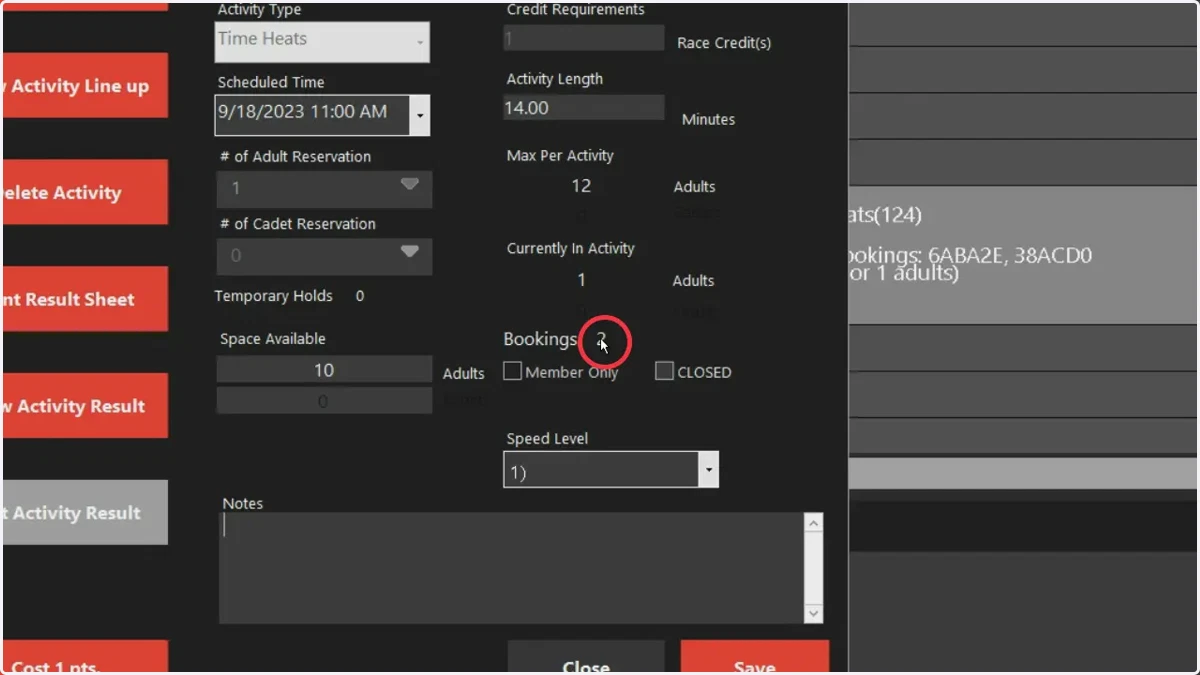
8. Select the check ID (Double Click)
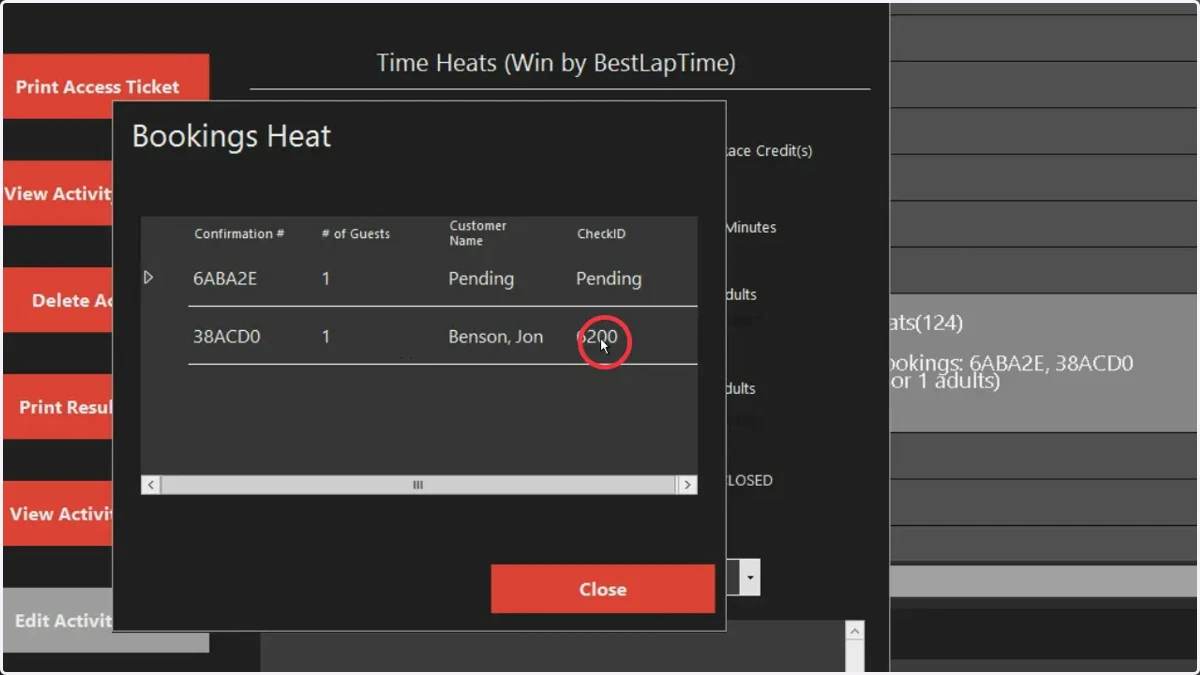
9. This will open the invoice, press Close to finalize the sale.