Sending Bulk Emails in FollowUpCRM

FollowUpCRM

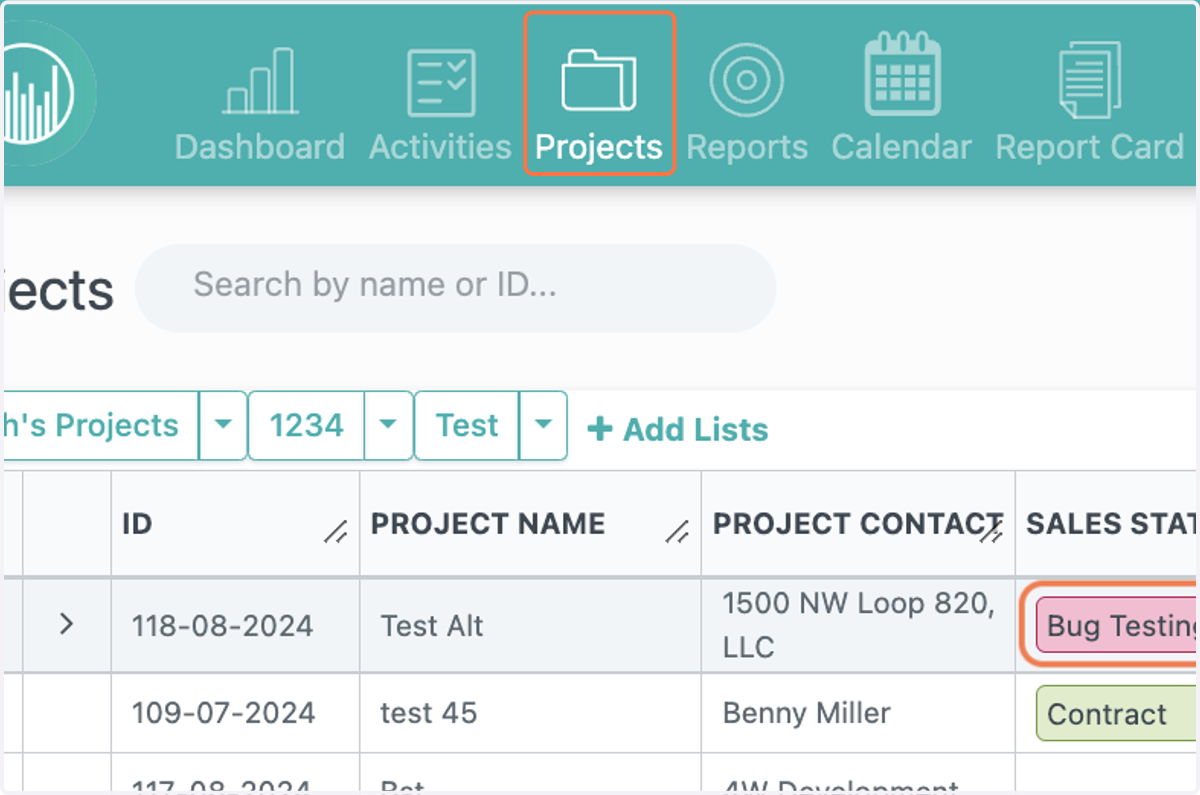
  1. 1. Click on Projects

    Click on Projects
  2. 2. Select the projects you want to email
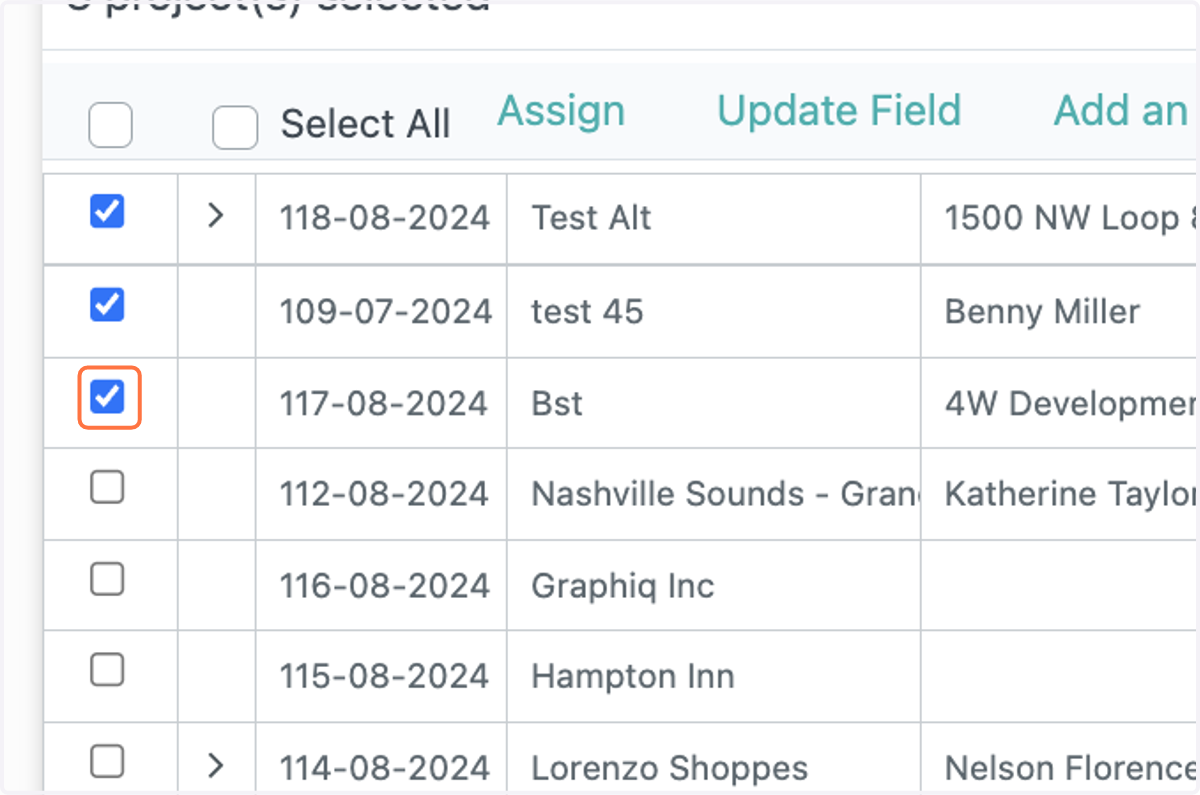
    Select the projects you want to email
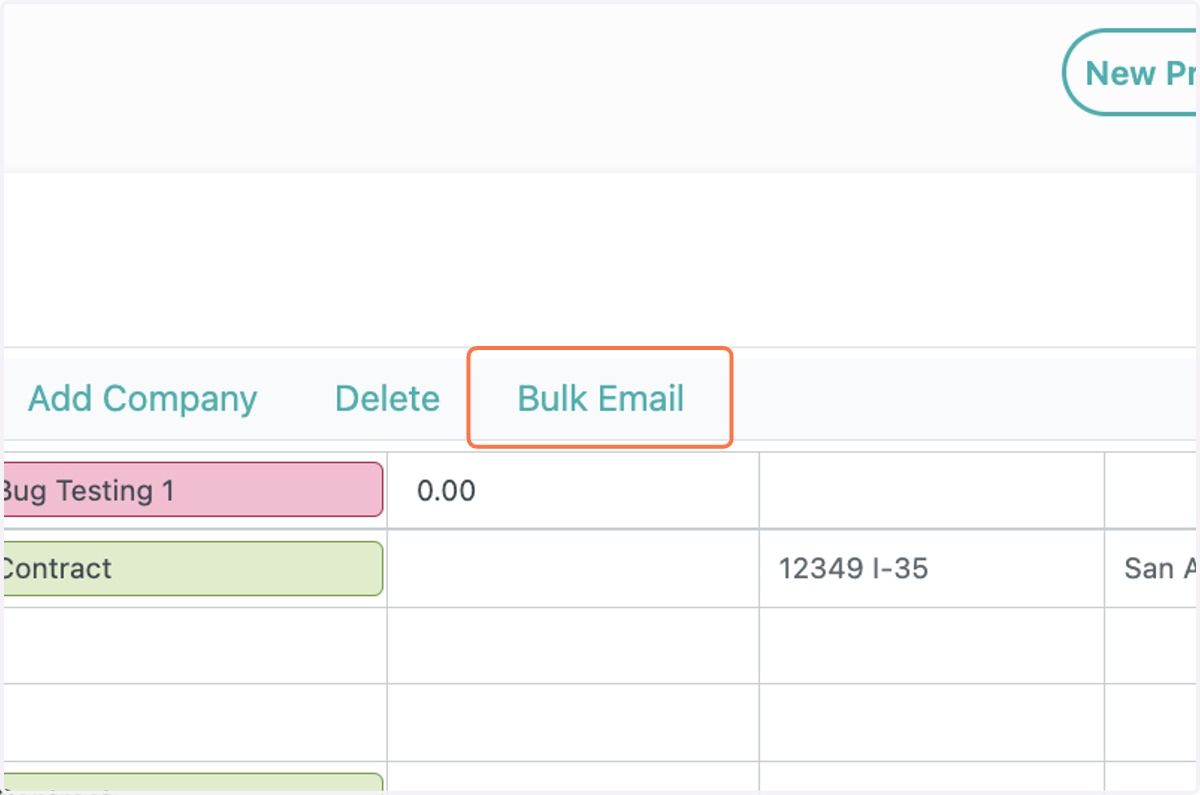
  3. 3. Click on Bulk Email

    Click on Bulk Email
  4. 4. Click on the template you want to send, or create a new template
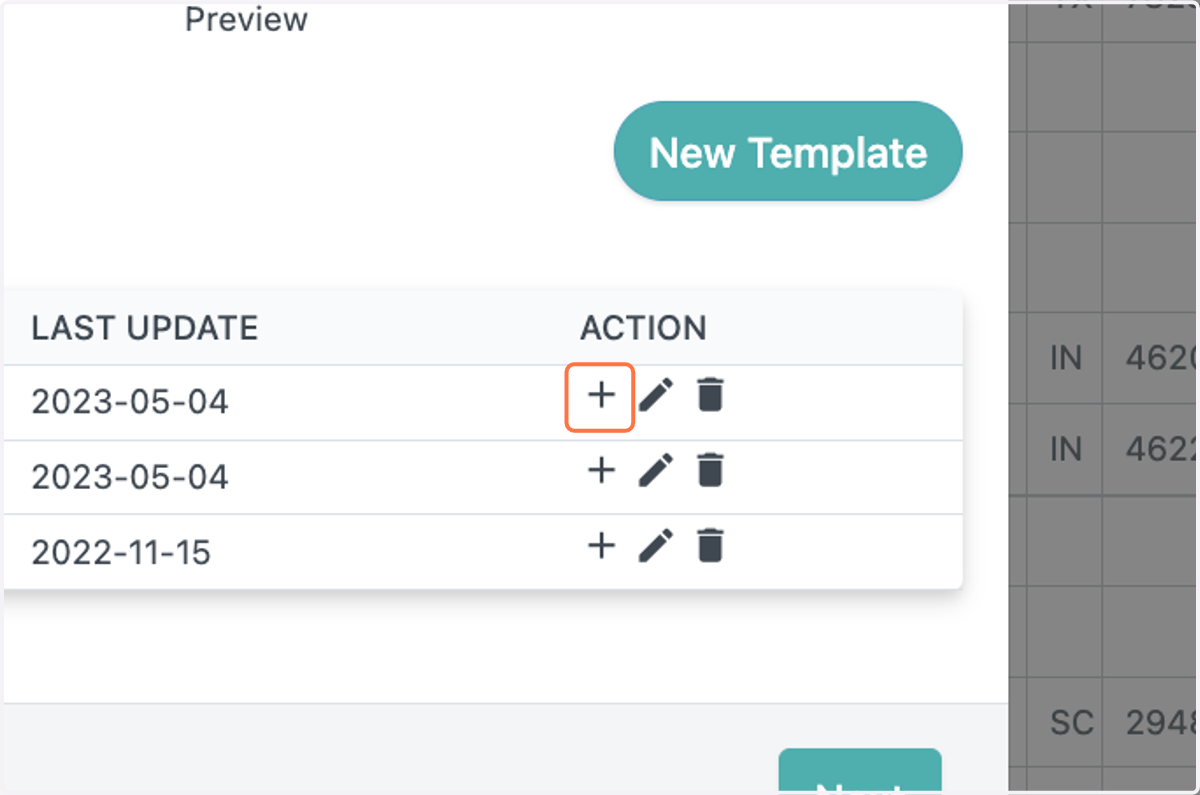
    Click on the template you want to send, or create a new template
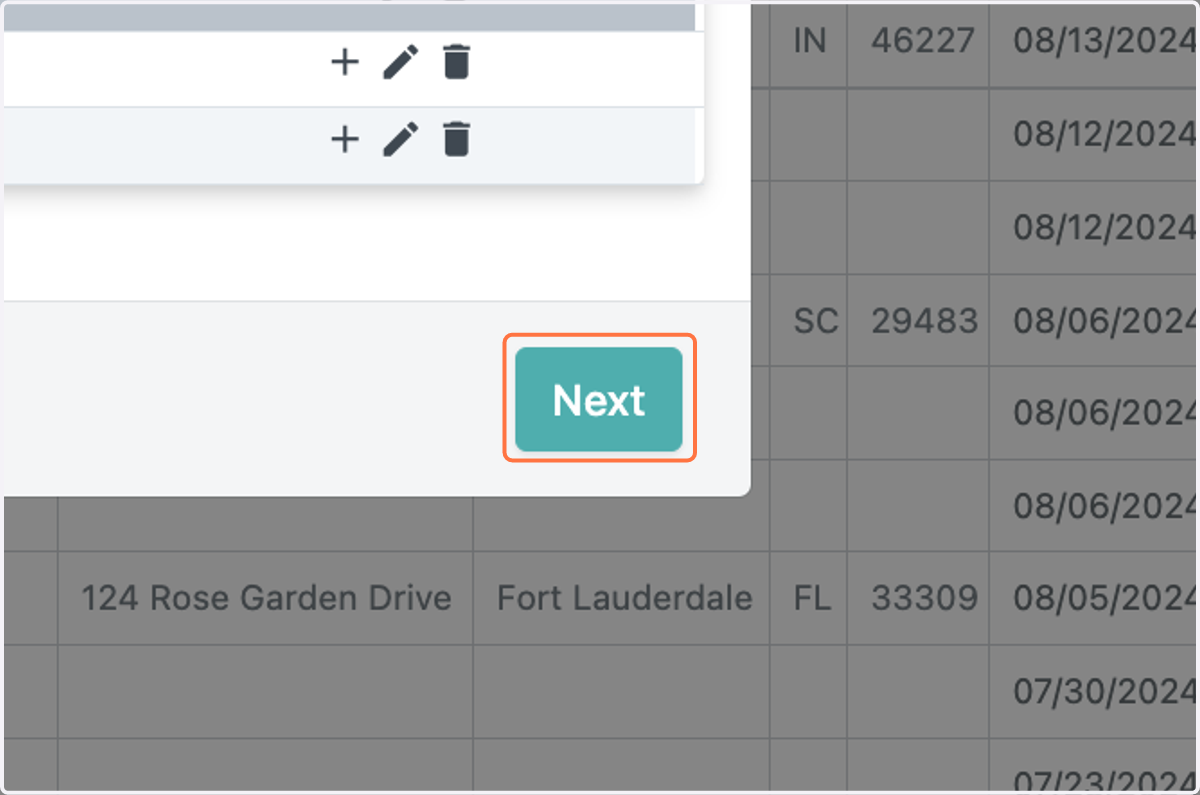
  5. 5. Click on Next

    Click on Next
  6. 6. Select the contacts in your projects that you want to send the email to
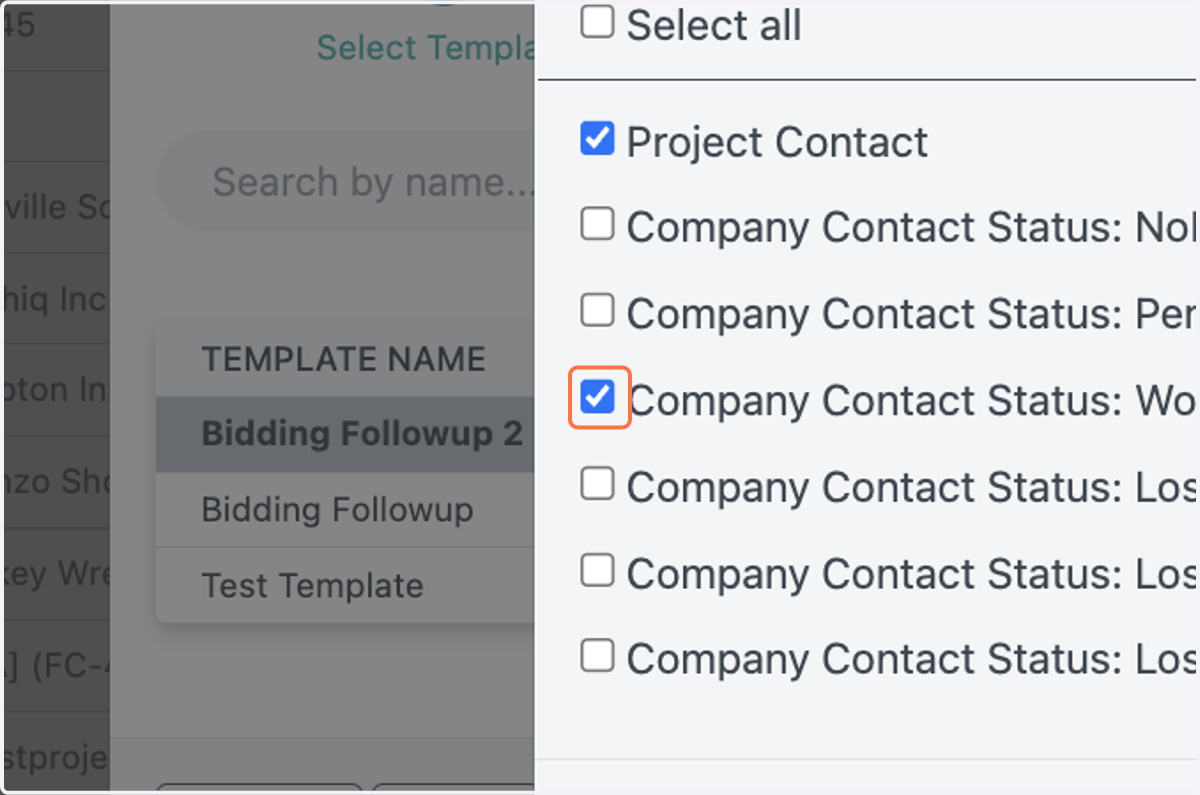
    Select the contacts in your projects that you want to send the email to
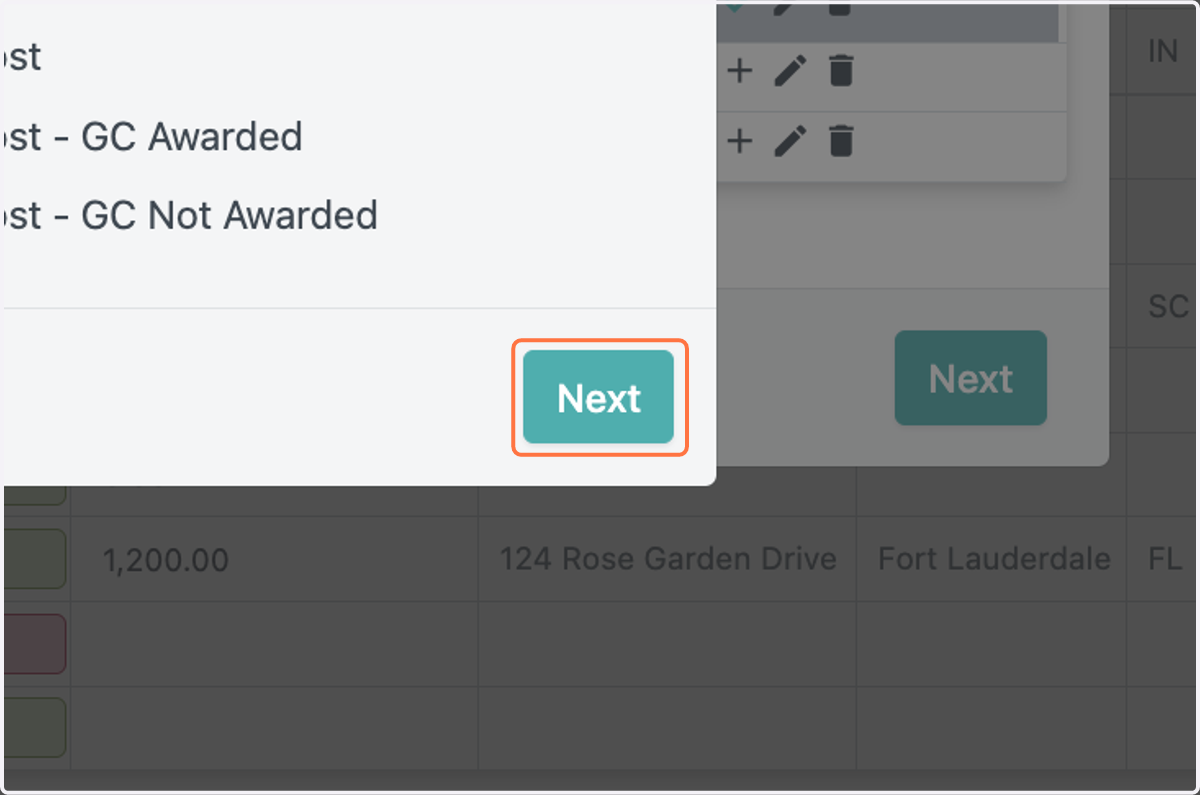
  7. 7. Click on Next

    Click on Next
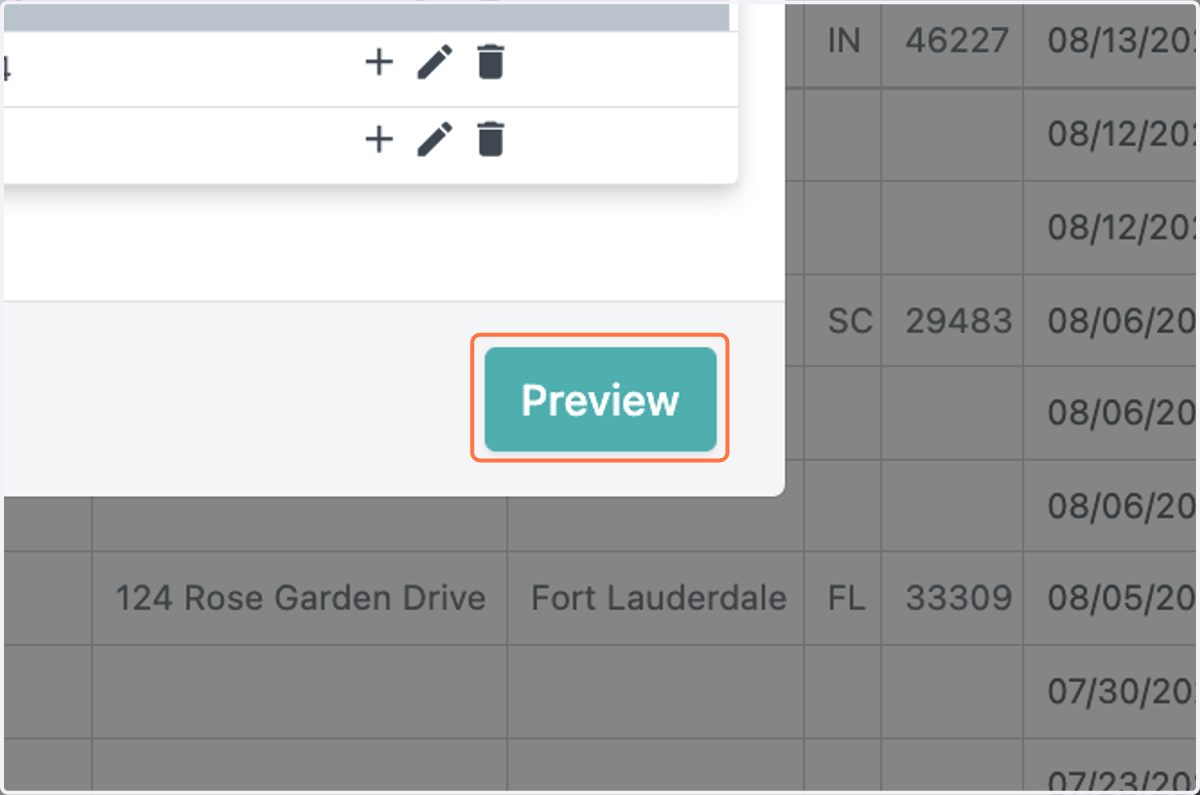
  8. 8. Click on Preview

    Click on Preview
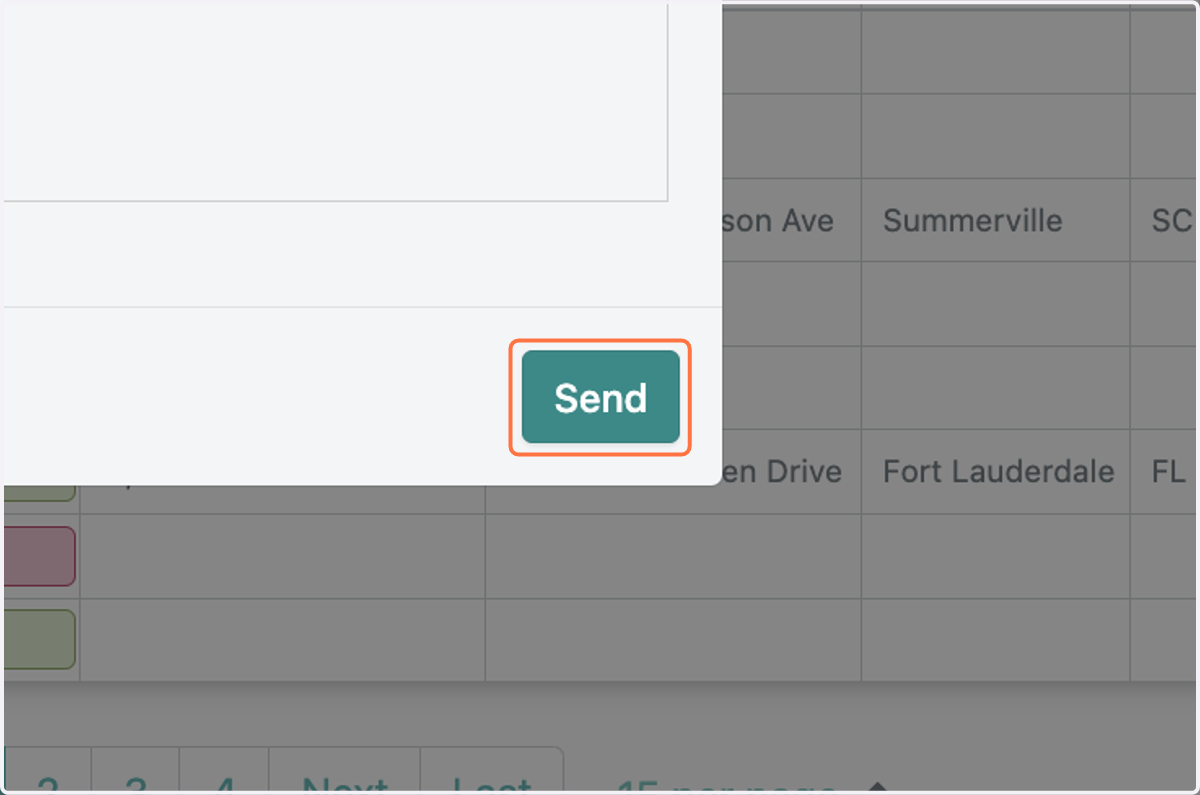
  9. 9. Click on Send

    Click on Send