Employee Experience: How To Schedule, Reschedule, & Launch Your Virtual Appointment
1. Go to ee.enrollify.app
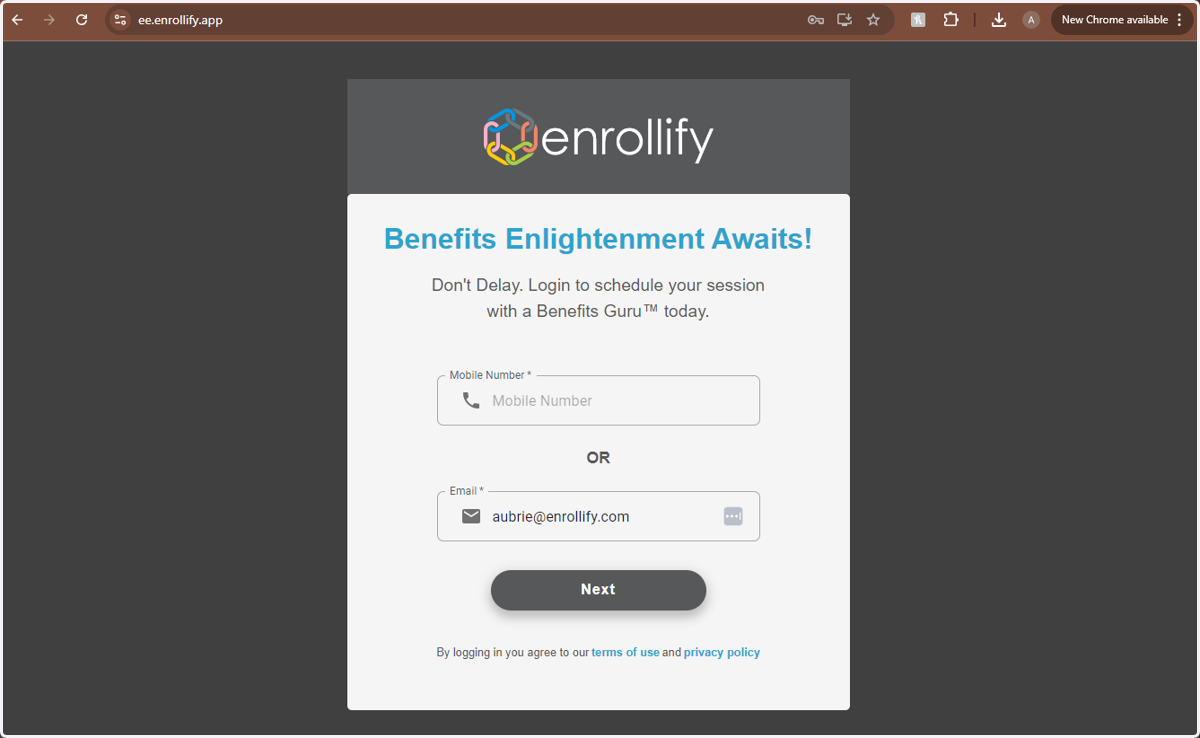
2. Enter Your Username (Phone Number or Email Address)
3. Enter Your Password
4. Click on LOGIN
5. Click on 'Schedule to Review Benefits with a Guru'
6. Select Your Desired 'Meeting Type' and 'Language' Preference
7. Select Your Desired Appointment Date
8. Select Your Desired Appointment Time
9. If you would like to add the appointment to your personal calendar, click 'Add to your calendar'
10. If you don't want to Add to Calendar, click 'Close'
11. If you need to Reschedule your appointment, log back in at timetoenroll.app and click 'Schedule to Review Benefits with a Guru'
12. Click 'Reschedule'
13. Select Day/Time of New Appointment
14. Repeat Step #9 or #10
15. At the time of your Appointment, log in and click 'Schedule to Review Benefits with a Guru'
16. Click on 'Launch Video Conference'
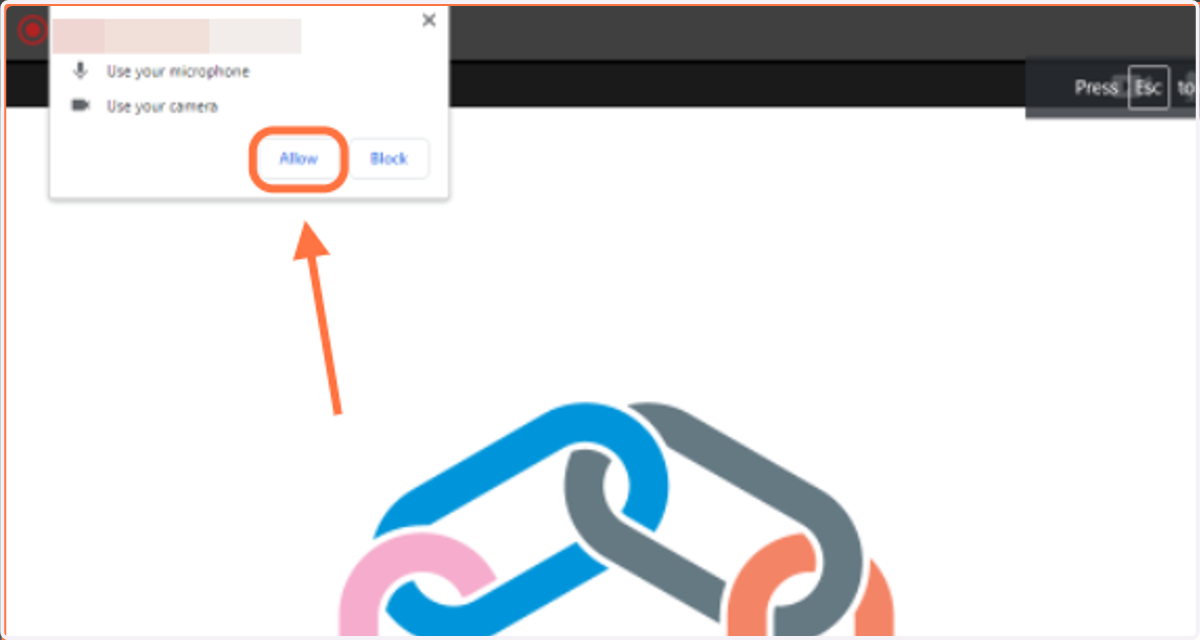
17. Click 'Allow' to allow camera and microphone access
18. When Your Meeting is Complete, click 'End Meeting'
19. Click on 'Yes'
20. Your Appointment is Complete!