How To Unlock A Pay Run
This guide will show you the steps on how to unlock a completed pay run.
1. Firstly, please navigate to the Payroll screen
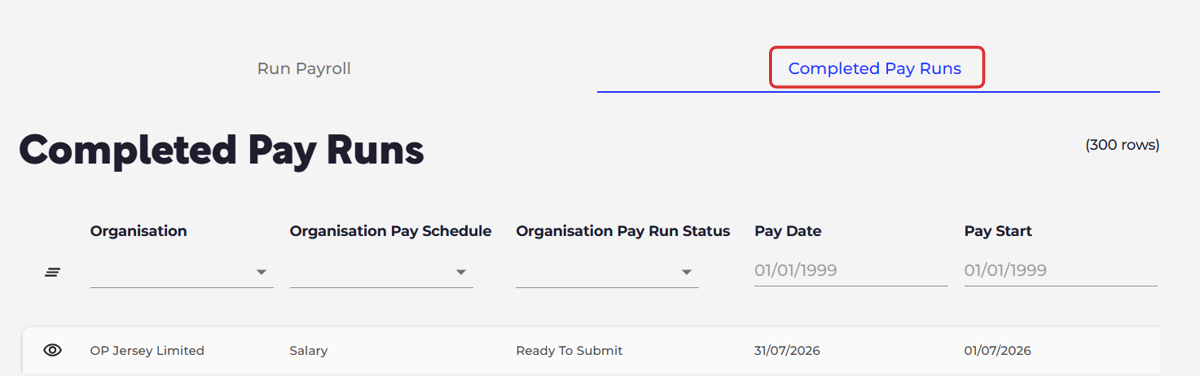
Select 'Completed Pay Runs'
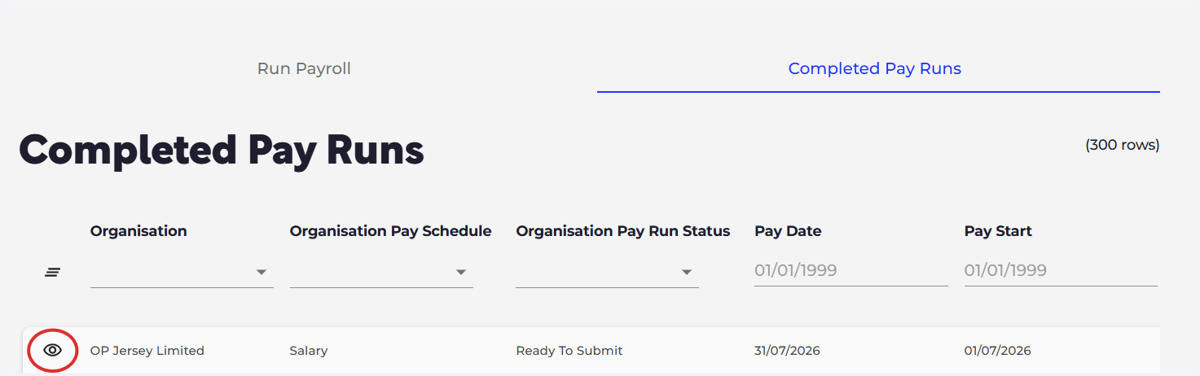
2. Please then select the eye icon next to the pay run you wish to unlock
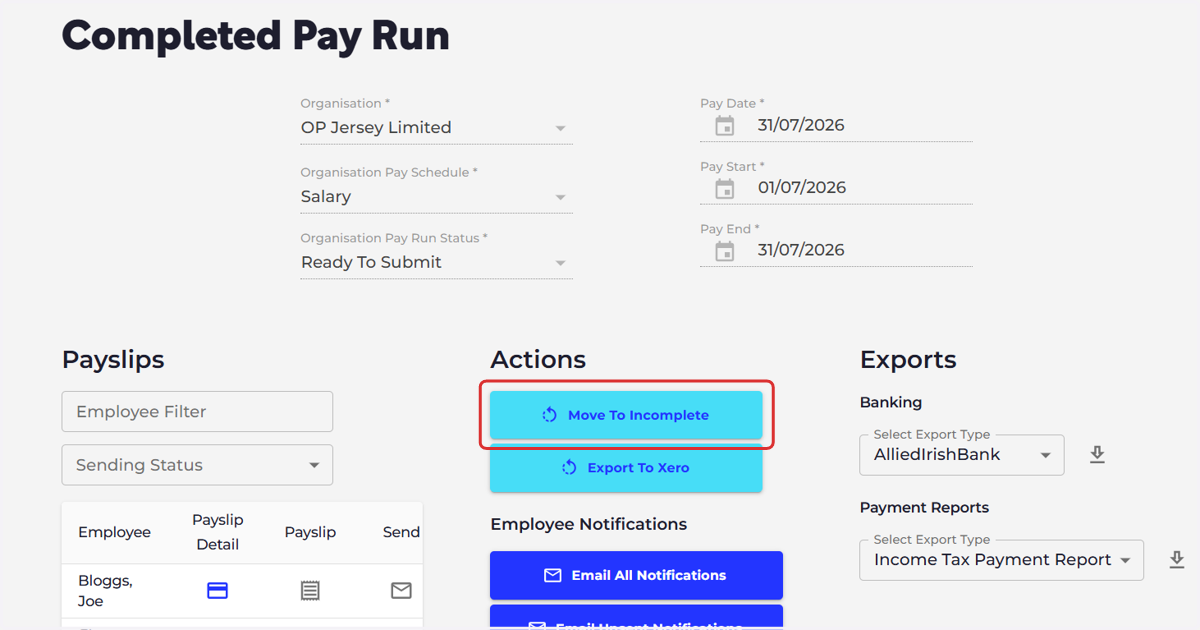
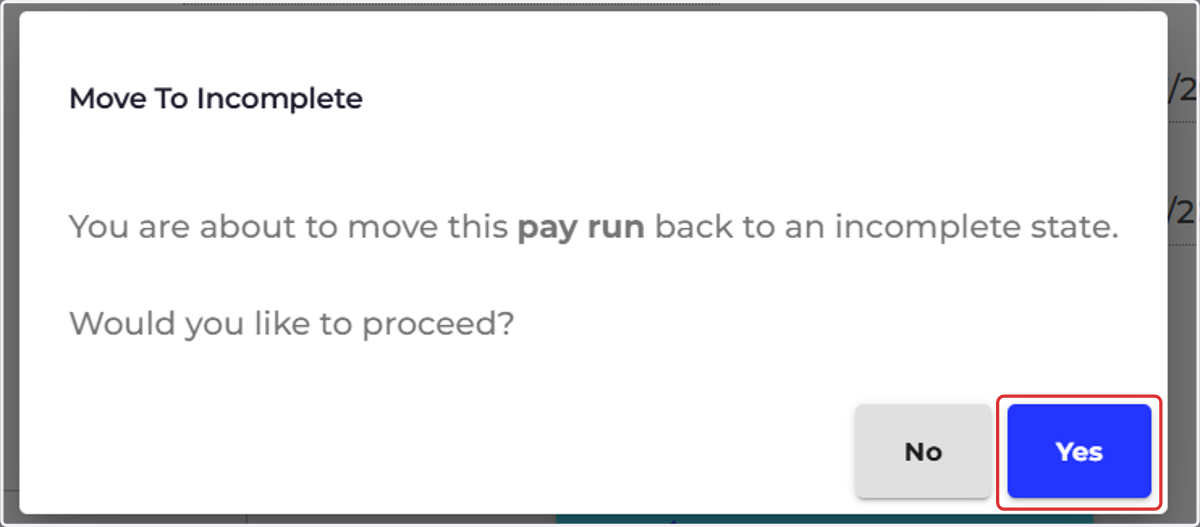
3. Select 'Move To Incomplete'
4. Select "Yes"
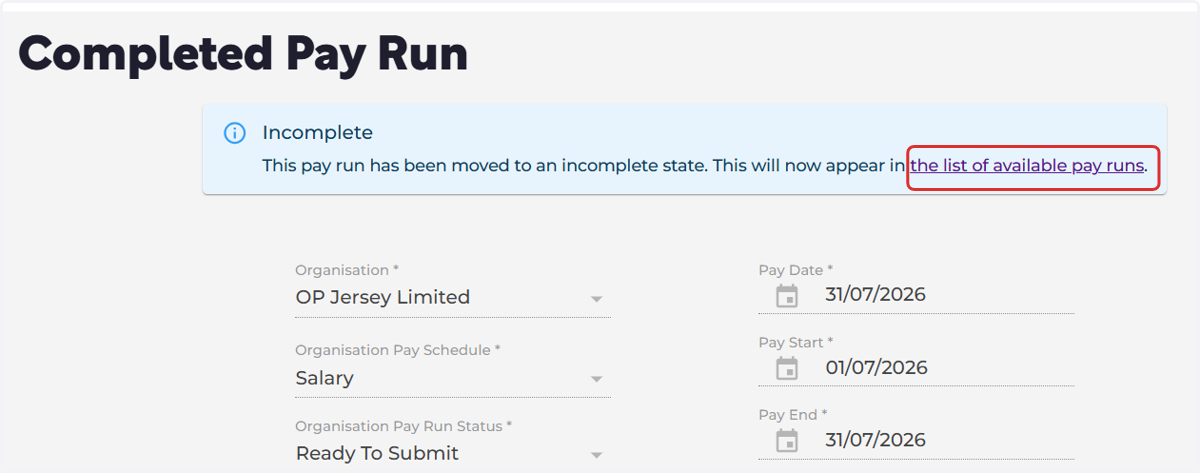
5. You can either select the link to 'the list of available pay runs' or go back to the payroll screen on the main menu on the left.
You may need to select a different module before selecting Payroll on the main menu on the left
6. Select the 'Run Payroll' icon on the relevant pay run

7. Select 'Unlock Pay Run'
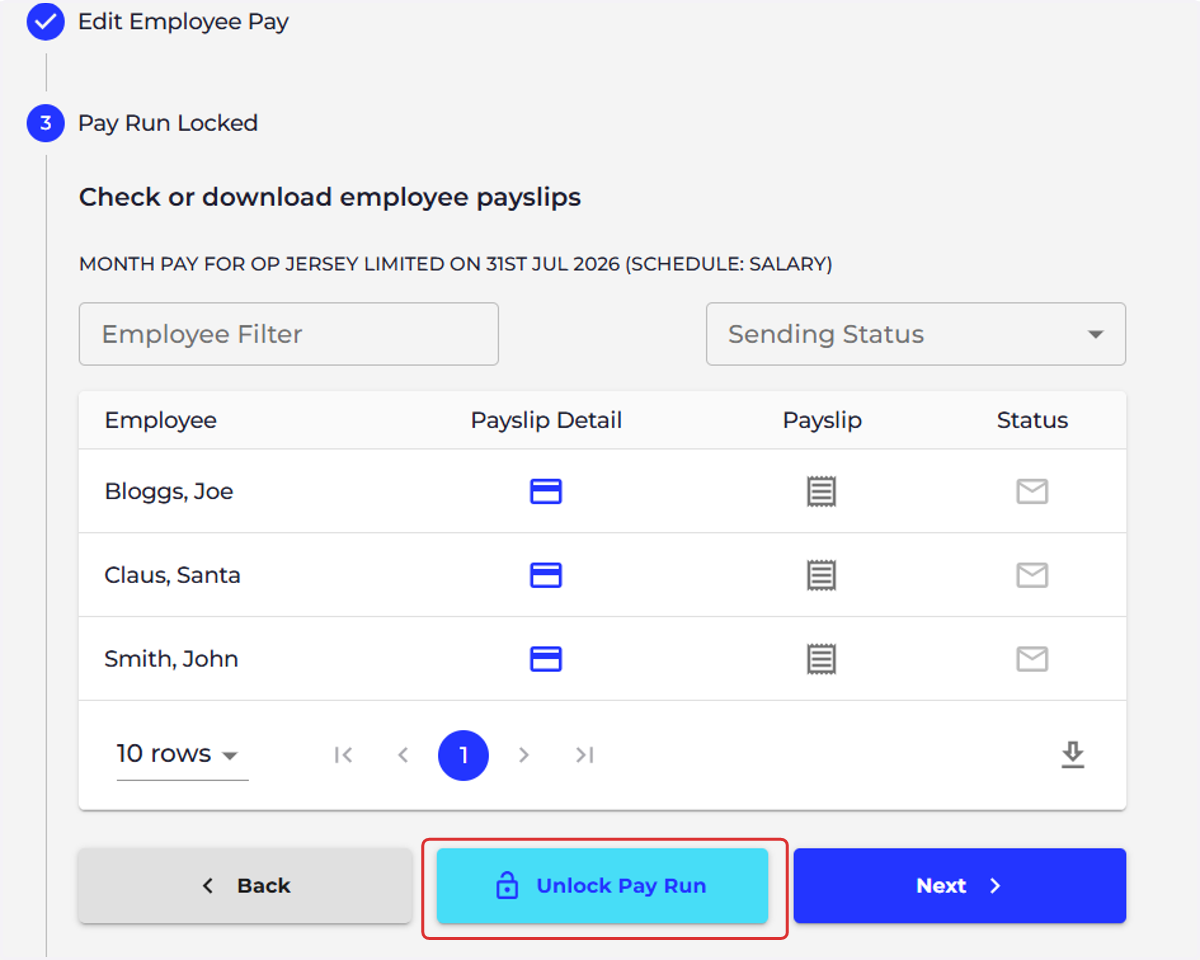
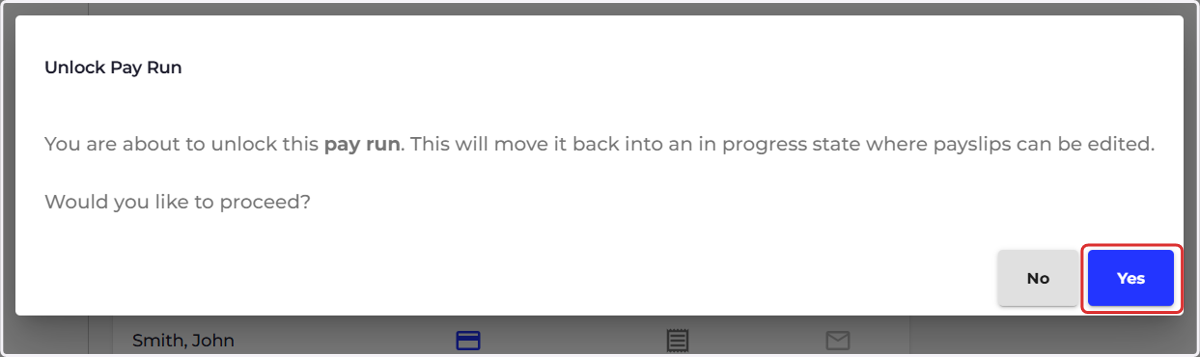
8. Select 'Yes'