Slide

Slide Console

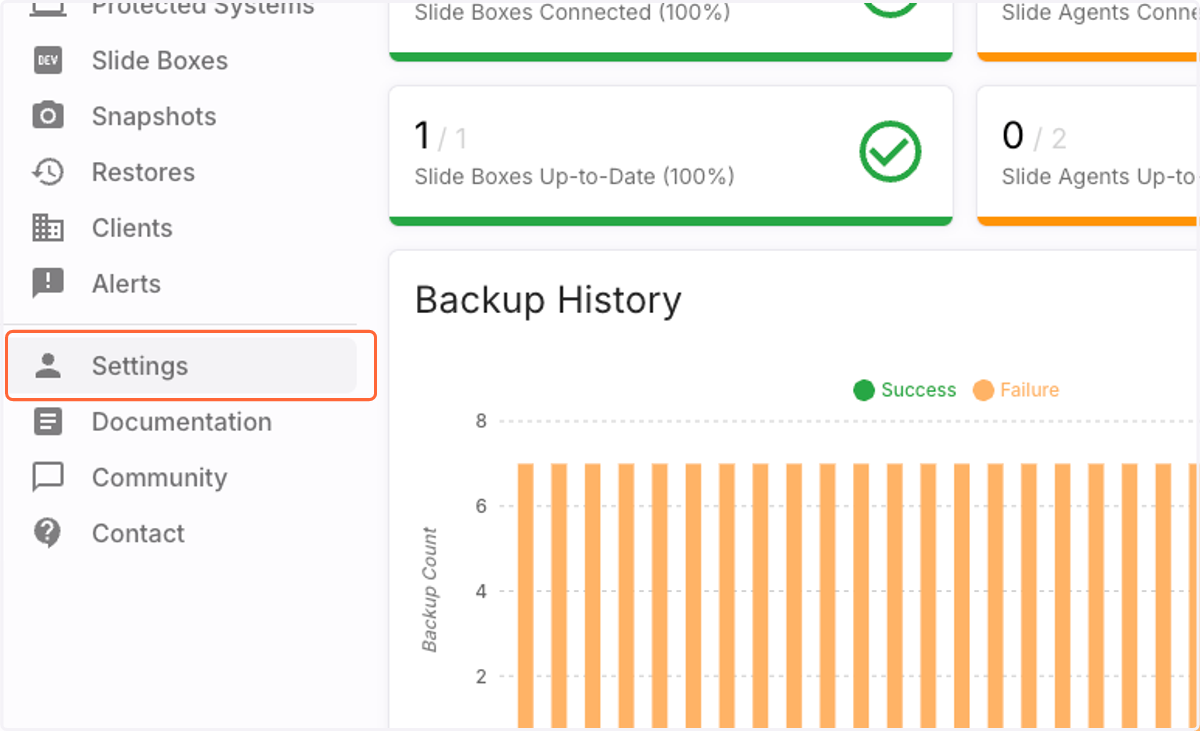
  1. 1. Click on Settings

    Click on Settings
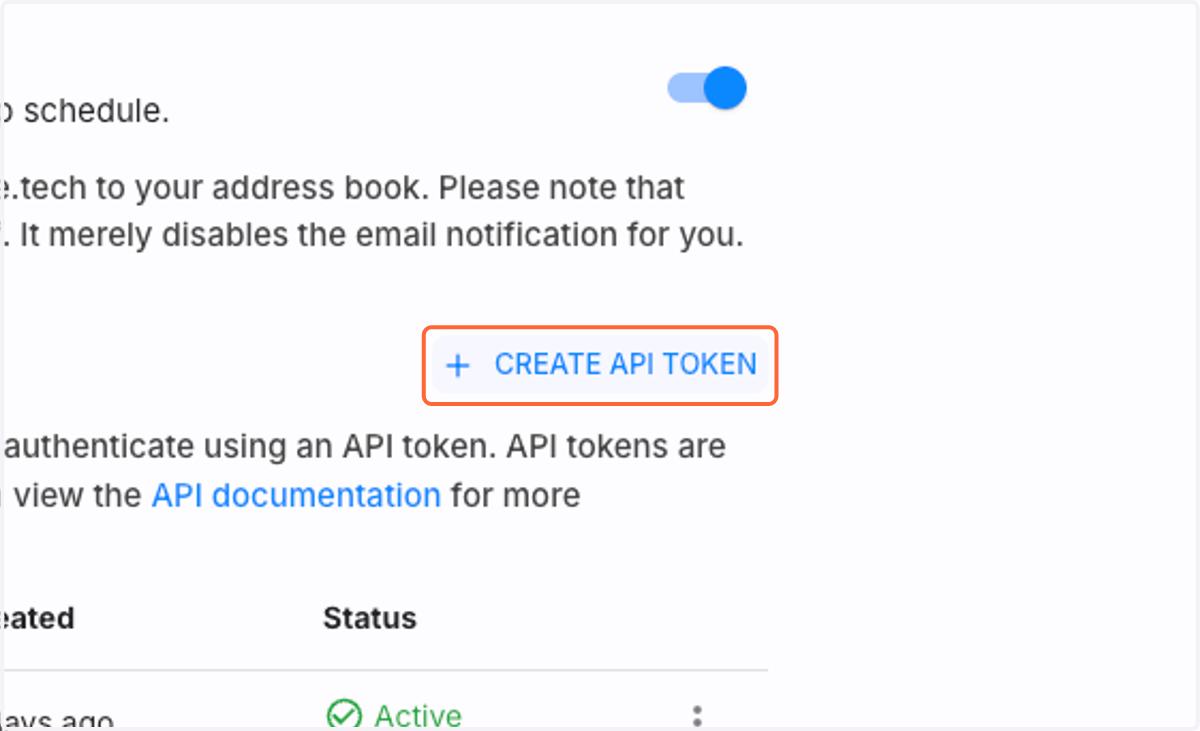
  2. 2. Click on Create API Token

    Click on Create API Token
  3. 3. Type "cork" or any other useful name for the token
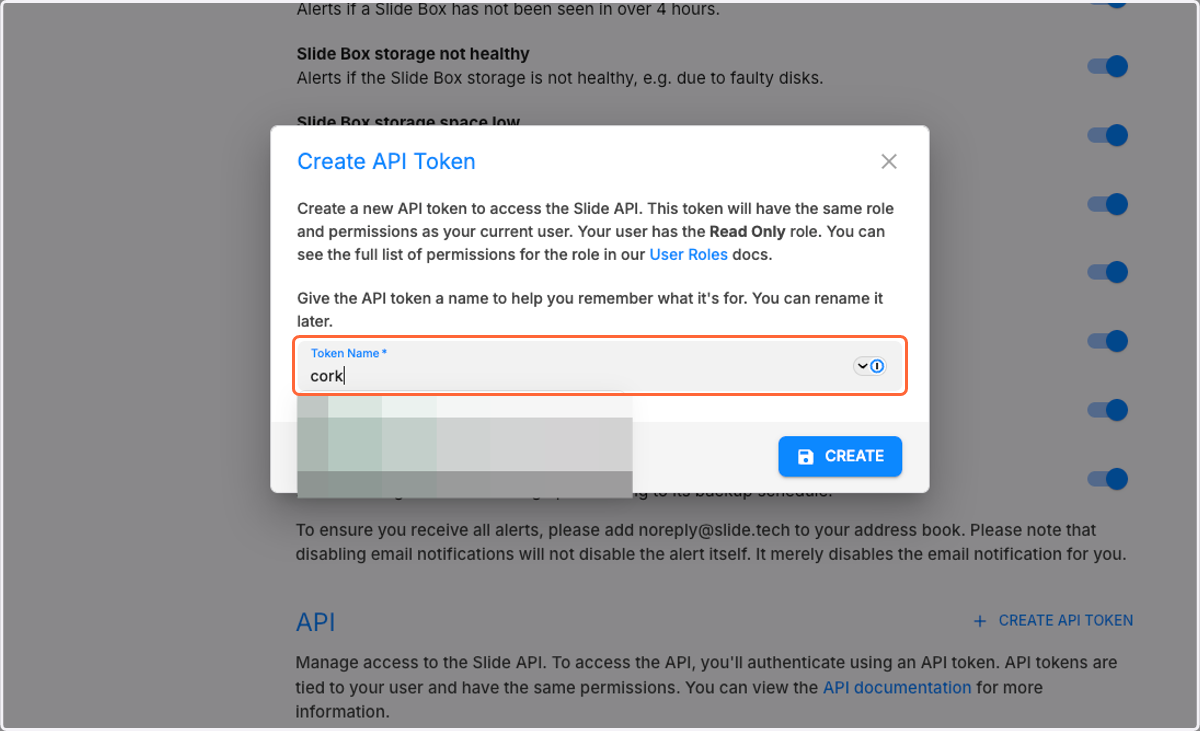
    Type "cork" or any other useful name for the token
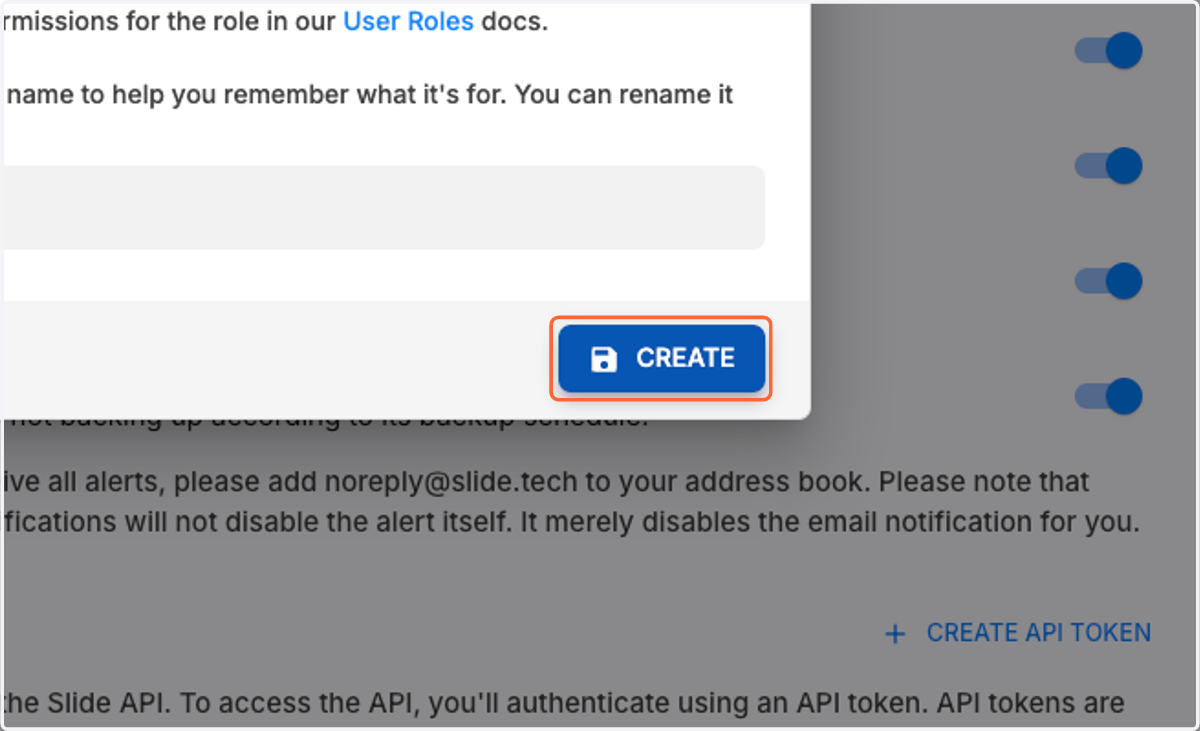
  4. 4. Click on Create

    Click on Create
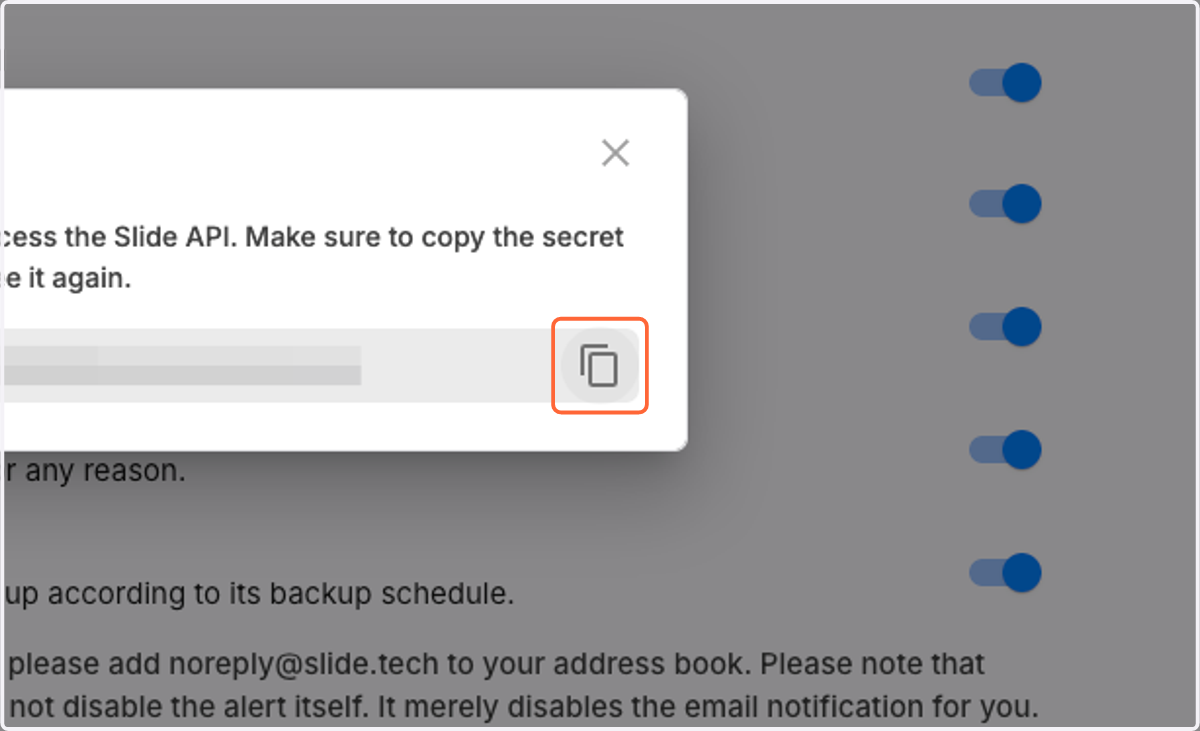
  5. 5. Copy the token

    Copy the token

Cork - Integrations

  1. 6. Click on Configure Slide integration
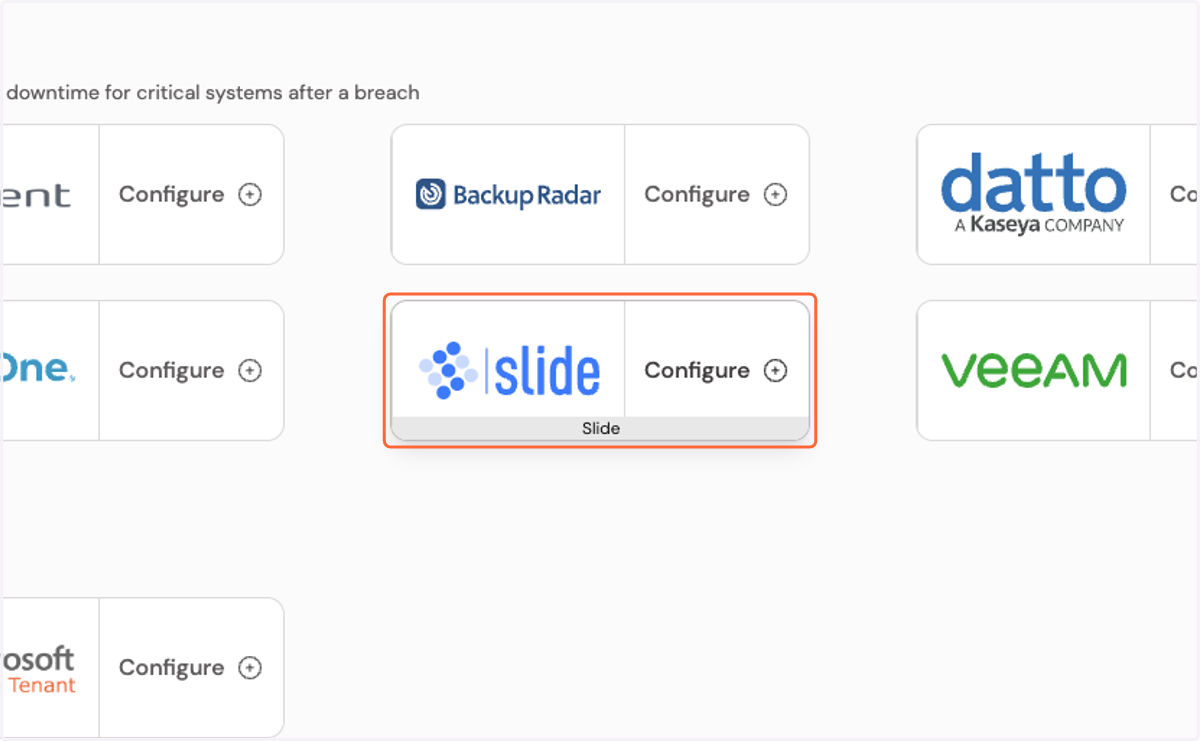
    Click on Configure Slide integration
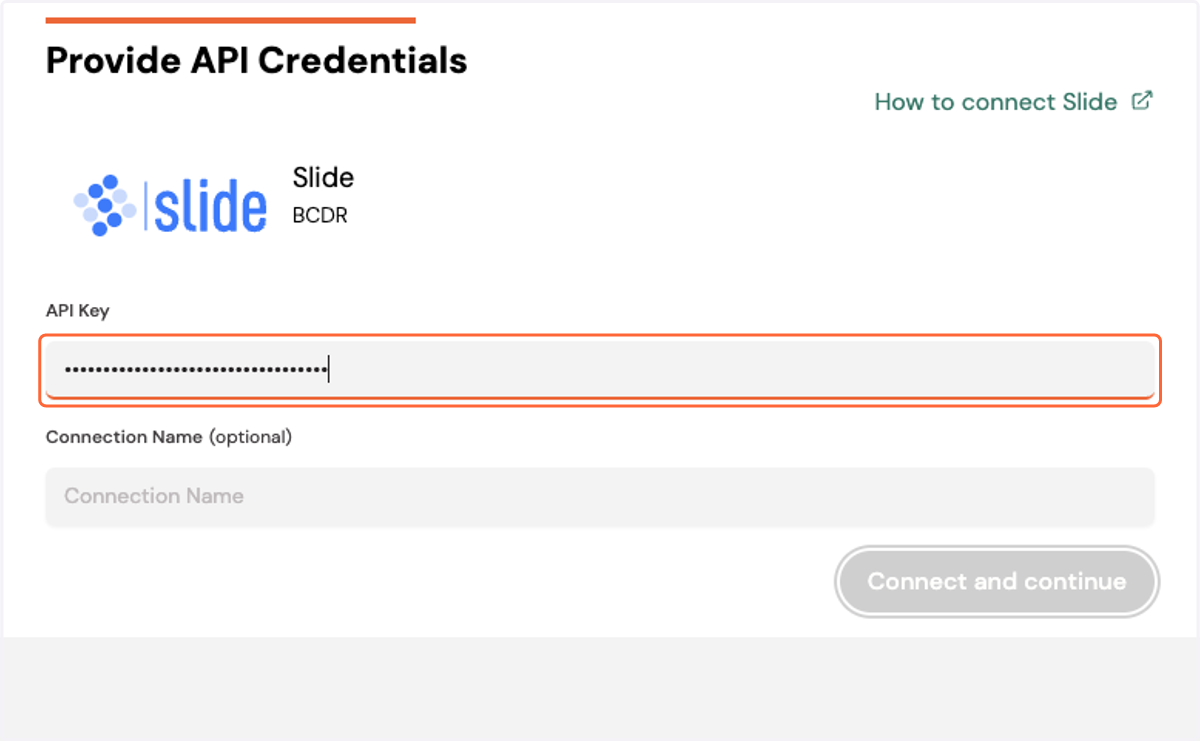
  2. 7. Paste your API key

    Paste your API key
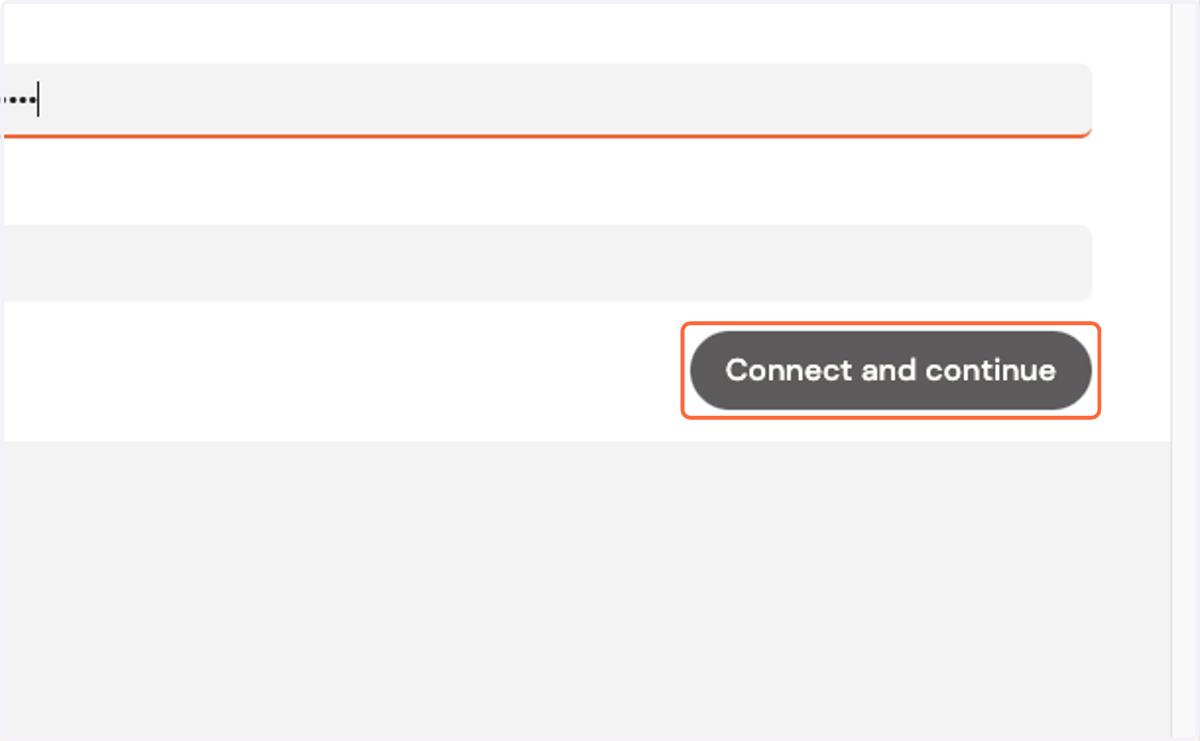
  3. 8. Click on Connect and continue

    Click on Connect and continue