Custom View in LOADS
Loadops by Optym
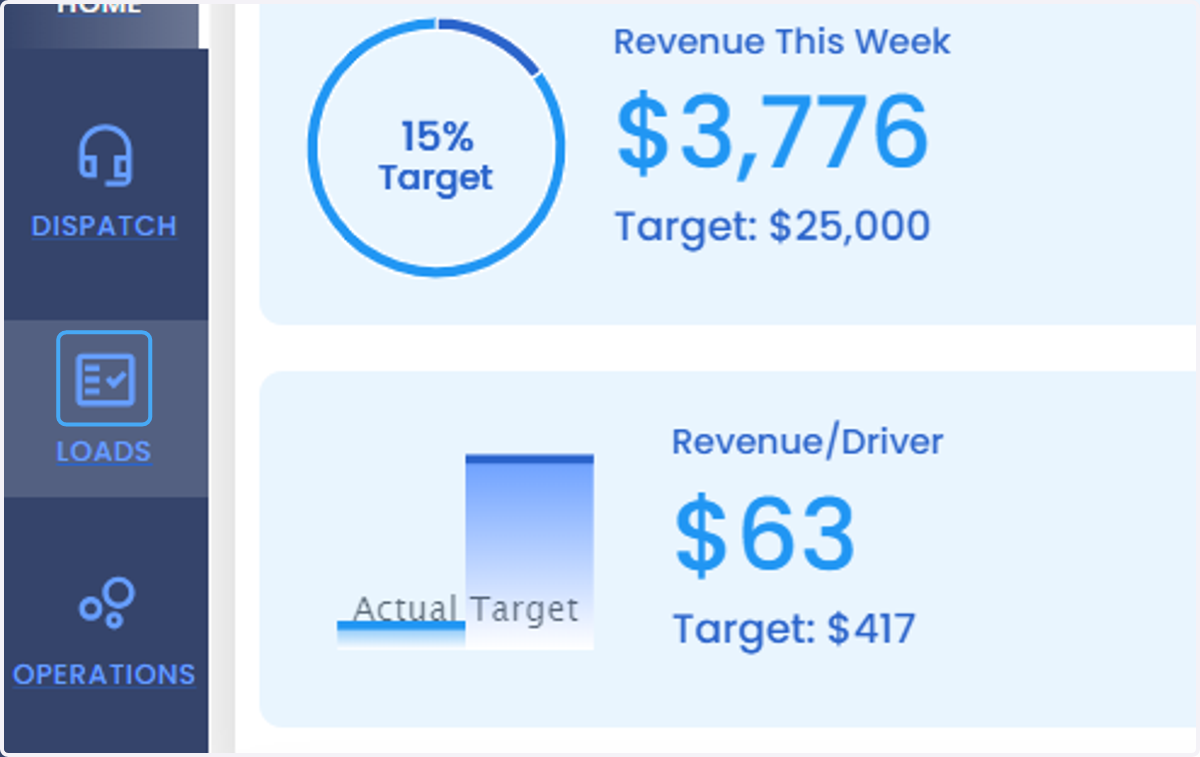
1. Click on LOADS
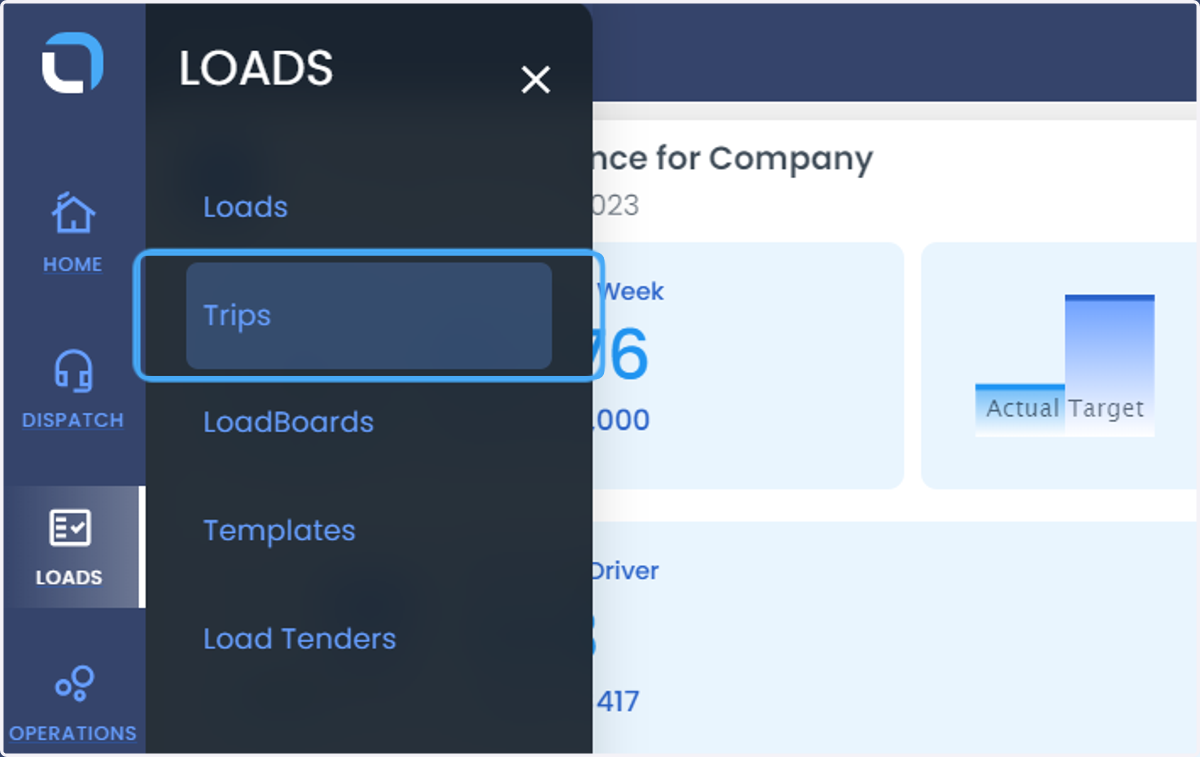
2. Click on Trips
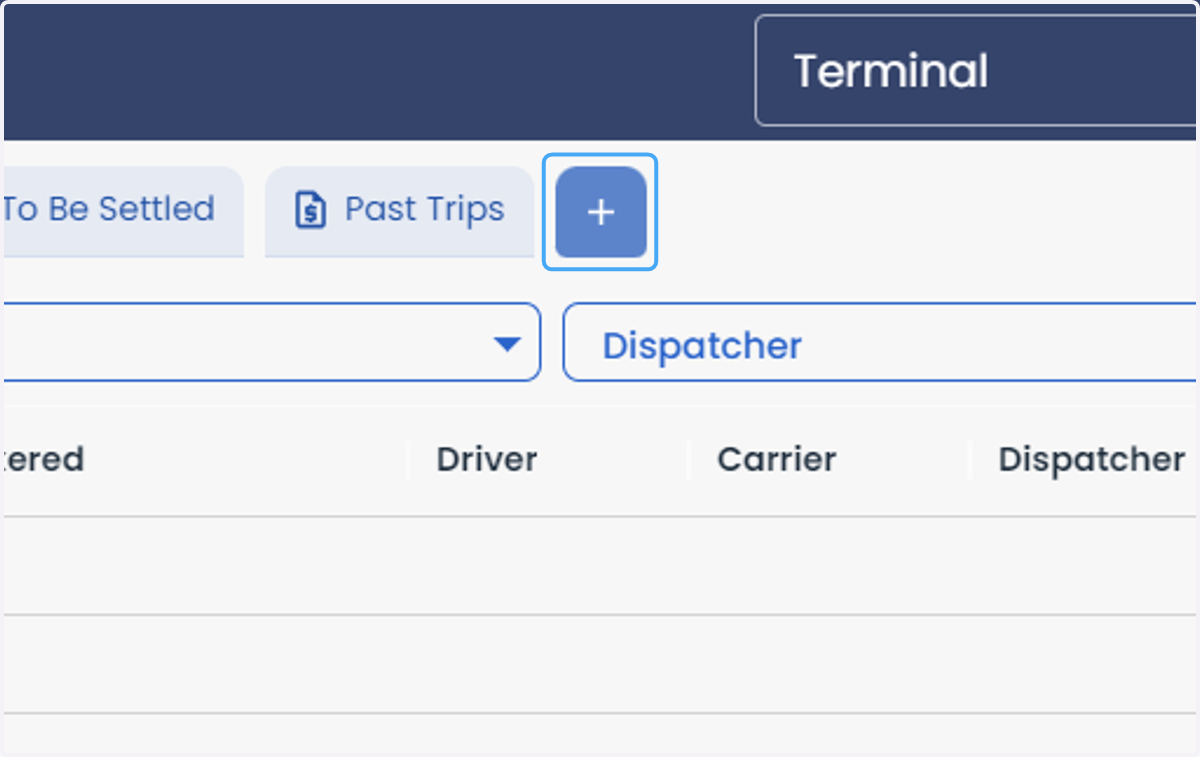
3. Click on +
4. Click on combobox
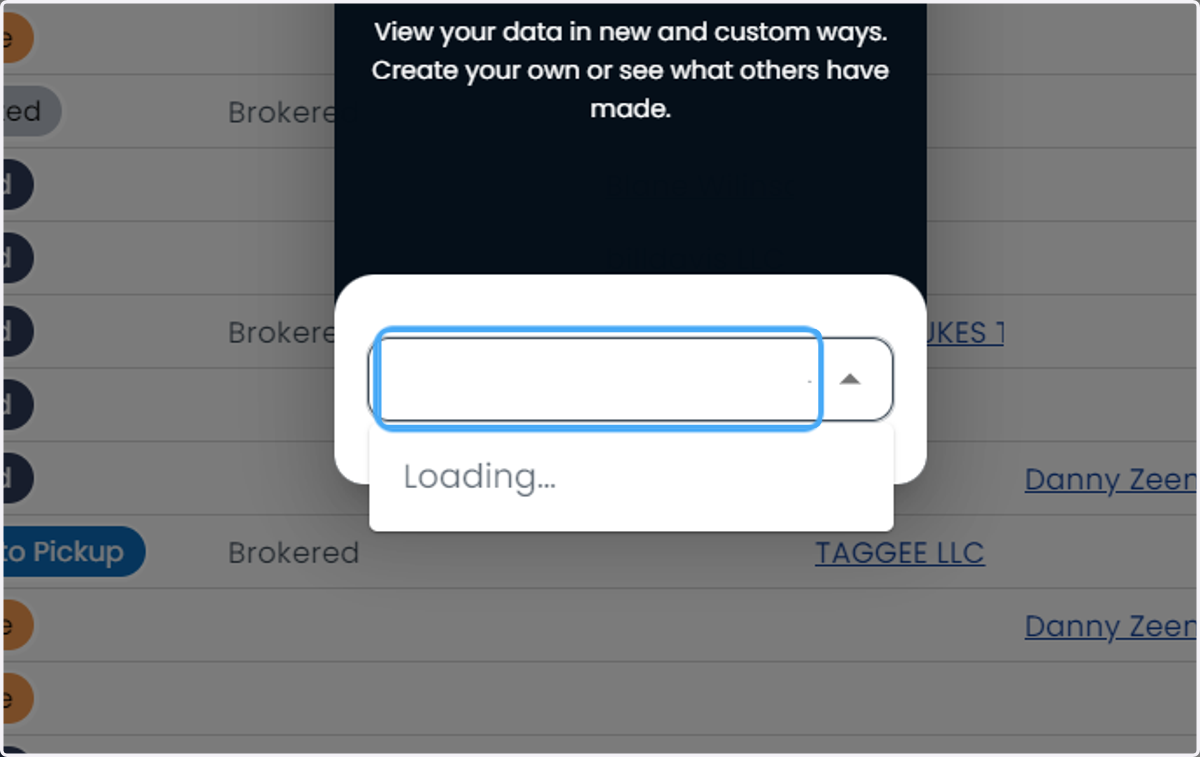
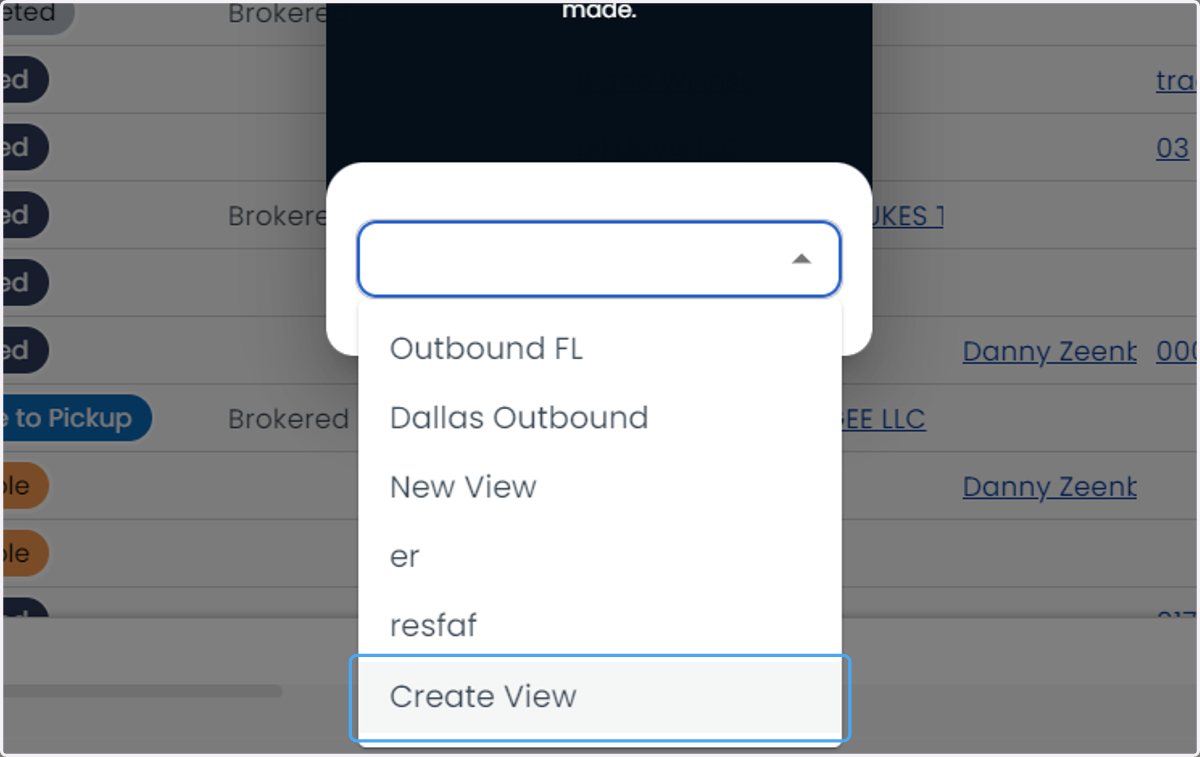
5. Click on Create View
6. Type "Name your View"
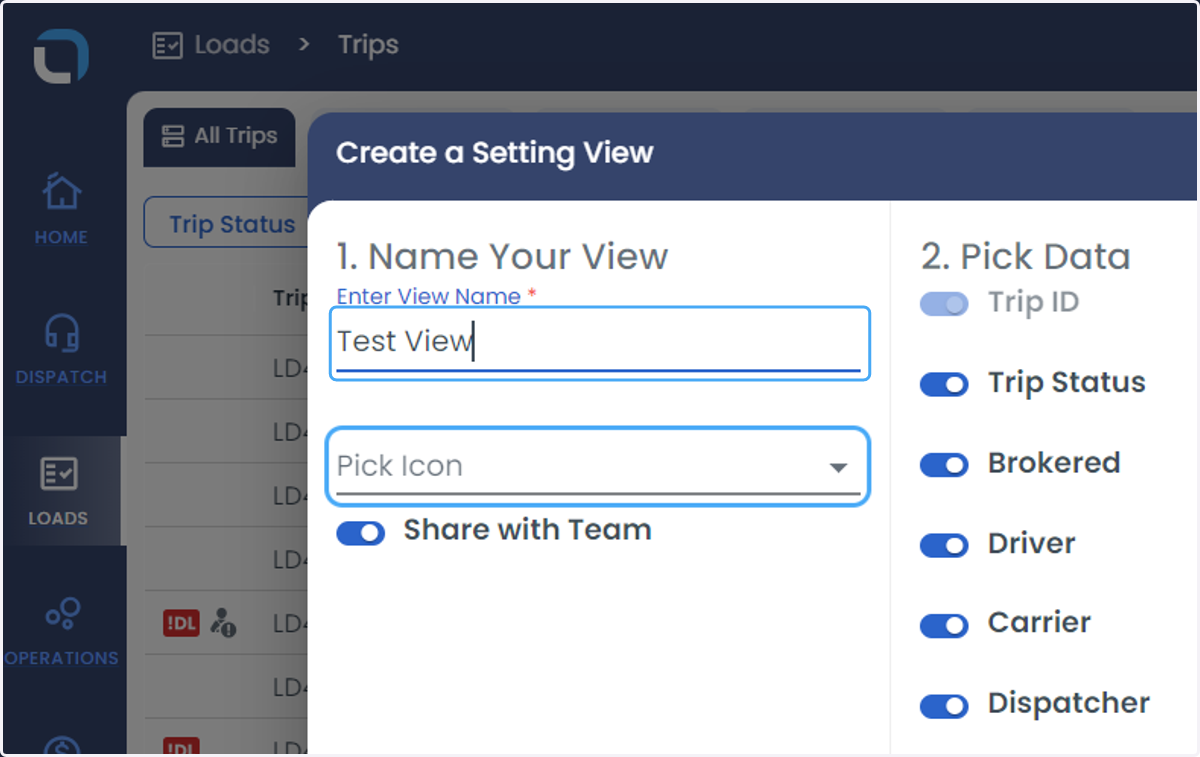
7. Pick an Icon for the view
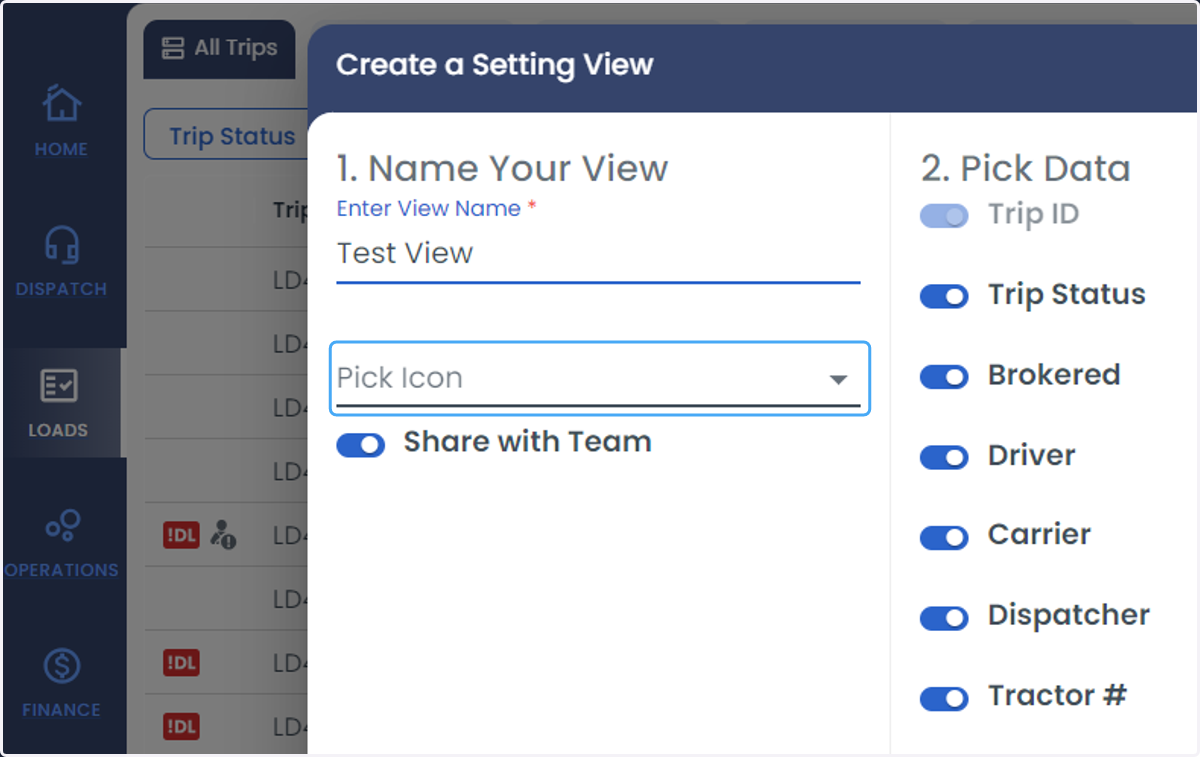
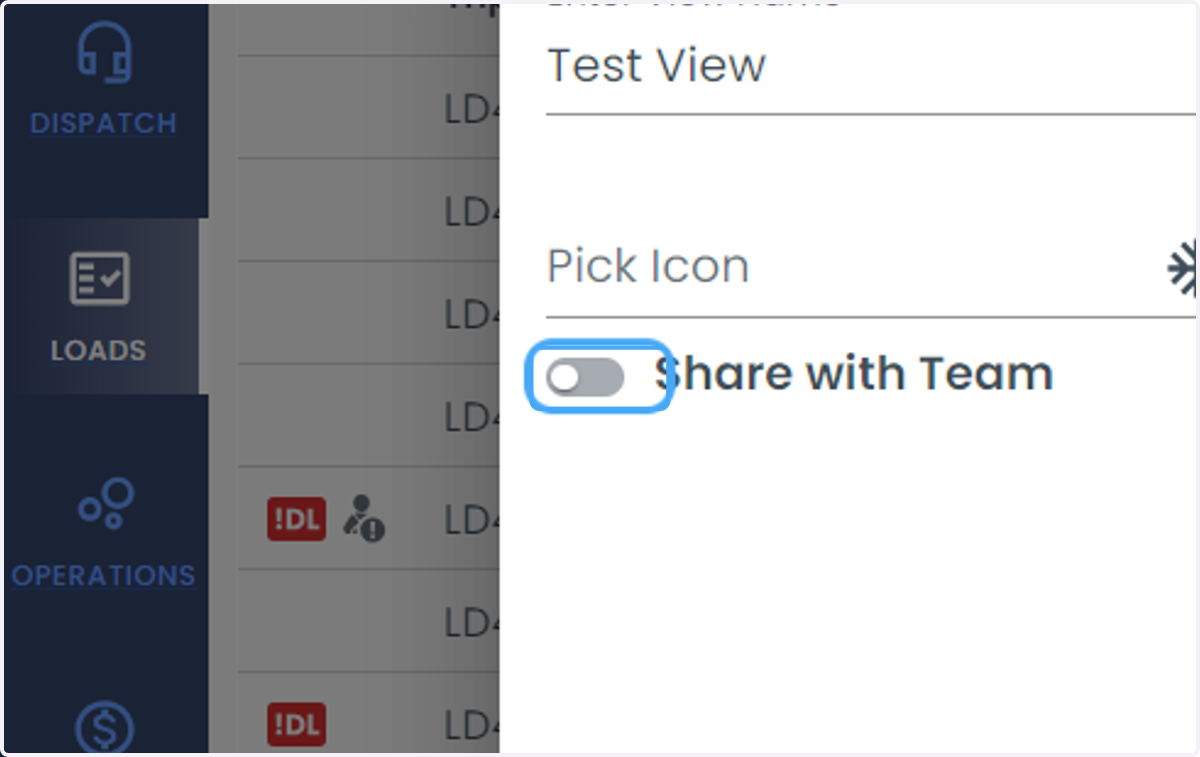
8. Share with Team option can be Checked and Unchecked
9. Any column can be enabled or disabled
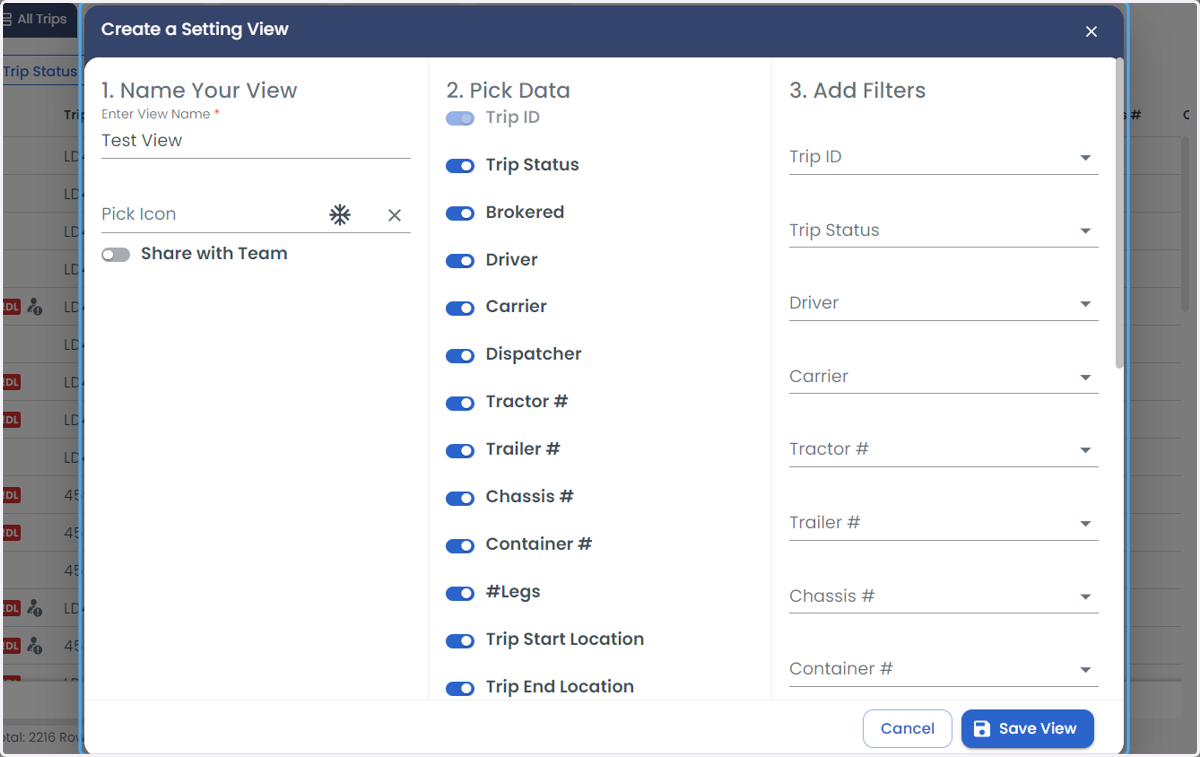
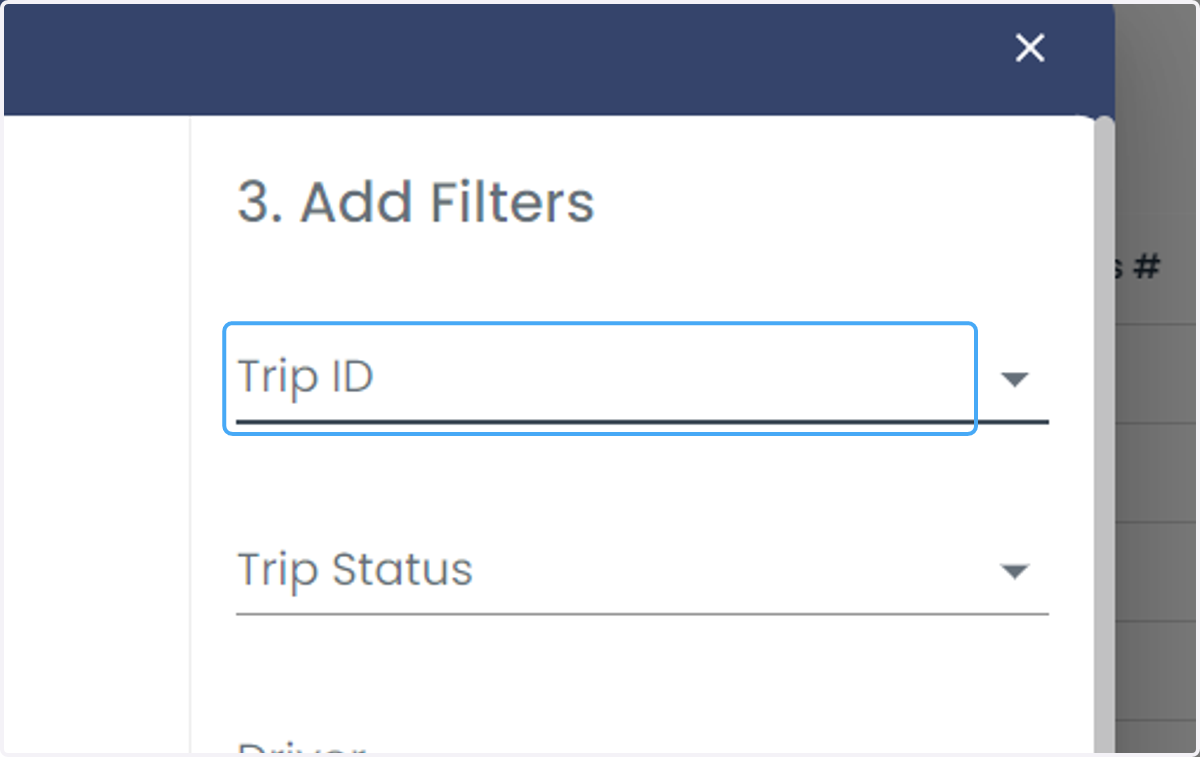
10. Add the filters
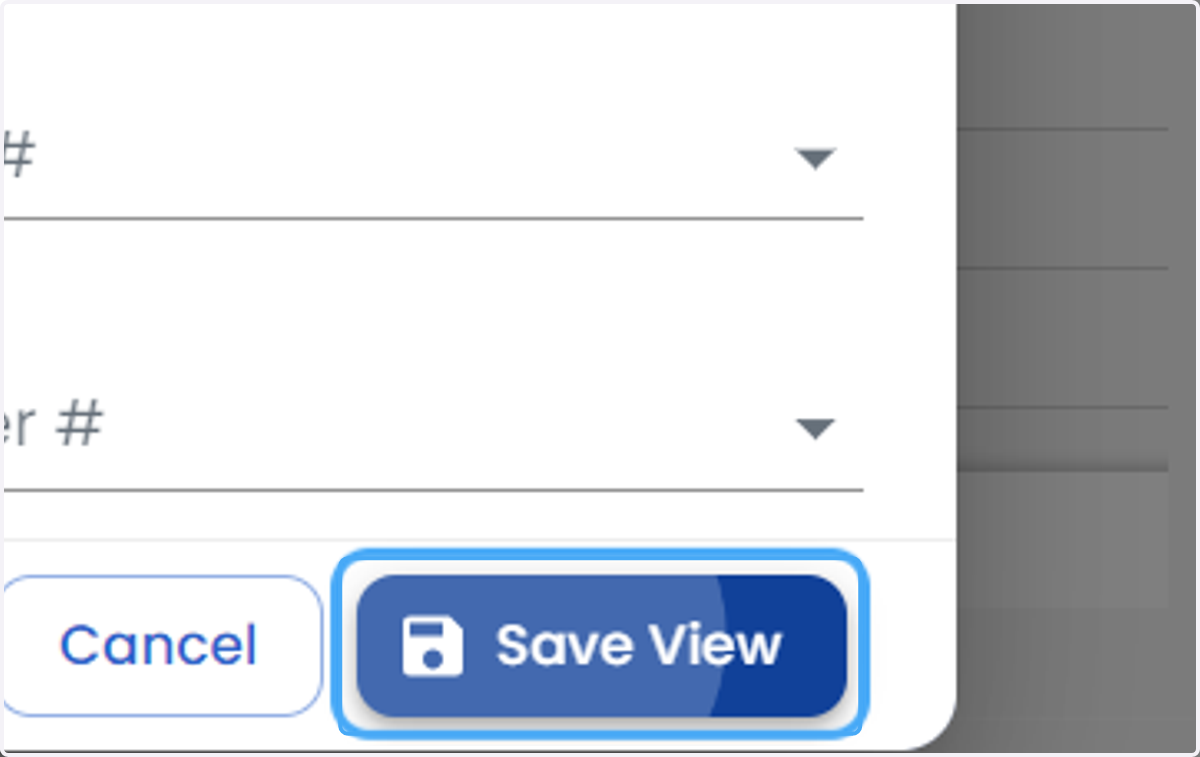
11. Click on Save View