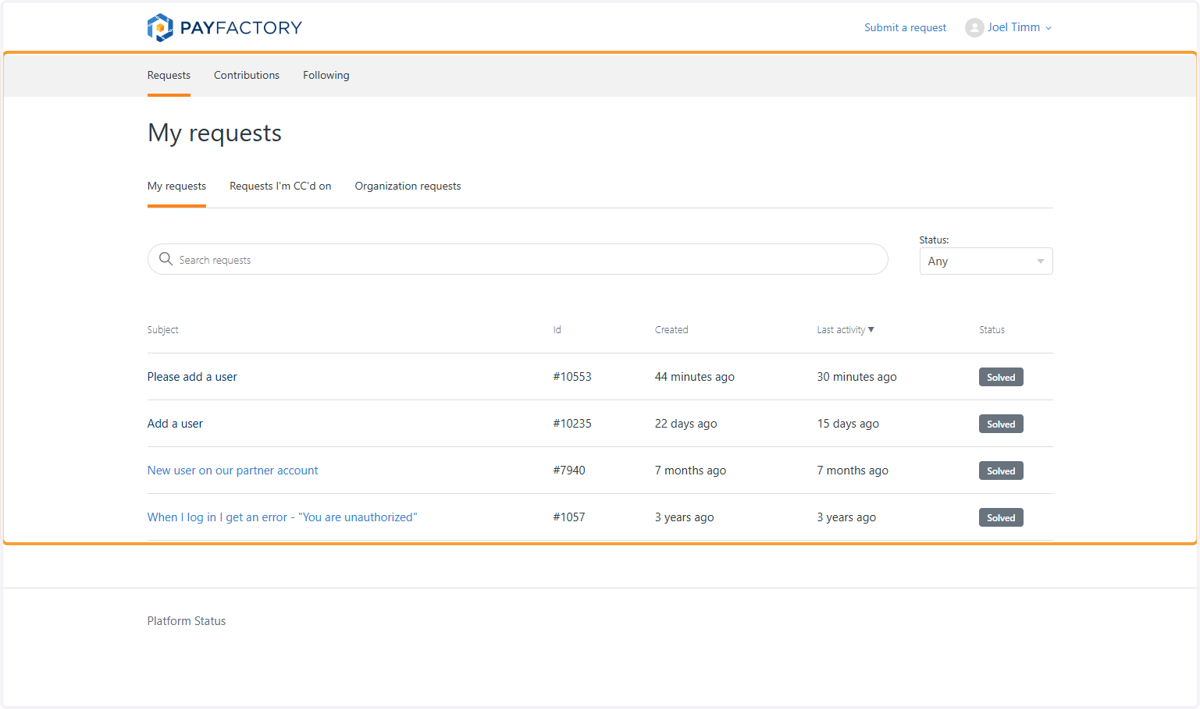
How to find an active ticket in Payfactory
How to login and check on a ticket in the Payfactory Portal
Log in | Partner Portal
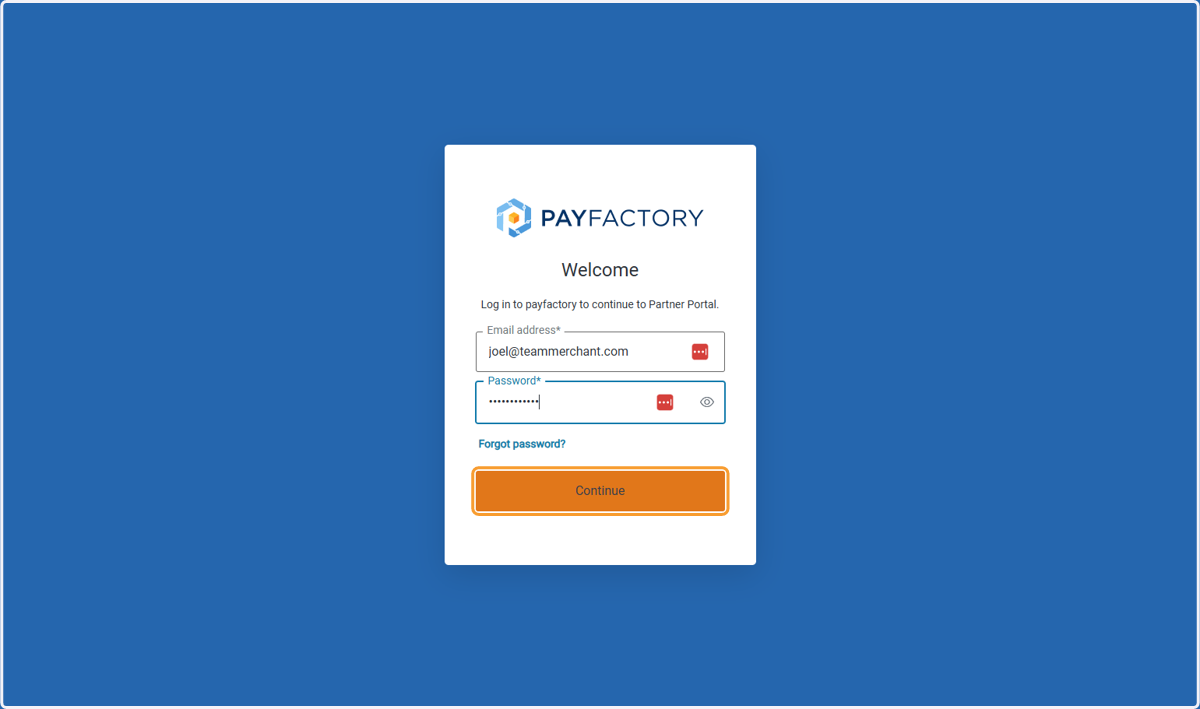
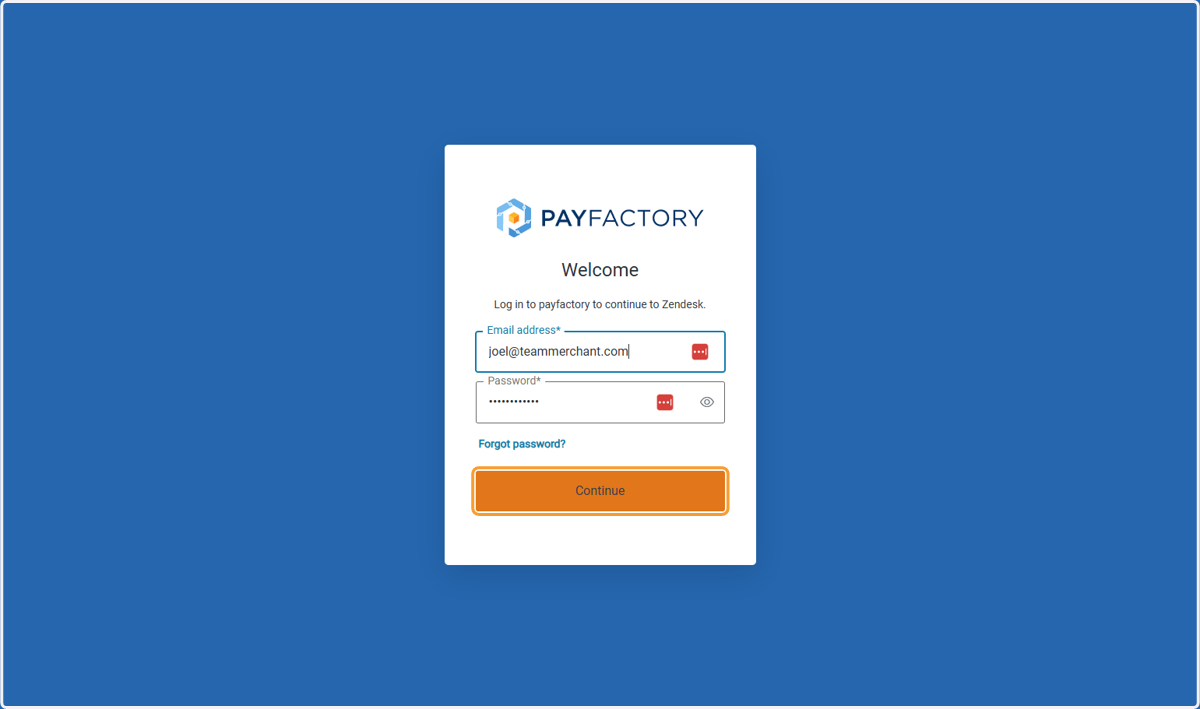
1. Enter Your Login Email and Password then Click on Continue
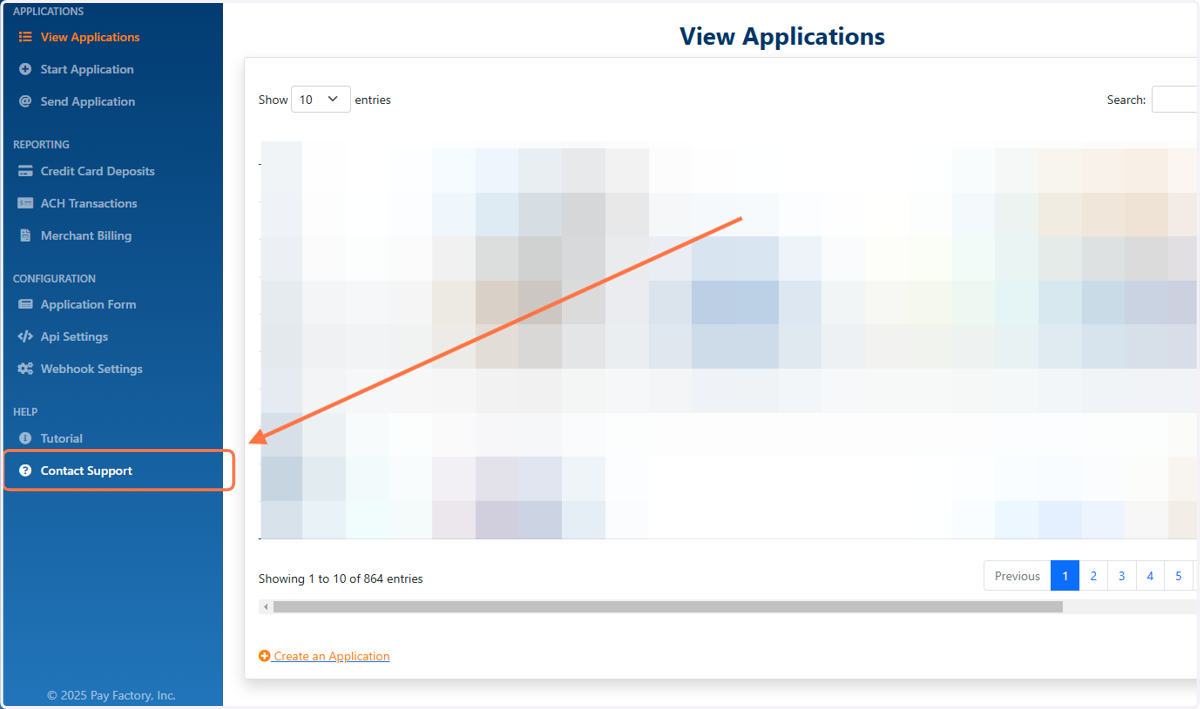
2. Click on Contact Support
3. Click on Sign in
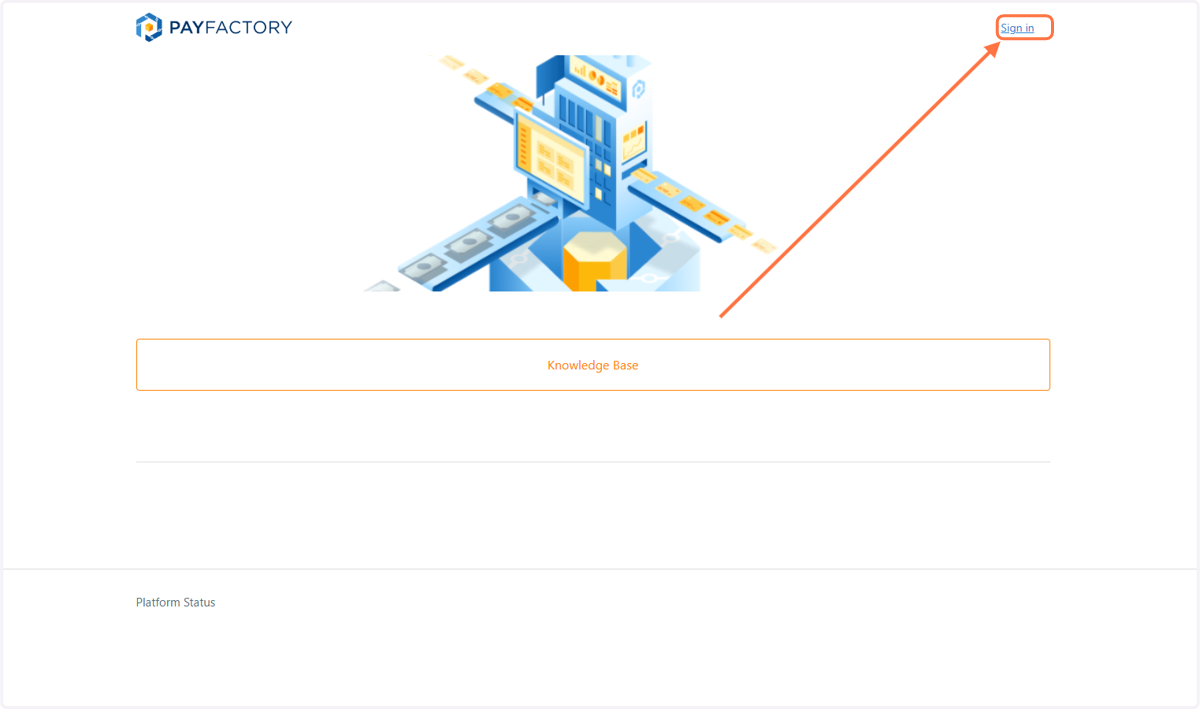
Log in With Your Same Payfactory Email and Password
Their ticketing system makes you login again. Use the same email and password you just used to login to Payfactory
4. Login Again
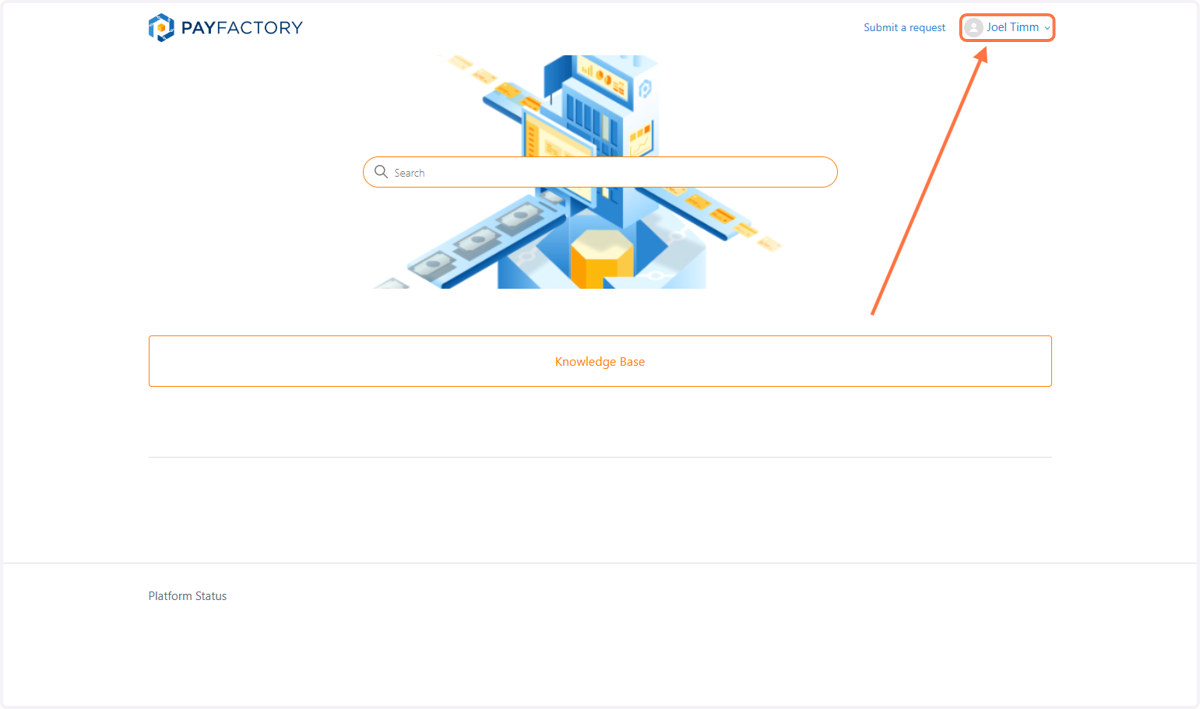
Click your name
5. Click on Joel Timm
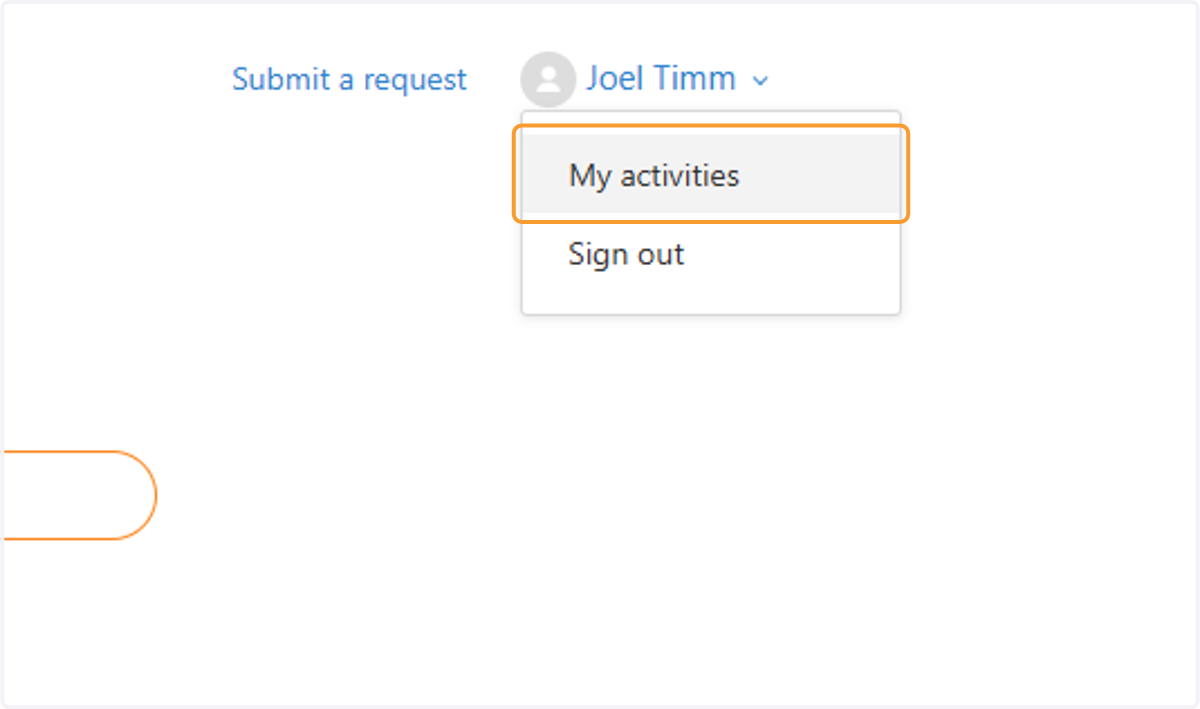
6. Click on My activities on the Dropdown
7. Tickets Are Listed Here