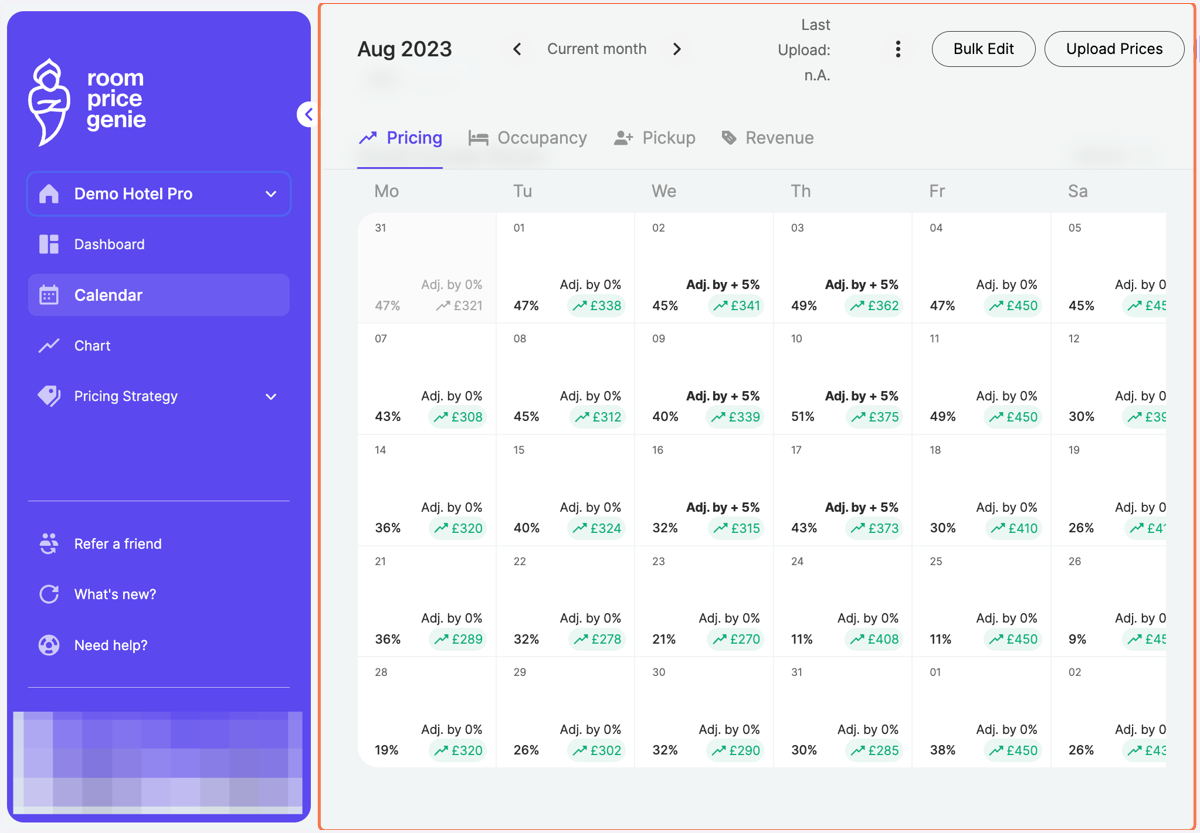
Percent adjustment for multiple days
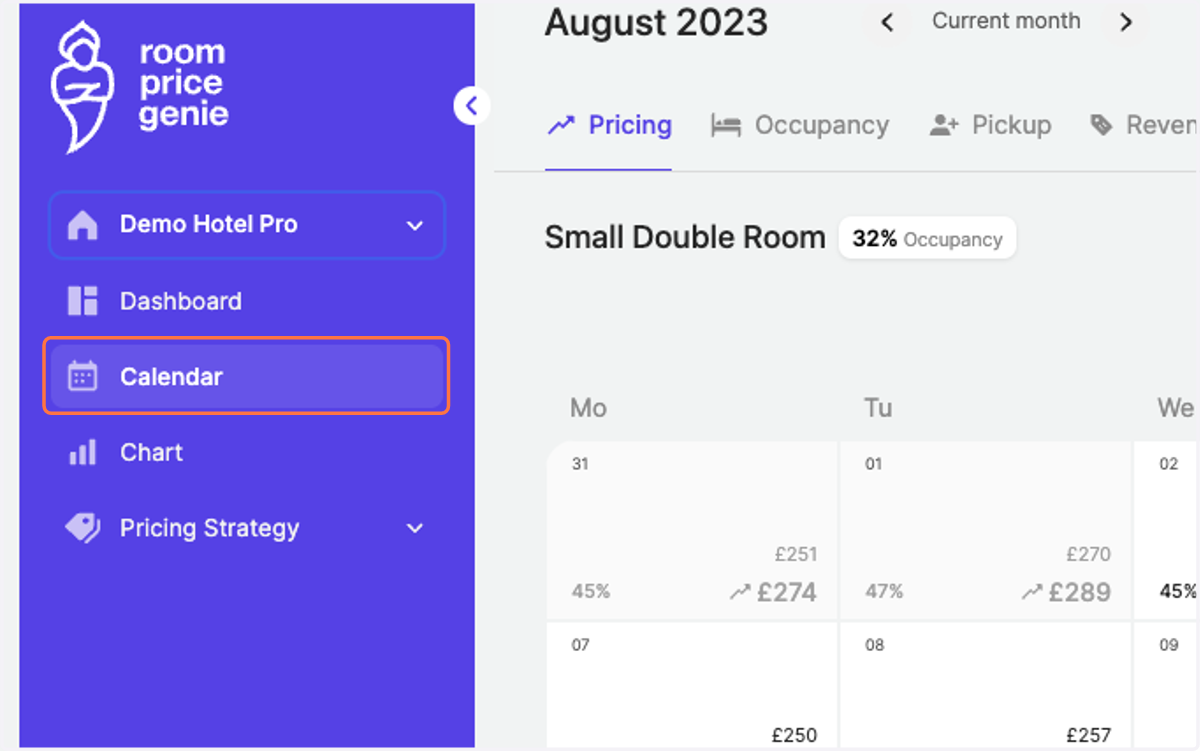
1. Click on "Calendar" in the navigation bar
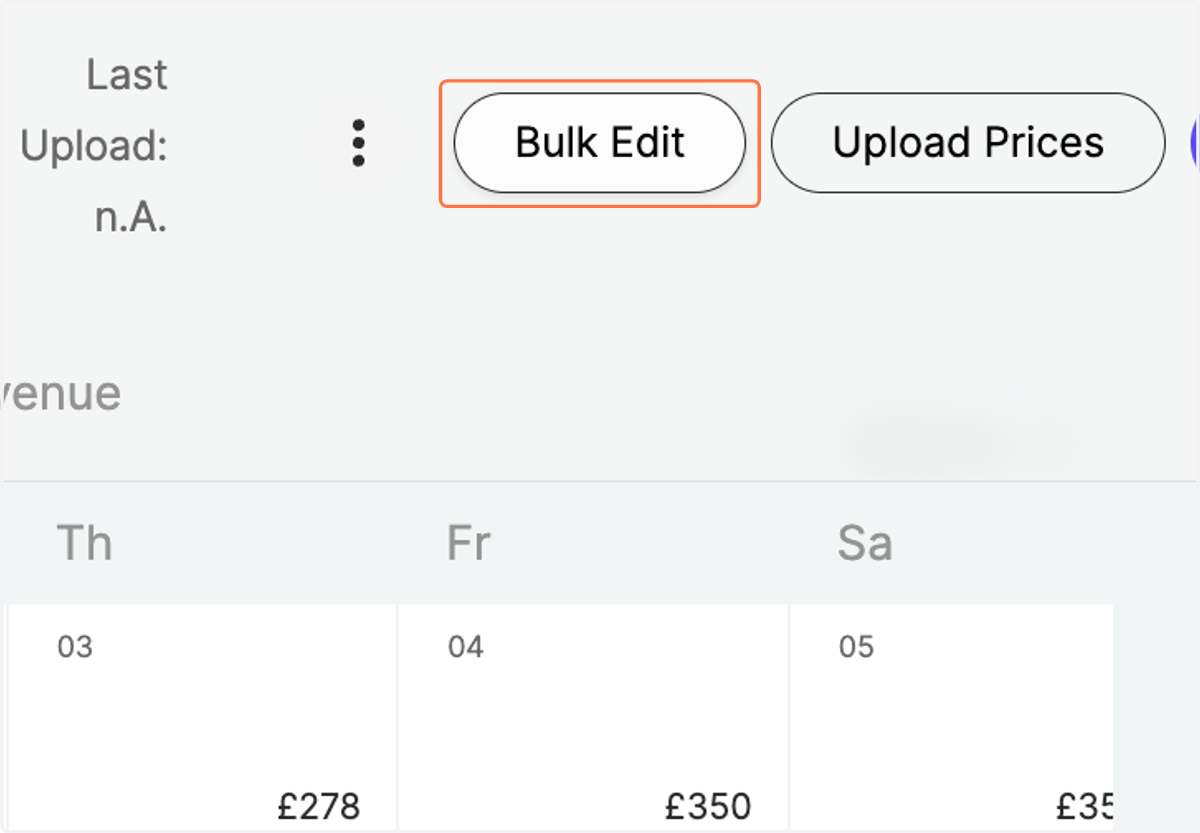
2. Navigate to "Bulk Edit" on the top right
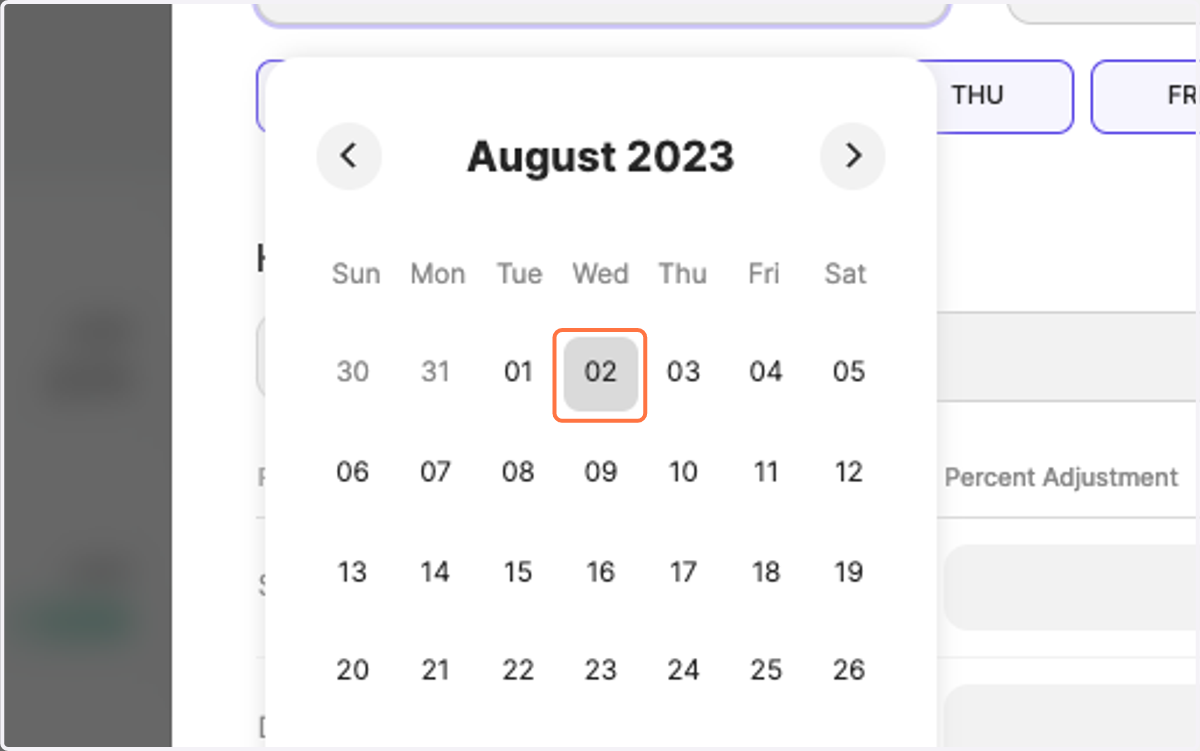
3. Define the Start and End Date of your desired time period
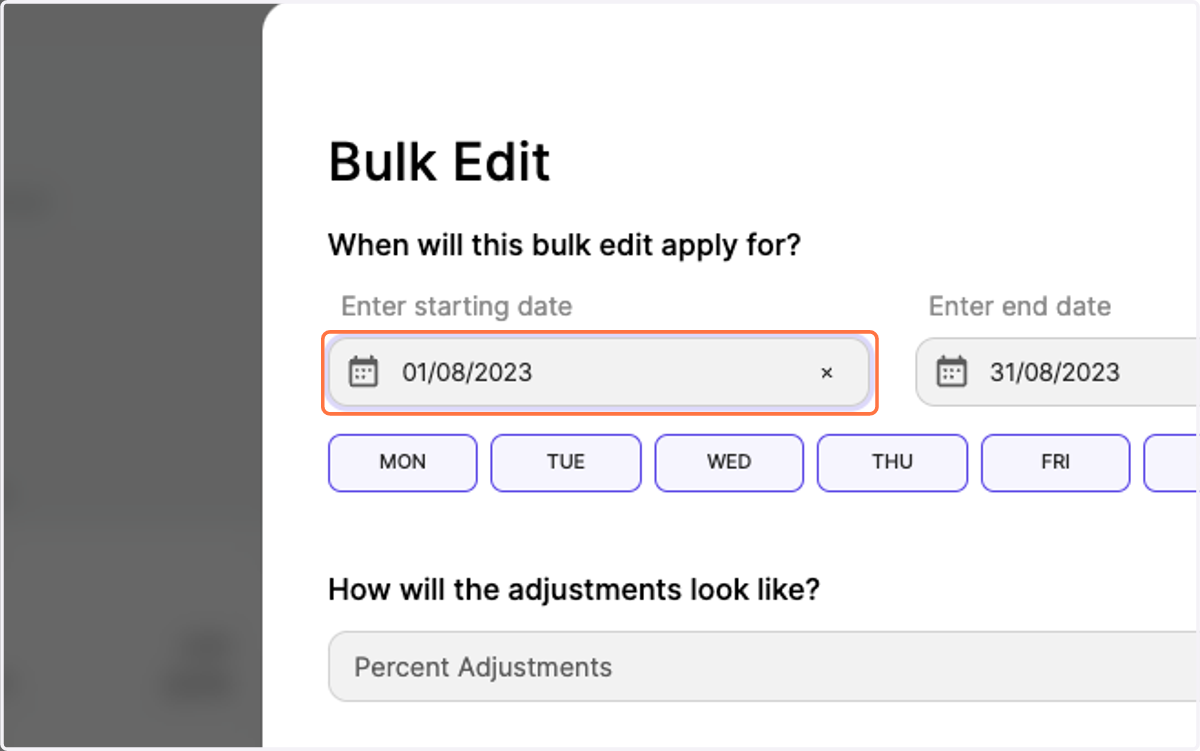
4. Select the dates accordingly
A calendar window will pop up.
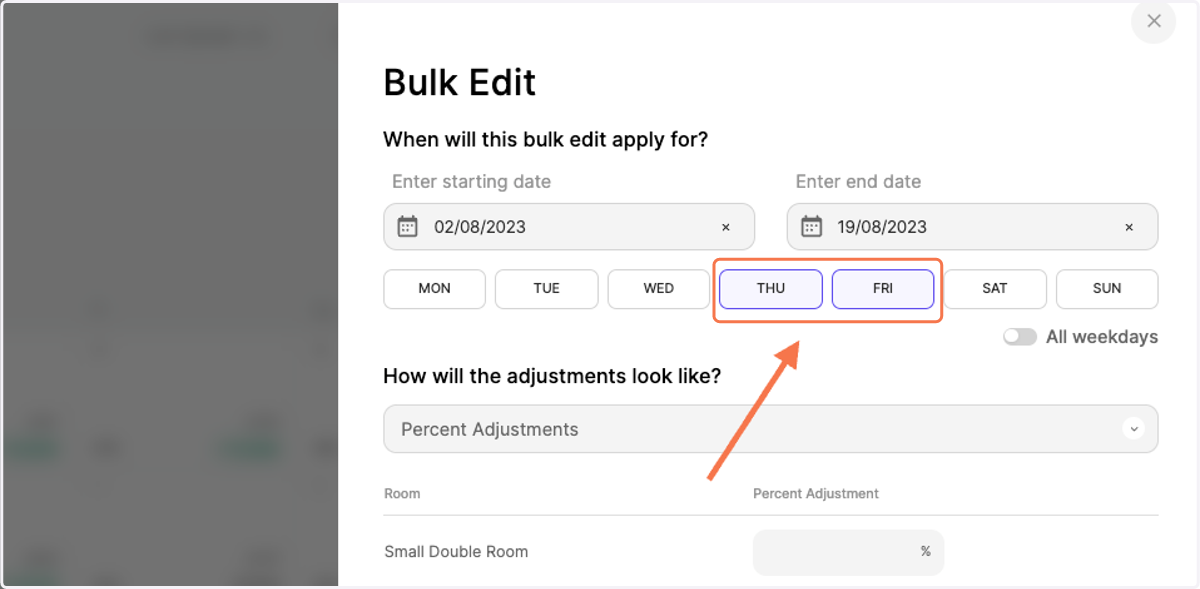
5. Optimal: Select only the weekdays you would like to make the change for
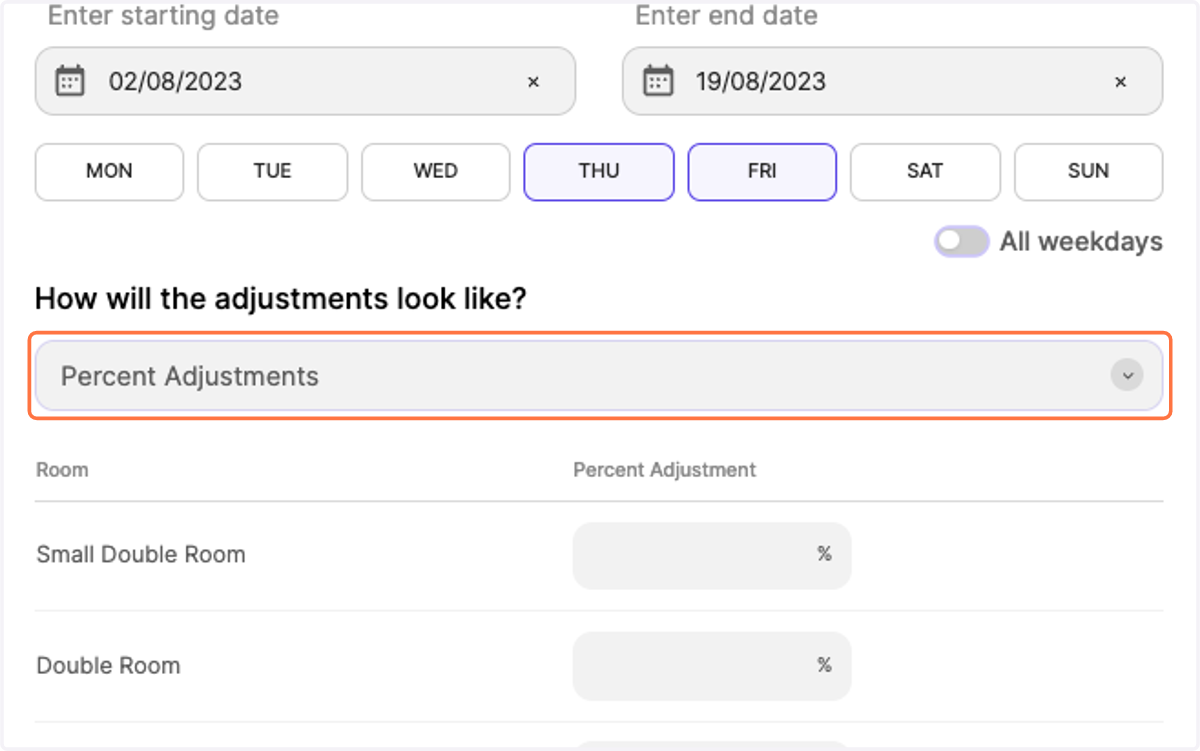
6. Choose the adjustment type by clicking on the drop-down "Percent Adjustments"
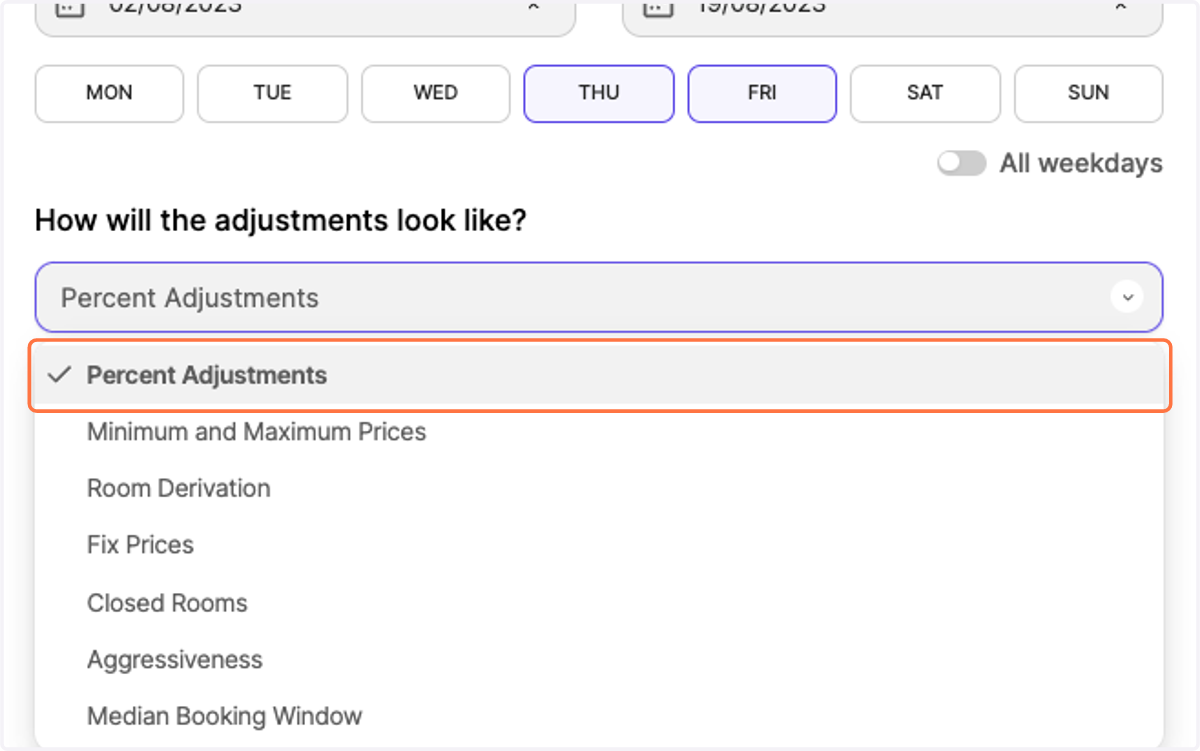
7. Confirm Percent Adjustments
8. Enter your desired positive or negative value in the list
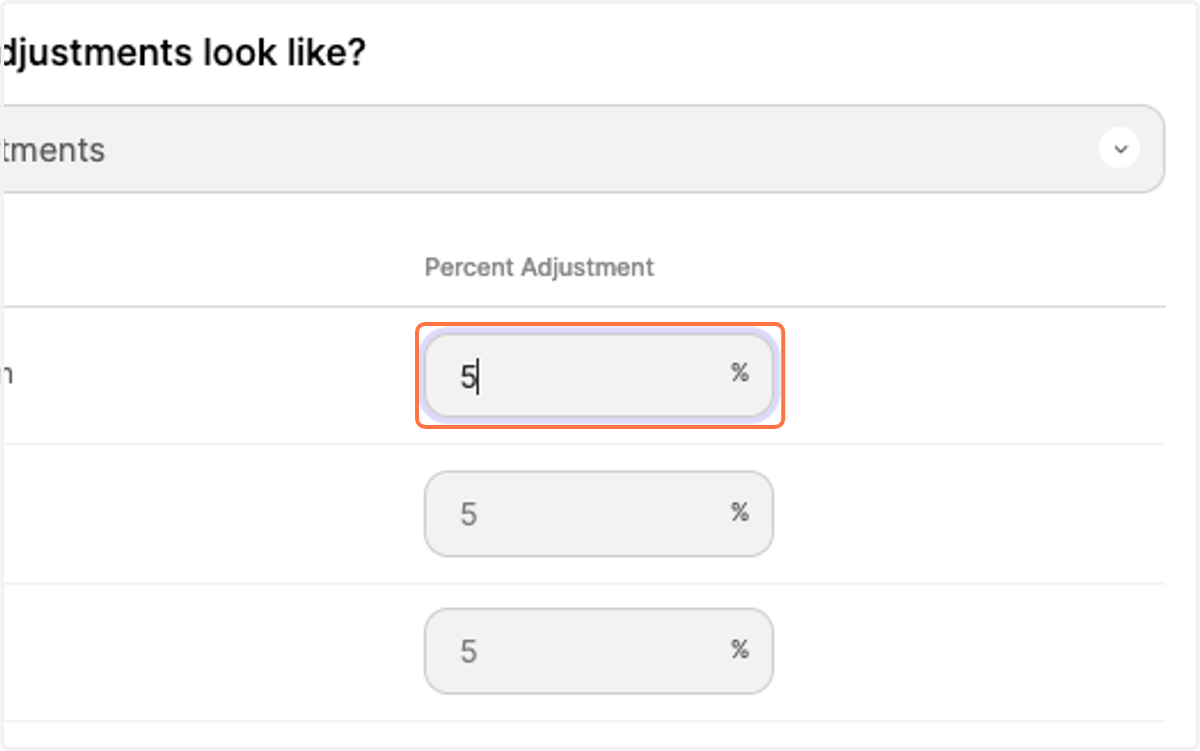
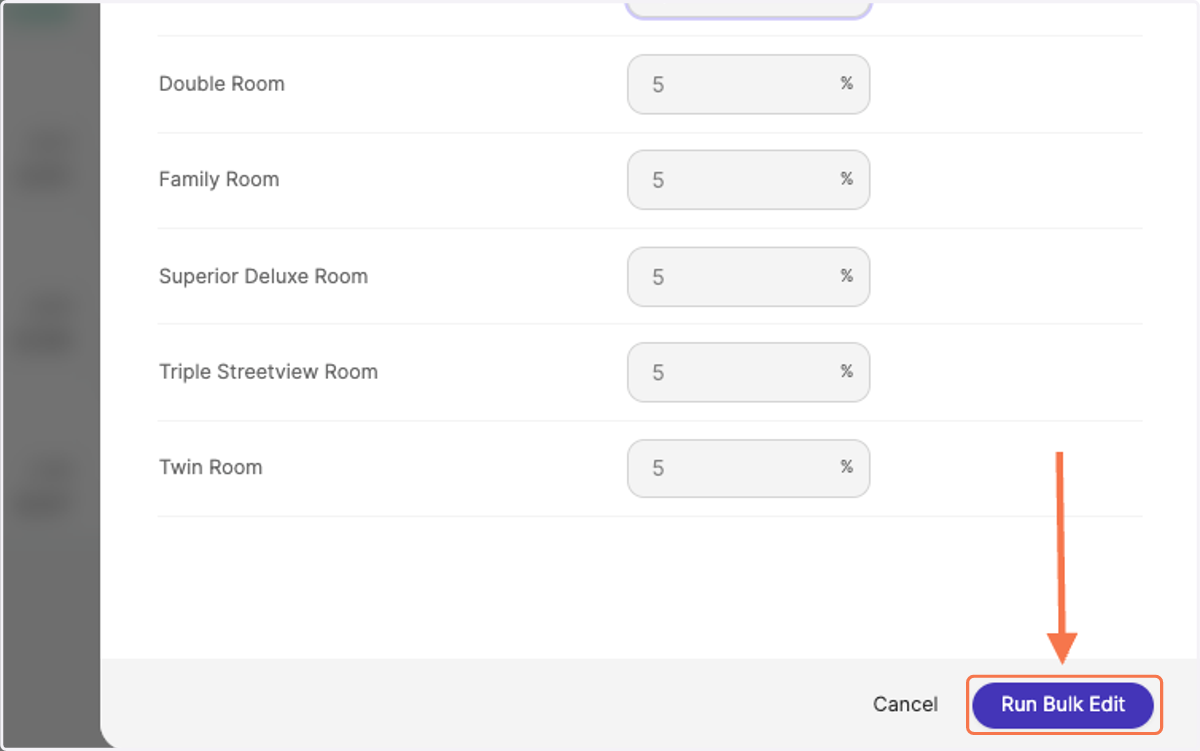
9. Click on "Run Bulk Edit"
10. See your price changes reflected in the calendar. The bold numbers show you the days on which you have made a manual adjustment.