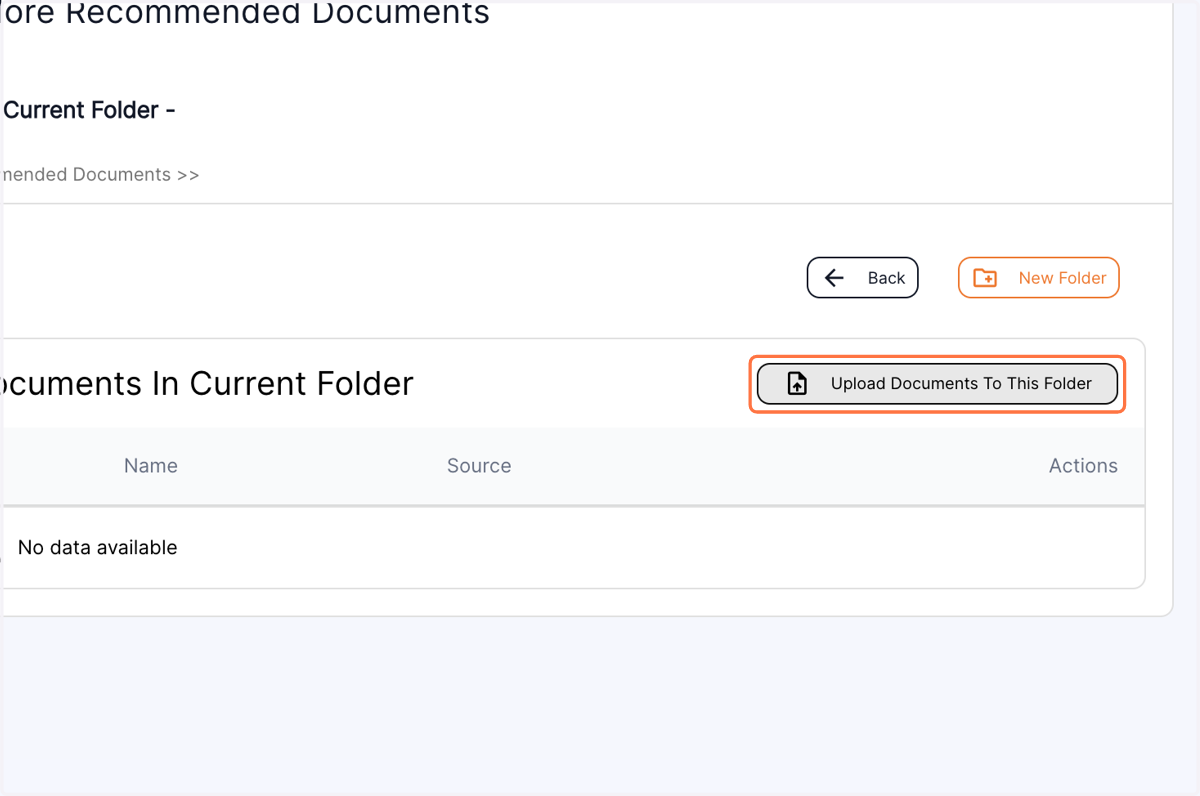
Nov 8 Release Notes - Ability to create new folders in the Documents section
Managing numerous forms just got easier! Accommocare introduces a powerful feature enabling you to upload numerous forms, organize them by creating folders, and maintain a clear structure. Create folders for each type of form and upload them effortlessly.
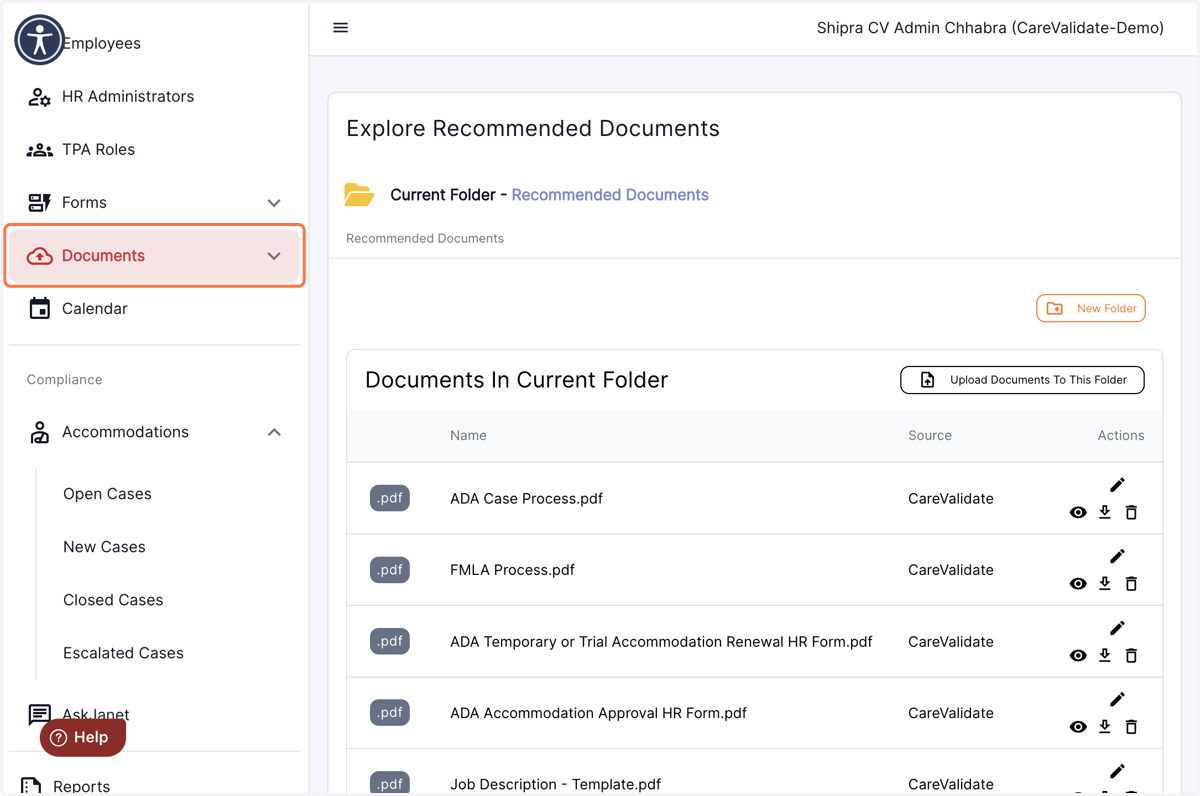
1. Click on the "Documents" menu in the left panel of the dashboard.
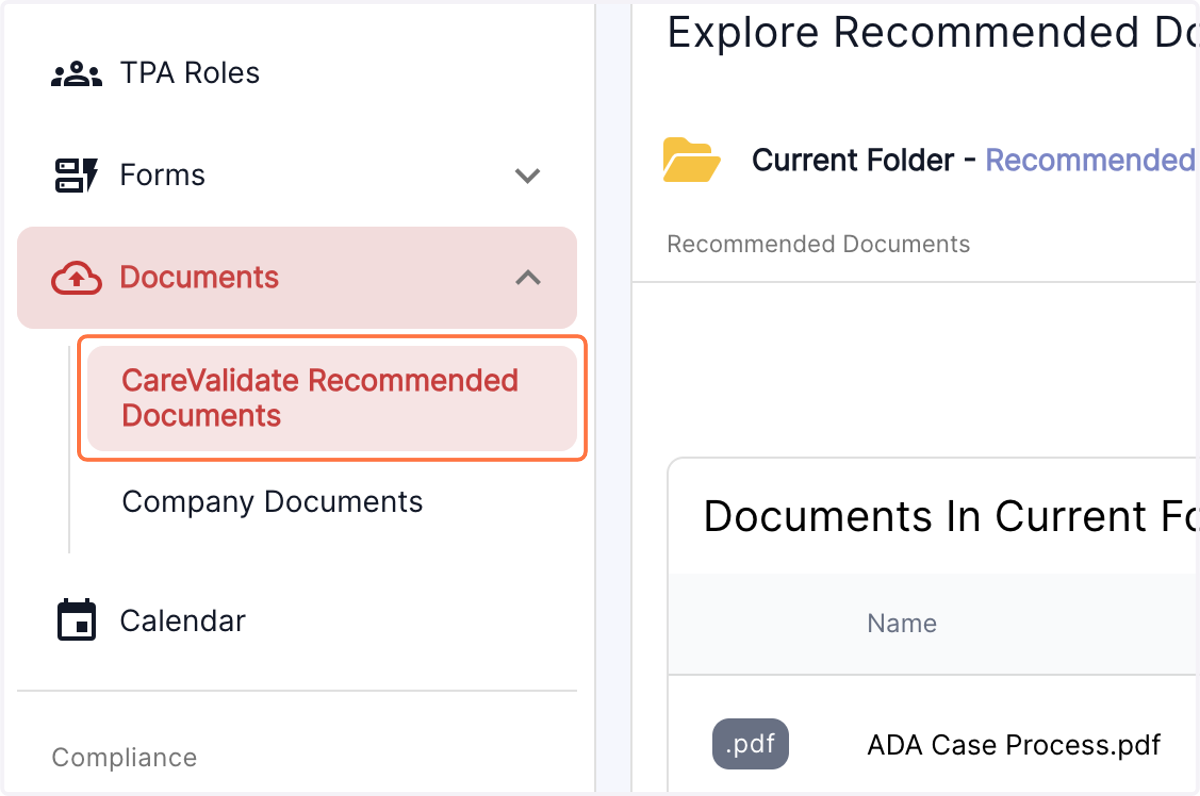
2. From the drop down menu, select the category of desired forms
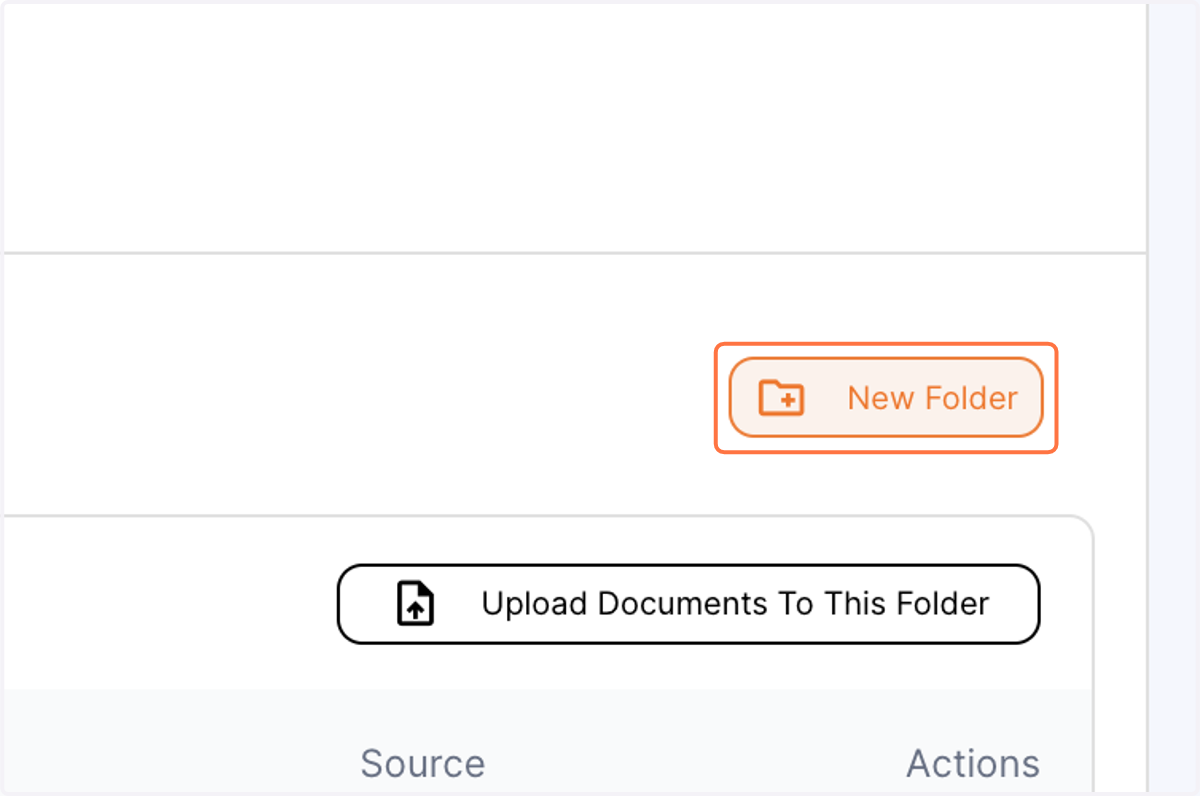
3. Click on create new folder…
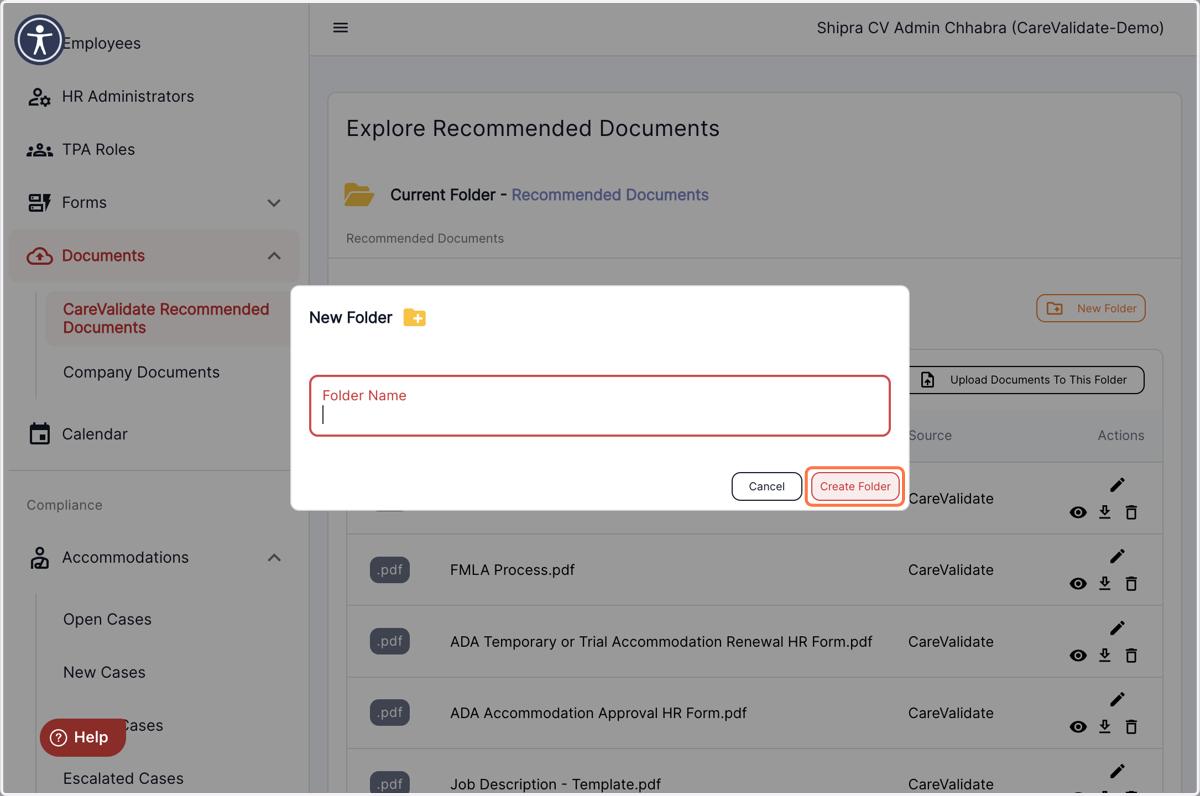
4. Assign a name to the folder and hit Create folder
5. Your new folder will now reflect on the main page along with other folders created.
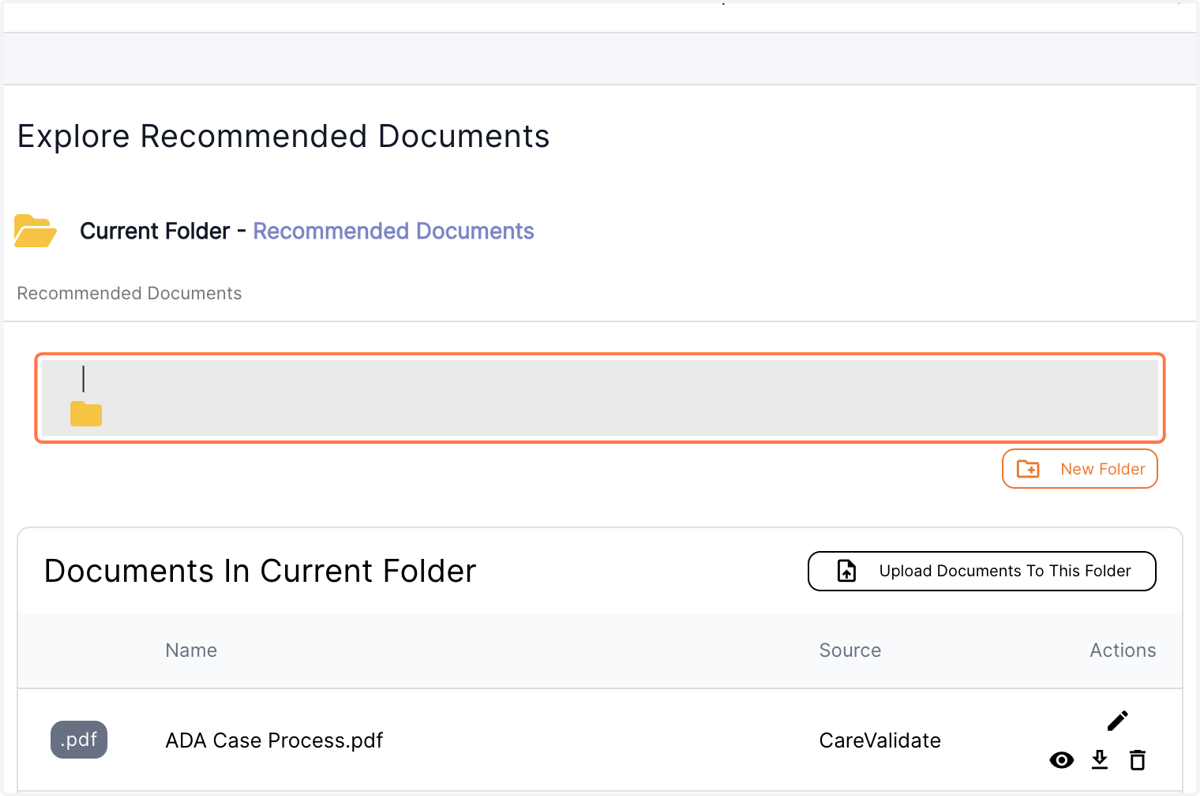
6. Click on upload documents to save files in this folder.