Adding Collectibles: A Step-by-Step Process
Collectibles
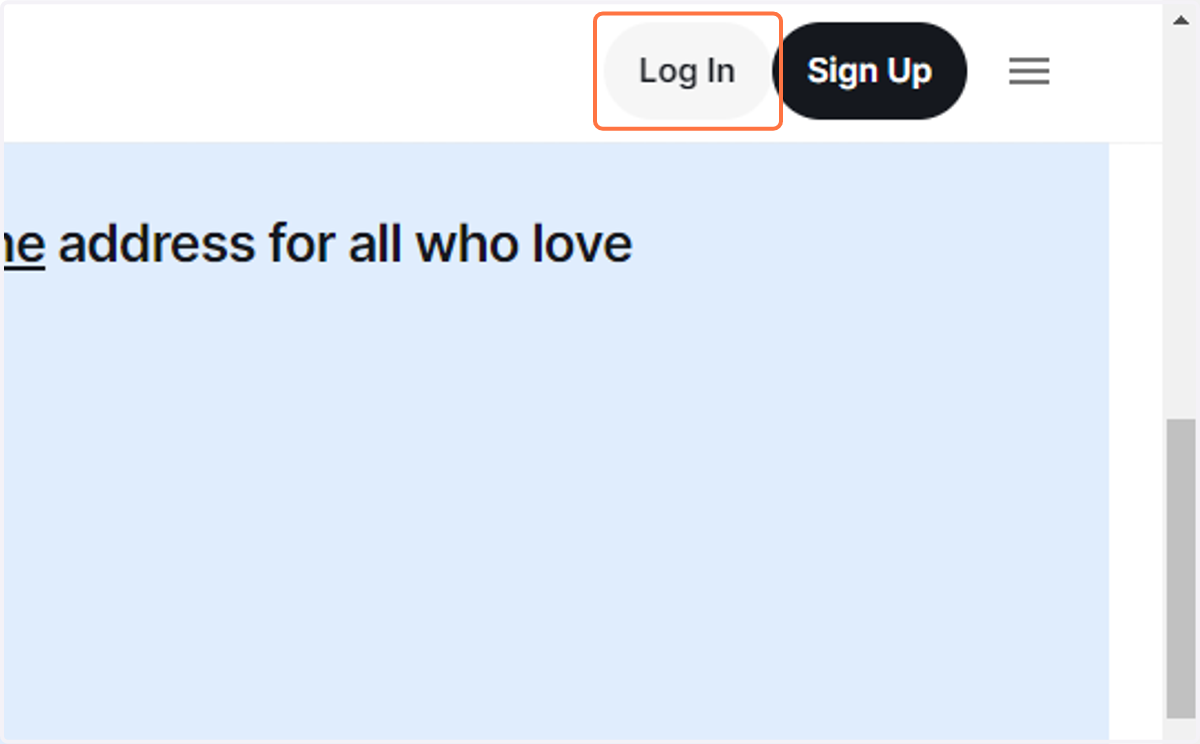
1. Click on Log In
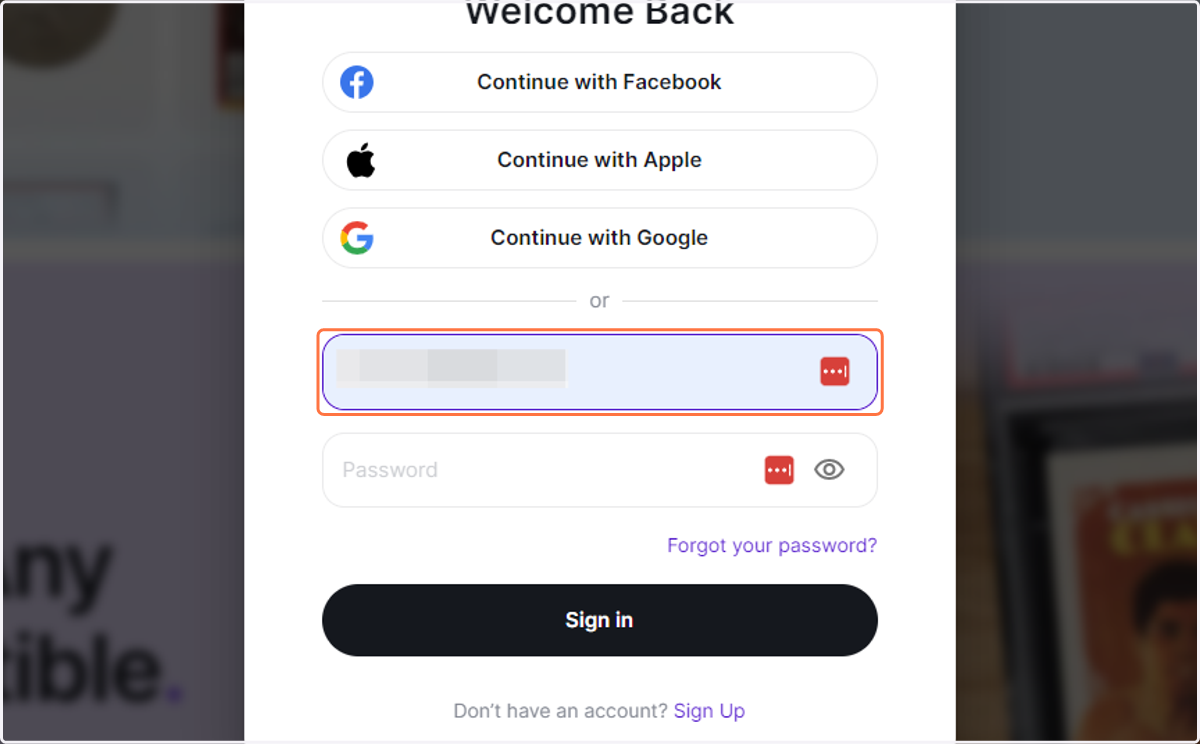
2. Type "jazzymej@icloud.com"
3. Type password
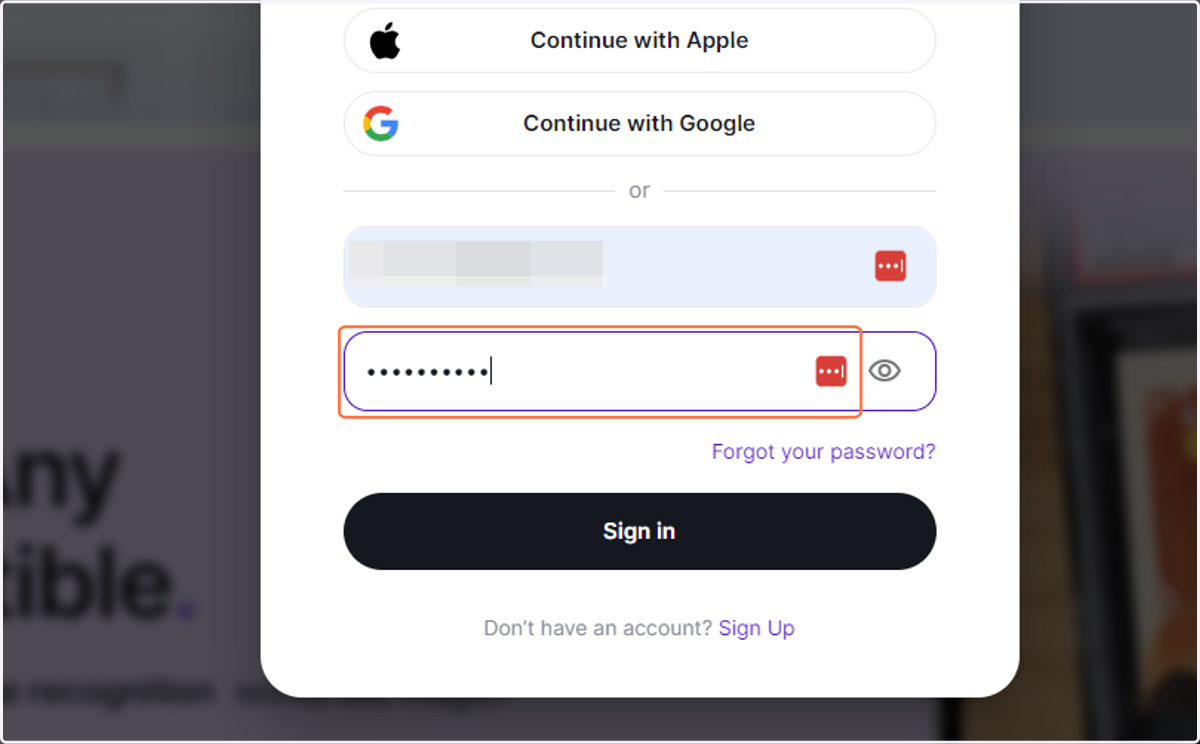
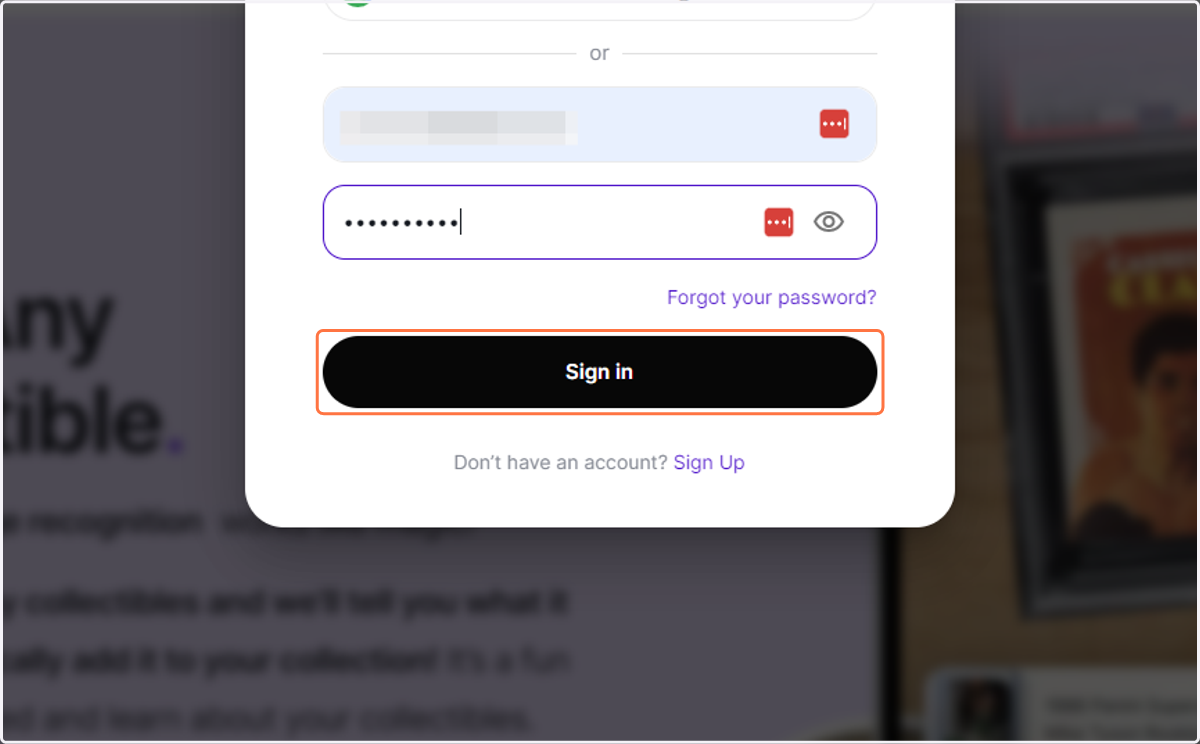
4. Click on Sign in
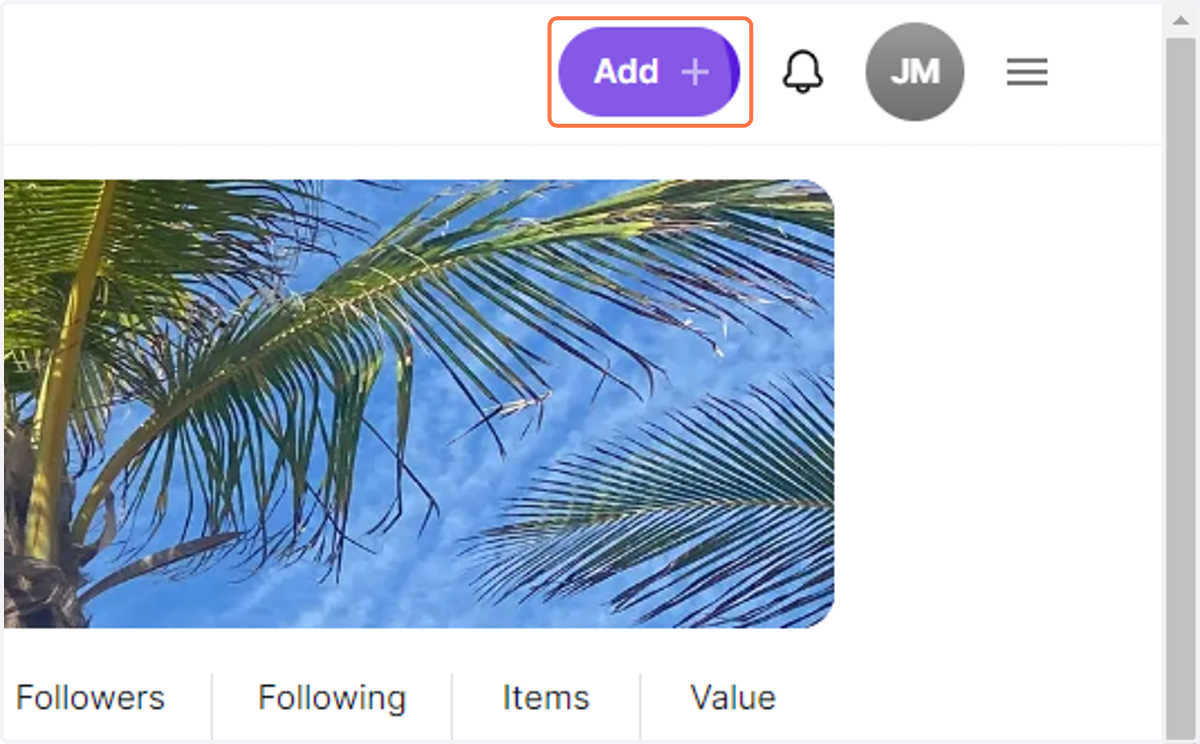
5. Click on Add
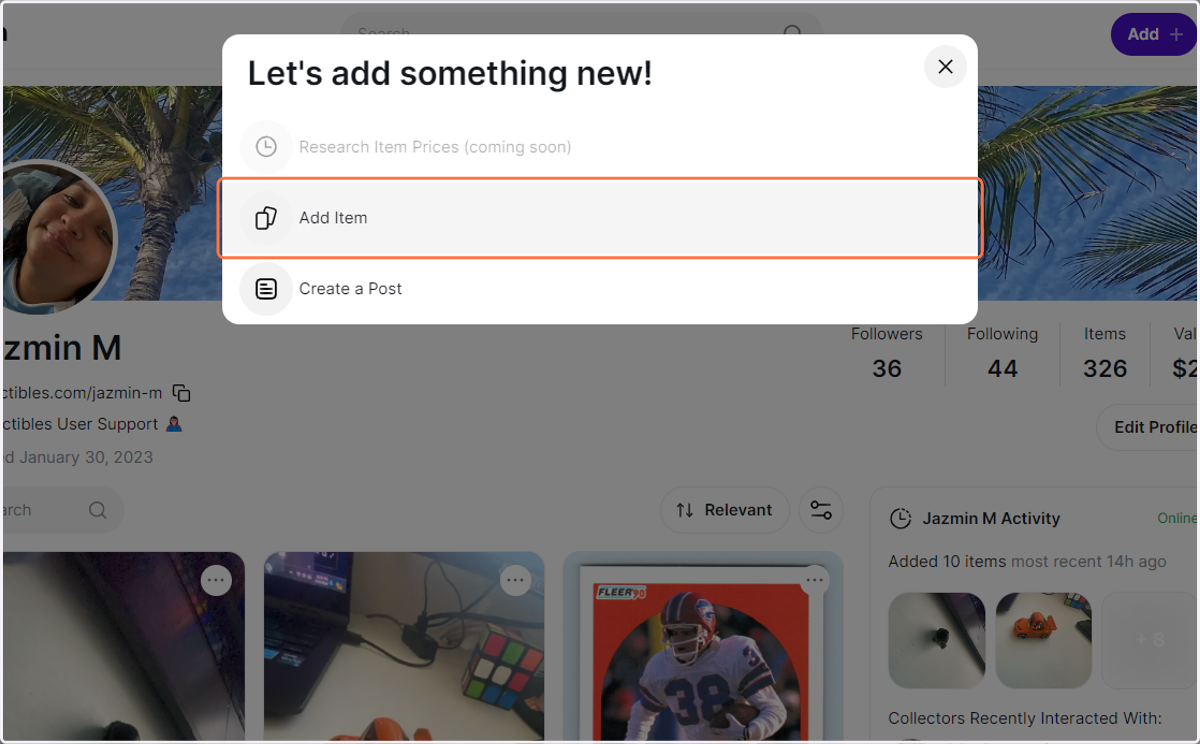
6. Click on Add Item
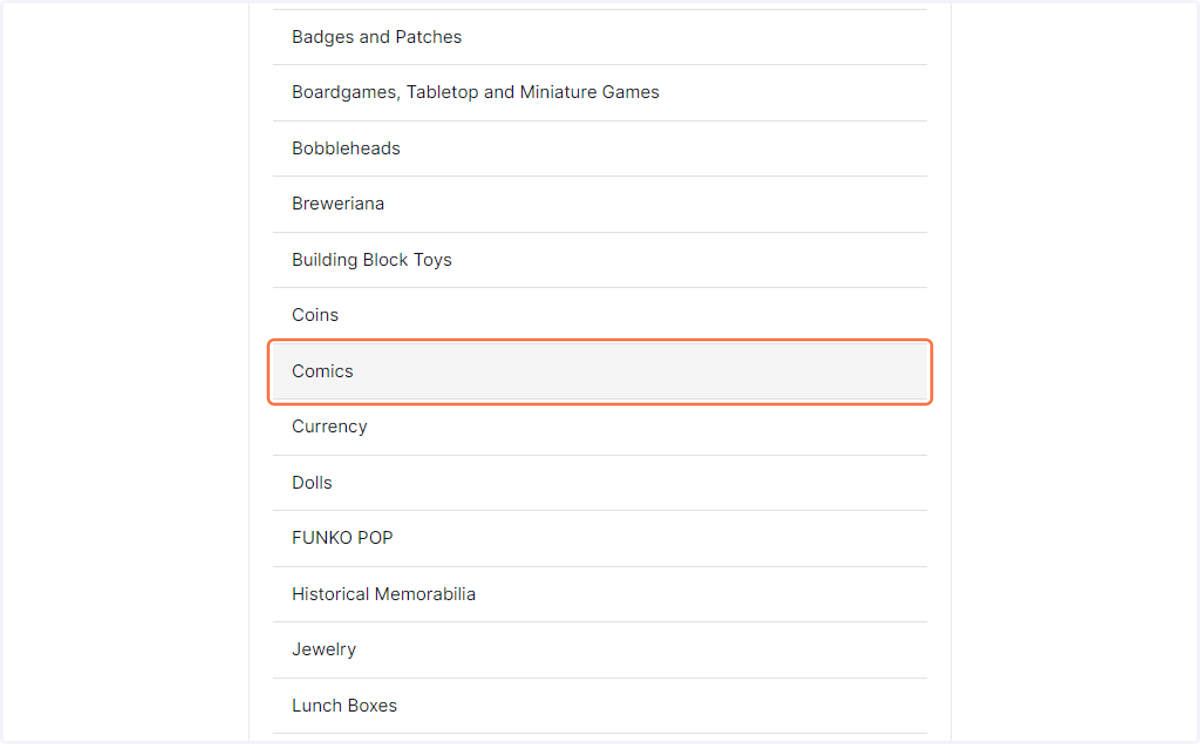
7. Select a Caregory
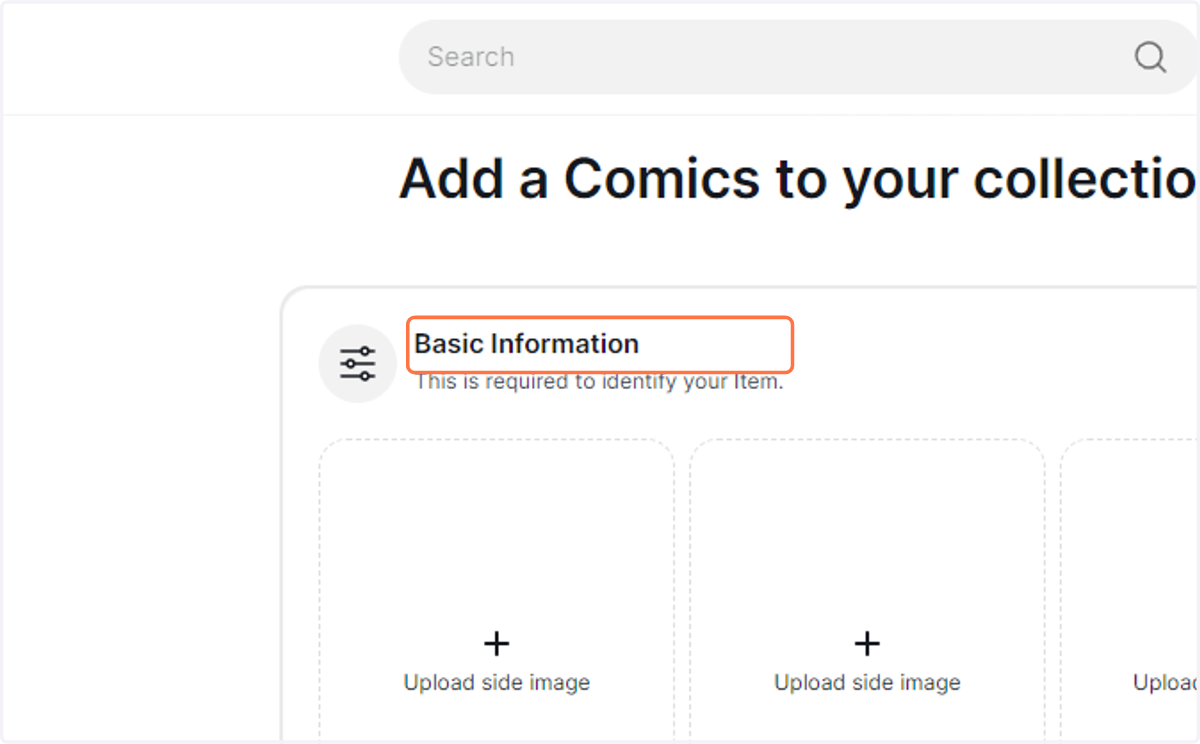
8. Enter the required details of the item.
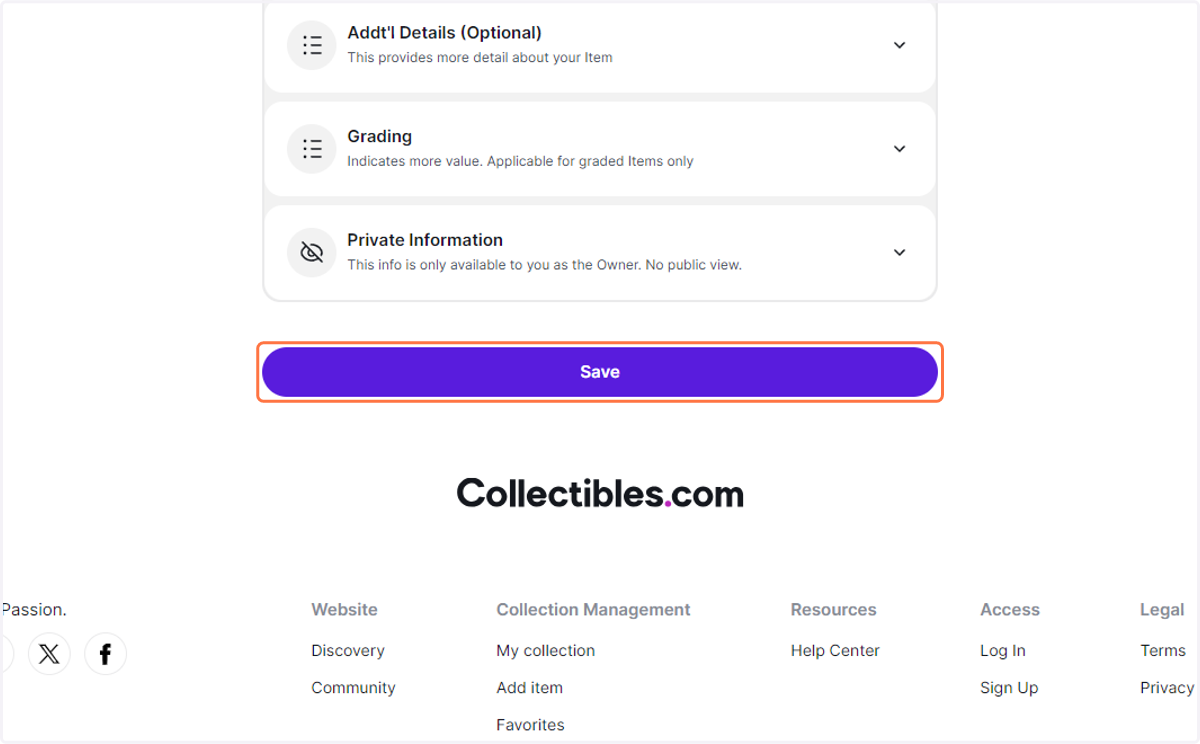
9. Click on Save