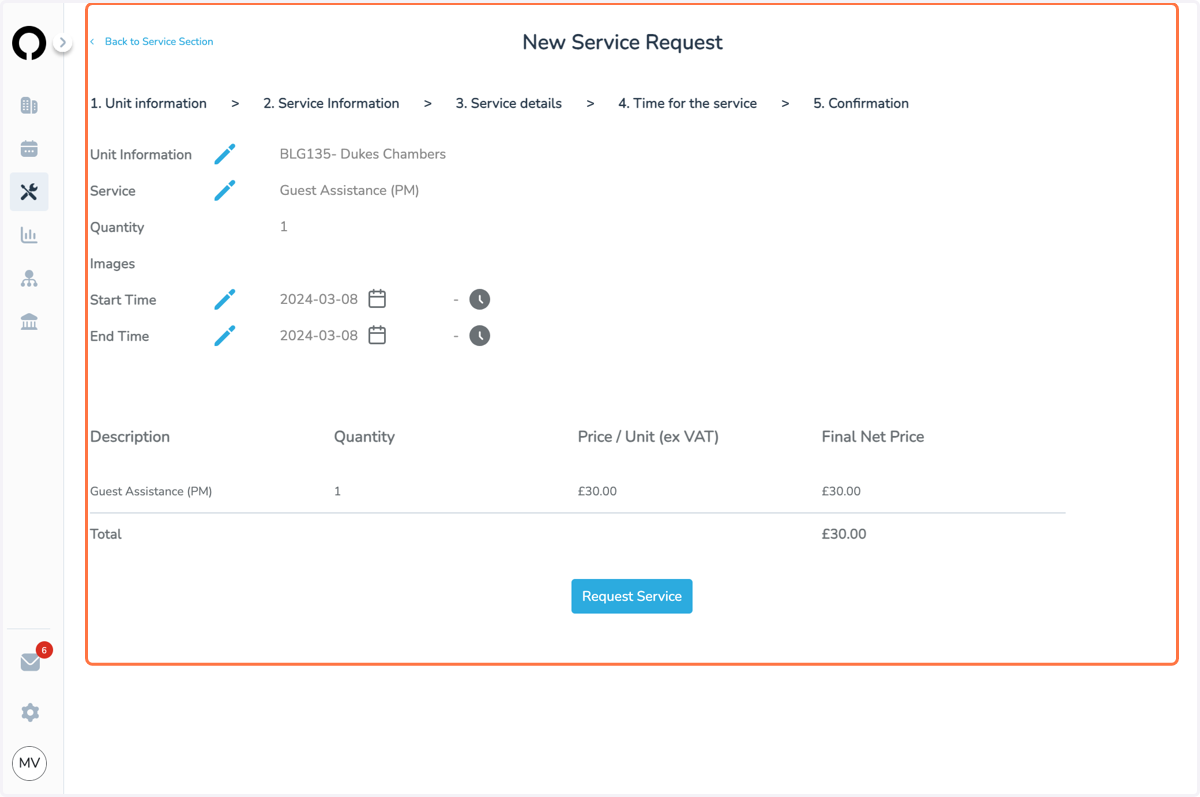
How to book a Guest Assistance on Opago
Opago
1. Add new service > select the unit > choose Guest Relations Department:
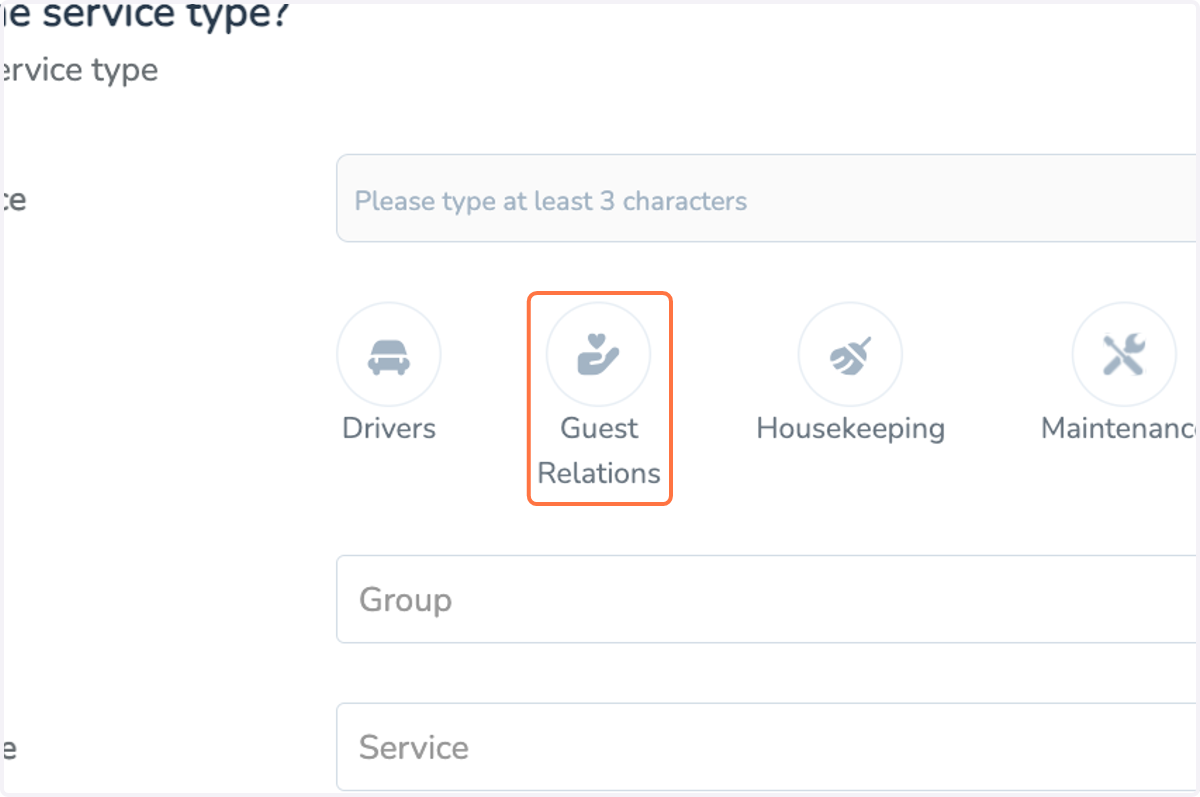
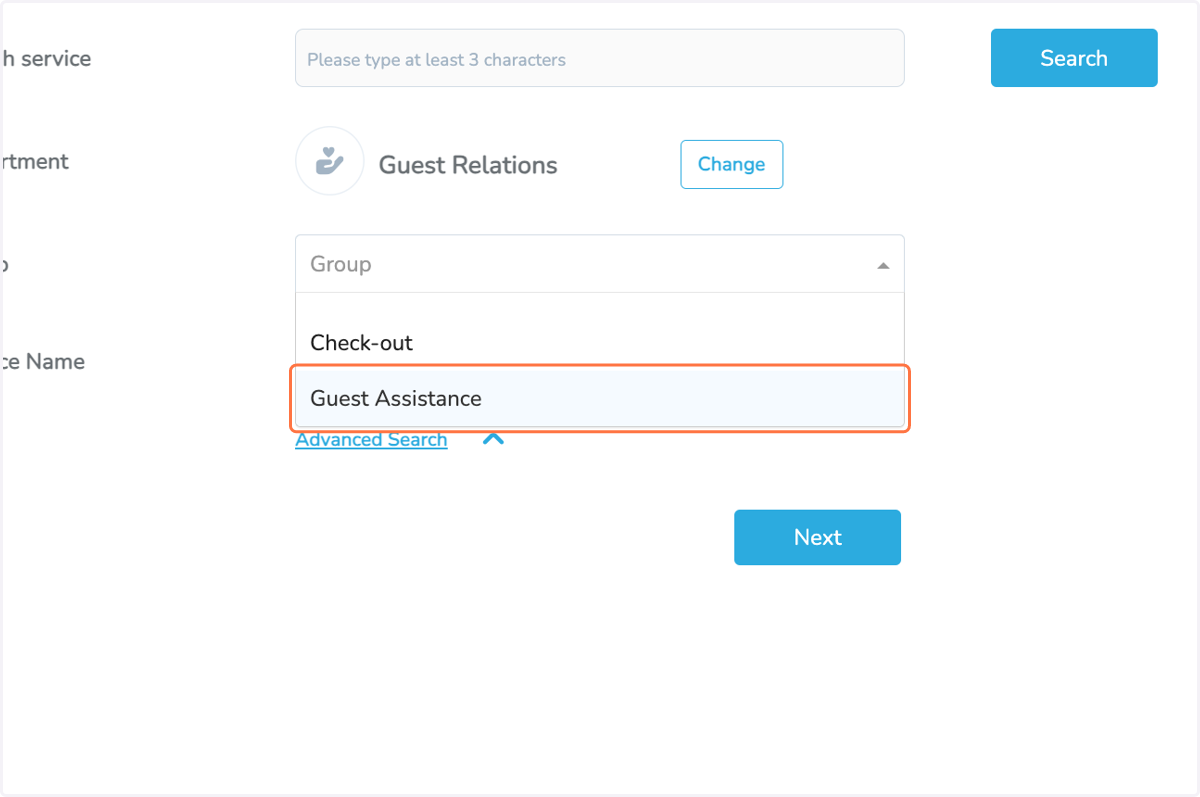
2. Select the service group you want: Guest Relations / Check-in / Check-out / ...
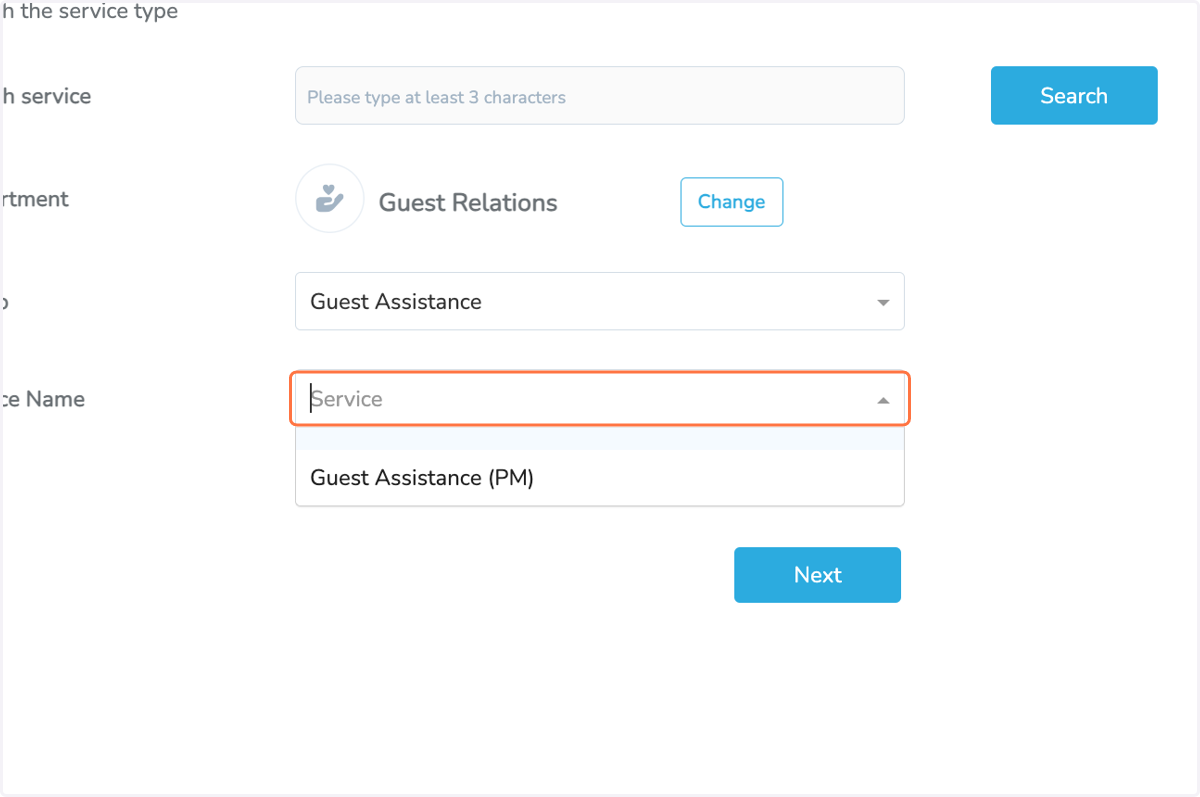
3. Select the service Type:
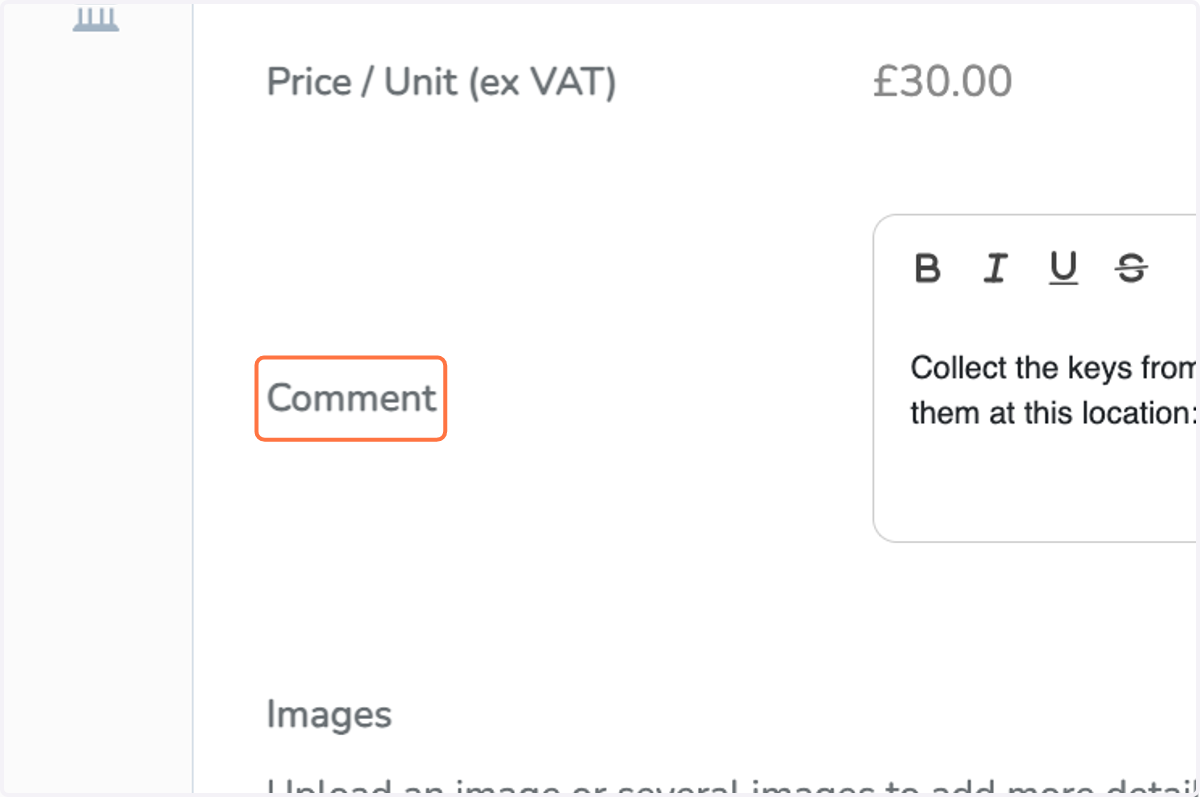
4. Make sure you add all the necessary information for the agent on the Comment section:
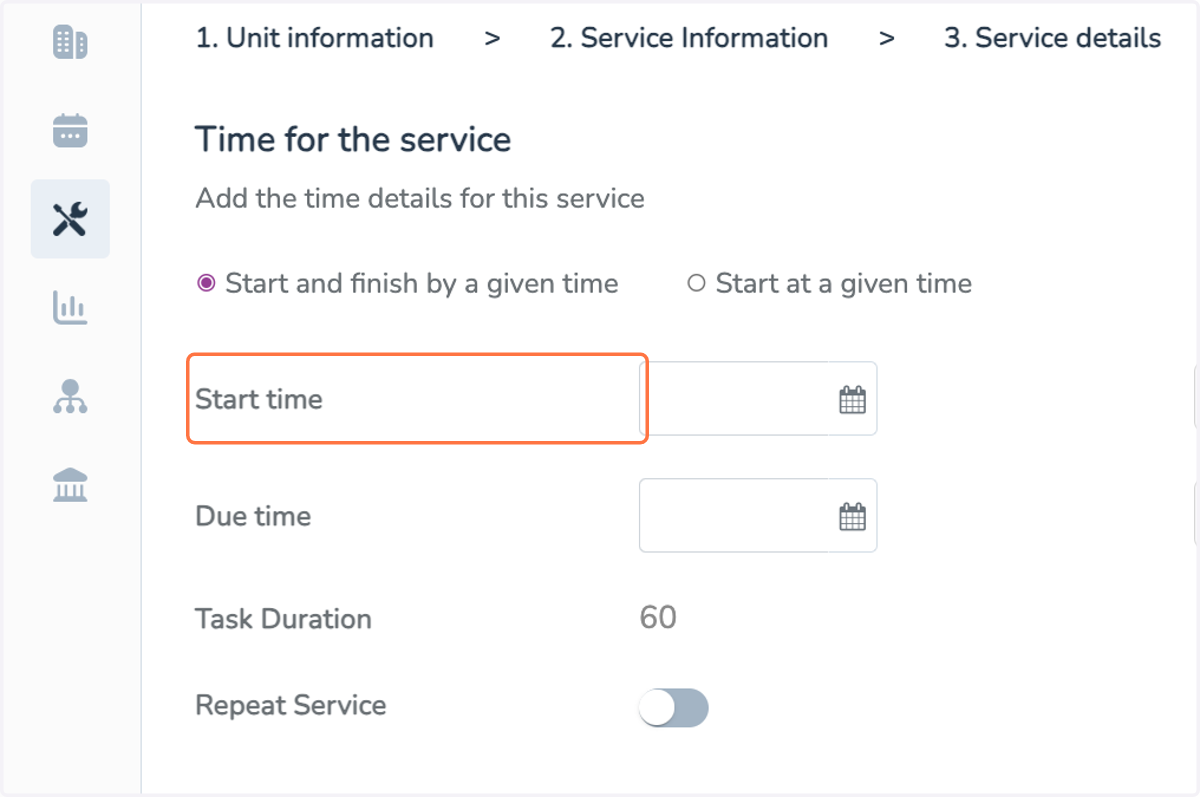
5. Then select the date and time when the service should take place
6. Click on Next

7. And request your service: