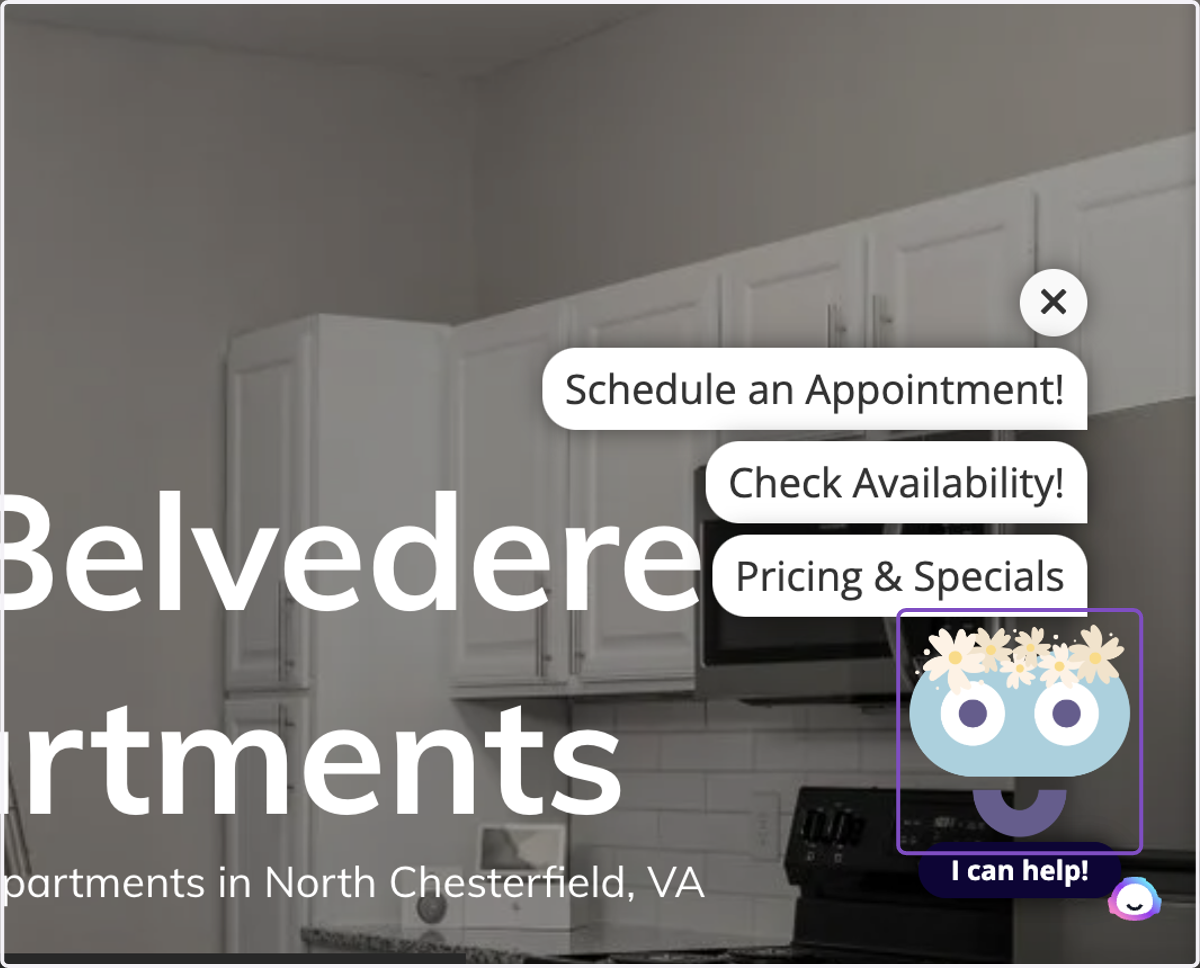
How to Add BetterBot Widget to a Property Website
1. Select Widgets
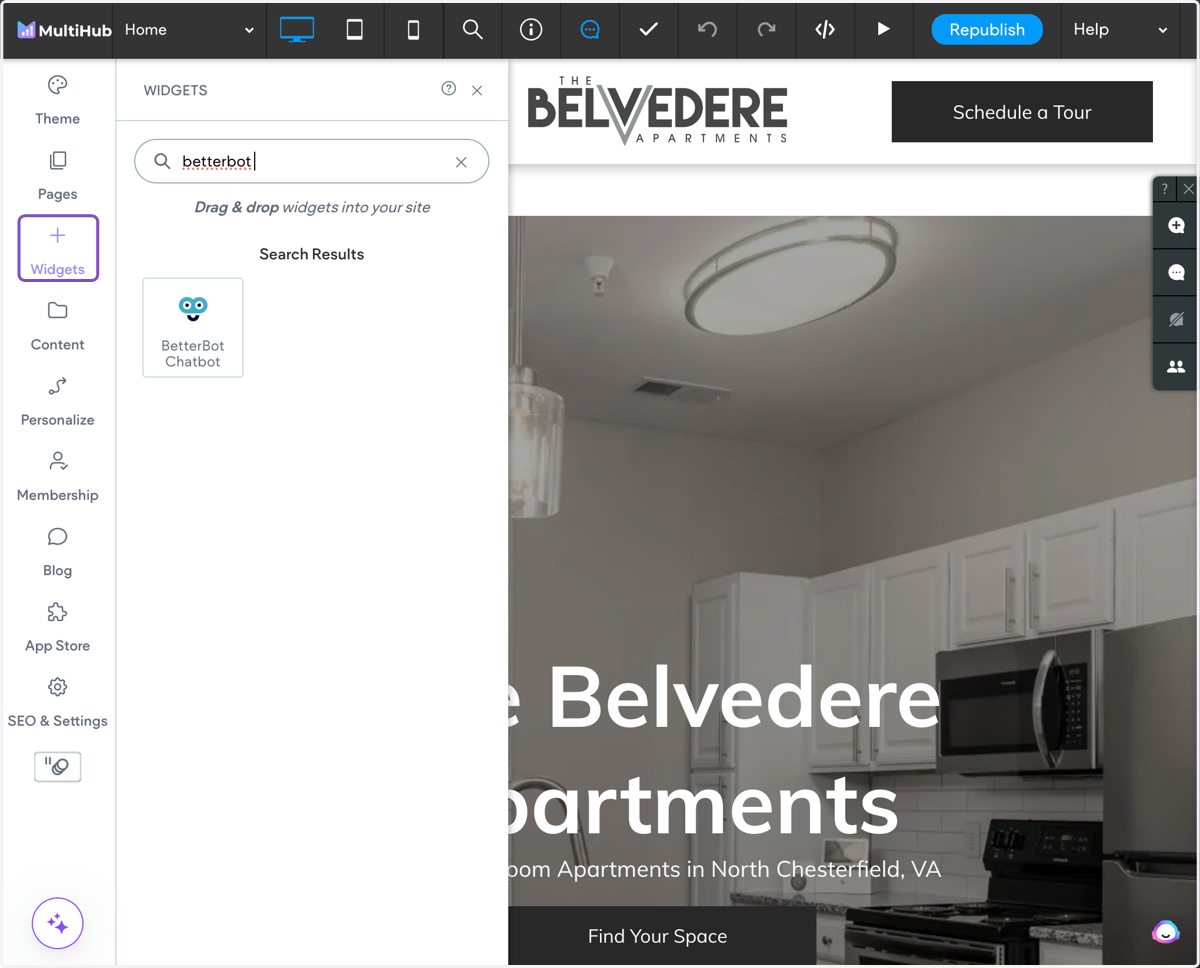
2. Search for "betterbot chatbot"
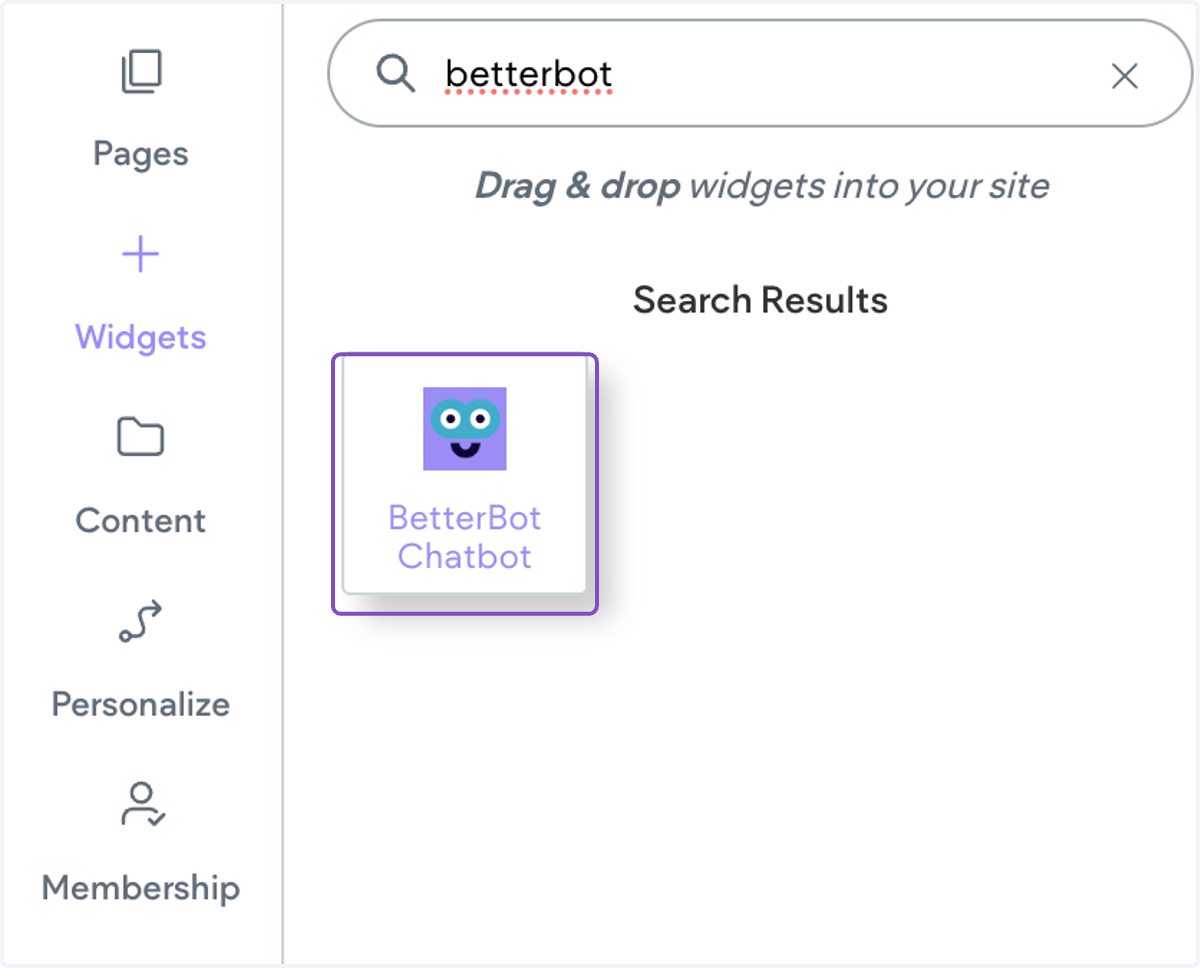
3. Click on BetterBot Chatbot and drag it into the footer of your site
4. Add in the BetterBot Property Slug
The slug can be found in the script provided by BetterBot. It is the property name shown before .engine.betterbot.com
Ex: <script src="https://{PROPERTYNAME}.engine.betterbot.com/loader.js" defer="defer"></script>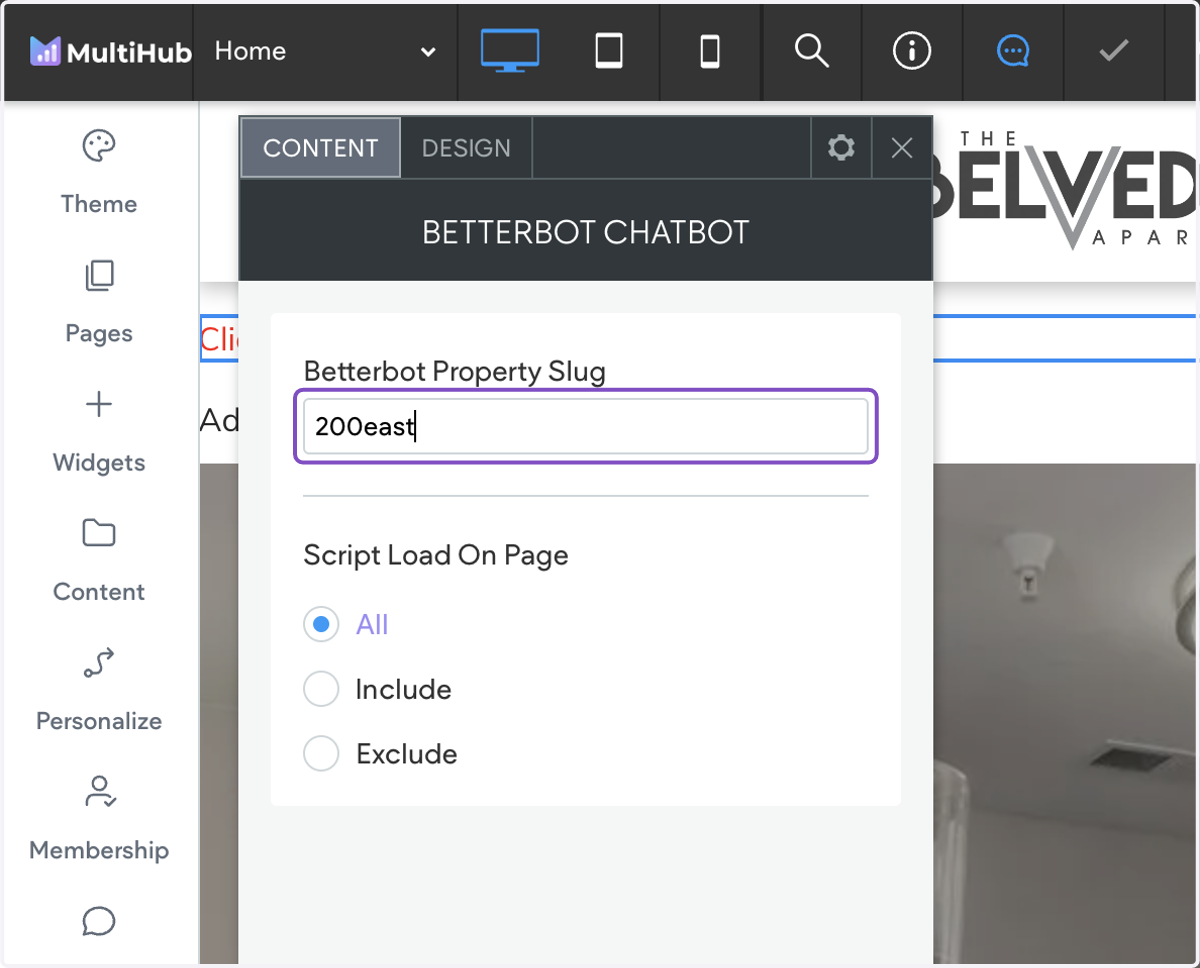
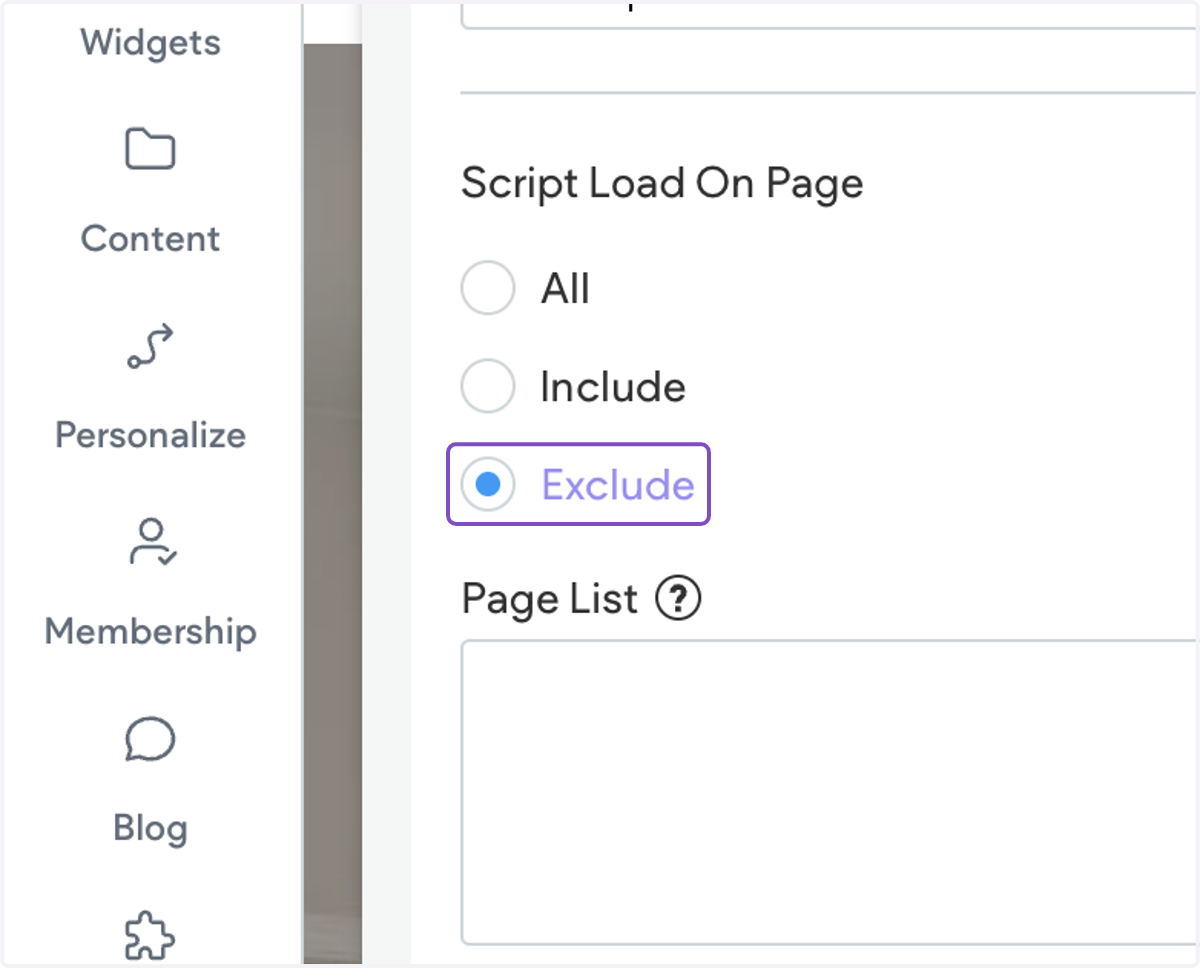
5. The chatbot will show on all pages by default. If you want to exclude the chatbot on certain pages, select Exclude and list the pages by adding in the page slug (ex: /floor-plans).
6. After adding in the BetterBot slug, the chatbot will show immediately. That's all you need! 🎉