Using the Virtuoso AI Chatbot in CRM
🏡 Senior CRM
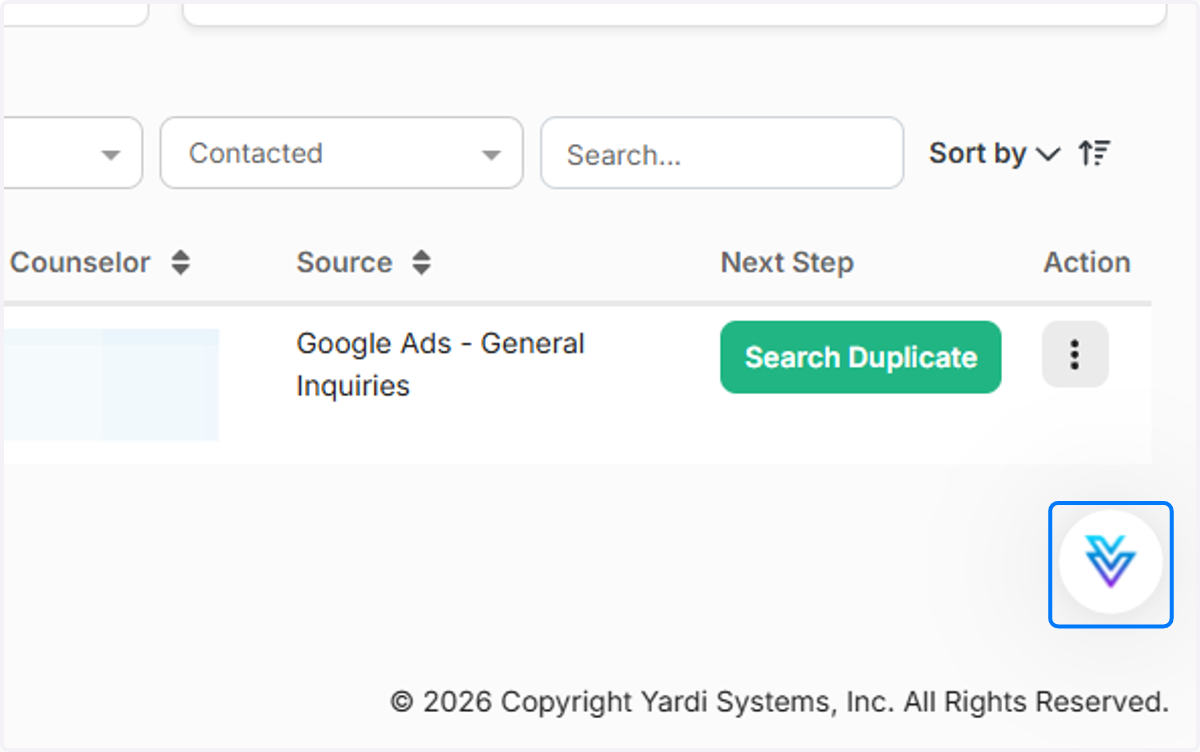
1. Click on the Virtuoso icon.
Located in the bottom righthand corner of your screen.
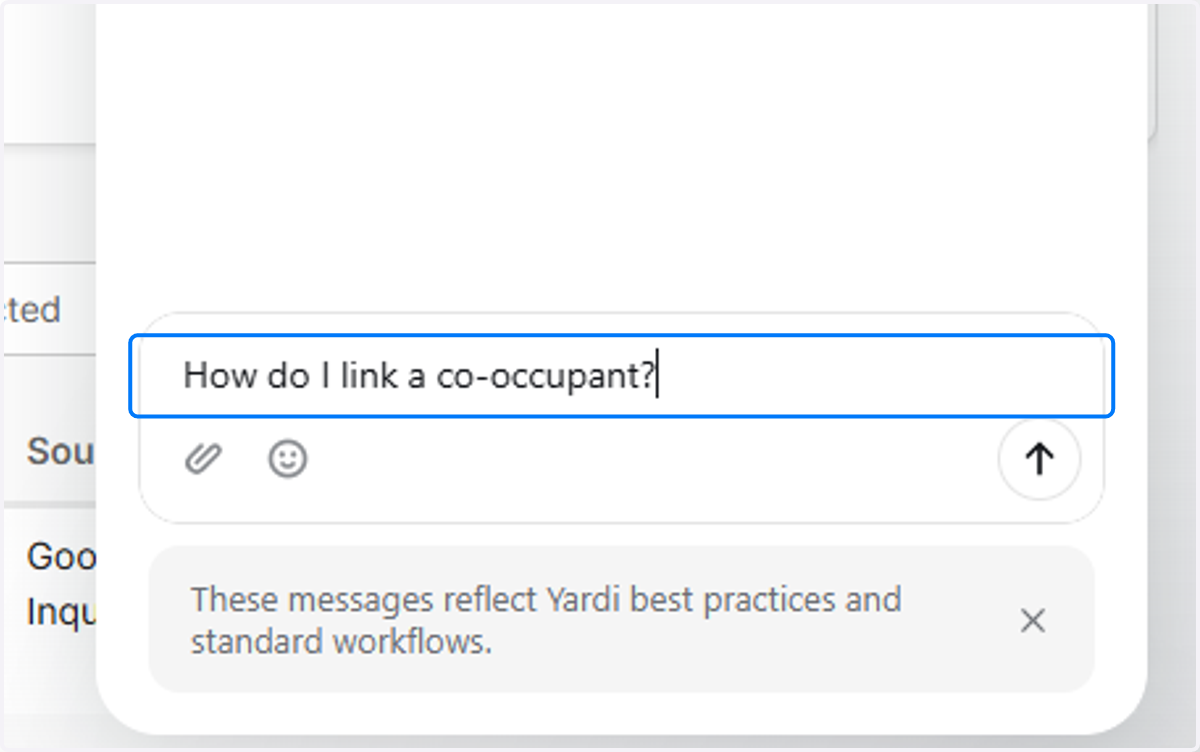
2. Type your How To question.
Virtuoso can only answer system usage questions. For example:
How can I search for an inactive prospect?
Where can I review vacant apartments?
How do I make edits to a lease document?
The Virtuoso assistant cannot answer questions about our specific data. For instance, you cannot ask "how many future move ins do I have this month?" However, if you do ask a question like this, Virtuoso will explain how you can find this information out for yourself.
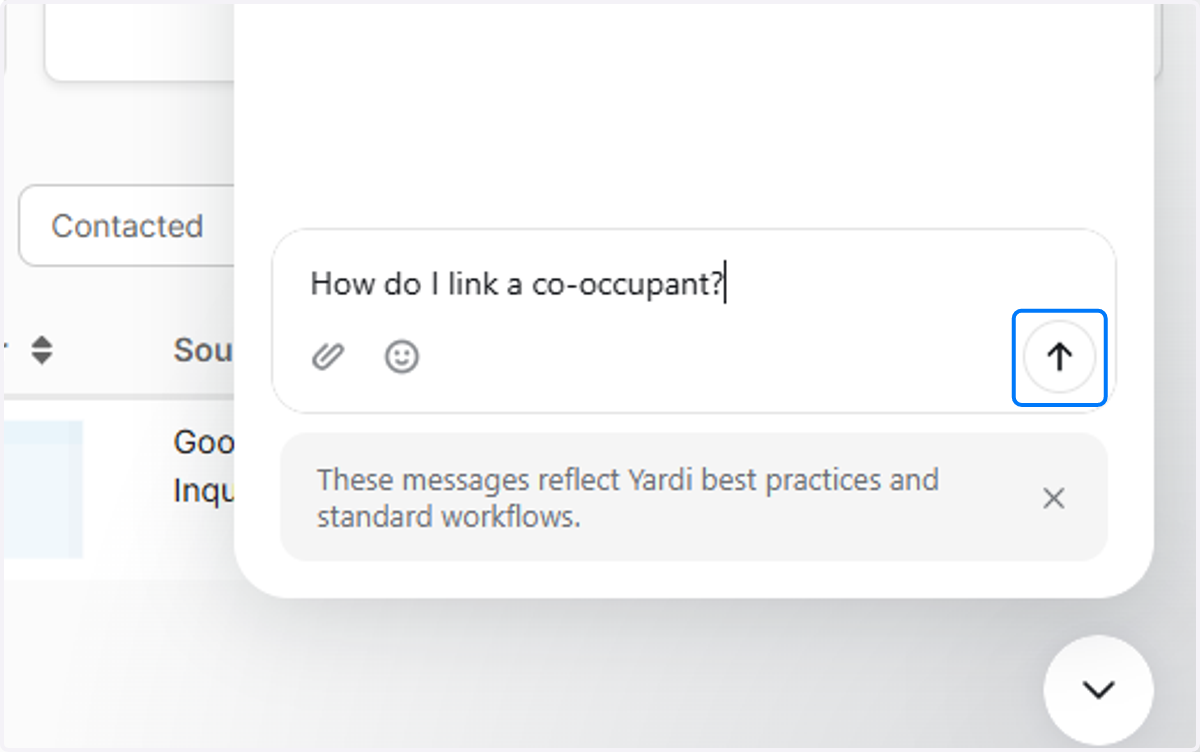
3. Click Send or press Enter.
4. Review Virtuoso's answer.
Virtuoso will provide the steps needed to assist you with your request. The chat window will stay open while you follow its instructions. To collapse the window, click the round down arrow button on the bottom righthand corner of your screen.
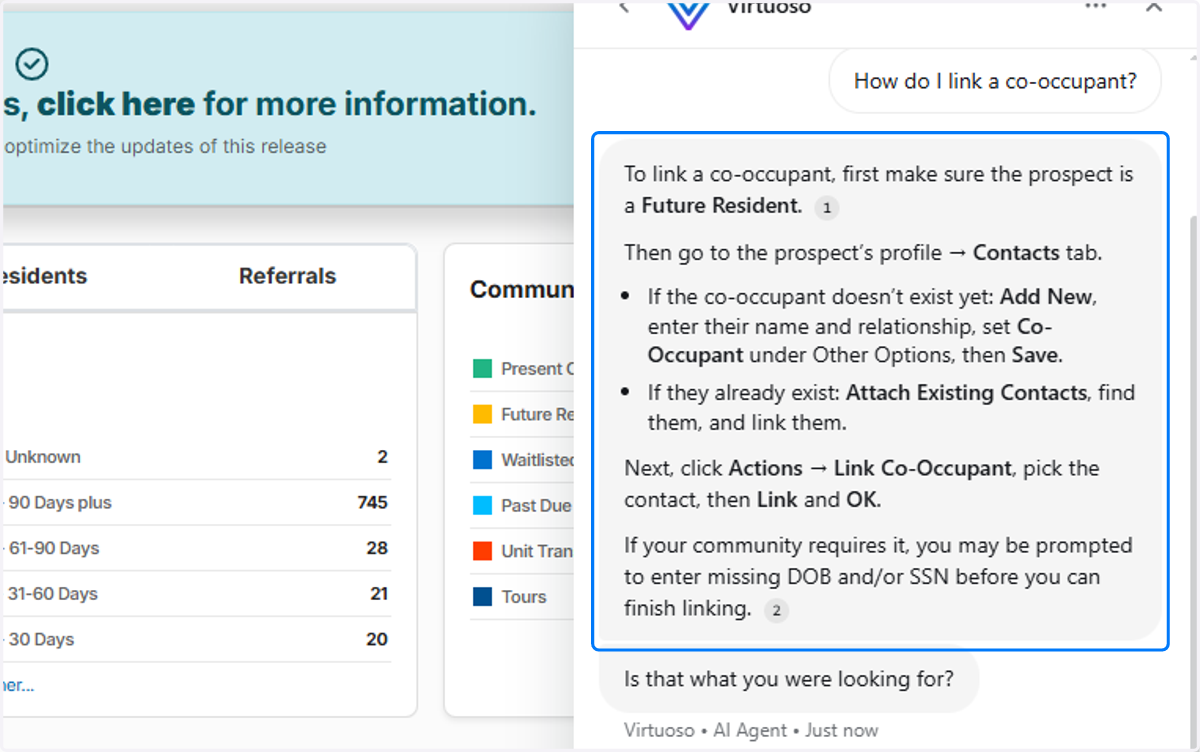
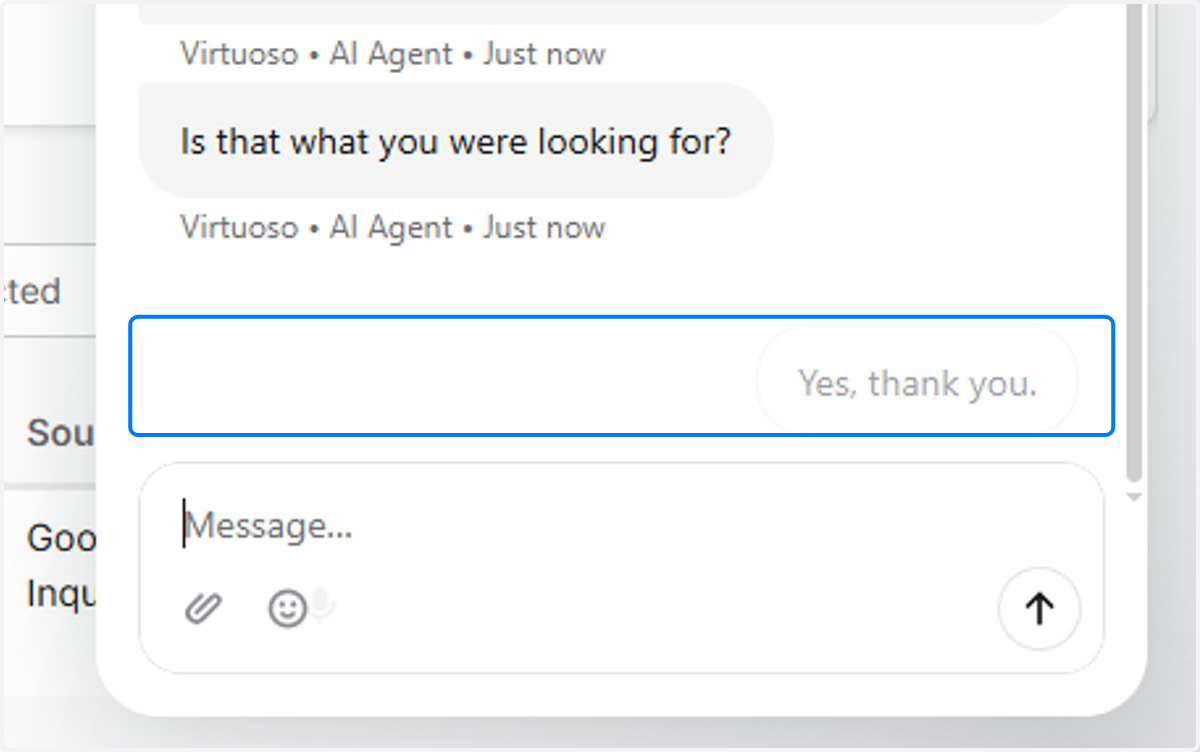
5. Give Virtuoso feedback.
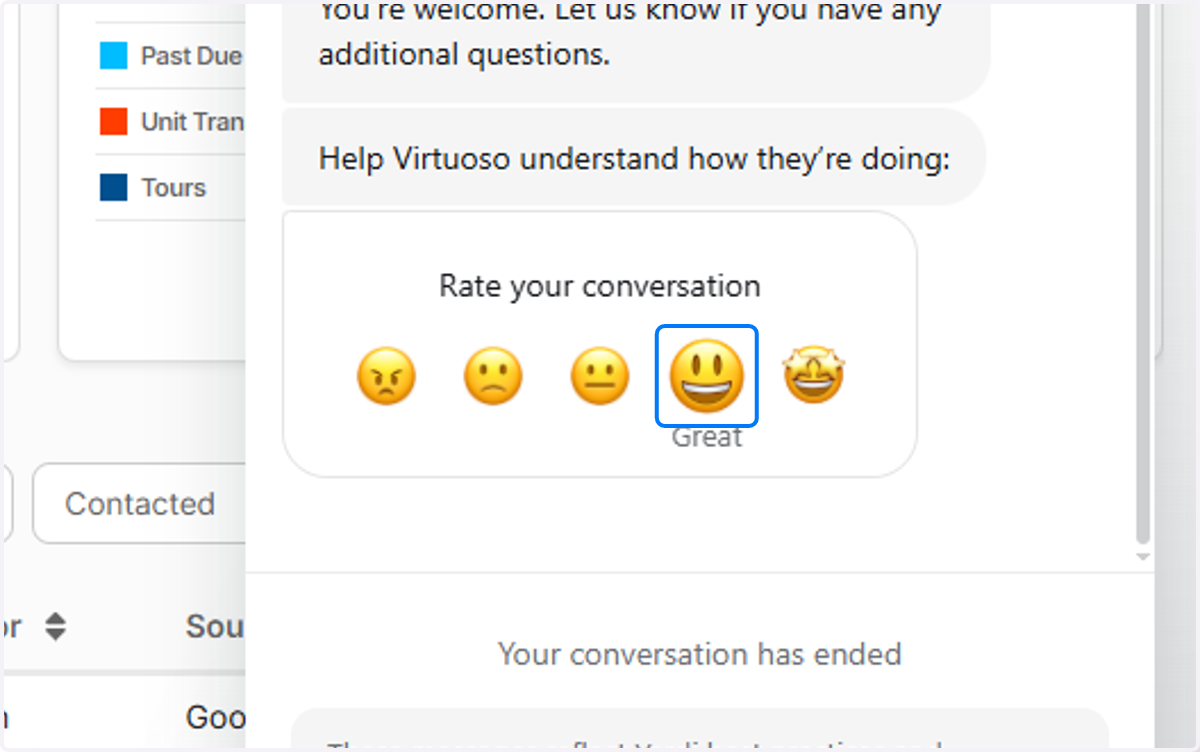
6. Rate Virtuoso's response
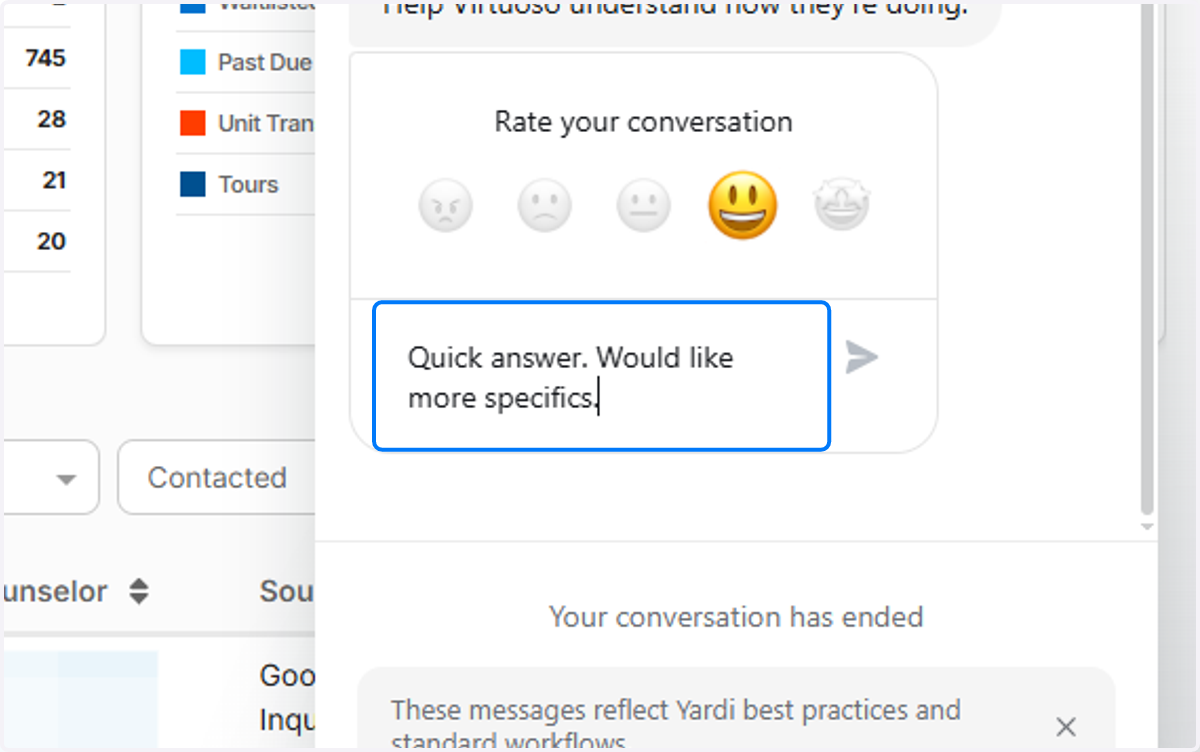
7. Enter additional details as needed.
Submit your response when you are done.
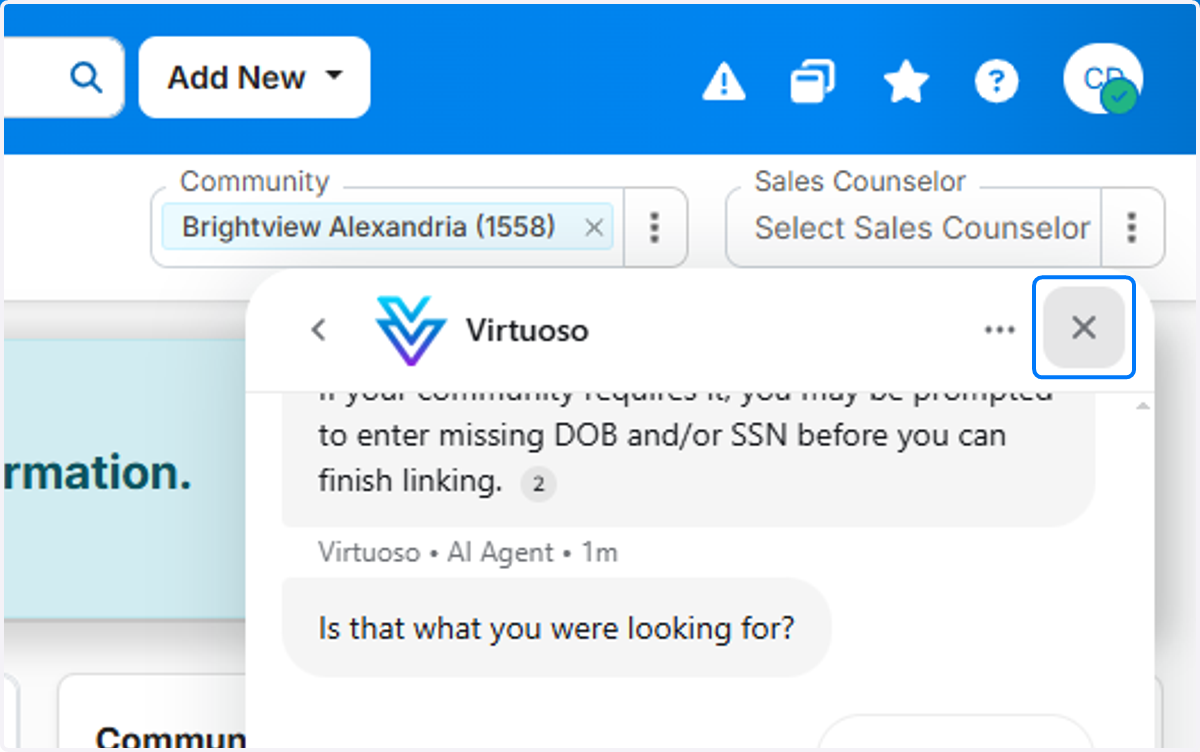
8. Close Virtuoso.
Click the 'X' to close Virtuoso.