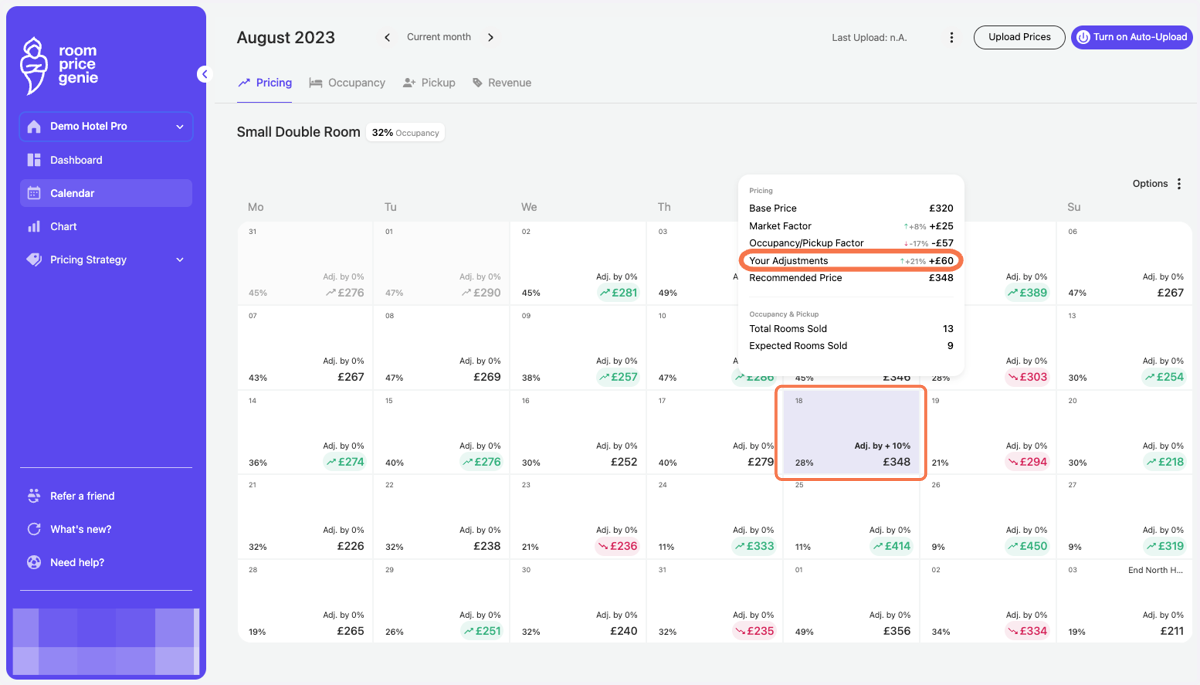
Percent adjustment on a single day
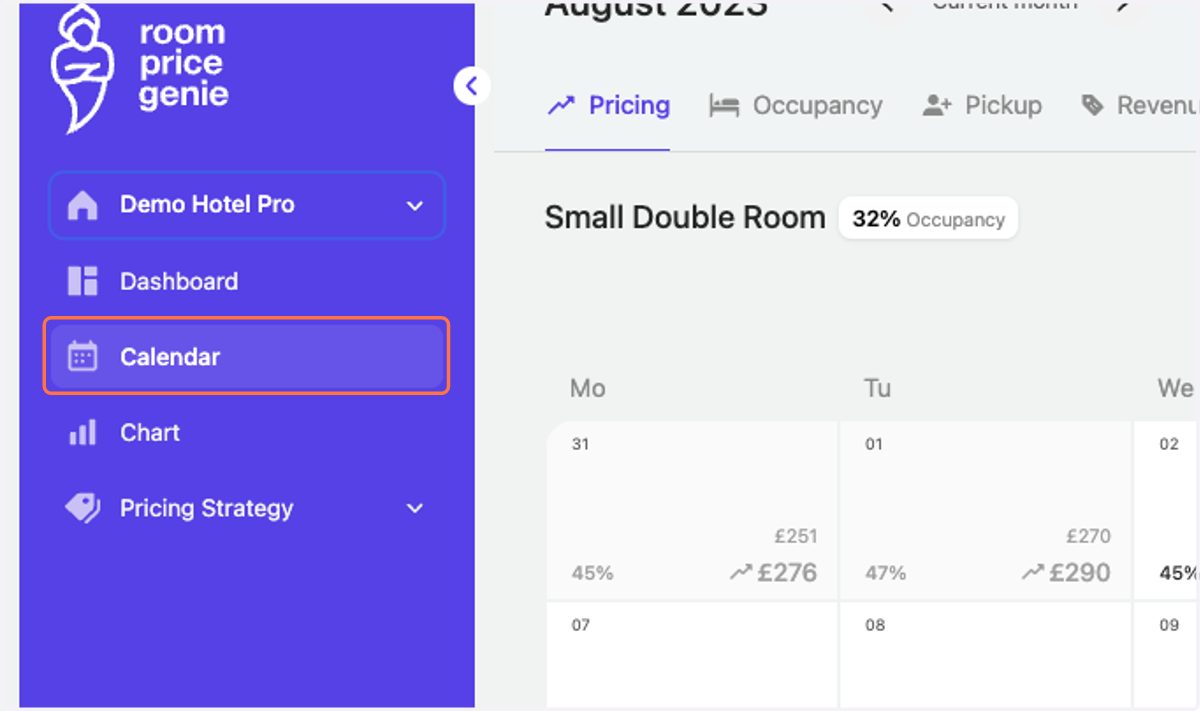
1. Click on "Calendar" in the navigation bar
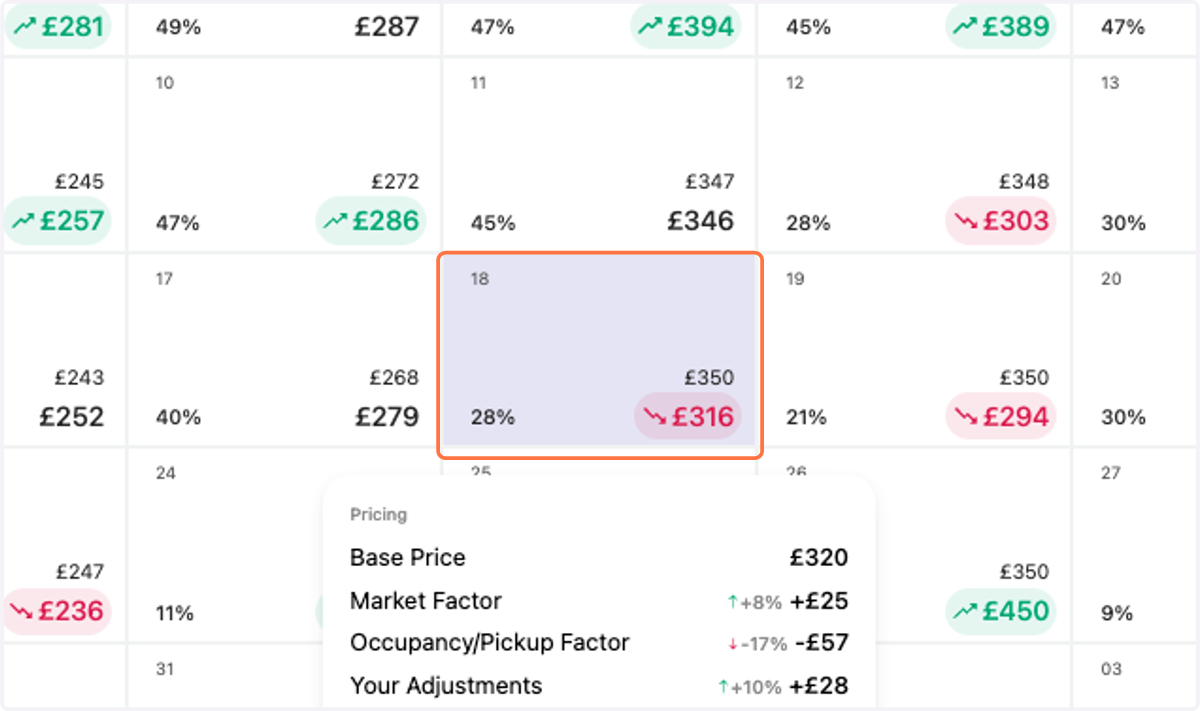
2. Click on the specific day where you want to make a percent adjustment
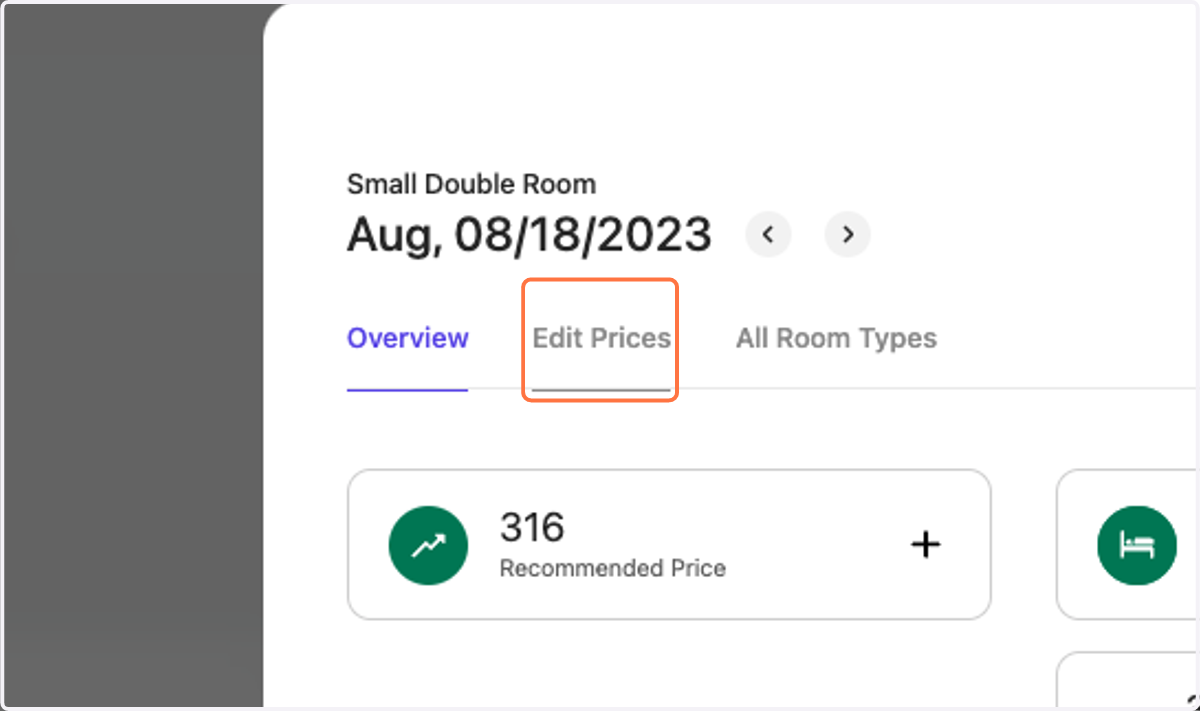
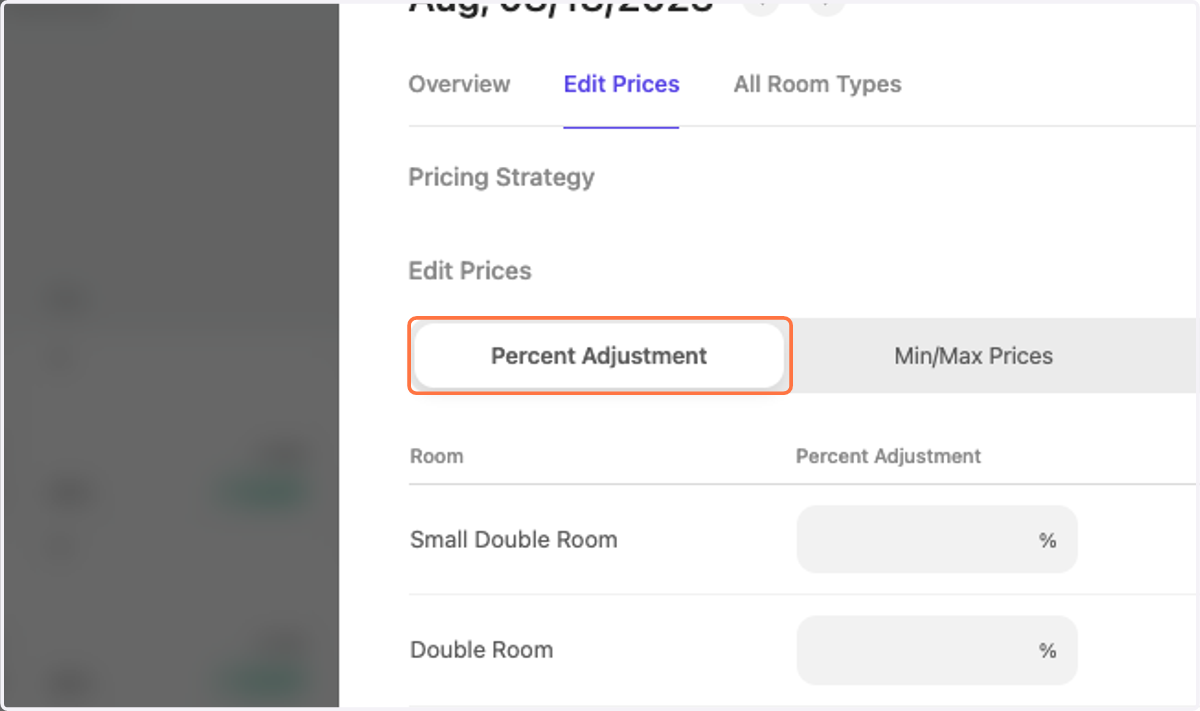
3. Click on the tab "Edit Prices"
4. Choose the adjustment type "Percent Adjustment"
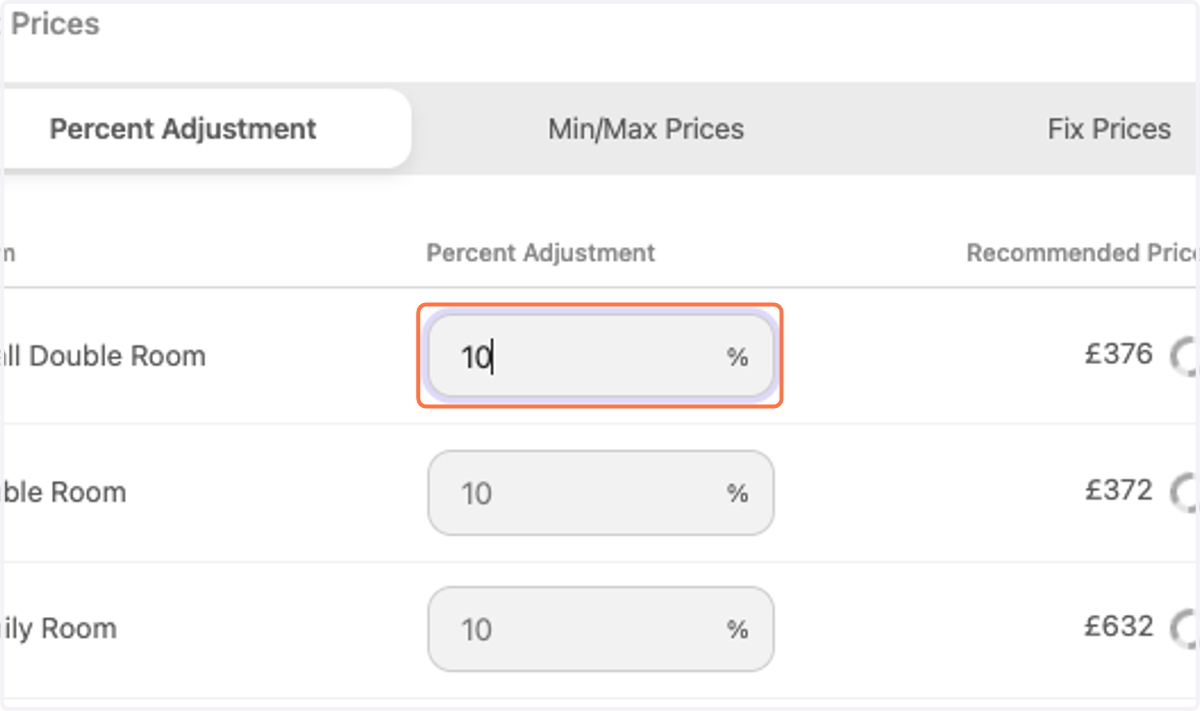
5. Enter the positive or negative adjustment value
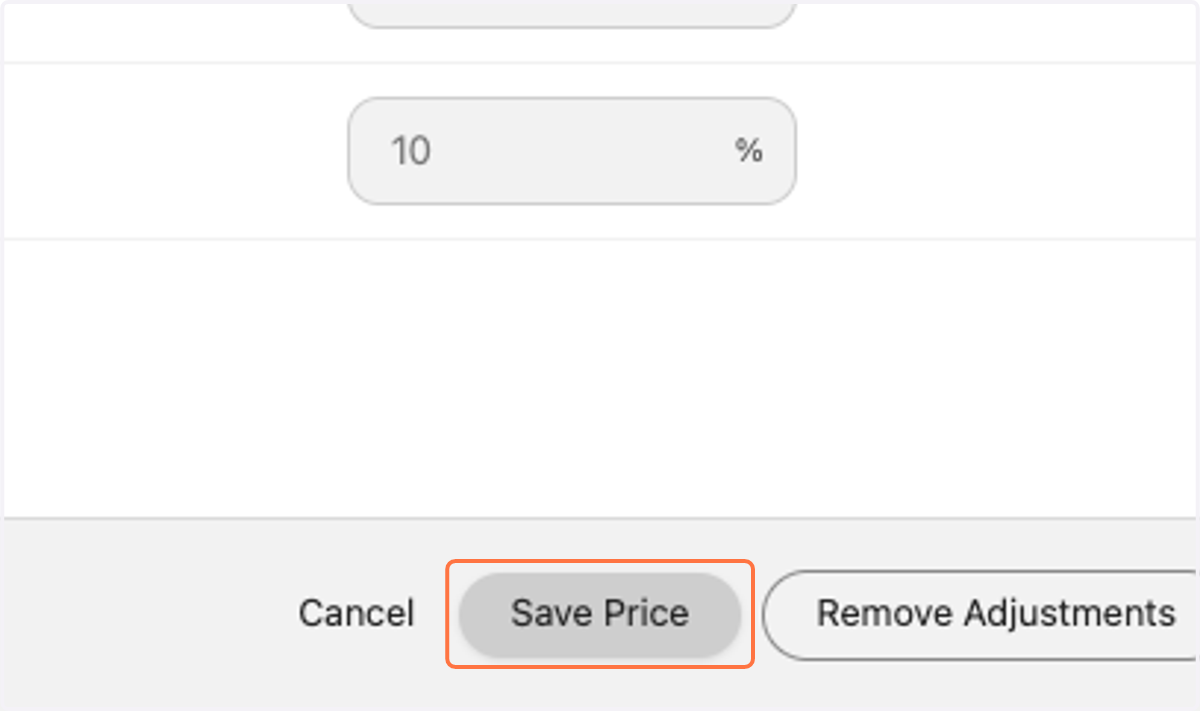
6. Click on "Save Price"
7. The Calendar view is showing you the manual adjustment for the chosen date. Notice the price change?