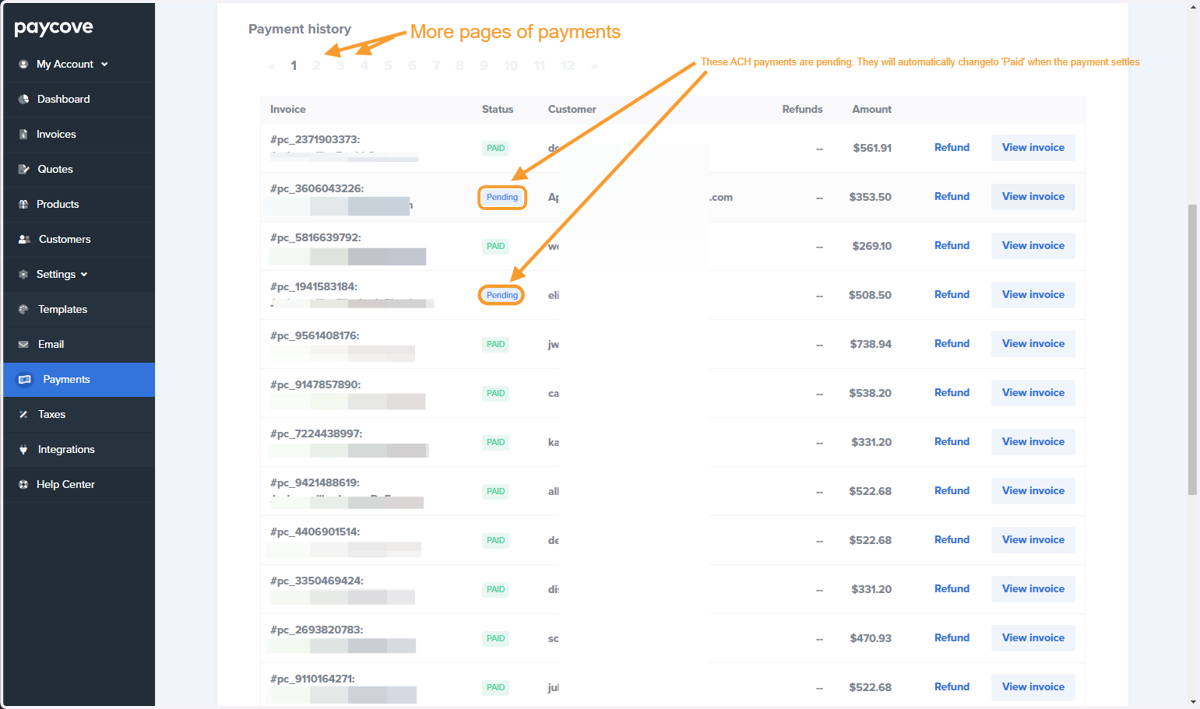
Paycove How to see a Pending ACH Payment
Paycove
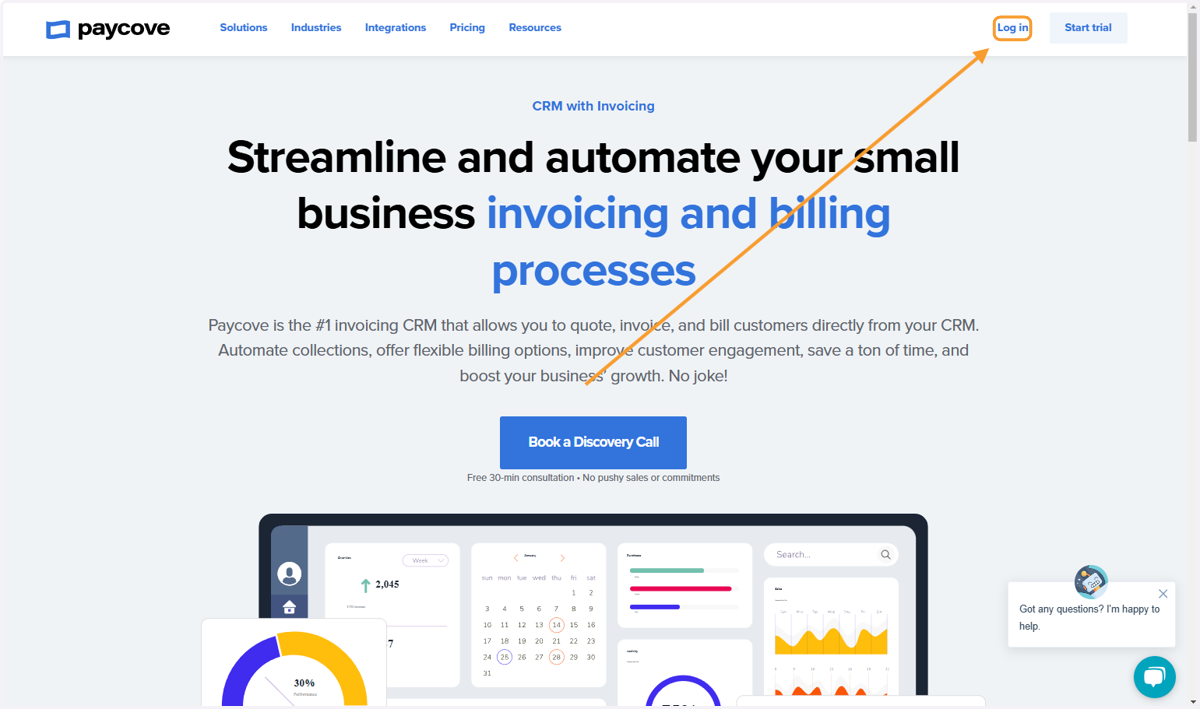
1. Navigate to paycove.io and Click on Log in
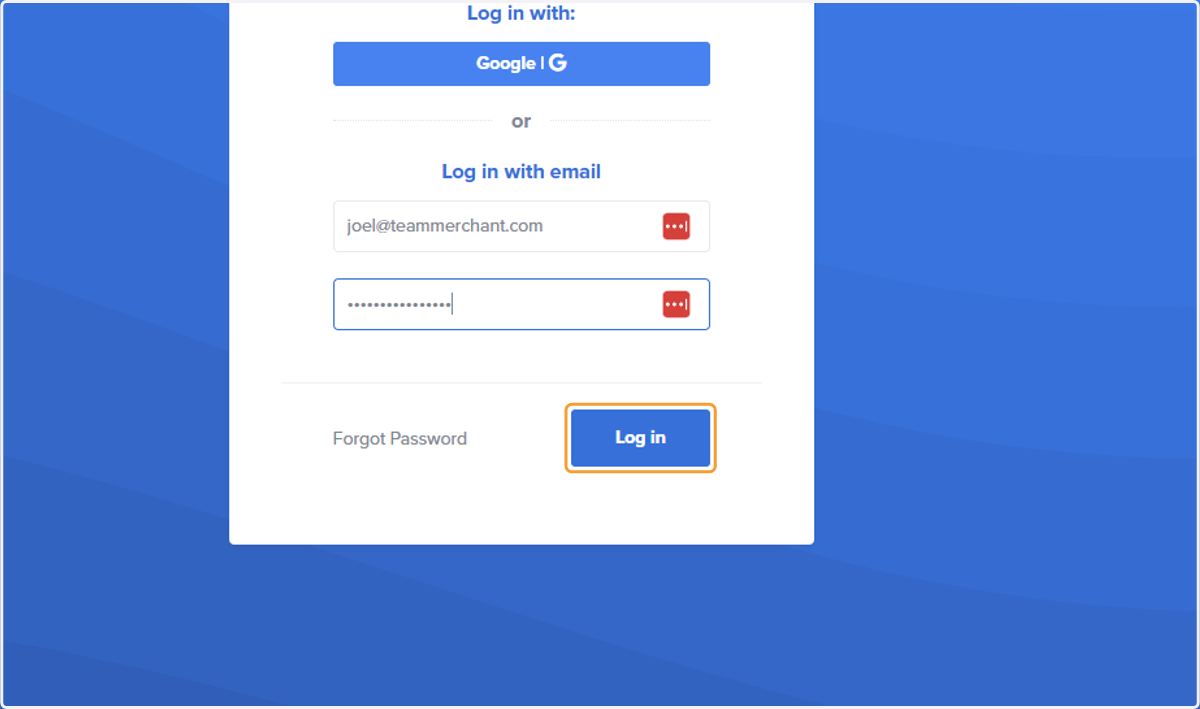
2. Log in to your Paycove account
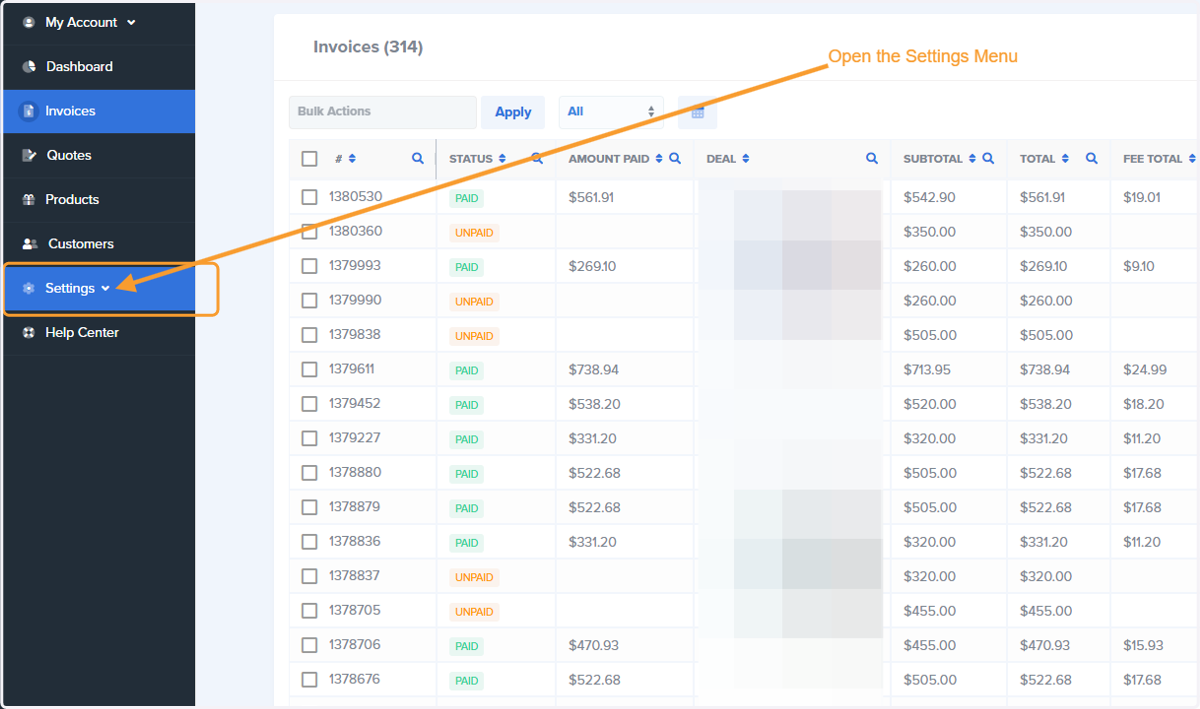
3. Click on 'Settings'
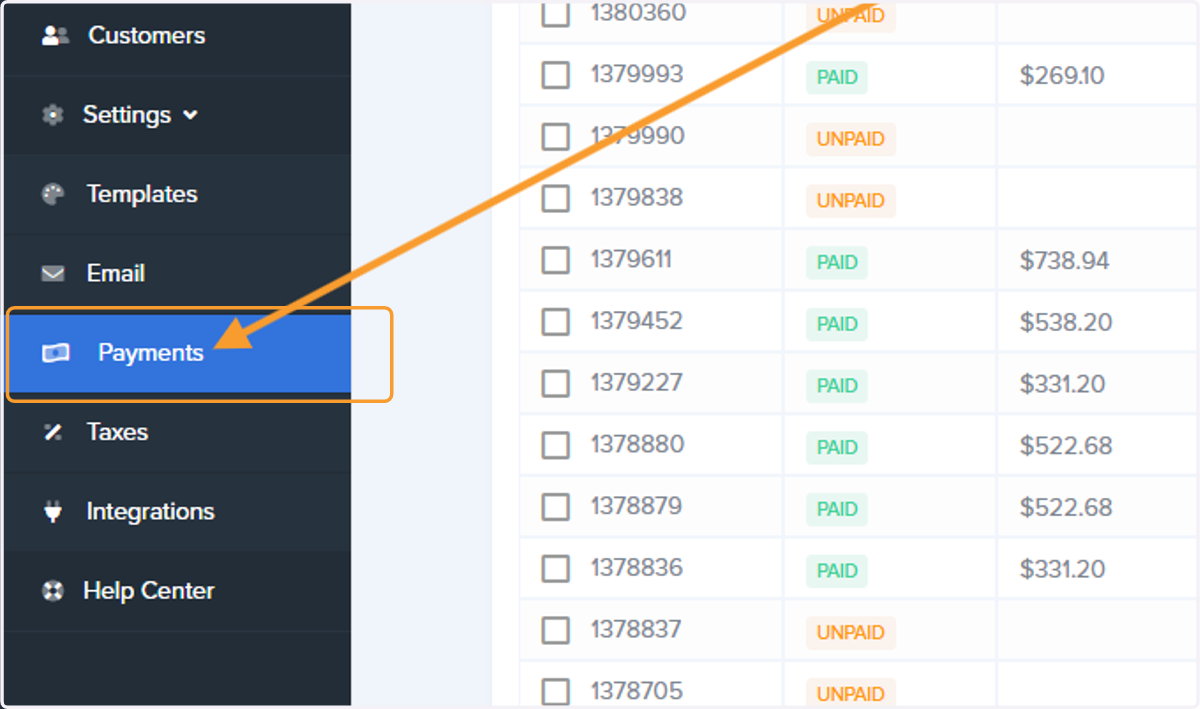
4. Click on 'Payments'
5. Scroll down to Payment history section
Note right underneath the words Payment history you can click through to additional pages of older payments. It is also possible to