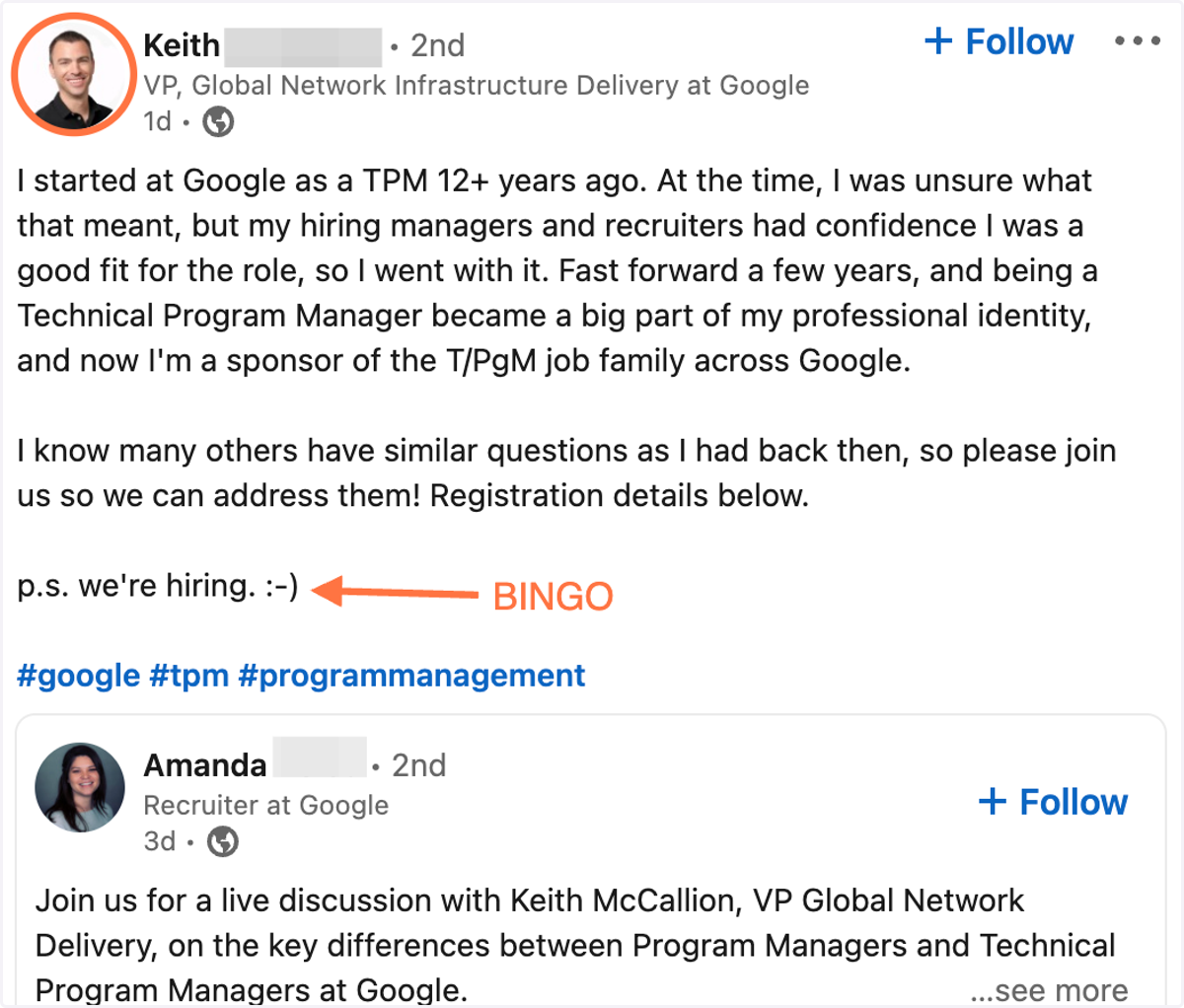
7 steps to find Program Manager roles in the first 24 hours (and know who’s hiring)
Go to https://www.linkedin.com
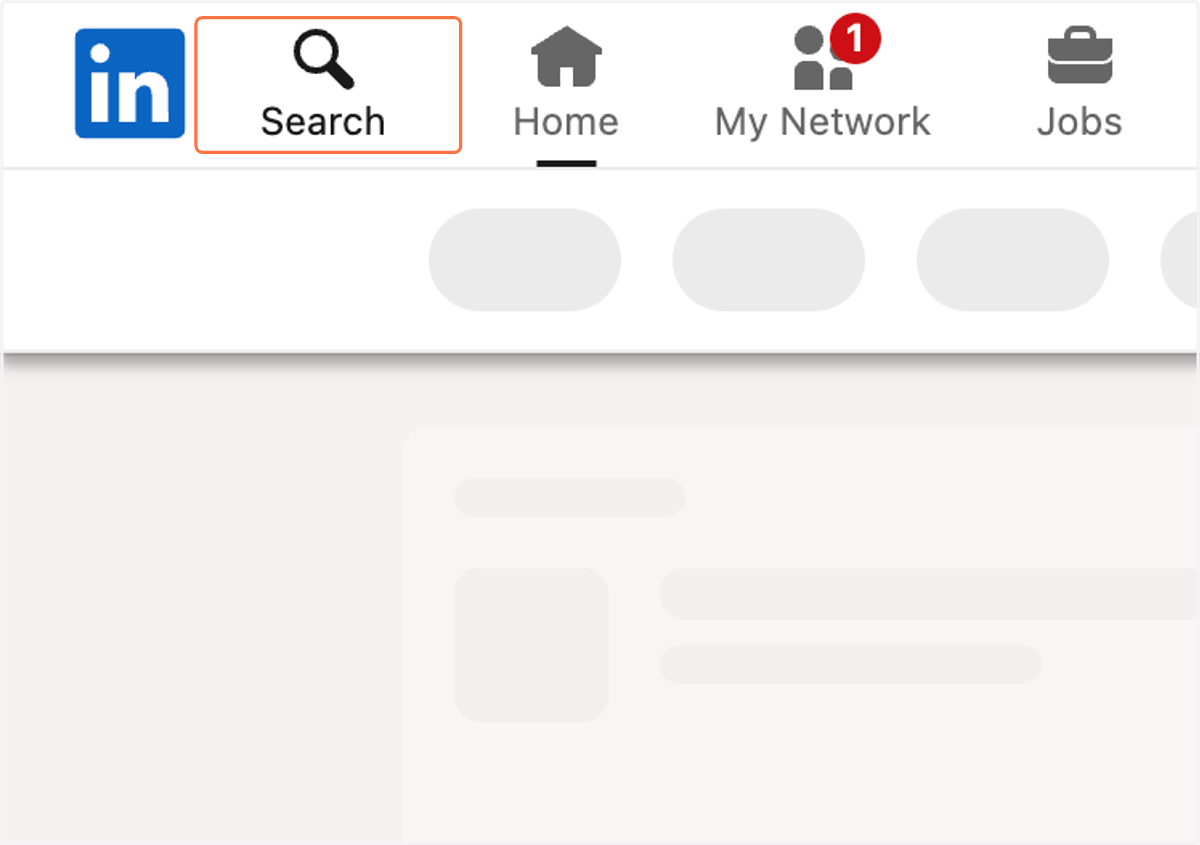
1. Type "Program Manager + hiring" in the search bar
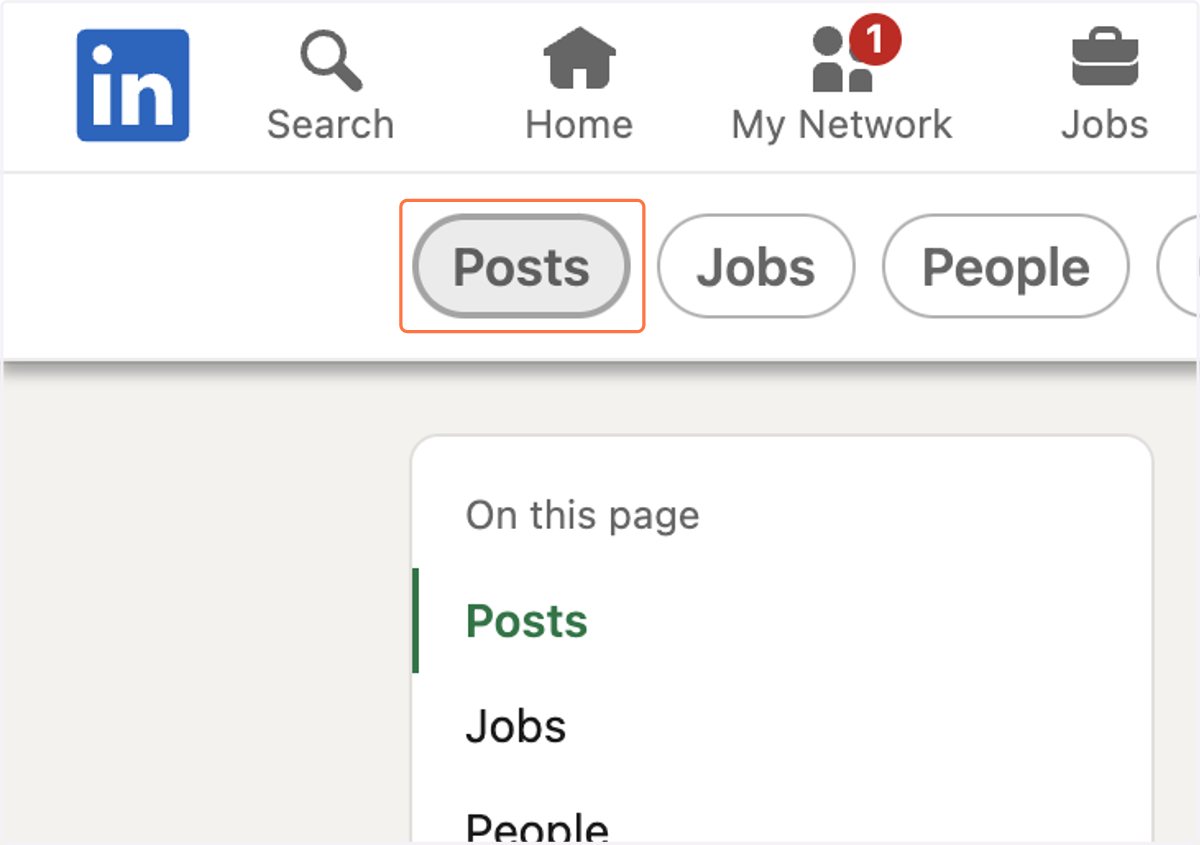
2. Click on Posts
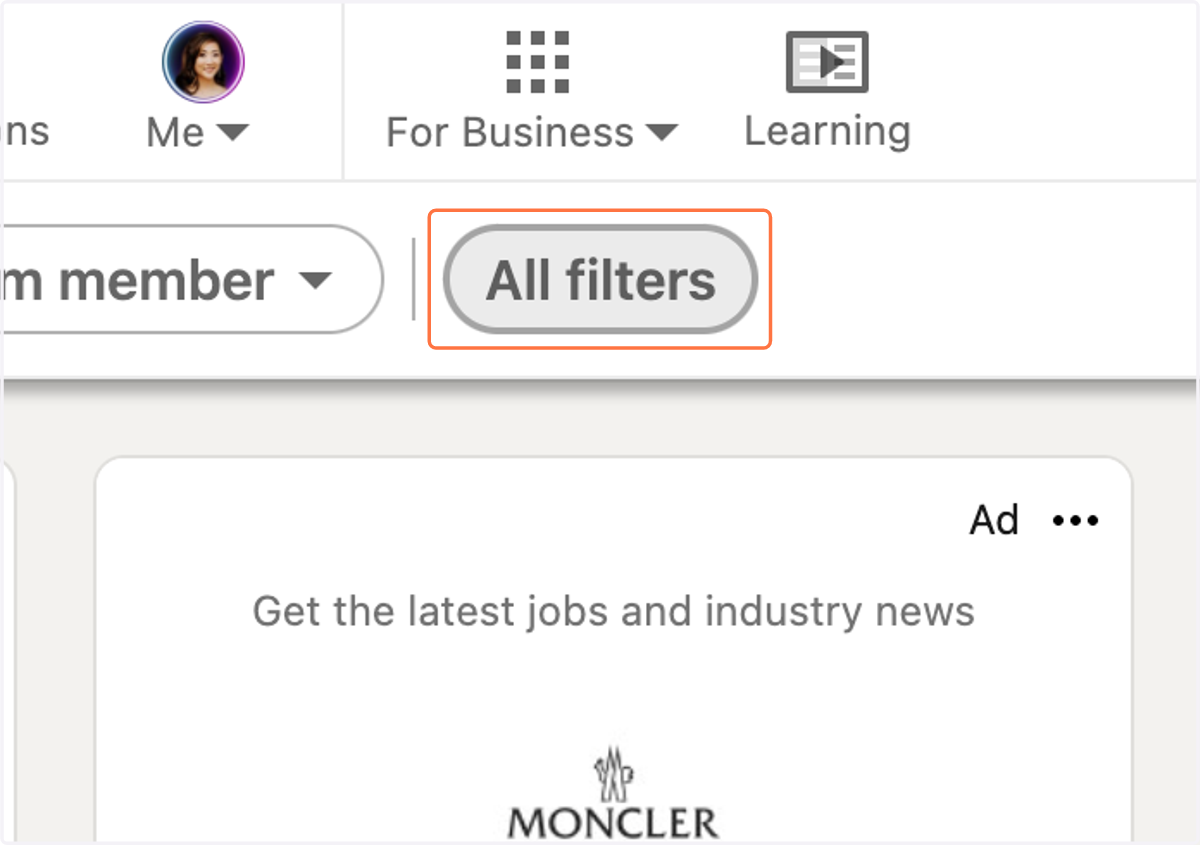
3. Click on All filters
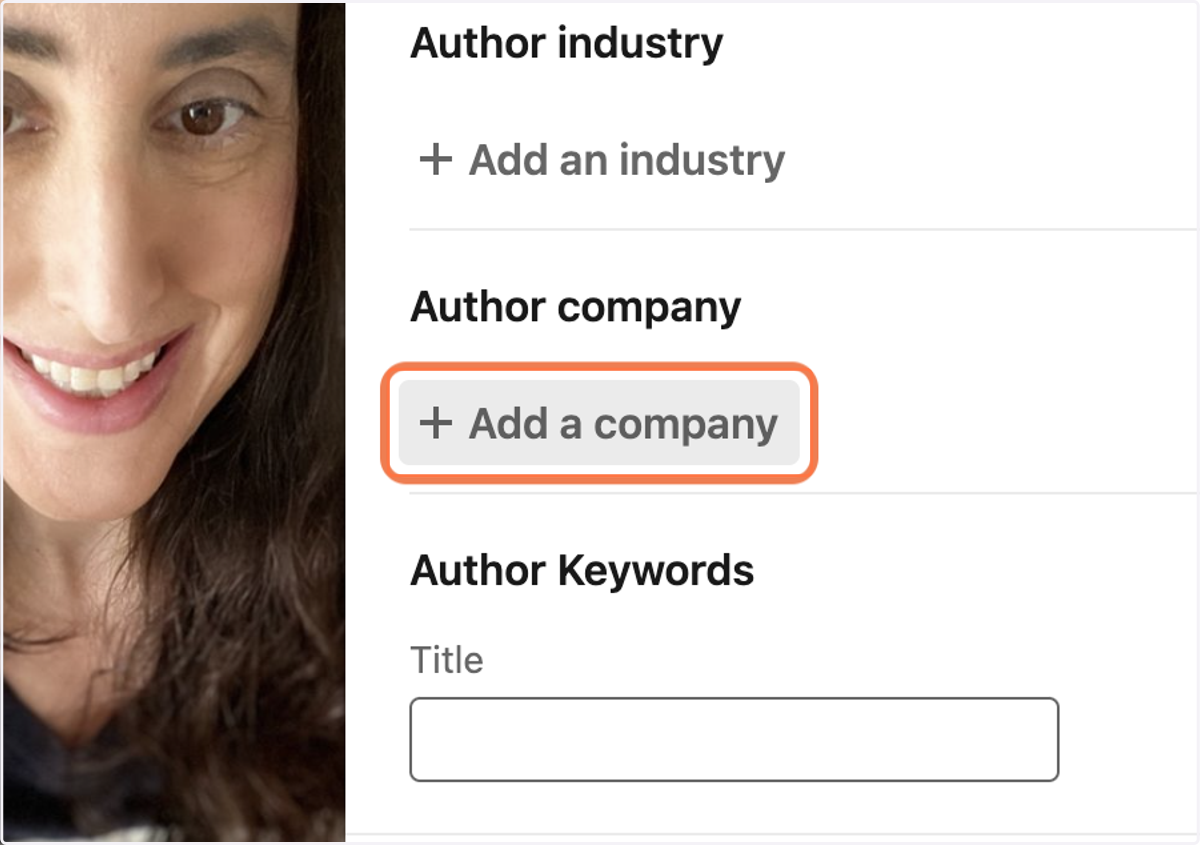
4. Click on Add a company
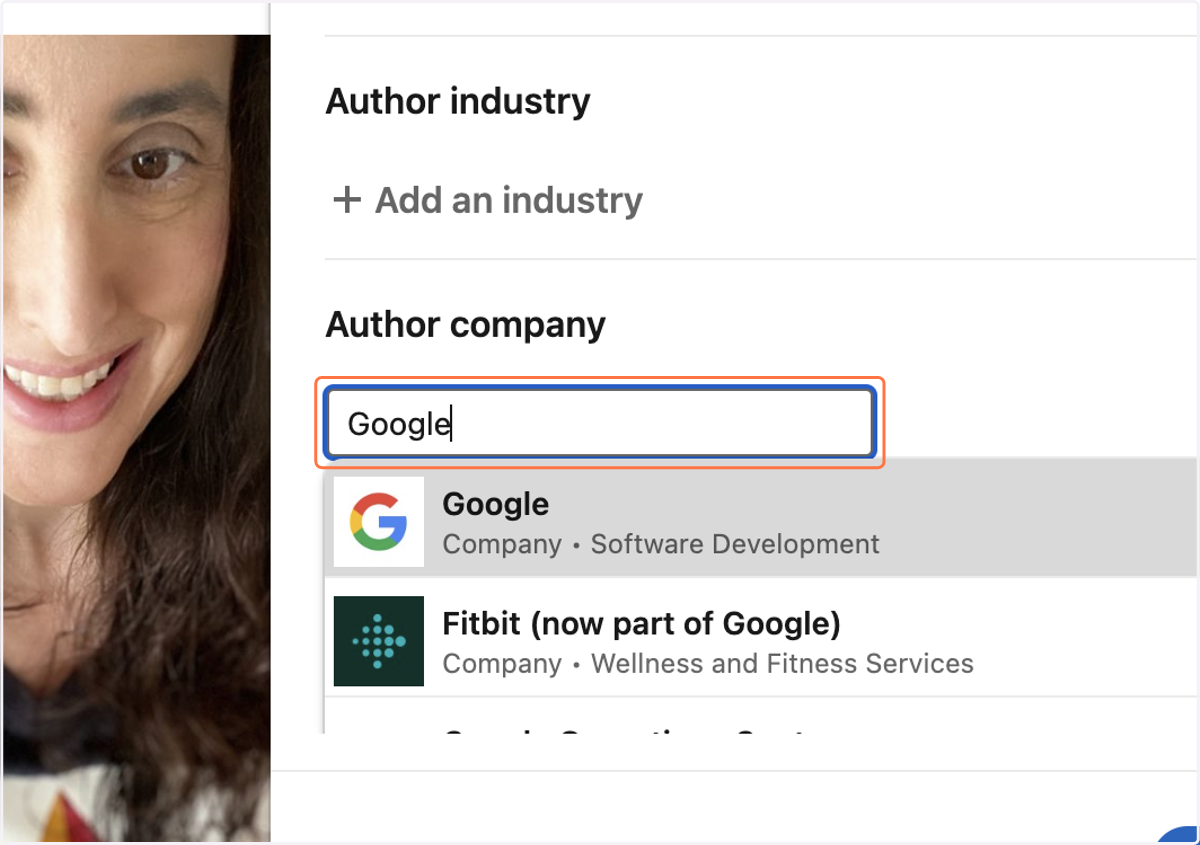
5. Type "Google"
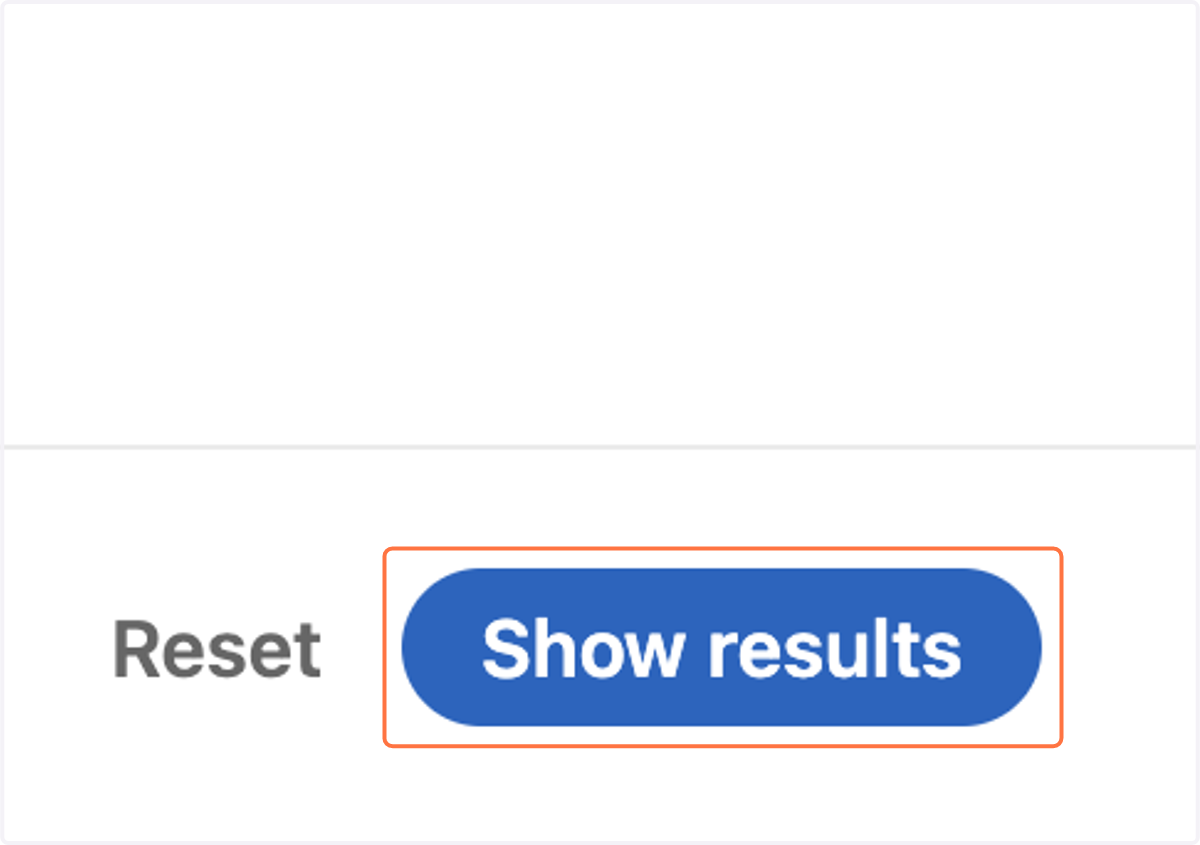
6. Click on Show results
7. Click on Date posted
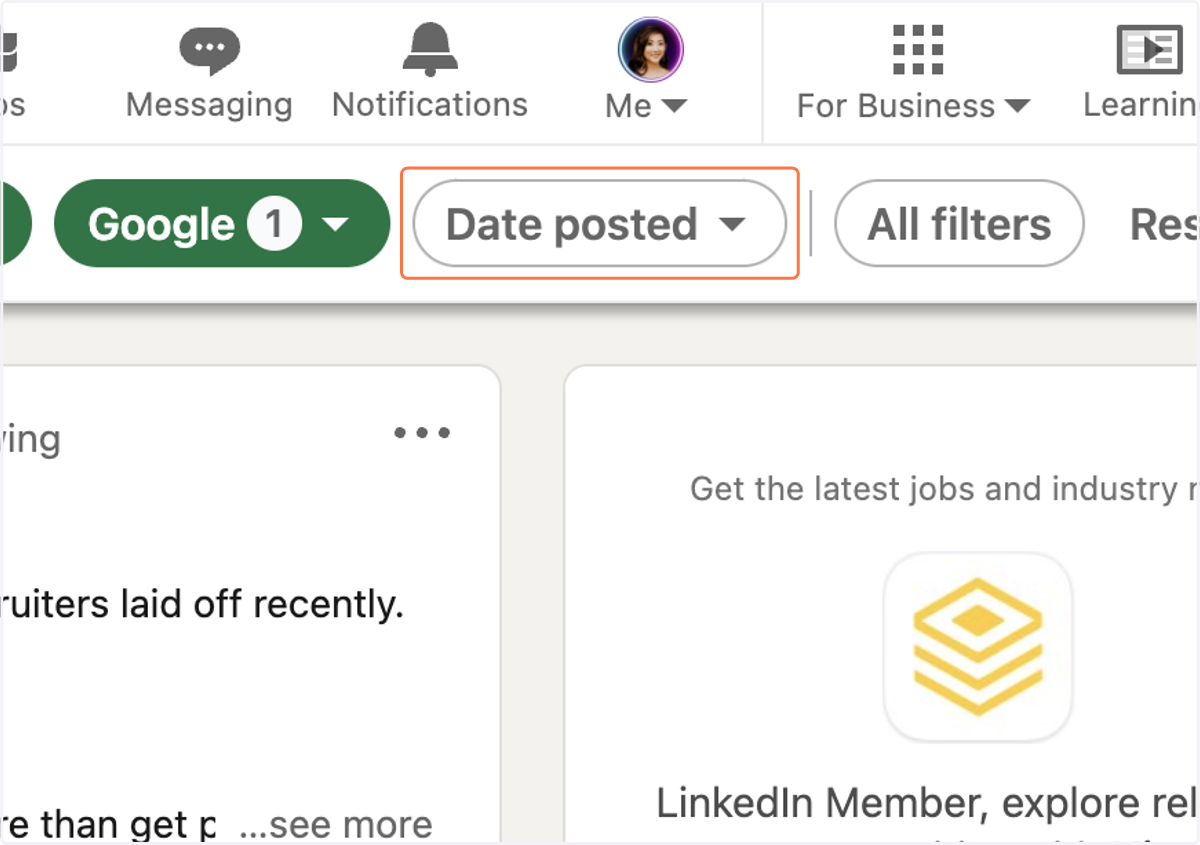
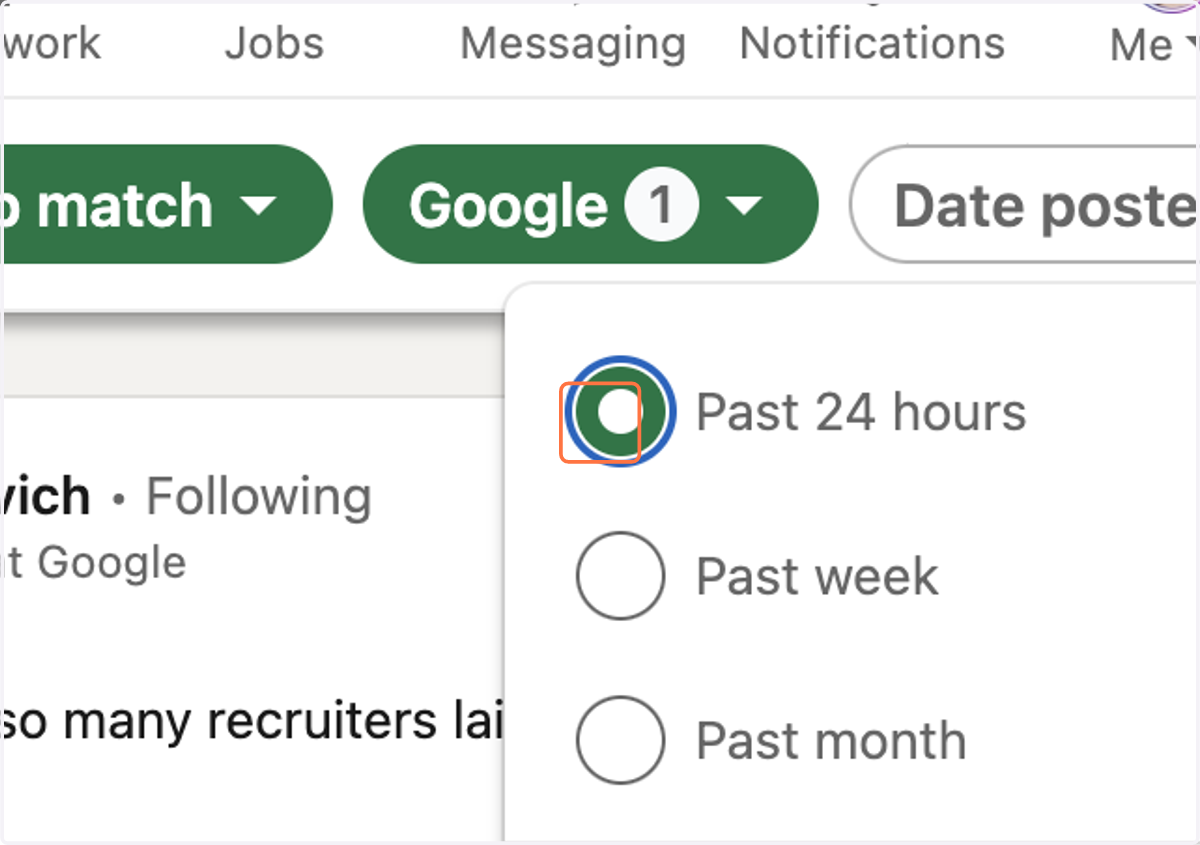
8. Select Past 24 hours…
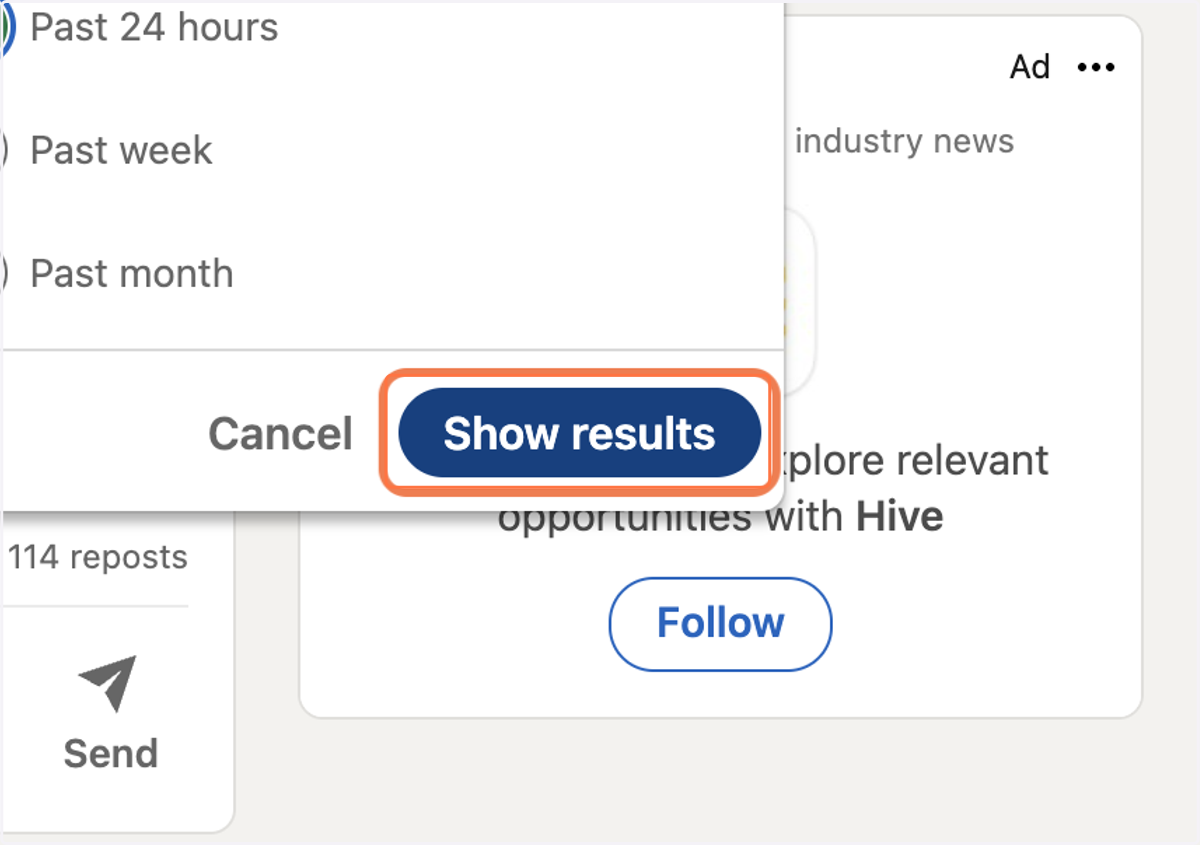
9. Click on Show results
10. Find the Hiring anager