How To Raise a Maintenance Quote
1. On The Opago App
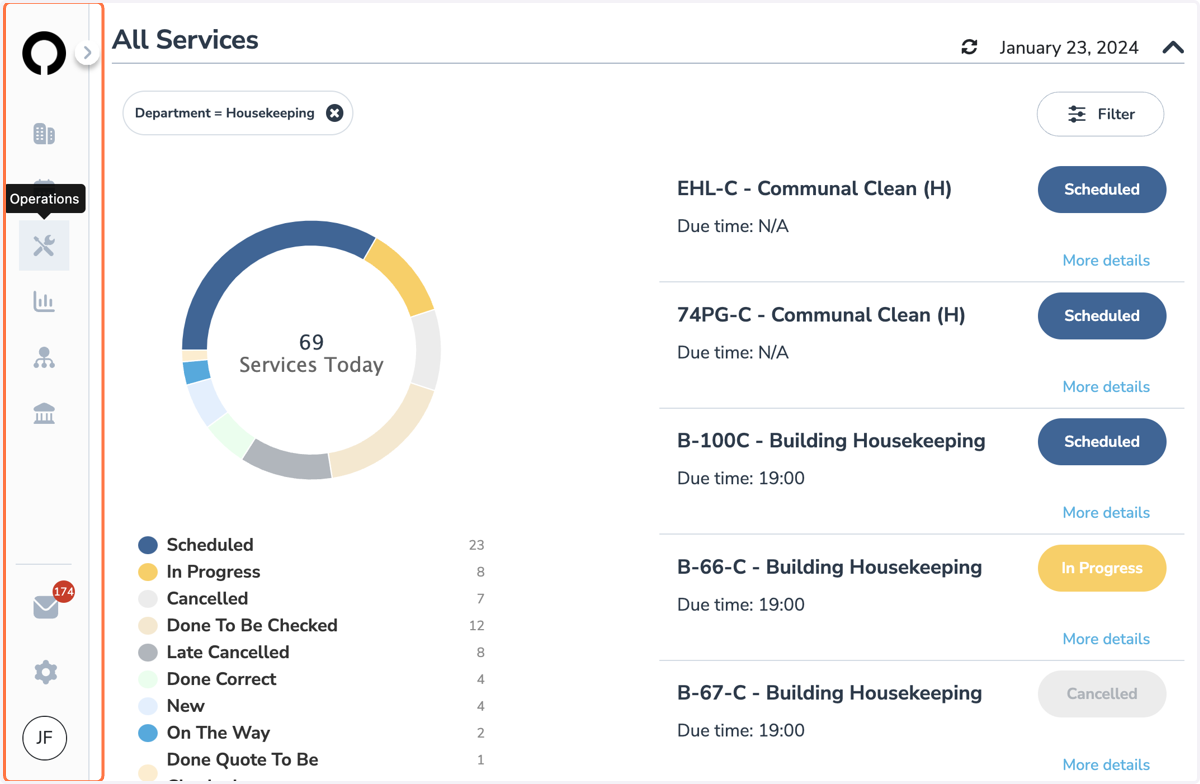
Select Operations on left side
From the drop down list, select Quotes
2. Quotes Section
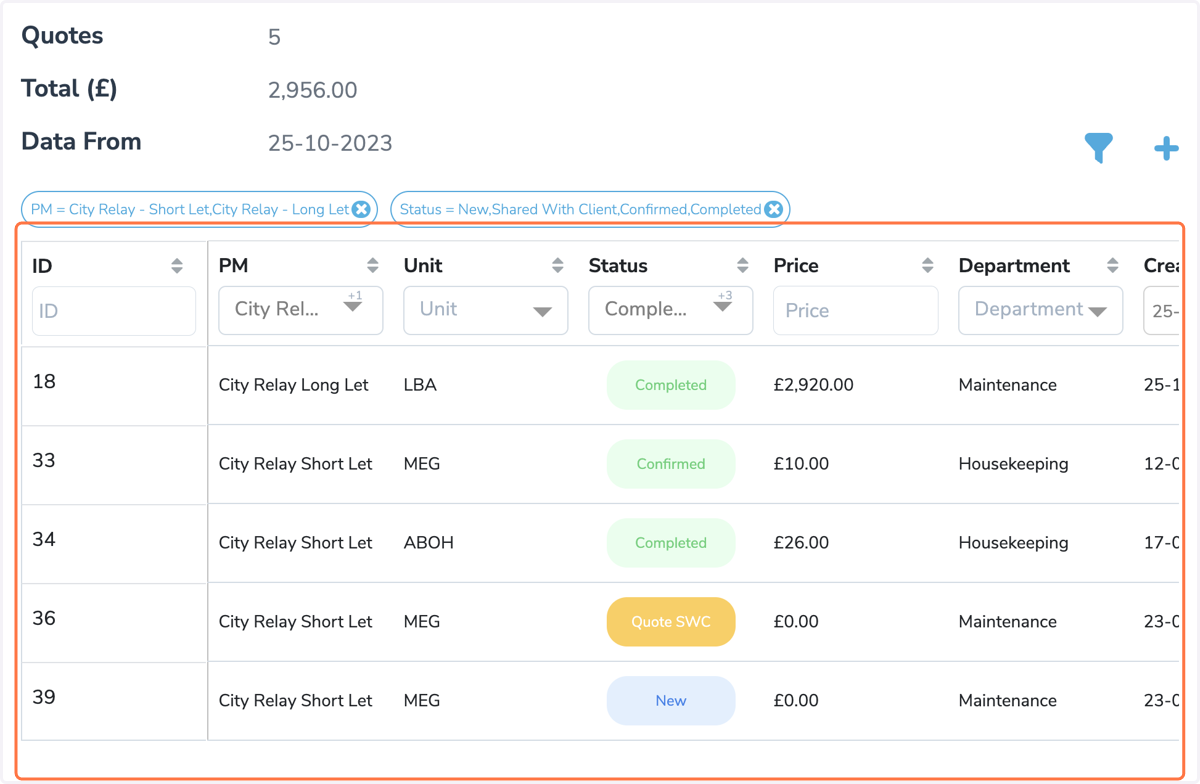
This will take you to the Quotes Section
3. Raise a New Quote
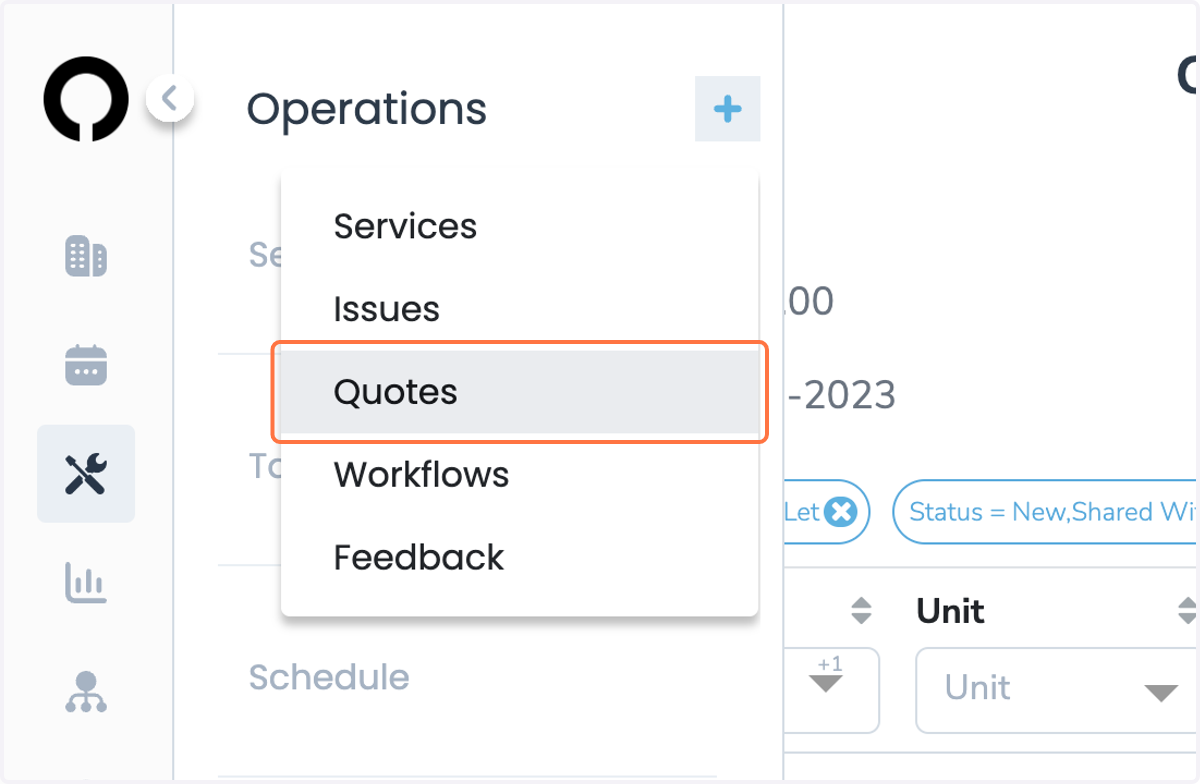
Select Operations
Select Blue Plus Button and Quotes
4. Unit Information
Add unit you need a quote for
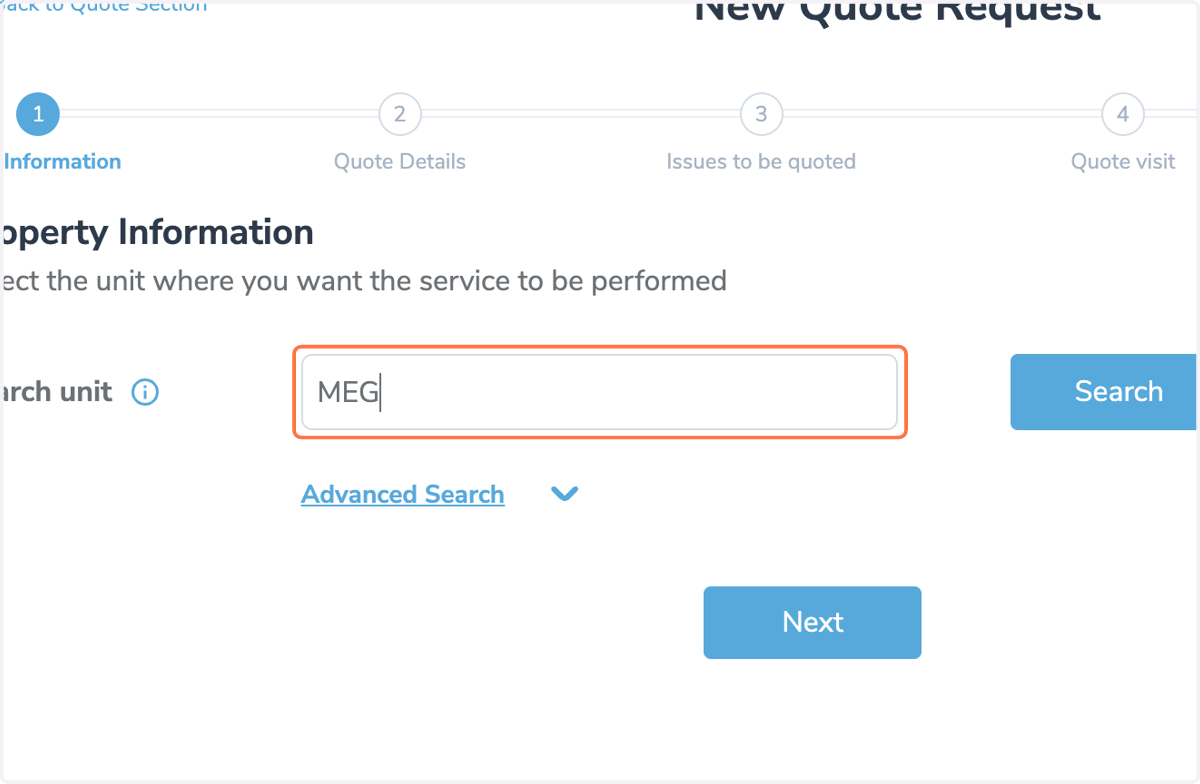
5. Unit Information
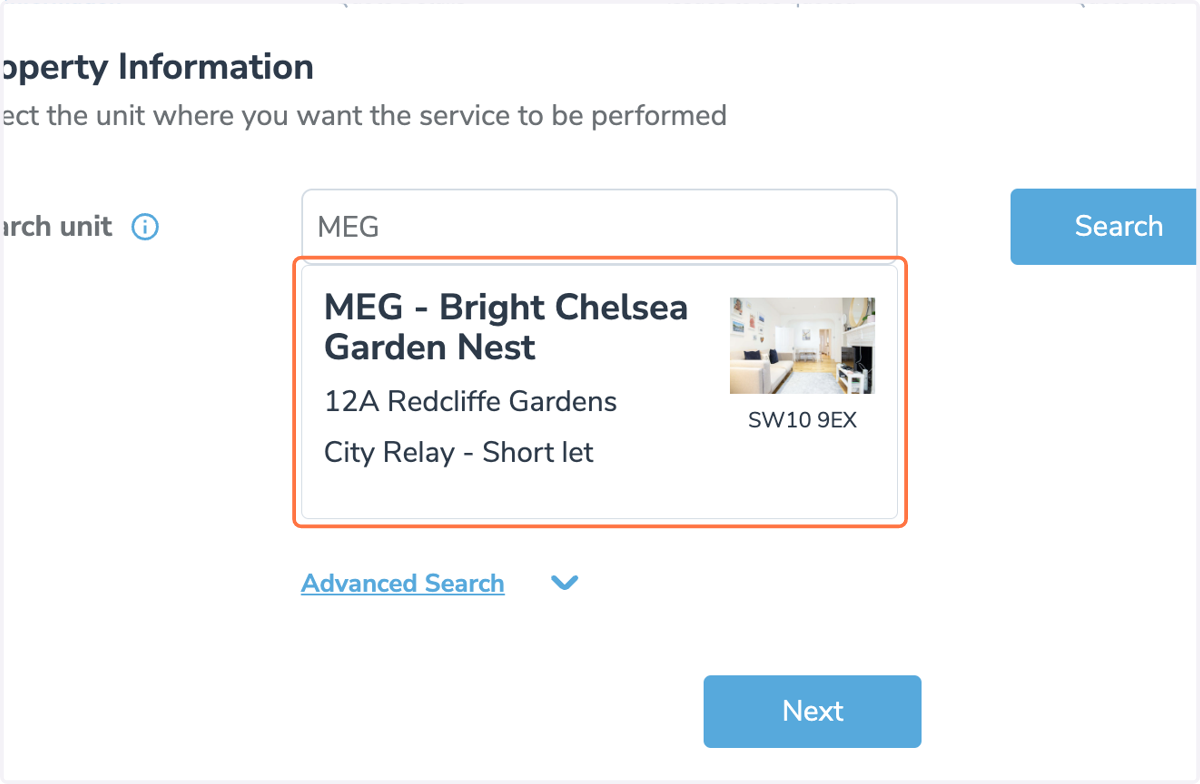
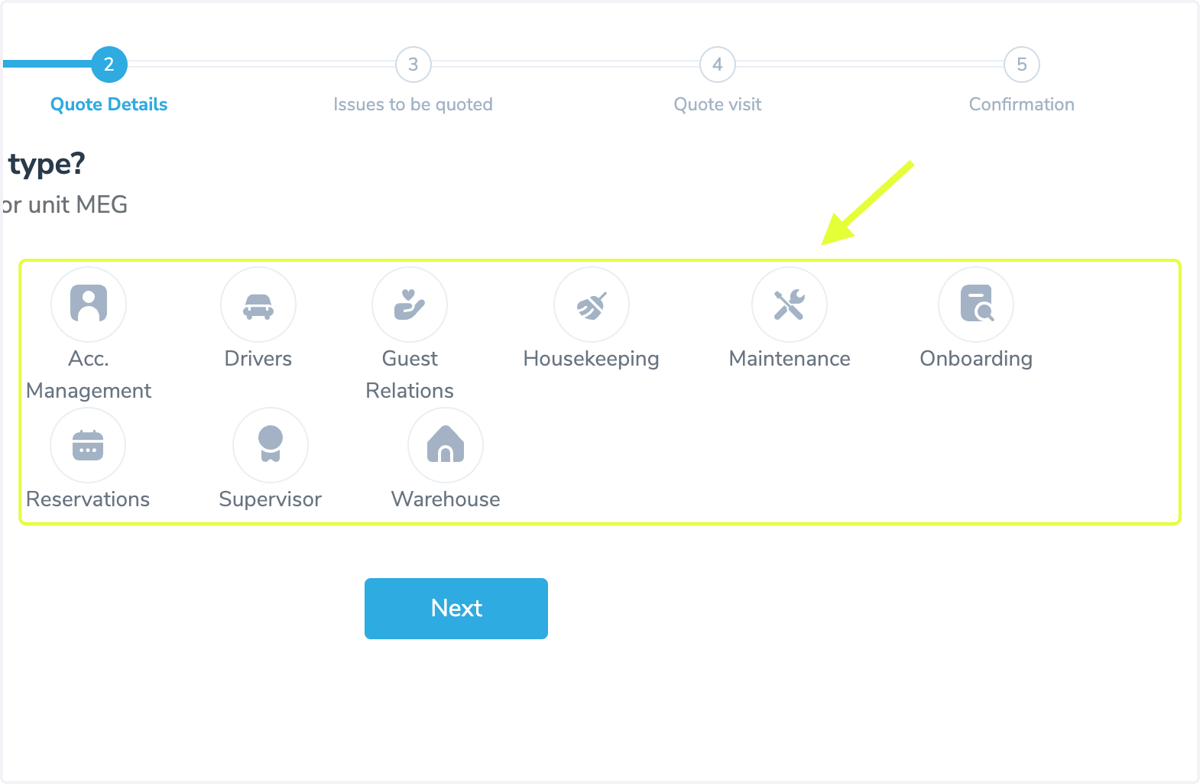
6. Selecting a Department
Select the Maintenance Department
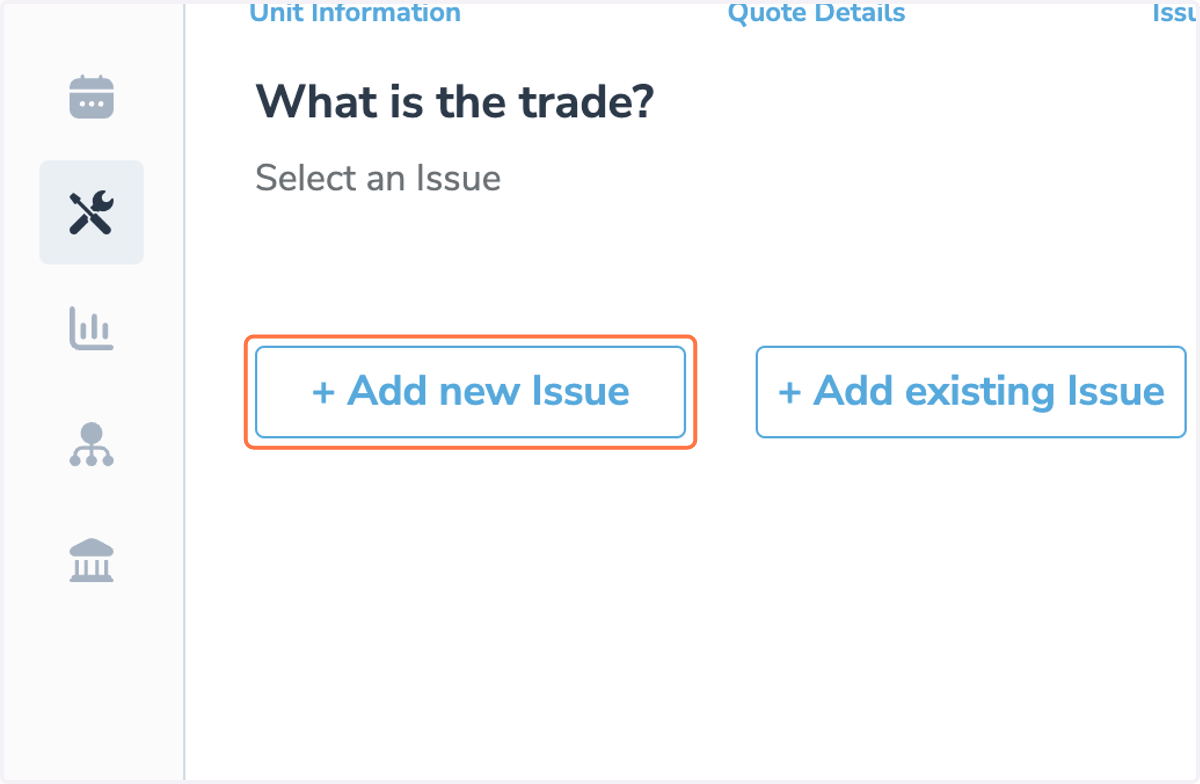
7. Issues
Same as when raising a service
You may add a New Issue or add an Existing Issue that may already be on the system
8. Selecting a Trade
As per the Quote Breakdown Doc, typical quote request examples that can be done without attendance are as follows
Painter/Decorator
Appliance Engineer (Replacement Appliances)
Handyman
Window Cleaning
Gardening
Pest Control
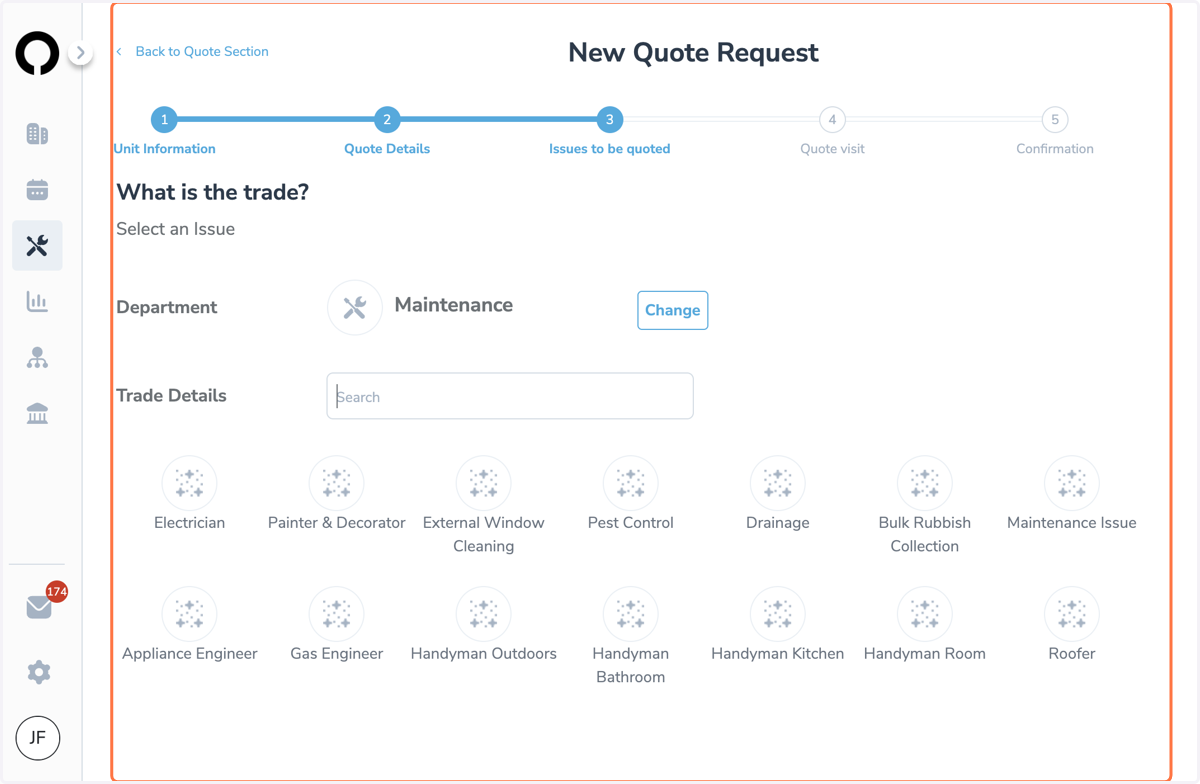
9. Selecting a Trade
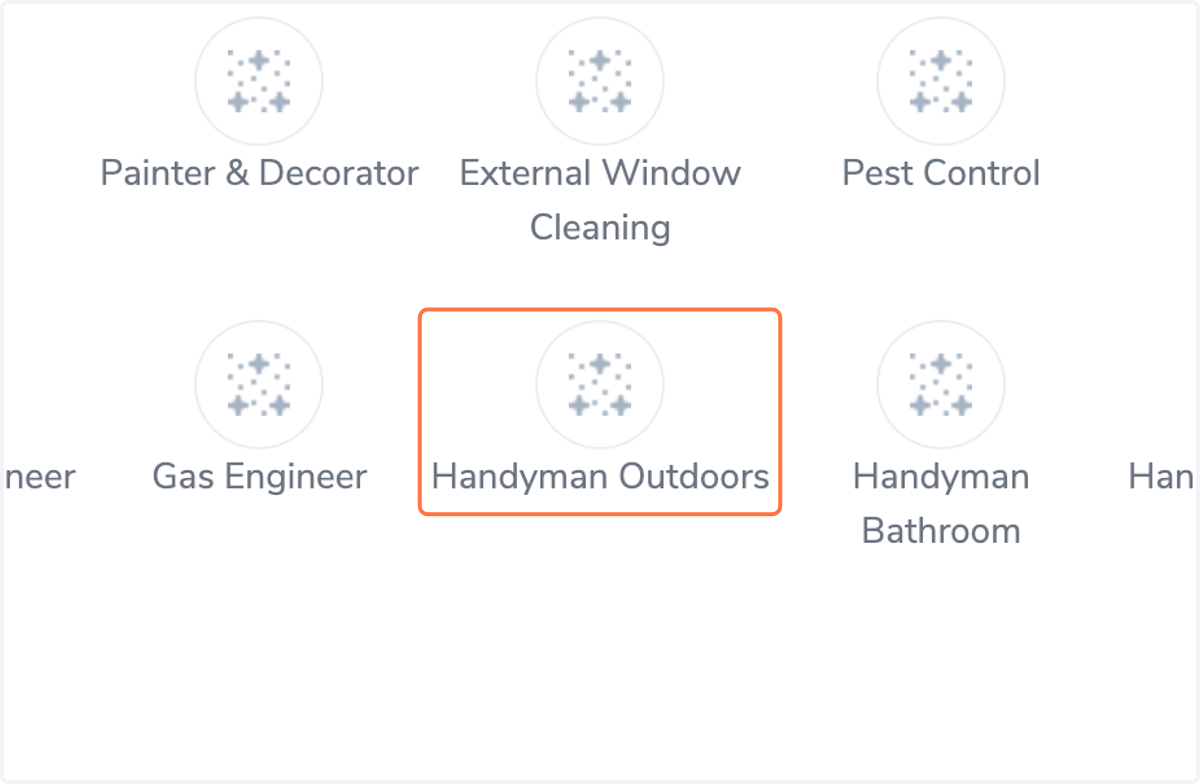
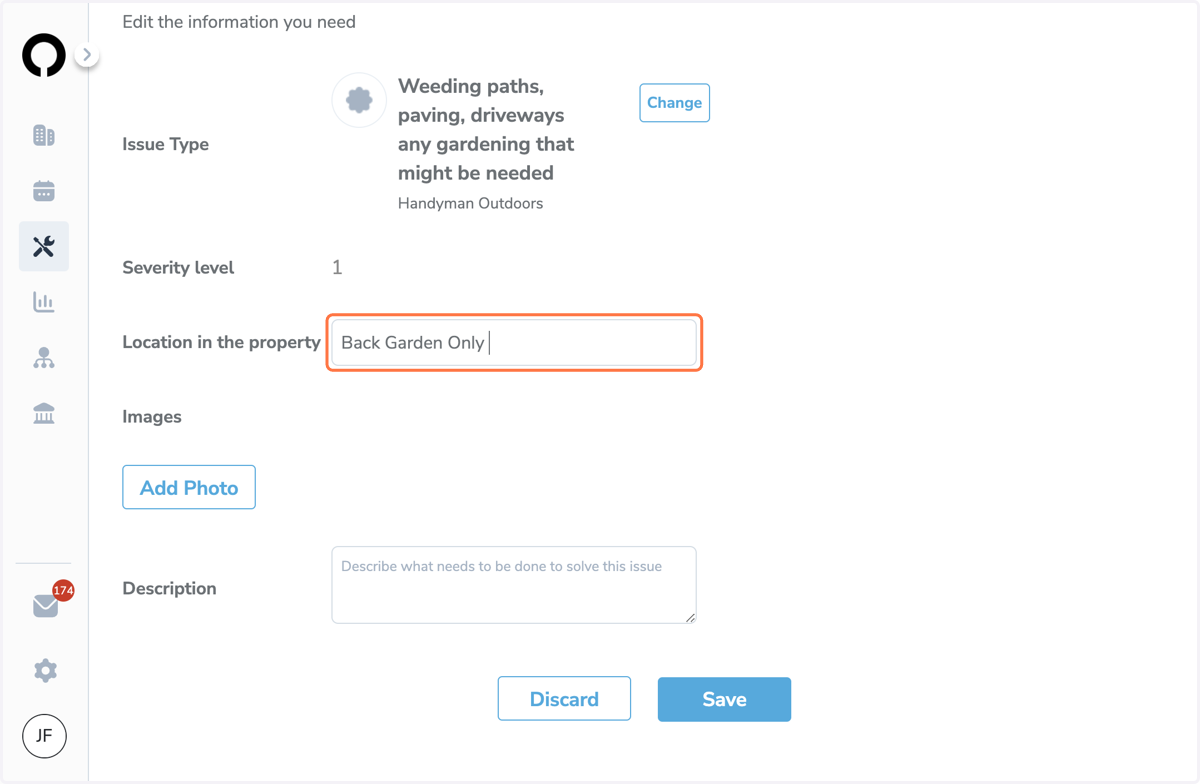
10. Quote Request Information
Please add as much information as possible for us to be able to accurately quote
Detailed and clear photos must be added in order for us to quote without attendance
Exact Location of the works needing done
What needs to be quoted for
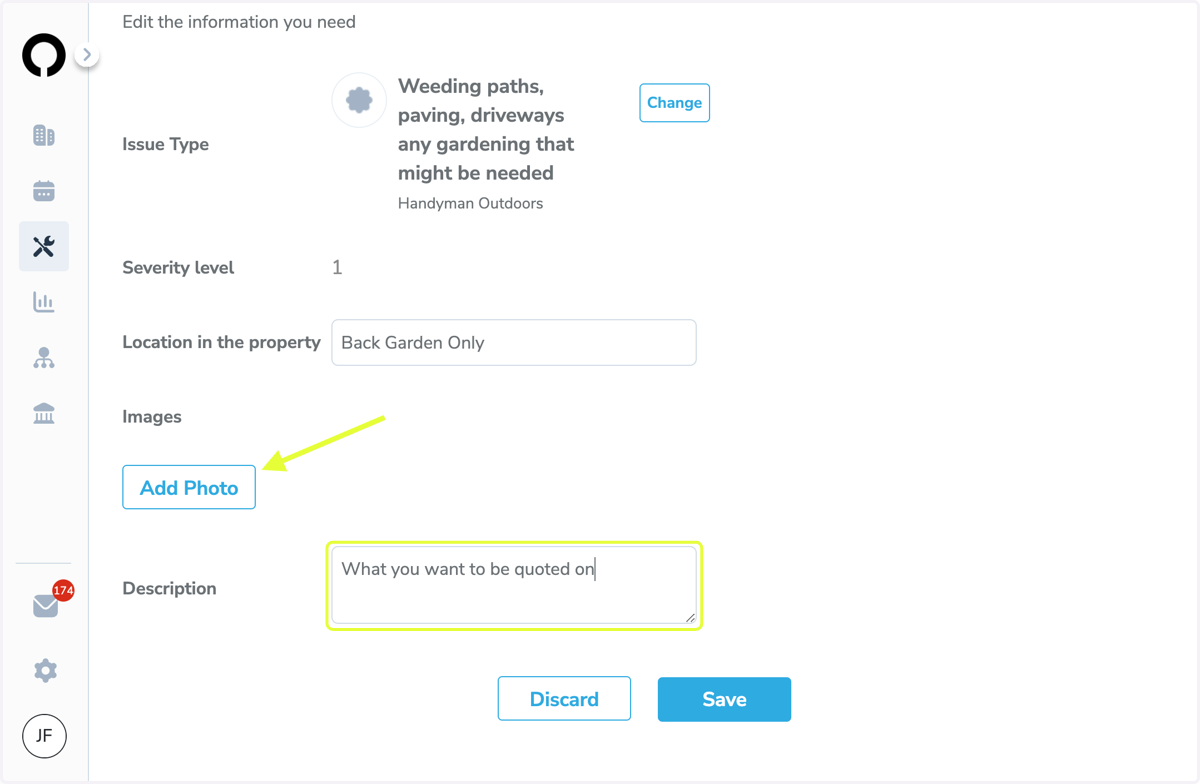
11. Quote Request Information
Add all required Info
Hit Save
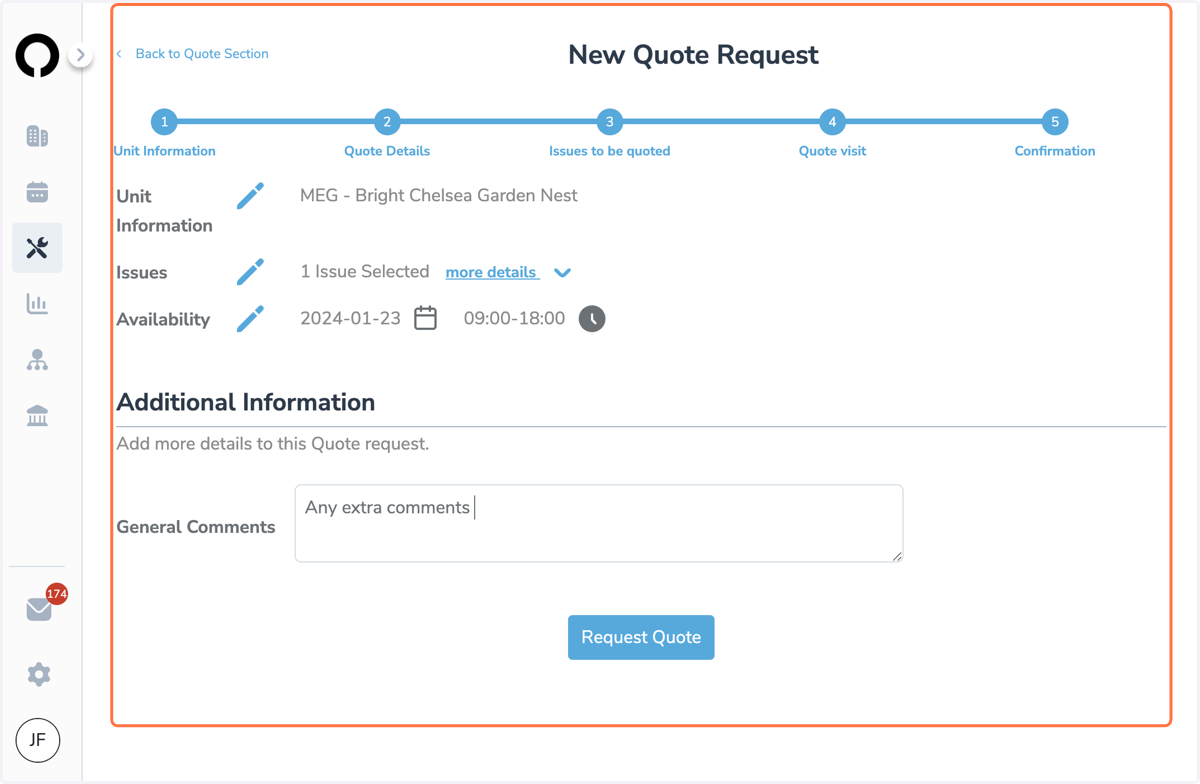
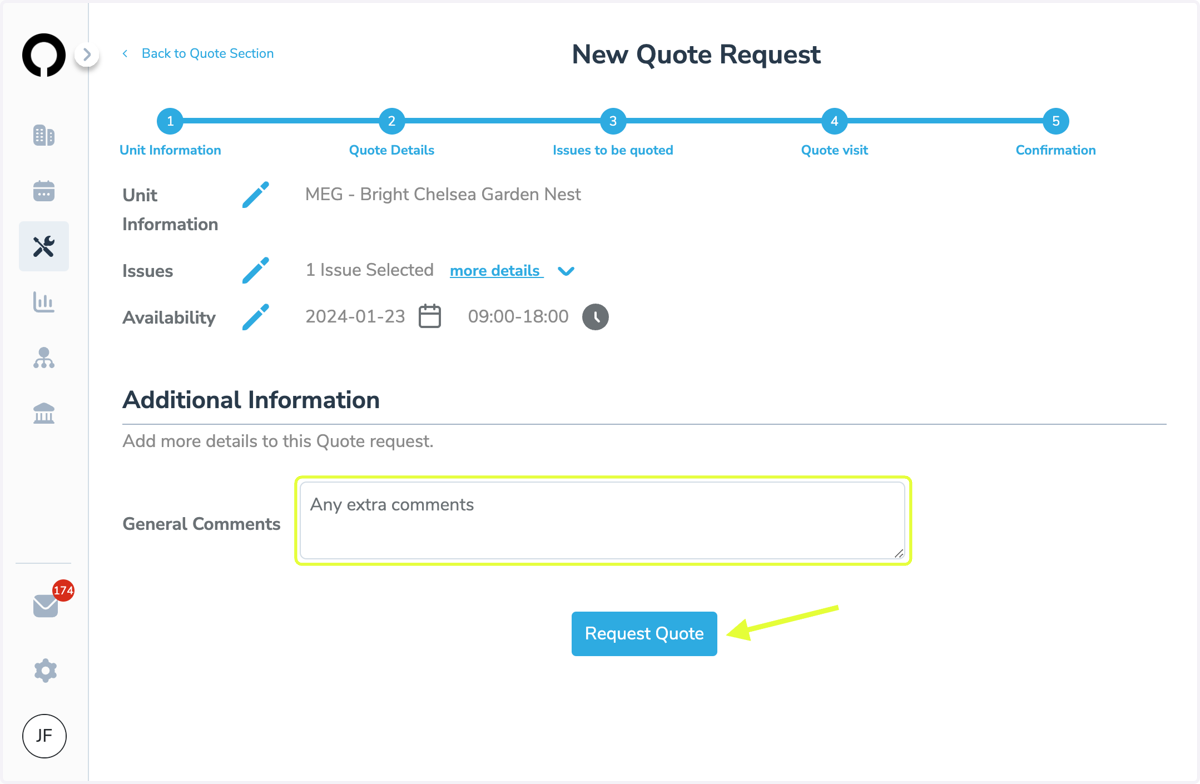
12. Quote Request Overview
You may use the blue pencils to edit anything in your request
You may add any general information that we may need to know
Once you are happy that everything has been added you can hit Request Quote
13. Click on Back to Quote Section…