Adjust Subscription Pricing
Whoo
1. Go to console.whoo.ai
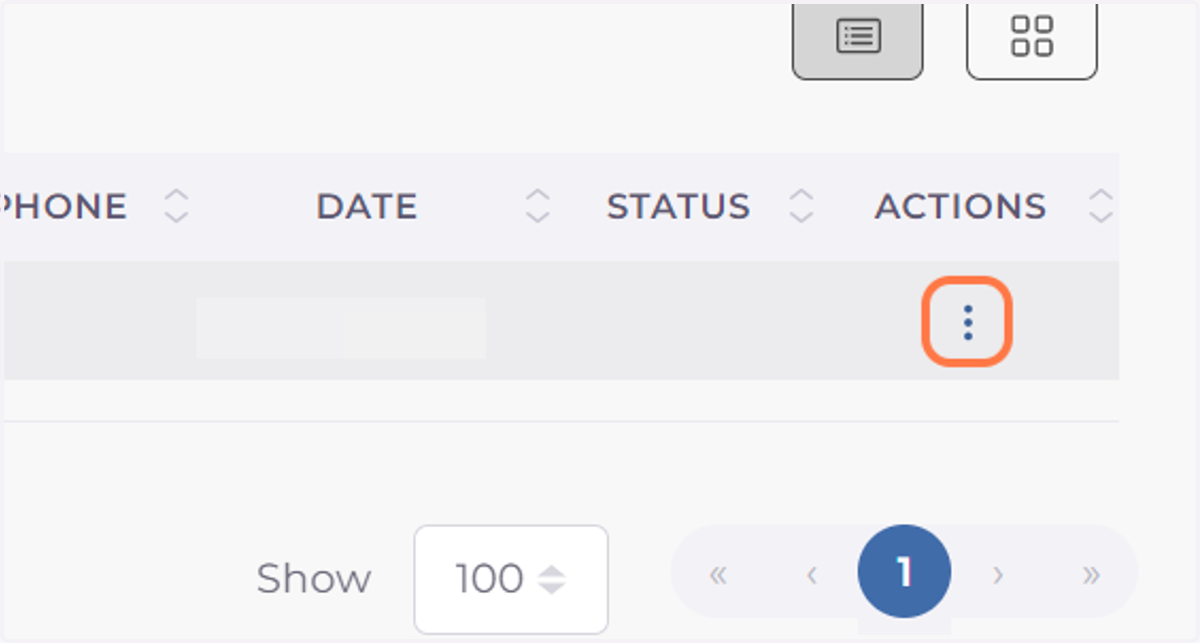
2. Click on Actions dropdown
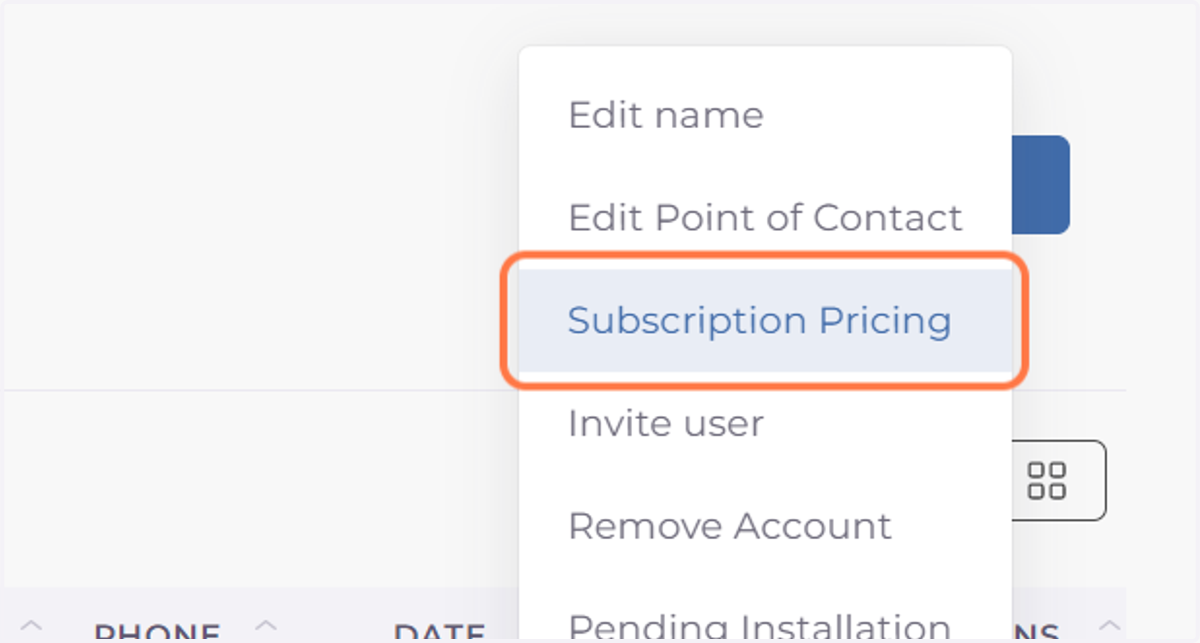
3. Click on Subscription Pricing
4. Adjust the monthly subscription rate pressing on + or -
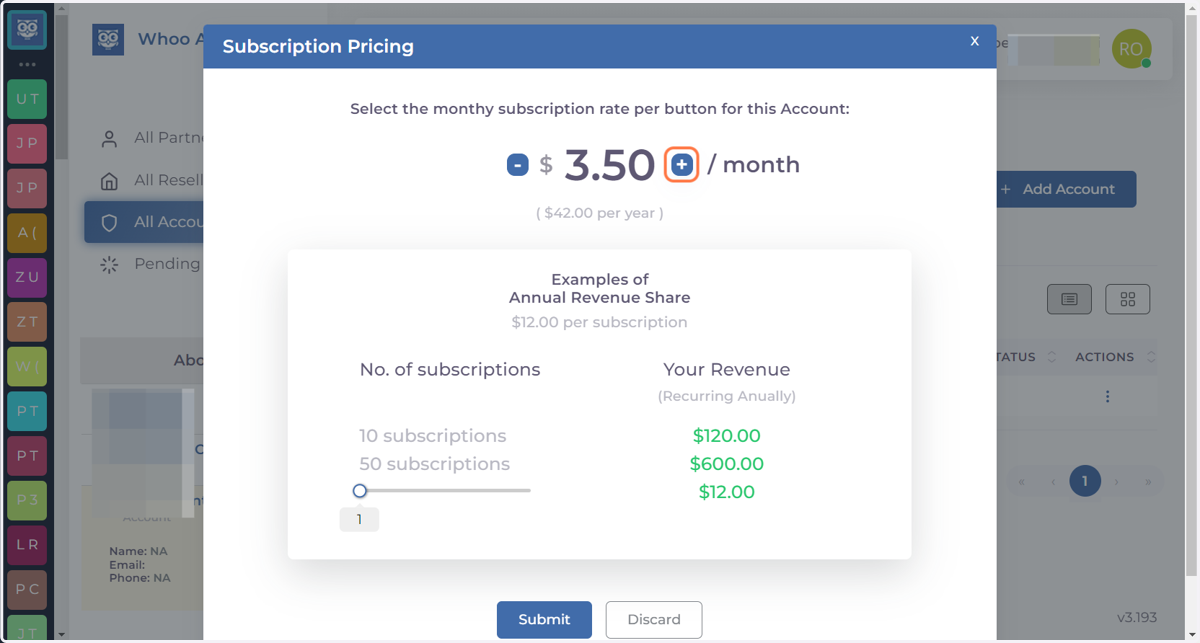
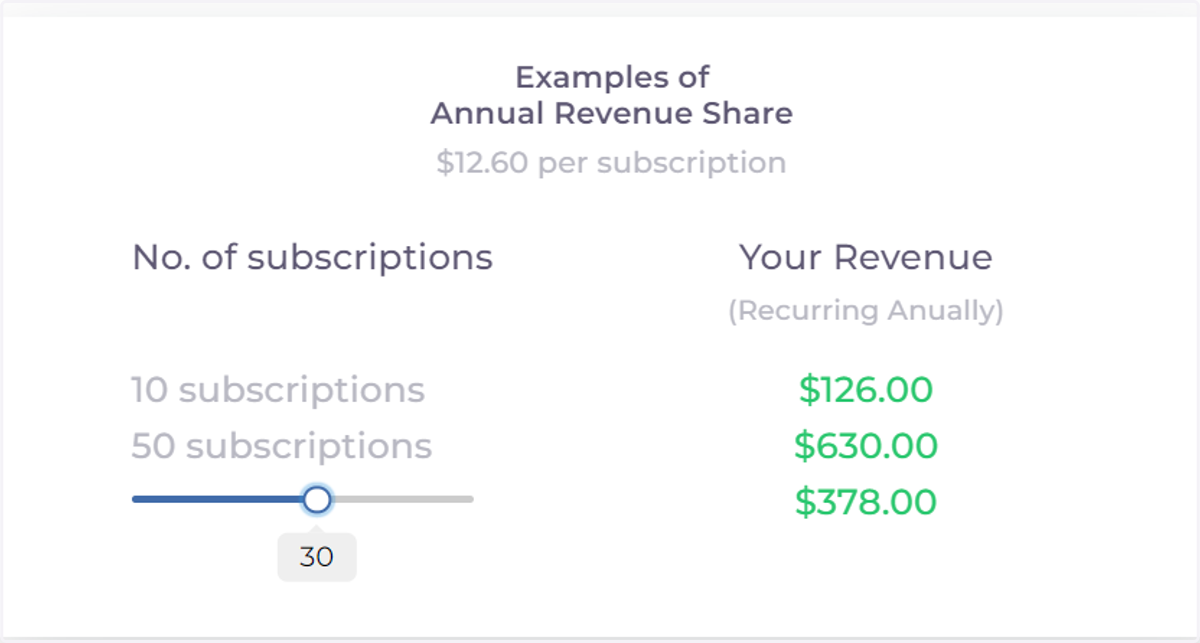
5. Use the Annual Revenue Share Calculator to preview the yearly revenue.
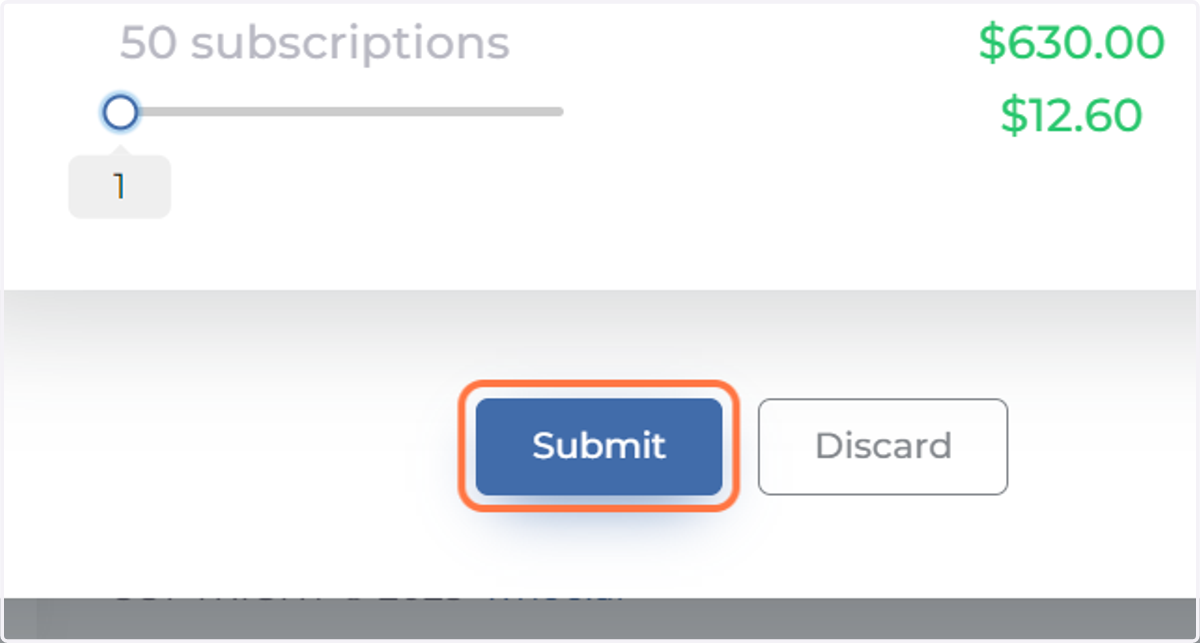
6. Click on Submit