Adding a Preferred Visual Artist
If you have FIVE or more orders with Open Homes, you can request a specific photographer or floor plan drafter on the Order Form.
Once you've selected "Create a New Order" from your dashboard, you can add a visual artist on the "Schedule" page.
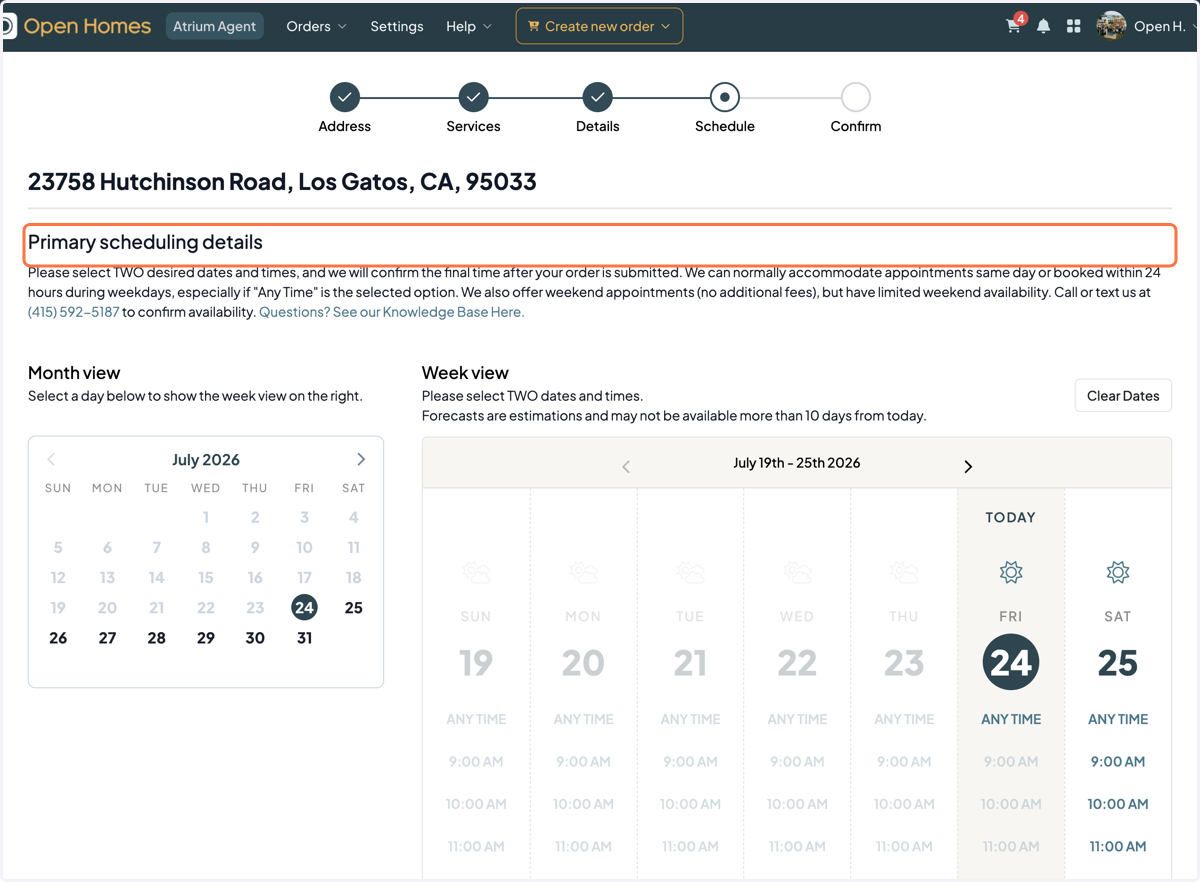
1. First, you'll complete the "Primary Scheduling Details"
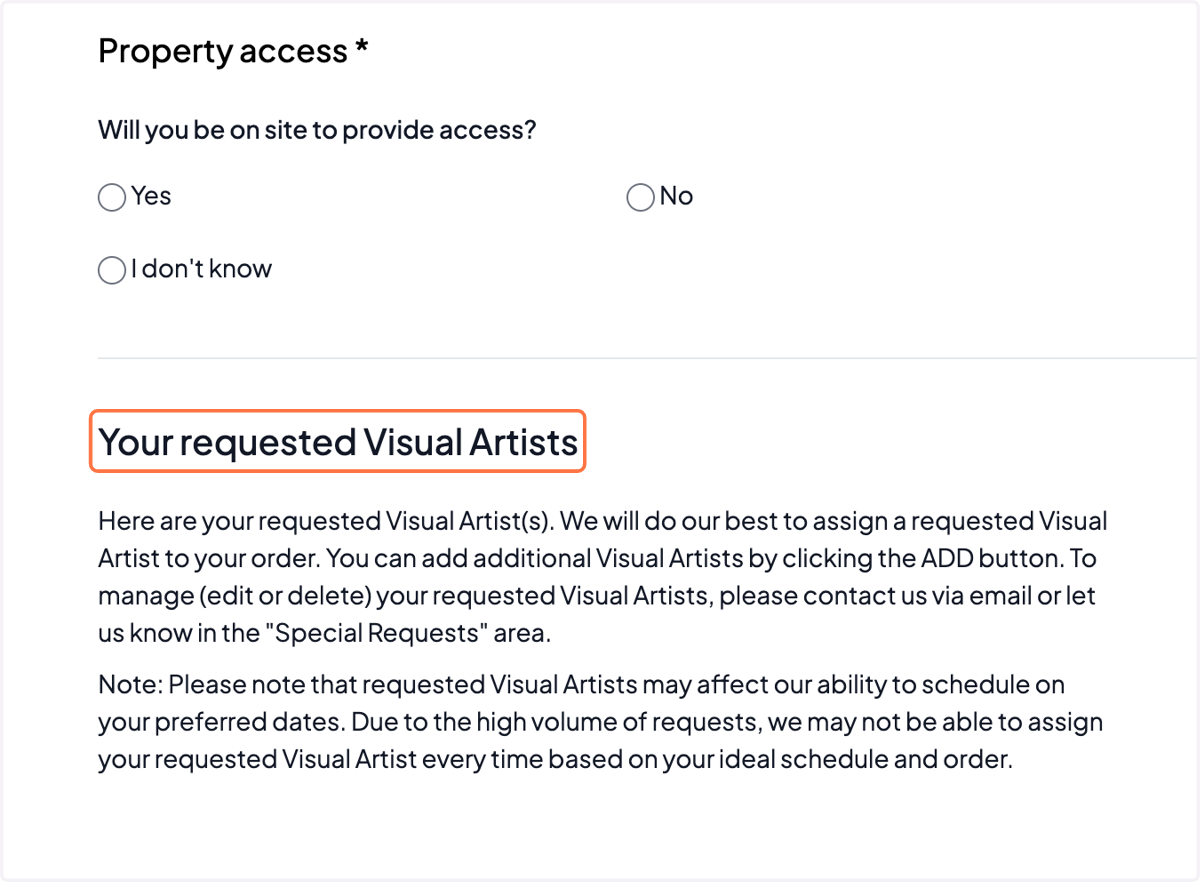
2. At the bottom of the page, there's a section titled "Your requested Visual Artists"
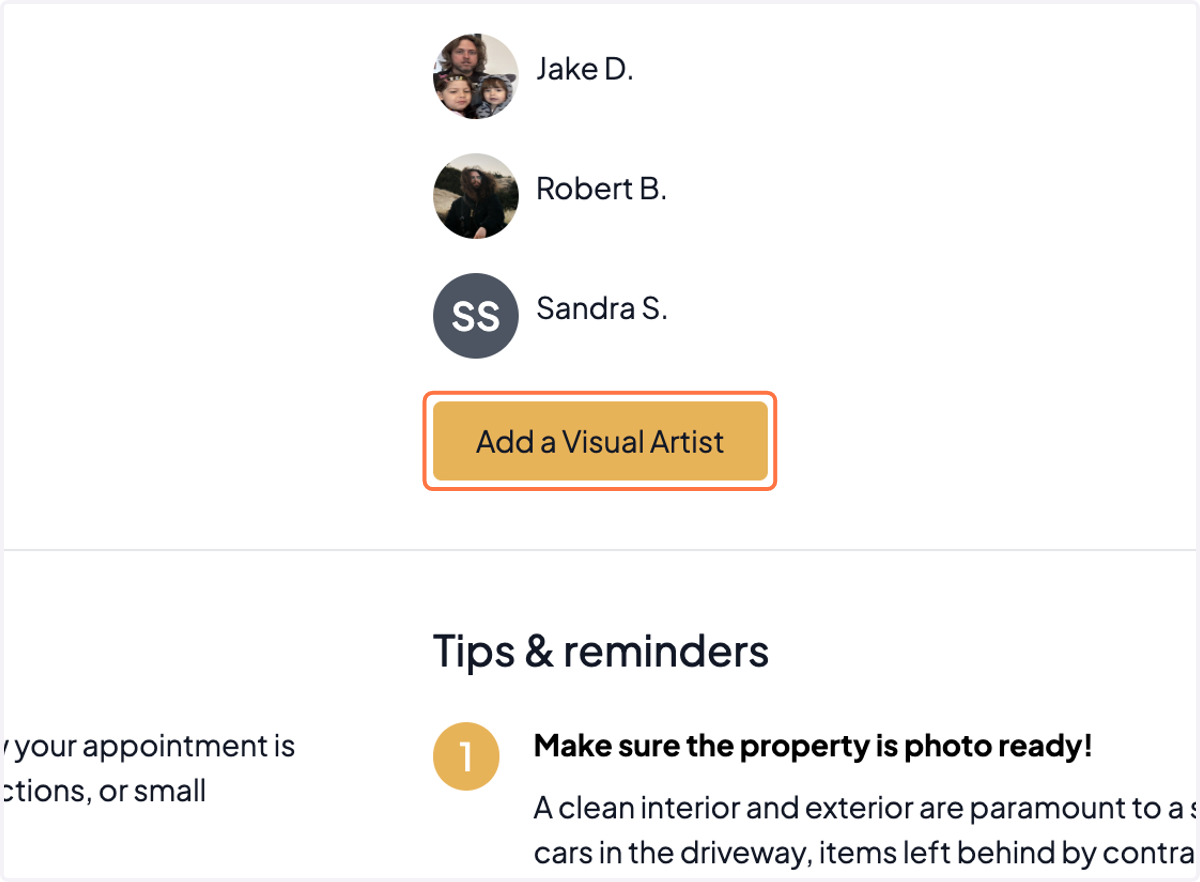
3. You can add additional Visual Artists by clicking the ADD button.
To manage (edit or delete) your requested Visual Artists, please contact us via email or let us know in the "Special Requests" area.
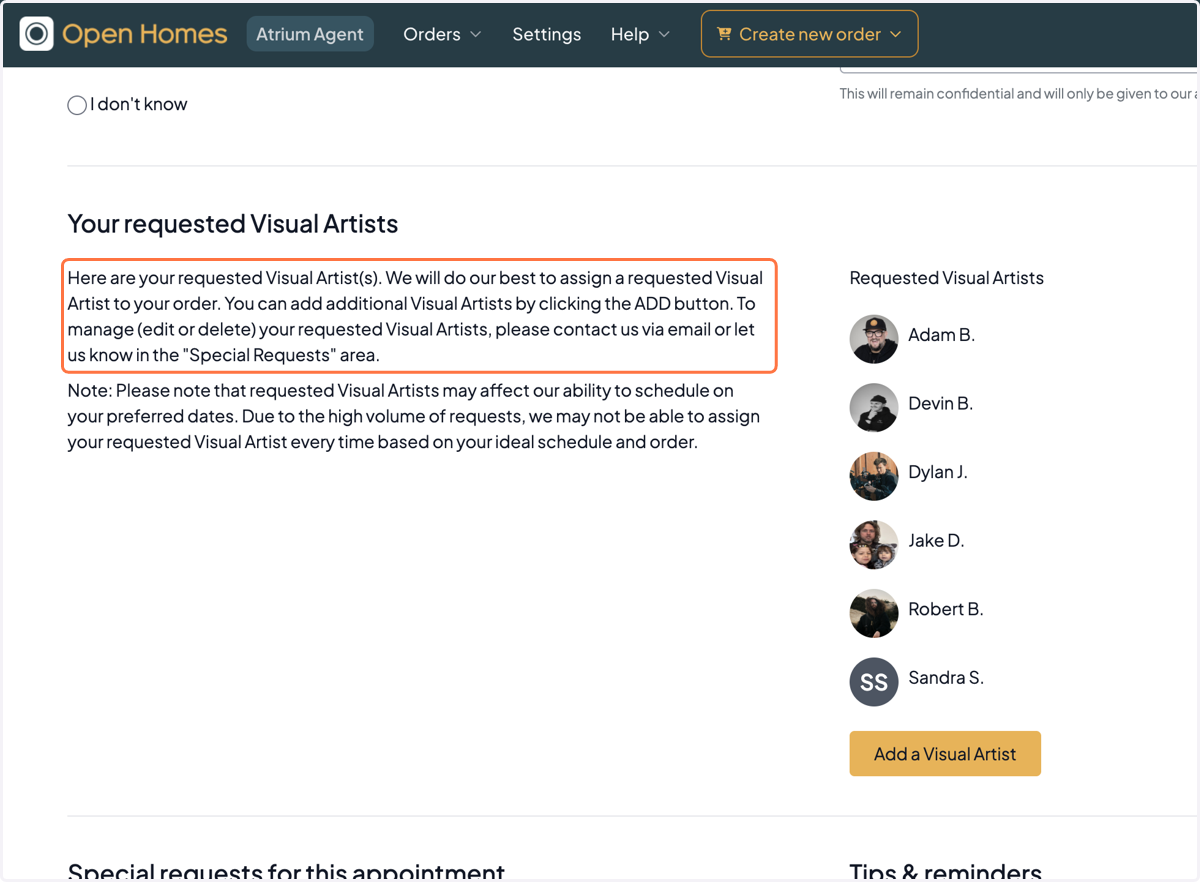
4. Click on Add a Visual Artist
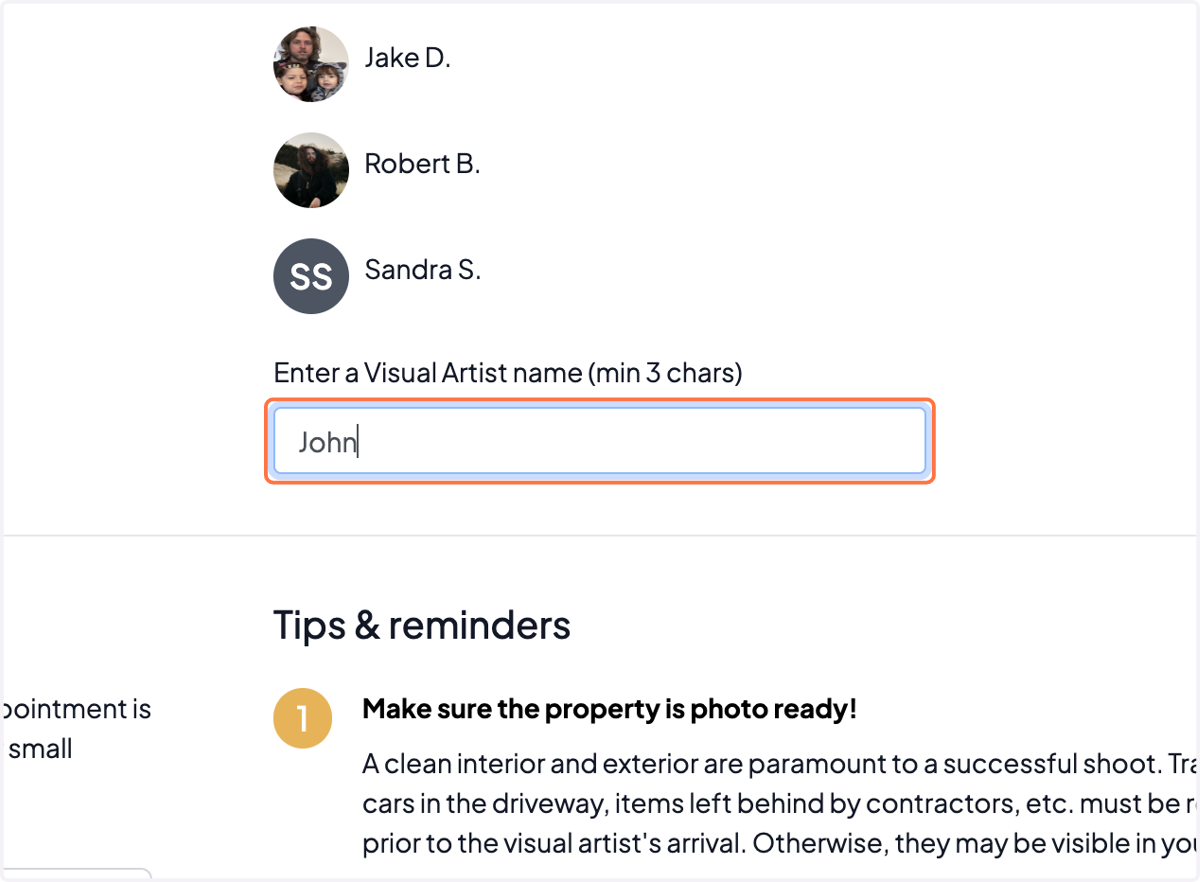
5. Start typing to Enter a Visual Artist name (…
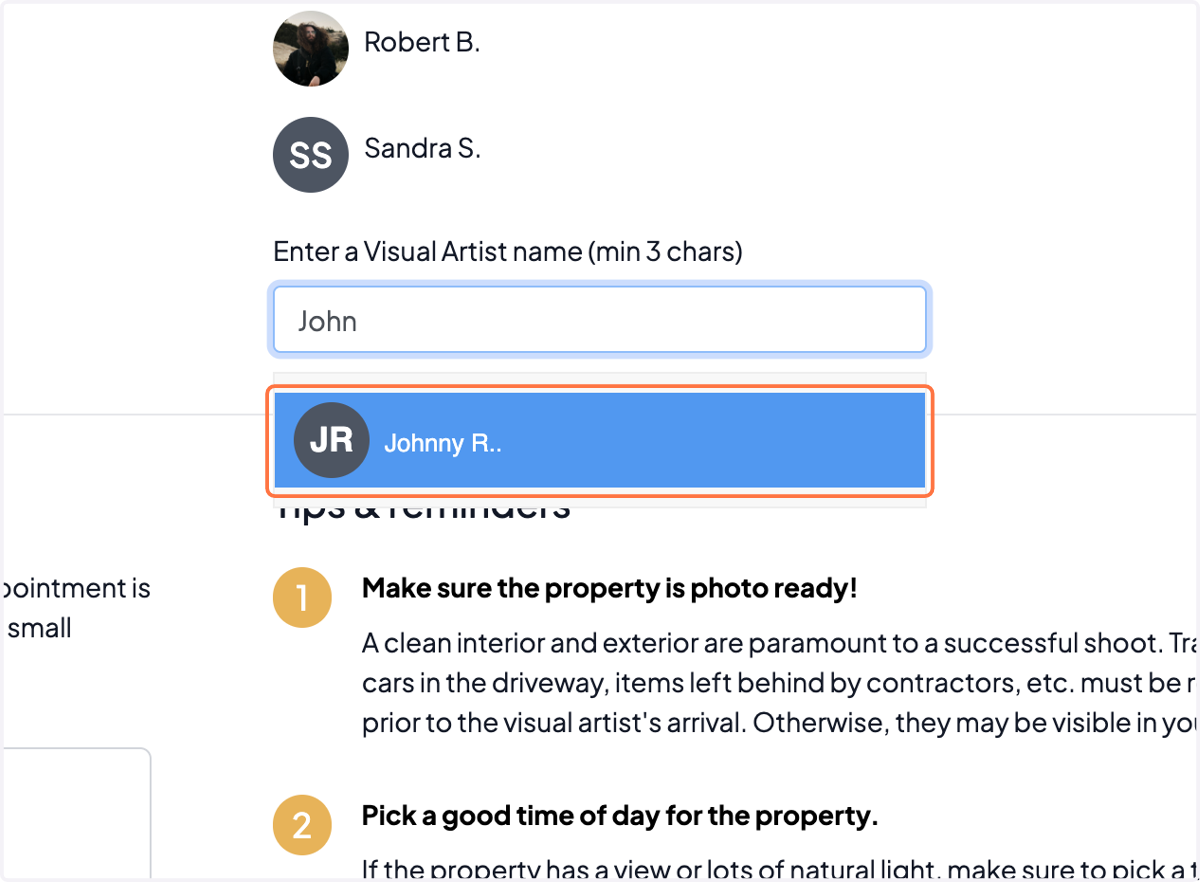
6. Click on a user
7. Click on Next step to finalize your order.