How to create a course page in HubLMS Enterprise
Hubspot
1. Click on Marketing

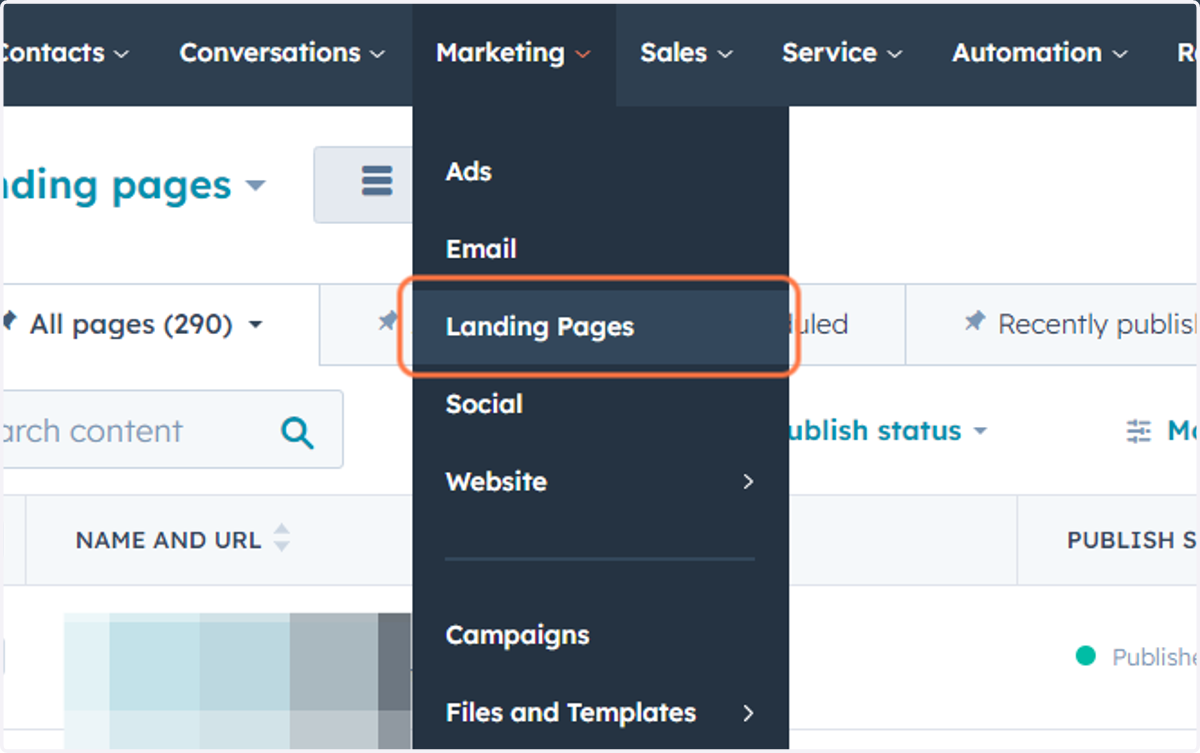
2. Click on Landing Pages
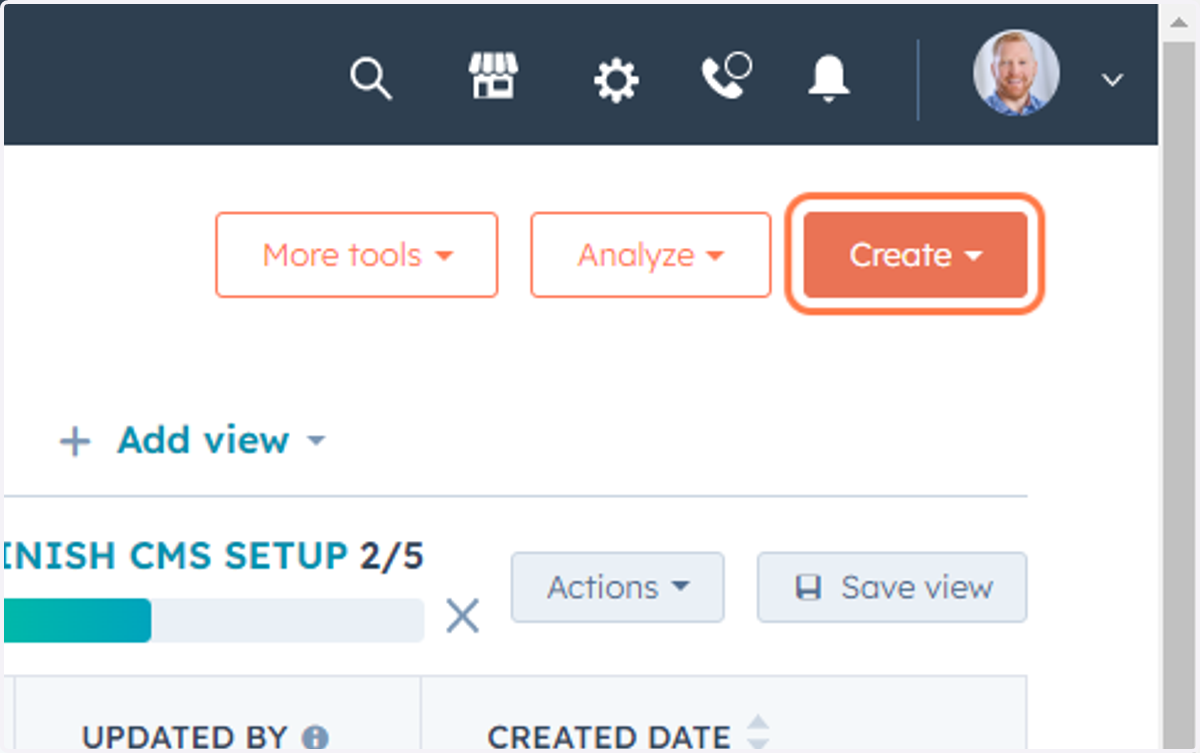
3. Click on Create
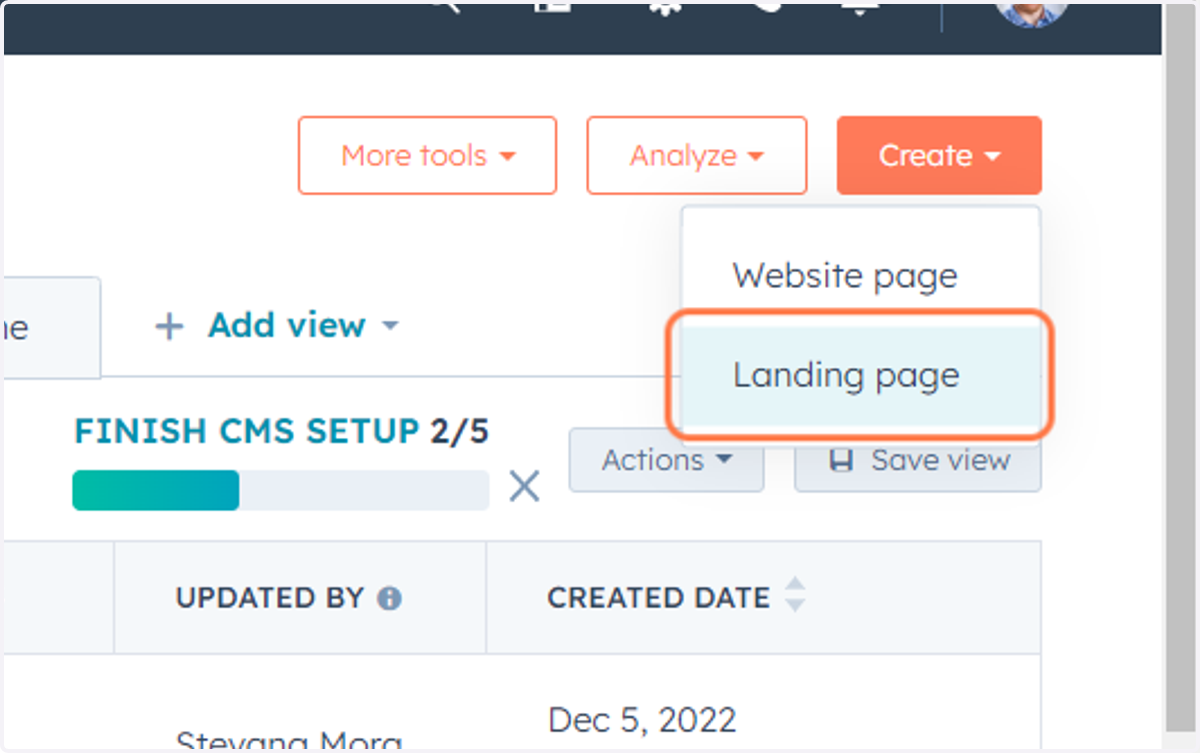
4. Click on Landing page
5. Type "Test Page"
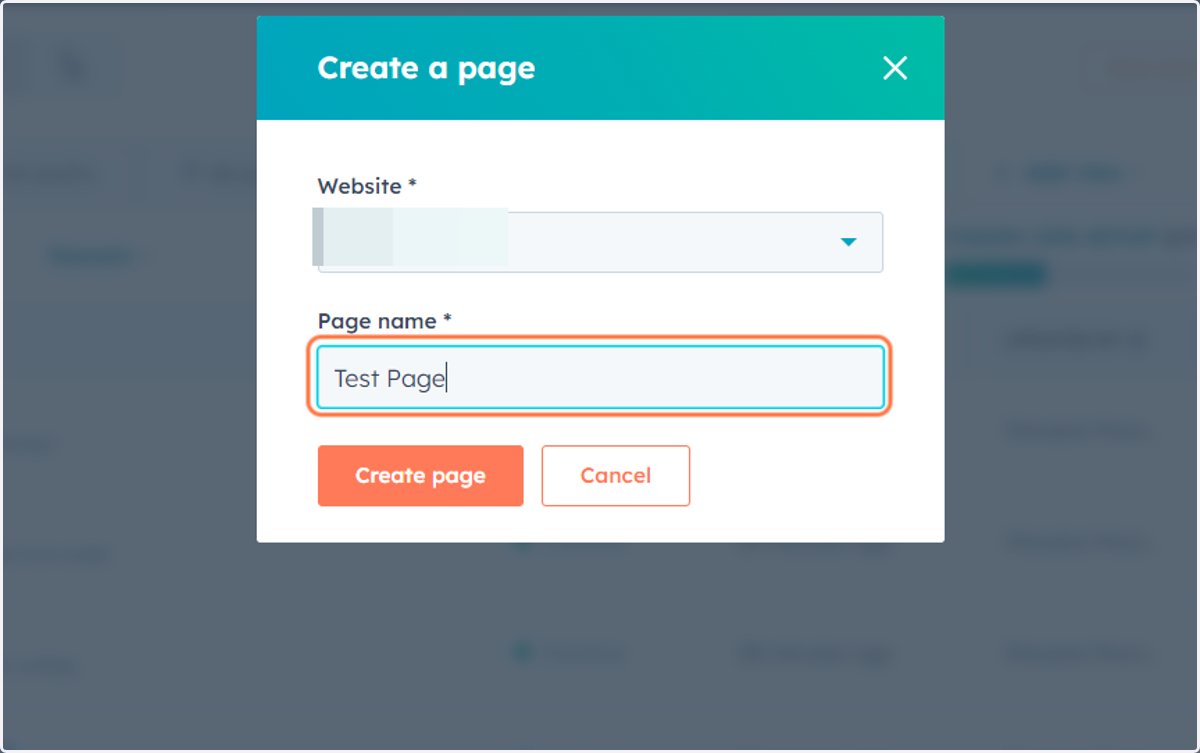
6. Click on dialog
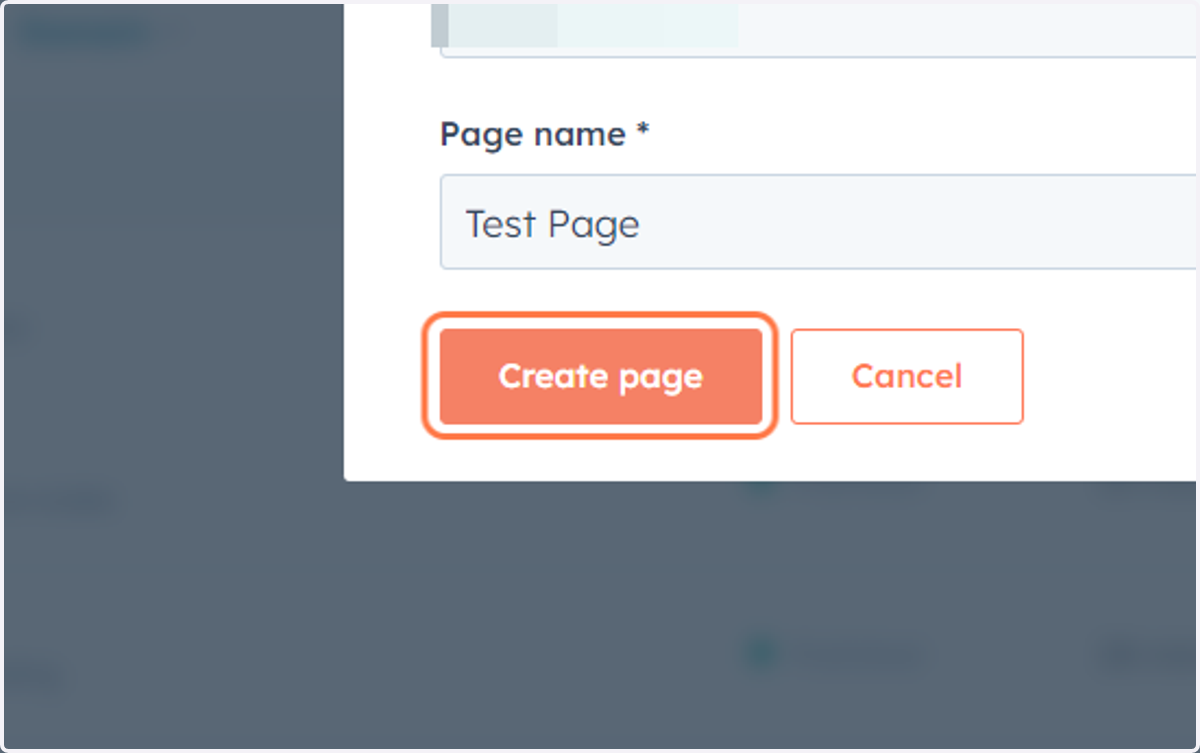
Hubspot
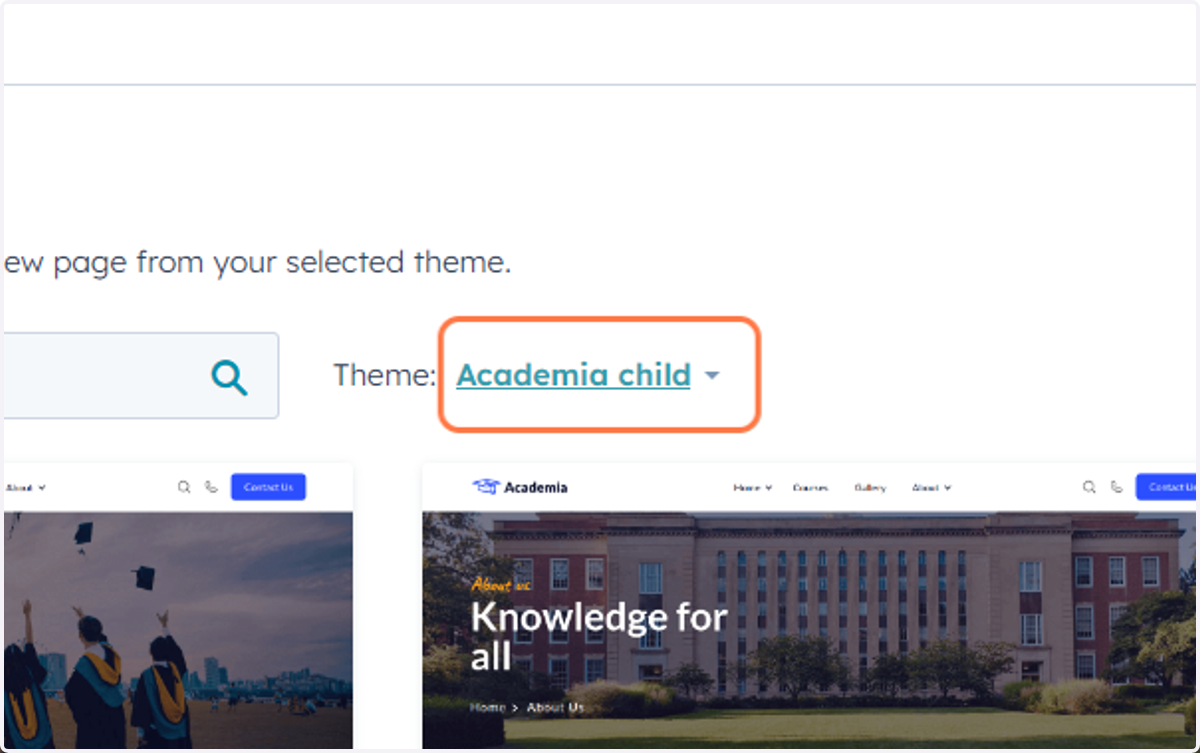
7. Click on Academia child
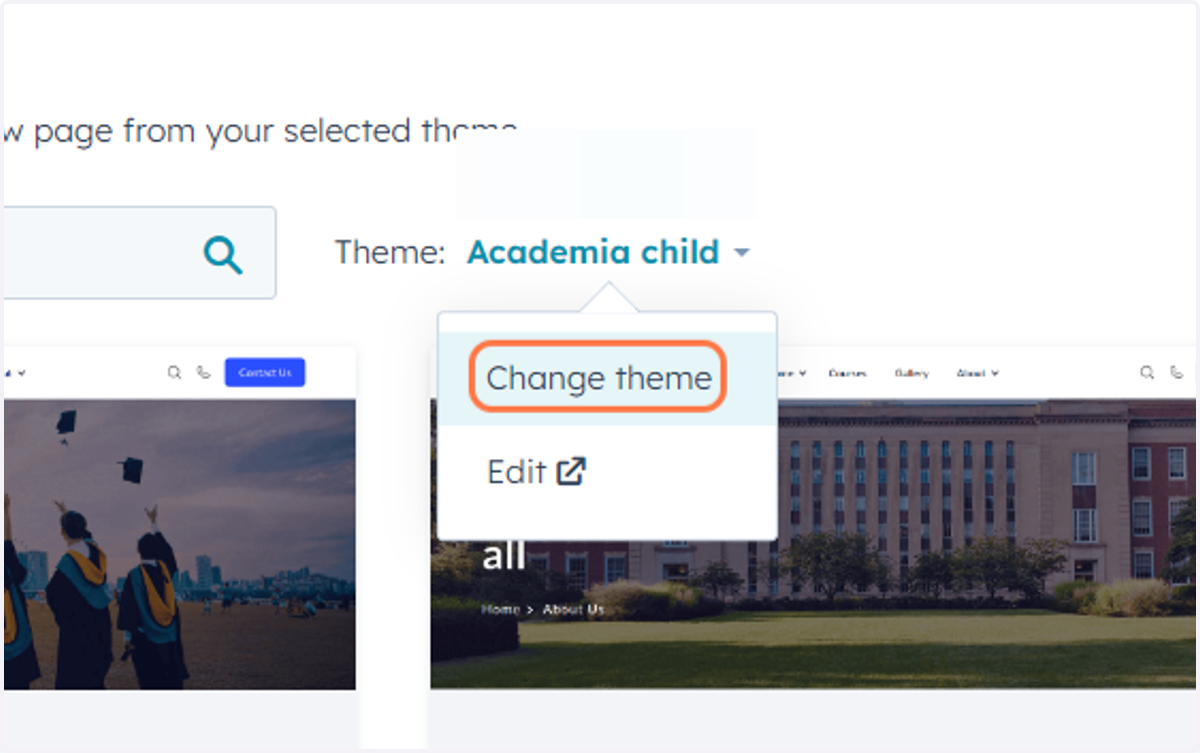
8. Click on Change theme…
9. Click on Set as active theme
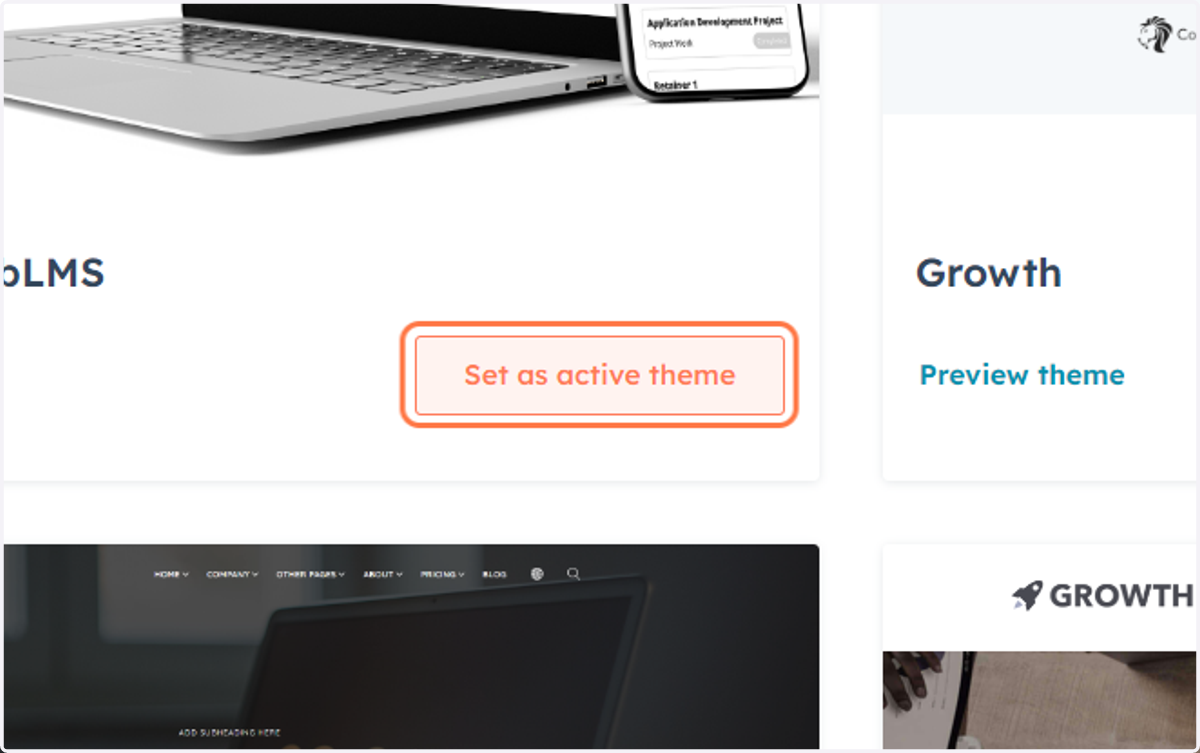
Hubspot
10. Click on Style…
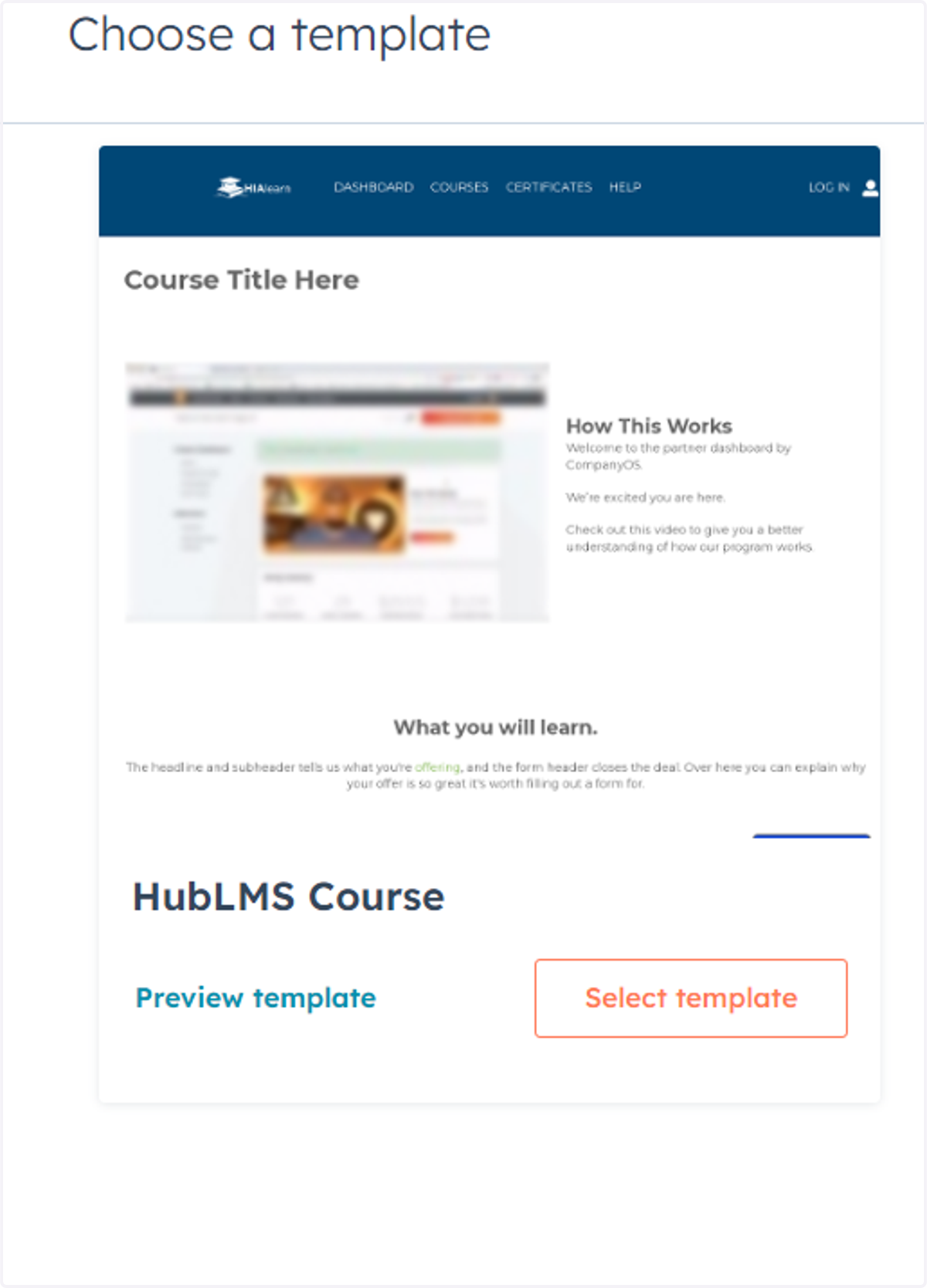
Choose the template "HubLMS Course"