Navigating My Area
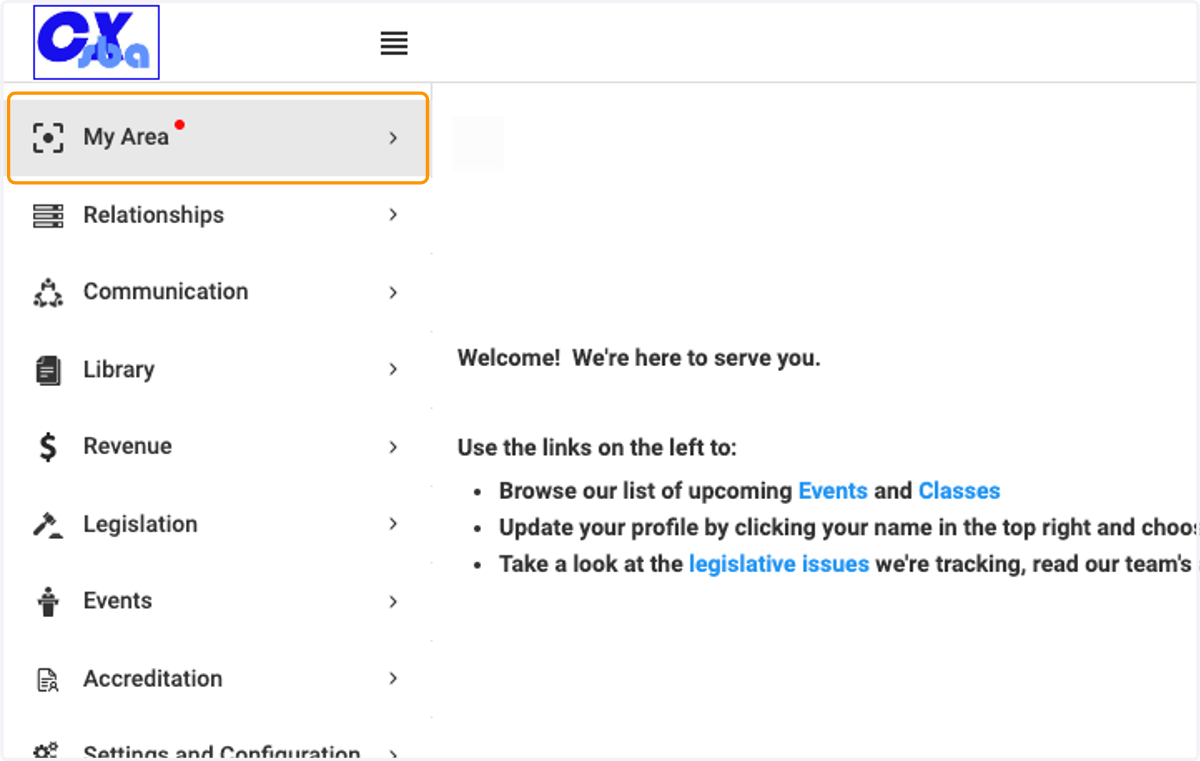
1. Click on My Area
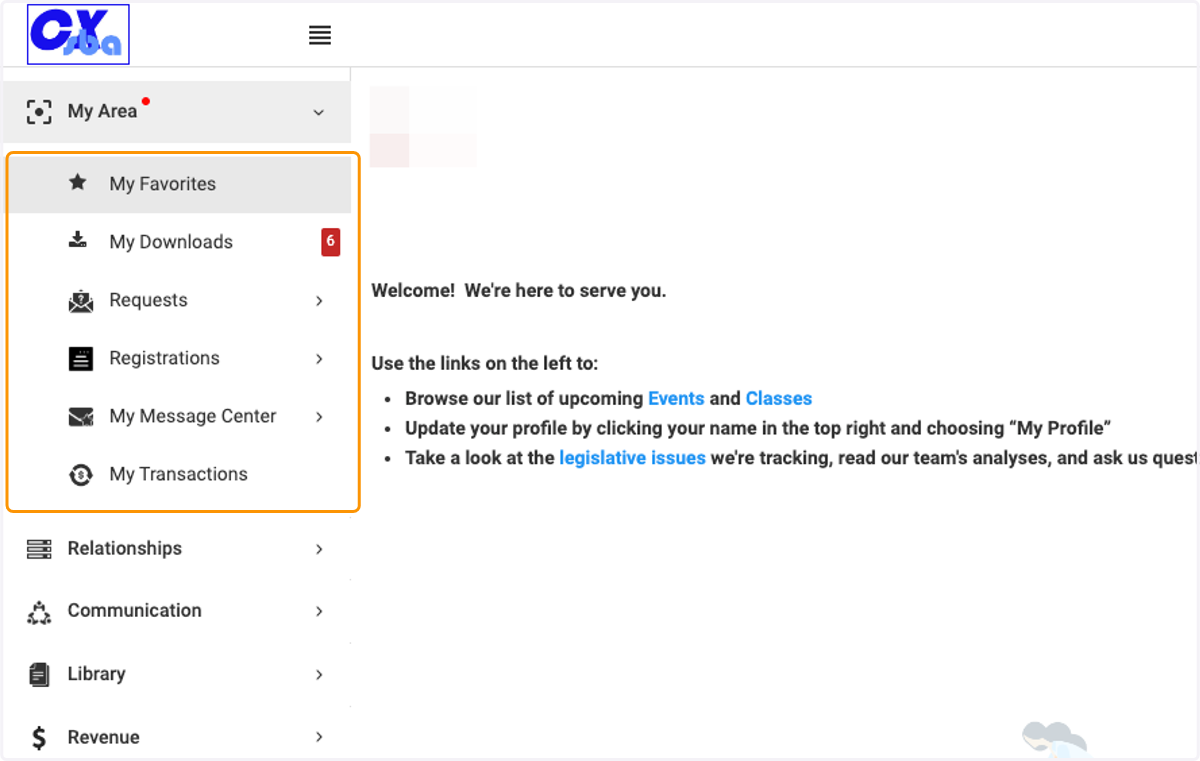
2. View the menu of options available in My Area
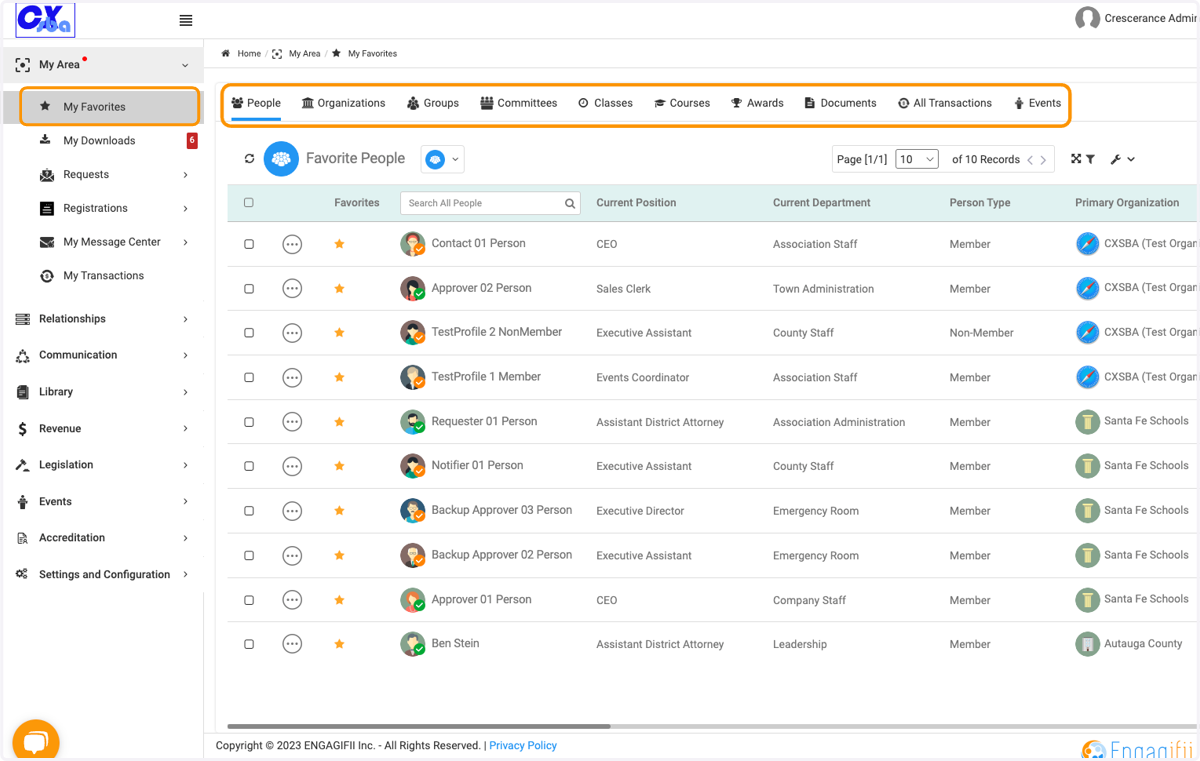
3. My Favorites will show all objects that you have marked as a favorite. Just click on the tabs to view each category of objects.
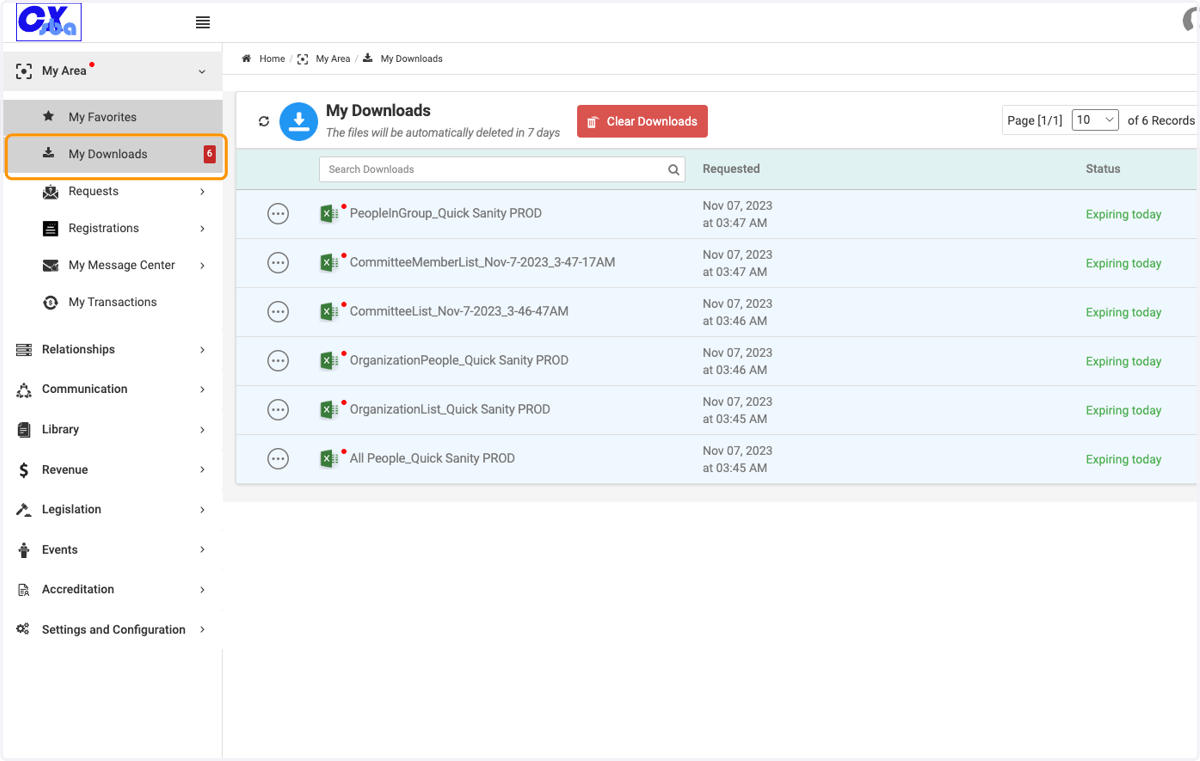
4. Click on My Downloads to view all exports you have requested.
If you have unviewed exports, you will see a number in a red box indicating how many are ready for viewing.
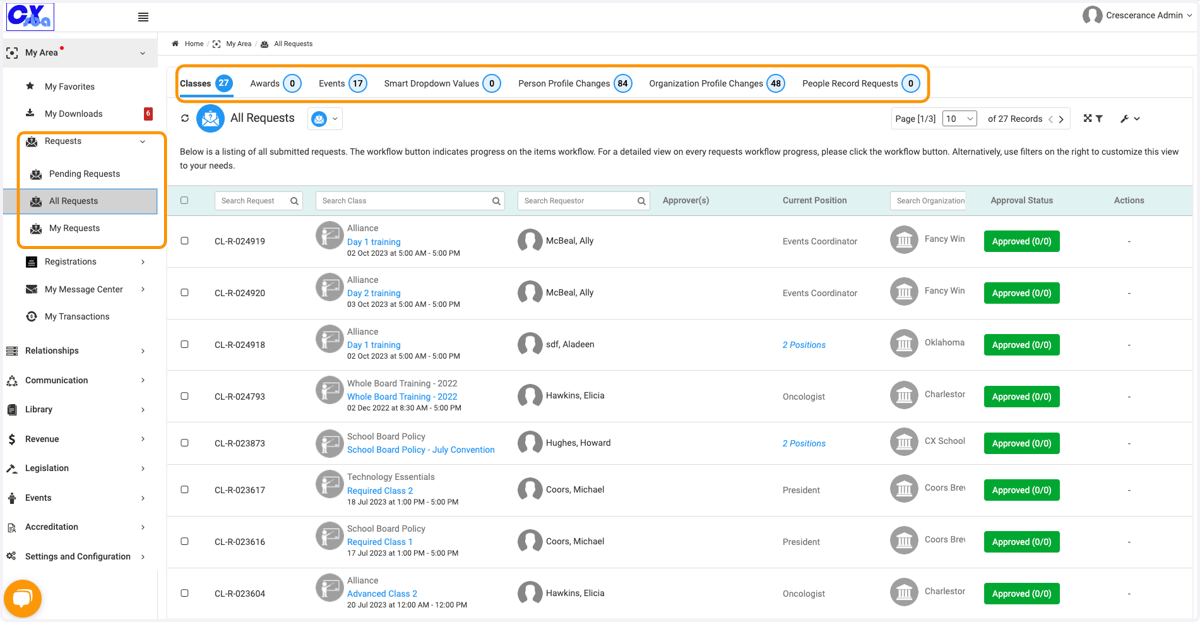
5. Click on Requests to view All, Pending or My Requests
Depending on your workspace permissions, you may only see My Requests or have limited views of the other tabs.
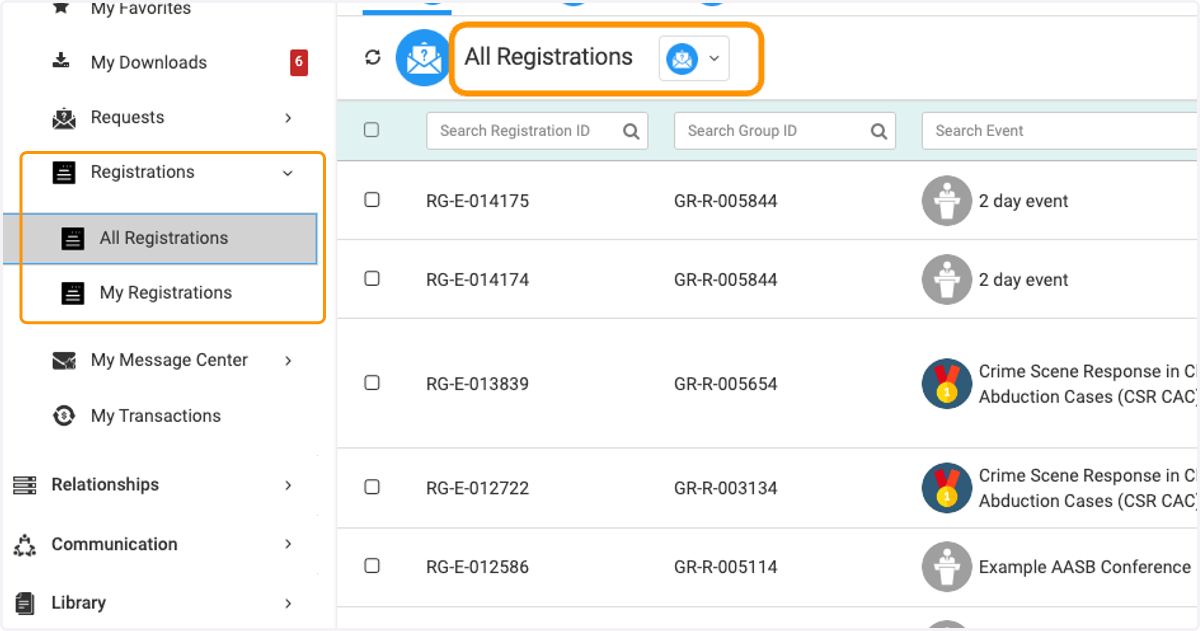
6. Click on Registrations
Depending on your workspace permissions, you may only see My Registrations or have limited views of the other registrations under All Registrations.
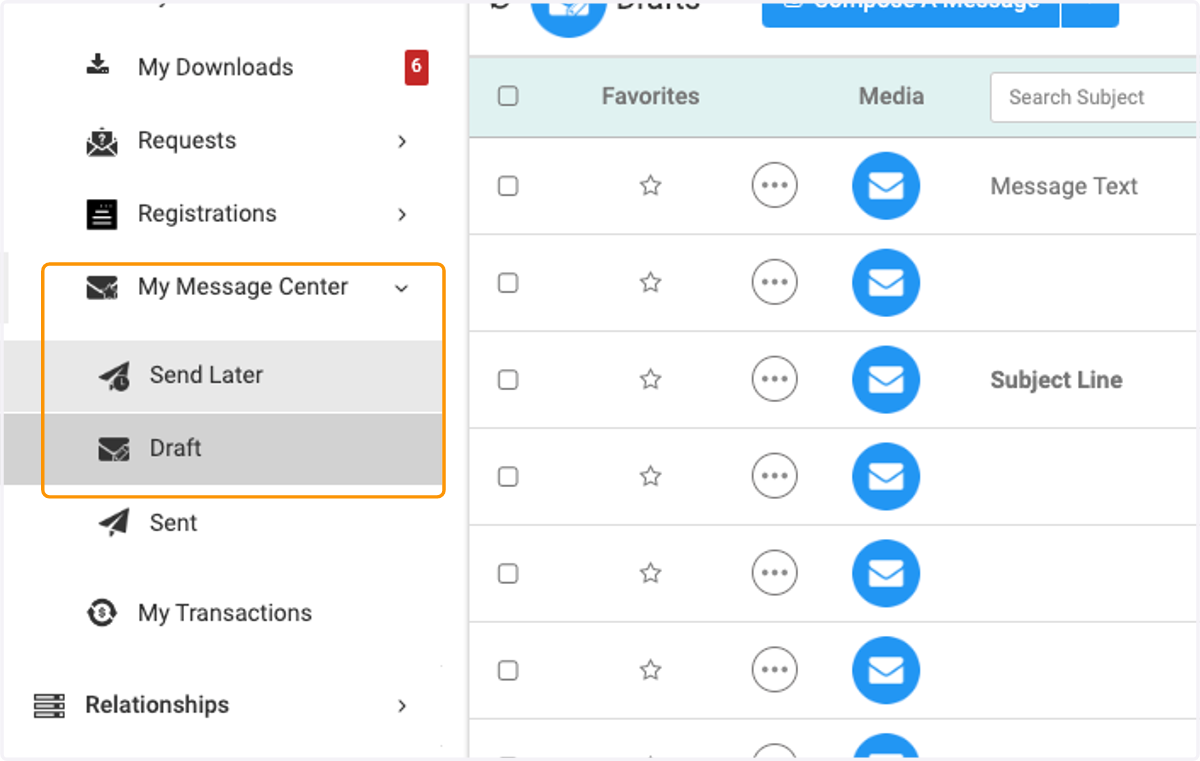
7. Click on My Message Center to view emails scheduled to send later, drafts and sent emails
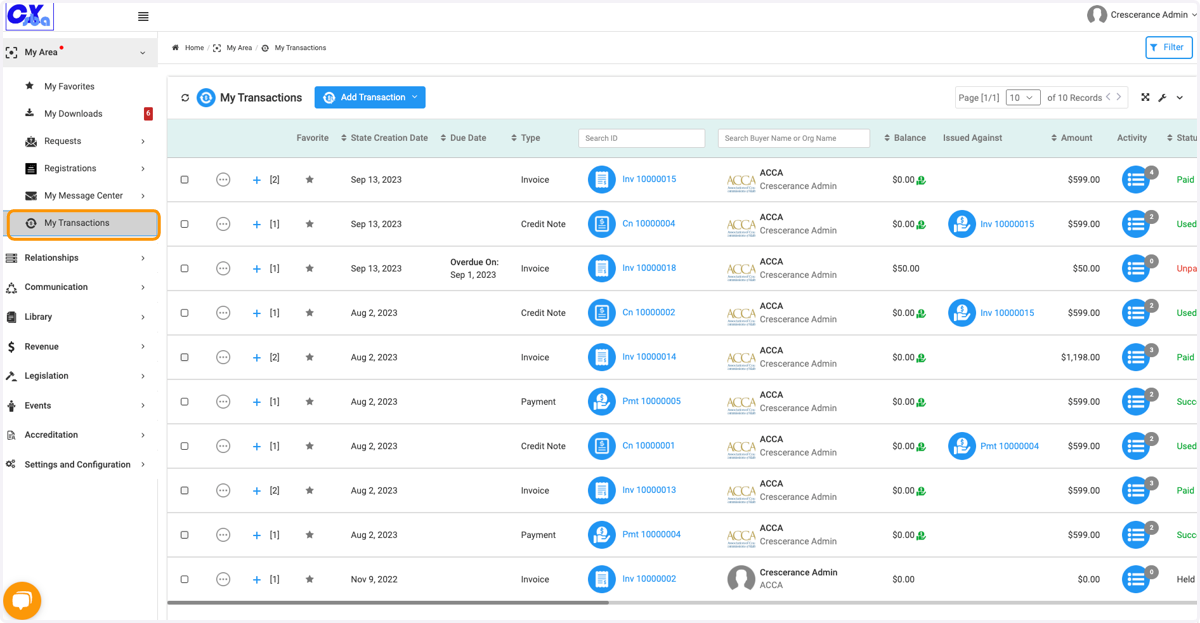
8. Click on My Transactions to view all your associated transactions