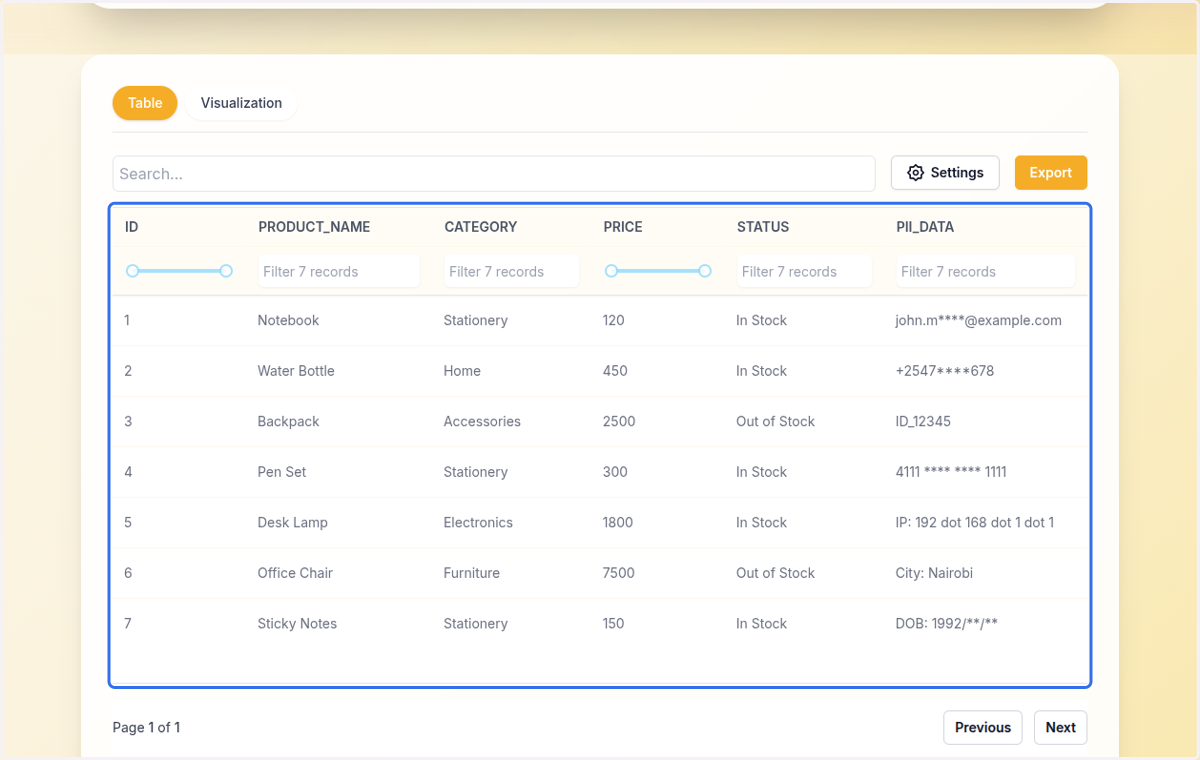
PII Datasets protection
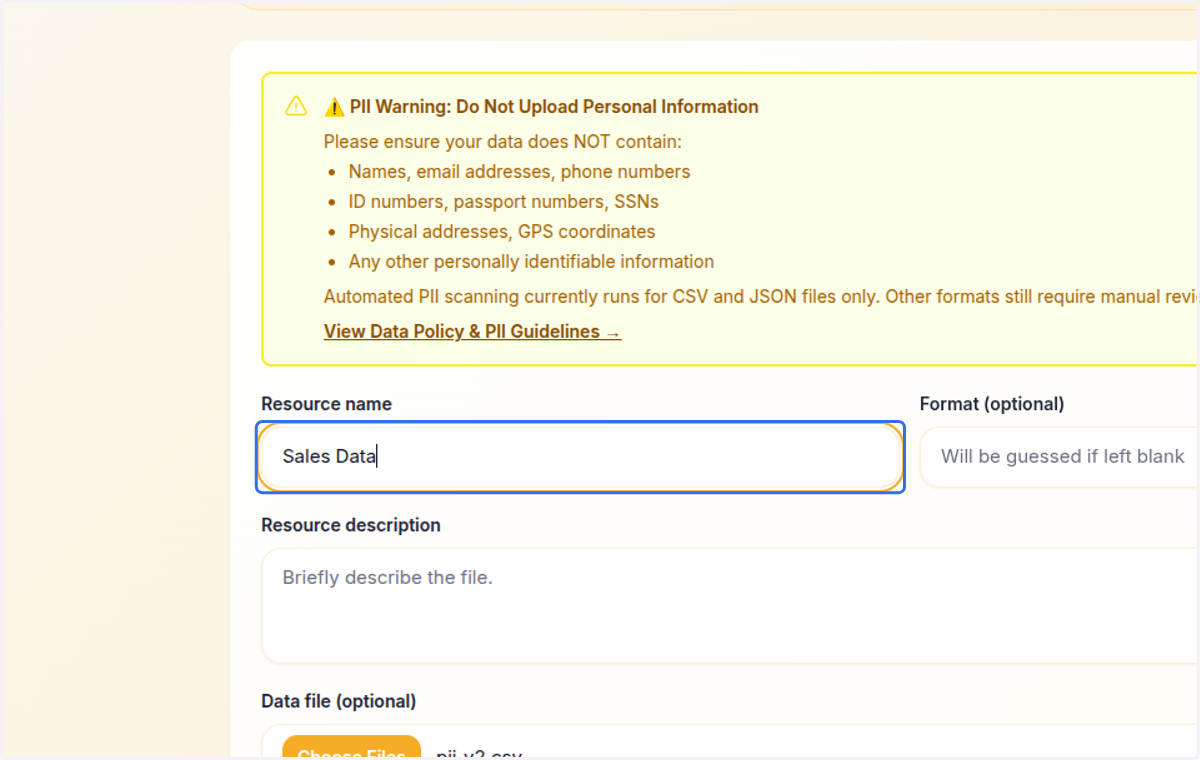
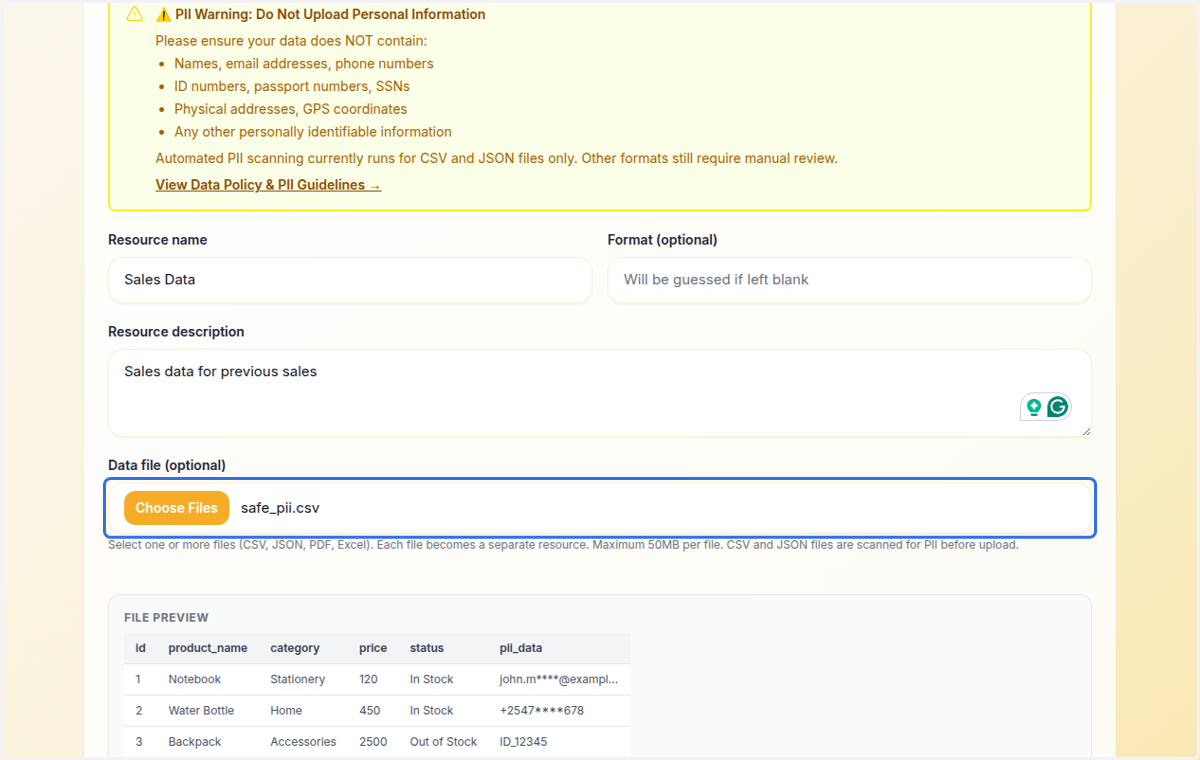
1. After creating the dataset, move to step 2 of creating the resource. Type in the name of the resource
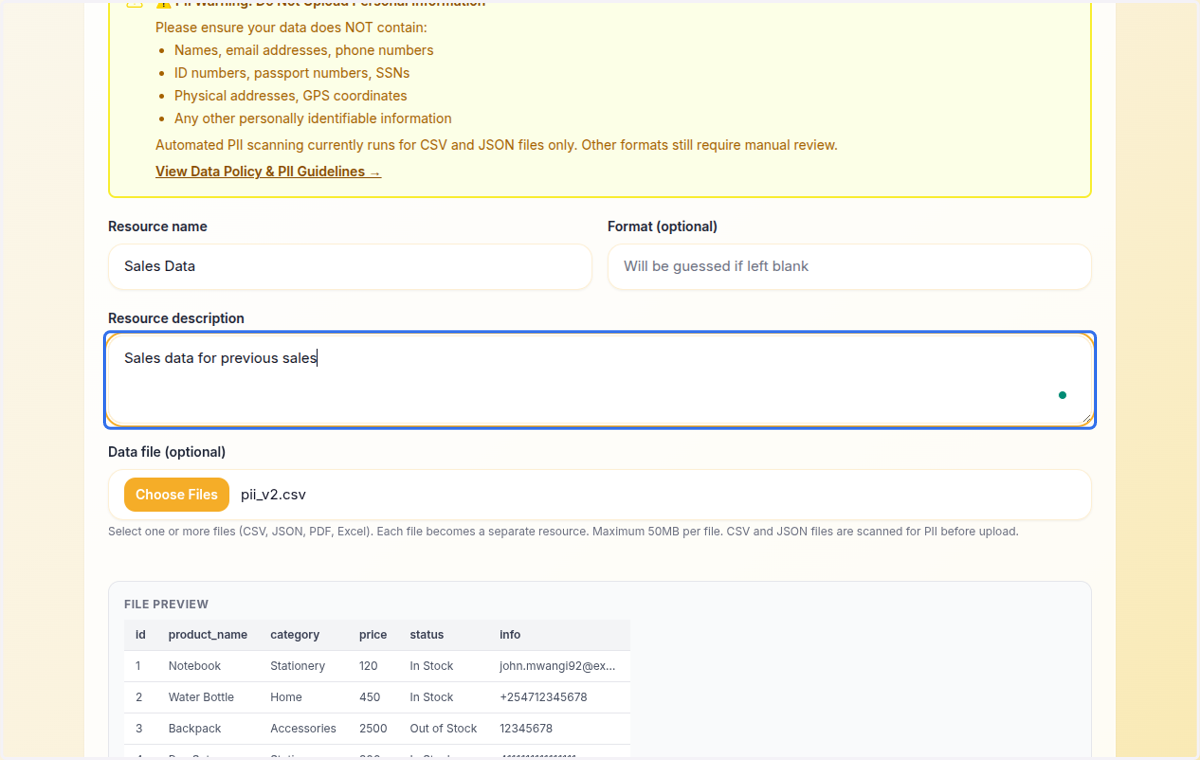
2. Provide the description
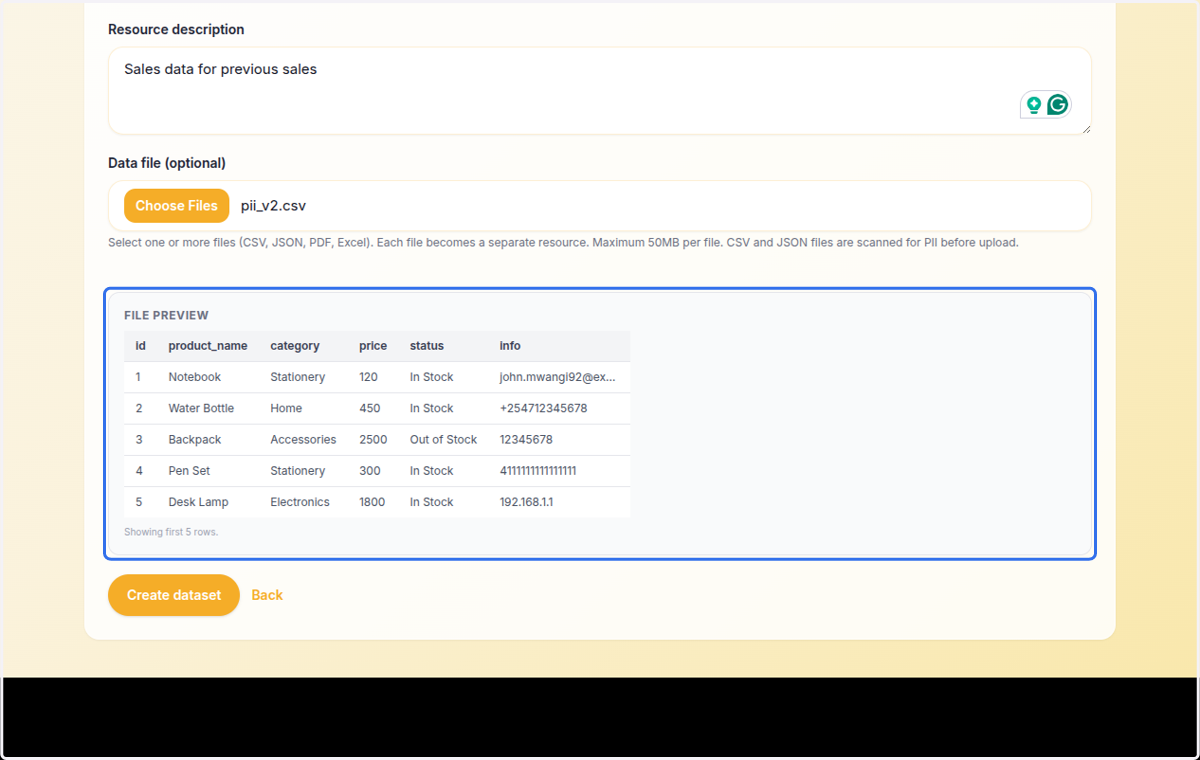
3. Select the resource (the file to upload)
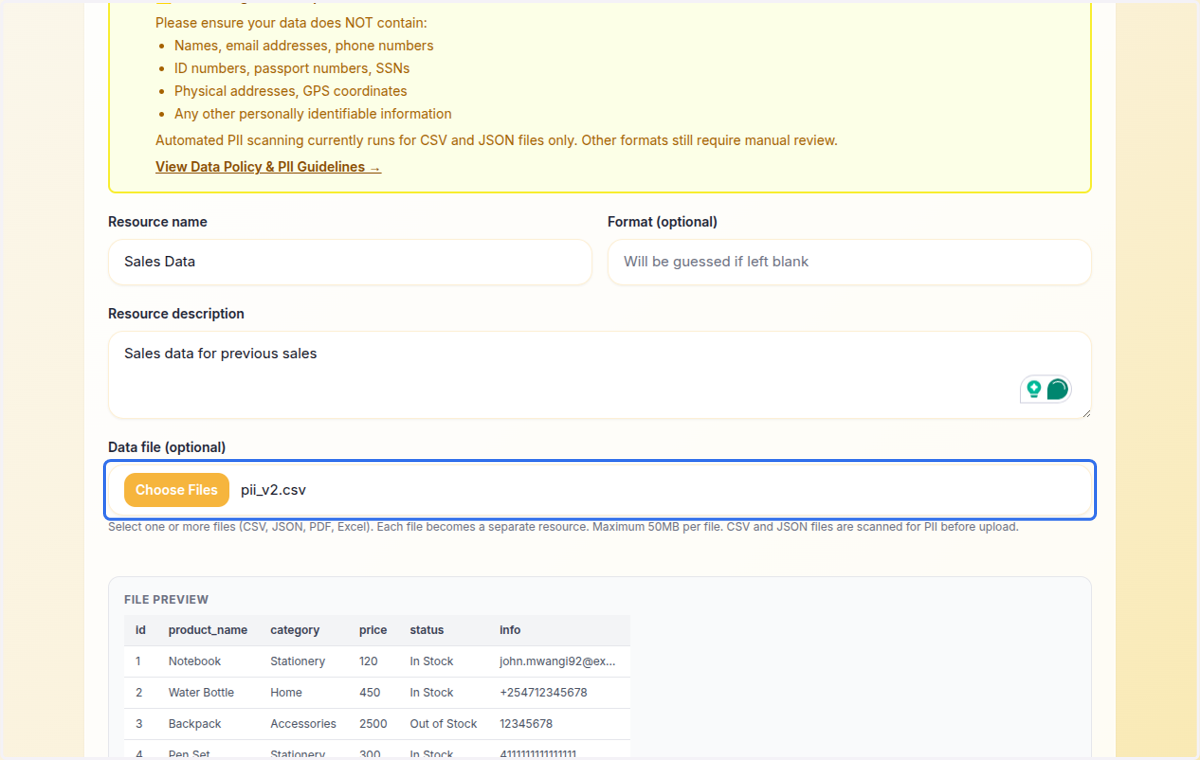
4. On the file preview, we can see PII on this resource, specifically, email addresses, phone numbers, and ID numbers
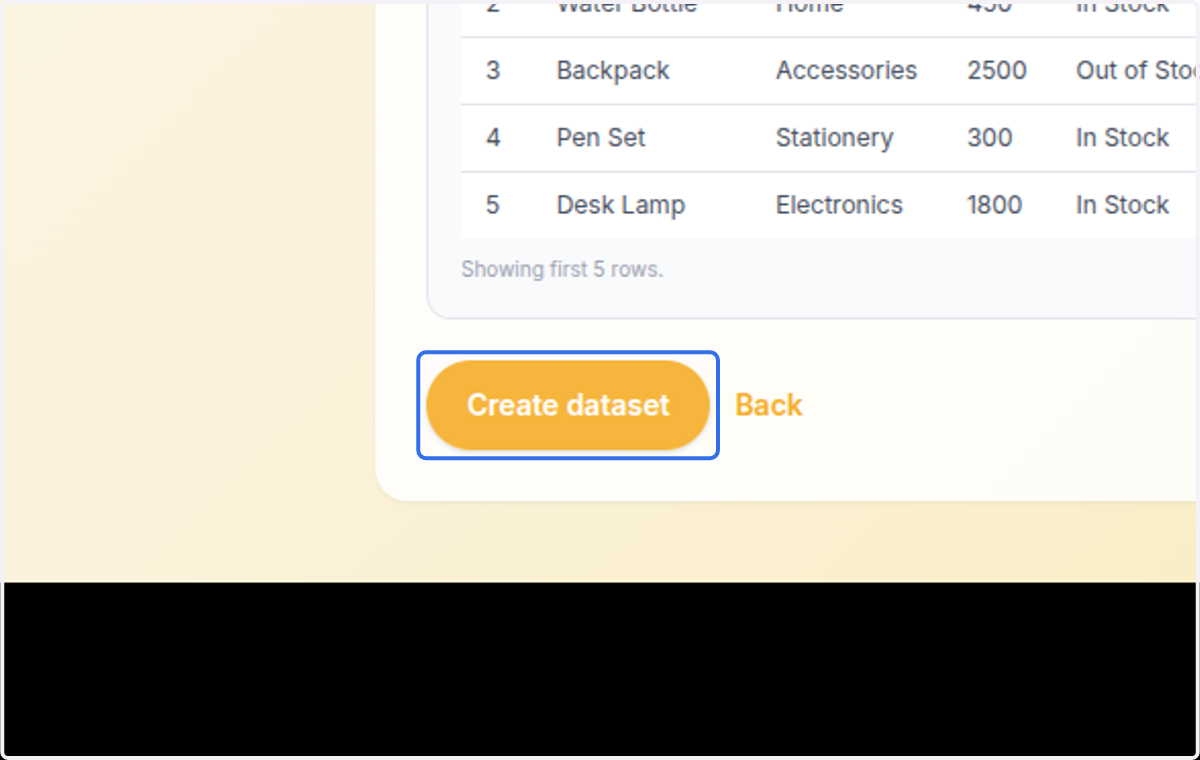
5. Click on Create dataset
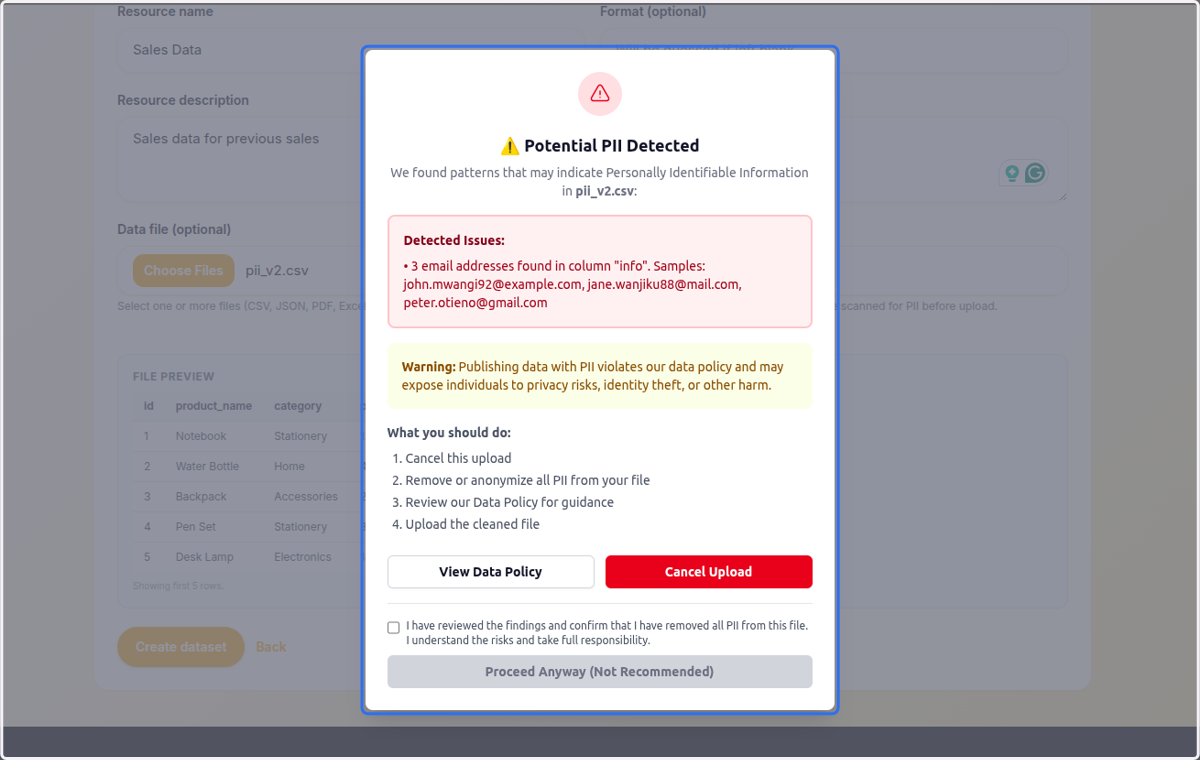
6. The system flags the upload with a " ⚠️ Potential PII Detected…"
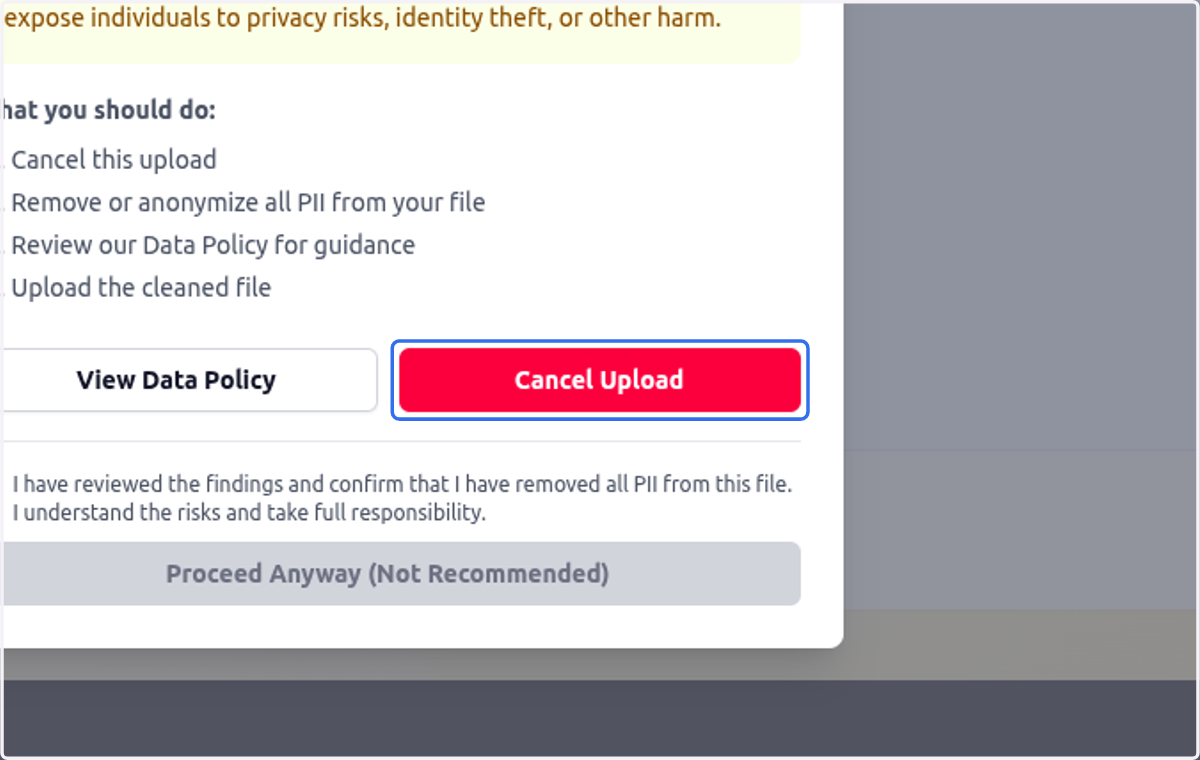
7. Click on Cancel Upload
8. Prepare the document once again, while masking the PII values
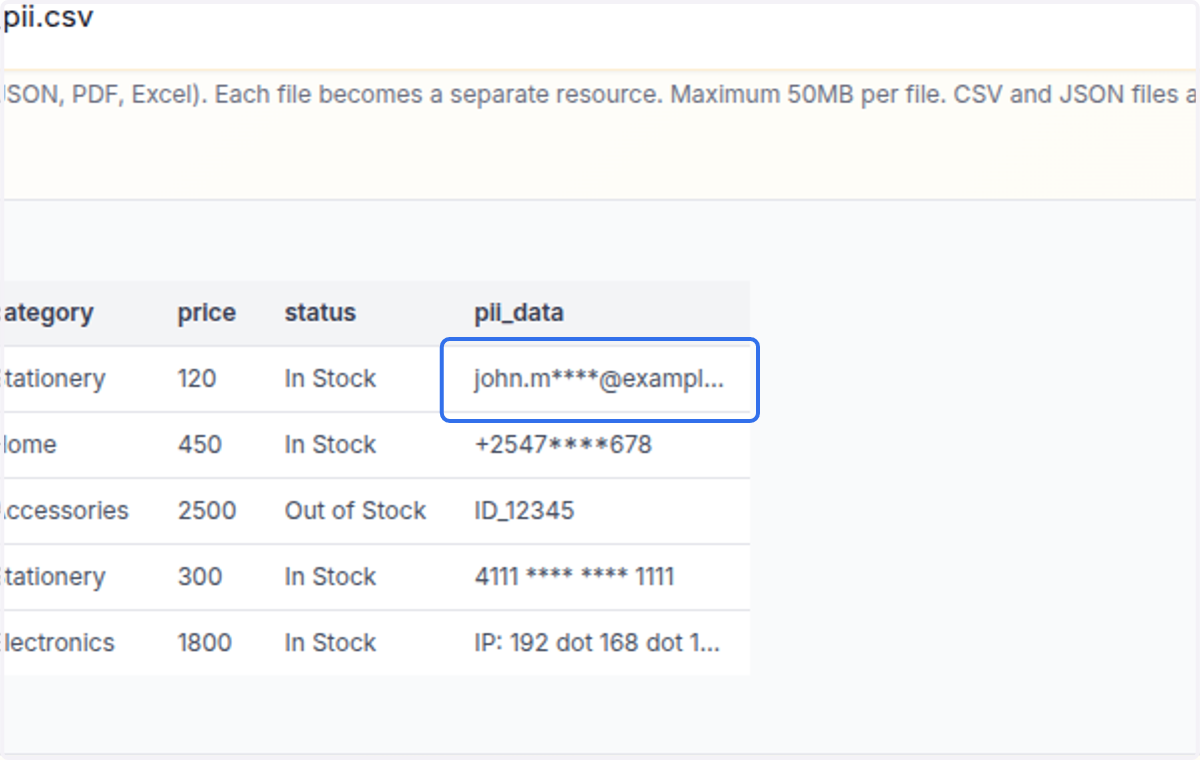
9. This is a masked email
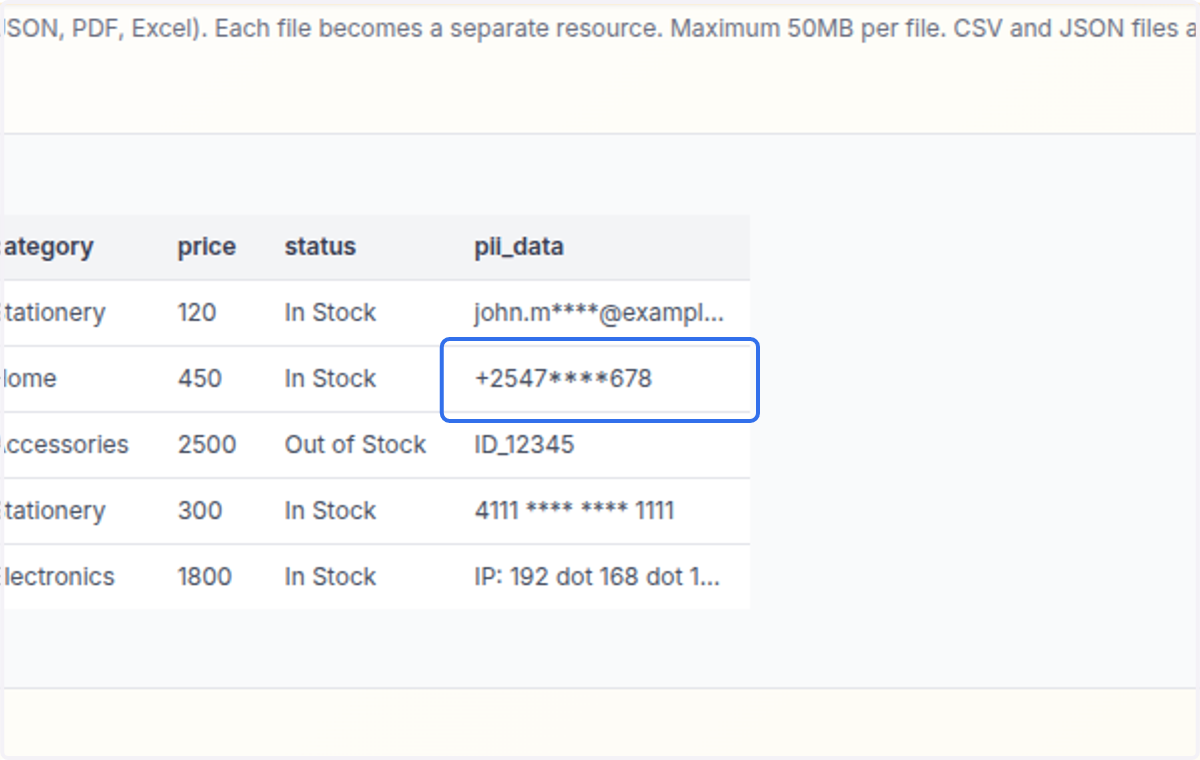
10. This is a masked phone number
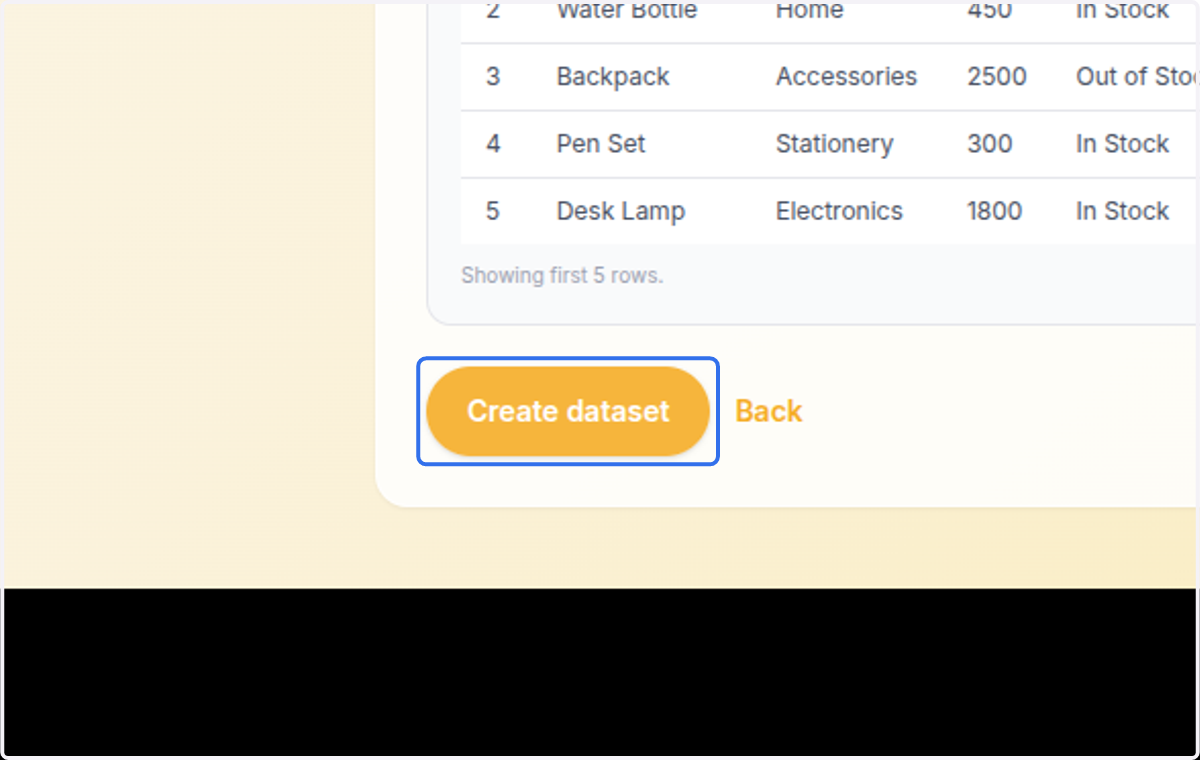
11. Click on Create dataset
12. The dataset is now saved successfully
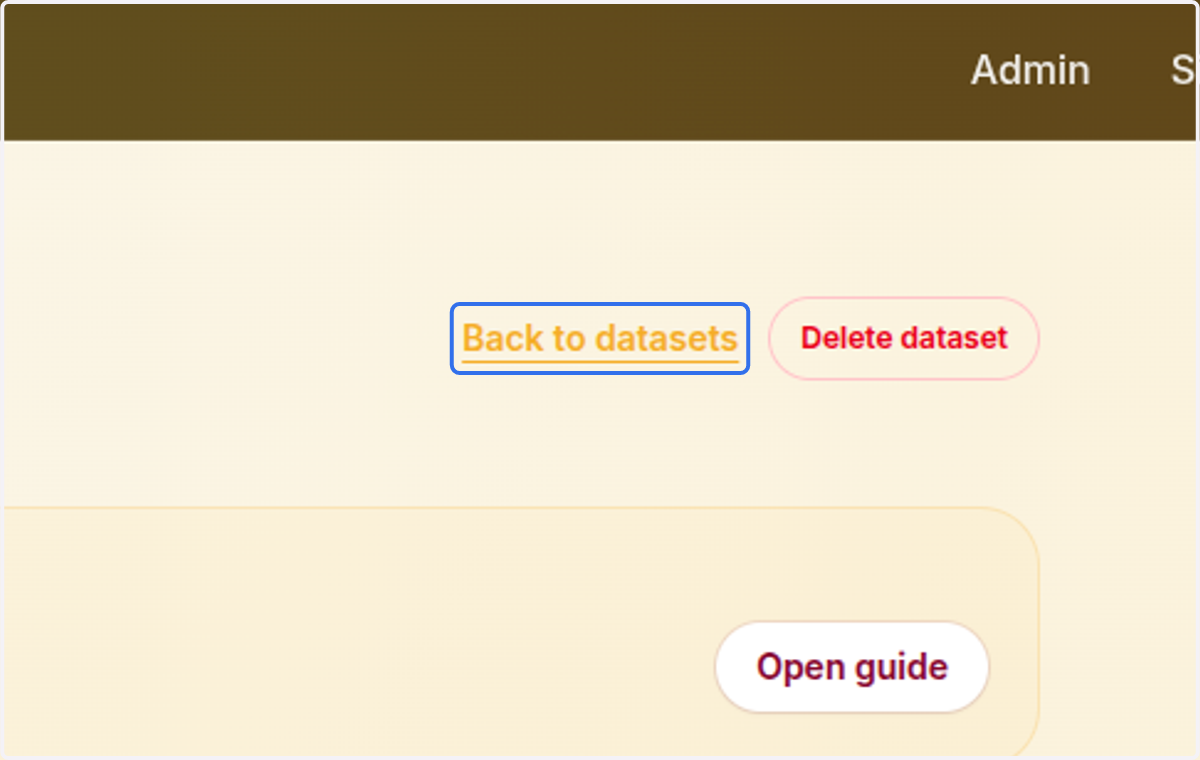
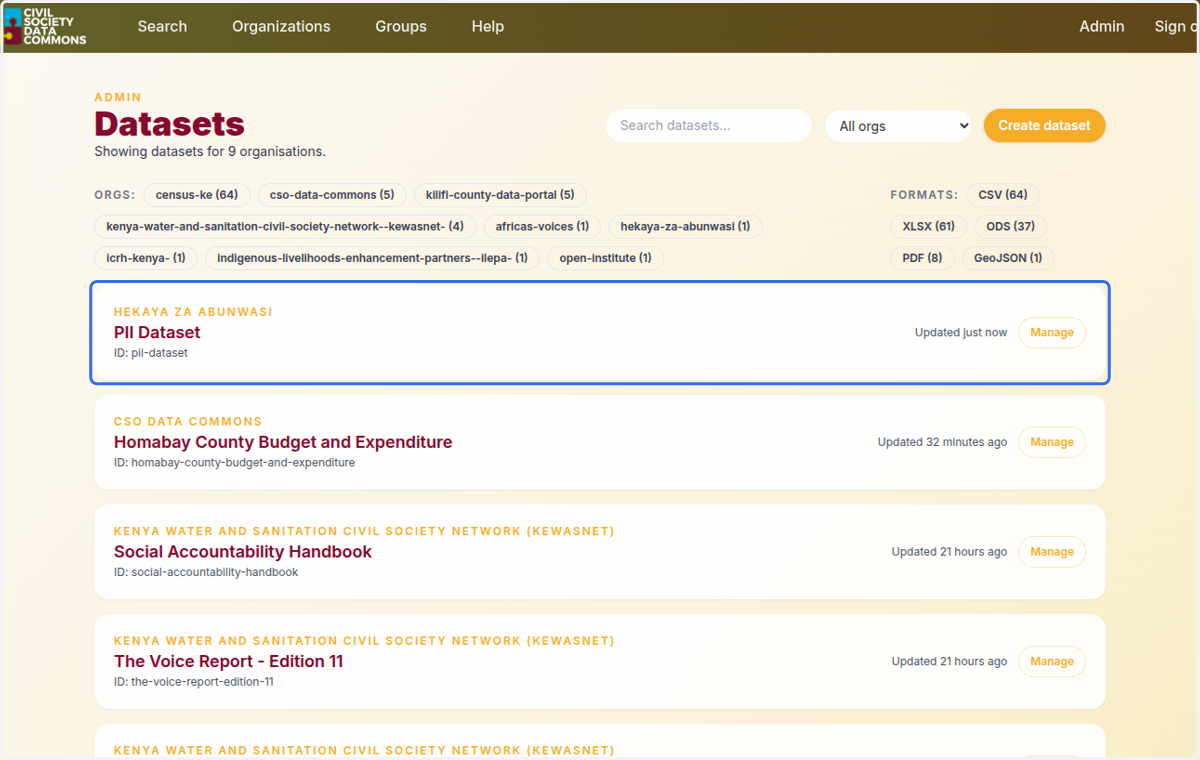
13. You can view the dataset in the admin
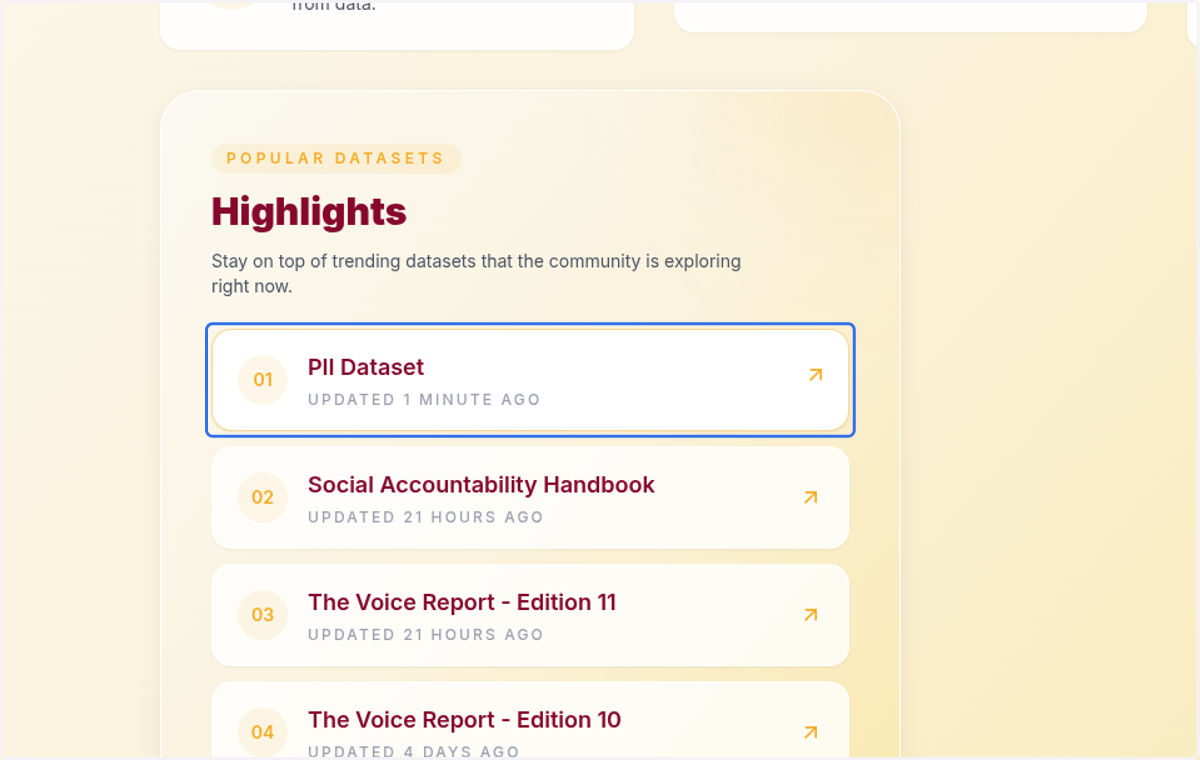
14. View the dataset in the public site
15. Click on Preview
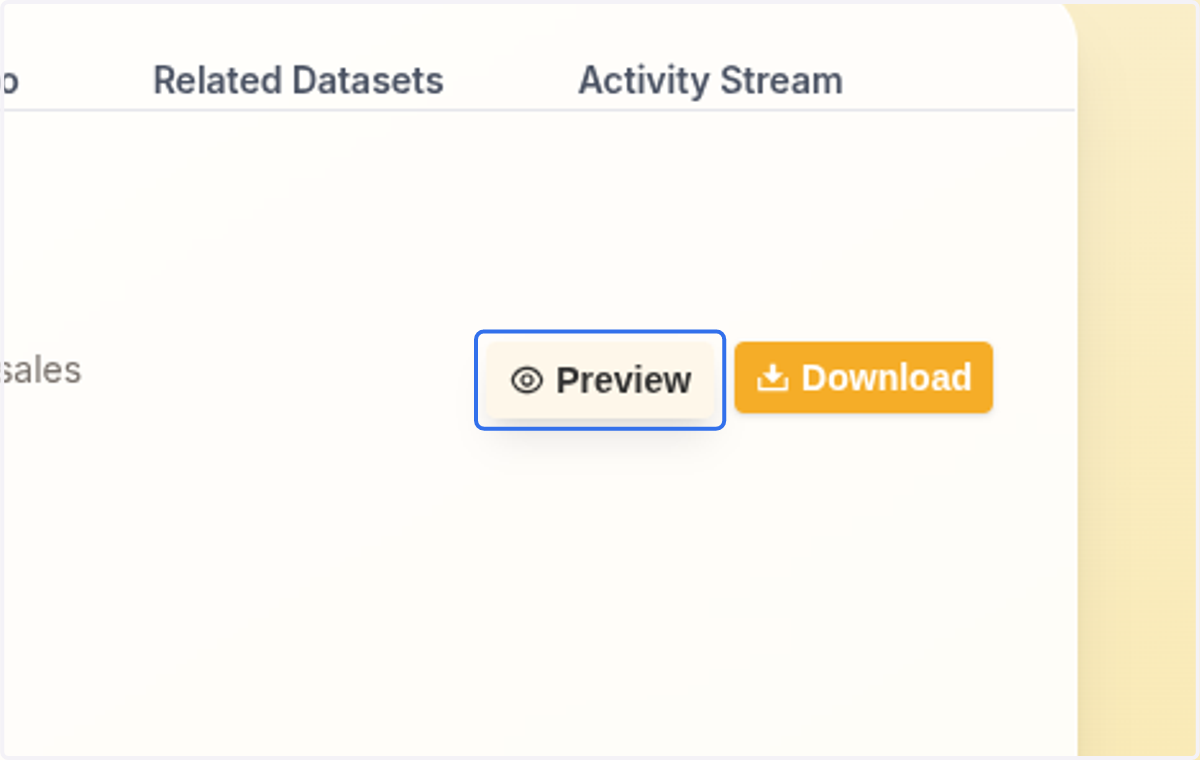
16. The dataset was uploaded with masked inputs