Marking Attendance
CXSBA Favorites: Powered by Engagifii
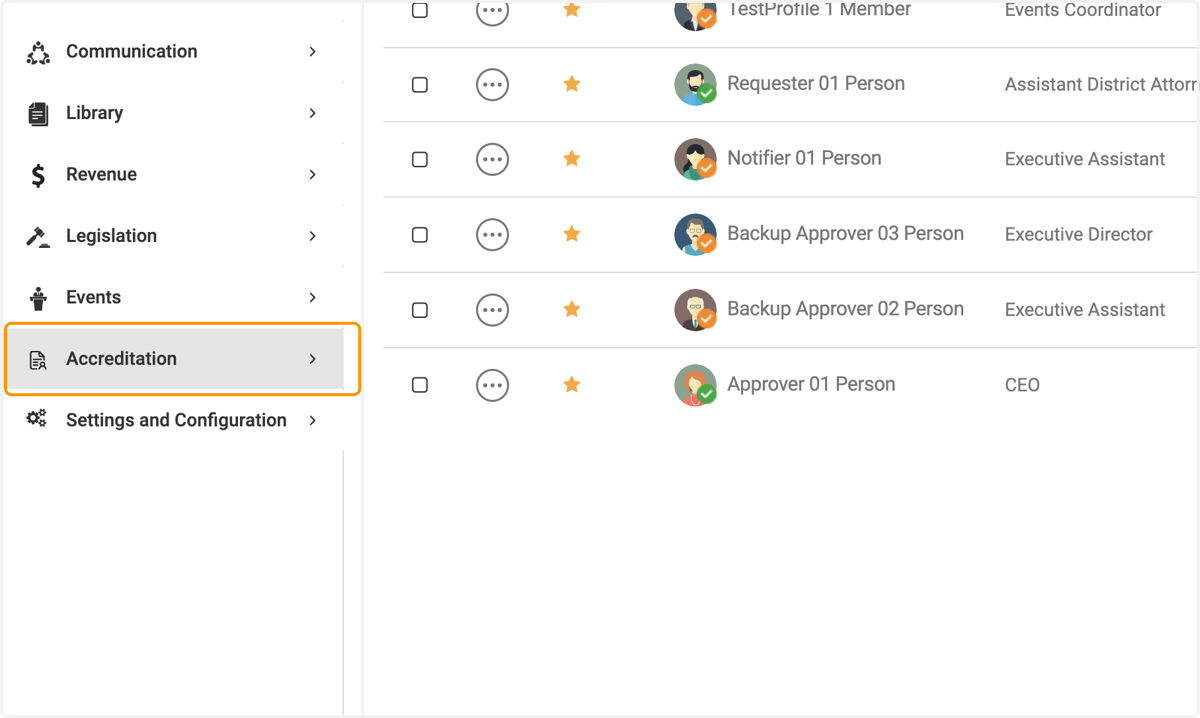
1. Click on Accreditation
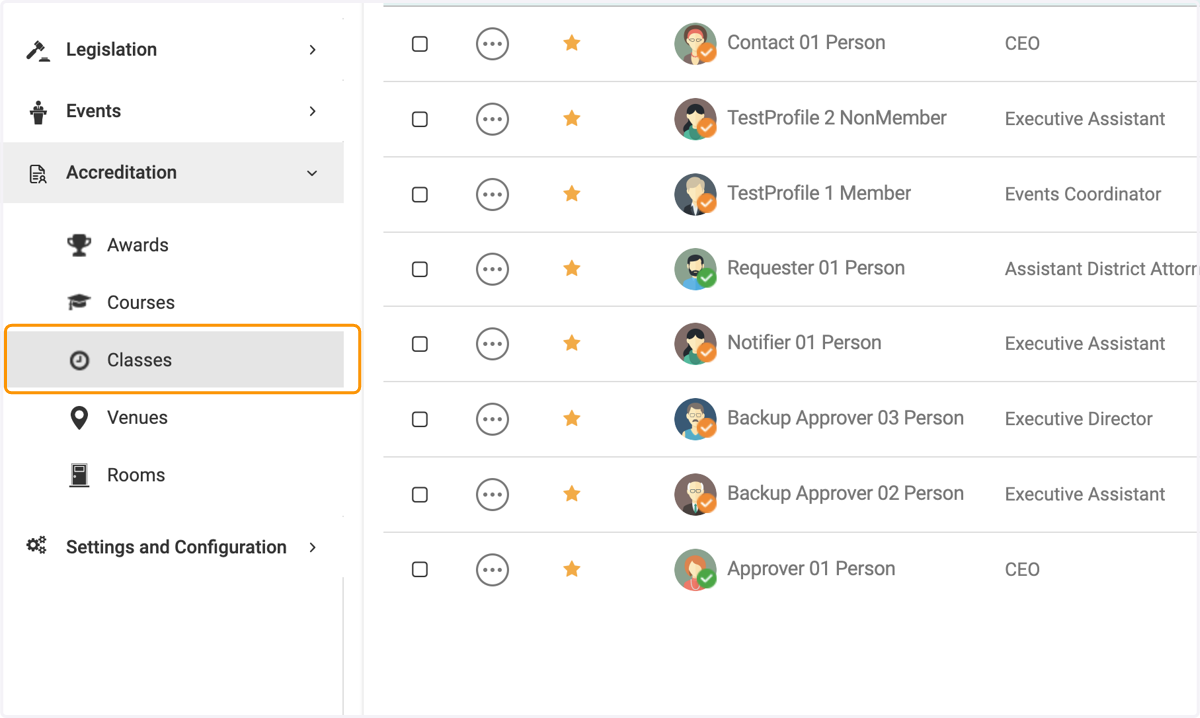
2. Click on Classes
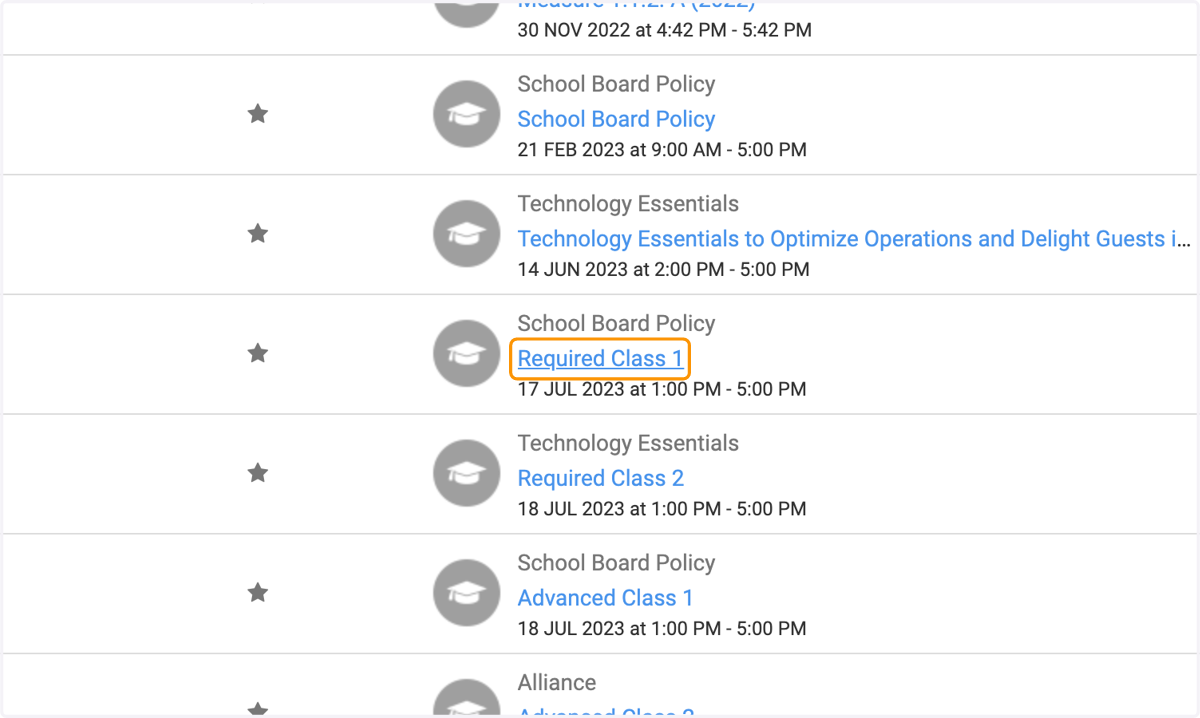
3. Click on the specific class you wish to mark attendance with
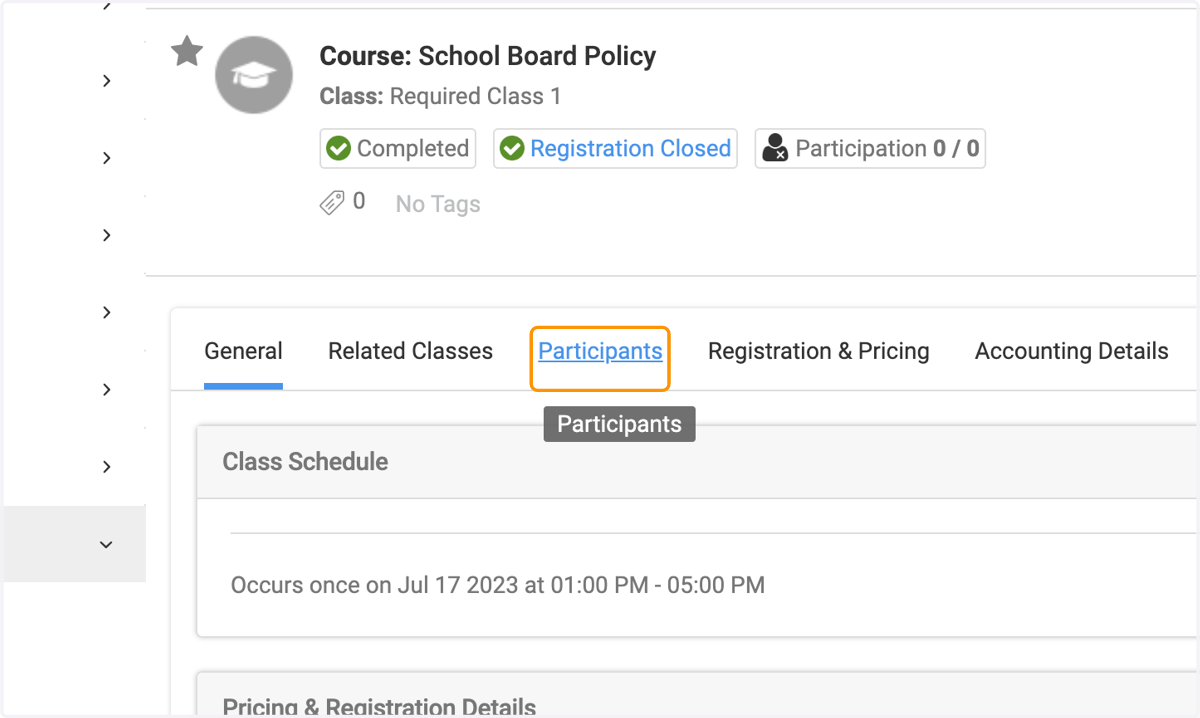
4. Click on Participants, and select the names of the people you wish to record attendance
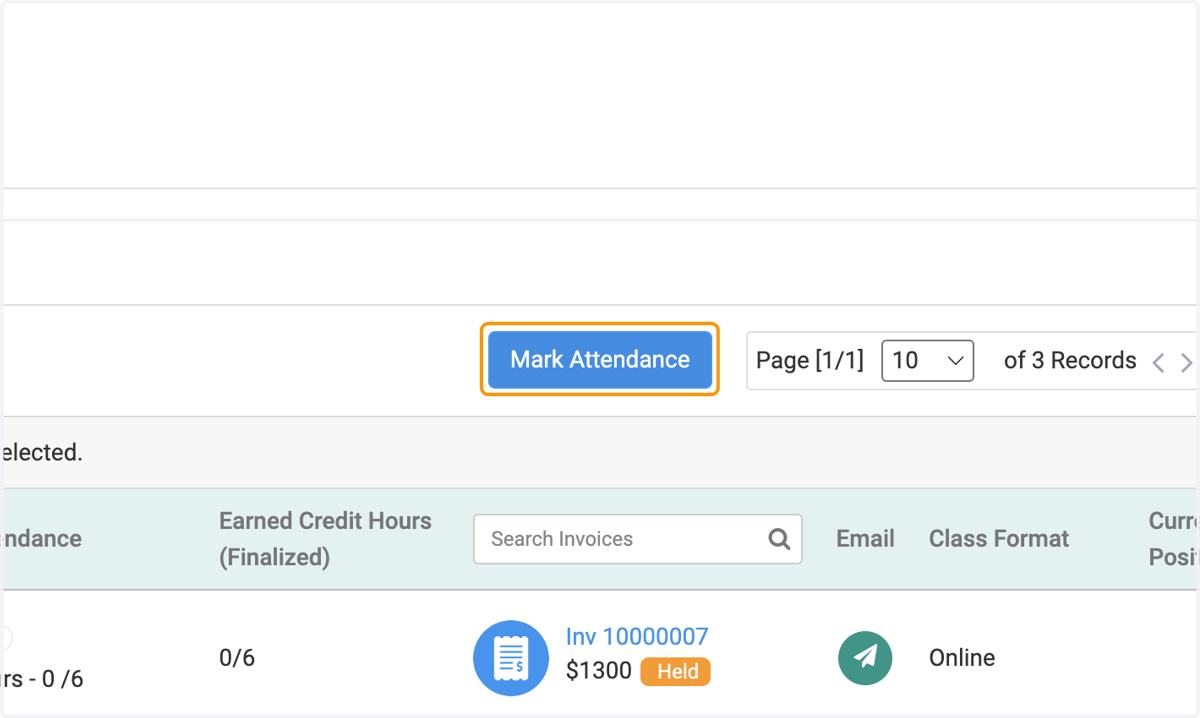
5. Click on Mark Attendance
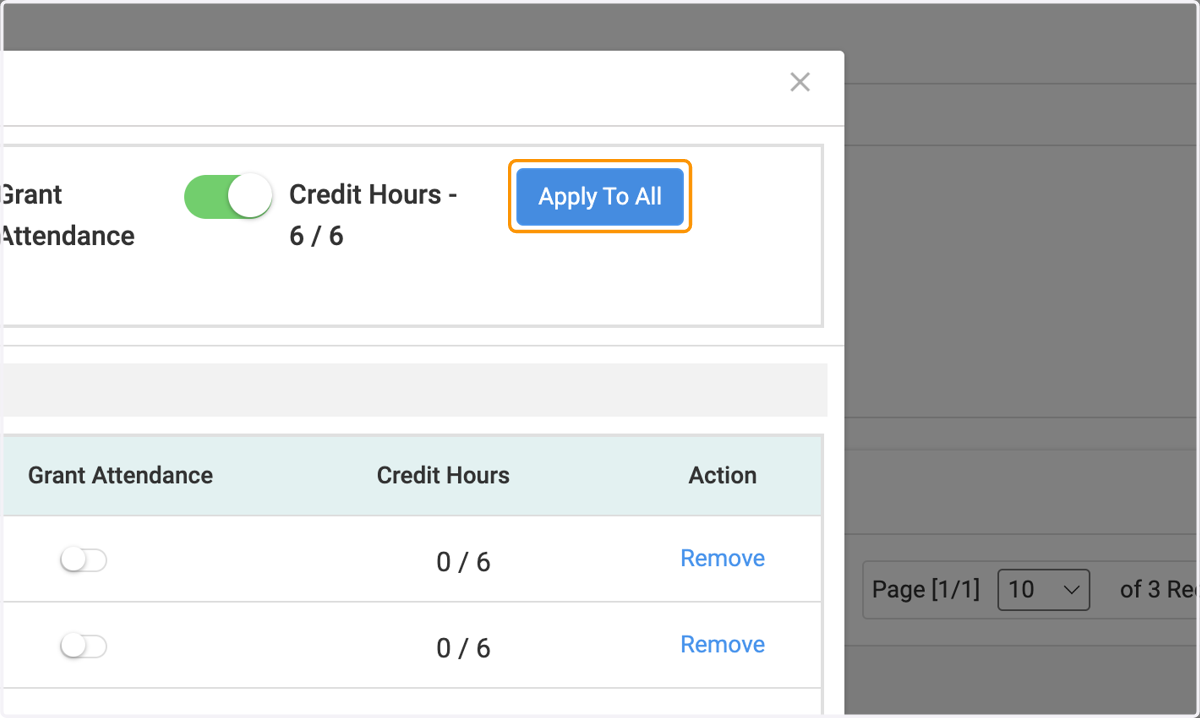
6. Click on Apply To All or you can do it one by one manually
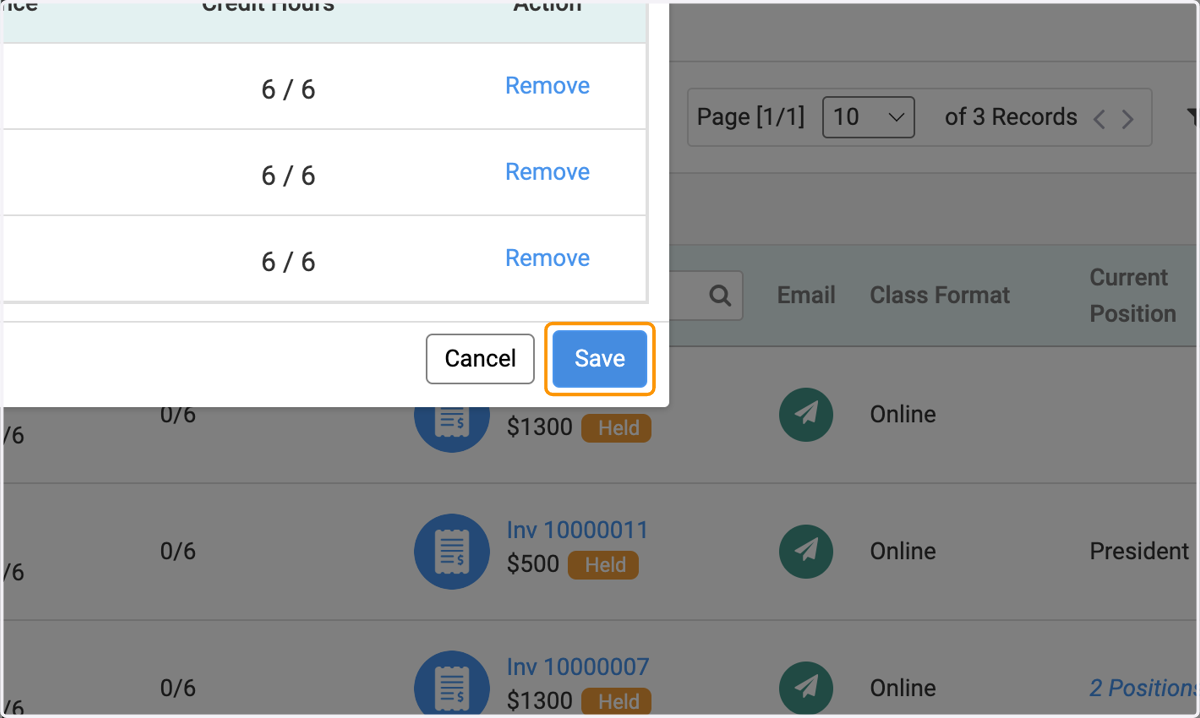
7. Click on Save