How to Add a New Component from Scratch
Chateau How To
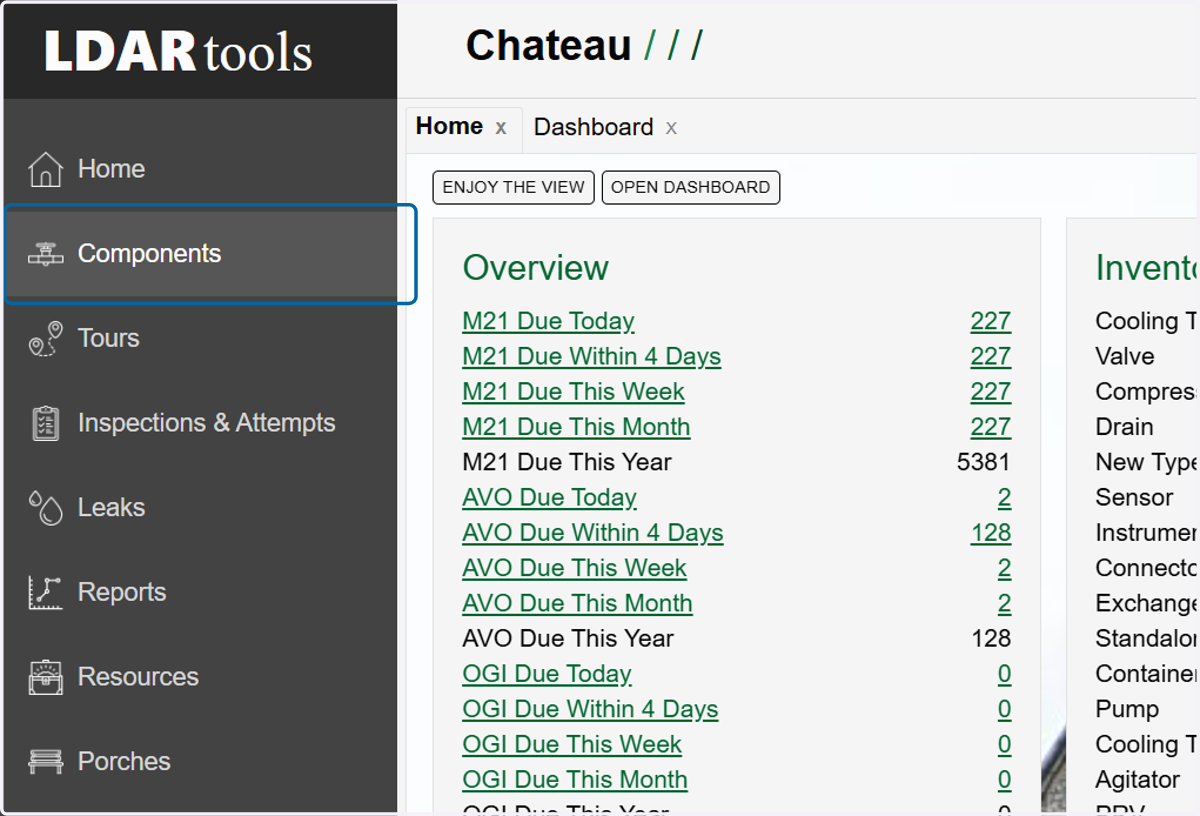
1. Click on Components
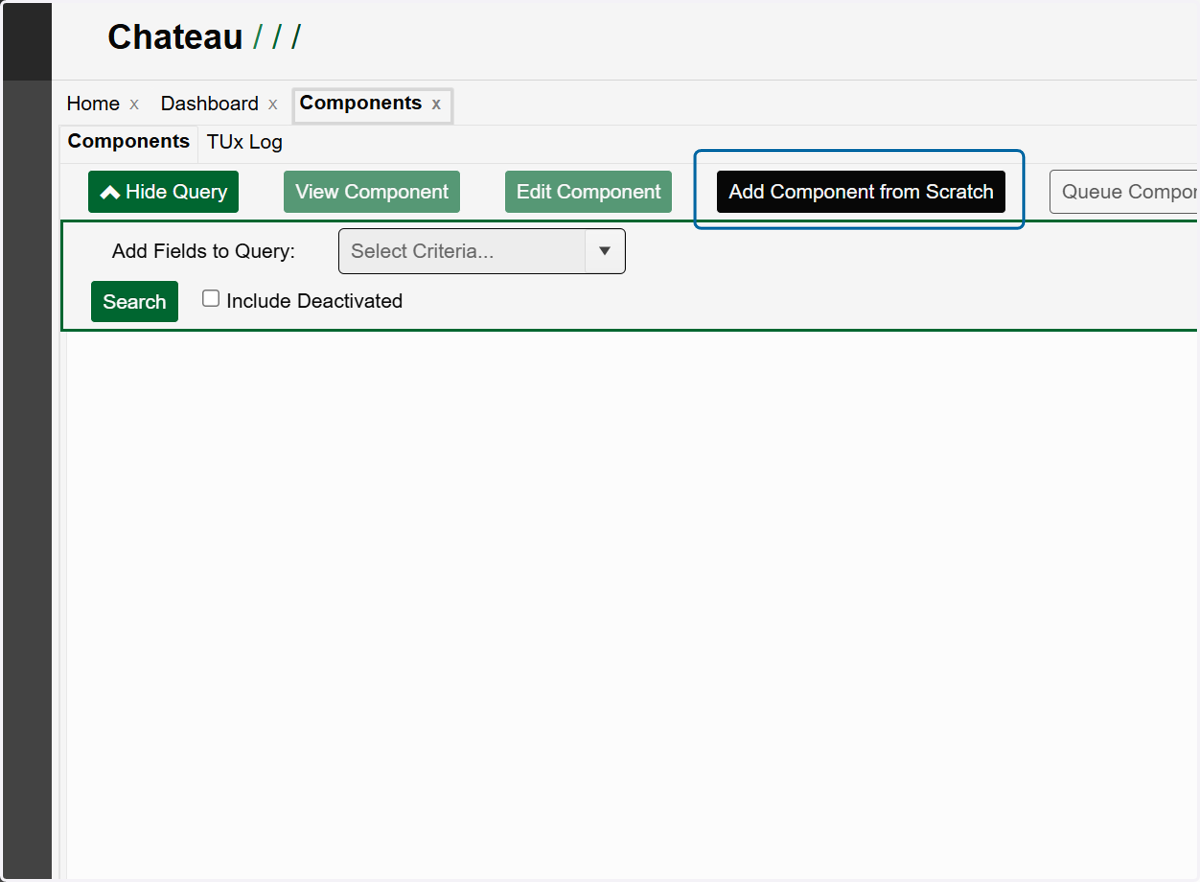
2. Click on Add Component from Scratch
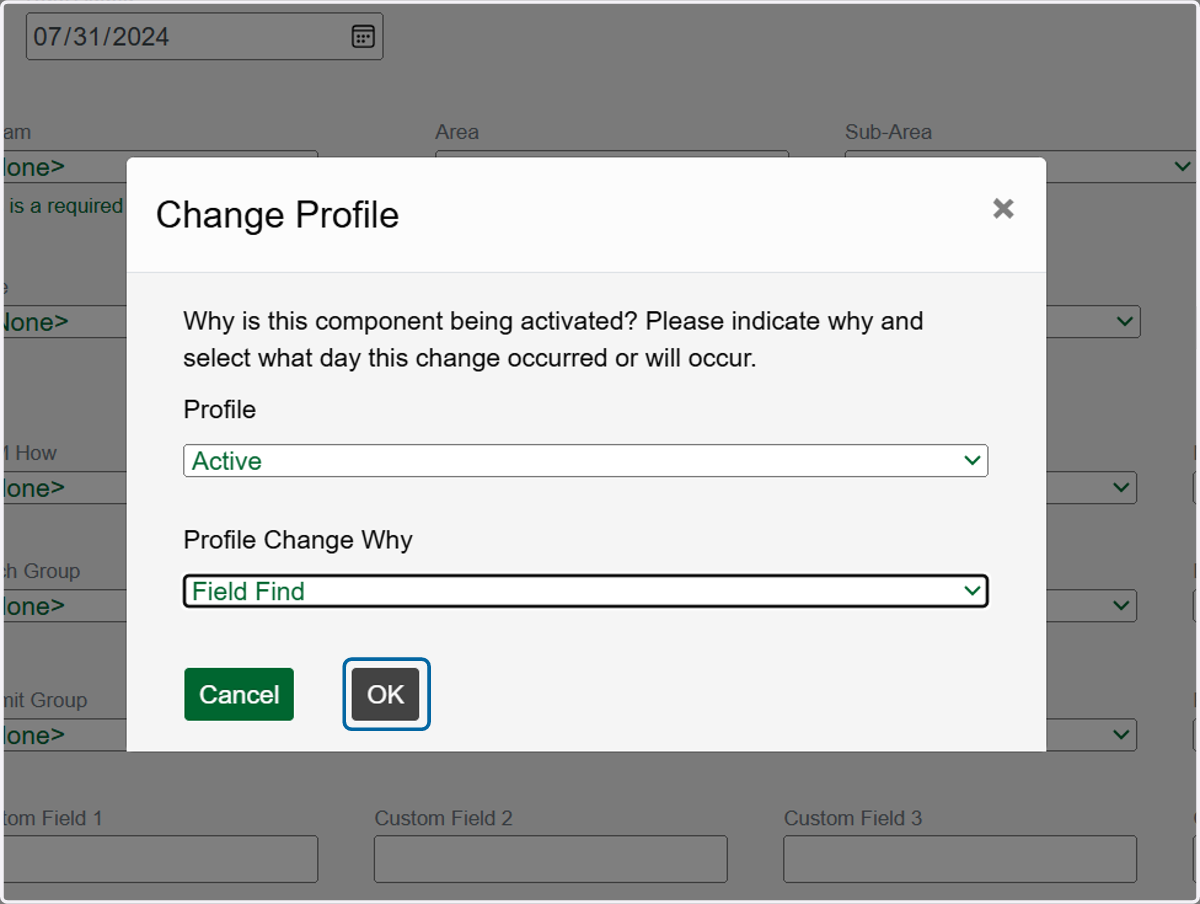
3. Choose the reason for adding this new component in the Profile Change Why dropdown.
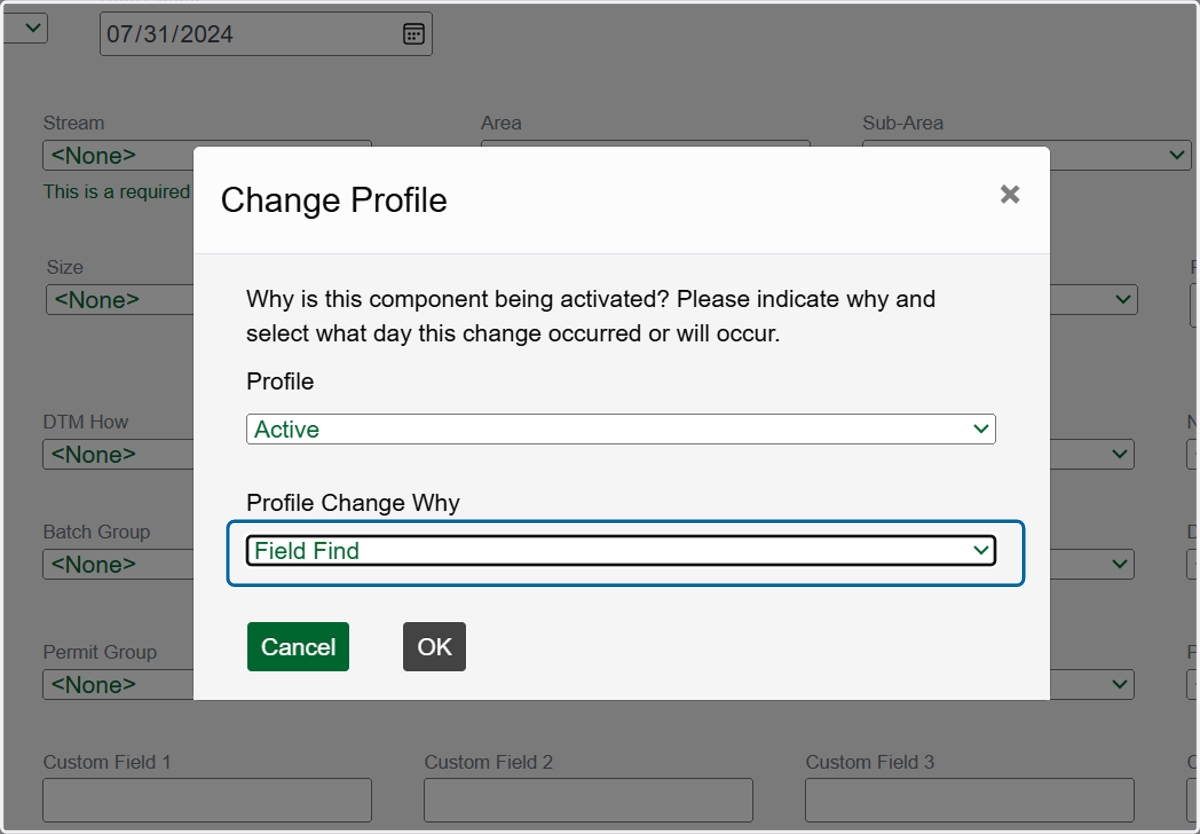
4. Click on OK
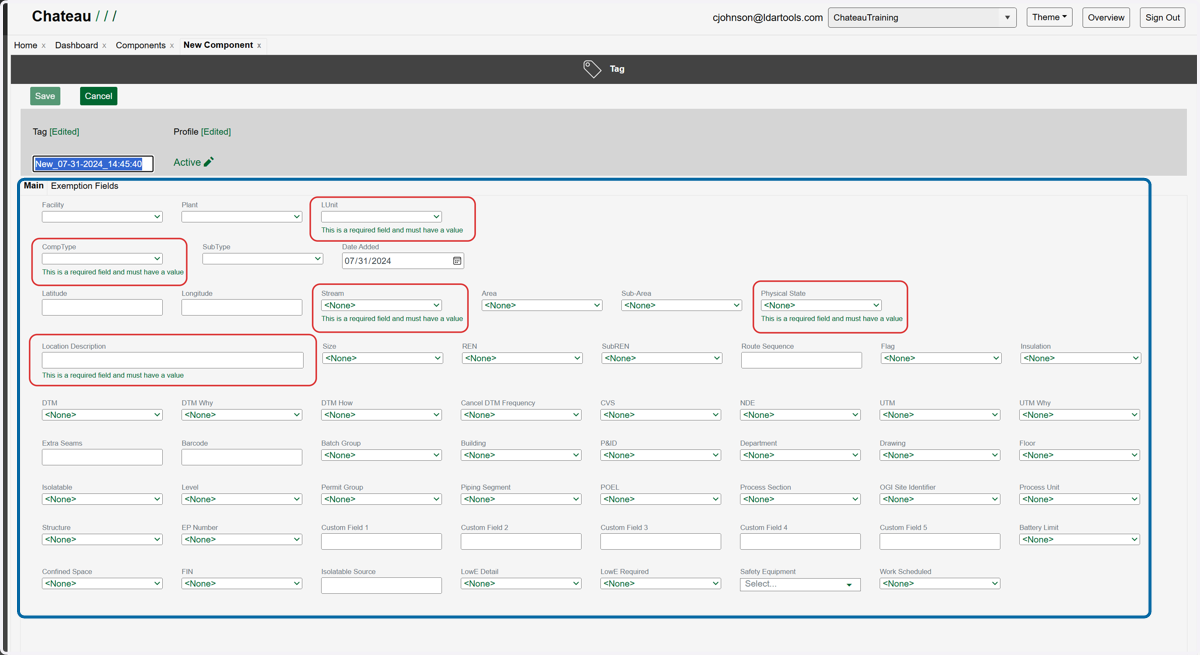
5. Update the required property fields and any others that you can.
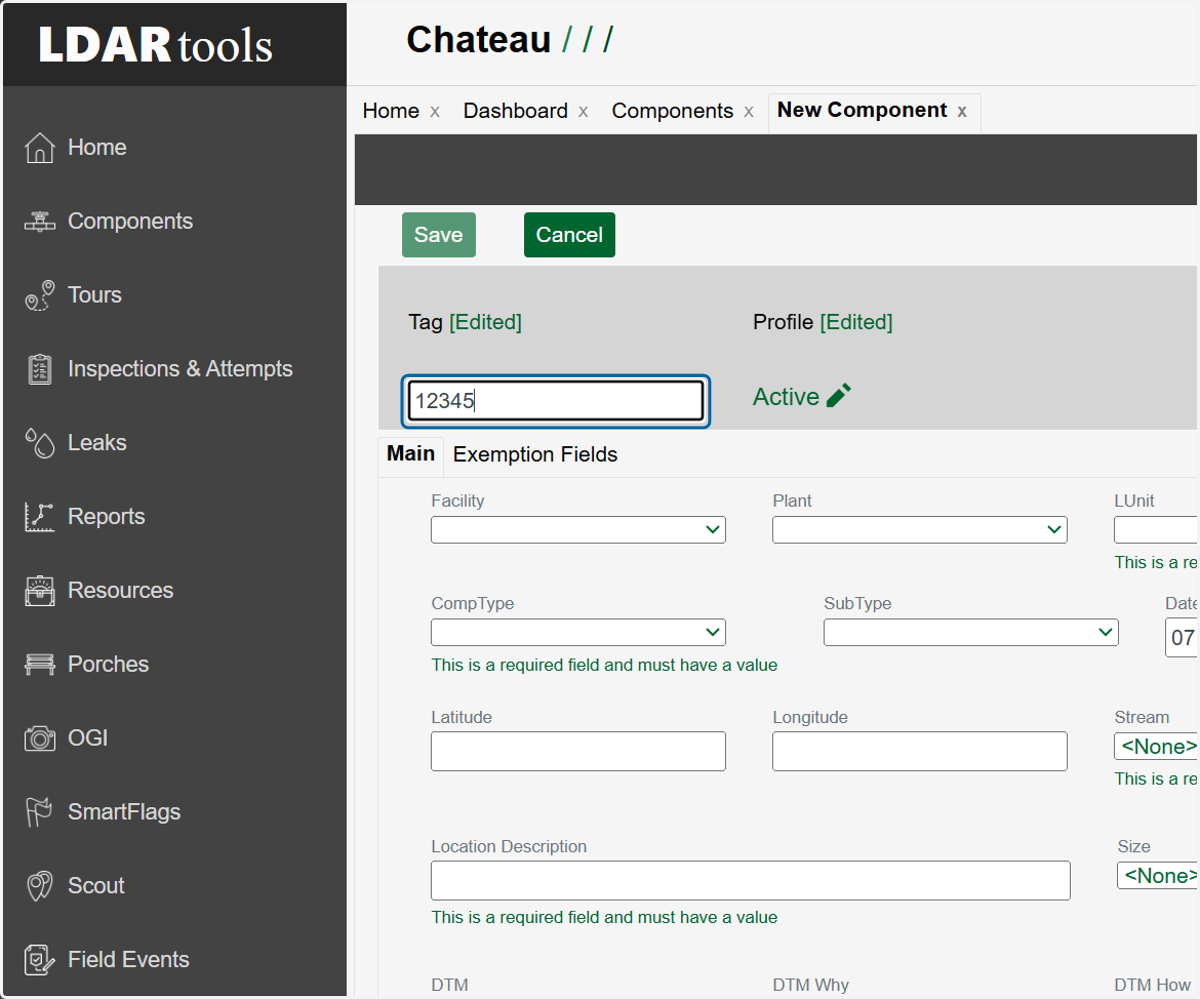
6. Update the Tag field to the new tag number
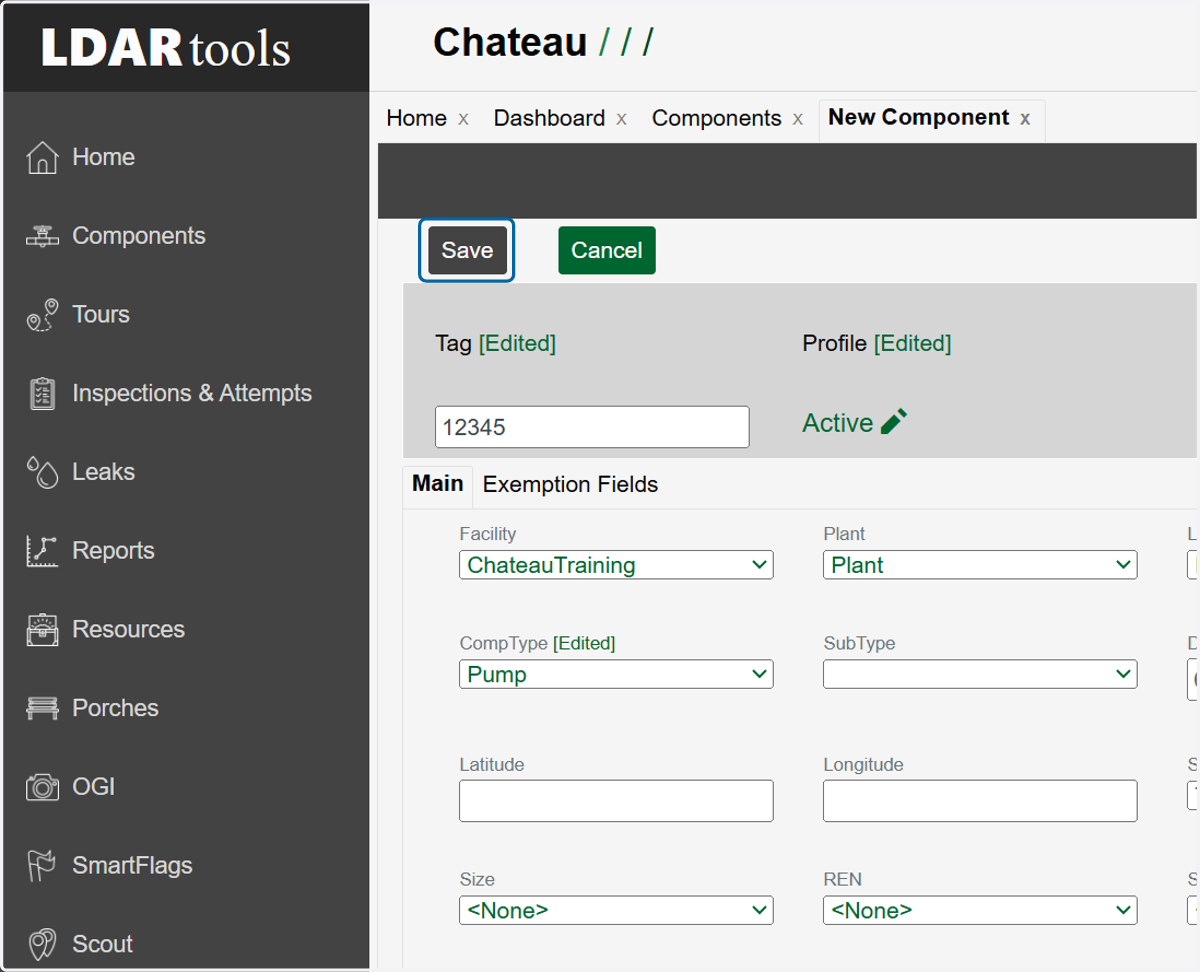
7. Click on Save
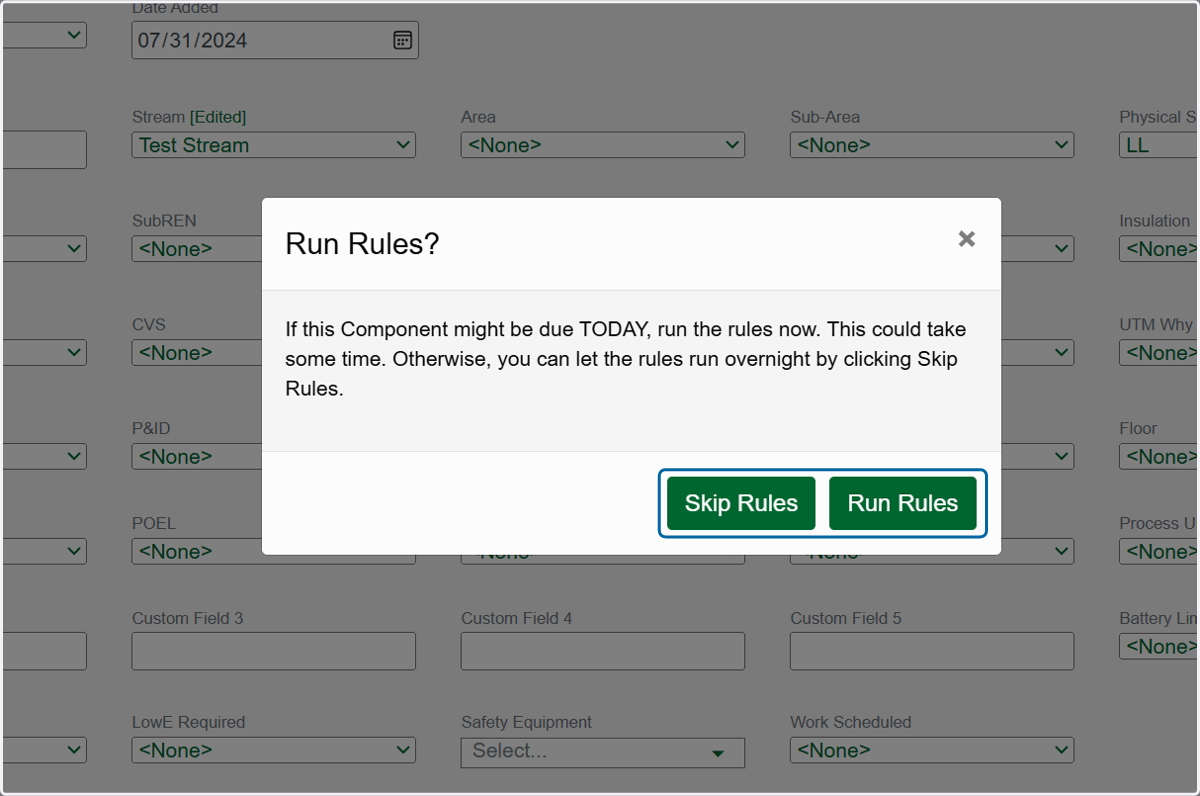
8. Choose whether to Run Rules now or Skip Rules.