How to Add a Retest to a Leak
Chateau How To
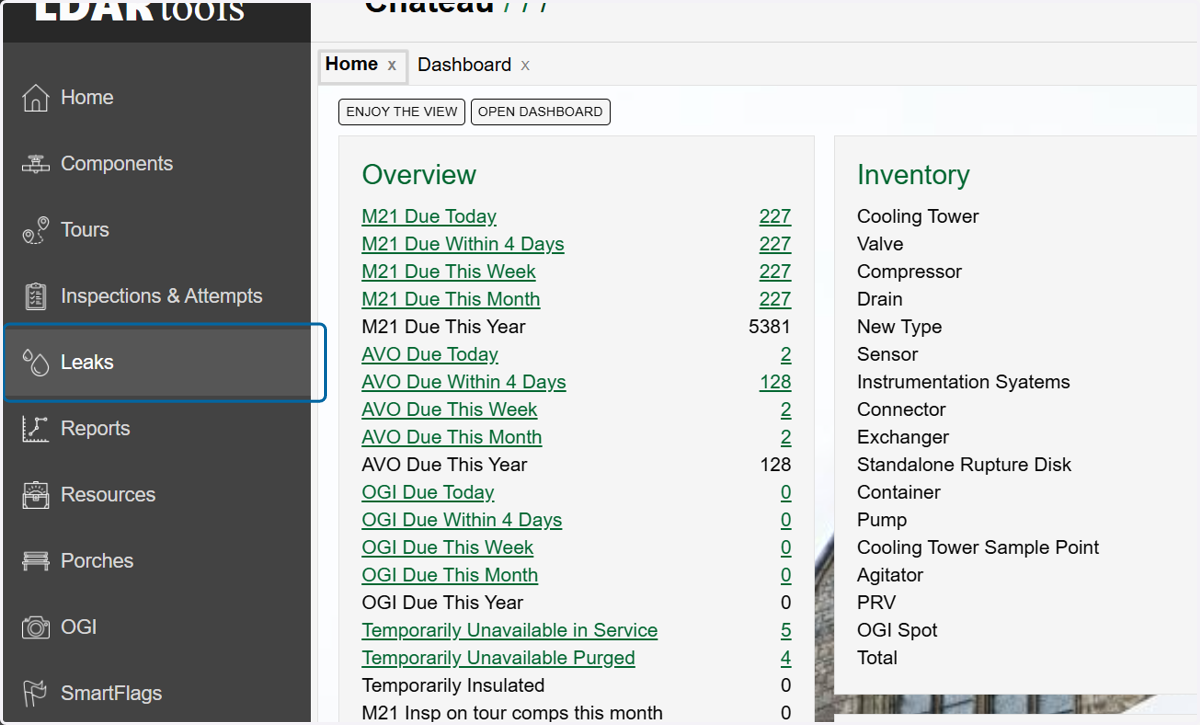
1. Click on Leaks
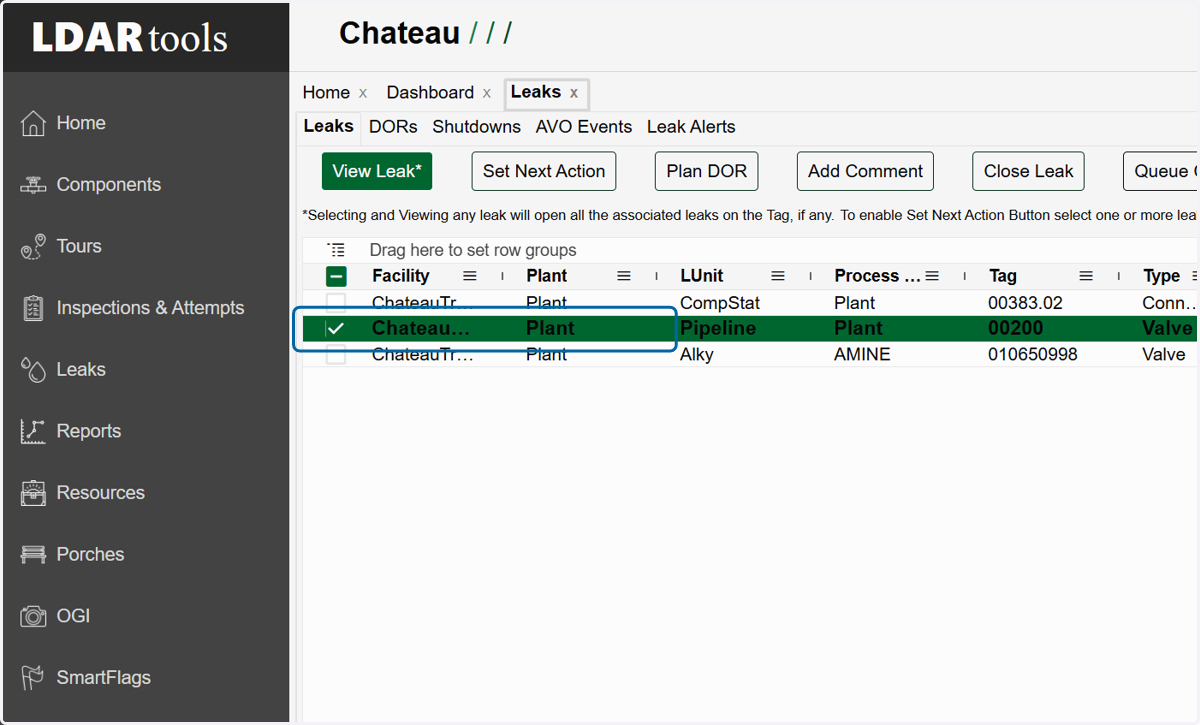
2. Choose the leak to which you want to add a retest.
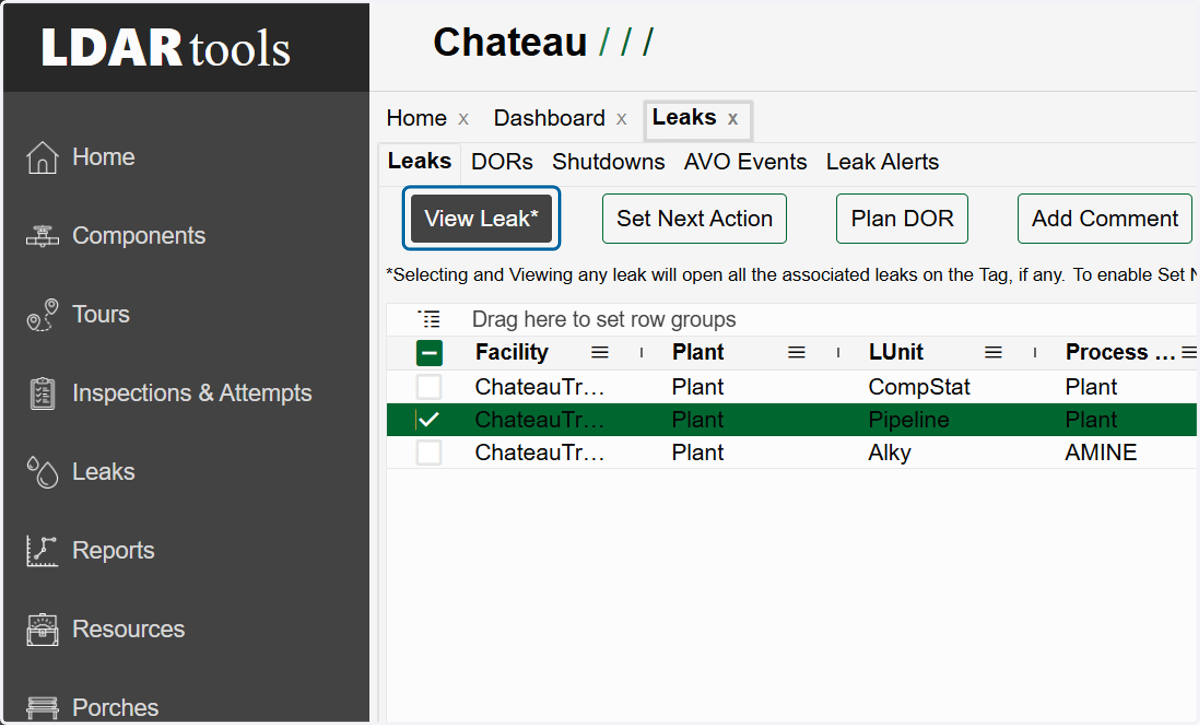
3. Click on View Leak
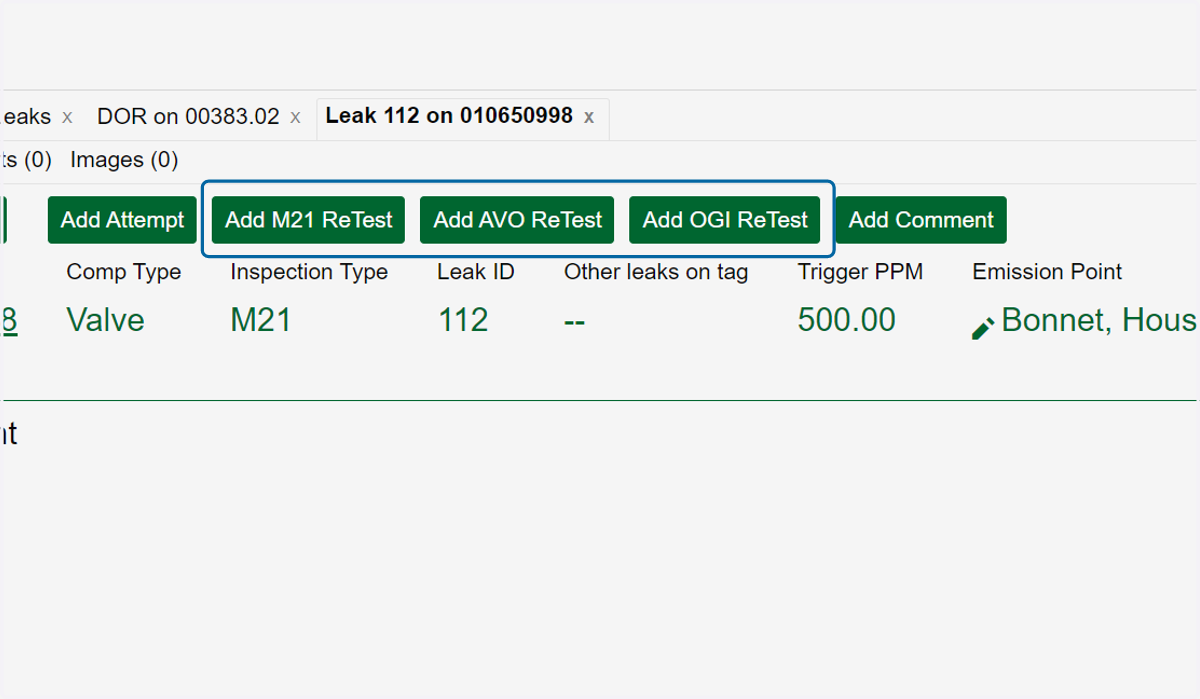
4. Click the type of retest you want to add.
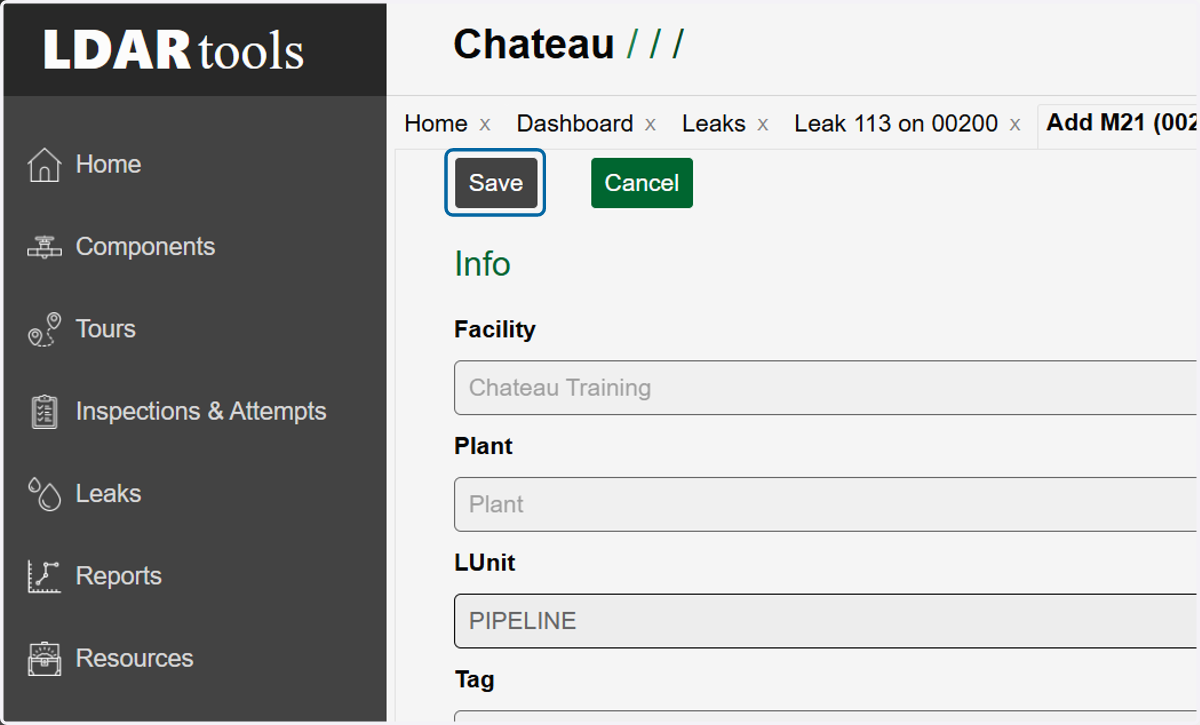
5. Fill in the required fields plus any additional information you may have.
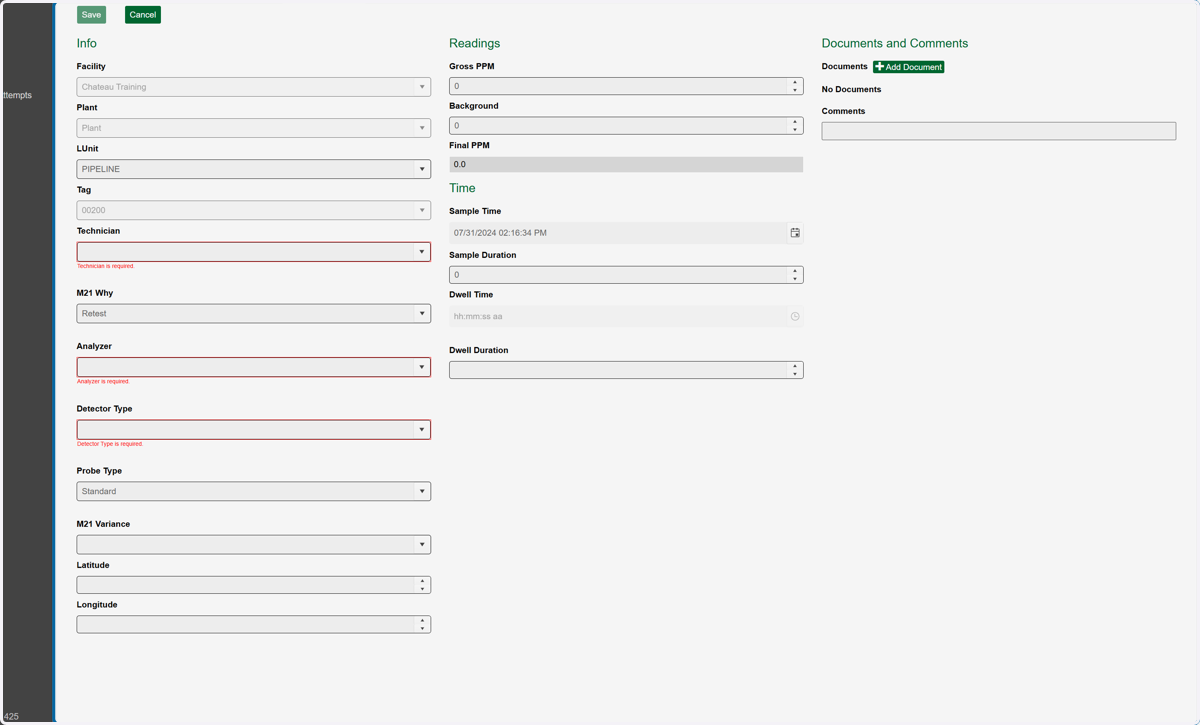
6. Click on Save