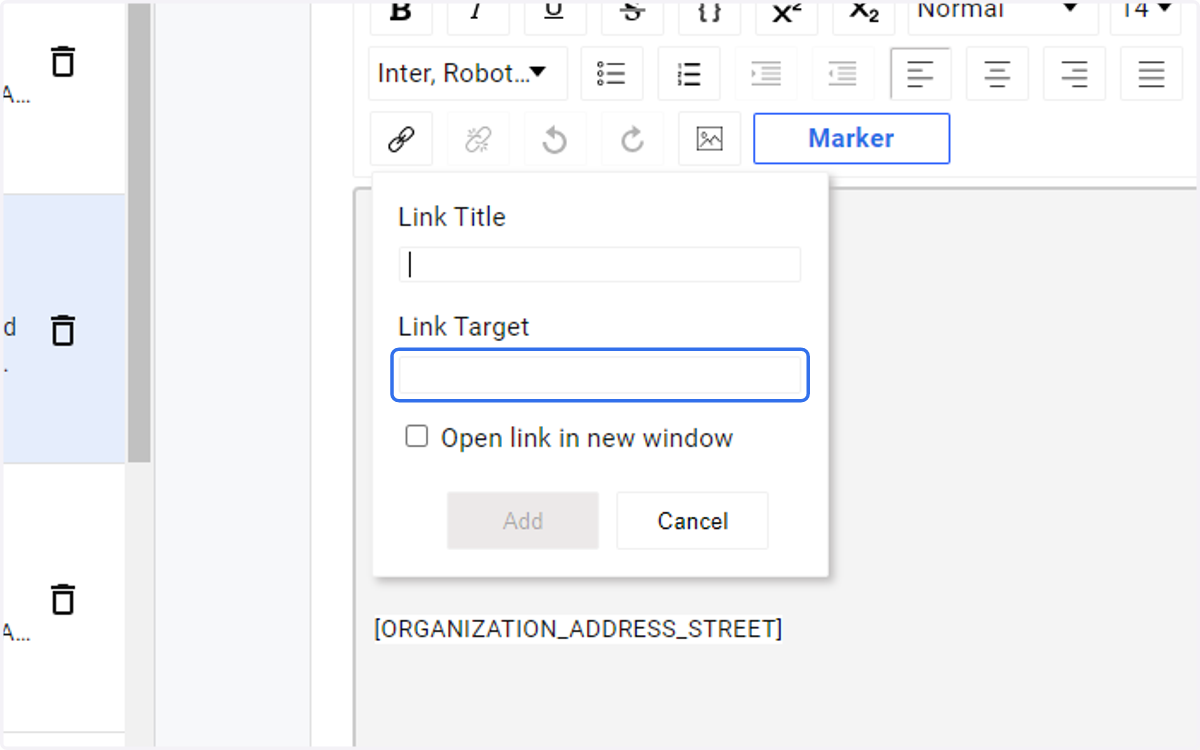
Accessing the View Appointment in Browser link
Go to the startpage
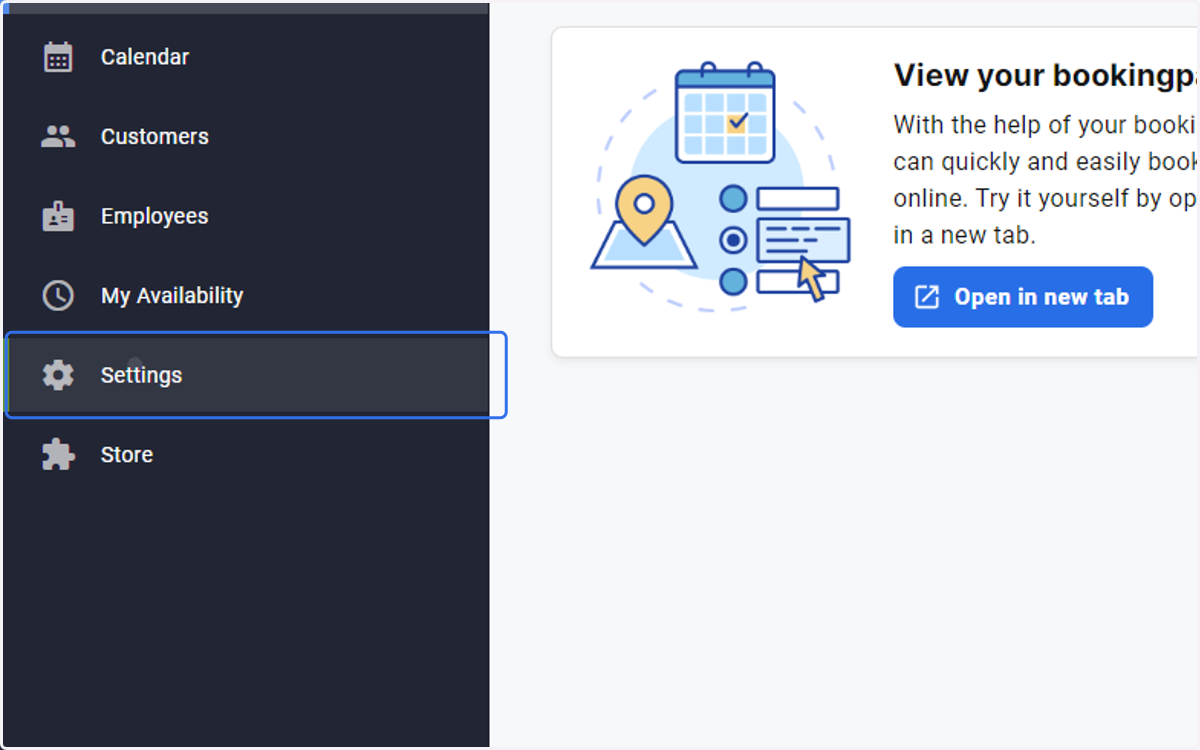
1. Select Settings
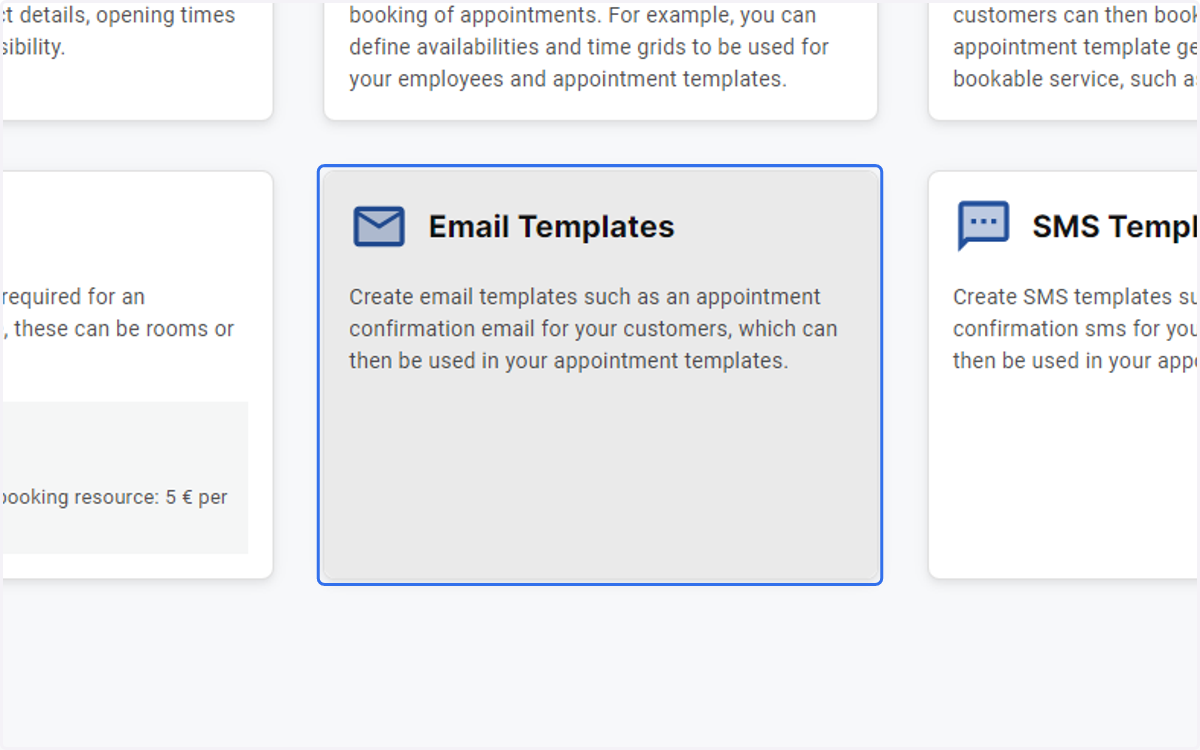
2. Click on Email Templates
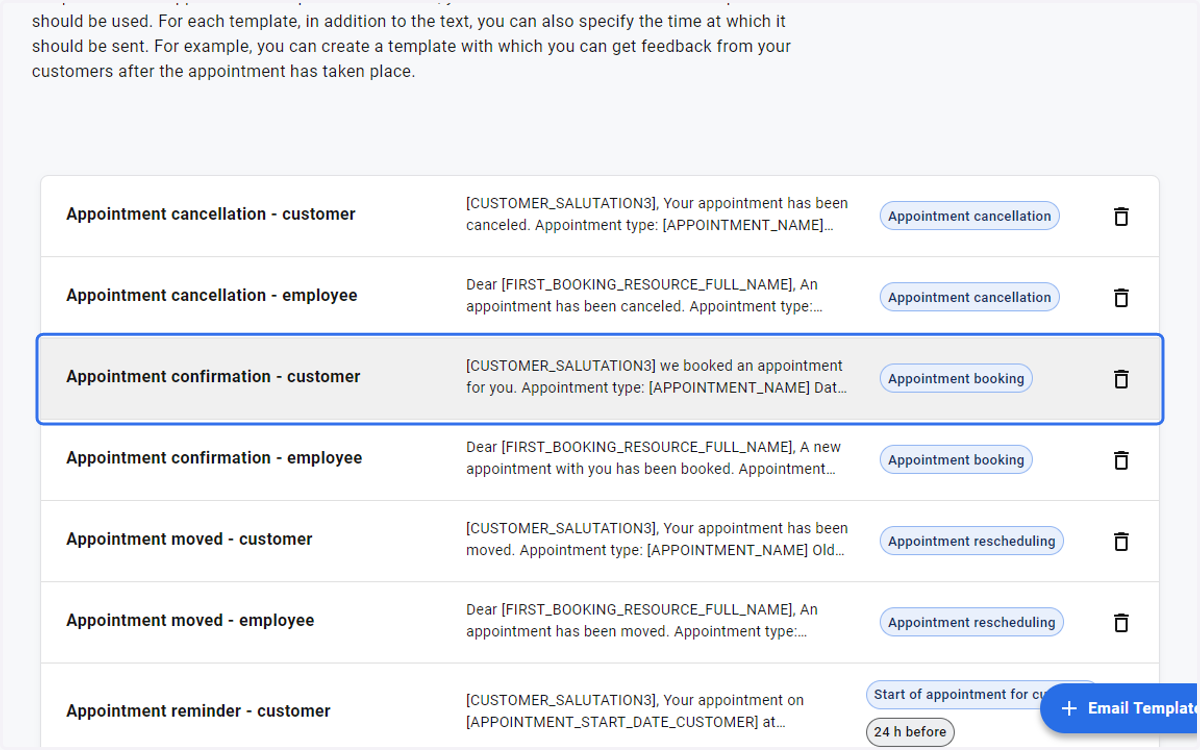
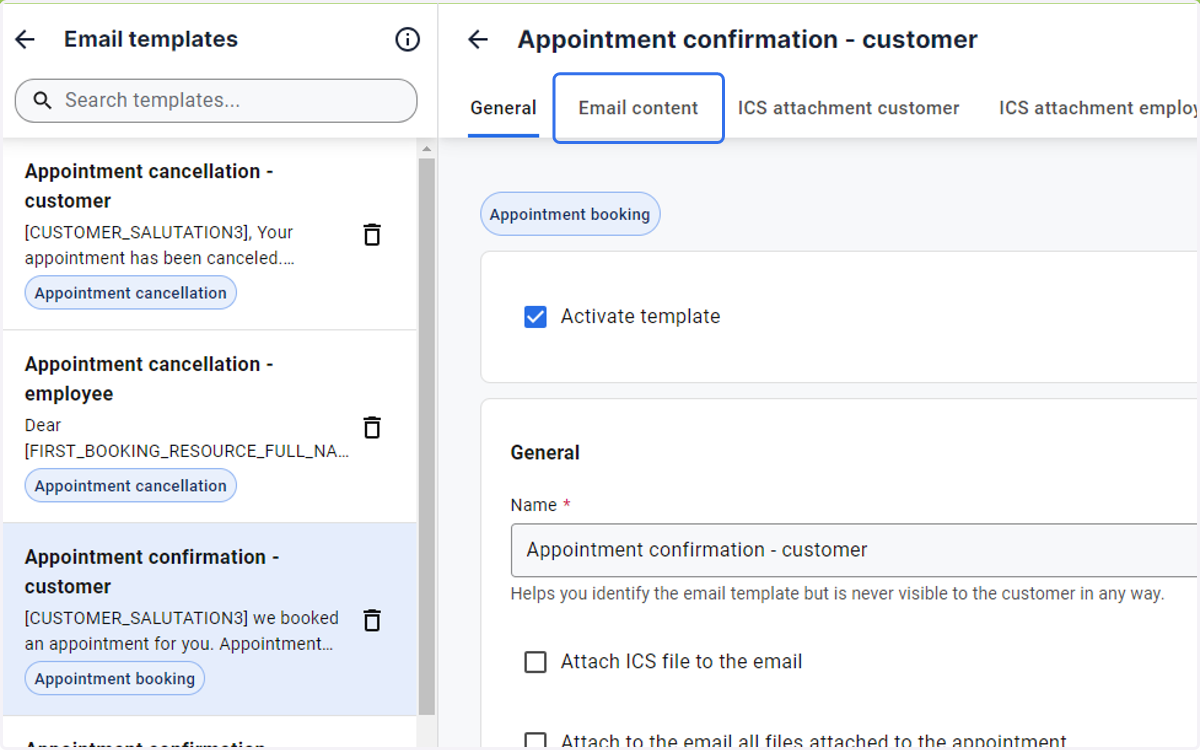
3. Click on the template you want to customise eg. Appointment confirmation - customer
4. Open the Email content Tab
5. Click on the link you would like to insert and copy the URL
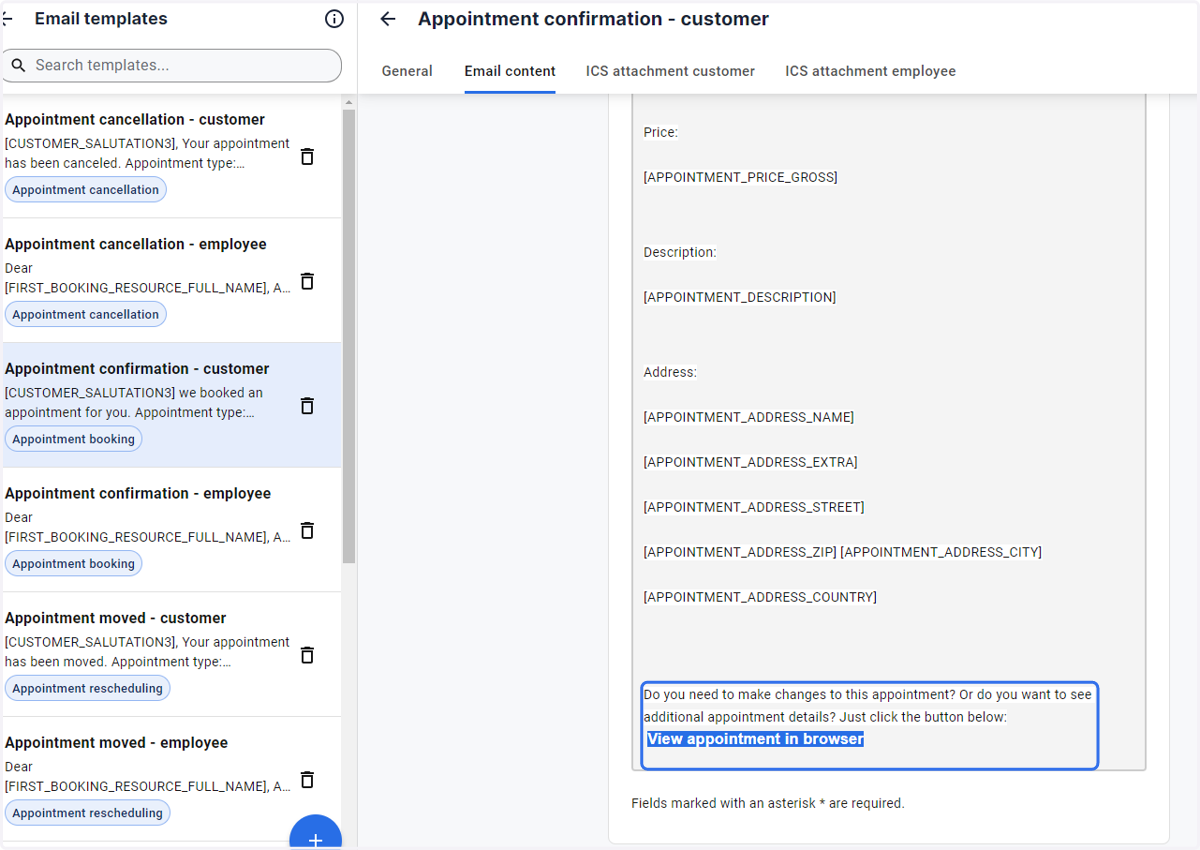
6. The copied URL is inserted into any of the other templates or into new ones
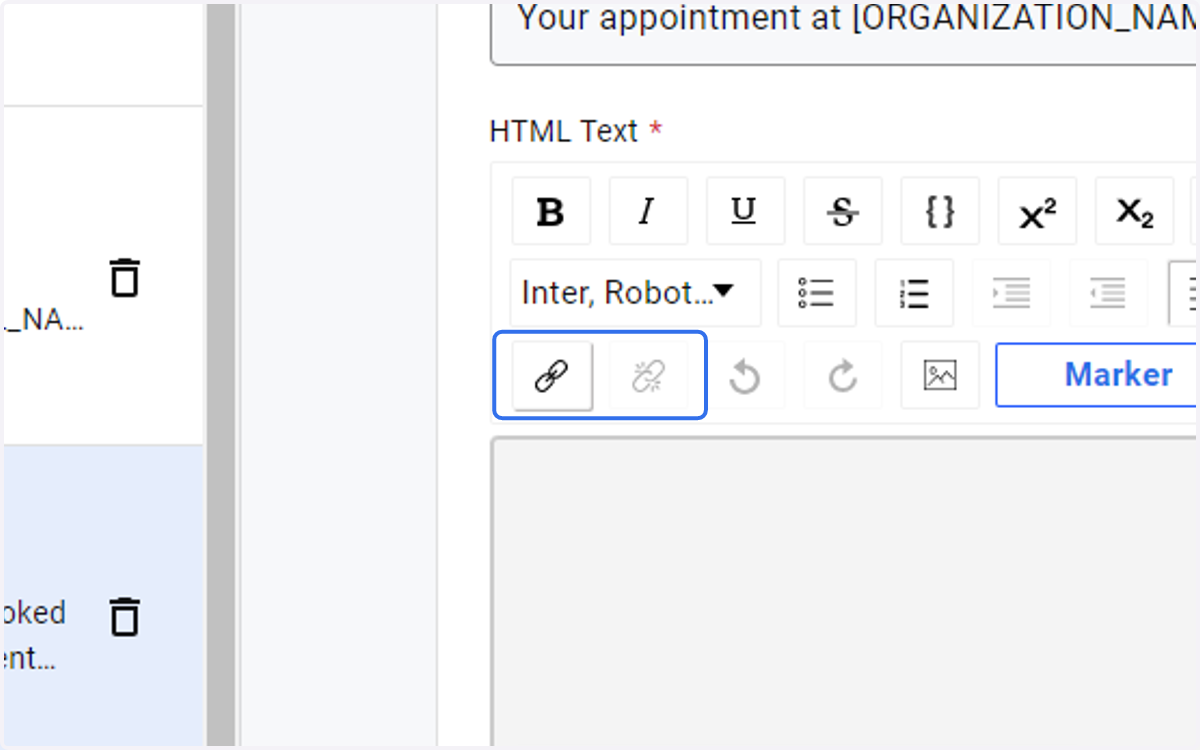
7. To edit the link title enter your wording of choice in Link Title field
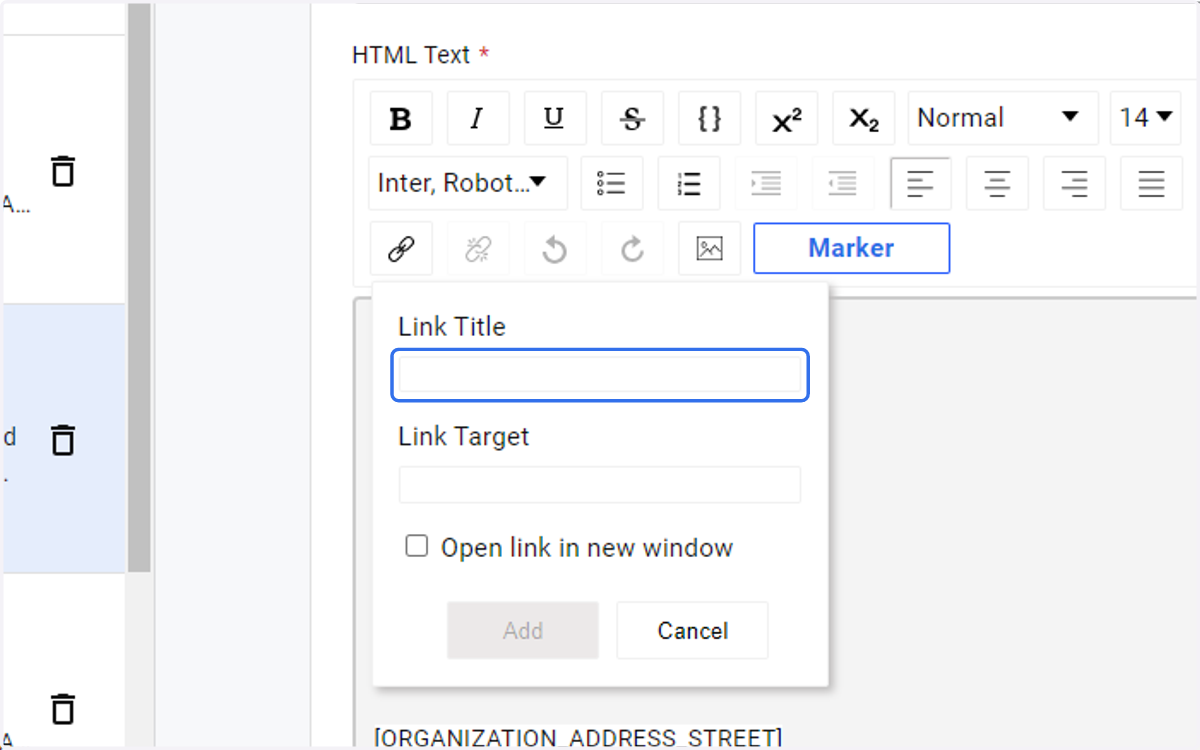
8. Enter the URL you copied earlier into the Link Target field